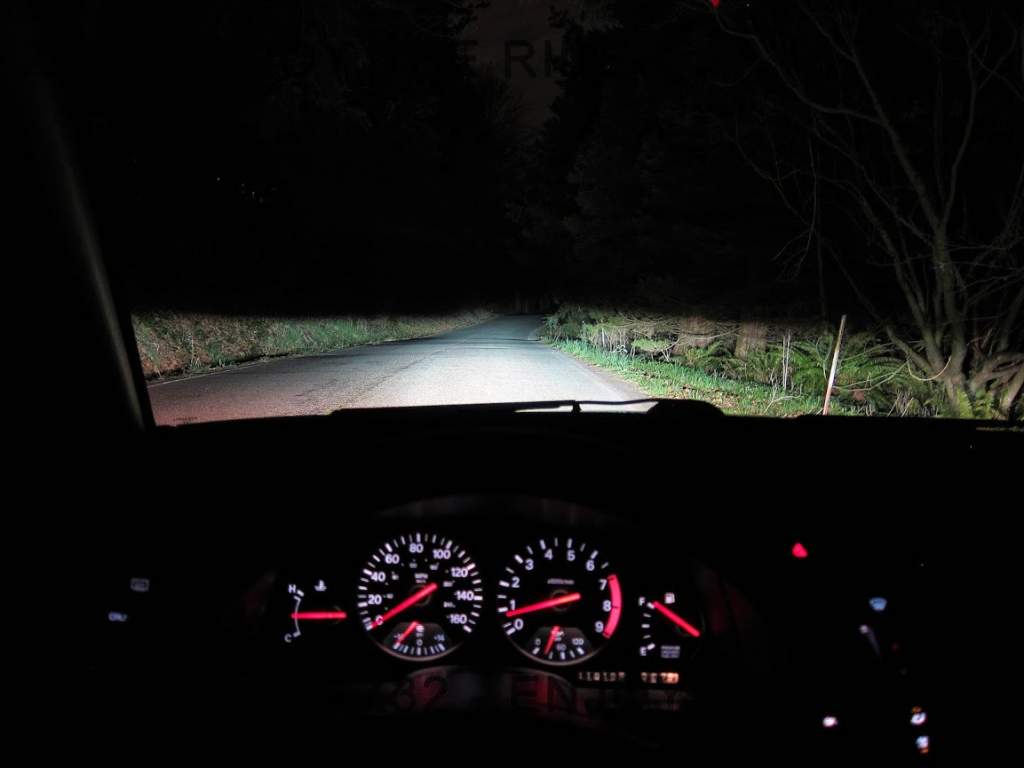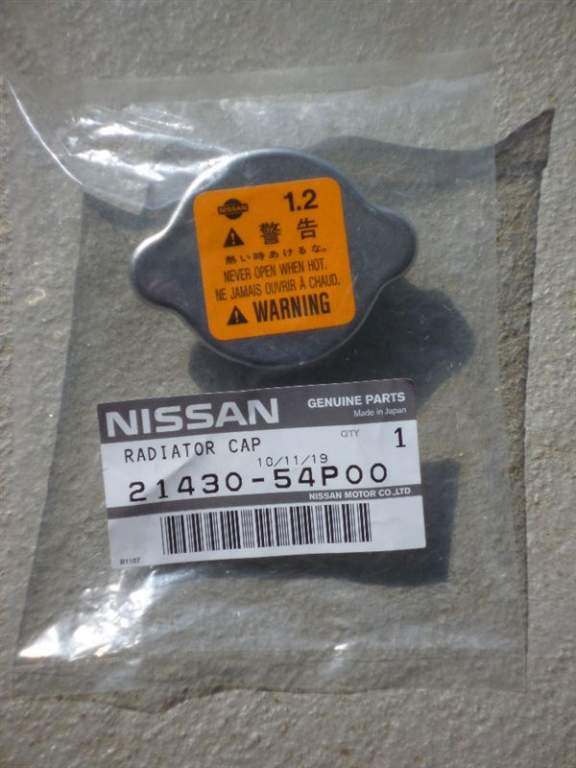
Everything posted by AndrewG
-
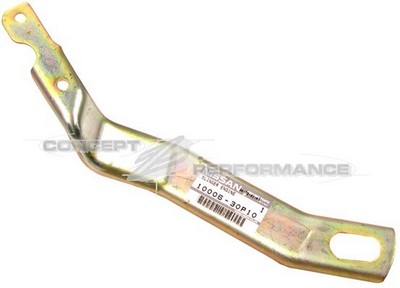
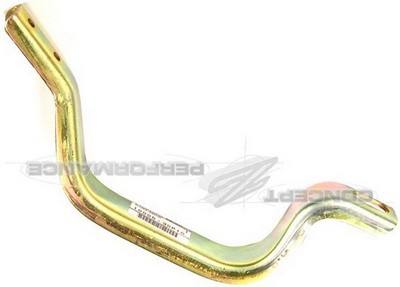
I'm after a pair of OEM Engine slingers. Part#'s 10006-30P10 and 10005-40P10.
-
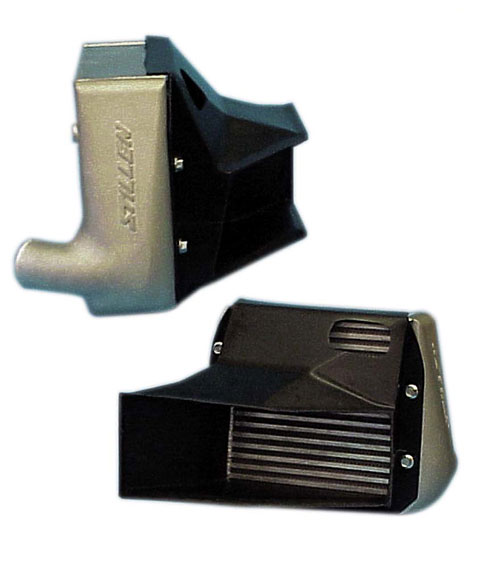
Correctly fitting ducts are an important (and often overlooked) part of getting the most out of larger than stock intercoolers. Air will follow the path of least resistance and it is important to direct (force) the air over as large a part of the intercooler as possible. This is particularly the case as the intercoolers sit in front of what is essentially a box with a NACA duct at the bottom as the only exist for the air after it has passed through the intercooler. I remember reading an article (which I now can't find) that the difference in cooling efficiency for intercoolers on a Z32 with and without full ducting was in the order of 30%. I used Stillen ducts for the HKS intercoolers which covered the entire face. I also needed to modify the indicator housings to clear the ducting (the rear bulb holder). The picture shows a full face Stillen duct and intercoolers.
-
Putting your name down for one area dosen't preclude you from participating the other area.
-
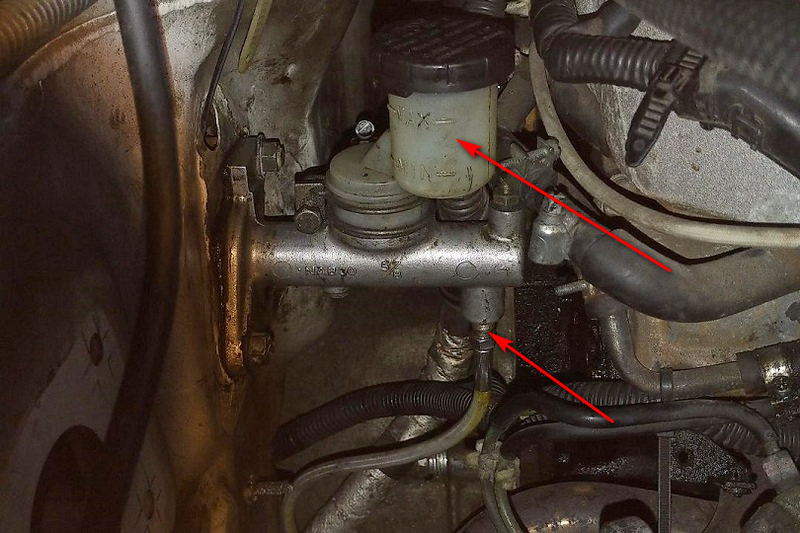
If you can use one of the replacements shown above, you will find it very useful to transfer the offset filler over (arrowed). Assuming it will fit the new CMC it will give you much more space to get the cap off when filling. Things are tight in that area. Also, I'm not clear what the "bottom seal" means. Is fluid leaking from the union (arrowed) with the flex pipe and the CMC or leaking from the back of the CMC, seen from inside the car?
-
Going back to the beginning, what's actually the problem with the one you have?
-
Yes, this is a big one for the Club: https://www.beaulieu.co.uk/events/simply-japanese/
-
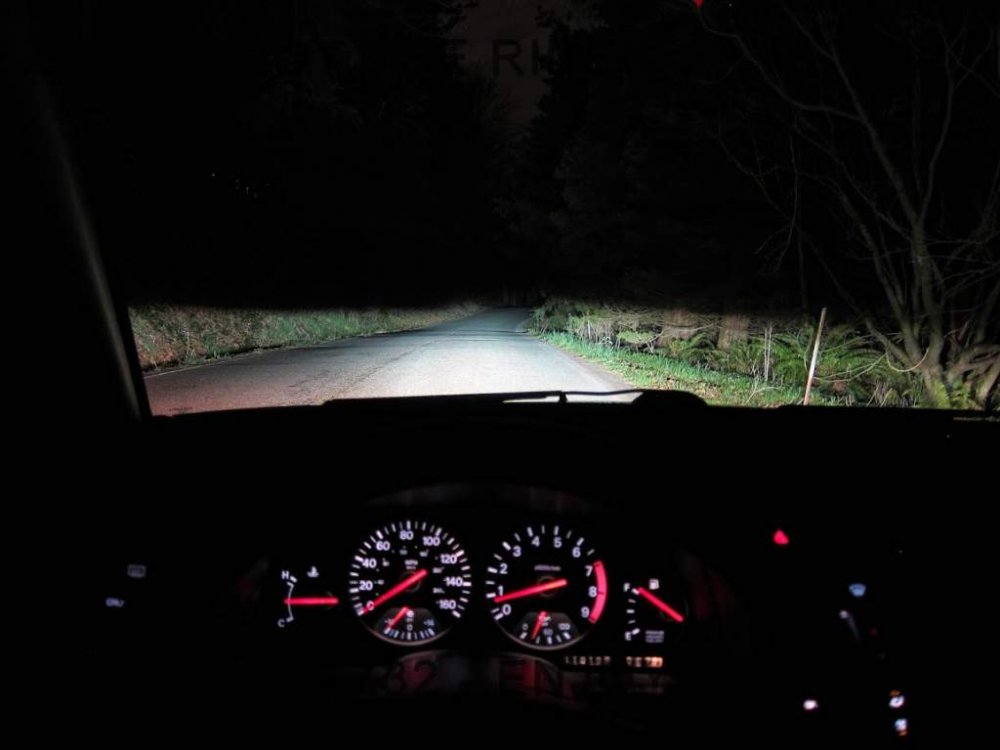
Have you tried cleaning the optics? It makes a big difference even with Halogen bulbs. Not mine, but you get the drift...
-
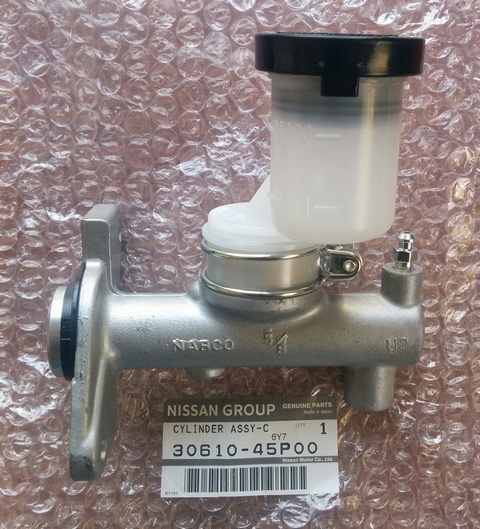
If it's a NA MS then this looks to be the same: https://zcentre.co.uk/index.php/shop/clutch-and-flywheel/300zx-nissan-oem-clutch-master-cyl-non-turbo

-
If it's a TT MC, only available from Japan: https://jp-carparts.com/nissan/partlist.php?maker=nissan&type=132&fig=305A&part=3061045P00&page=1
-
Thanks for dropping by!
-
Not taking any chances with that new paintwork then.
-
Why wait till tonight? Cheers!
-
Spead the word Barry - all welcome!
-
I can help you with that Ash: https://www.300zx.co.uk/forums/showthread.php?190201-New-to-the-club&p=1987376&viewfull=1#post1987376
-
I’ll mirror Joel’s overt recommendation. I've always used PlusGas.
-
Which make?
-
Yes, if nothing else than it shows NI/Ireland which will make Gary happy. Just needs the new region names overlaid on it.
-
Can mailchimp also be used for other full membership email shots like COTY and NEC polls for example?
-
What are you trying to free up - rusty nuts? Is heating an option?
-
Now the "National Census for the 300ZX Owners Club" poll is running can we send an email out to all members letting them know and to vote?
-
No I hadn't, it wasn't that obvious (at least to me)! Perhaps the O/P could be amended?
-
Don't worry Joel, we'll smuggle you over the border!
-
Can we see who's voted for which area please? It was shown before I voted.
-
Welcome to the Club Ash. Nice colour! If you PM me the VIN (you will need to subscribe) I can give you the build date etc of the car.
-