Everything posted by AndrewG
-
Welcome back! If you send me the VIN I will look up the factory build date.
-
You don't have the beard though!
-
How many words are you looking for the main page? Do you want that to include a modifications list?
-
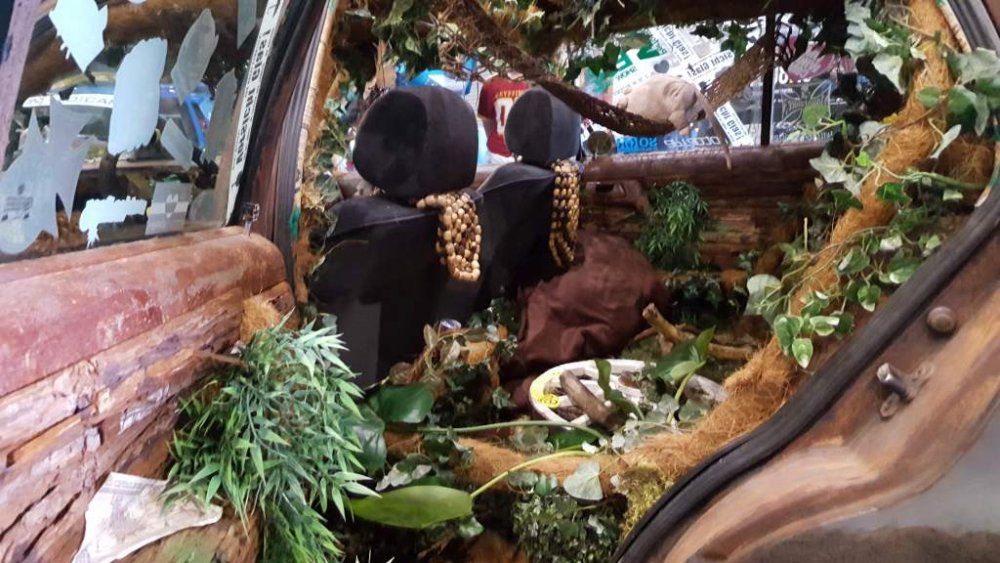
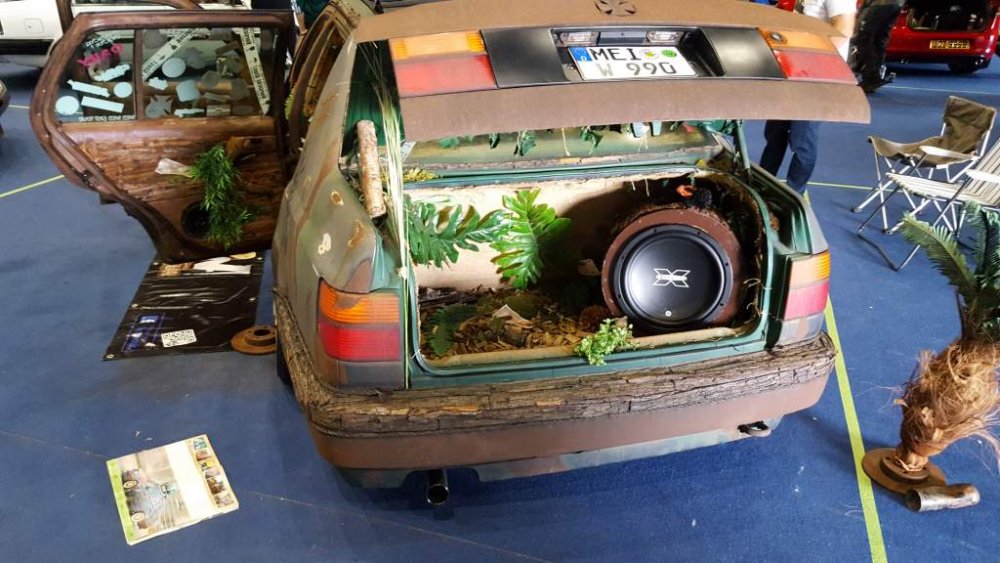
What the hell is that car all about?
-
Have fun Peter, and don't forget to wear the T-shirt!

-
How bad is the "tin worm" find - can you post up a picture?
-
Great to see after 775 posts it is all coming together for you!
-
Count me in.
-
At this stage are you asking for simply names?
-
When you do, you can check it here: http://gtr-registry.com/en-300zx-z32-uk-europe.php
-
Hope you have a great day Gary, your car looks superb!
-
Congratulations on your restoration of a UK spec. A *lot* of work has gone into saving the car - well done! Do you know the build date of the car?
-
Why not?

-
Welcome back!
-
Wow!
-
Minimum is cambelt, tensioner, water pump, thermostat, the two water outlet hoses and check for corrosion on the metal tubes they connect too. If the cambelt pulleys are running smooth without play I would leave them for the 120K service. Also change the fuel filter. Cambelt is the same for NA and TT: 13028-45P86 A 60K service kit looks like this: https://conceptzperformance.com/nissan-infiniti-czp-oem-60k-timing-belt-kit-nissan-300zx-z32-13001-0xx60_p_3850.php A 120K service kit looks like this: https://conceptzperformance.com/nissan-infiniti-czp-oem-120k-complete-timing-belt-kit-nissan-300zx-z32-13001-0xx12_p_3849.php A comprehensive 60K maintenance "how to": http://www.ttzd.com/tech/timingbelt/timingbelt.html
-
How many miles has the car done? What is the service history?
-
Emerging from her transformation: Who's a happy bunny then...


-
I have to say I will miss the "what did you do" thread too Pete. I felt it gave a little bit of interesting daily trivia to follow on what people were doing with their cars. I imagine something like one might get on SM - news that is here today and gone tomorrow. I quess if everyone starts up a "journal" thread to record their minutiae of zed ownership things could get quite busy! BTW - I found that I could search the very lengthy thread perfectly well using google's "site:" search term. For example: Google - "What did you do" tyres site:http://www.300zx.co.uk
-
I'll put my name forward for the editorial role.
-
How are you intending to have an orange light for turn signal and a white light for side light?
-
One for side (or running lights in orange 5W) and one for indicator blinker 21W). You know that you can modify the 99 spec housing to take a '89 spec bulb holder? Make that the orange blinker and use the small Jspec fog light bulb for the side/running light).
-
Very nice Howard and worth the wait!
-
Generic belt sizes: 90-93 TT: 4 rib 35" Power Steering 94+ TT & NA: 3 rib 35" Power Steering 4 rib 39" Alternator 4 rib 36.5" A/C http://www.twinturbo.net/nissan/300zx/forums/general/view/2475523/Accessory-Belts.html
-
Here is a "how to" for all the moulding replacement procedures: http://www.pexcom.com.au/z32cms/e107_plugins/content/content.php?content.498