Everything posted by AndrewG
-
What was your solution to the oil filter bypass?
-
I'm interested Simon. Are they 3D printed or moulded (wrt to their robustness)?
-
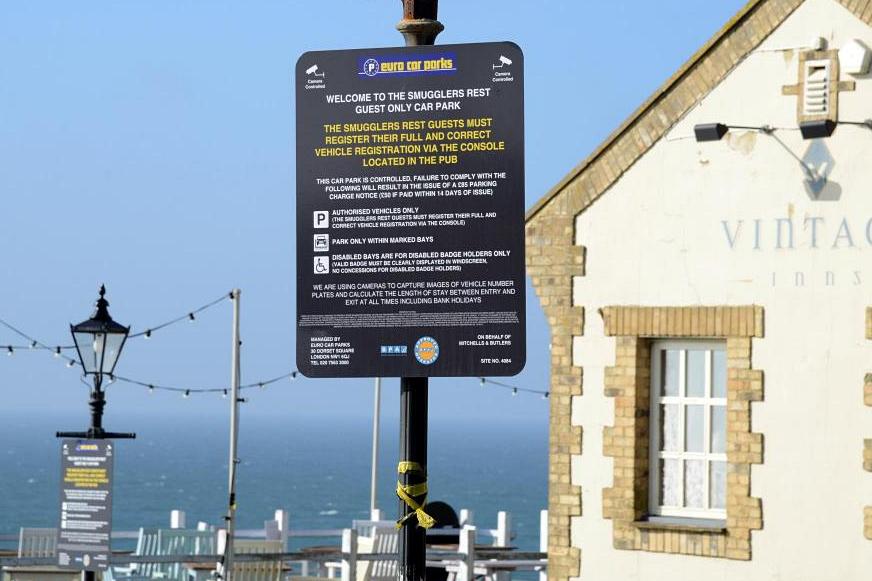
The signs outside have the T&Cs. I would have thought that a member of staff would point this requirement to customers as a matter of course.
-
Look like alot of folks have had problems at that pub (google parking fine "smugglers rest"). Did you put your registration into the tablet by the bar?
-
You can just unbolt and refit. Take care pulling off the vacuum tubes that connect to it. The bar uses three O rings (which are a non standard size) as seals which can degrade over time and may require replacement. Ref: https://conceptzperformance.com/nissan-infiniti-nissan-oem-300zx-balance-tube-o-ring-set-z32-14033-30pkt_p_1110.php
-
That's much better! I got through a fair number of BC aerosols doing mine using a toothbrush and paint brush - worth the effort.
-
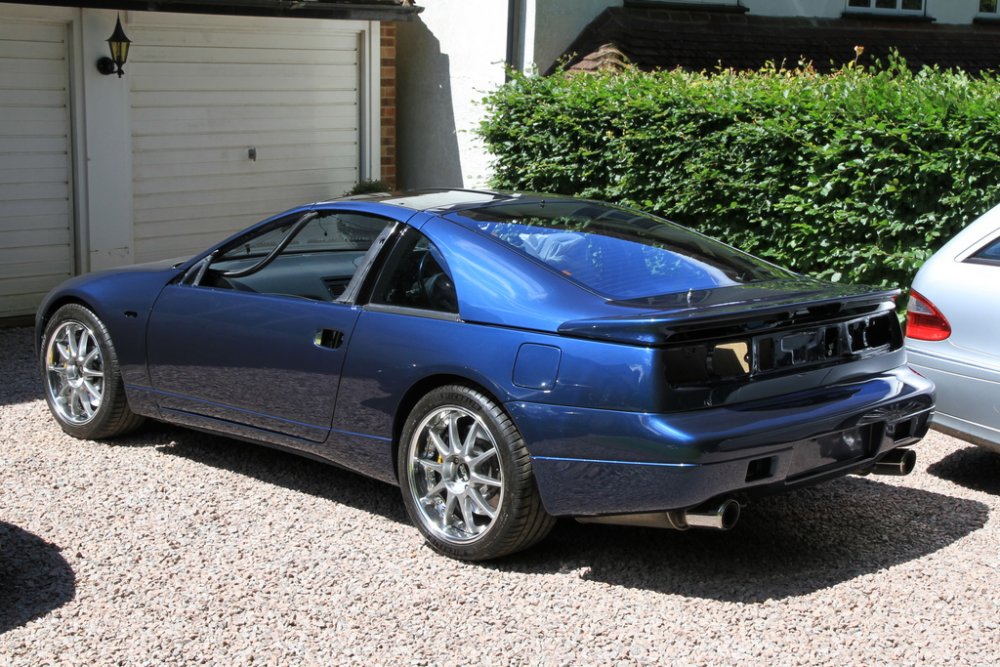
Safely home! Now for putting all the stuff back on...
-
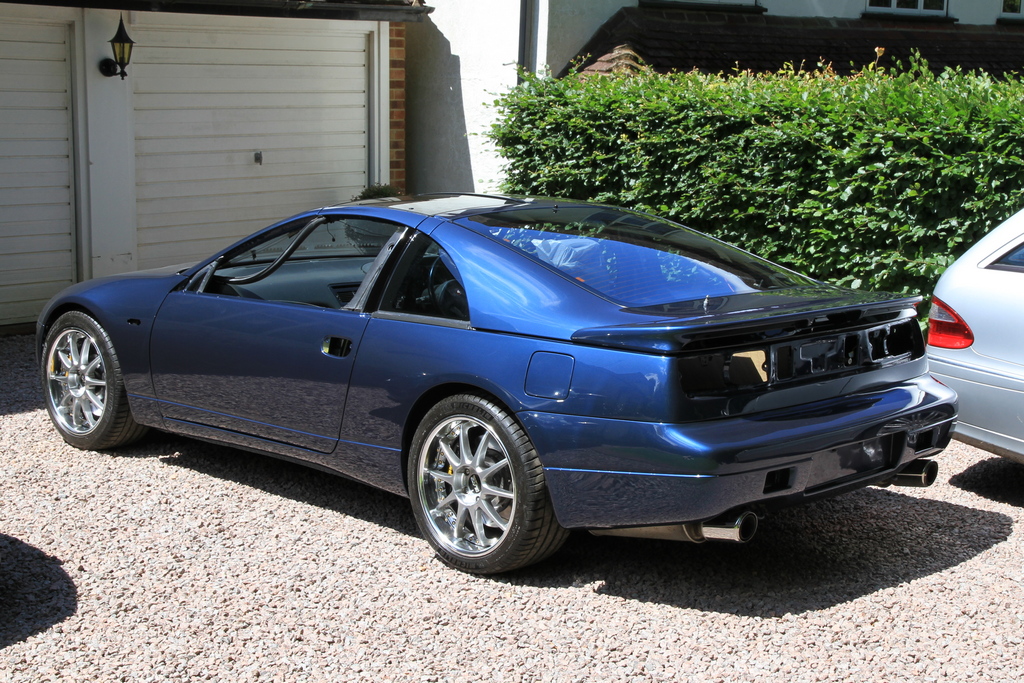
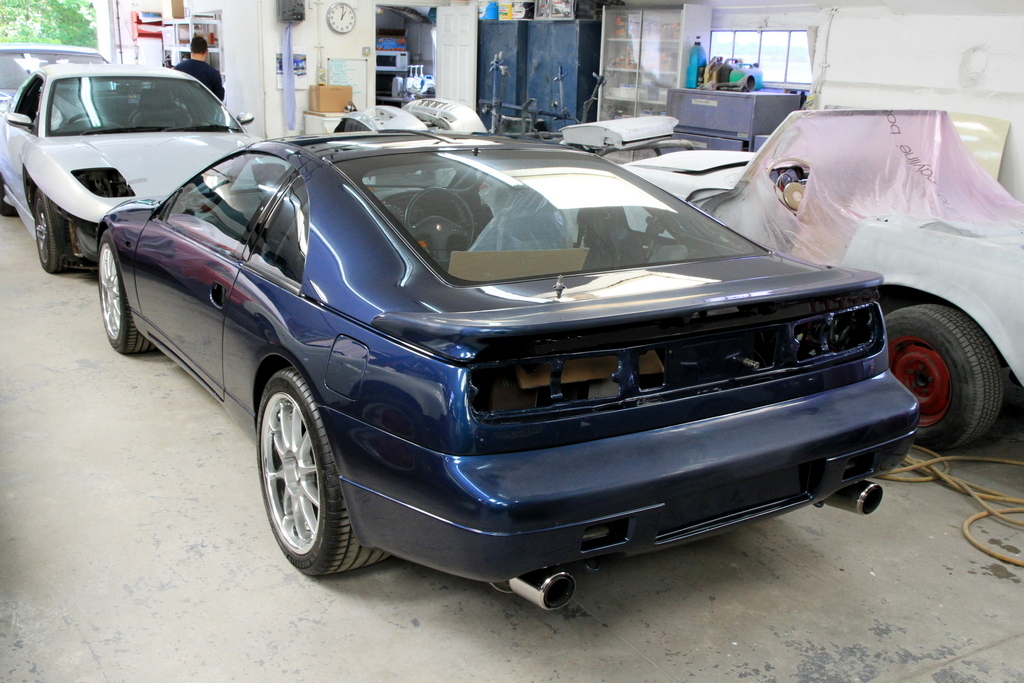
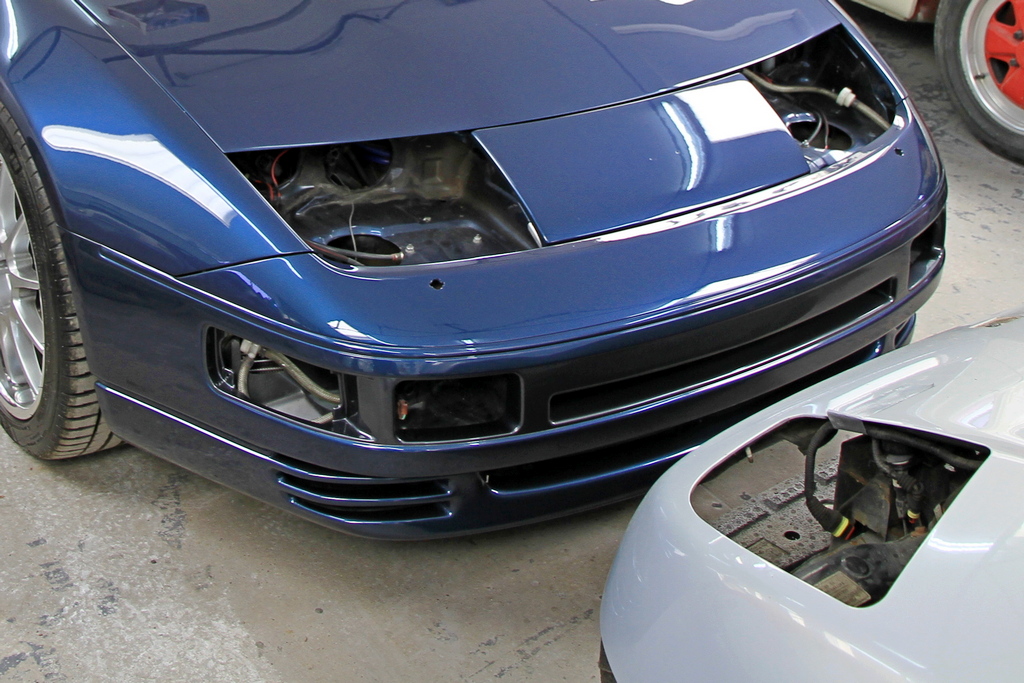
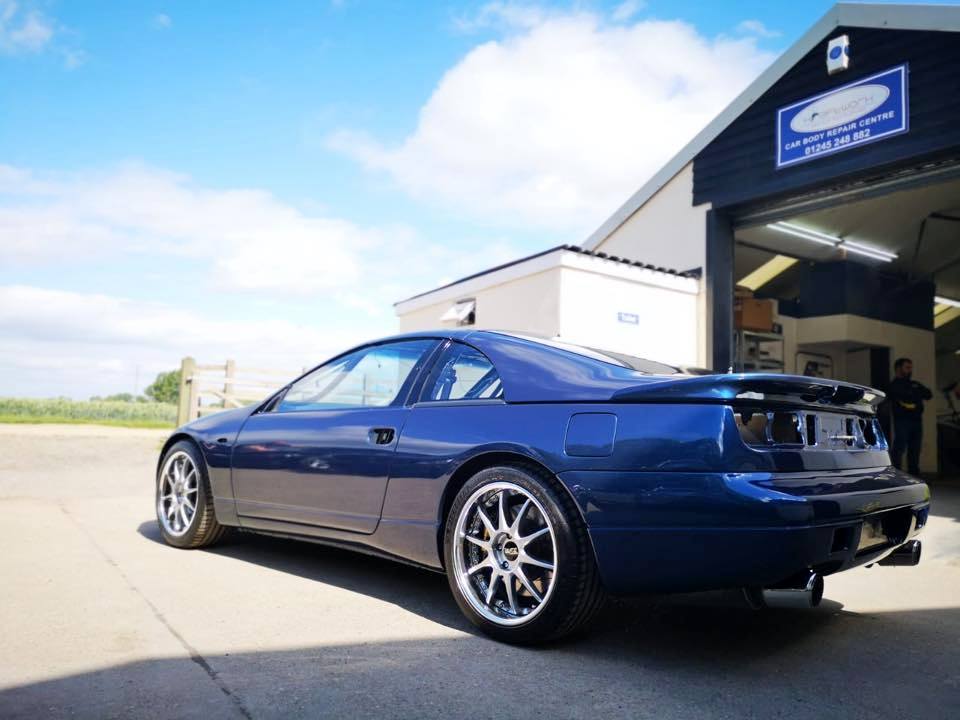
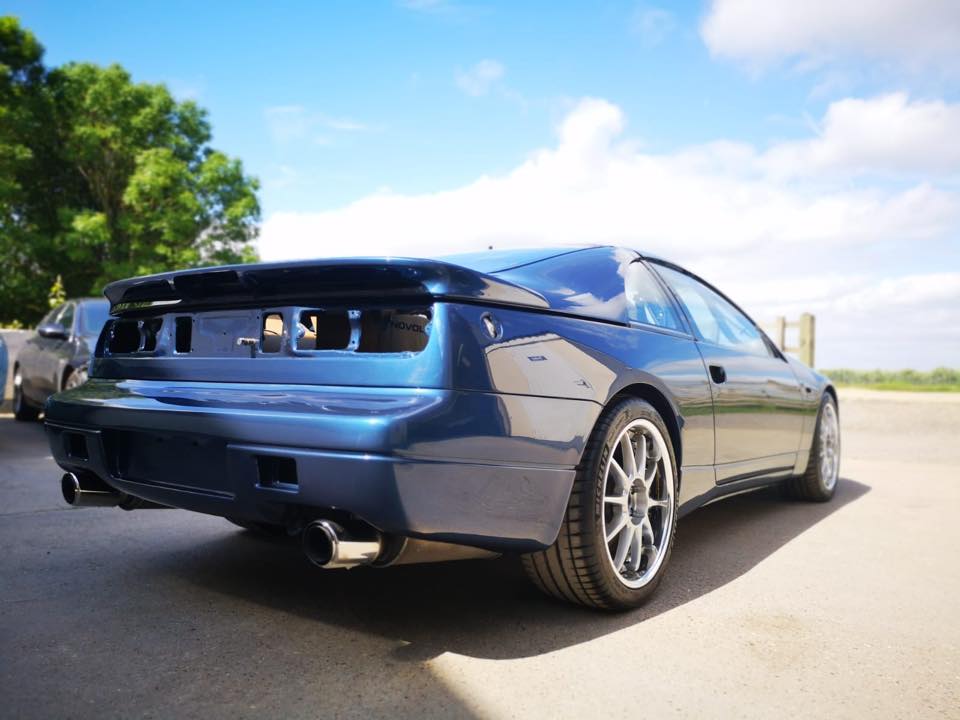
Car is on the way home! Last pictures from KW outside in the sun before being loaded up. https://www.facebook.com/pg/CarBodyRepairsChelmsford/posts/?ref=page_internal


-
These are two write-ups. It's best to remove the filler plug before the drain plug in case the former is stuck. http://www.ttzd.com/tech/fluidchangetech.html http://pexcom.com.au/z32cms/e107_plugins/content/content.php?content.294
-
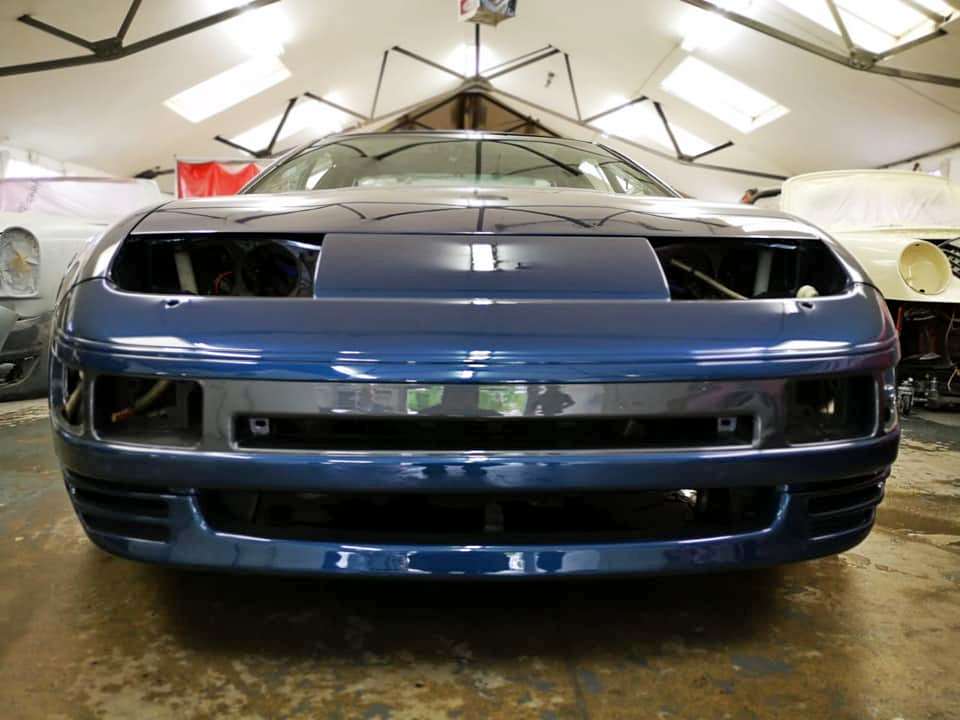
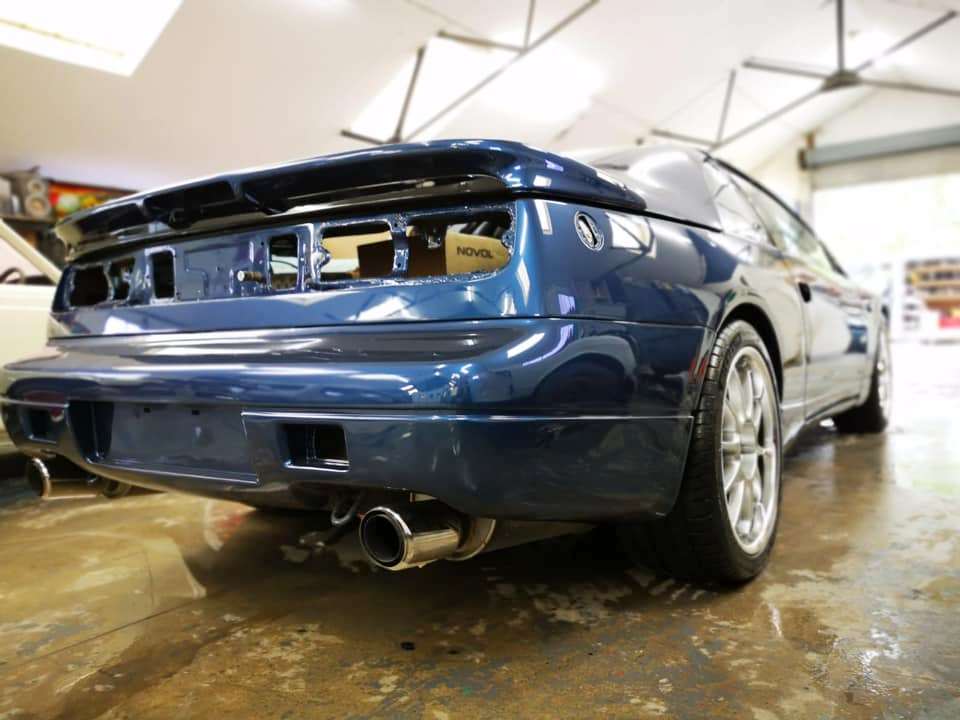
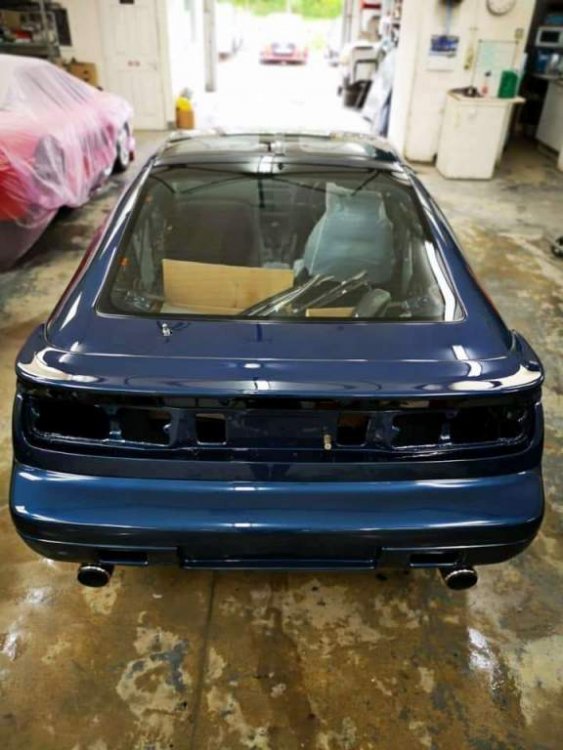
There are more photos up on FB.
-
I wish!
-
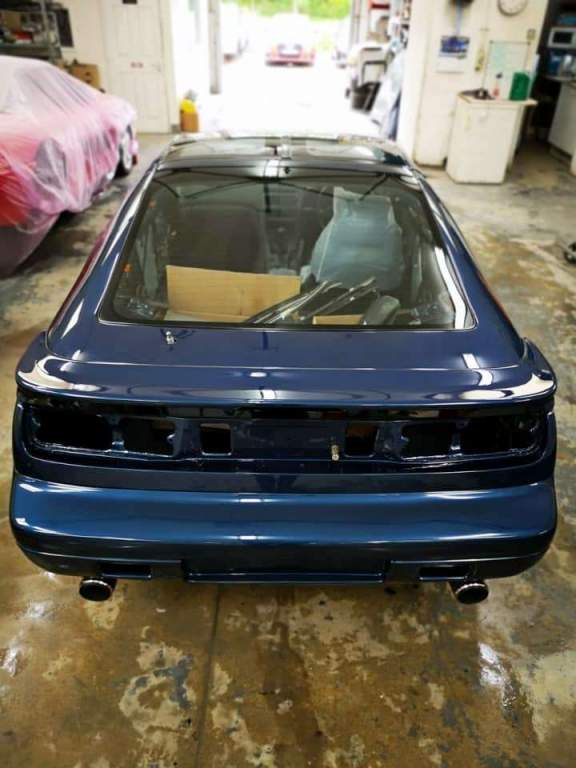
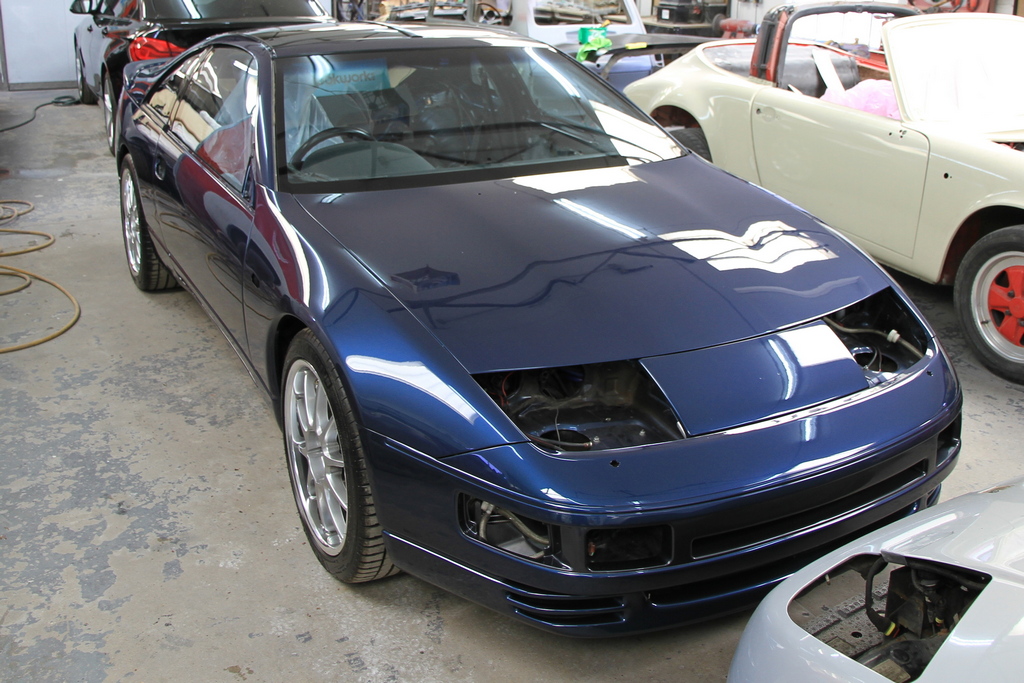
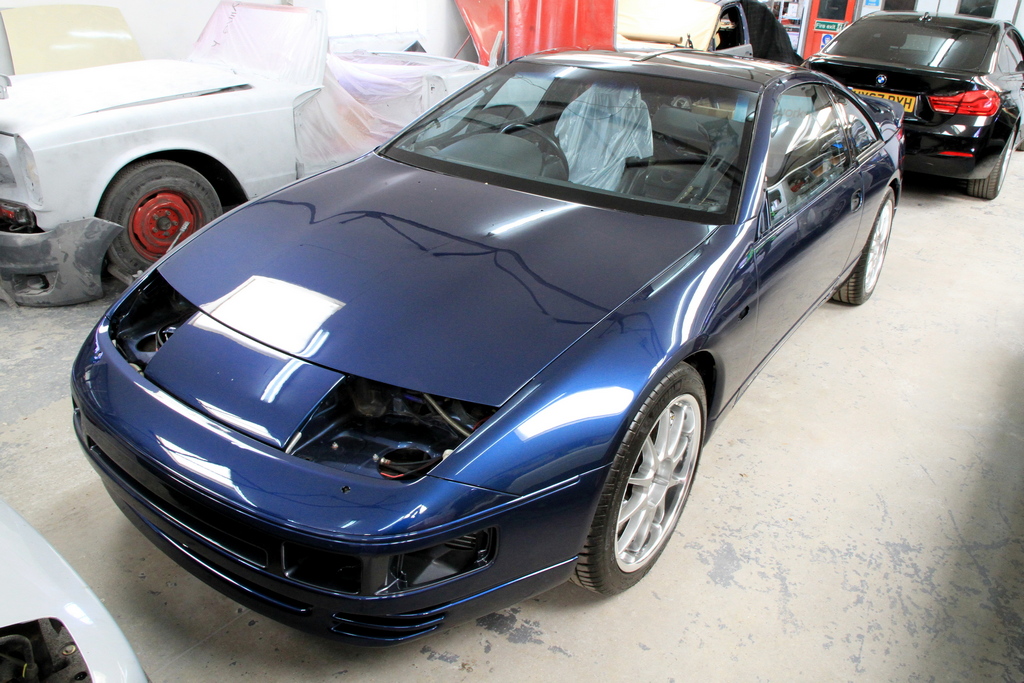
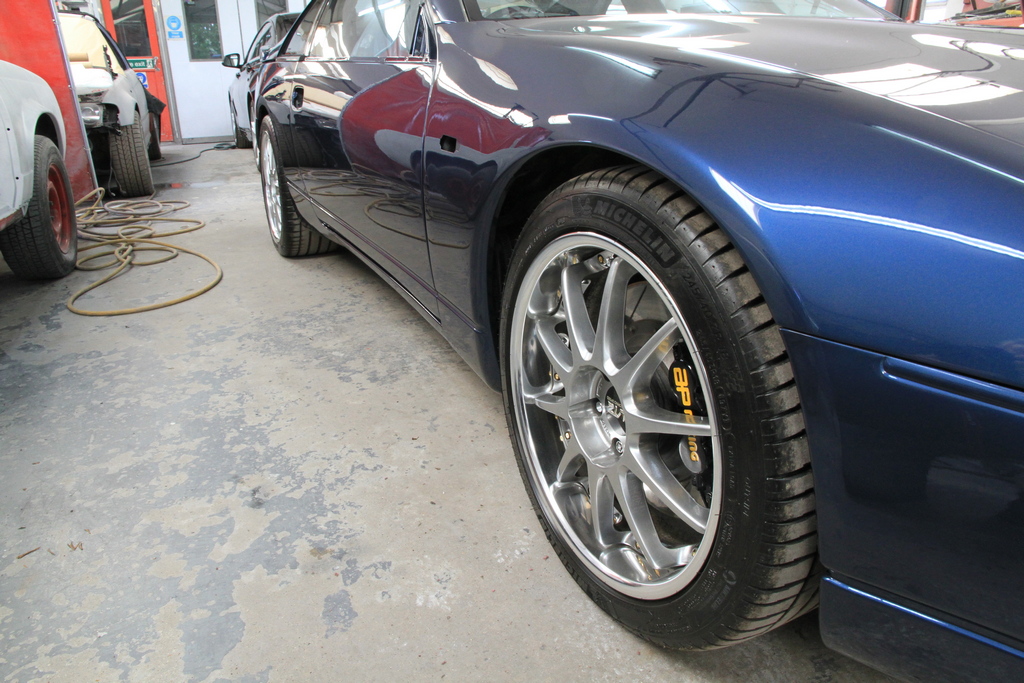
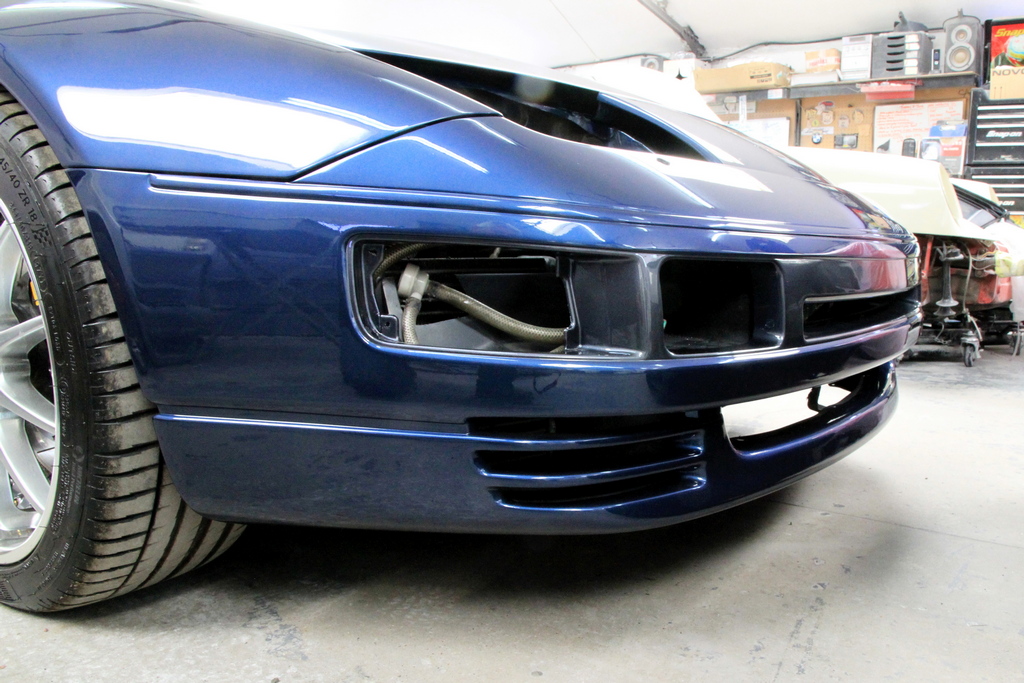
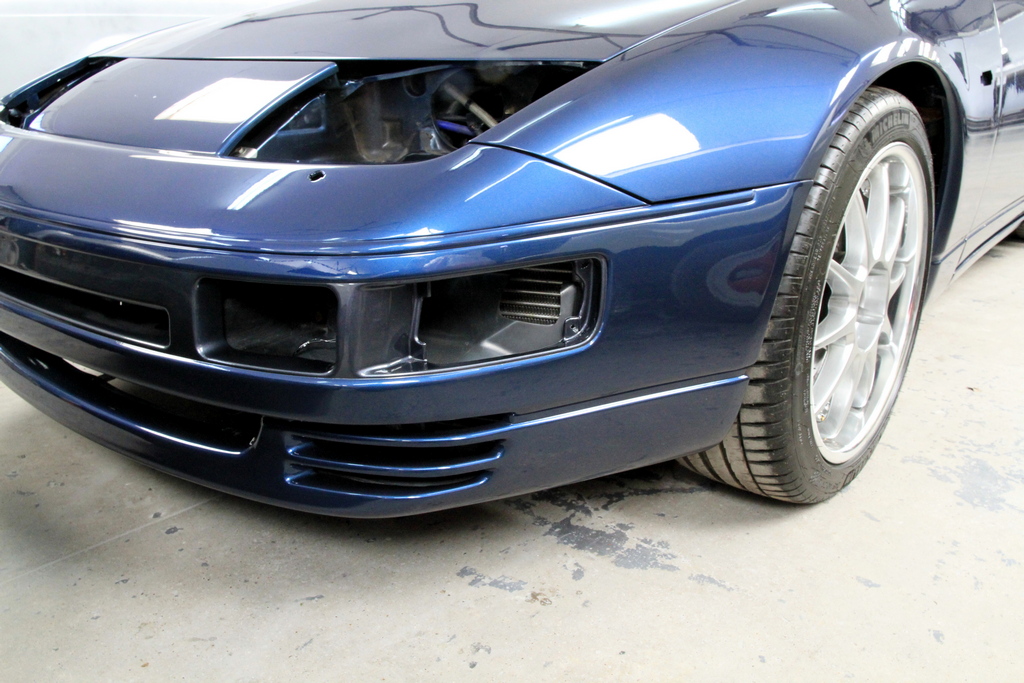
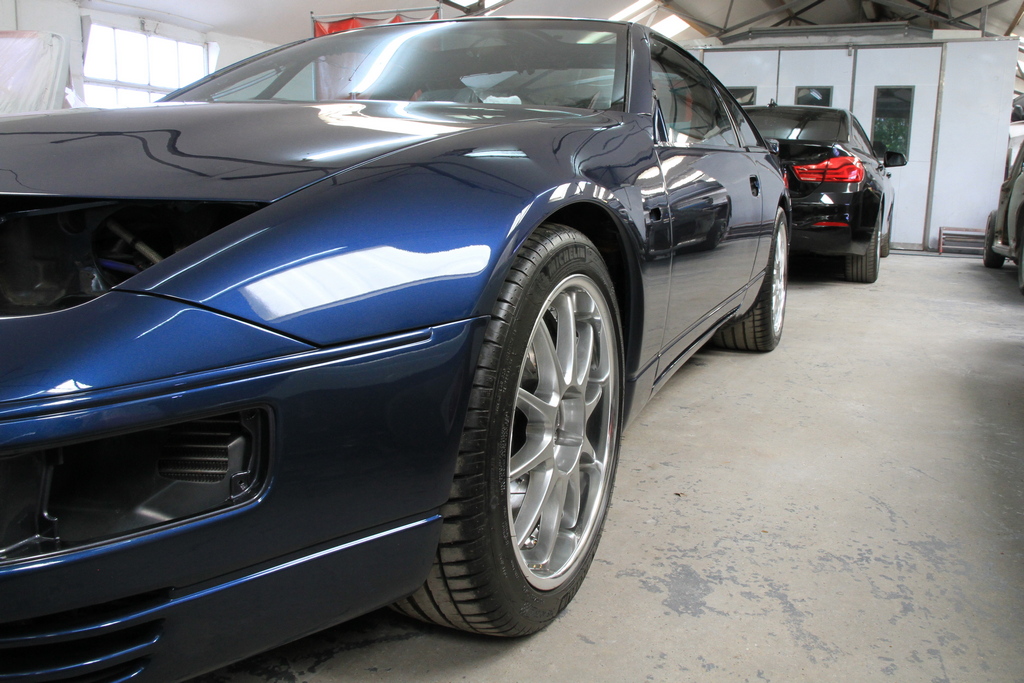
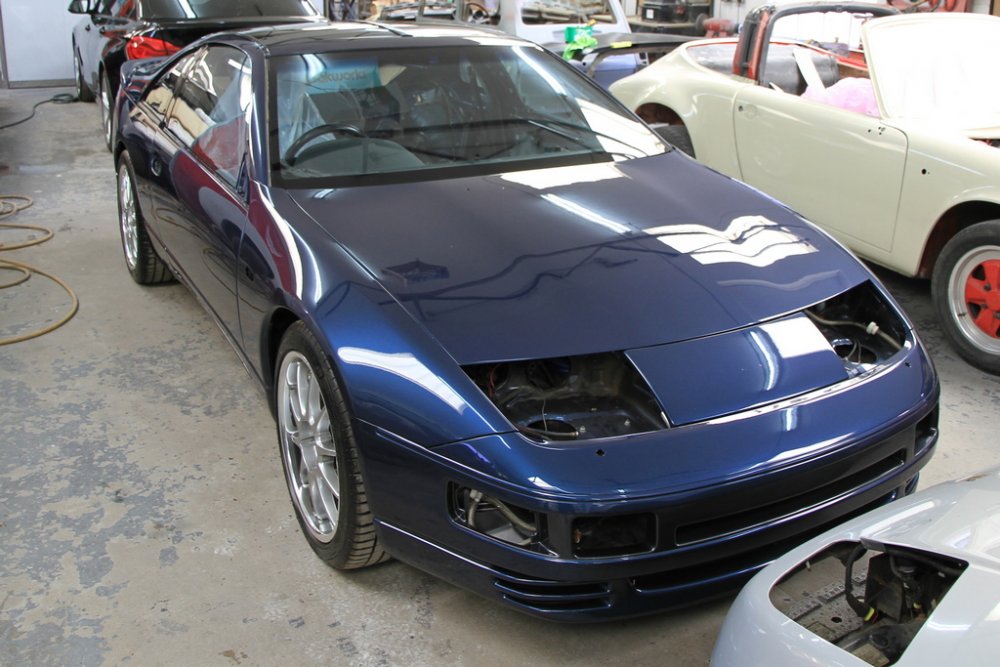
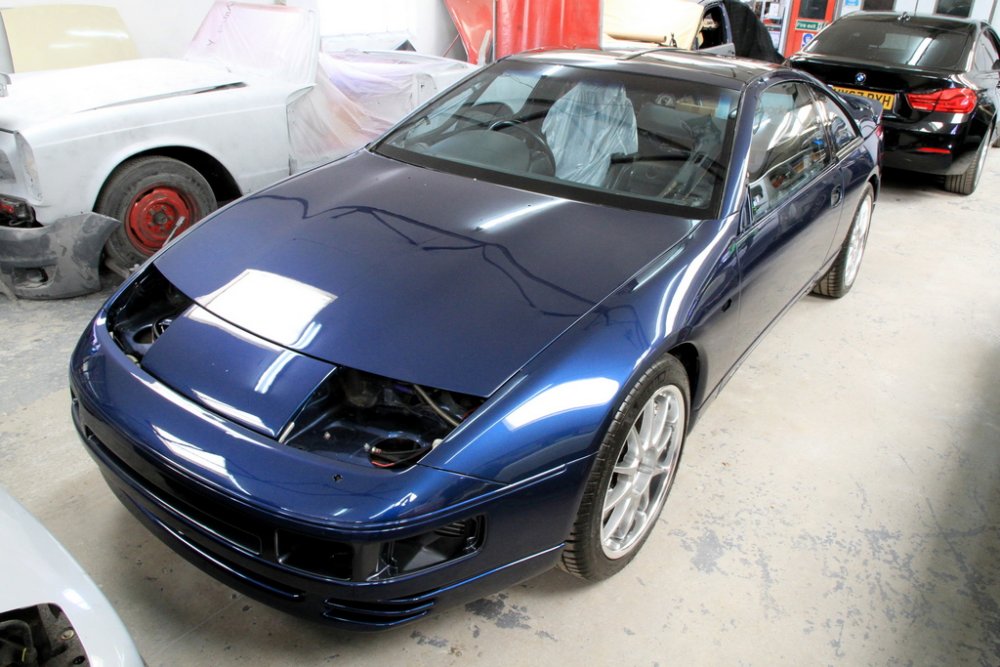
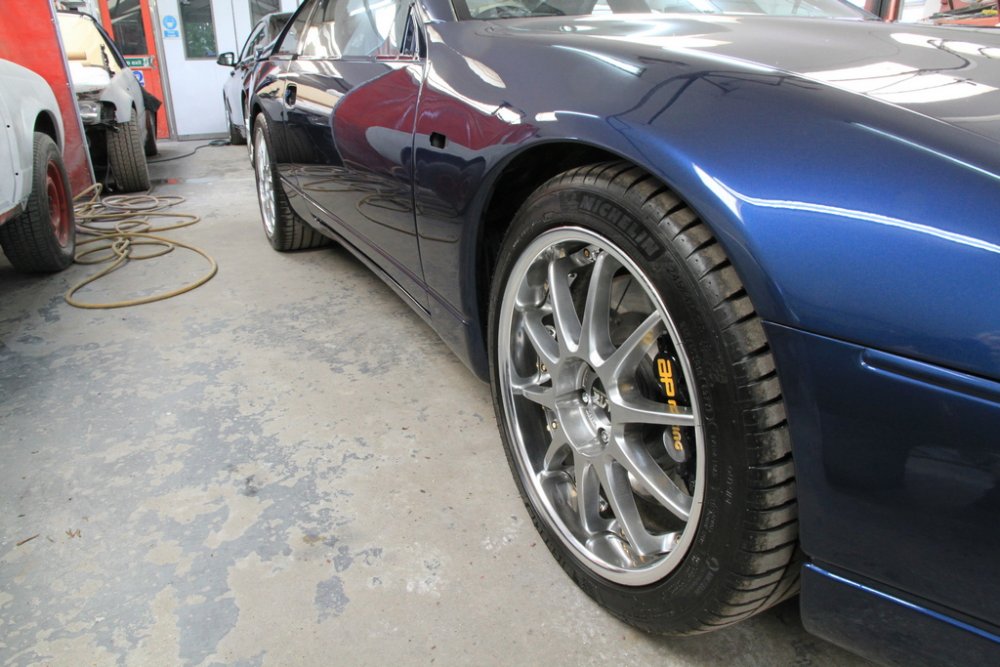
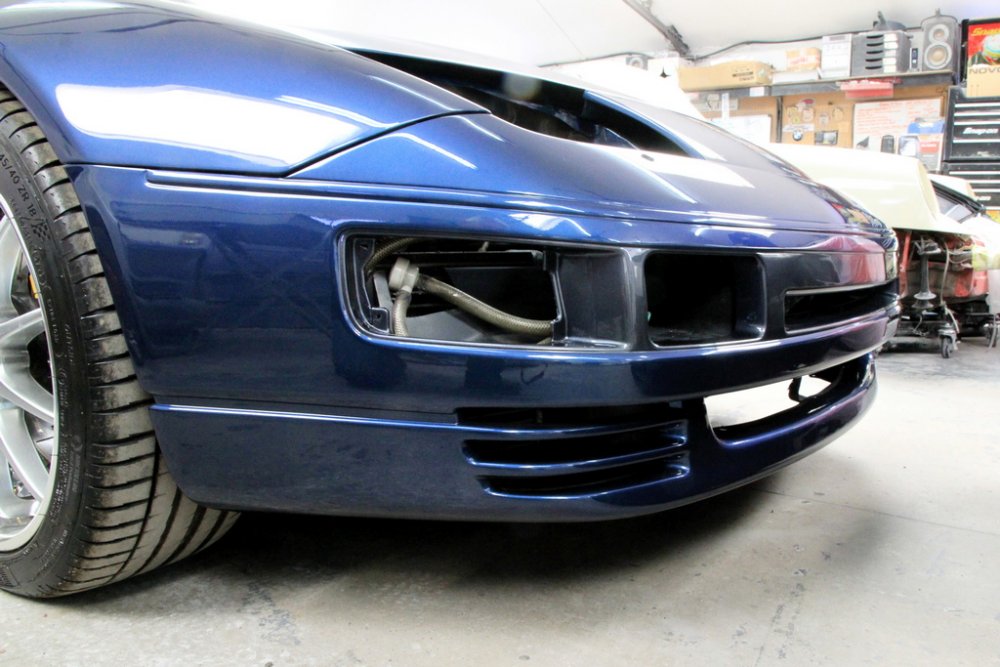
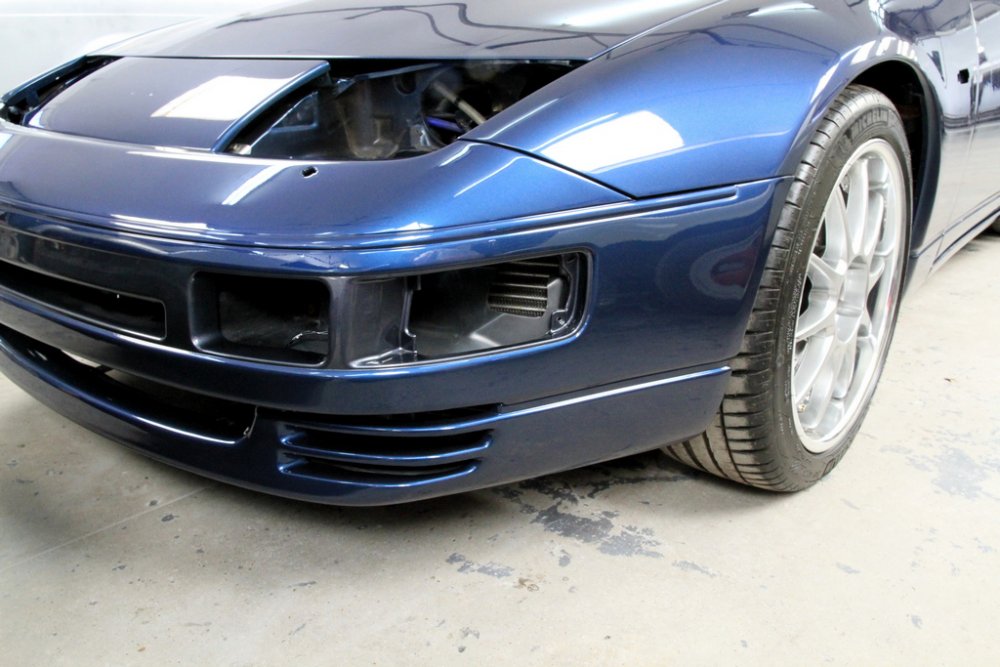
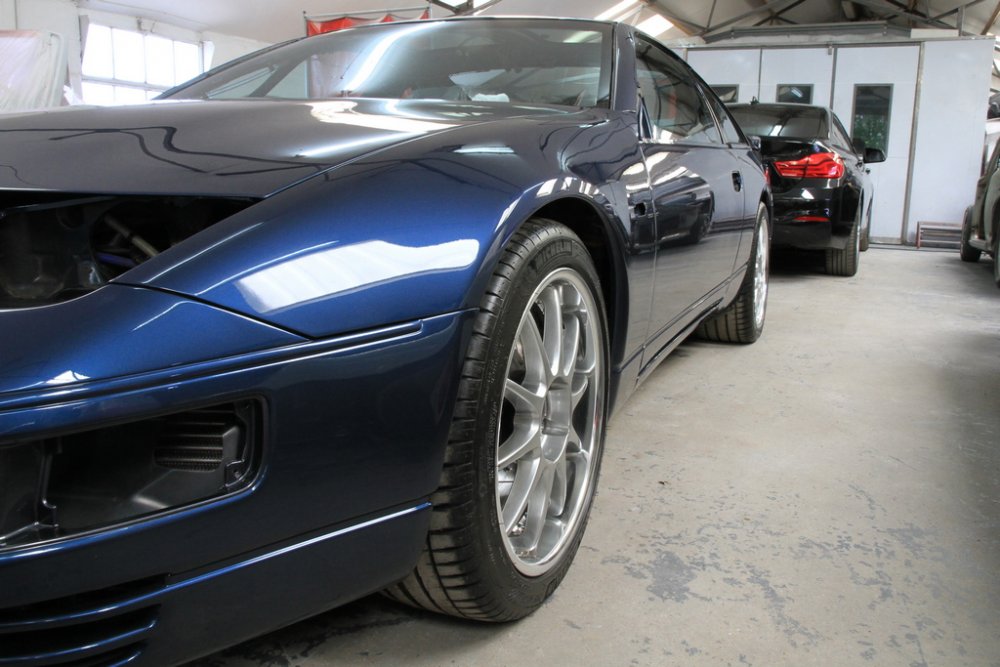
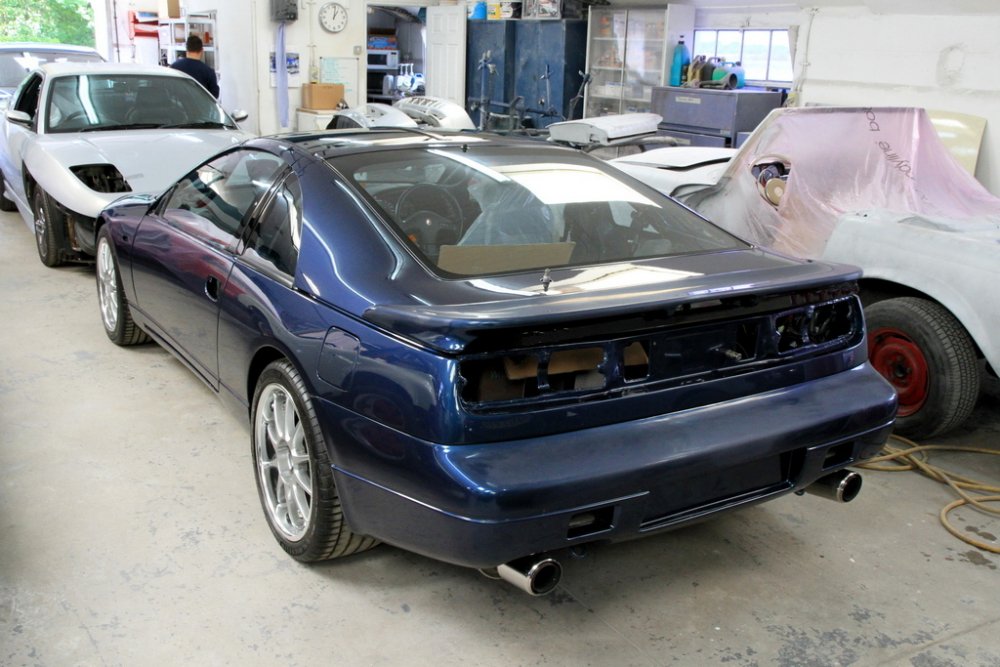
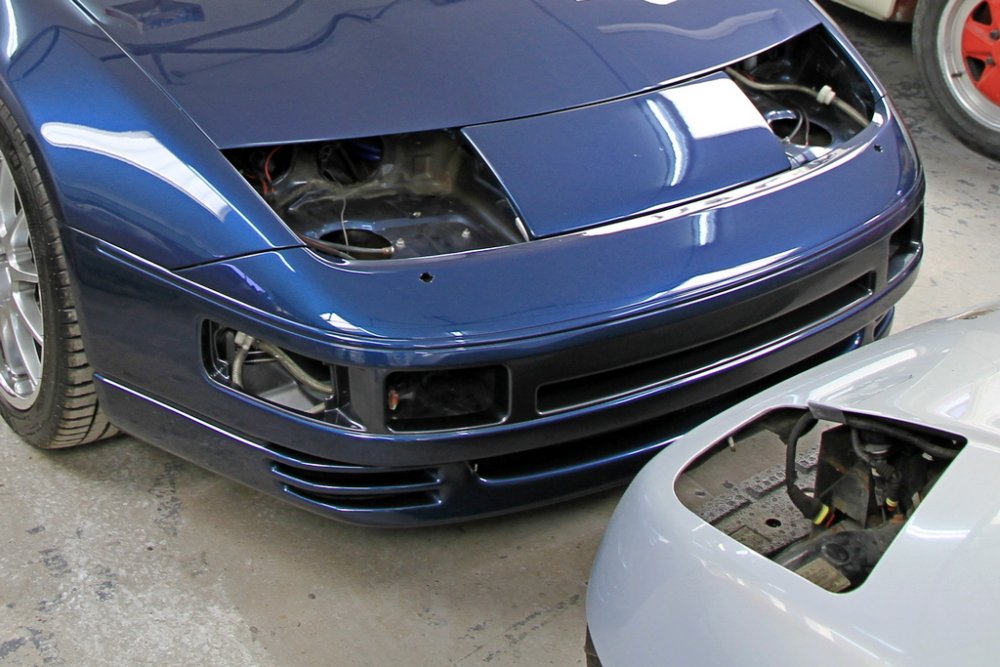
Popped over to the bodyshop this morning after getting the call that the car is ready to come home! Chuffed to bits with the workmanship. To say the car has been transformed would be an understatement , the guys at KW have worked their magic again! Just a final polish on the rear spoiler and bumper and then back home Monday to start putting her all back together again.
-
Welcome to the Club Chris. Look forward to seeing your UK spec in the metal.
-
Try M10x1.25 https://conceptzperformance.com/nissan-infiniti-nissan-oem-front-sway-bar-stabilizer-link-nut-nissan-300zx-z32-08918-2401a_p_8105.php https://www.fitinpart.sg/index.php?route=product/product&product_id=523916
-
It's certainly a puzzle!
-
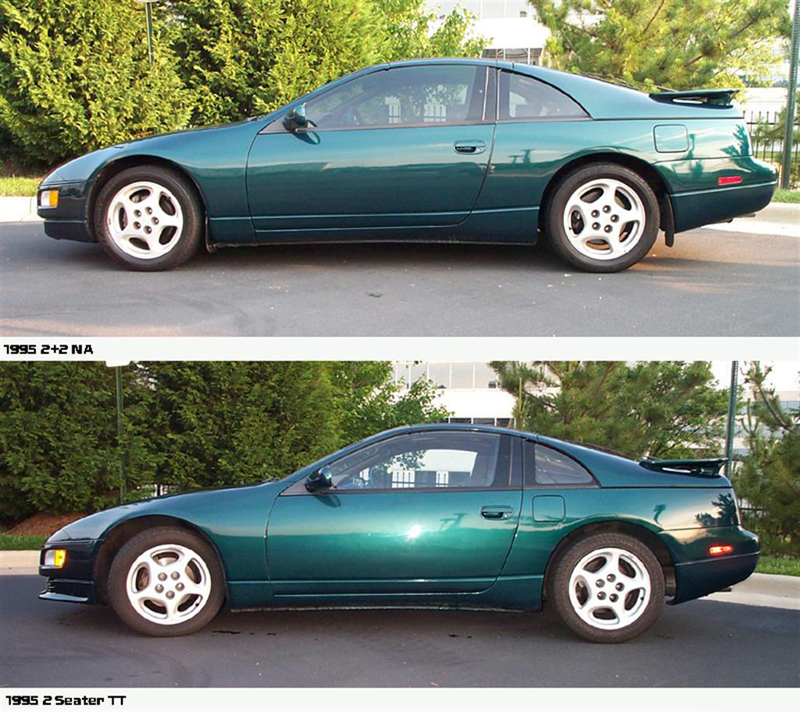
They do have different part numbers. Rather than the length I would suggest it is the curve of the roof on which they sit that makes the (perhaps small) difference - see below:
-
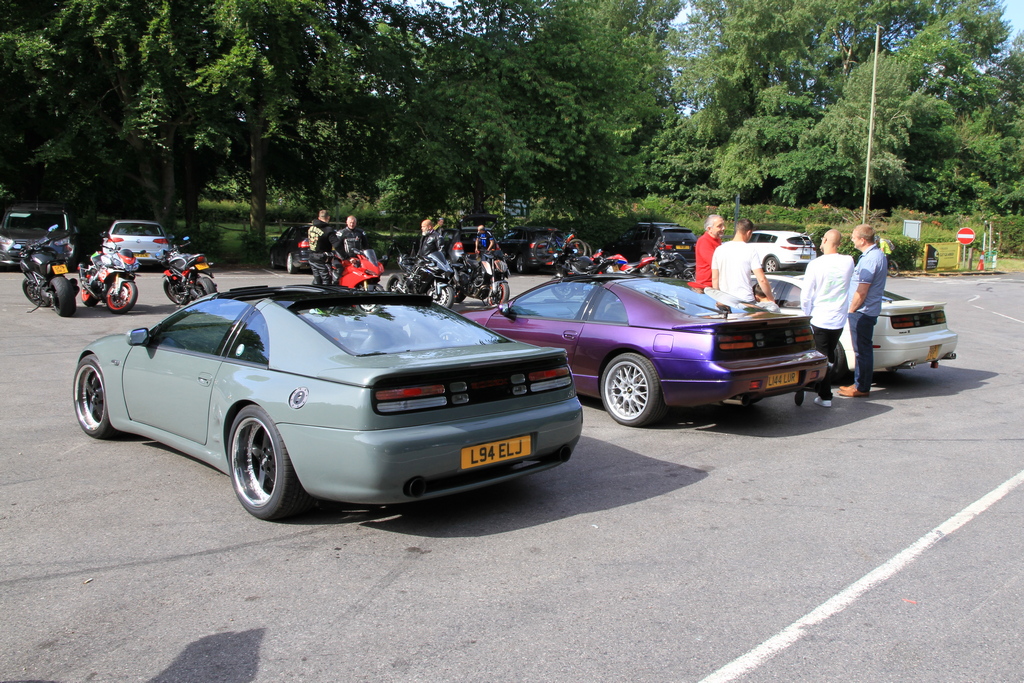
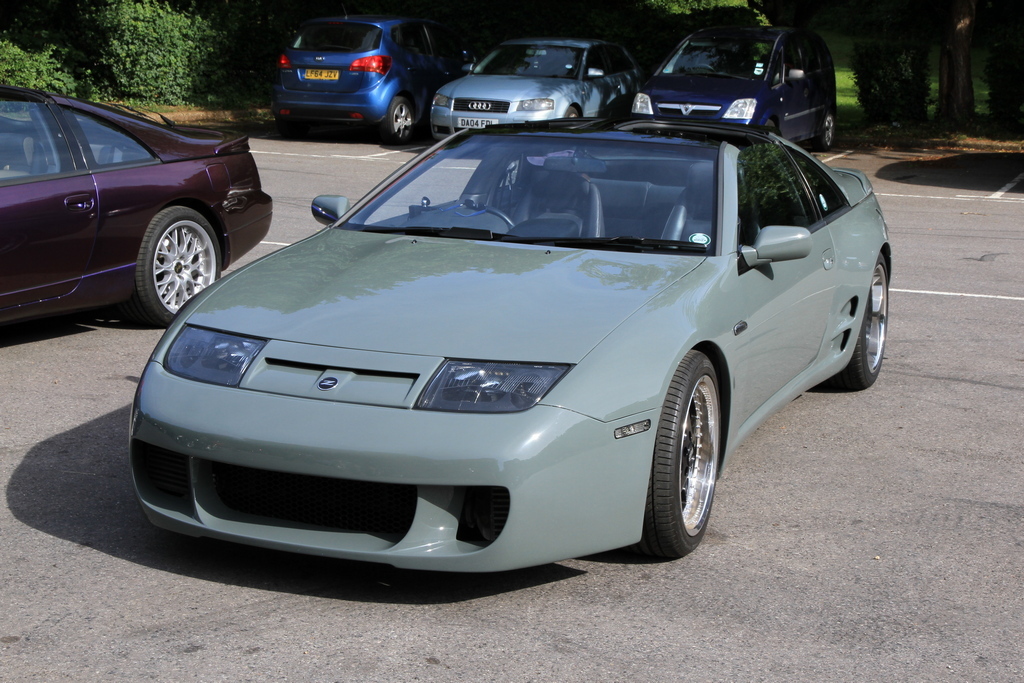
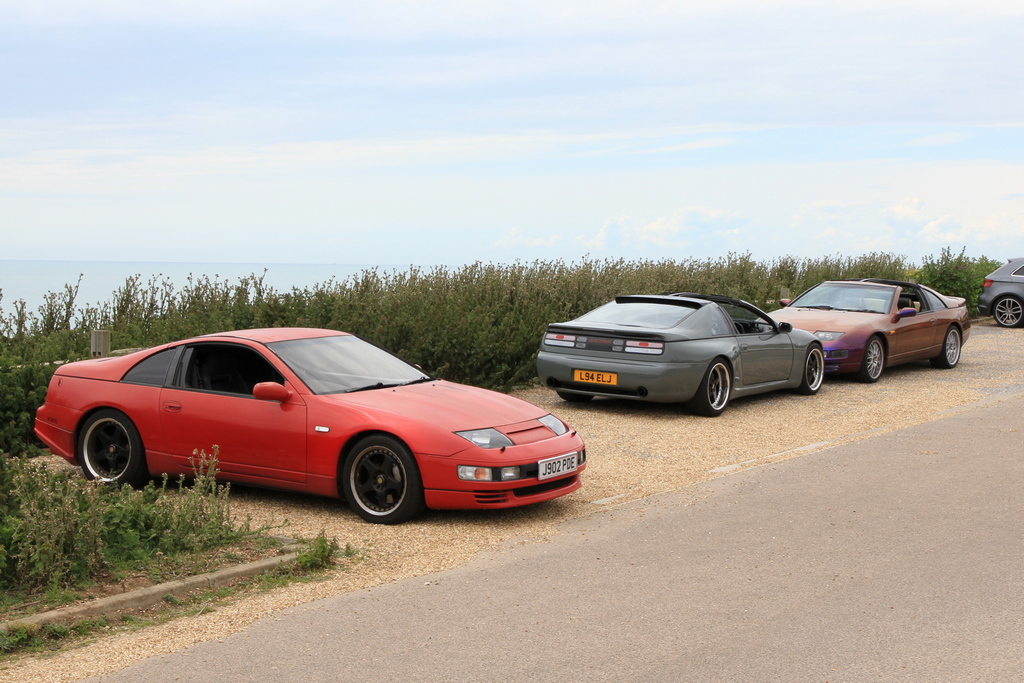
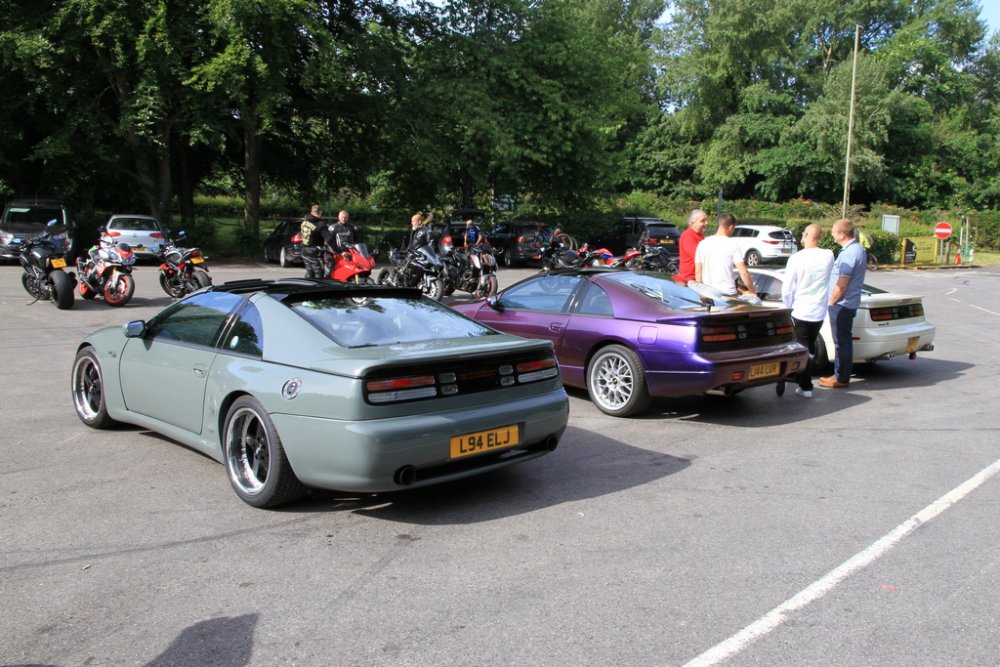
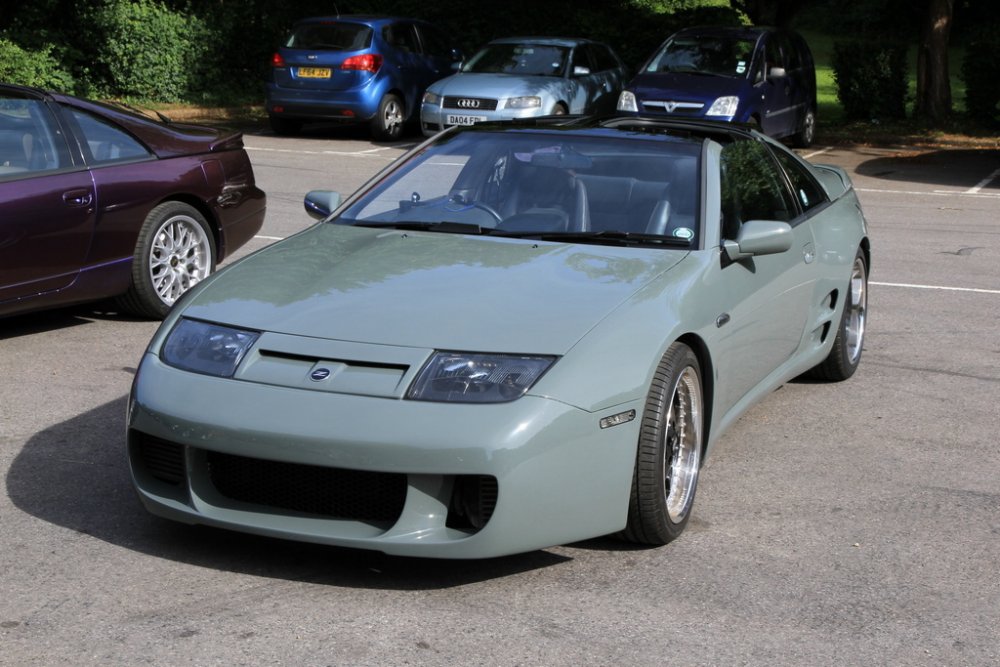
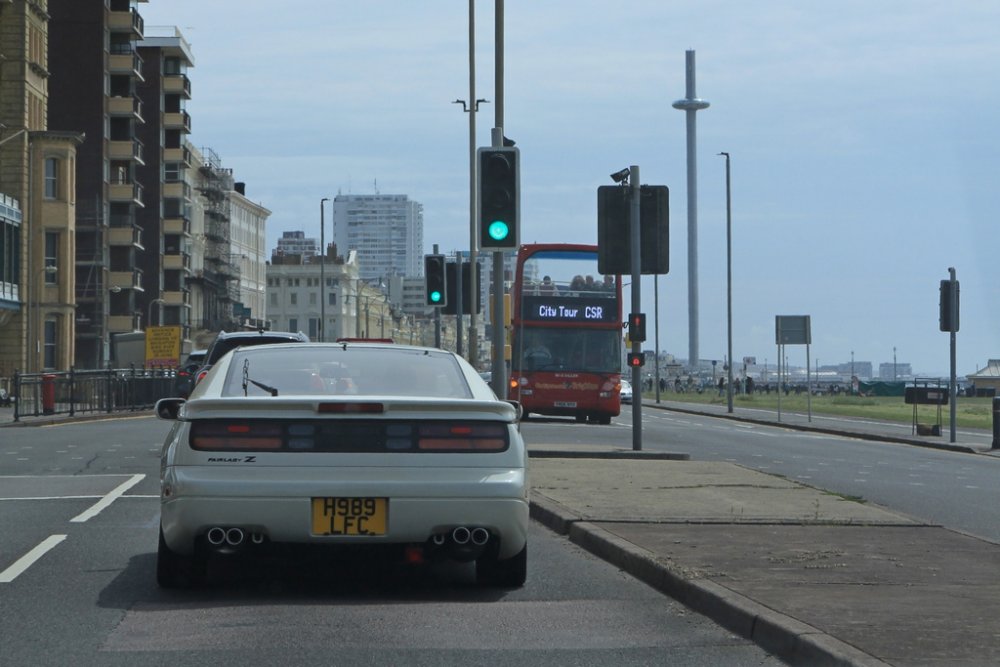
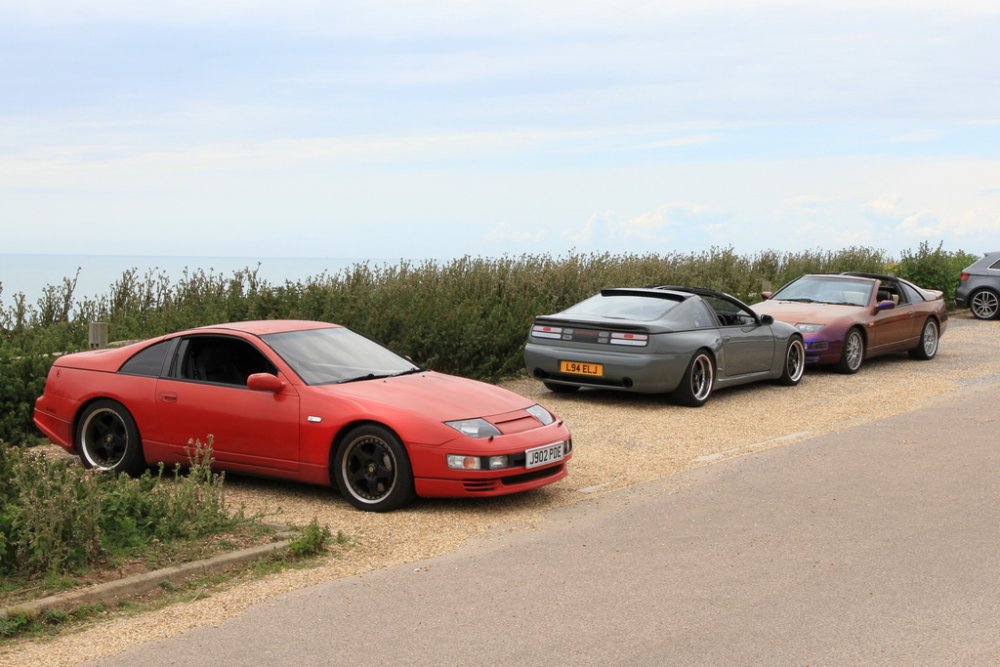
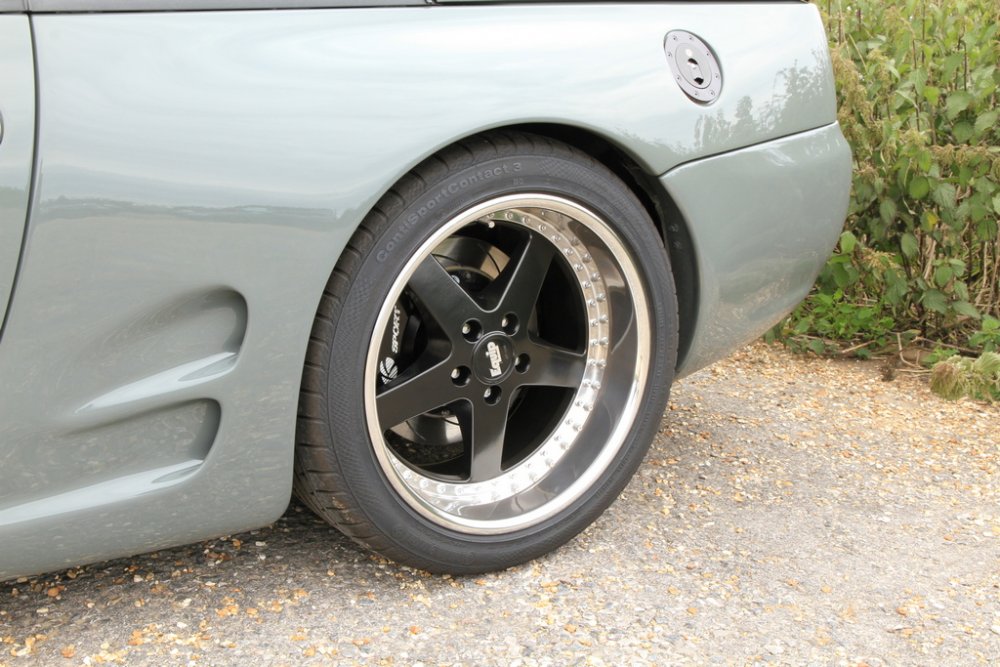
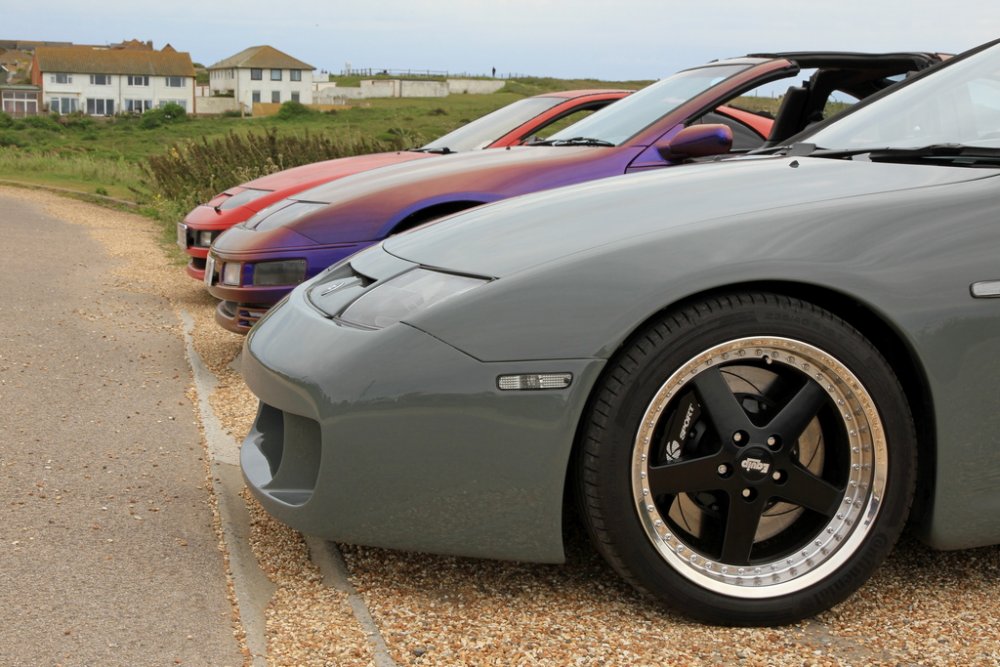
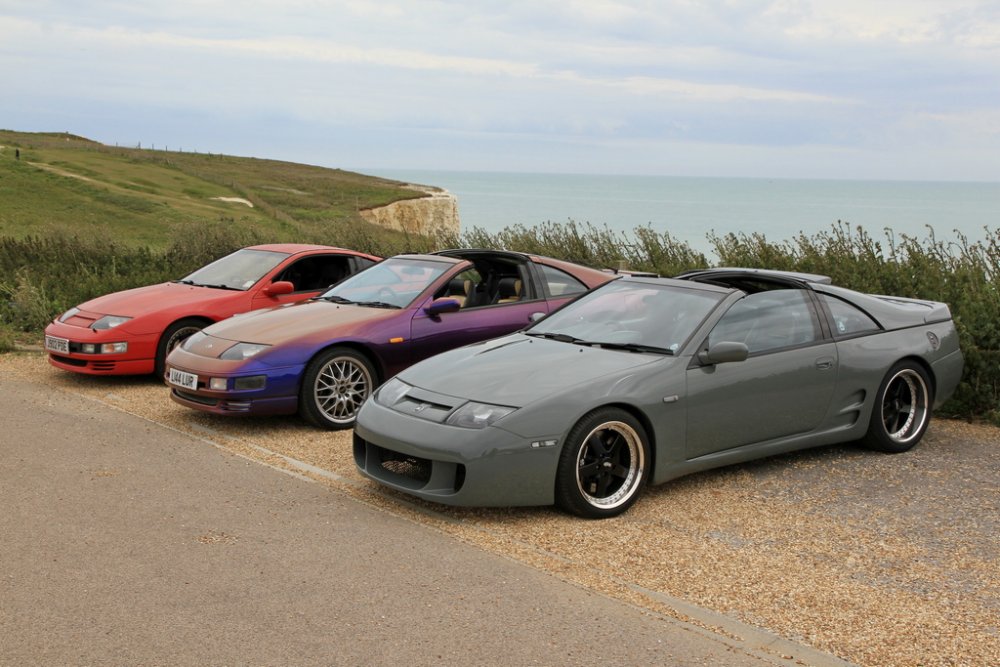
Photos from yesterday. Lovely drive out from Boxhill in Howard's NOISY but superb car. Looks absolutely fantastic - for a wide arch! Those Work Equips really look the part. Despite the cloudy day, there was enough UV about to top up the summer tan. Great to meet up with you all and looking forward to the next B2B in my own car!


-
Best wishes on your Birthday Dave!

-
Best wishes on your Birthday Ian!

-
Yes you will be fine.
-
Best wishes on your Birthday Mike!
-
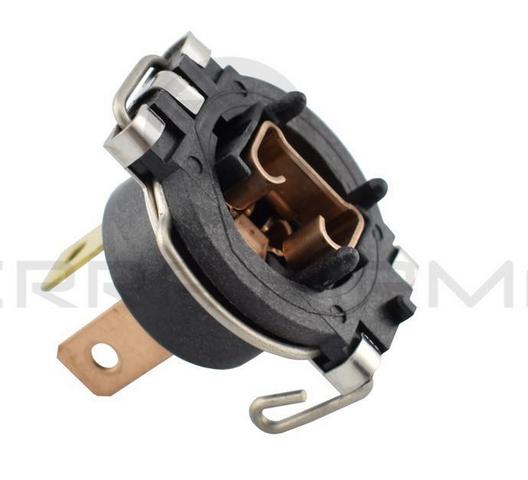
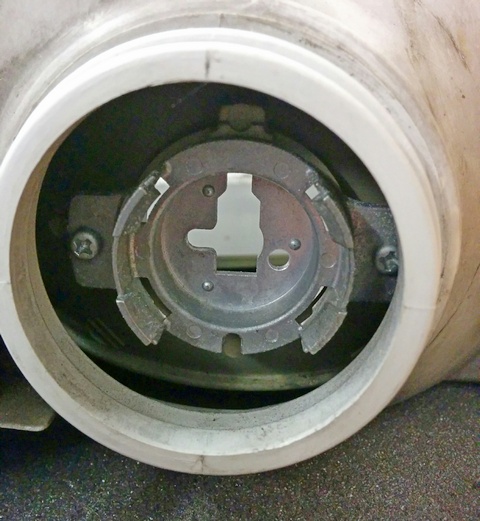
Here is a better picture of the adapter and the second picture is the metal headlight bracket it clips into.
-
Looks to be a 26067-40P00 (item 5): http://nissan4u.com/parts/300zx/er_z32/1993_11/type_1/body_electrical/head_lamp_front_combination_lamp_and_head_lamp_cleaner/illustration_3/ Item 26067: http://jp-carparts.com/nissan/partlist.php?maker=nissan&type=132&cartype=&fig=260 I would have thought you could get one s/h.
-
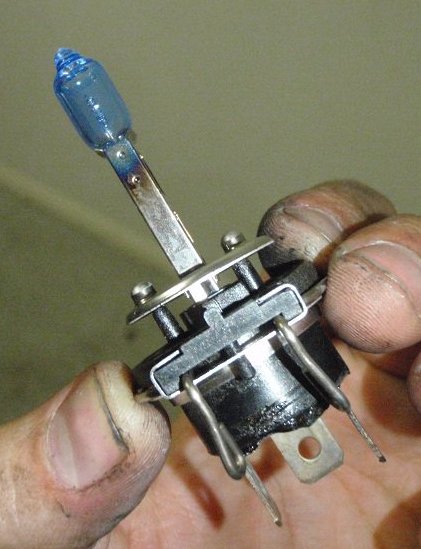
Can't see why, you have a blown bulb sitting in it now. An example of which is here:
-
The H1 bulb unplugs from the factory holder/adapter which the connector in the photo is fitted to.