Everything posted by Bones28
-
Thanks was a great day, meeting you all and having the Club represented for the first time and hope there will be many more to come. Such a hot day. Well done for the organising this.
-
Should be fine there is always some late arrivals.
-
Happy Birthday 🎂
-
They don’t like it but it will be fine, as long as you drive slowly round the ring road in the park can leave anytime in afternoon.
-
Happy Birthday 🥳
-
West side If you come from the A21 I would turn off at the A232 and head towards Hayes turn off at Five Elms Lane and follow through Hayes high street. The A21 runs into the one make parking and you will never get past.
-
You all will be entering from this side of the park so you can plan it. The show is held at Norman Park, Bromley, Kent, BR2 9EF. This is the SatNav postcode for Trade and Car Clubs.
-
The gate opens at 6:30am because there are so many cars to get in and the queue can be long. All cars are expected to be in place by 9am. If you get there early you can go round the auto jumble stands before the public get in. It is an excellent show as always.
-
Welcome to the club, that’s a big transformation well done, is it a metal wide body car.
-
I do like the deep dish look.
-
RIP Tina simply the best singer.
-
Happy Birthday 🎂
-
God save the King.
-
Craziness.
-
Happy Birthday 🎂
-
View Advert Jap Dealer Folder from 1995 Car Just found this folder that came with my 1995 300zx. Make me an offer or not. Advertiser Bones28 Date 24/04/23 Price Category Parts - For Sale
-
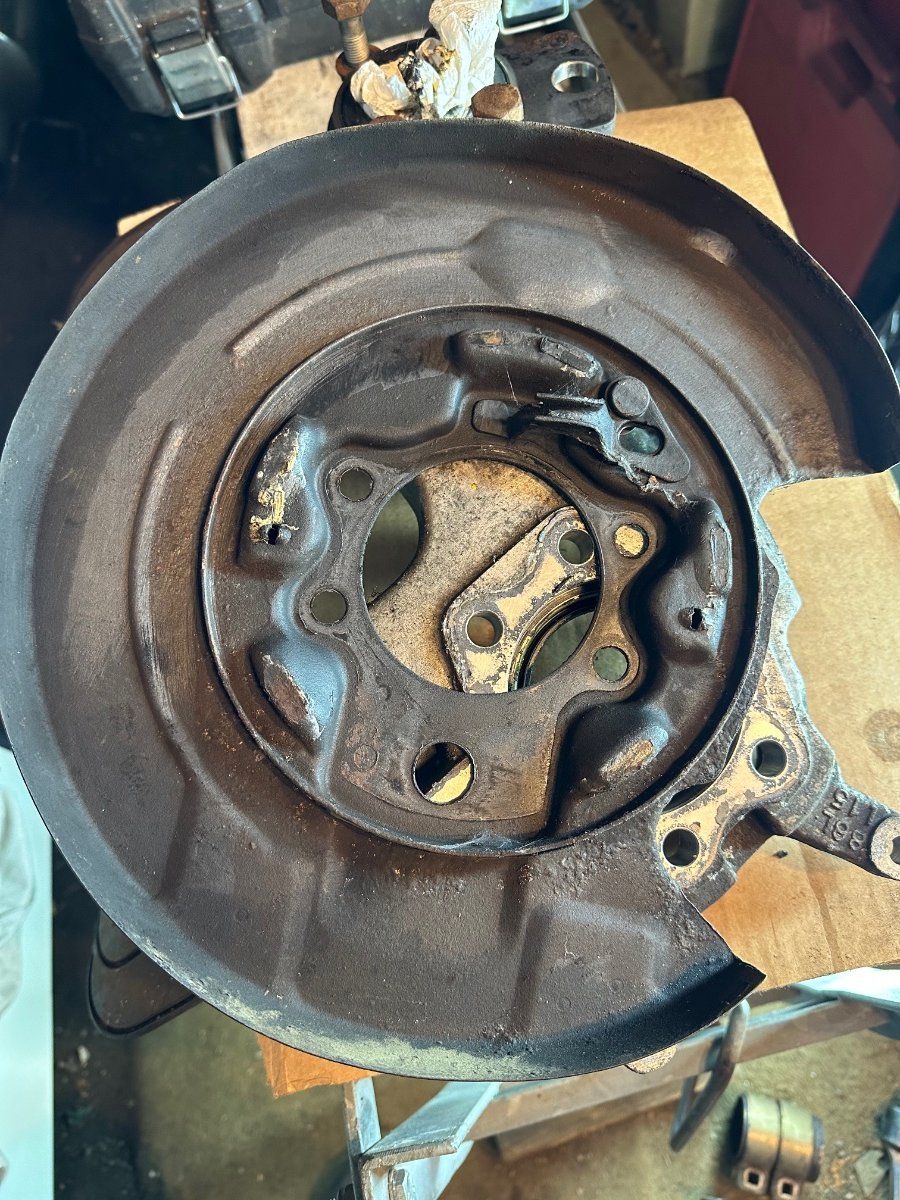
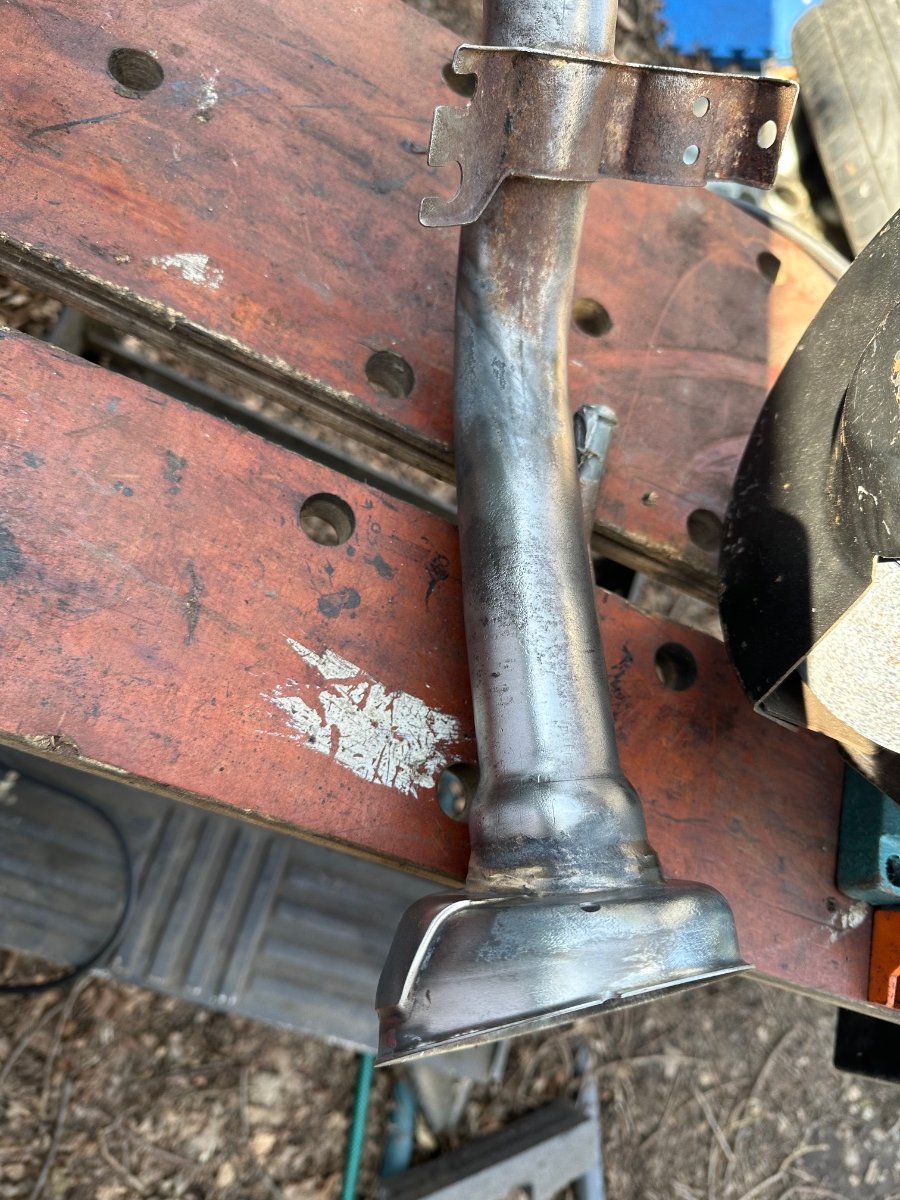
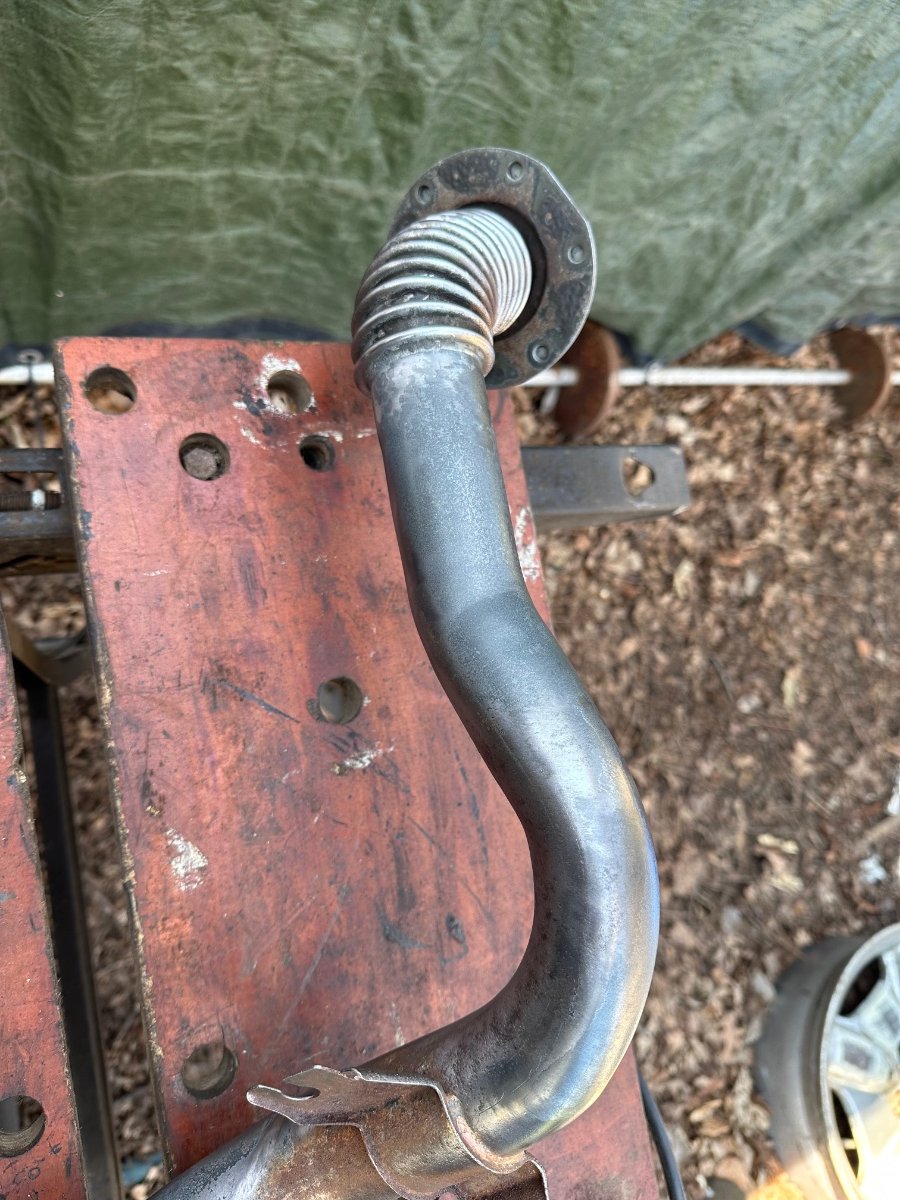
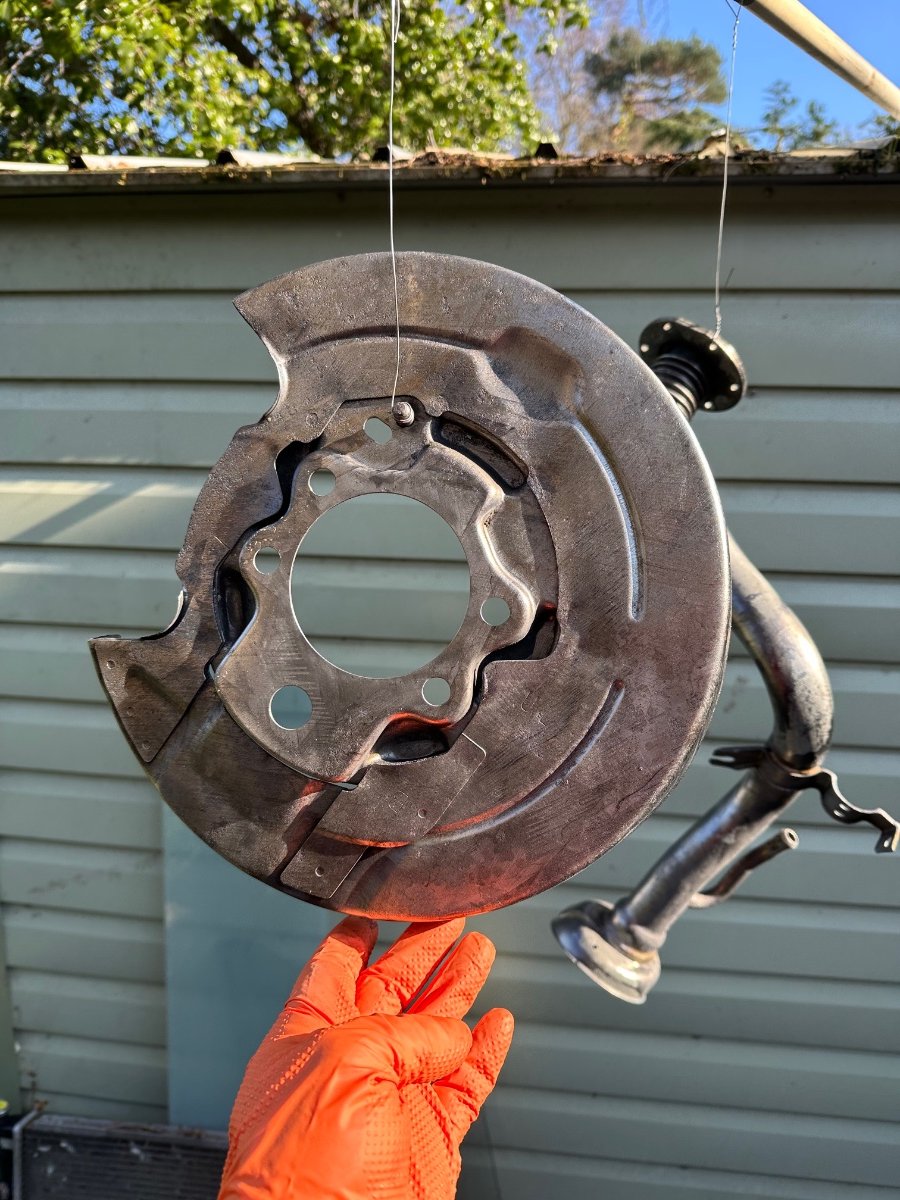
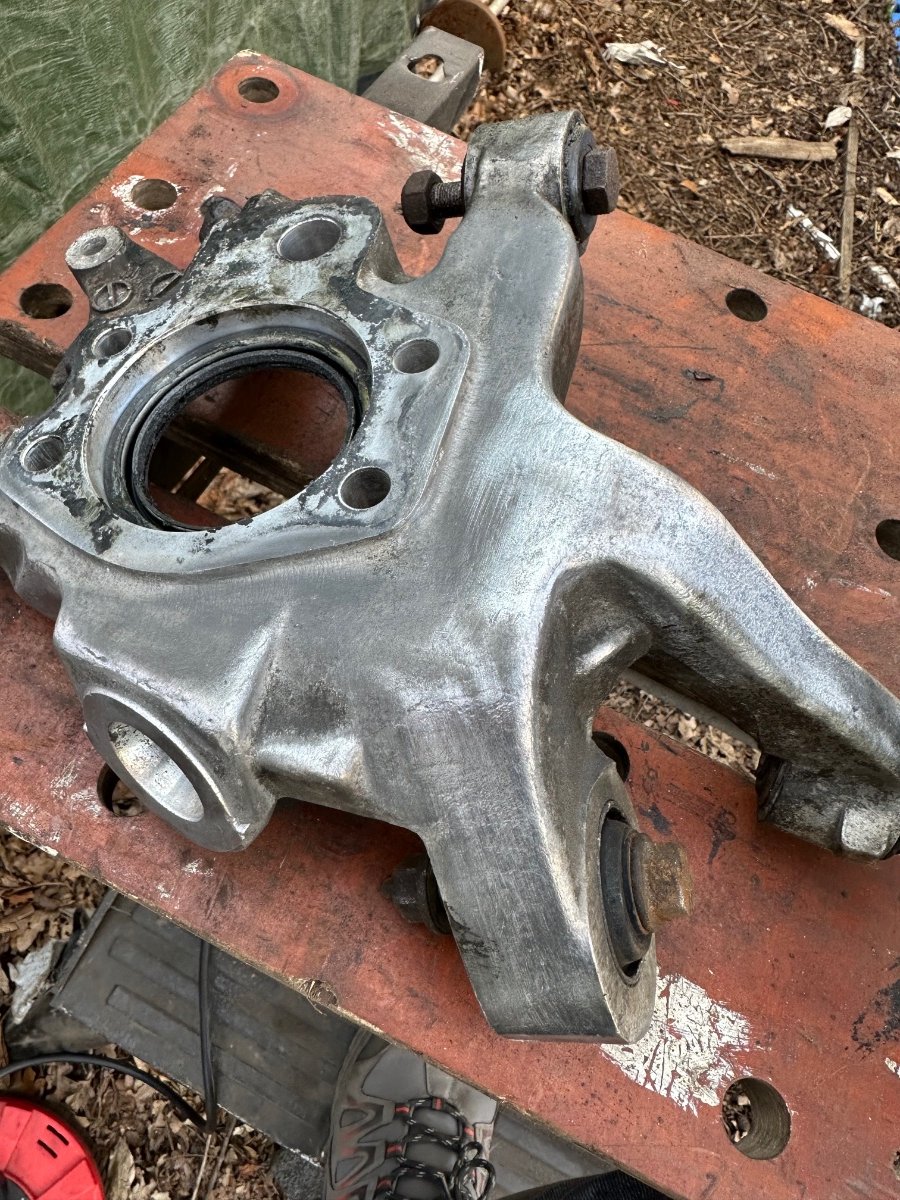
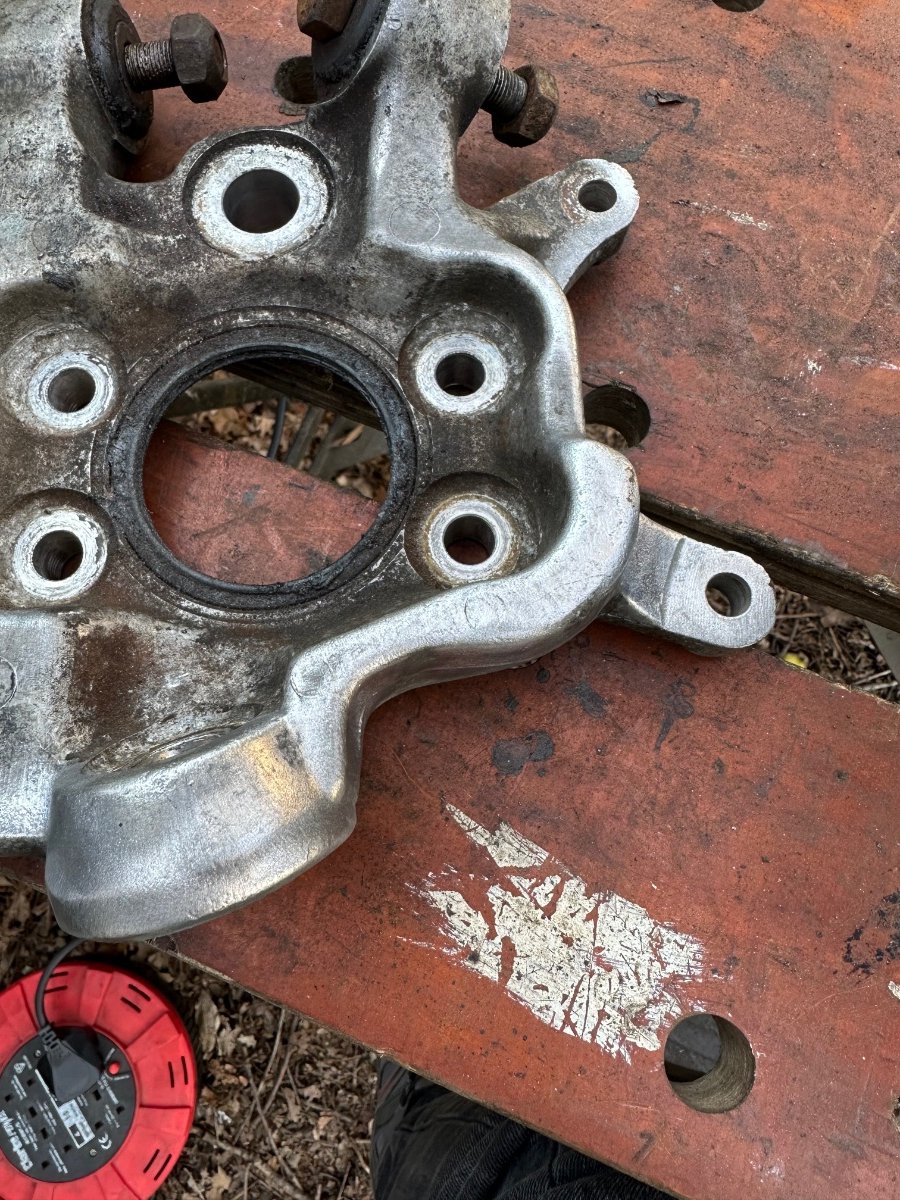
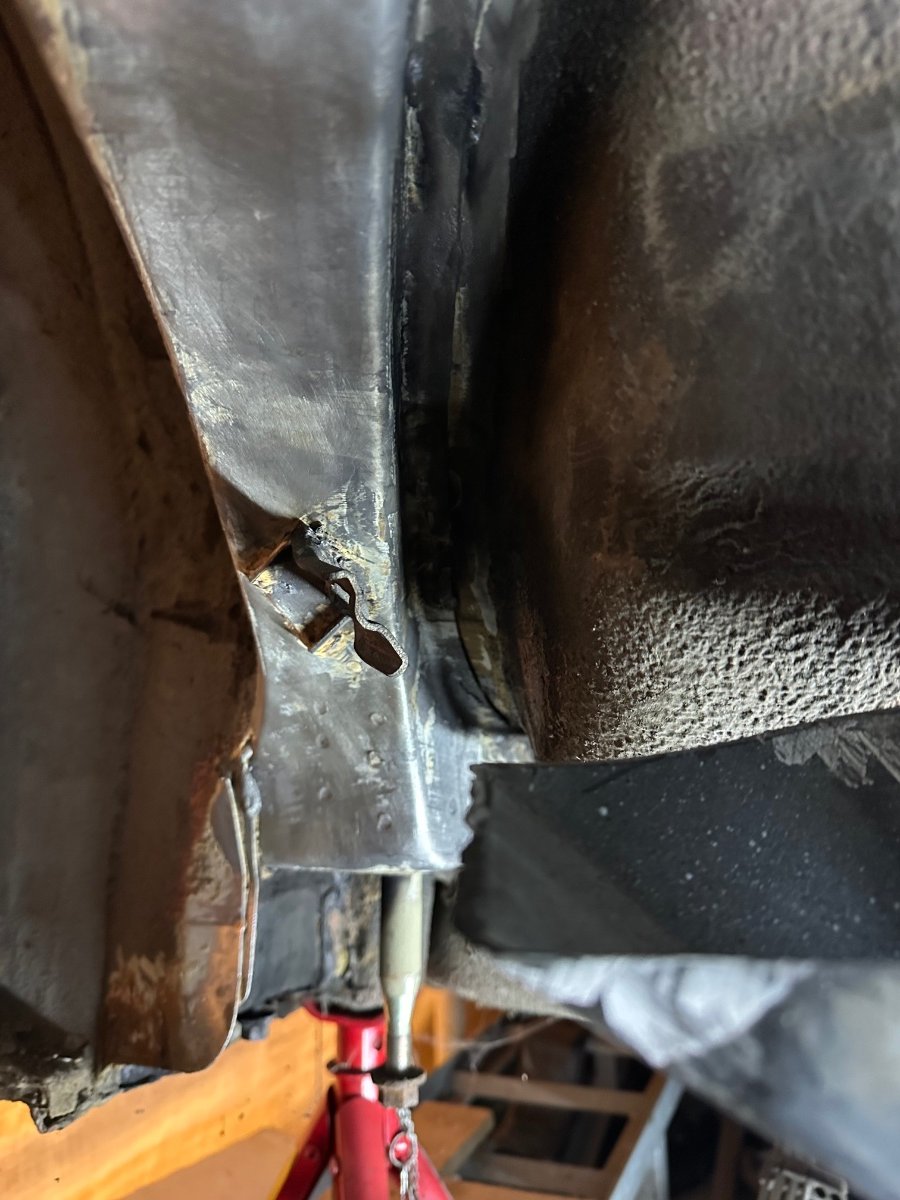
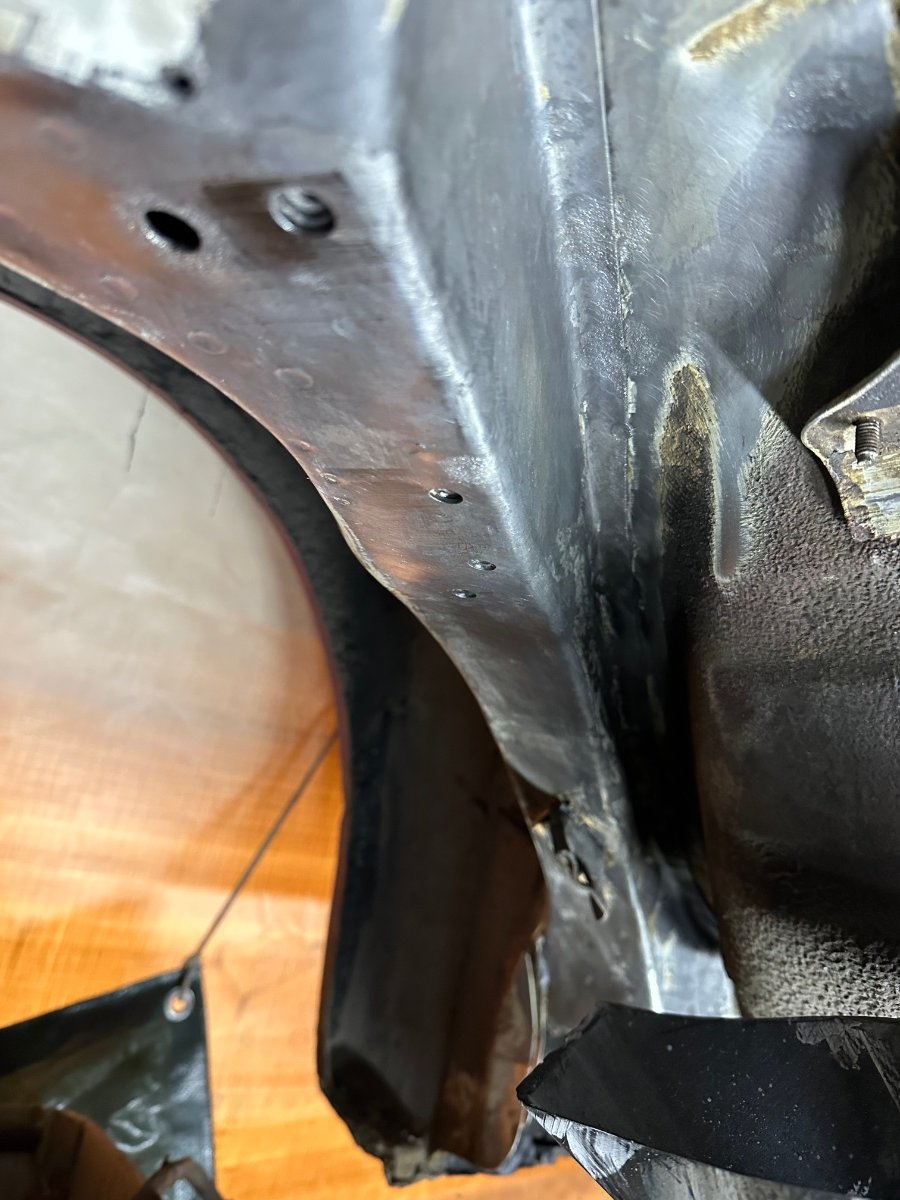
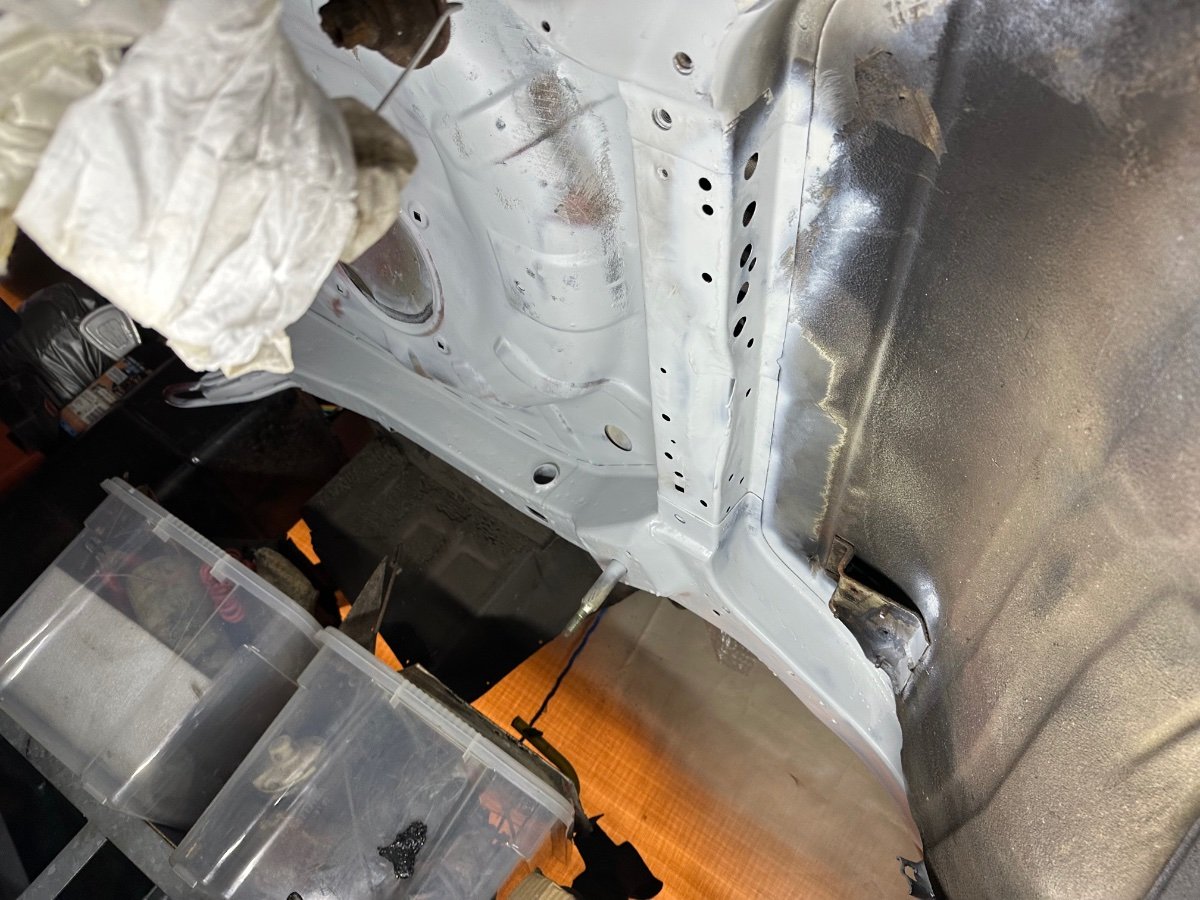
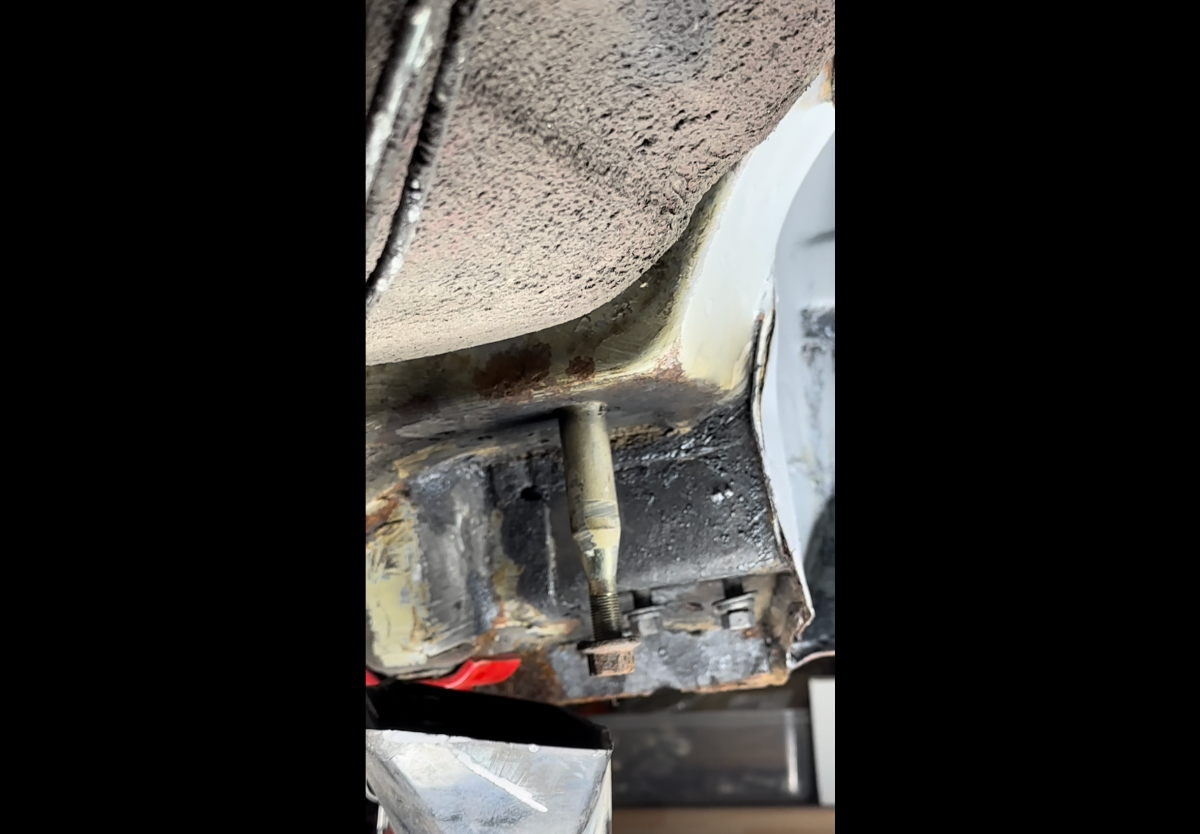
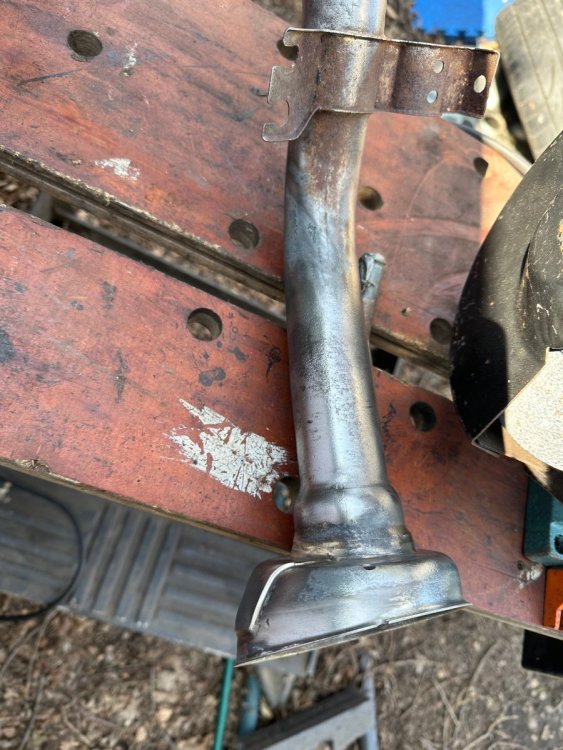
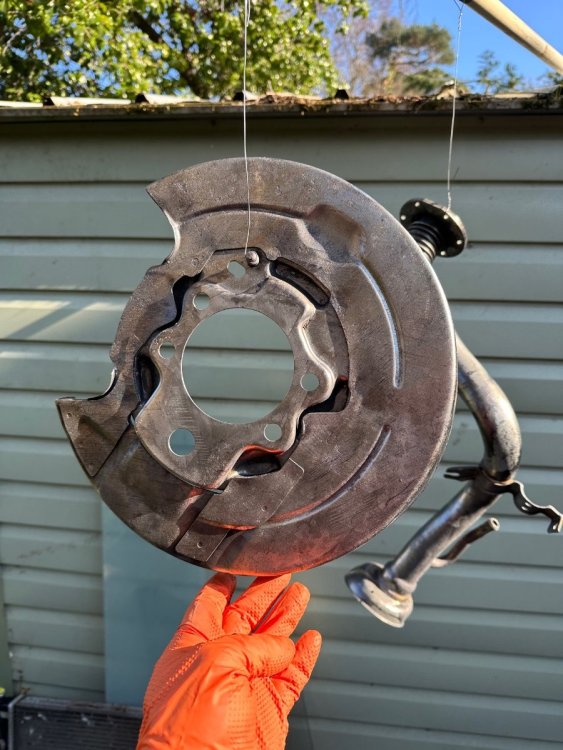
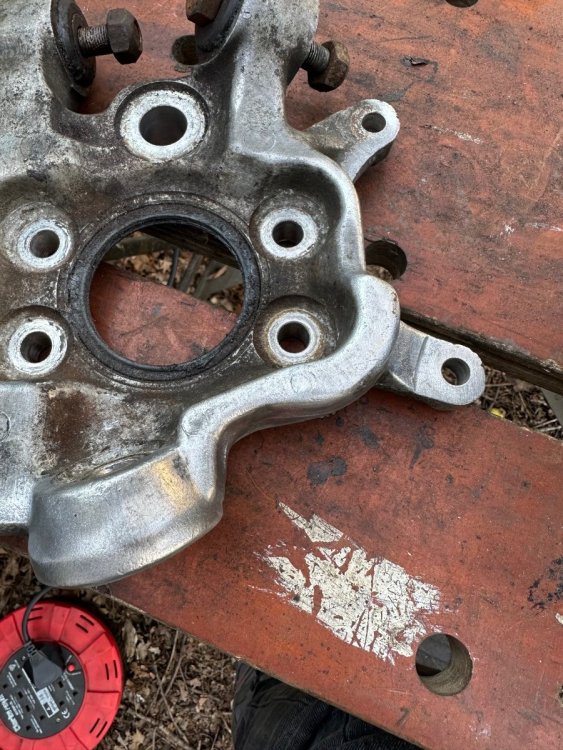
Did some more bits ready for powder coating. 5 mins on the wire wheel. I will use the laser next time I’m there.





-
Happy birthday 🥳
-
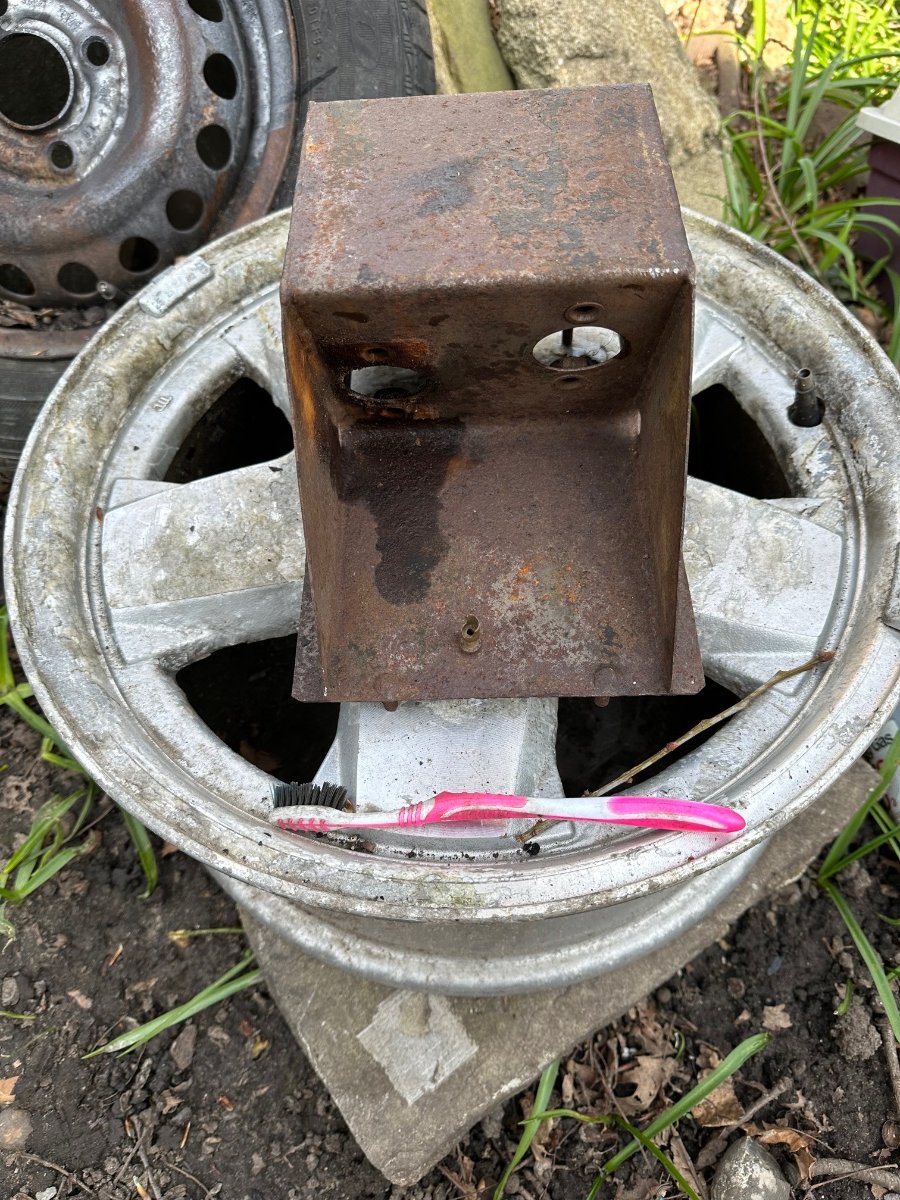
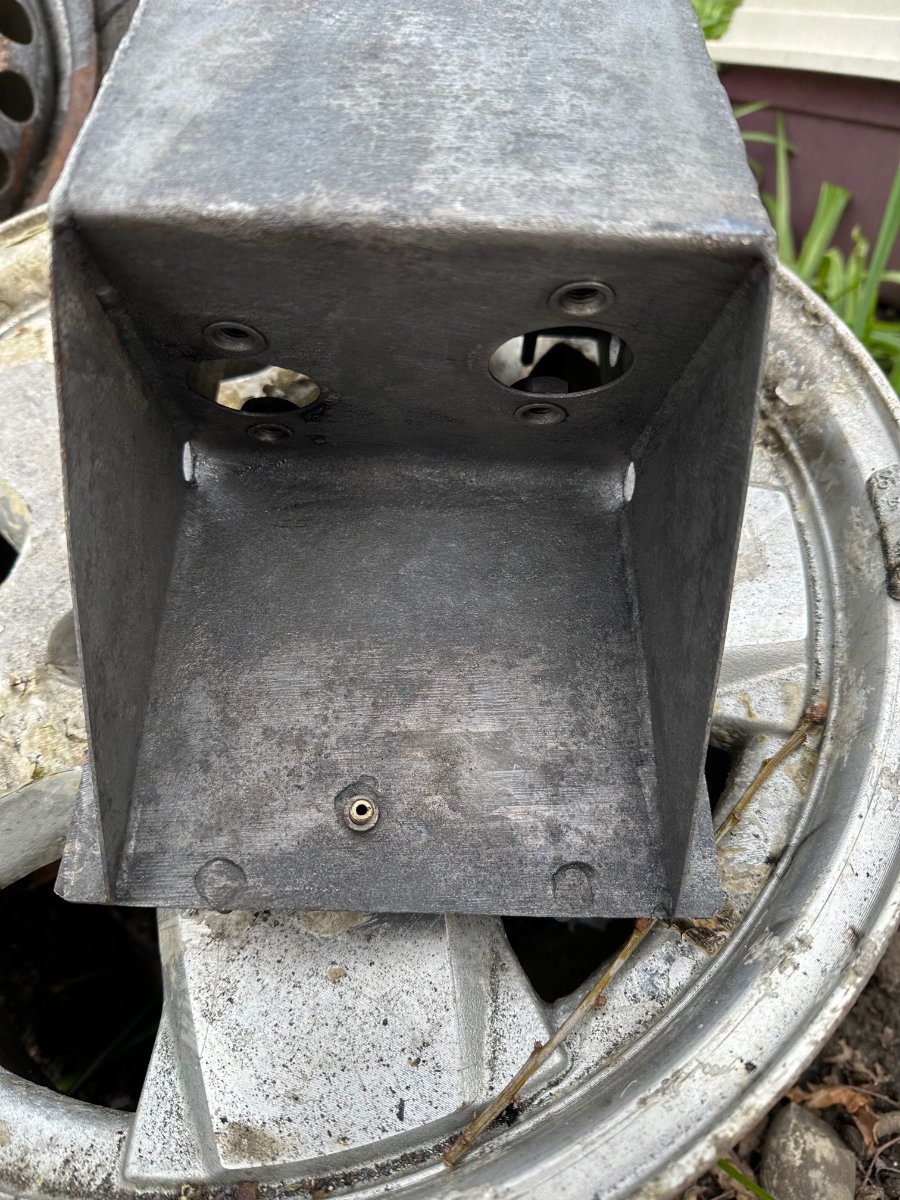
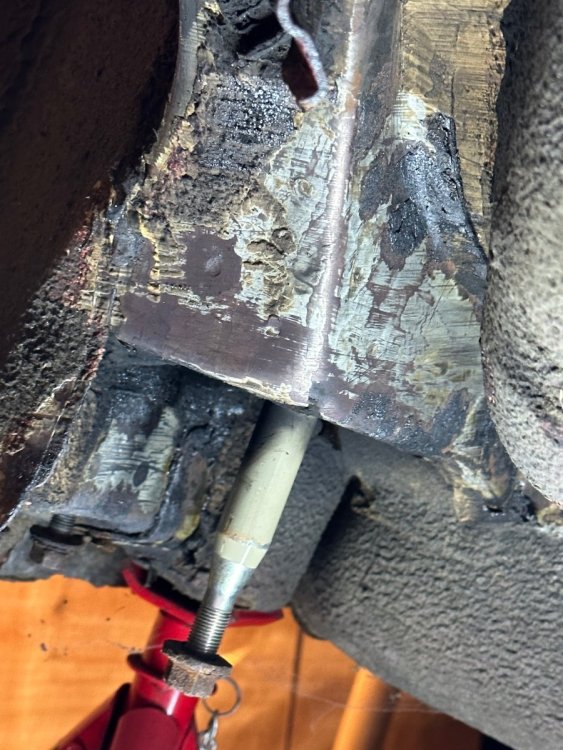
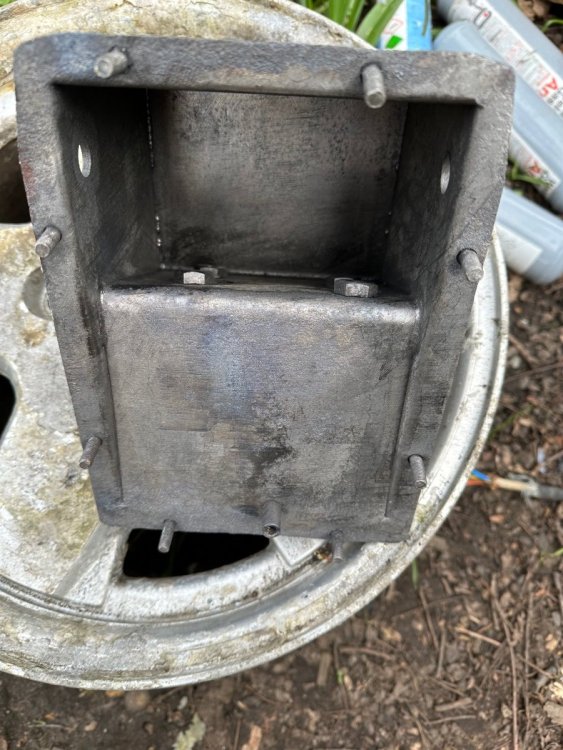
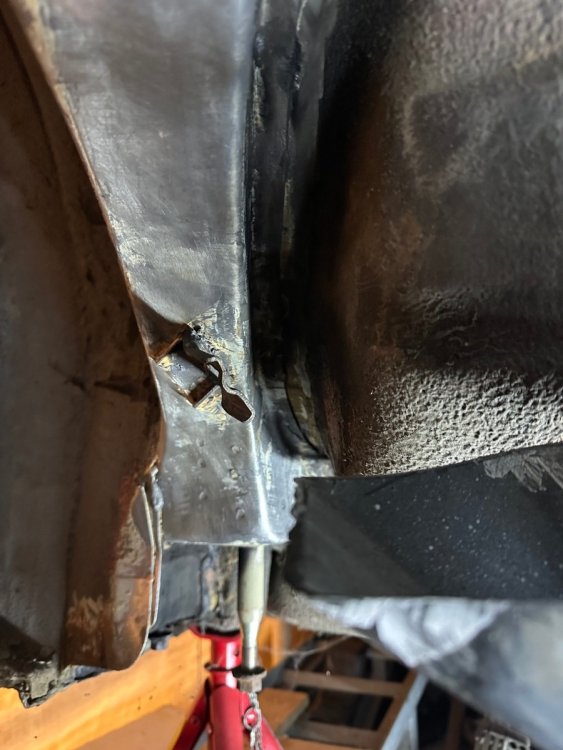
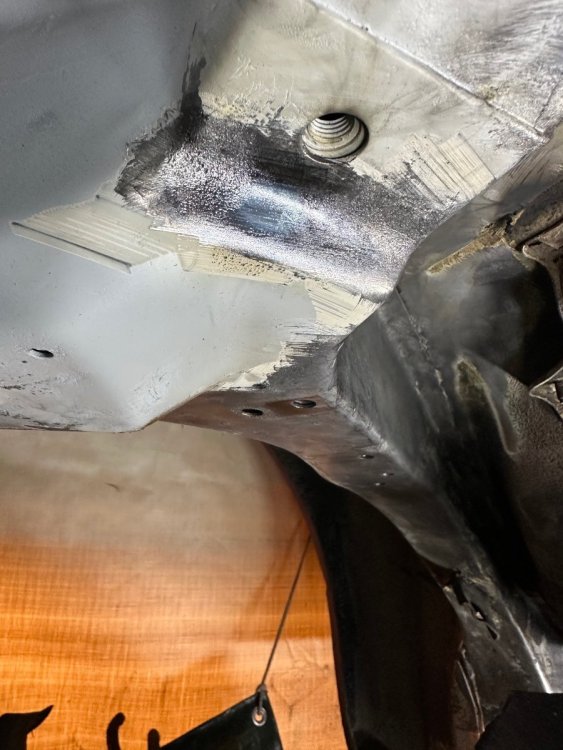
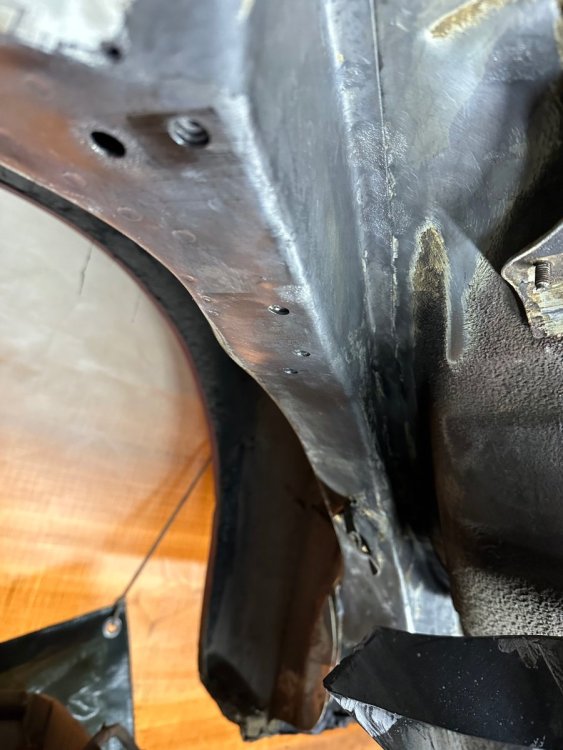
I did some more work last weekend and a rusty peddle box from my brothers +2 elan.




-
Happy Birthday 🎂
-
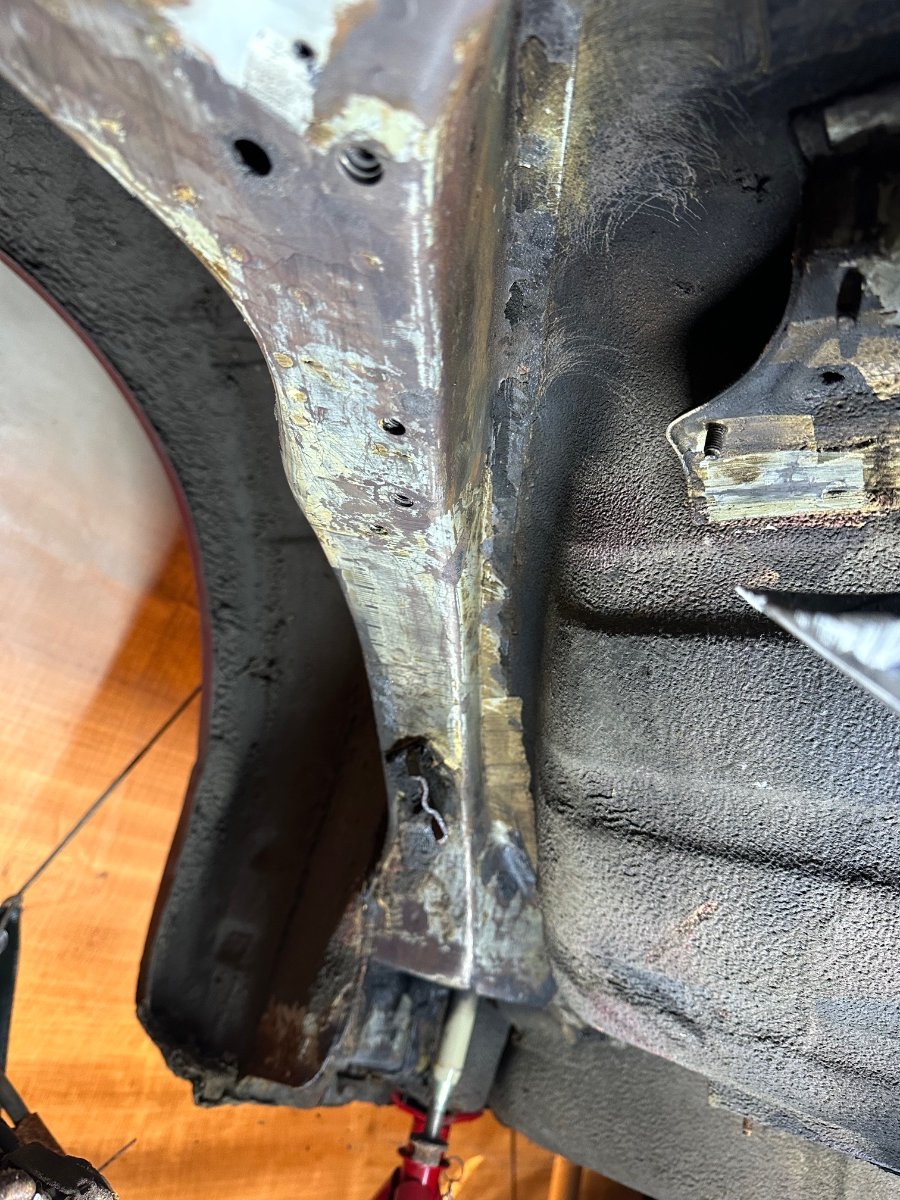
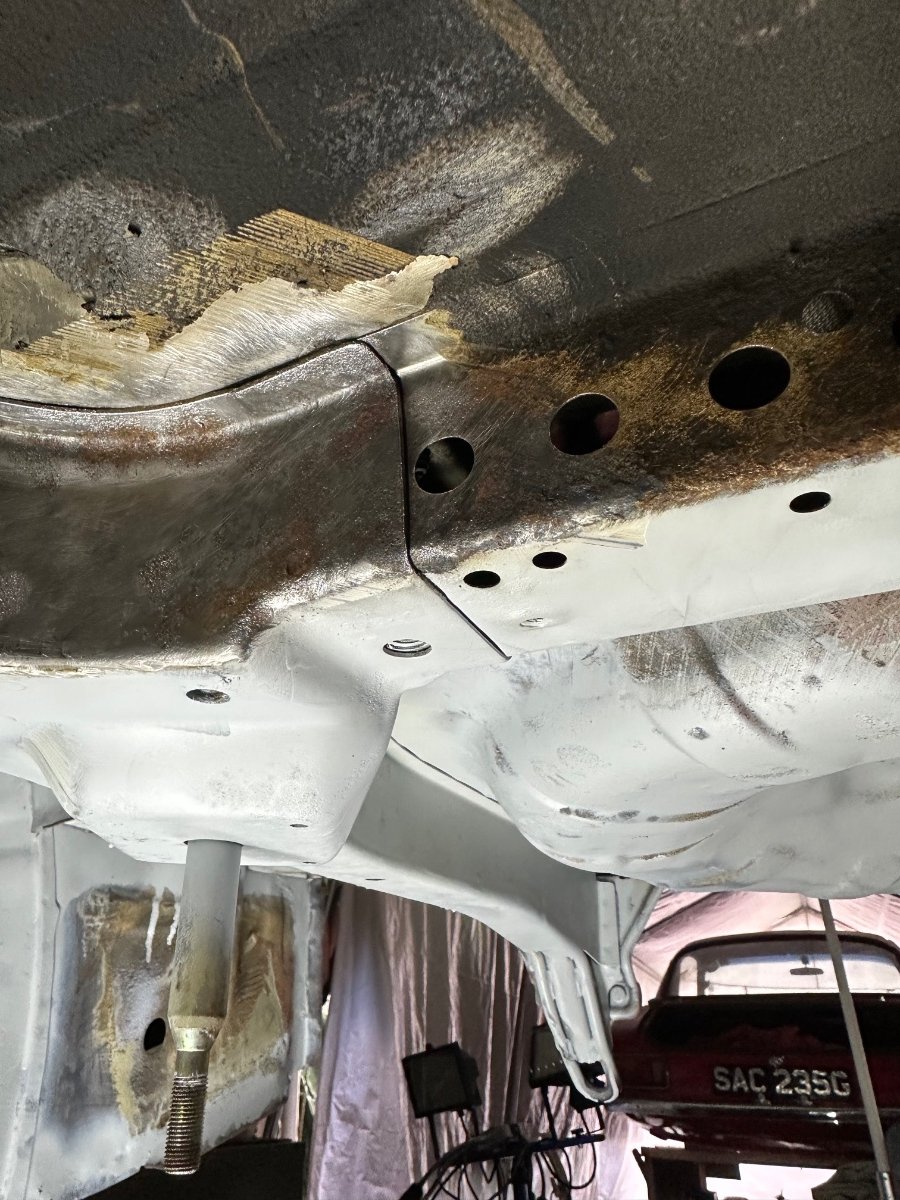
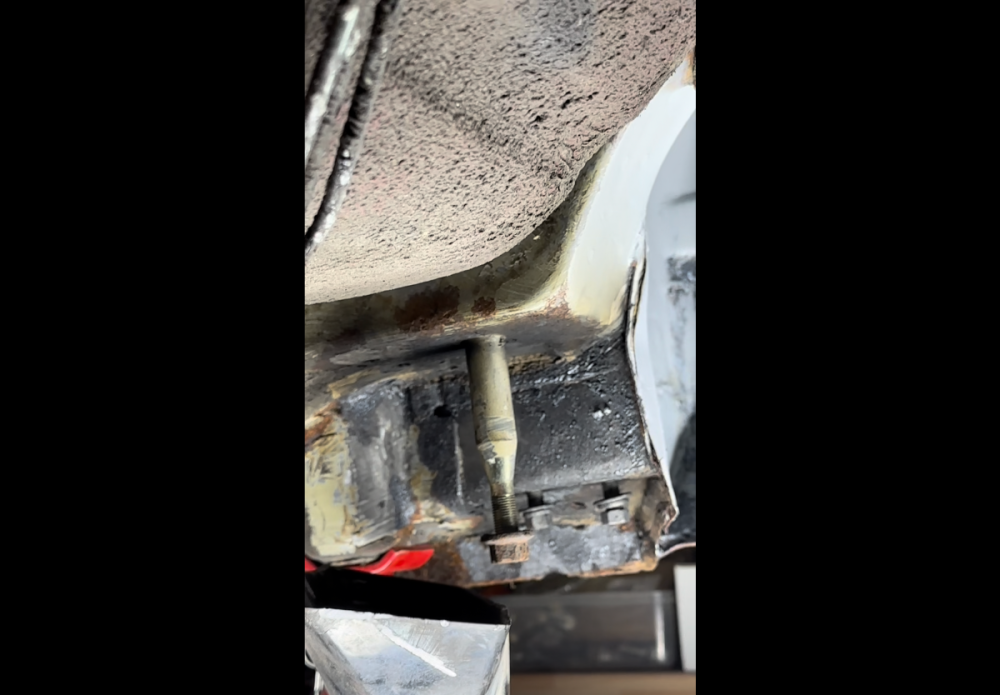
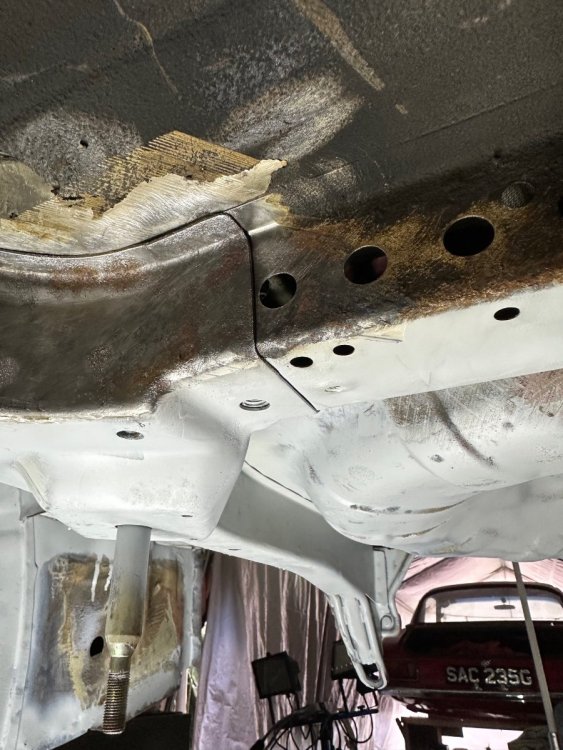
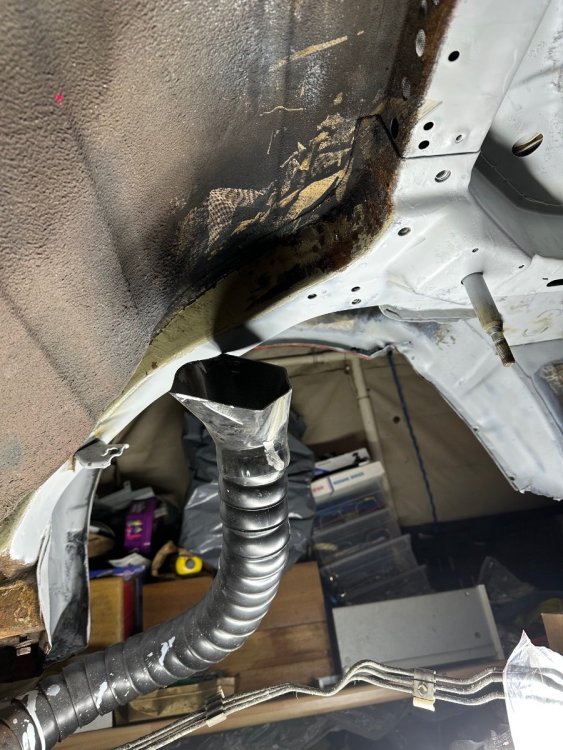
Just playing around a bit today.

-
Wow that’s crazy. 👍
-
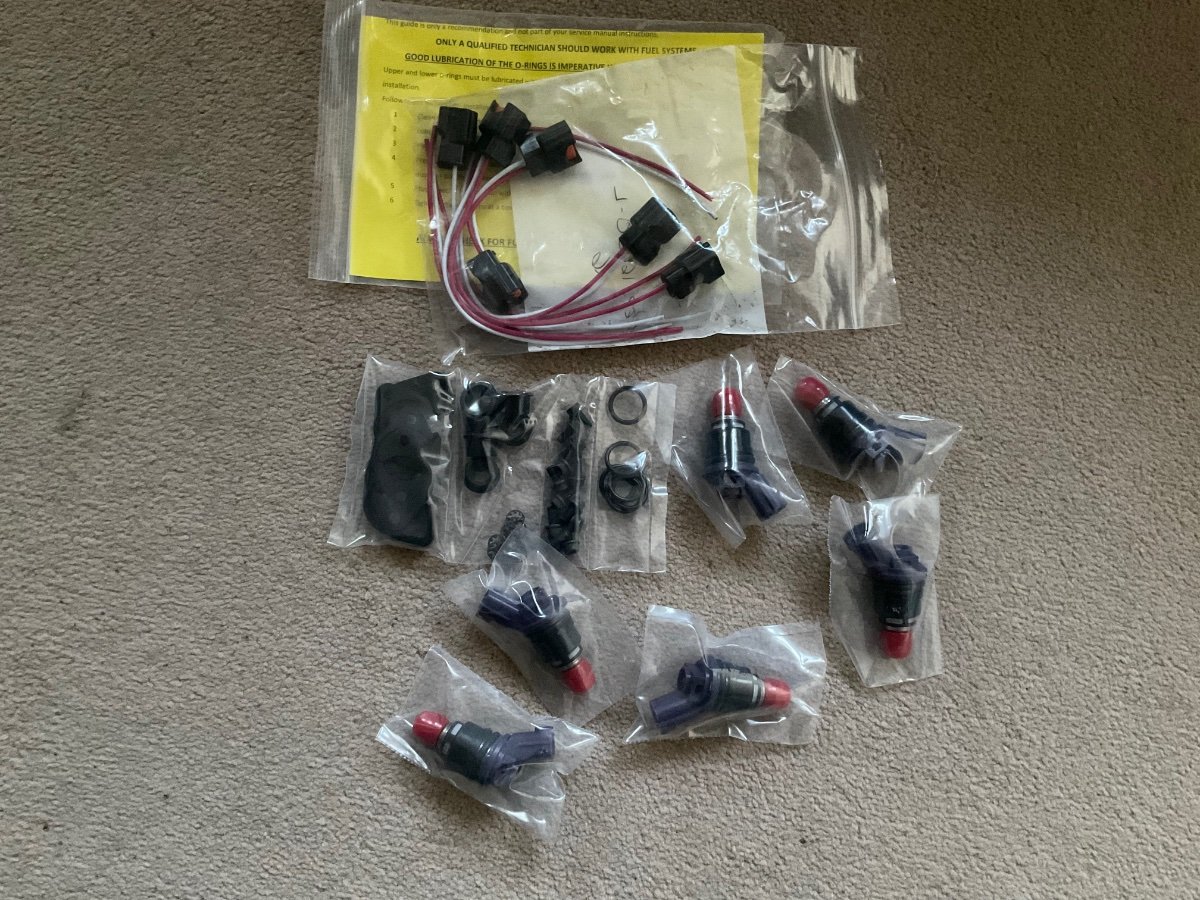
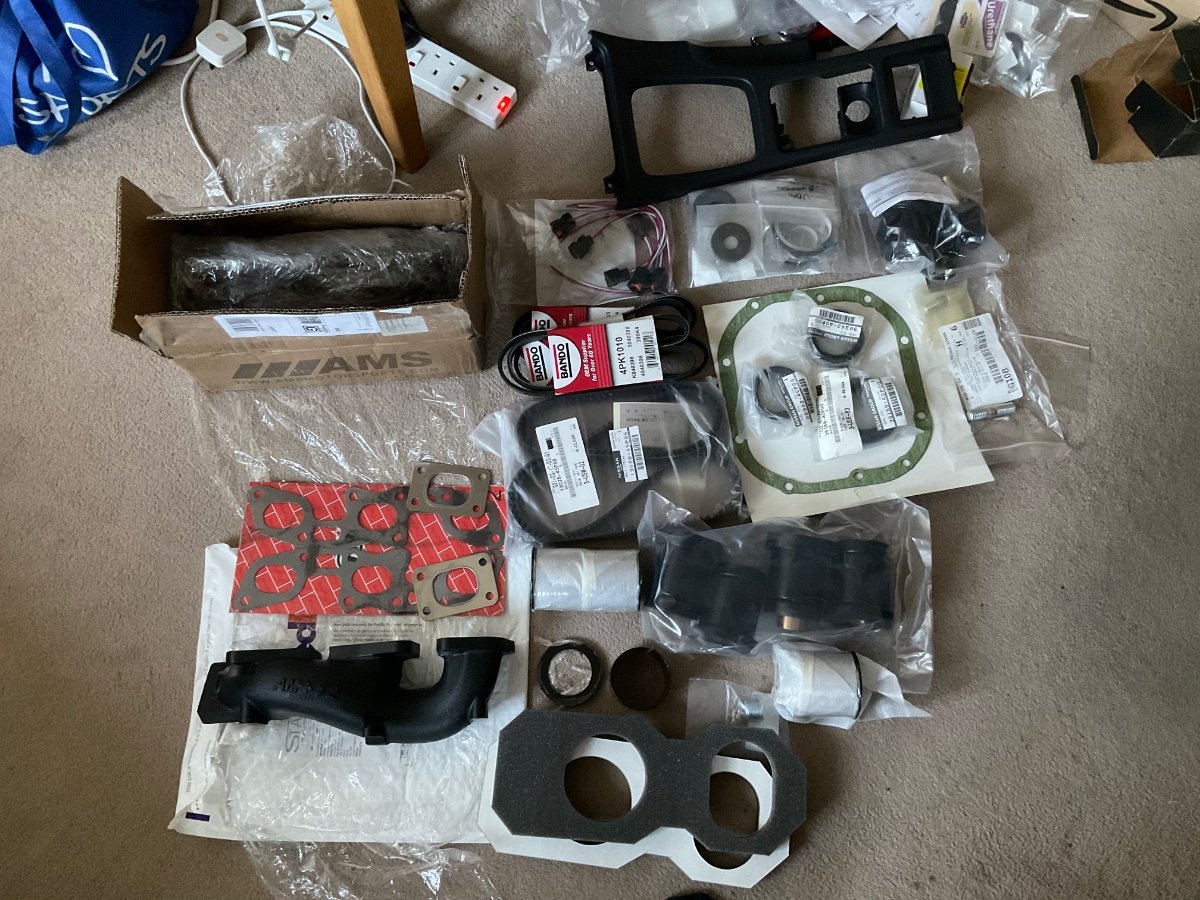
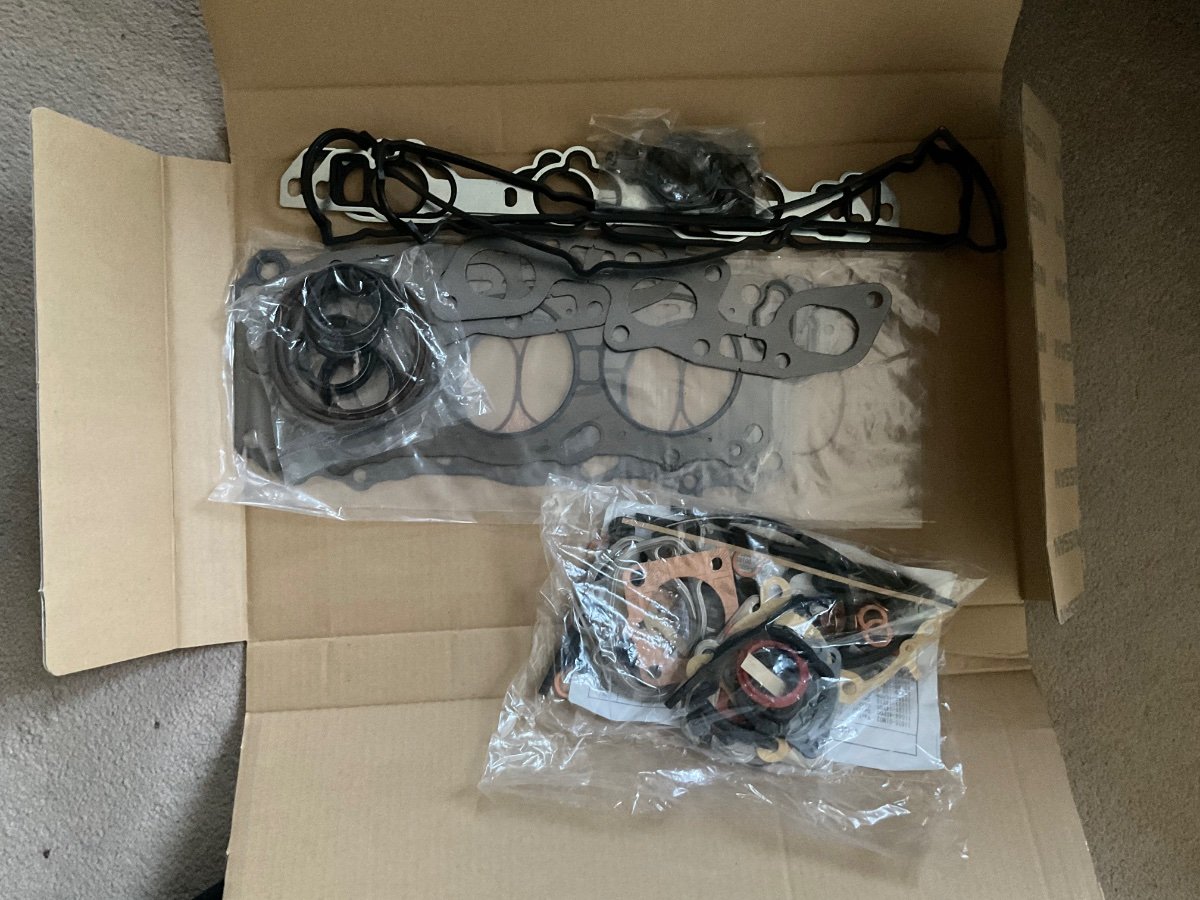
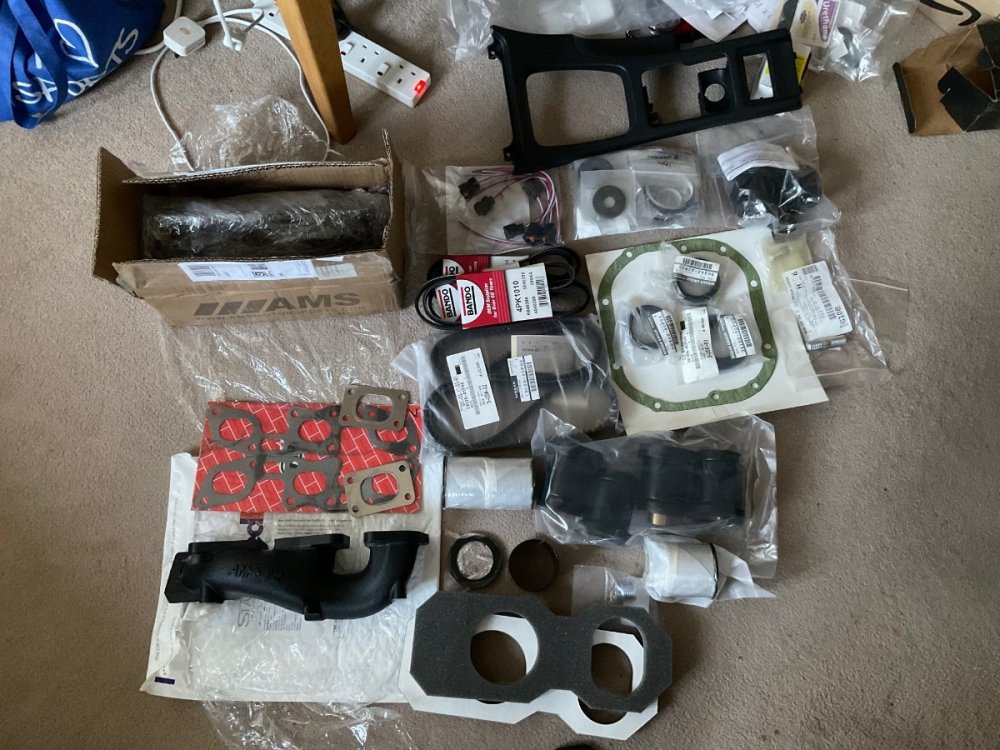
Collecting parts for the rebuild. Nissan OEM Timing Belt - Nissan 300ZX Z32 Part #: 13028-45P86 ZSpec Design Outer B-Pillar Finisher / Cap "WITH Z" - SOLD PER SET (Left/Right) - Nissan 300ZX Z32 Part #: Z32BPLRZ Nissan OEM Rear Bumper Grommet - Nissan 300ZX Z32 Part #: 01281-00701 CZP OEM Replacement Headlight Foam Seal - Nissan 300ZX Z32 Part #: CZP-62568-40P00 Bando Drive Belts, Complete Set of 3 - Nissan 300ZX Z32 || Model: Twin-Turbo || Year: 1990-1993 || Crank Pulley: Stock or Stock Sized Pulley || Water Pump Pulley: Stock || Power Steering Pulley: Stock Part #: BPK-Z32 Nissan OEM Differential Drain Plug - Nissan 300ZX 90-96 Z32 Part #: 32103-U840A Nissan OEM Nismo JDM 1999 J-spec Front Bumper Mesh Grille Clips - Nissan 300ZX Z32 Part #: 62318-VP100 CZP Subframe Sleeve Kit w/ Energy Suspension Bushings - Nissan 300ZX Z32 || Bushing Color: Black Part #: 55400-74102G AMS Max Flow Upgraded Exhaust Manifolds V2, Twin Turbo TT - Nissan 300ZX Z32 || Hardware and Gaskets: Add Hardware and Gaskets (+$50.00) || Ceramic Coating: Black (+$100.00) Part #: AMS-MXFL-EM-KT Nissan OEM 300ZX Rear Rotor E-Brake Adjuster Cover Plug - 90-96 Z32 Part #: 41098-08G10 ZSPEC Radio Bezel Top Screw Cover (1 Pair - Left & Right) - fits: '90-96 300zx Part #: Z32CNRPCS-00843612101952 BlackholeZ Rear VTC Solenoid Caps - Nissan 300ZX 90-95 Z32 Part #: 23790-CZP10 Nissan OEM 300ZX Center Console Finisher - Z32 RHD (Right Hand Drive) Part #: 96931-40P00 Nissan OEM Interior Screw Radio Bezel Finisher, Black Head - Nissan 300ZX Z32 Part #: 01451-00801 BlasterZ Complete Accent Stripe Kit - Nissan 300ZX Z32 || Chassis / Model / Front Bumper: 2+2 4-Seater / NA or TT / JDM Part #: BZ-990KT-4S-TT-JDM AUS Injectors Early to Late Upgrade 370cc / 380cc Set w/ Optional Adapter Kit for 90-94TT - Nissan 300ZX Z32 || Adapter Kit Option: Add CZP Adapter Kit for 90-94 Twin Turbo Models, includes NEW Top Caps w/ Connectors (+$119.70) Part #: 10491-380-6 Nissan OEM Differential Front Seal, Twin Turbo TT - Nissan 300ZX Z32 Part #: 38189-40P00 Nissan OEM 300ZX Differential Side Seal, Twin Turbo Part #: 38342-40P00 Nissan OEM 38320-40P01 Rear Differential Gasket, Twin Turbo TT - Nissan 300ZX Z32 Part #: 38320-40P01 Nissan OEM 300ZX Differential Stud Z32 Part #: 38354-10V0A Nismo Reinforced Differential Mount Stopper Bush, Upper - Nissan 240SX S14 S15 / 300ZX Z32 / Skyline R32 R33 R34 Part #: 55474-RS580 Nismo Reinforced Differential Mount Stopper Bush, Lower - Nissan 240SX S14 S15 / 300ZX Z32 / Skyline R32 R33 R34 Part #: 55475-RS580 Energy Suspension Differential Complete Bushing Kit - Nissan 300ZX Z32 || Color: Black Part #: 7.1108G Nissan OEM Automatic Transmission Converter Housing Front Seal - Nissan 300ZX Z32 Part #: 31344-21X00 Nissan OEM 300ZX Automatic Transmission Oil Pan Gasket Twin Turbo TT Z32 Part #: C1397-51X90 Nissan OEM 300ZX Transmission Strainer Filter O-ring Seal Z32 Part #: 31526-41X07 Nissan OEM Rear Transmission Output, Driveshaft Input Seal, Non-Turbo NA Manual / Twin Turbo TT Manual or Auto Transmission - Nissan 300ZX 90-96 Z32 Part #: 32136-01G10 Nissan OEM Engine Gasket Kit w/ Optional Cometic Metal Head Gaskets - Nissan 300ZX Z32 || Year/Model: 90-94 Twin Turbo TT Include Missing Gaskets?: Plus Missing Gaskets, TT Head Gaskets: Nissan OEM Head Gaskets Part #: 10101-40P90



-
View Advert ZSPEC Outer B-Pillar Finisher / Cap "WITH Z“ (SOLD) Purchased 2 sets by mistake, £10 posted. Advertiser Bones28 Date 03/04/23 Price £8.50 Category Parts - For Sale
-
Yes like a small mortgage, that’s why I will need to earn some money from it when I have done my car.