Everything posted by Bones28
-
Happy Birthday 🎂
-
Welcome to the Club, good luck on your move.
-
Happy Birthday 🥳
-
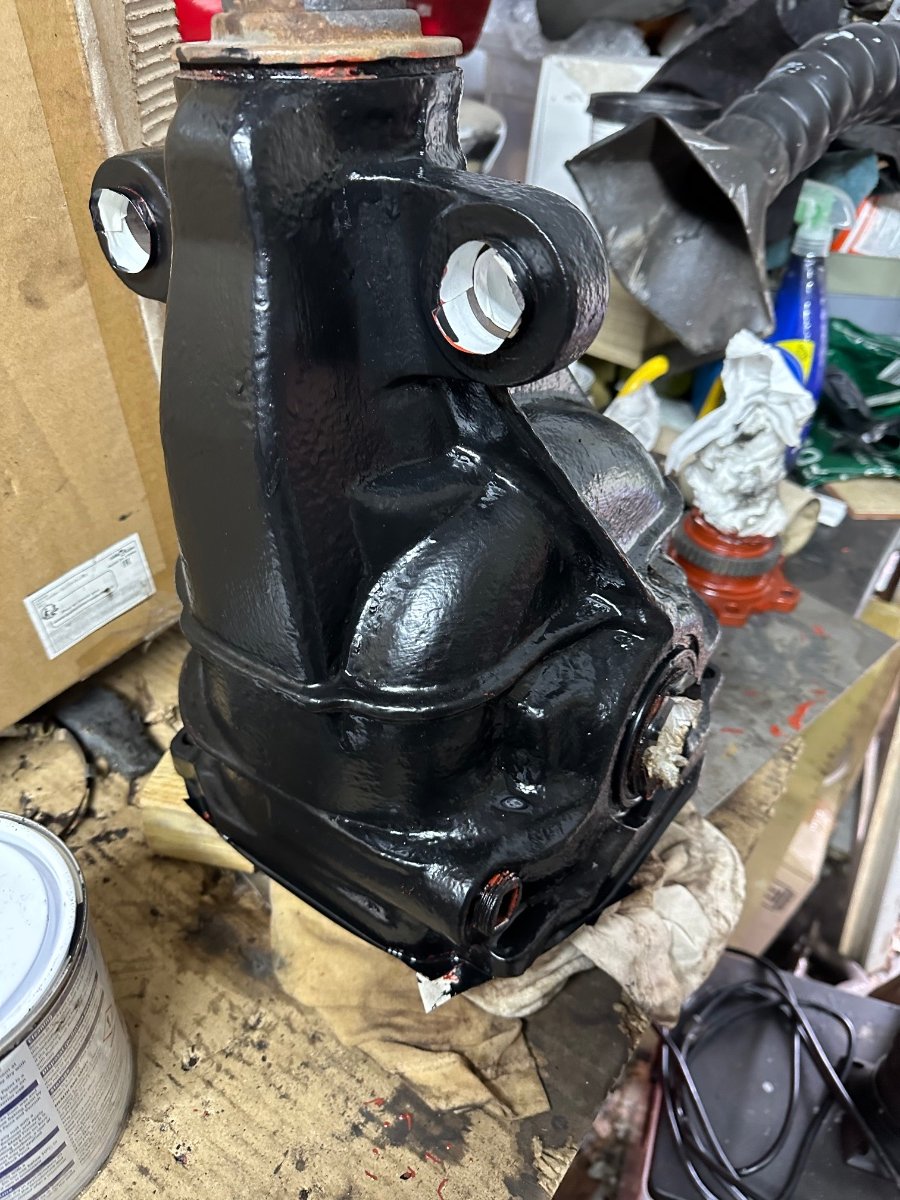
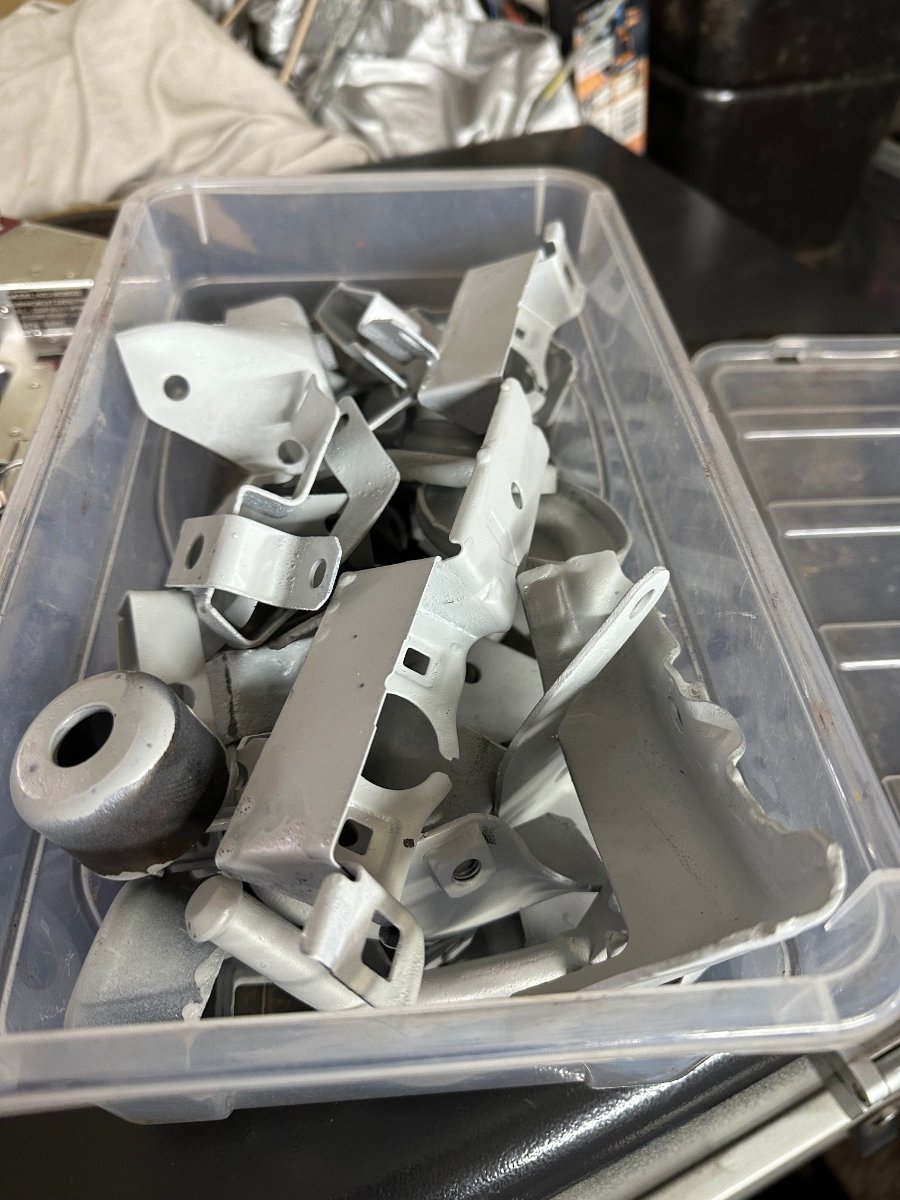
Happy Birthday 🎂Decided to clean and prime my diff and some brackets today.
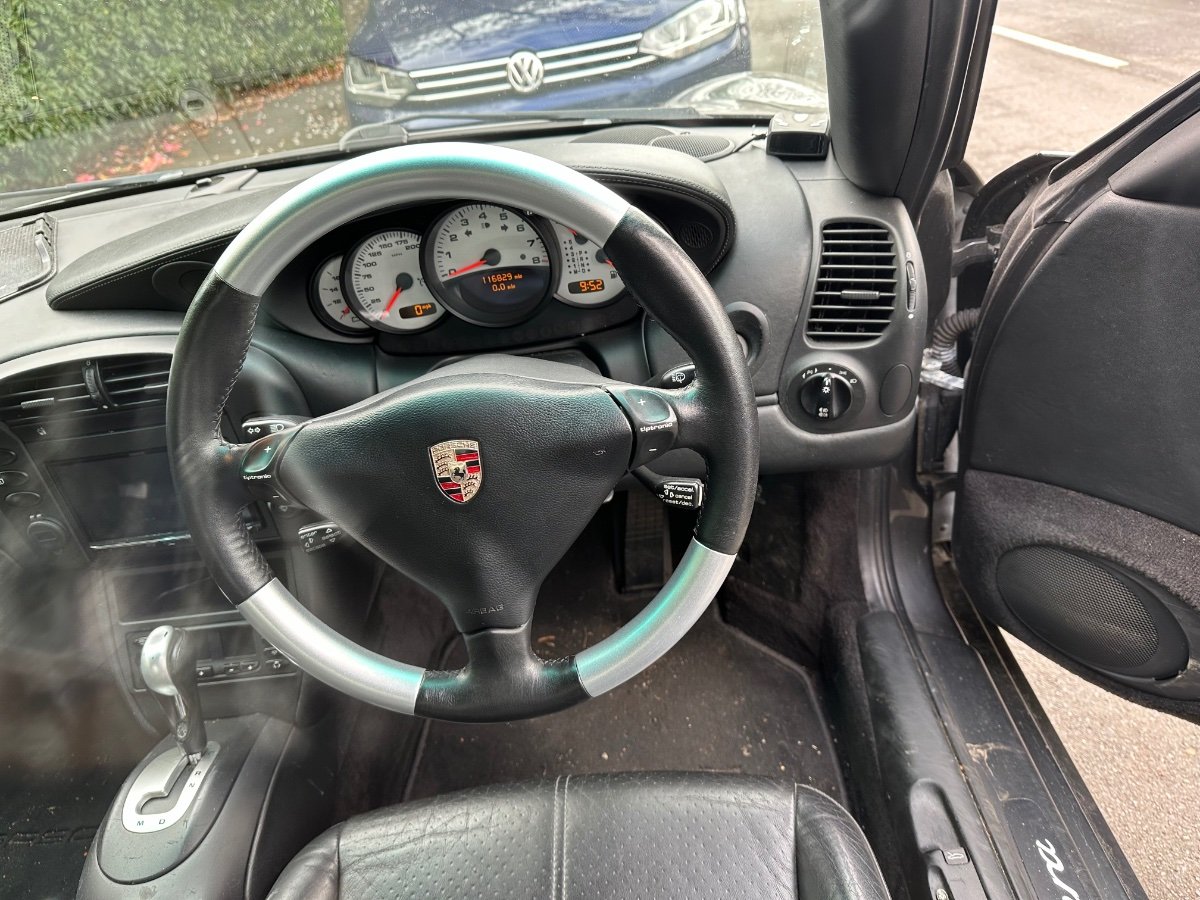
 Hi welcome to the clubMake sure the connector is not corroded.Oh pretty bad I replaced mine with new pigtails, you will need to check all the connectors, tps everything.Unfortunately yes a bit of a pain, you need a small screwdriver to unclip the sides of the metal clips and ping them off, have a magnetic ready to catch them.How about the engine harness the plastic connectors crack and get corrosion especially the injectors, look for green corrosion.That’s such a shame but the Zed does have a decent crash bar.Happy Birthday 🥳I decided to upgrade my Steering Wheel, made a huge difference.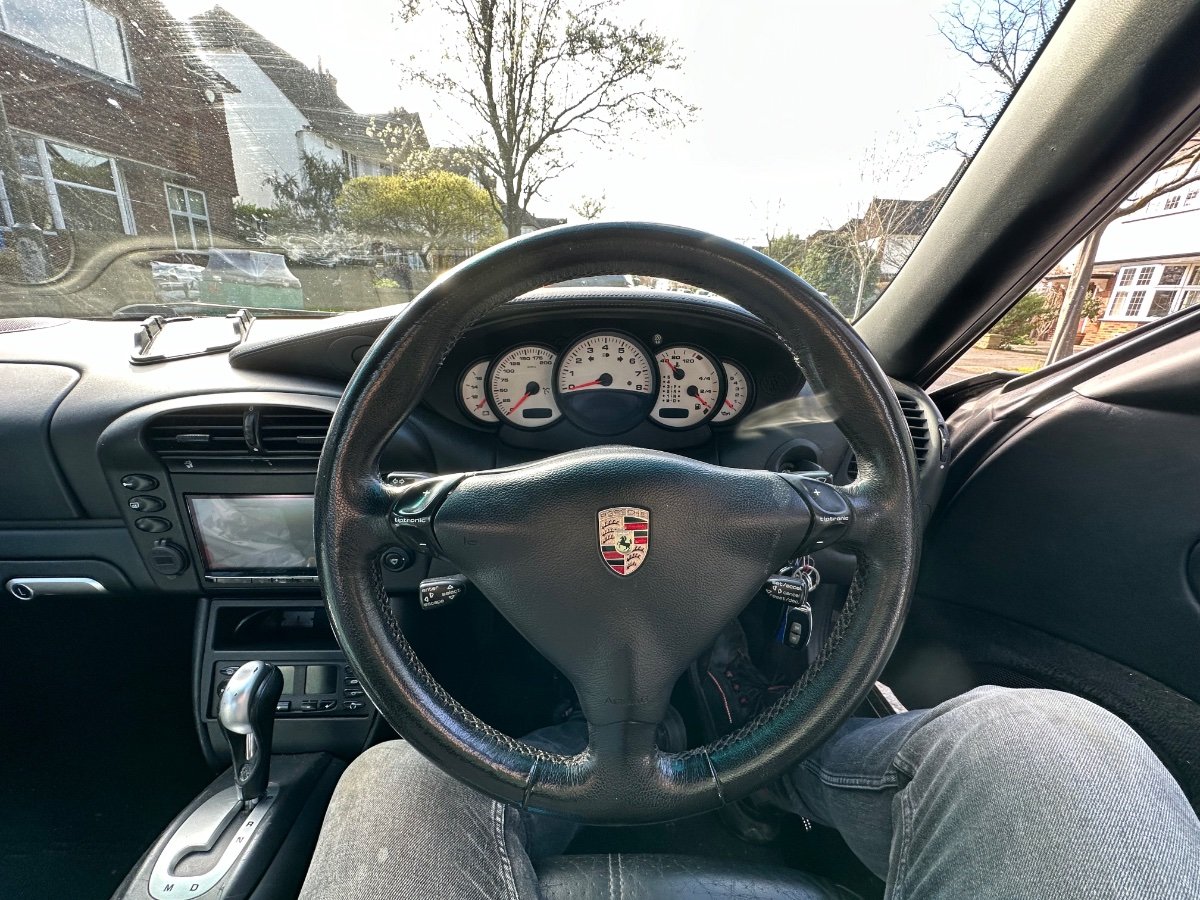
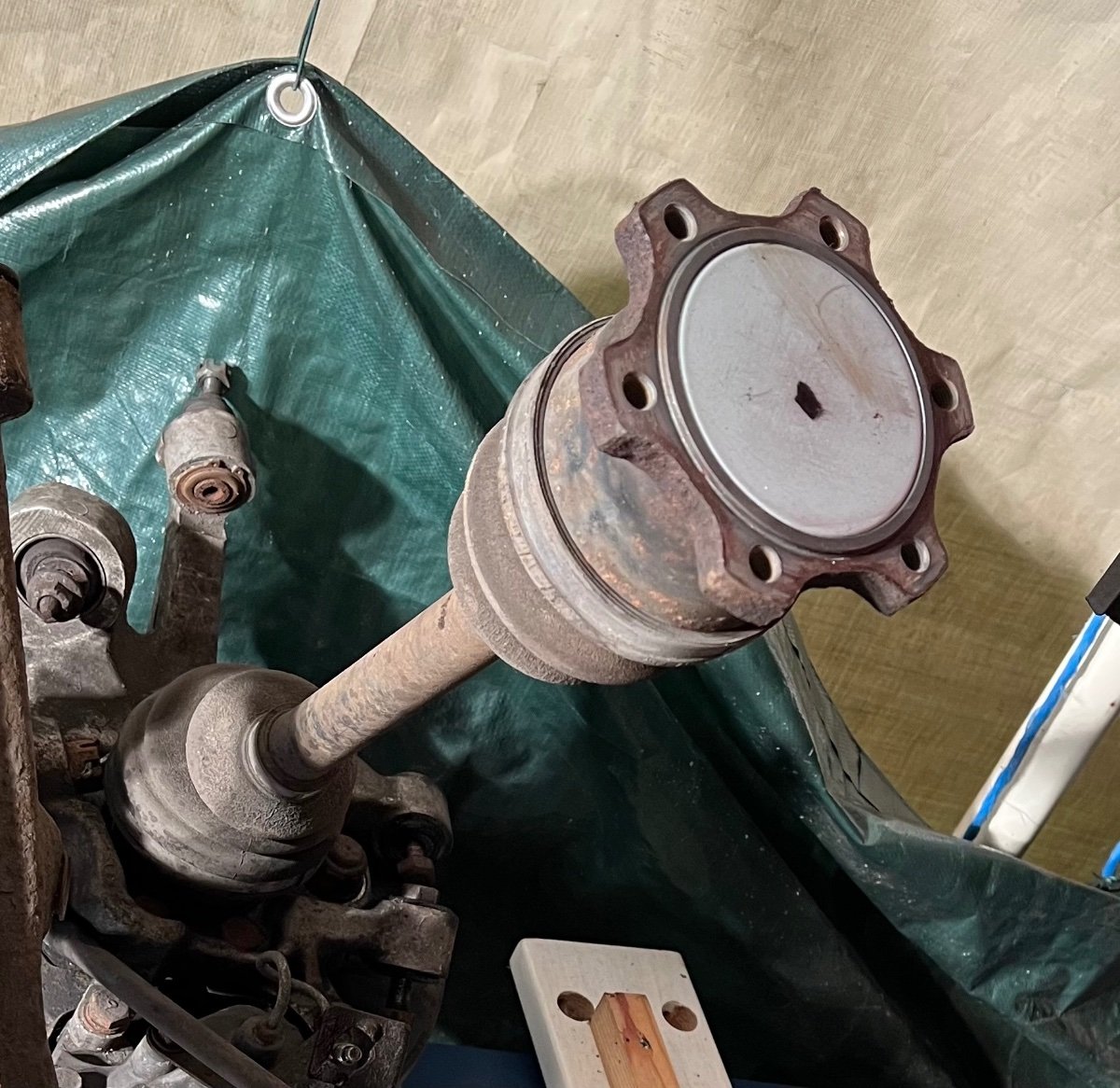
 Happy Birthday 🎂Happy Birthday 🥳Happy Birthday 🥳Hi Guy's, Girls & Others. As I’m rebuilding the whole rear end my attention has turned to the drive shafts, the boots look in excellent condition but as they are 33 years old, should I replace them. I will be cleaning and re greasing, painting exposed parts. CZP have replacements but tax and delivery add up, any other recommendations. pic for ref only everything has been dismantled.
 I’m inHappy Birthday 🎂Happy Birthday 🥳Sur was RIPHappy Birthday 🎂Hi Dan welcome to the club.Decided to test the Laser on the sill to see how it comes up.