Everything posted by Bones28
-
Yes I am going to strip all the underseal that’s needed make it rust free and reapply new underseal. It can clean all sorts of materials. Cleans in the seams and hard to access ares.
-
Well folks I have finally gone mad spending an obscene amount of money on a laser, 3 in 1 cleaner, plasma cutter and welder. I will have to start some sort of business to pay for it, so I am testing it on my underbody. Some teasers for now. https://youtube.com/@Th-lasercleaning
-
RIP Raquel, sure was.
-
Happy Birthday 🎂
-
Happy Birthday 🥳
-
Hi yes it is the same part. You will need to use a threaded rod and a couple of sockets or buy a special set.
-
Yes that is the Hicas track rod end.
-
Happy Birthday ?
-
This is a great read if you have not seen it before. https://www.mig-welding.co.uk/forum/threads/thanks-everyone.15465/
-
Welcome to the club.
-
They don’t have gaskets you use sealant.
-
Happy Birthday ?
-
Happy Birthday ?
-
Happy Birthday ?
-
That’s a real blow, good luck with the new people. Will be very nice when finished.
-
Wow what an experience.
-
Welcome to the club, Very nice work.
-
Merry Christmas ?
-
Welcome to the club. Good luck with your purchase, where are you located. Pictures are mandatory for new users ? Lots of different seats to chose from, what interior does it have.
-
There was a lot in Ilford. Very pretty.


-
Happy Birthday ?
-
Happy Birthday ? I’m not on the birthday list anymore.
-
Happy Birthday ?
-
Good Luck, have donated.
-
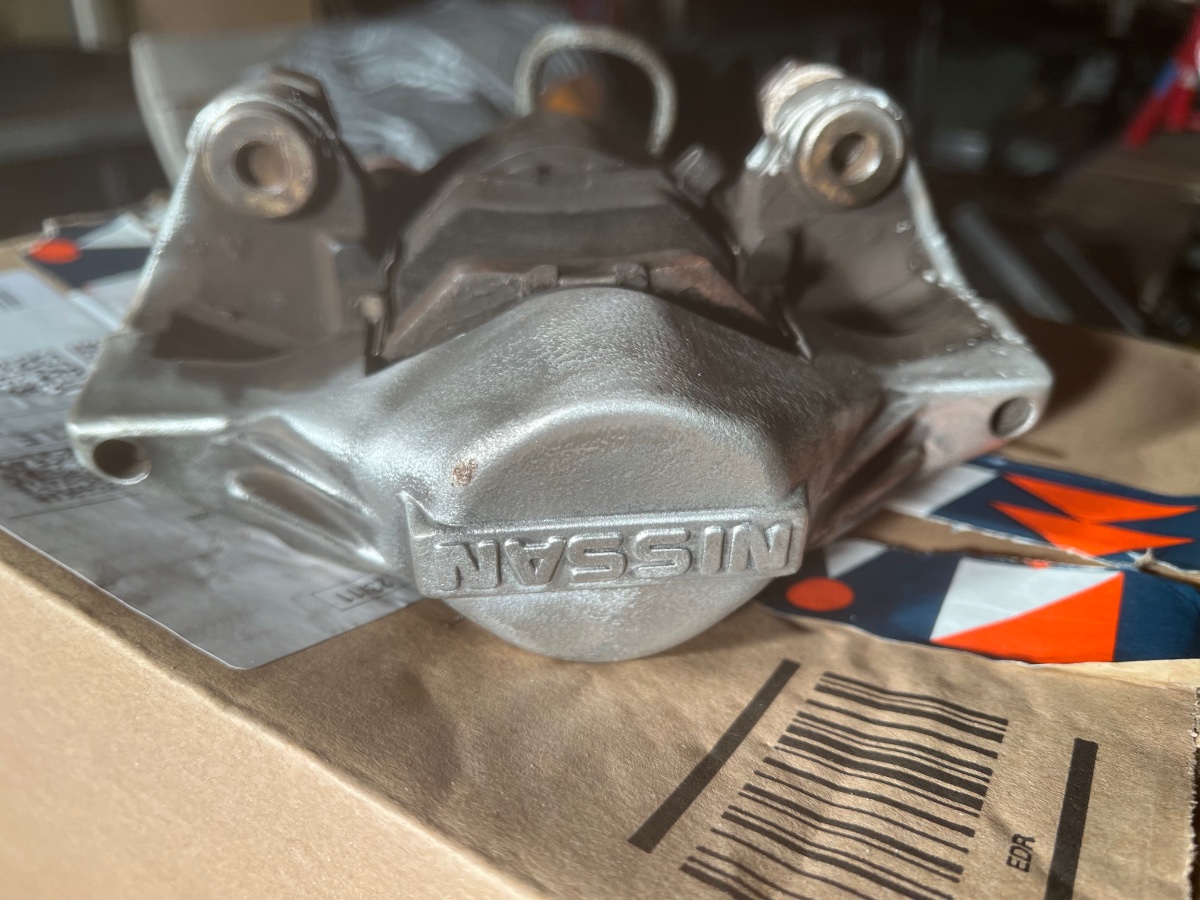
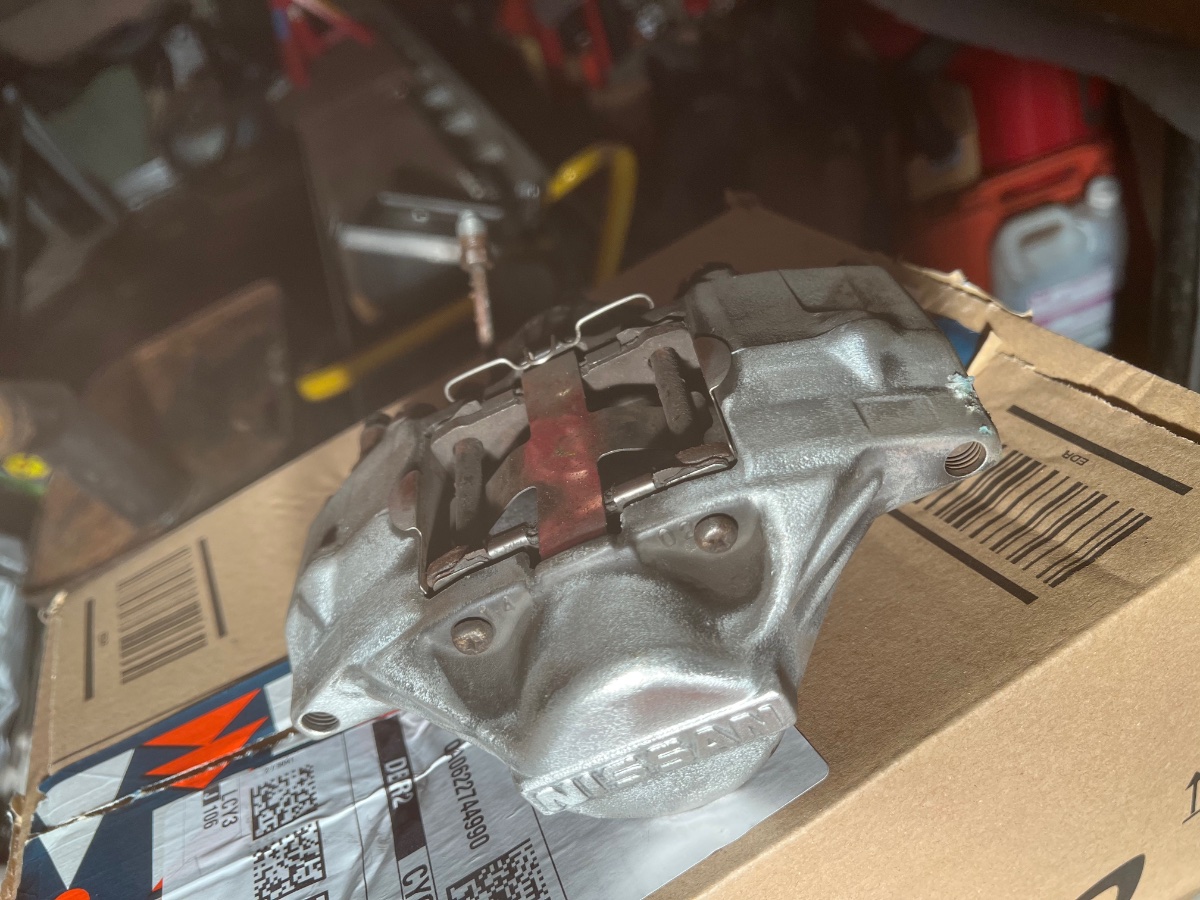
Hi just started cleaning mine they are the aluminium ones, will finish with some high temp clear coat.