


Everything posted by Bones28
-
Happy Birthday 🎂
-
Happy Birthday 🎂
-
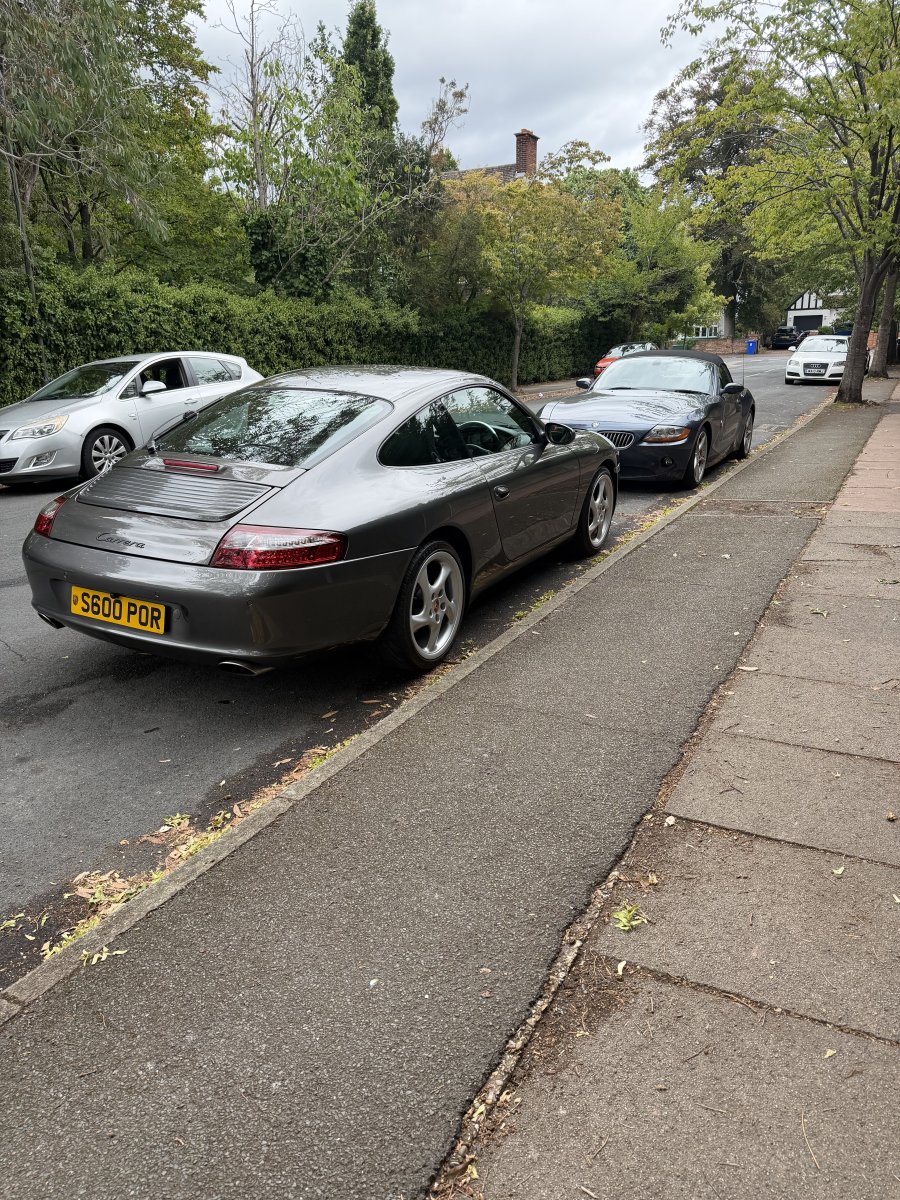
Porsche has been repaired and back on the road, now looking to rent a garage near me so I can keep the Z4 for sunny days. Funny how all 3 of my cars are 6 cylinders.
-
Good luck hope it’s ok.
-
Welcome to the club
-
Welcome to the club
-
Welcome to the club Nice Z
-
Welcome to the club, Z looks very nice..
-
I purchased a bottom bracket from Banzai Breakers, this part was not listed on the diagrams I use.
-
Happy Birthday 🎂
-
Happy Birthday 🎂
-
Welcome to the club
-
Happy Birthday 🎂
-
Happy Birthday 🎂
-
Happy Birthday 🥳
-
That must be so gutting, I do wish you luck in sorting the problem.
-
Wow that’s crazy.
-
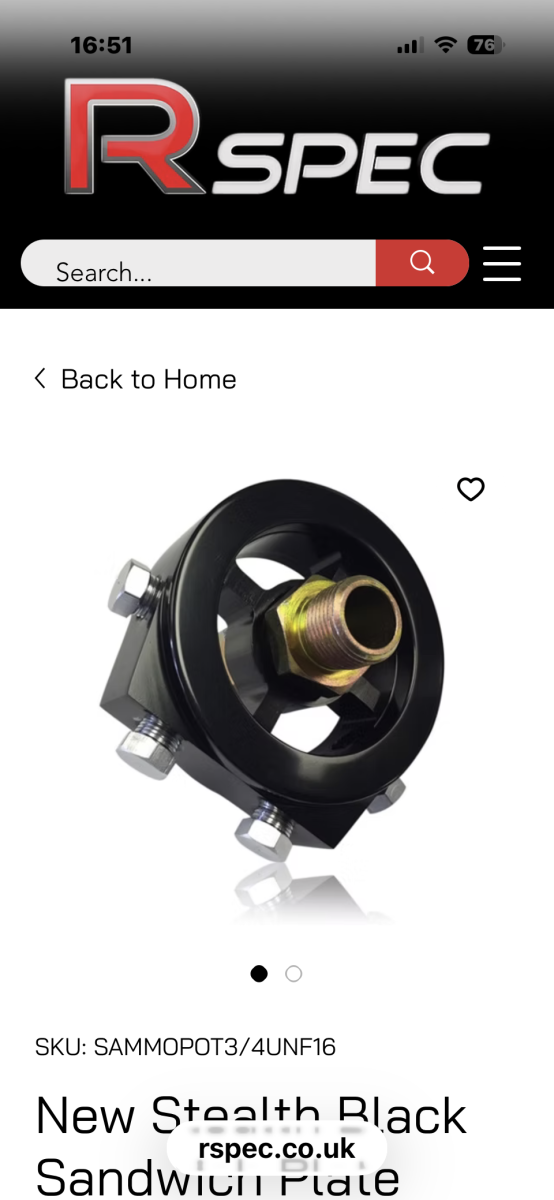
I have been using this for years and not had a problem.S
-
https://conceptzperformance.com/wiki/index.php/Vacuum_Diagrams?srsltid=AfmBOorUvGKacg2_0pu8KMrqS0t5GTQaJty5QIqkRg6nTxtBkxBaPxDy
-
Happy Birthday 🥳
-
The spigot bearing
-
Yes true.
-
Crazy how 4 plenum dolts can hold the engine.
-
Britain took the EU laws and regulations to far, then we were lied to regarding the benefits to leave. Government is so weak and useless, that any party would have messed it up. We needed a strong leader to keep are laws and regulations in place but stay in the EU.
-
Happy Birthday 🎂



