


Everything posted by Bones28
-
That’s so bad, is there no way of enforcing the court order, recovery agents ect. I think a dump truck of crap on his doorstep comes to mind.
-
RIP Hulk
-
RIP Ozzy Osbourne One of a kind was a real character.
-
Happy Birthday 🎂
-
You would think in America it was different to here, but still even more so now court judgments seem to make no difference. Good luck, keep us posted.
-
The only thing I can think of is a vacuum leak.
-
Happy Birthday 🎂
-
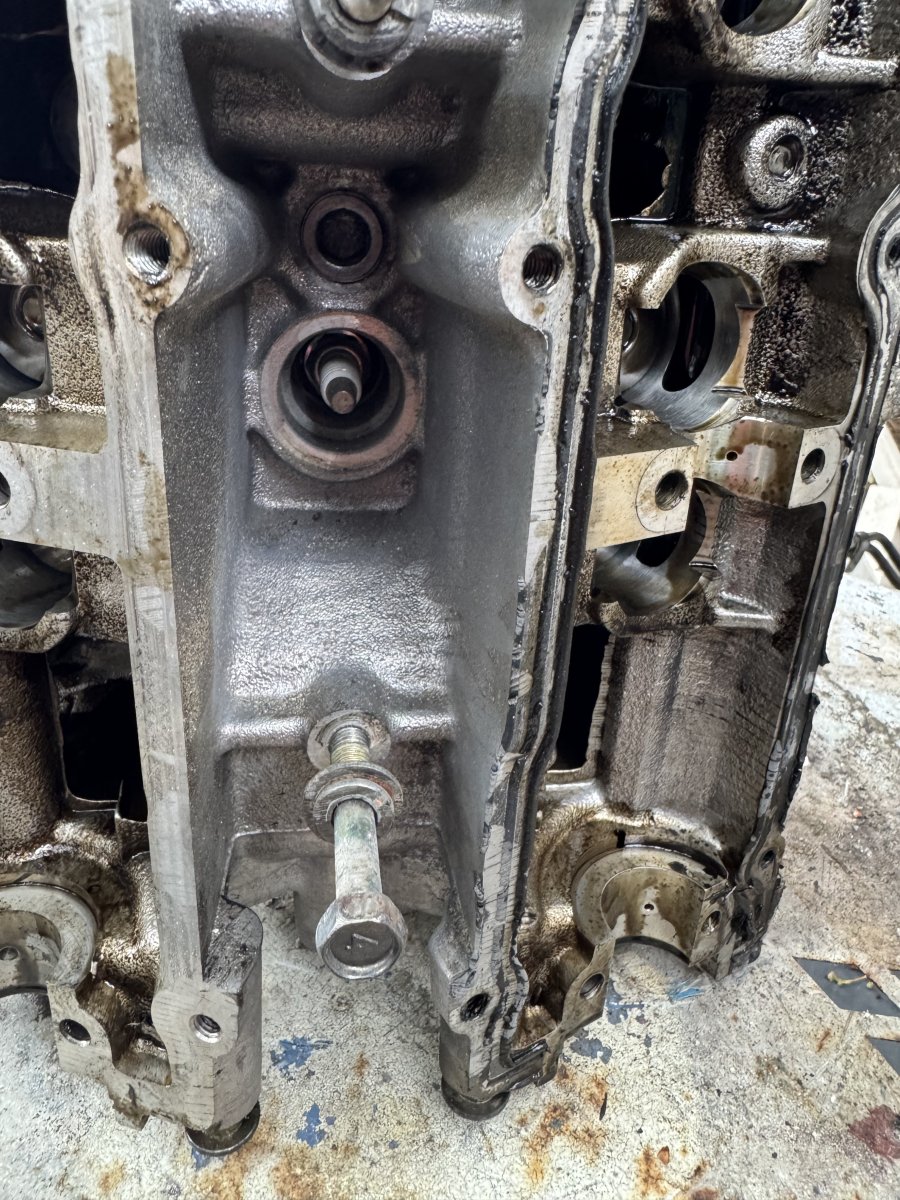
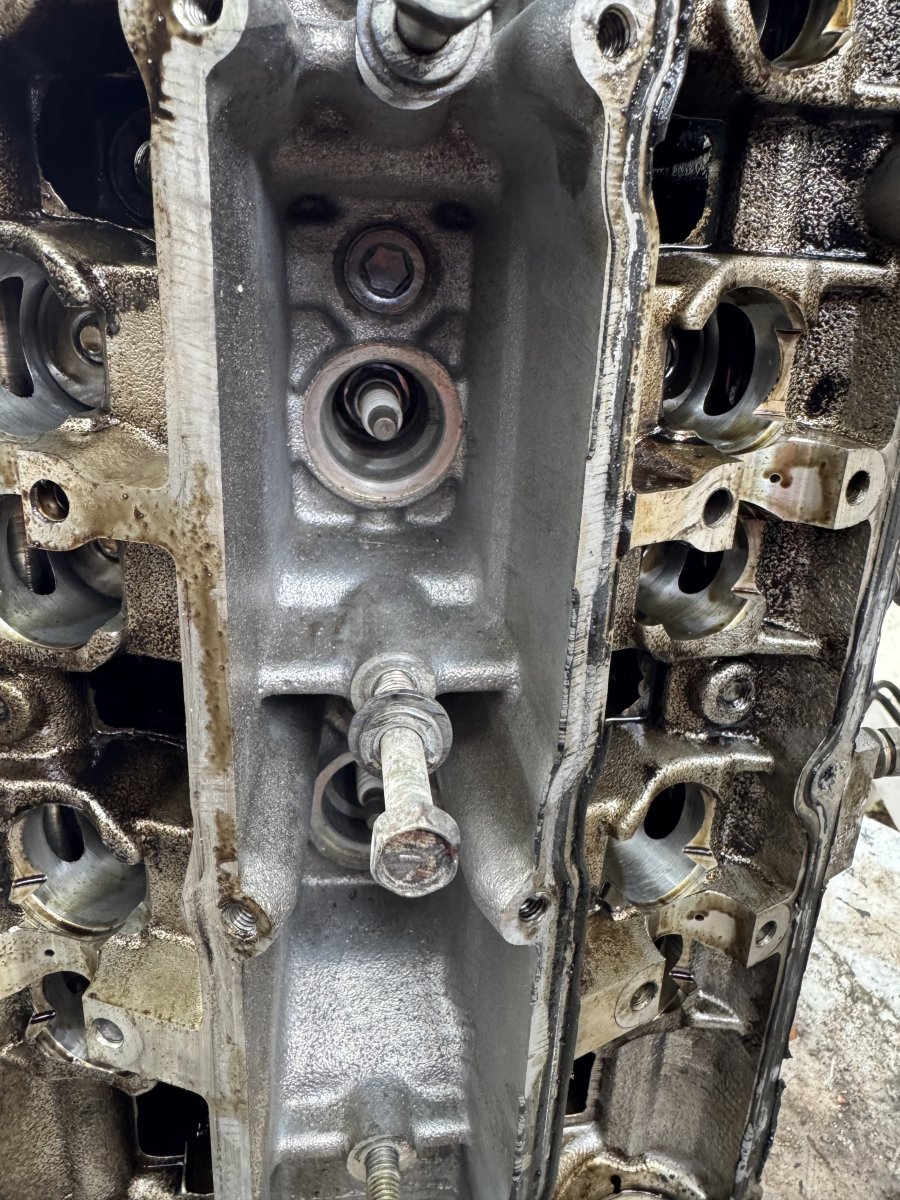
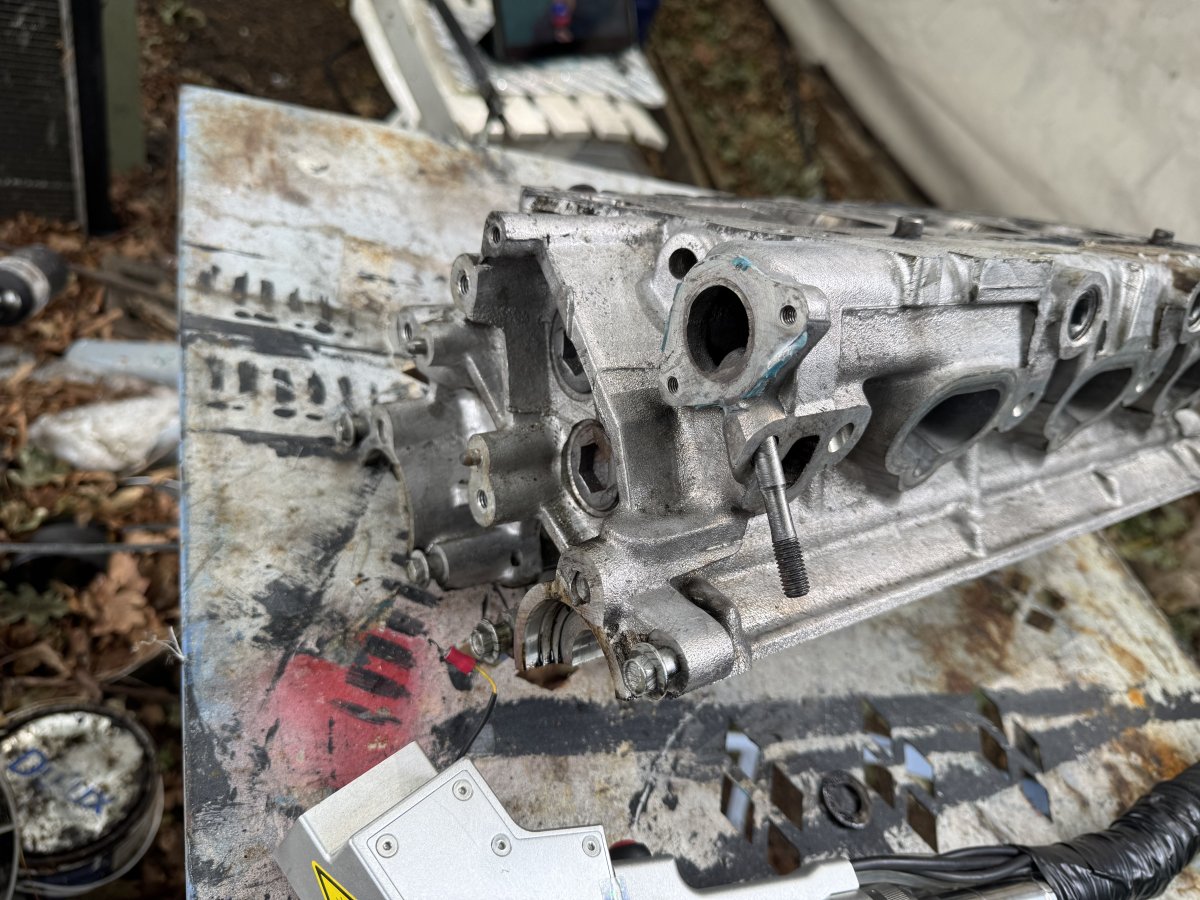
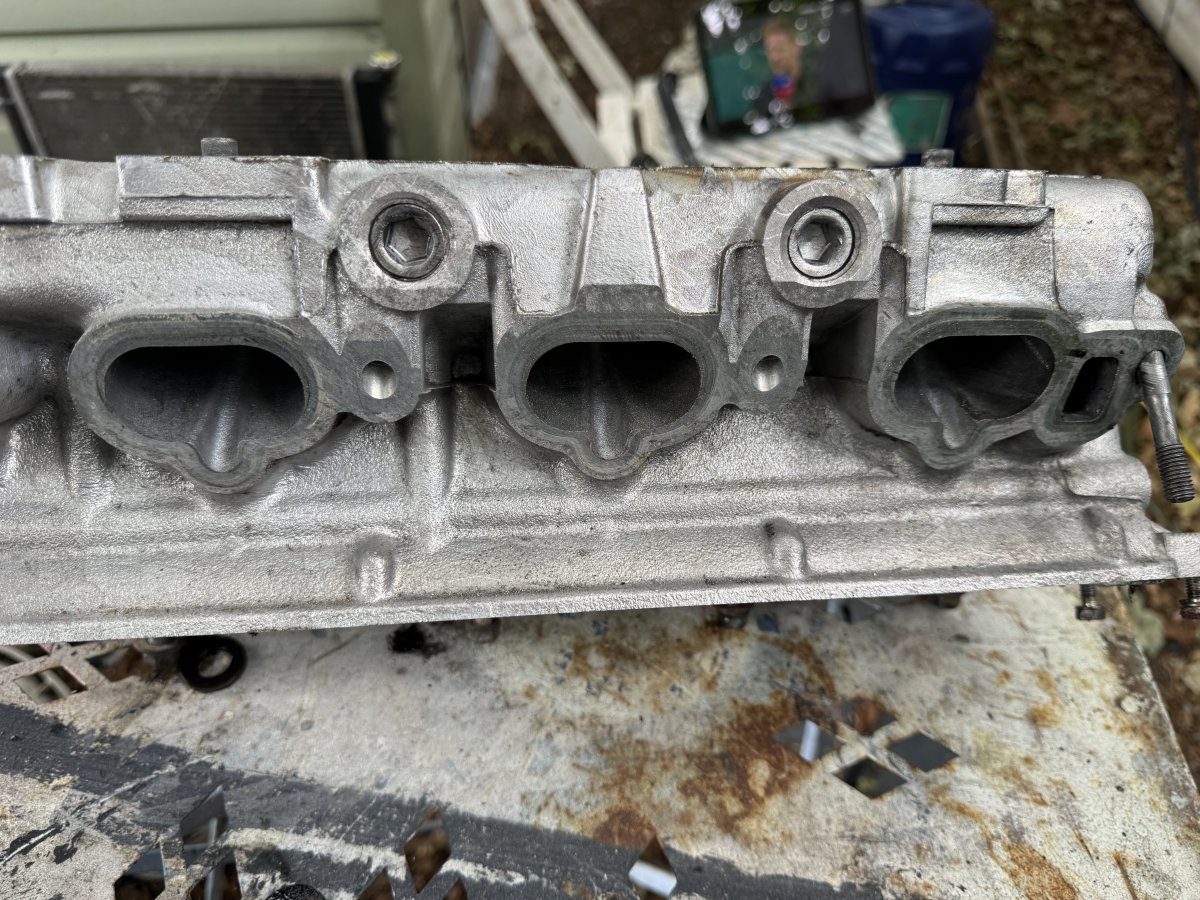
Hours of cleaning in 5 mins


-
Started the Laser up for the first time this year and got a very quick clean of the cylinder head before it started raining.


-
Happy Birthday 🥳
-
Welcome to the club nice Z enjoy.
-
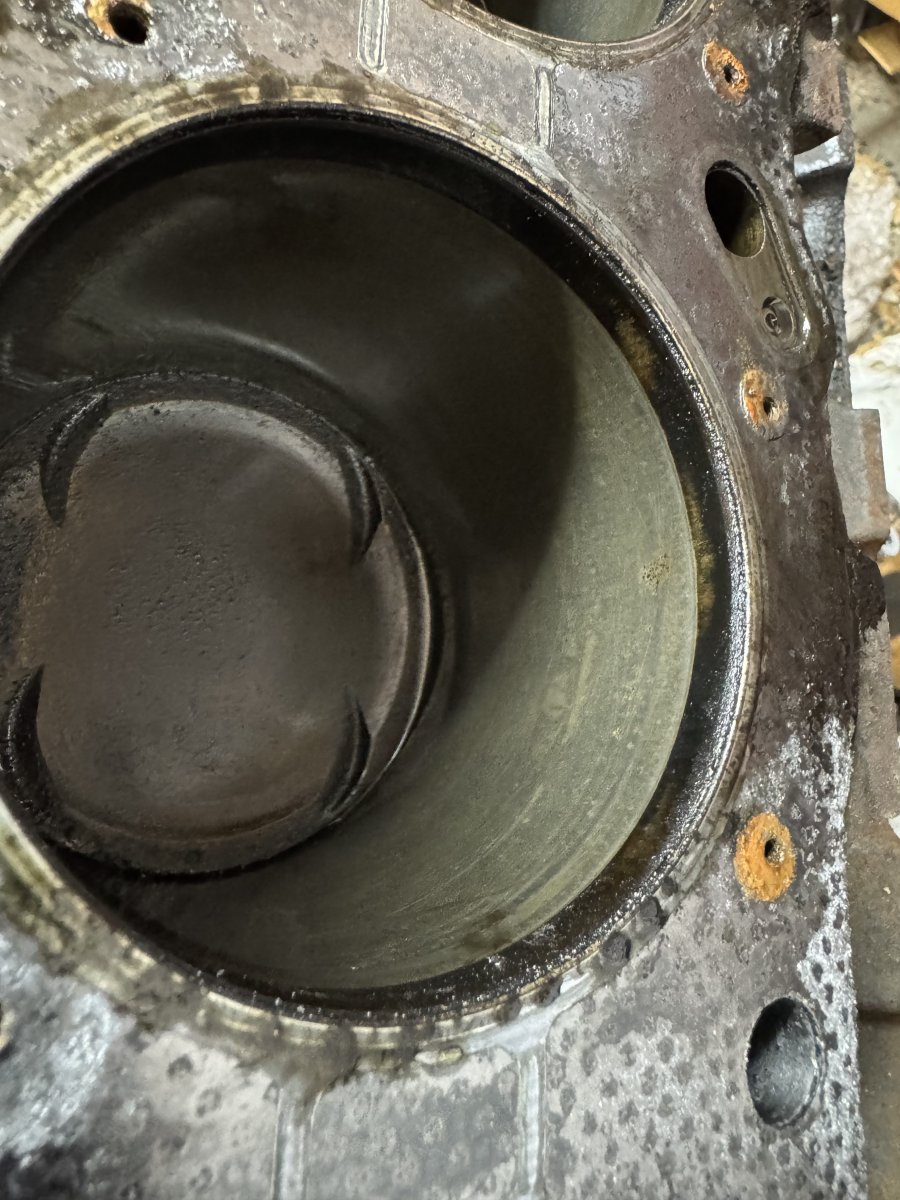
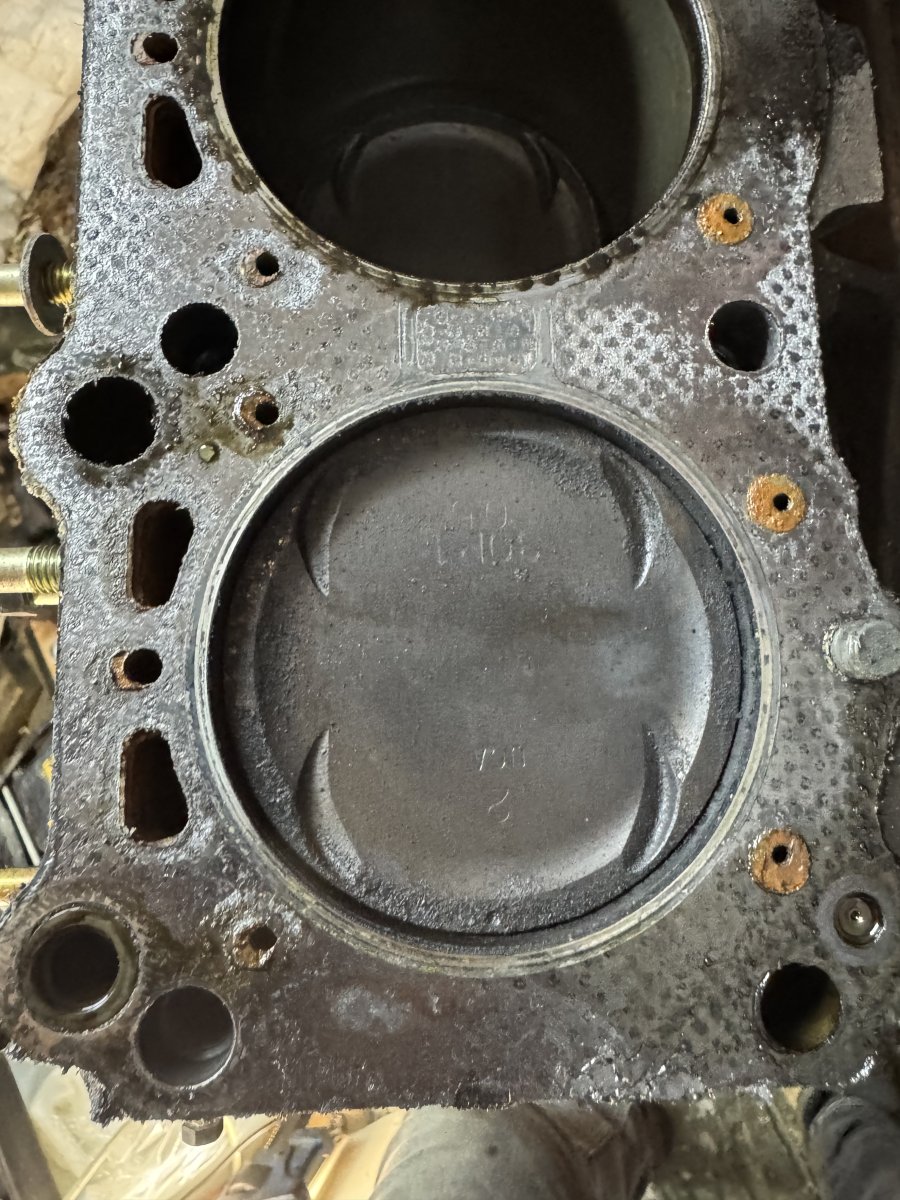
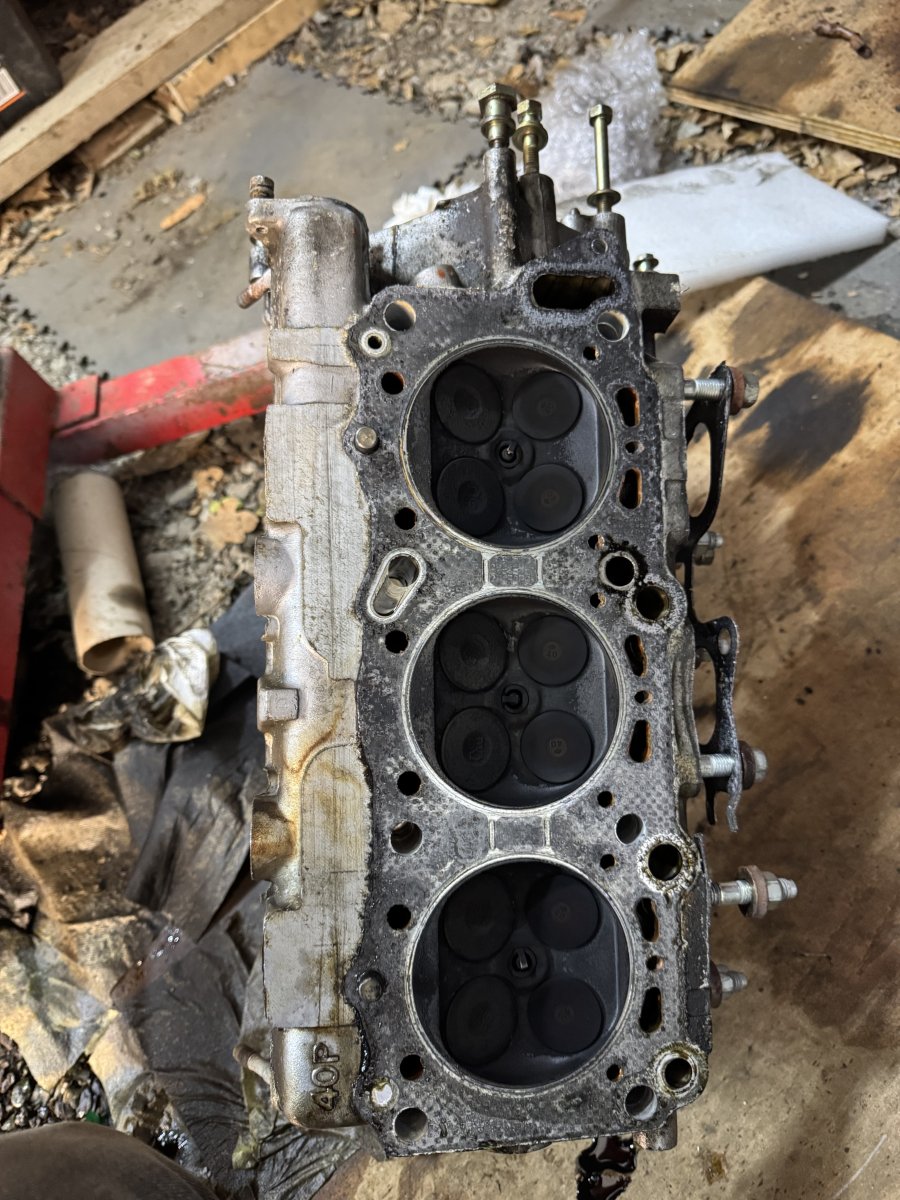
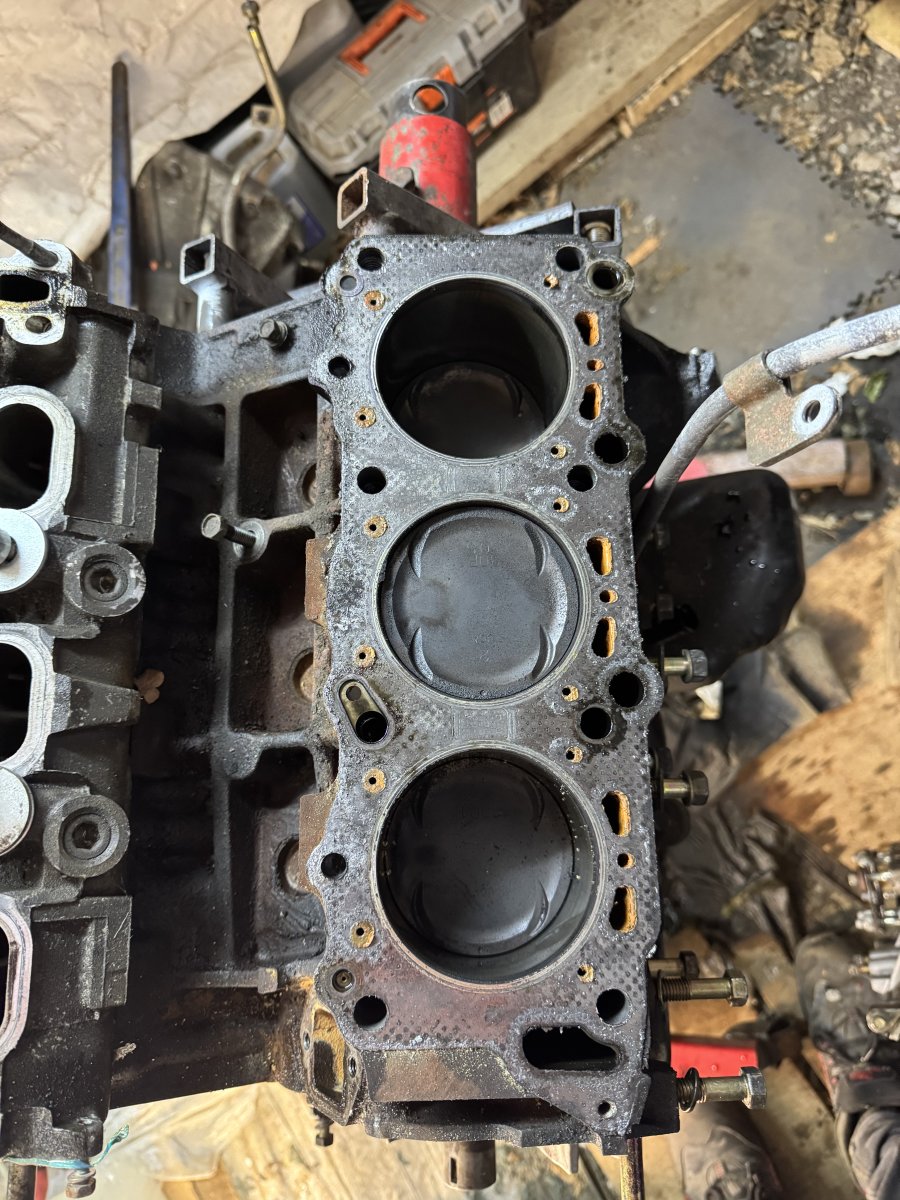
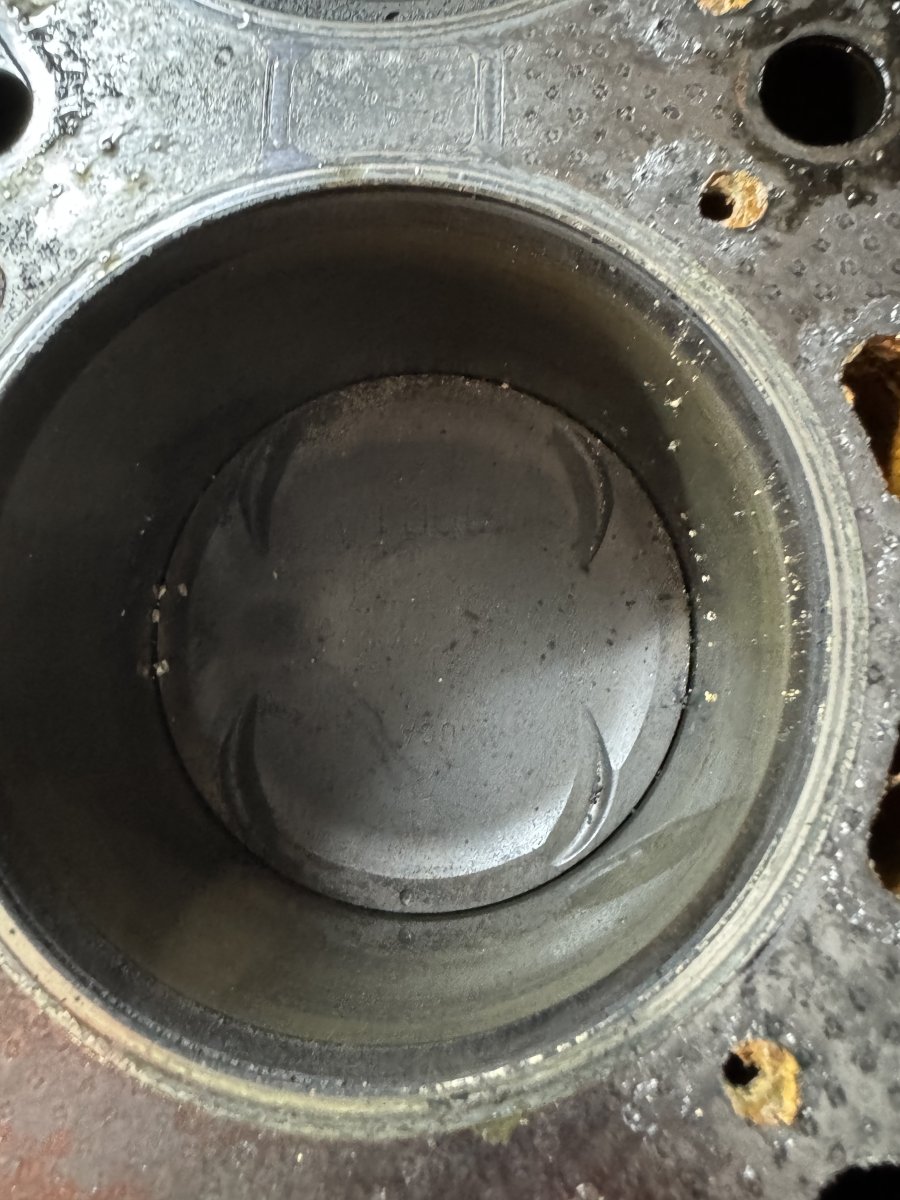
Stripped moat of the engine bearings are worn but perfect for just changing so glad I’m doing it now rather than waiting till it was to late.



-
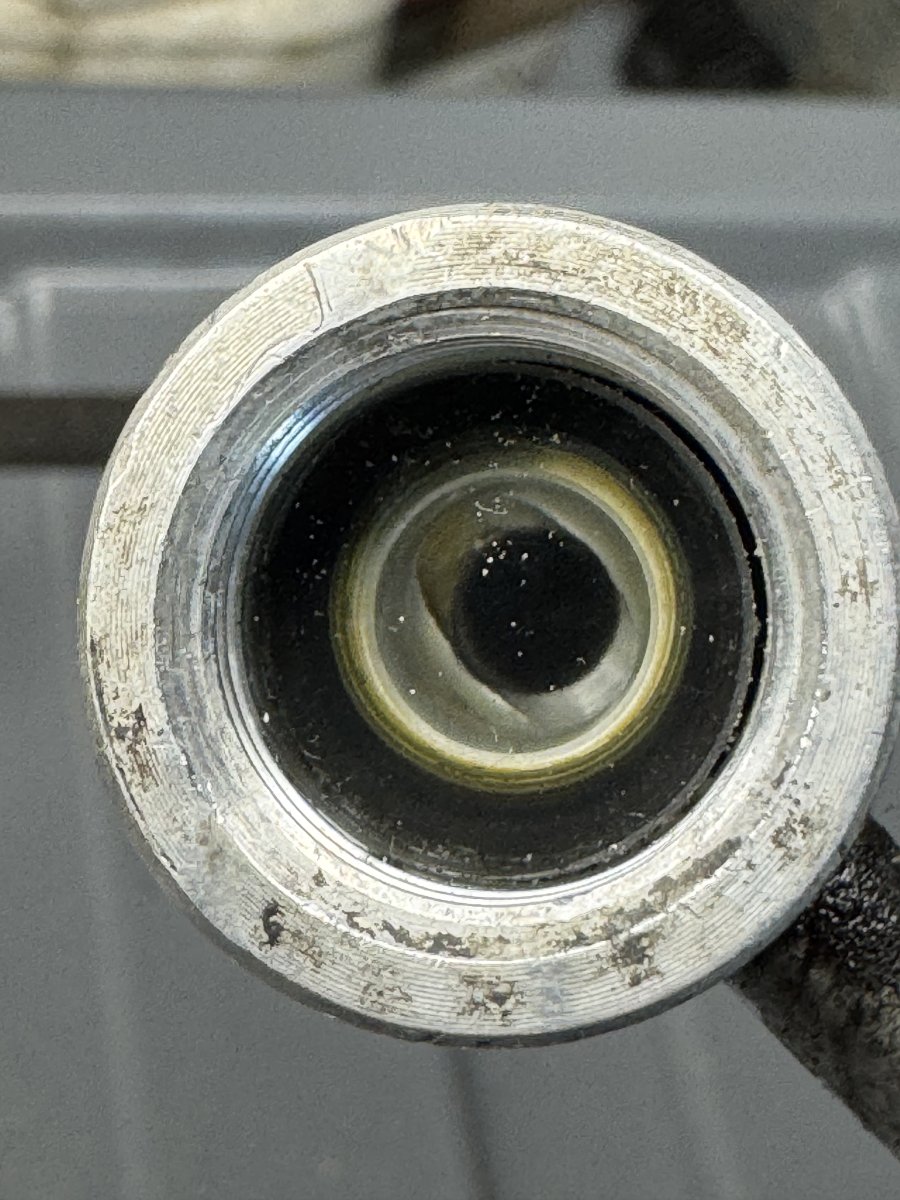
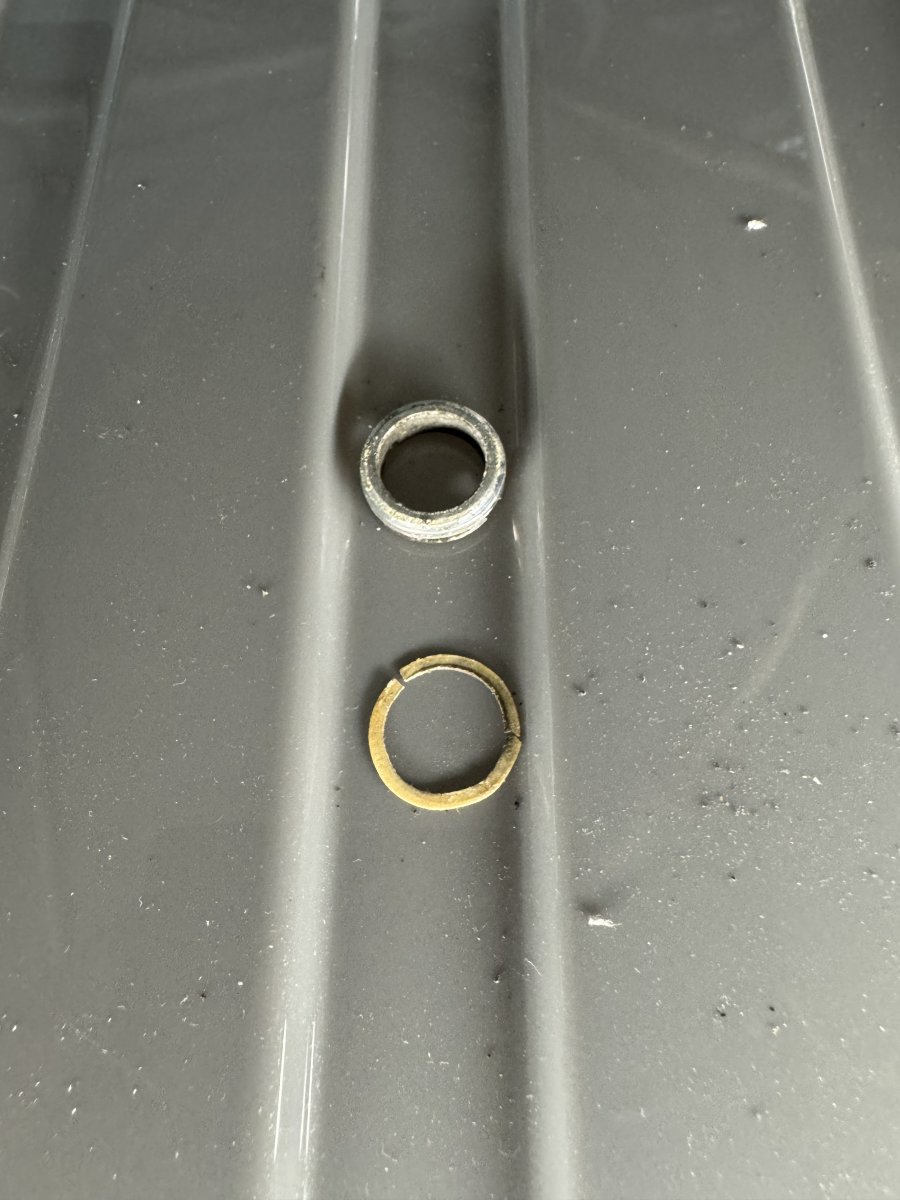
Hi I had a look there is a paper thin gasket under the retaining ring that crumbled when I touched it glass did not come out, there looks like a black O ring behind it but that one & the paper one does not come with the refresh kit for R134 or is mentioned in the manual.
-
Nissan coolant is green, could be condensation and rust, my coolant has always been changed and came out clear green but when I took the water pump off the other day, car has sat for a Year now being restored it was very rusty was clean in 2019.

-
I will have a look at mine tomorrow
-
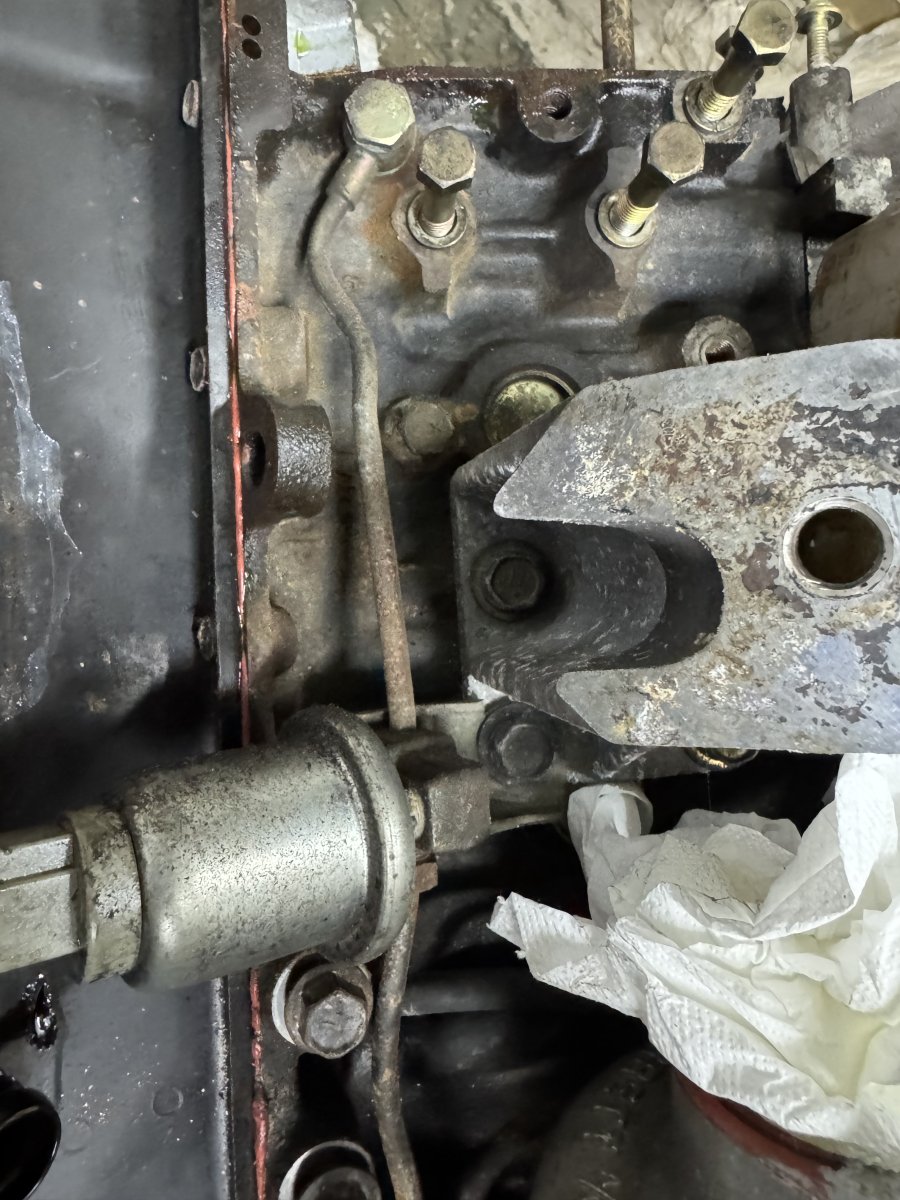
Got most of the engine stripped, I wanted to see the bearing shells car has done 97,000 klm and just want to get away with new standard ones. Will remove more tomorrow. The twin turbo engine is a lot of work to disassemble, so many parts have to come off in a certain order, I have new manifolds and downpipes so a full strip down is required.


-
Happy Birthday 🎂
-
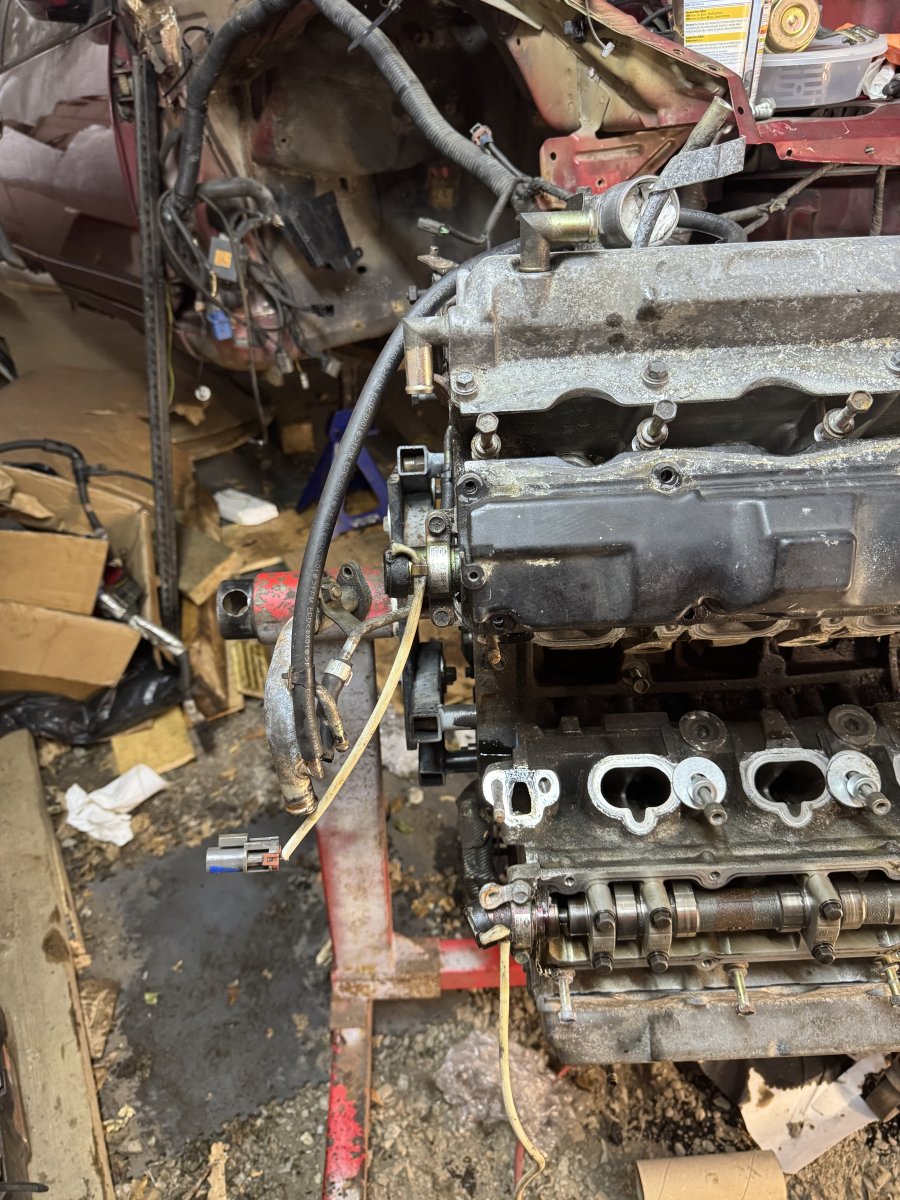
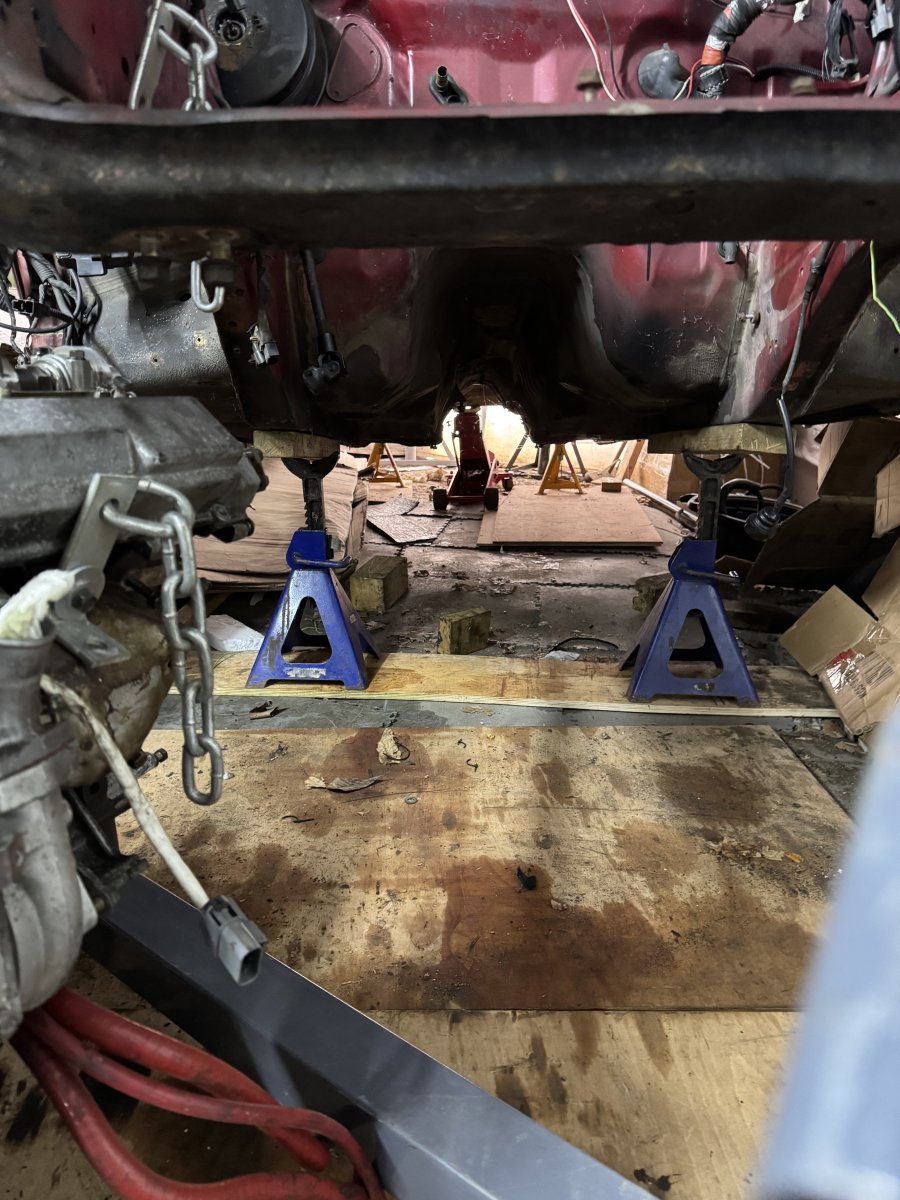
I managed on my own to get the engine on a stand and lowered the car back down, not easy.

-
Not the easiest way but worked for me.




-
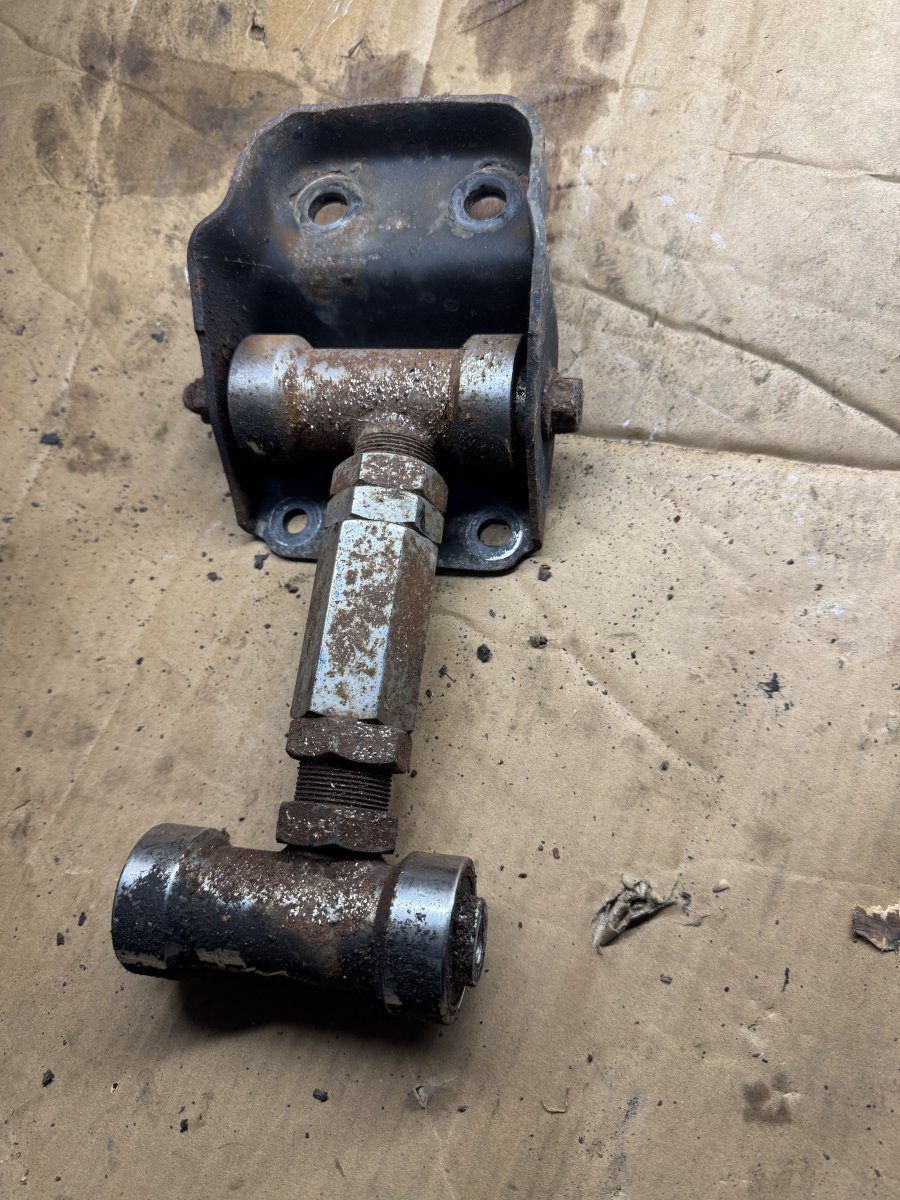
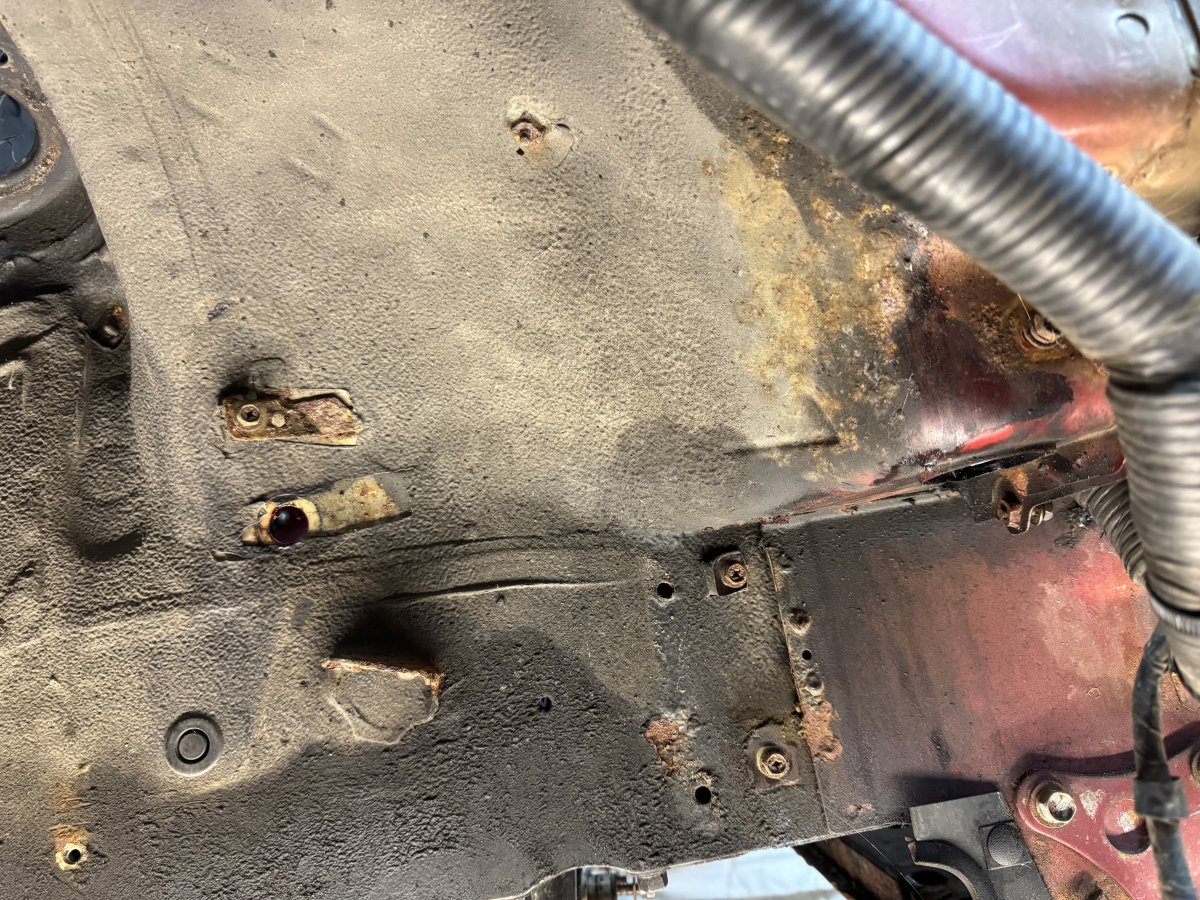
For all you picture fans. Only installed these in 2019



-
Happy Birthday 🥳
-
Welcome to the club.
-
Happy Birthday 🎂
-
Welcome to the club.
-
Happy Birthday 🎂

