


Everything posted by Bones28
-
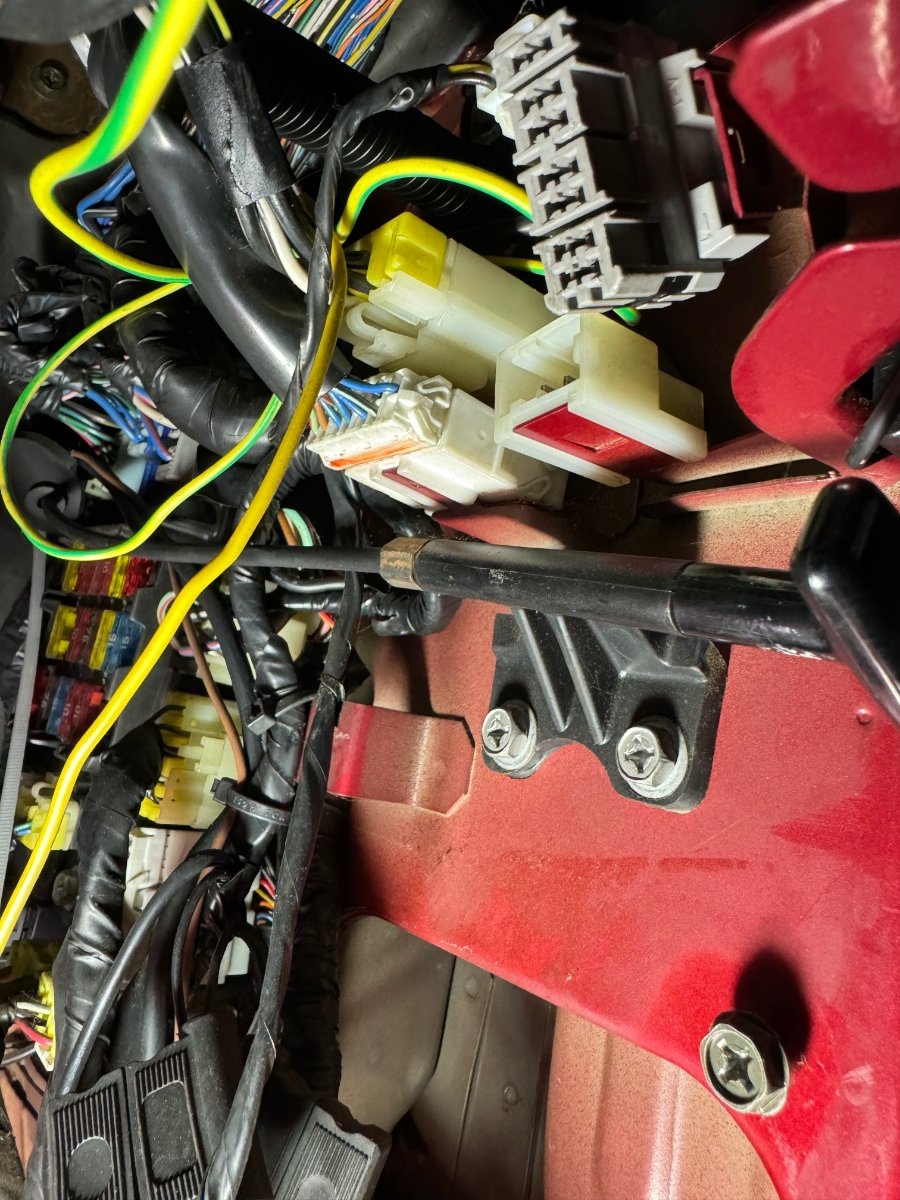
It must be an extra like heated mirrors or something else.
-
Just had a look at mine today and it’s definitely this empty plug on mine.
-
Sometimes the floor matt can get under the leaver, not letting it go down enough.
-
RIP Jeoff I too grew up watching him on TV.
-
I managed to get the drivers seat out and carpet up a bit to see where the floor meets the sill, It was not as bad as I expected. Section by door hinge. front fight corner of floor pan. Rear floor before seam sealer removed, and after.


-
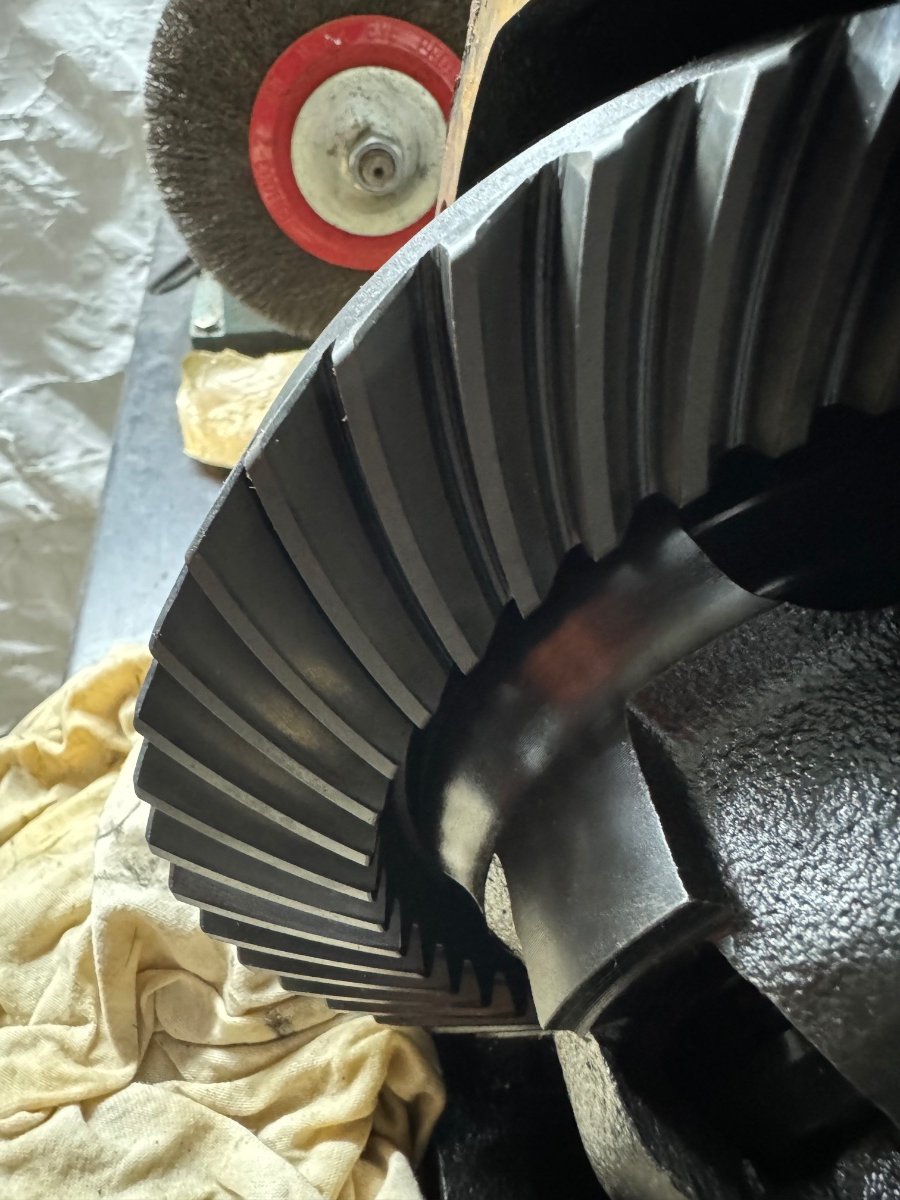
Hi not been able to do much last few months but got my petrol tank back from being powder coated. Diff looks good I’m only going to replace the drive oil seals + new fill, drain plugs & vent pipe.

 Happy Birthday 🥳Happy Birthday. only spoke on phone always helpful.Welcome to the clubHappy Birthday 🎂Replacing the door and targa seal that runs along the window edges are very expensive, I have the same problem, by the time I get my car back on the road they will probably be NLA.Happy Birthday 🎂Happy Birthday 🎂Congratulations 🥂 Have a wonderful weekend.Happy Birthday 🎂Happy Birthday 🎂I purchased a 10 ton hub puller for mine was a bitch. There is only the workshop manual for the Z32 but you can get it online. https://www.300zx-owners.club/files/category/2-1990/Happy Birthday 🎂Welcome to the club, good luck on your search.Happy Birthday 🎂Happy Birthday 🥳RIP Roberta TaylorHappy Birthday 🥳Happy Birthday 🎂



