Everything posted by Bones28
-
Happy Birthday 🥳
-
Happy Birthday 🎂
-
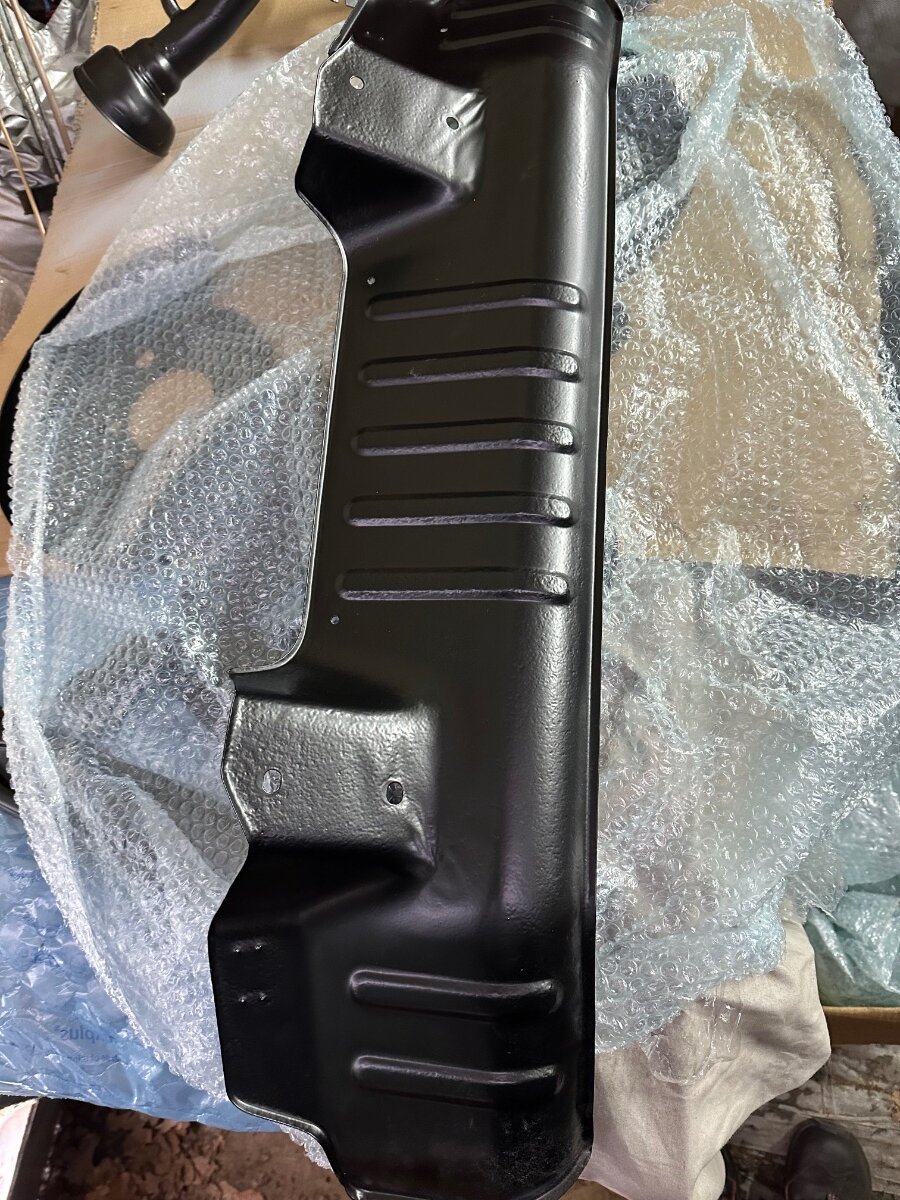
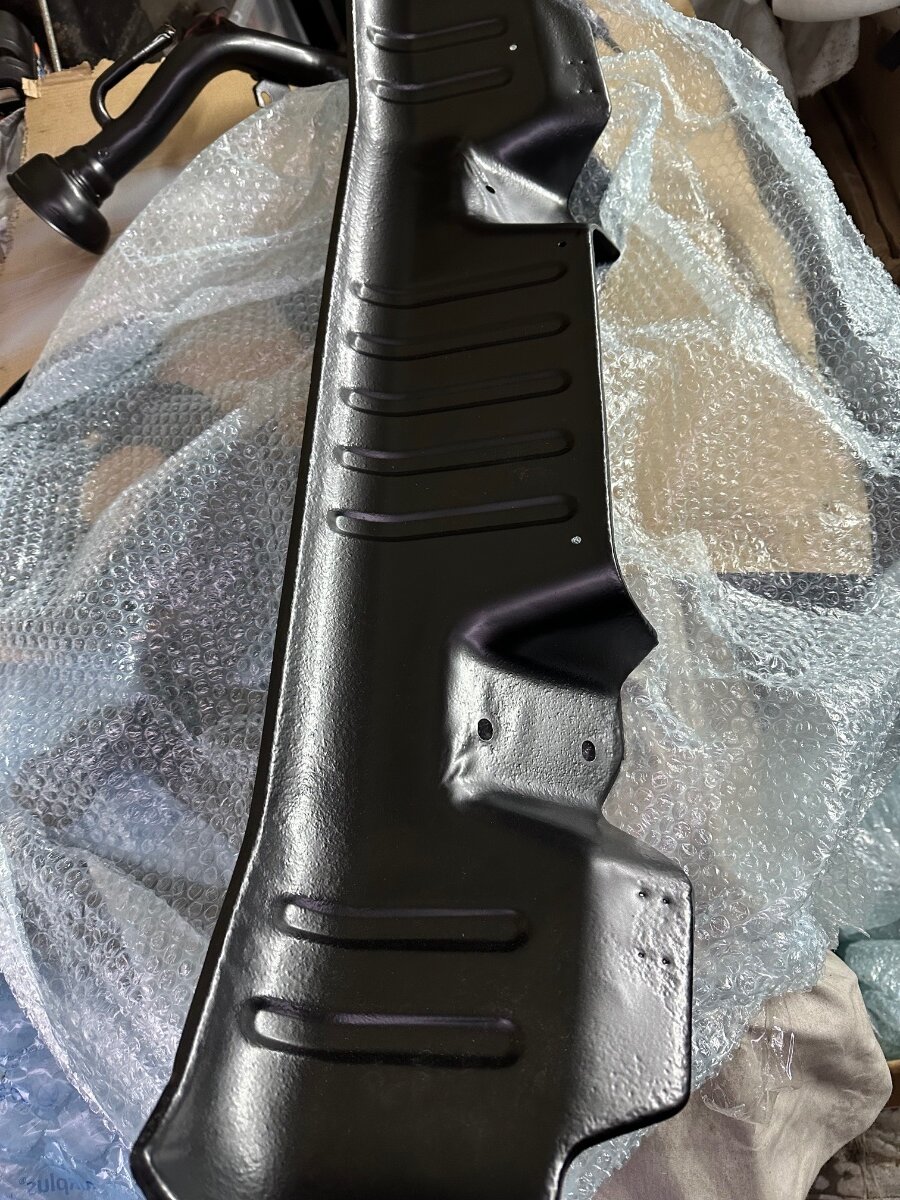
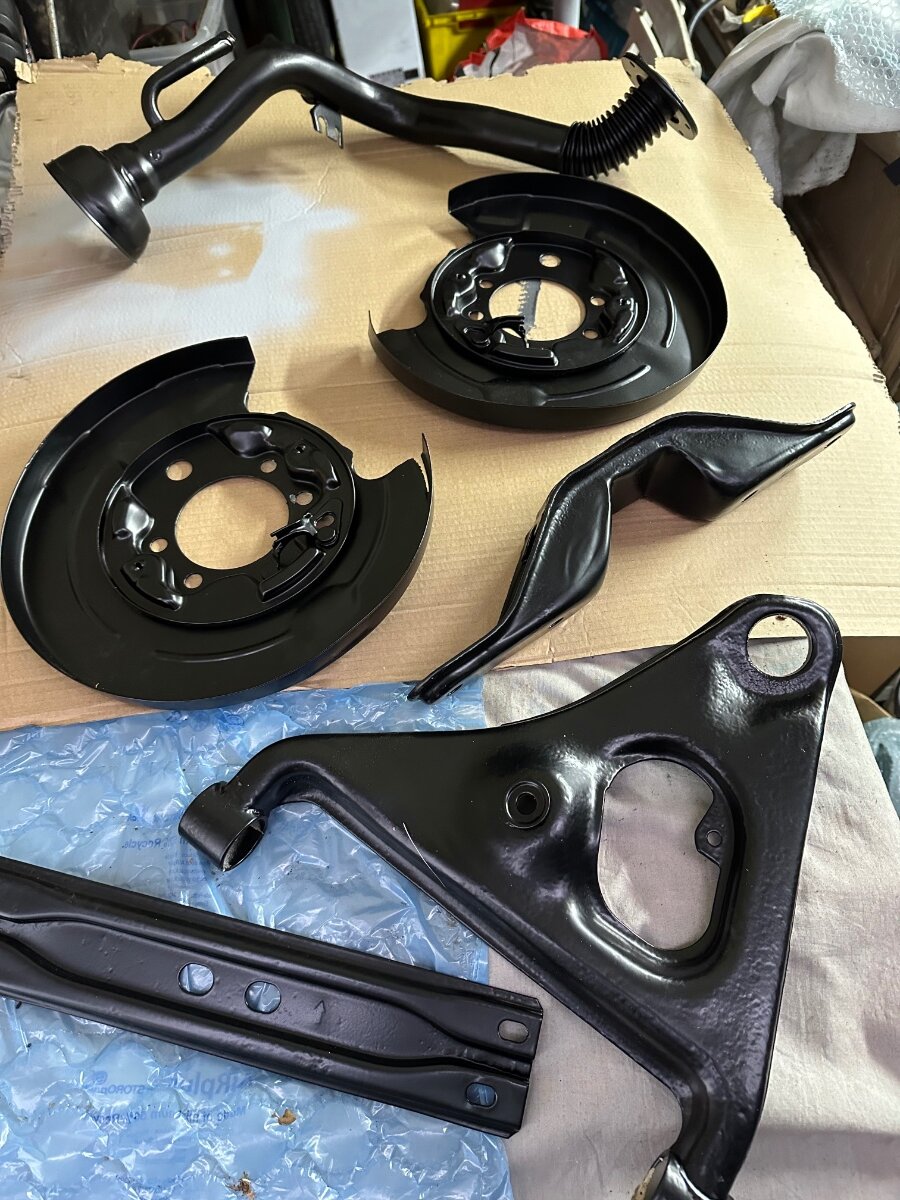
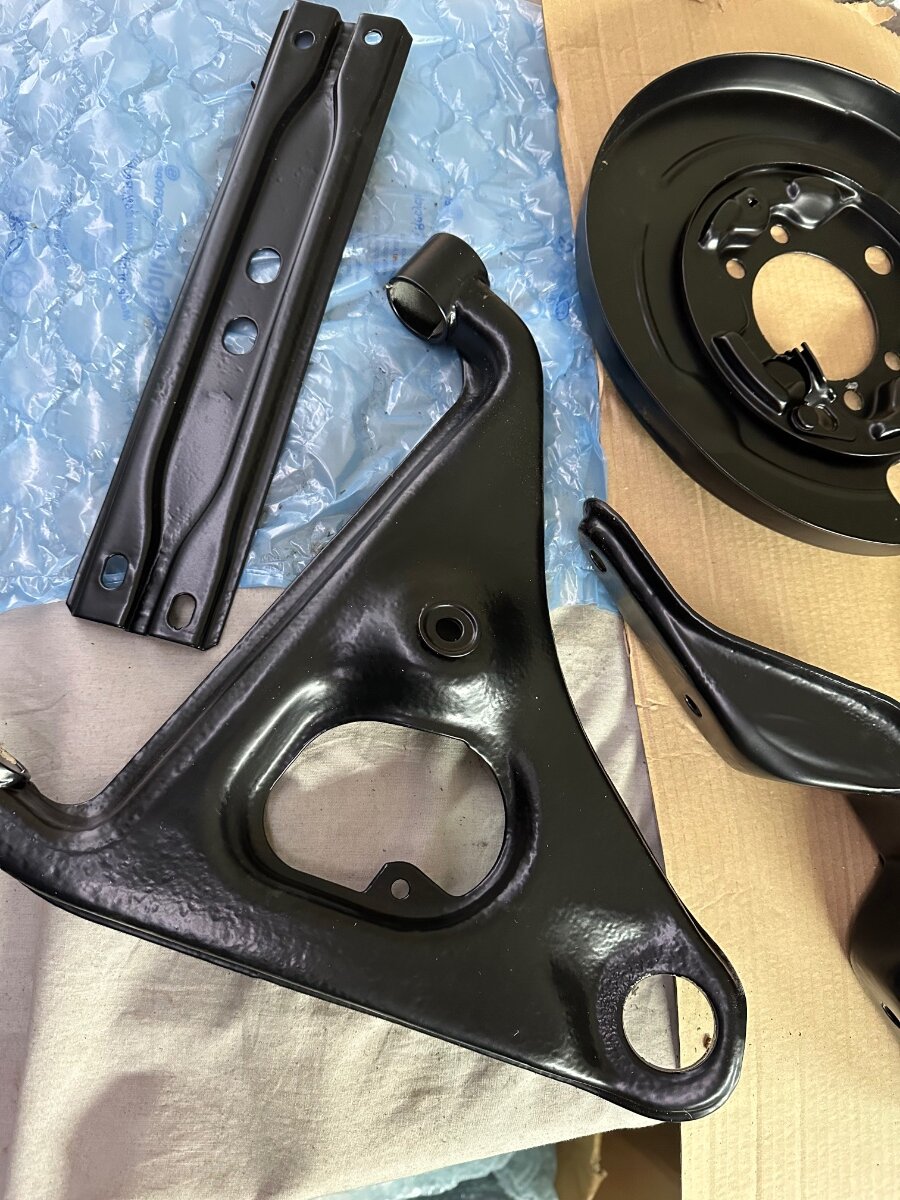
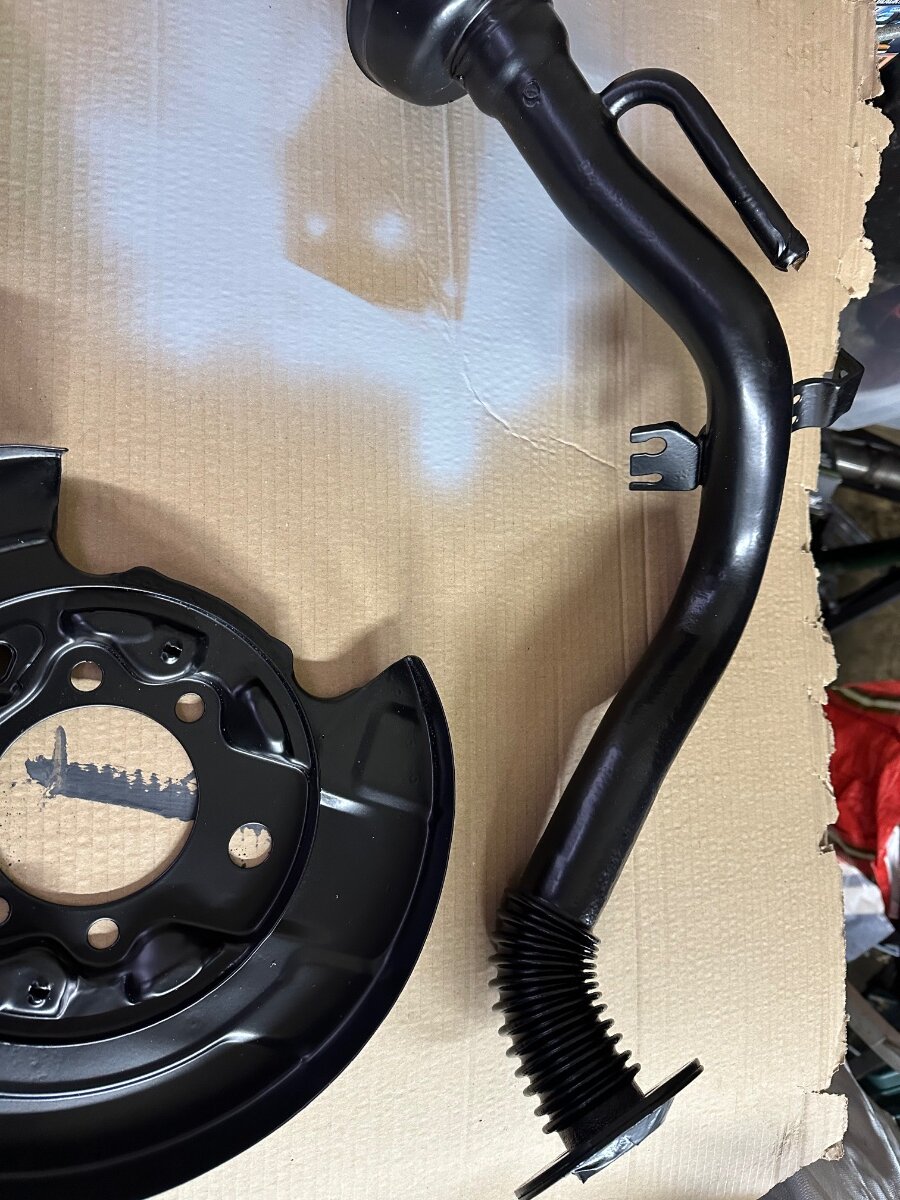
Got my suspension, fuel filler pipe, fuel tank shield & straps and many more parts back from being blasted coated in Zinga then powder coated. subframe is being painted soon. I had better get a move on.

-
Happy Birthday 🎂
-
Happy Birthday 🥳
-
Happy Birthday 🎂
-
Hi Panos, welcome to the club.
-
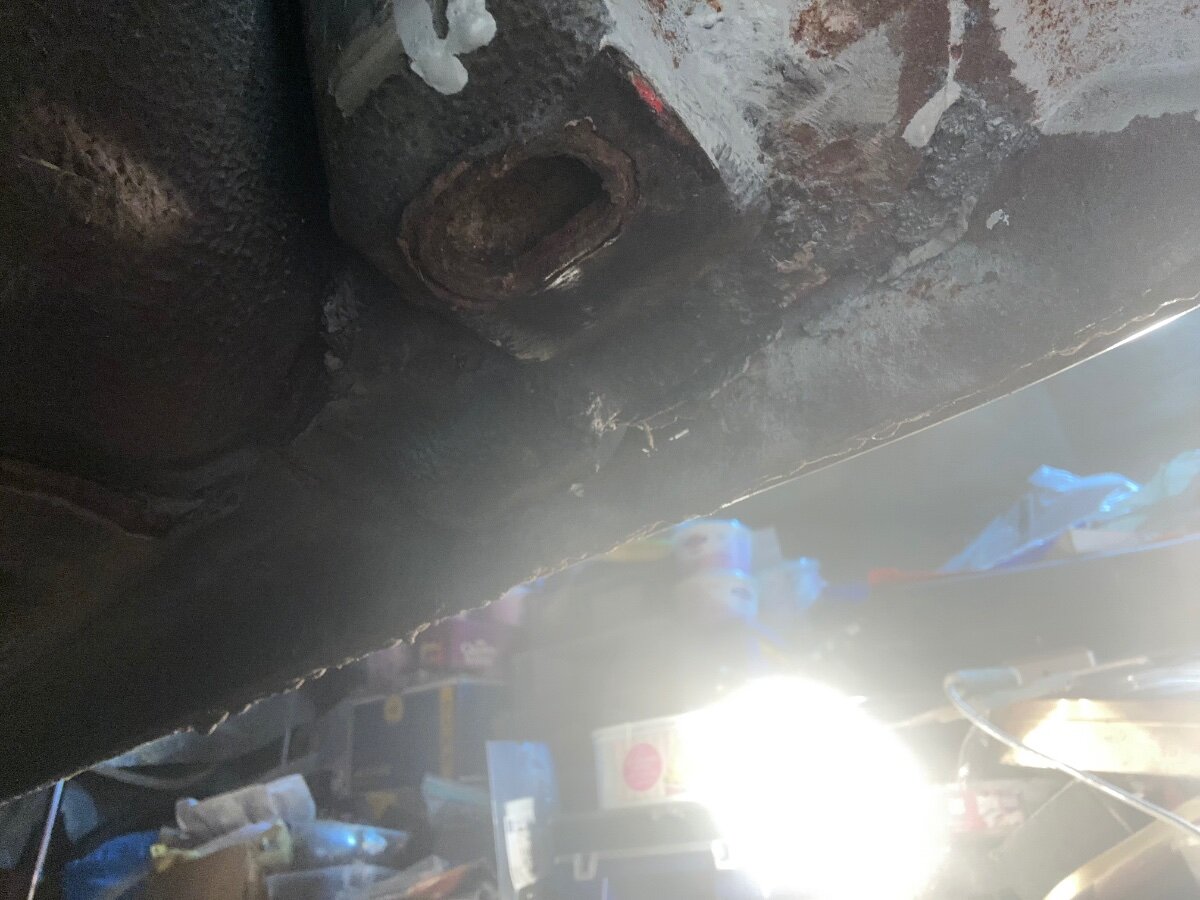
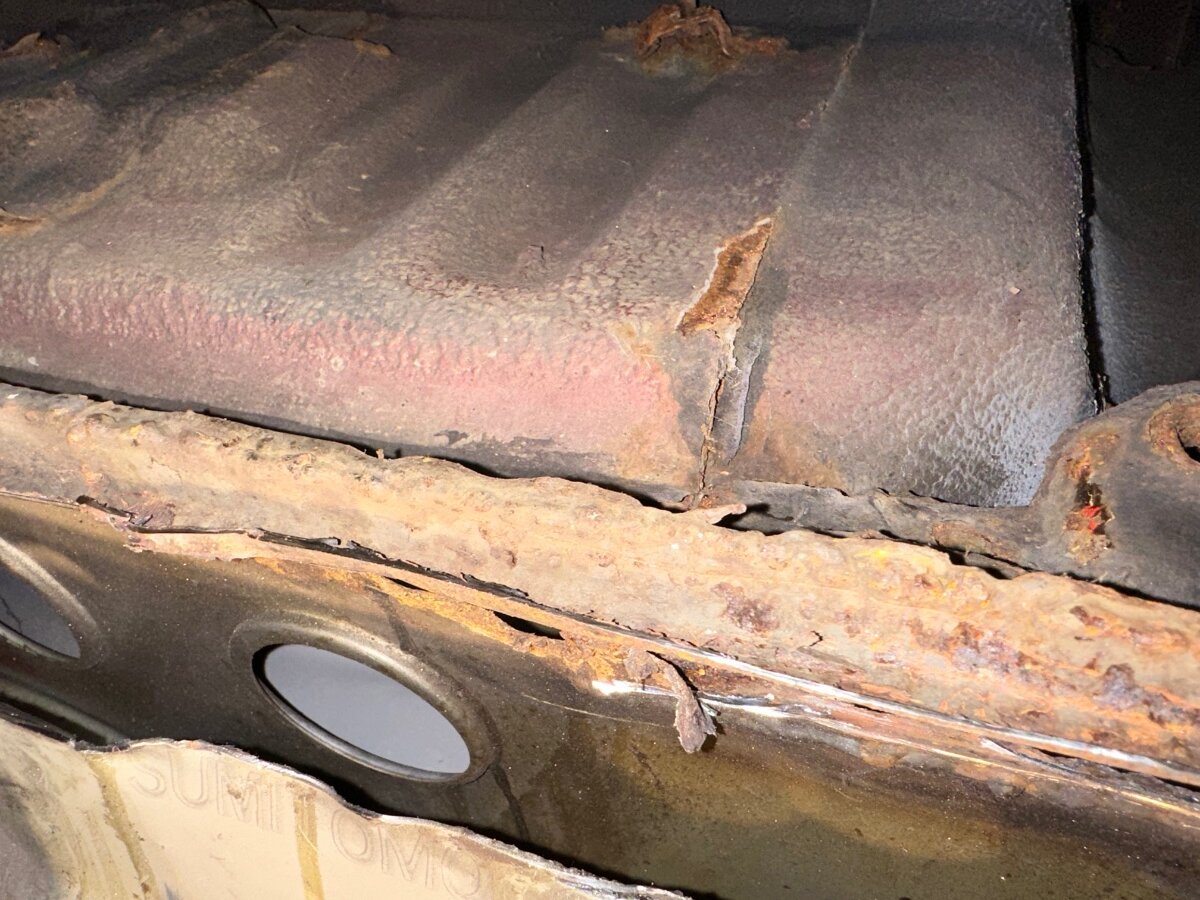
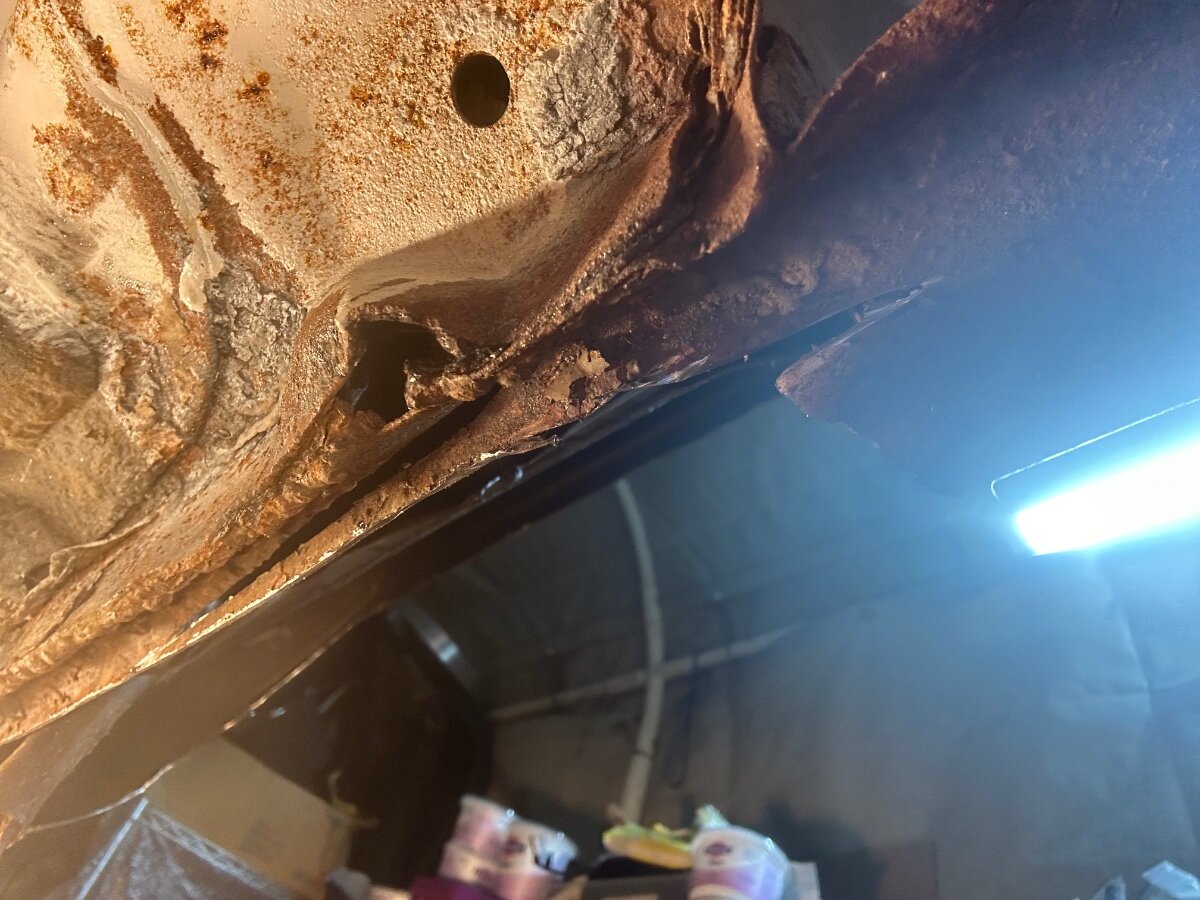
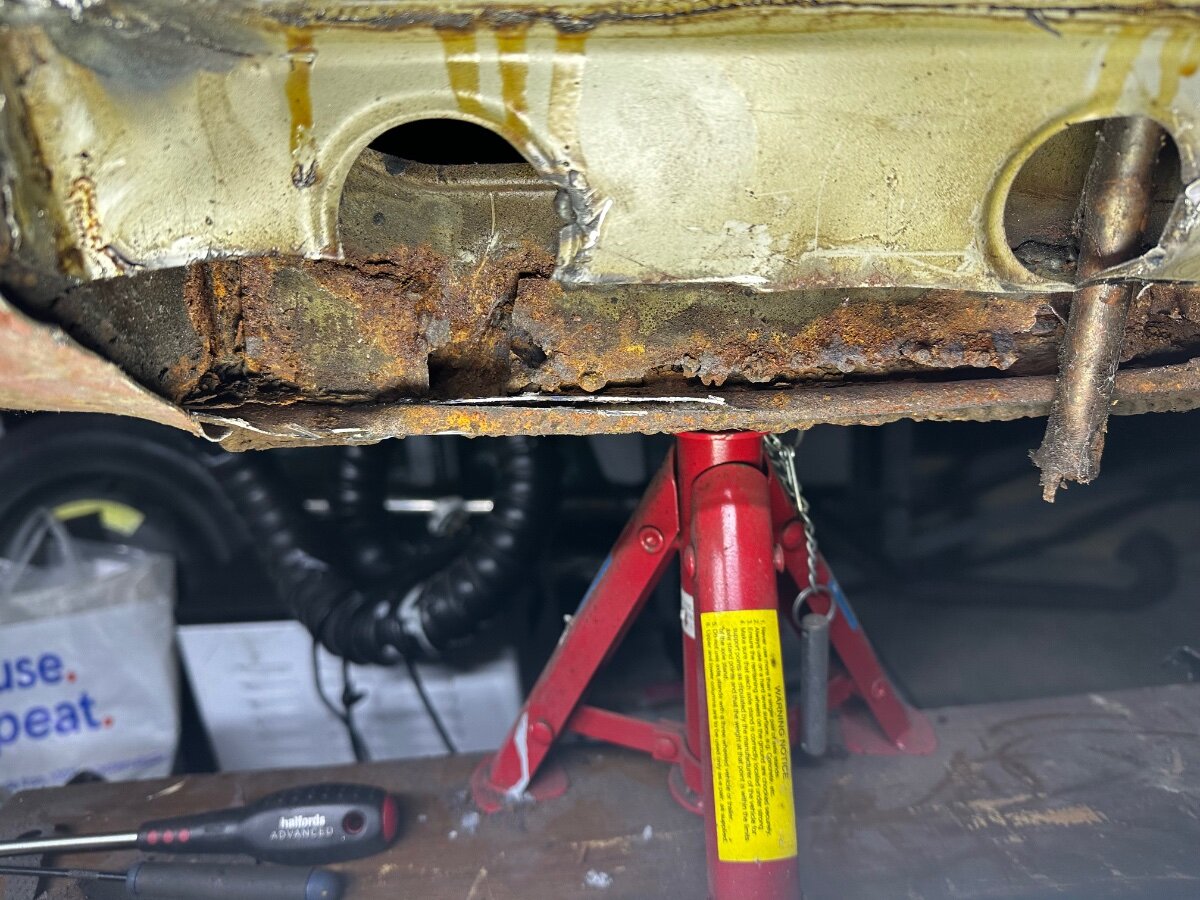
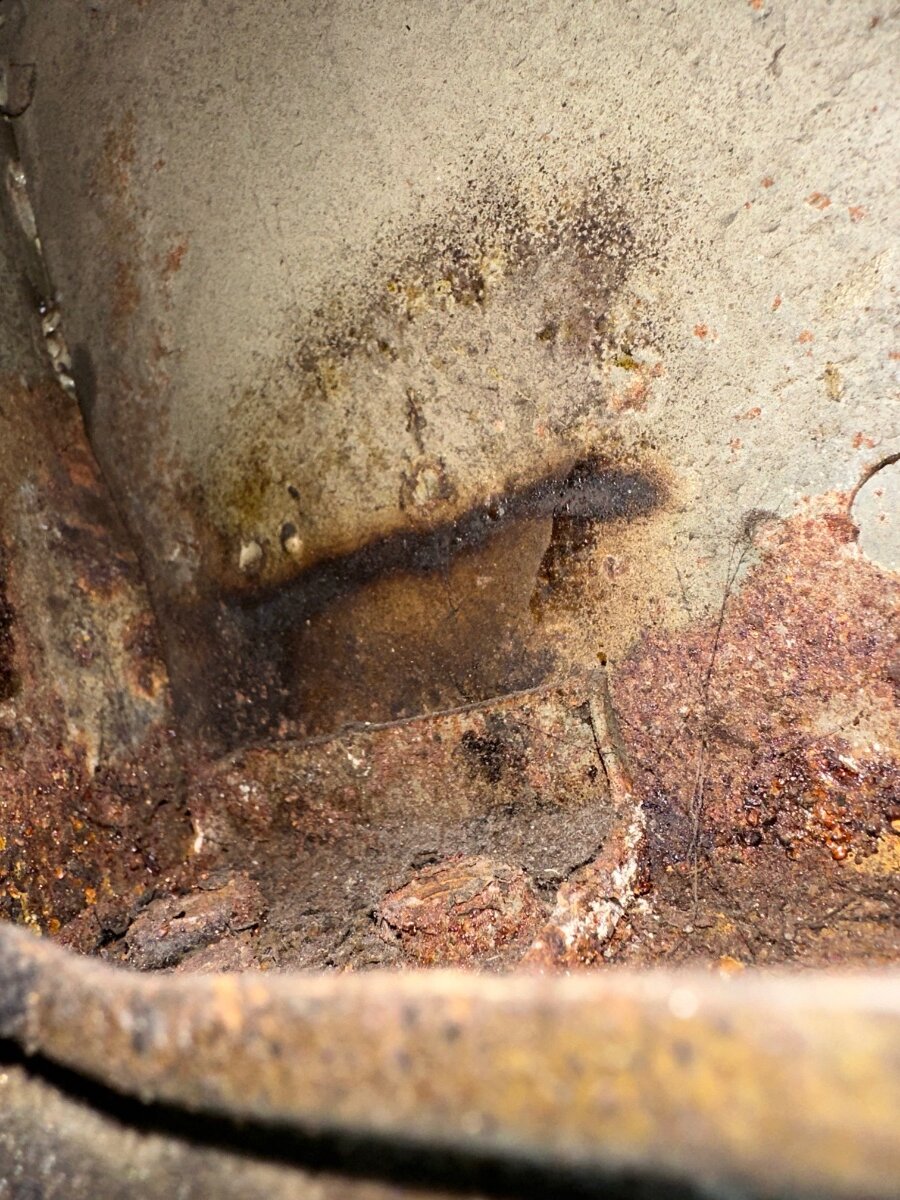
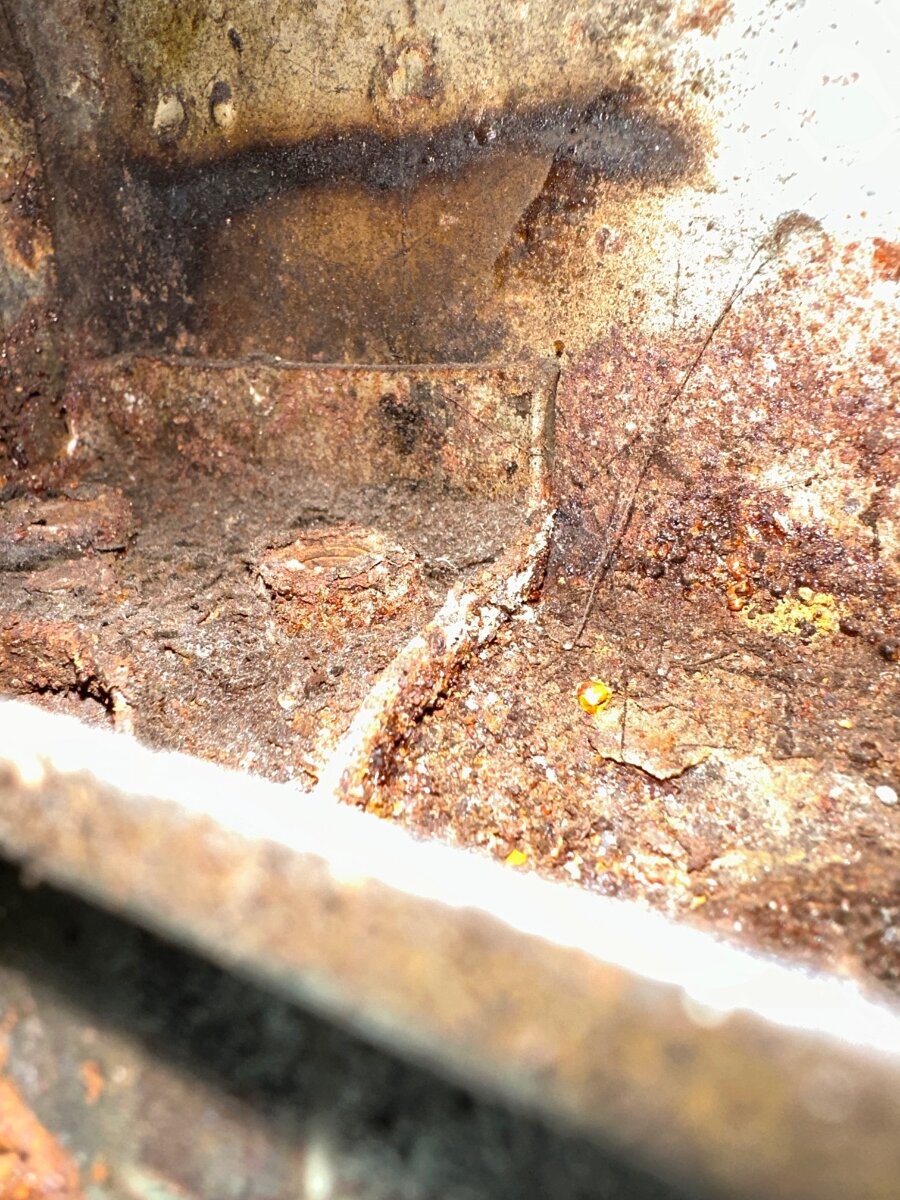
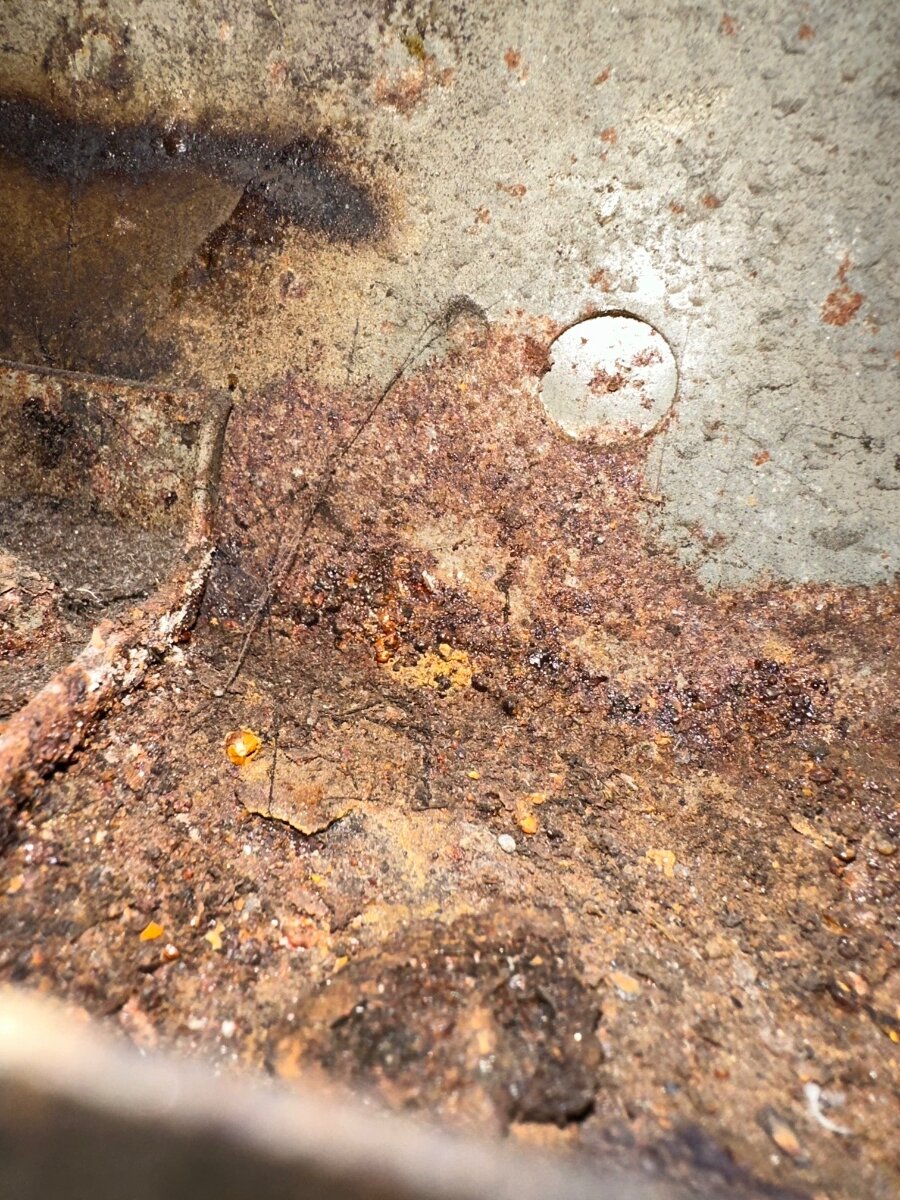
Happy New Year everyone, Almost finished my axel stands, cut outer sill on drivers side to see how bad the rust is, not as bad as I thought, parts coming back from powder coating so better get a move on. there is some rust along the very bottom edge of sill and near the front wing, I have the rear panel and whole sill so might just replace the whole thing, not sure yet need to get the front wing off and asses.


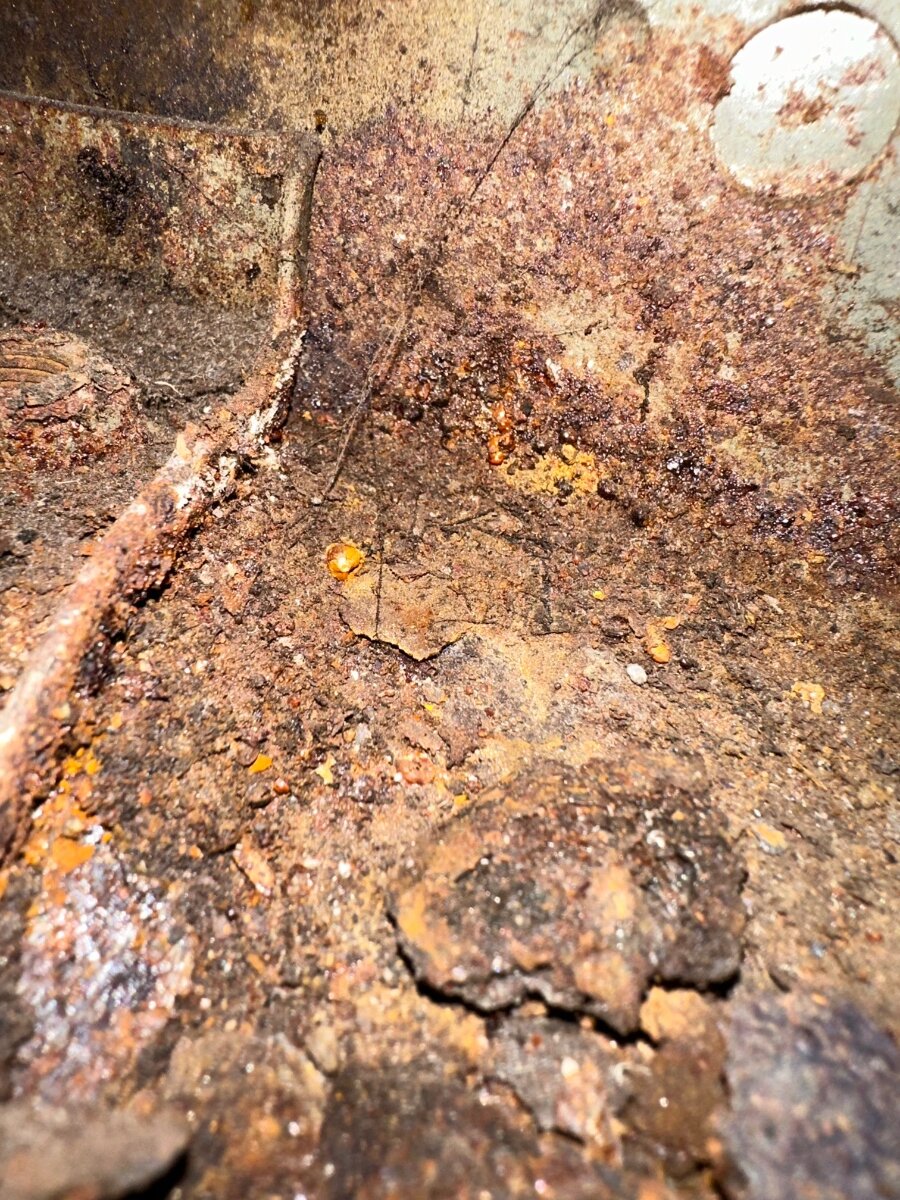


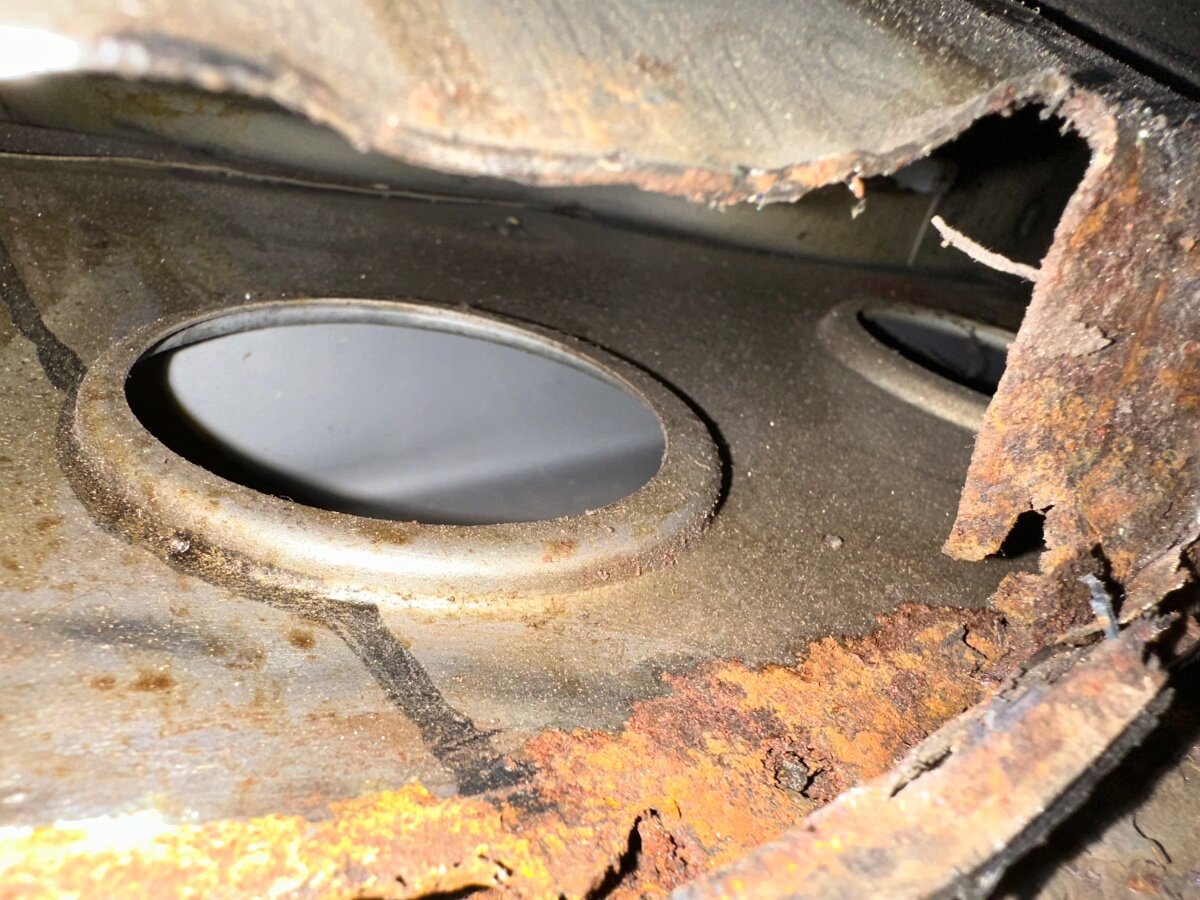
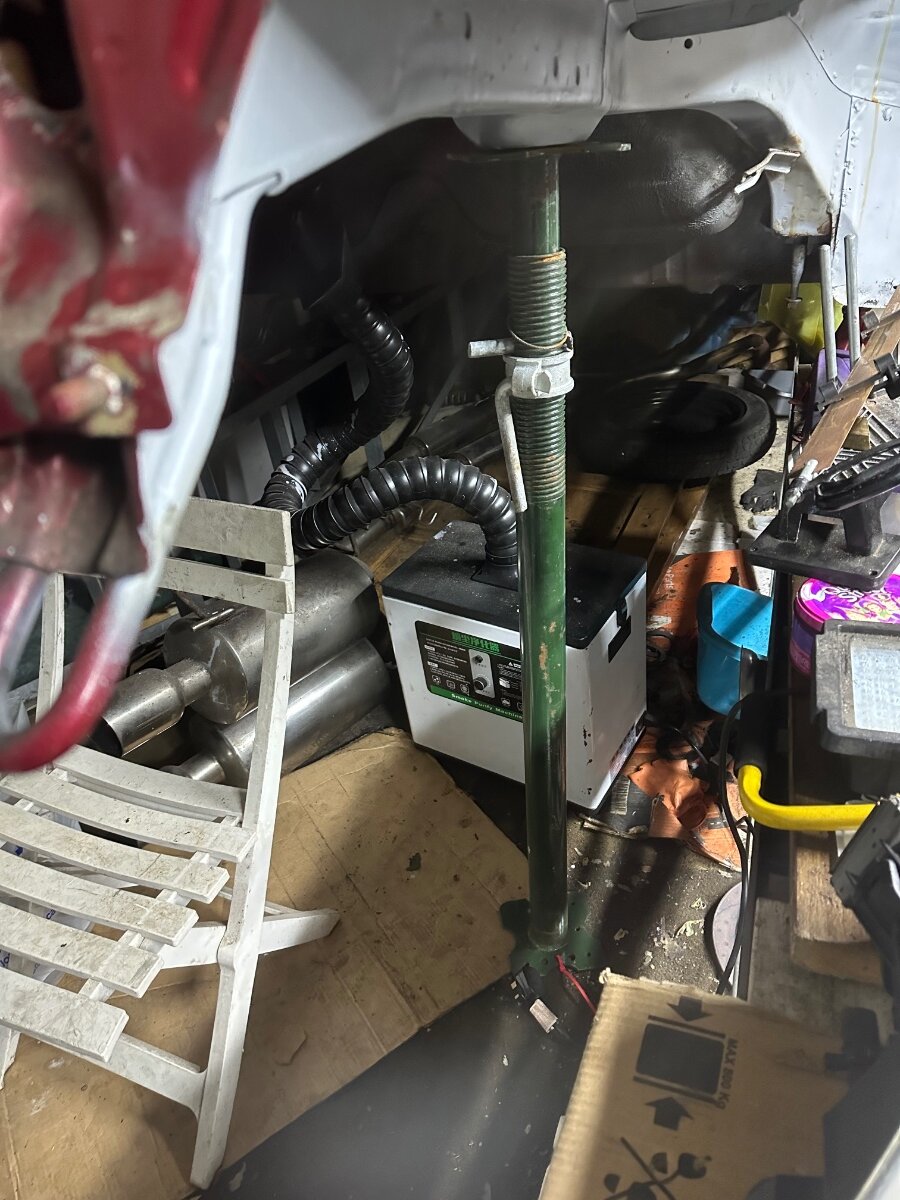
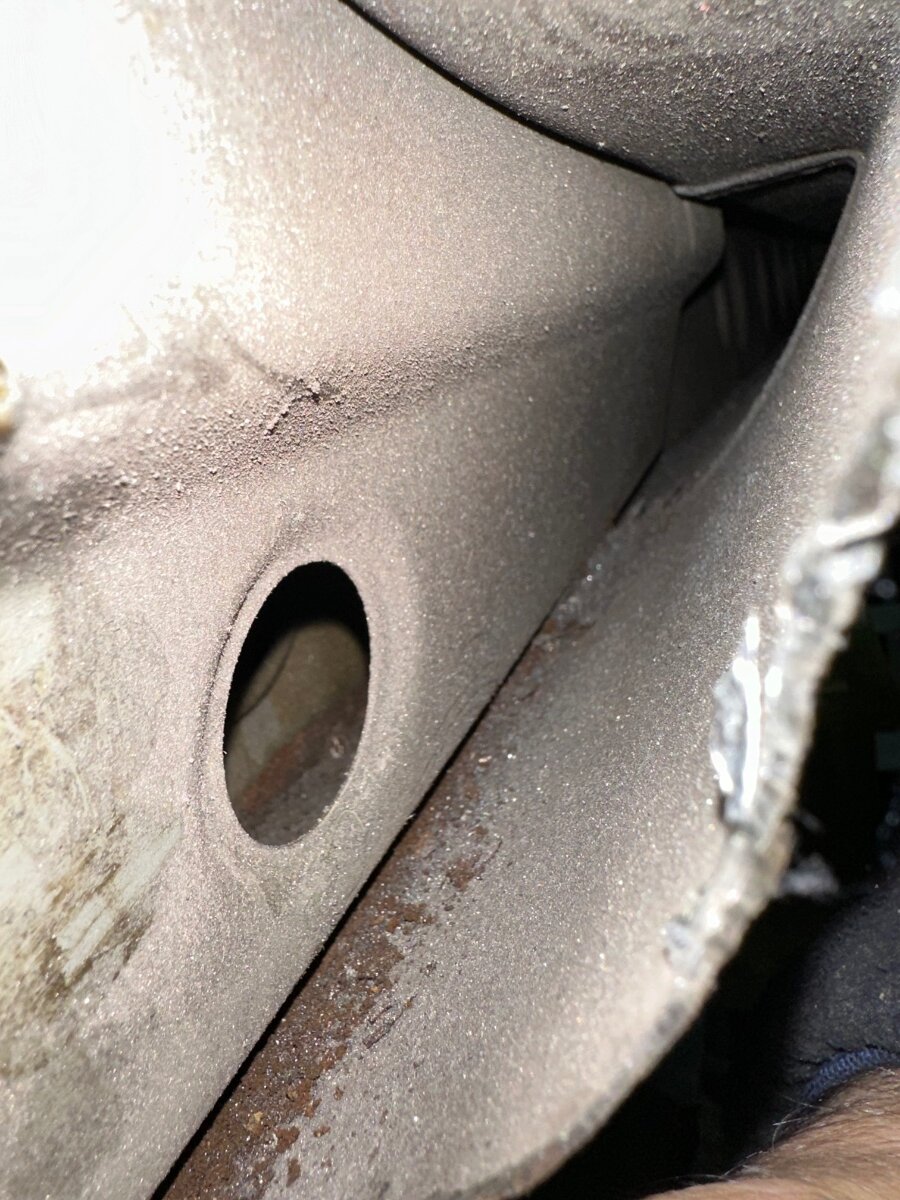 Happy Birthday 🥳Merry Christmas and a happy new year 🥳That looks nasty is there any other damage.RIP ShaneWith car display ramps then axel stands under jacking points to remove subframe, now I want to do the sills and the axel stands are in the way.
 I have started to make my own extra tall axel stands.

 Happy Birthday 🥳Happy Birthday 🎂No neither do the fronts only copper washers I know of are for the power steering pipes and they are a lot bigger.Welcome to the ClubWelcome to the Club Good luck with your new purchase.RIP Matthew PerryHappy Birthday 🎂Happy Birthday 🎂Happy Birthday 🎂Nooooo how why what the?