


Everything posted by Bones28
-
Welcome to the club, great drag race.
-
I see what you mean with those bushes, looks like they need both sleeves out.
-
Hi yes I think so 1 sleeve too much.
-
Happy Birthday 🎂
-
Hi Kelly Welcome to the club.
-
Hi welcome to the club, what’s the history with the car how long have you had it.
-
Happy Birthday 🥳
-
I looked at the Z350 but insurance and road tax were very expensive, got a XK8 instead. A 2014 Z370 is £710 a year road tax.
-
Happy Birthday 🎂
-
Happy Birthday 🥳
-
I have gone for energy suspension bushes, from Concept Performance, really depends on how much you want to spend. Can’t help with ride comfort for a while.
-
CZP Subframe Sleeve Kit w/ Energy Suspension Bushings
-
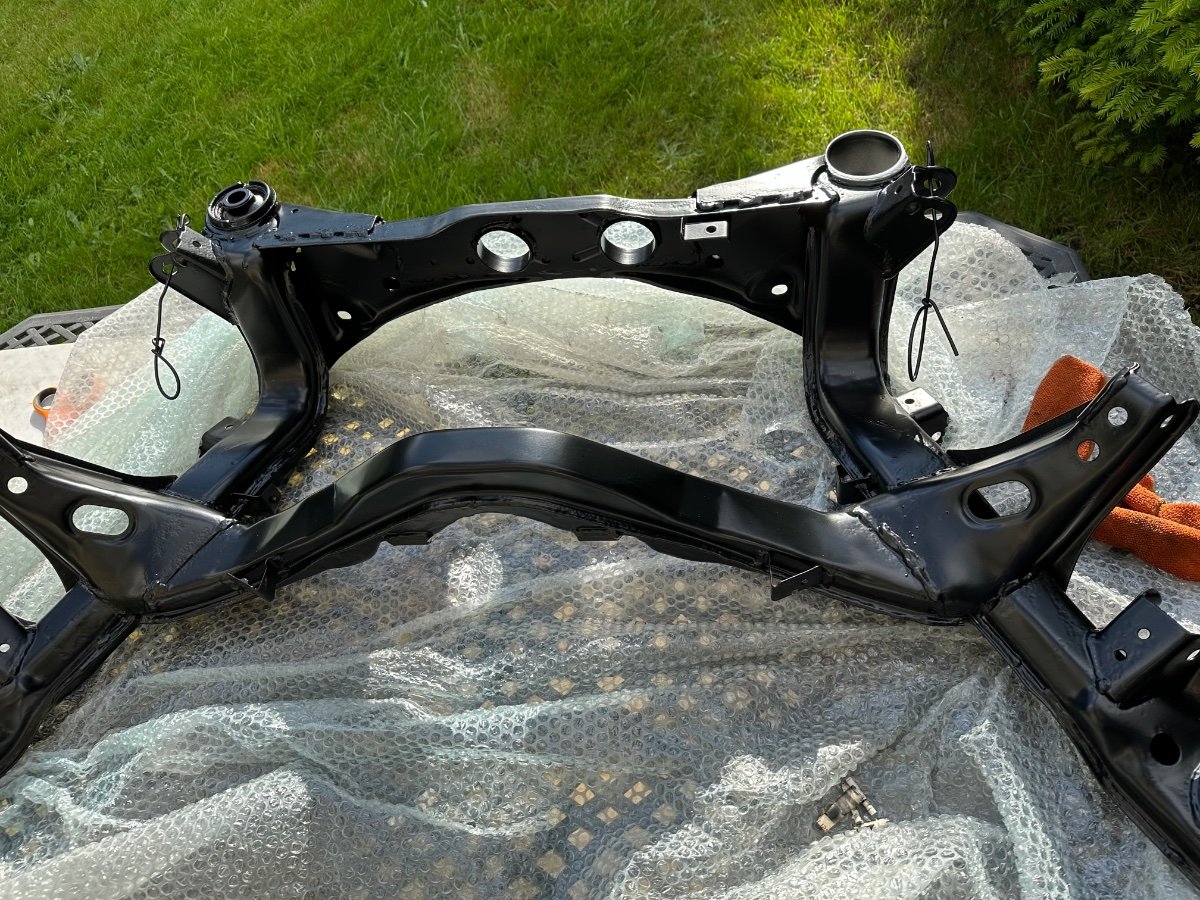
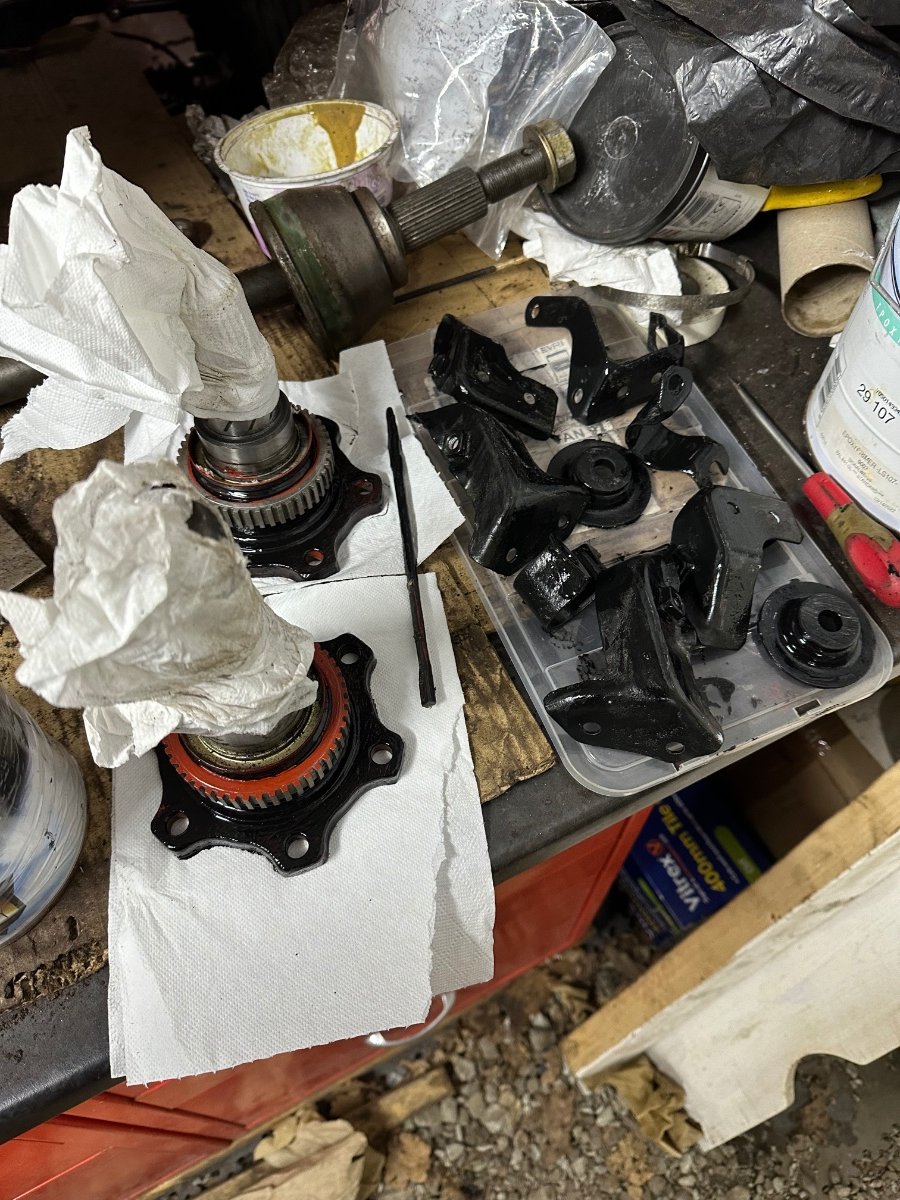
Just picked up my subframe from the powder coaters and dropped of my petrol Tank.

-
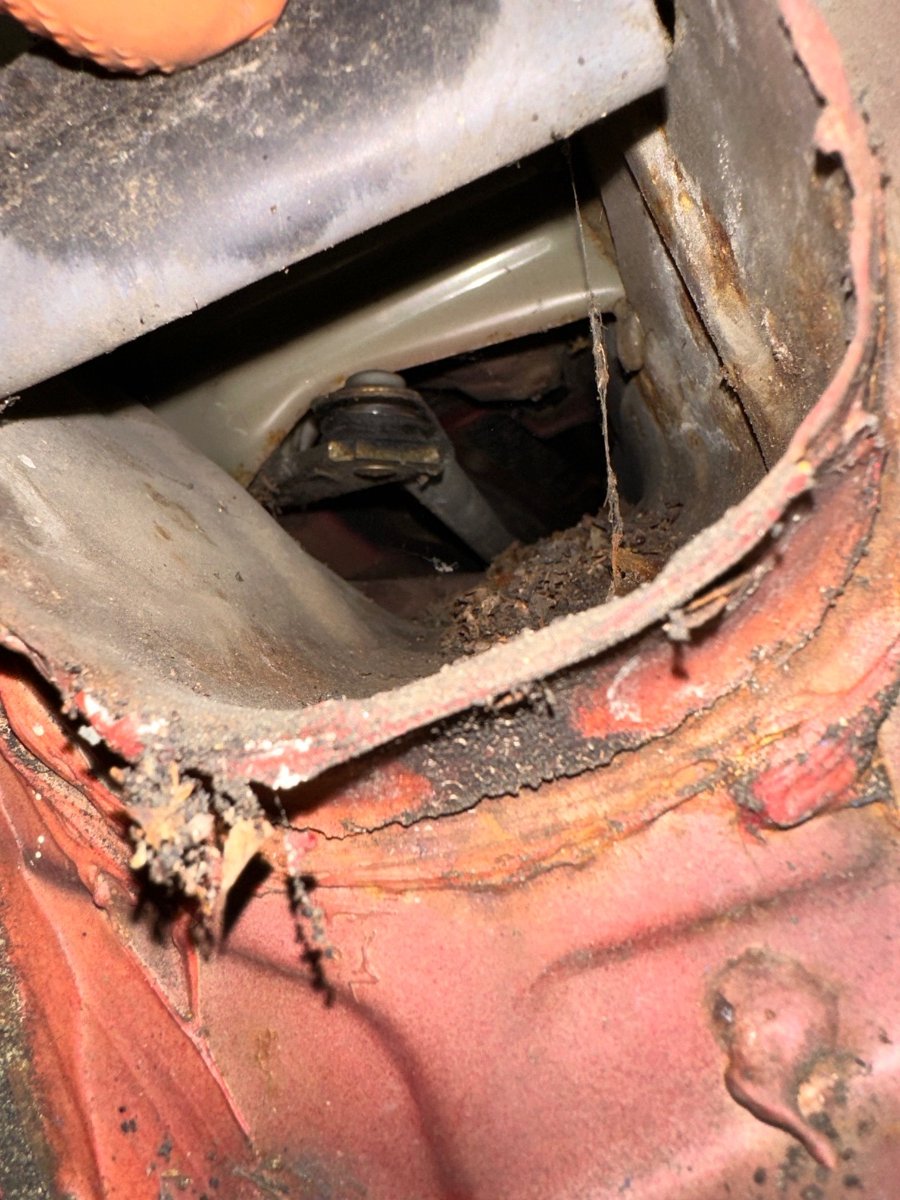
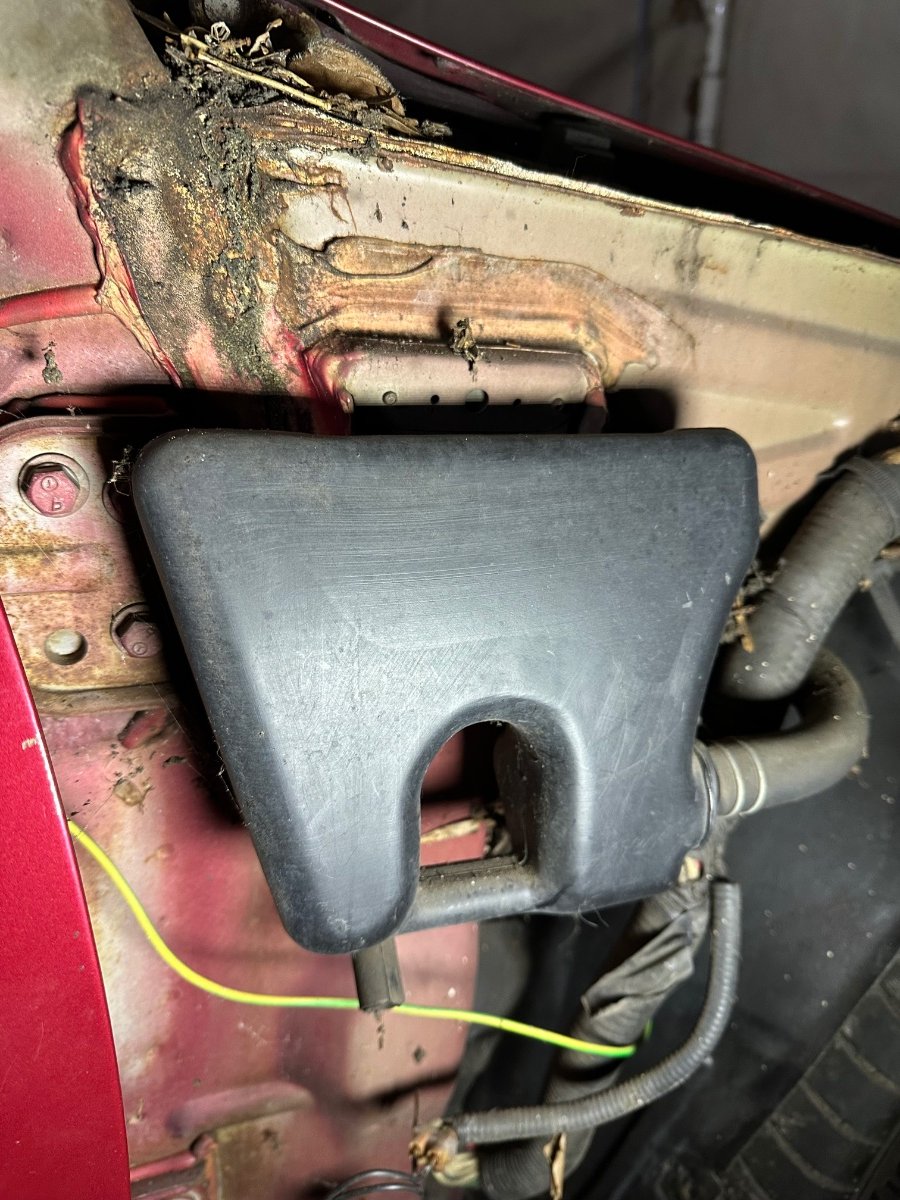
Hi so today I removed the AIV tank from behind the front wing. and found this rubber flap, lifted it up and it was full of crap, so might drain the water from under the scuttle panel but having the AIV tank in front front of it cannot do it’s job properly. It was full but cleared it out before I took the photo.


-
Hi welcome to the club, any pics.
-
More cleaning yesterday. More on YouTube
-
Happy Birthday 🎂
-
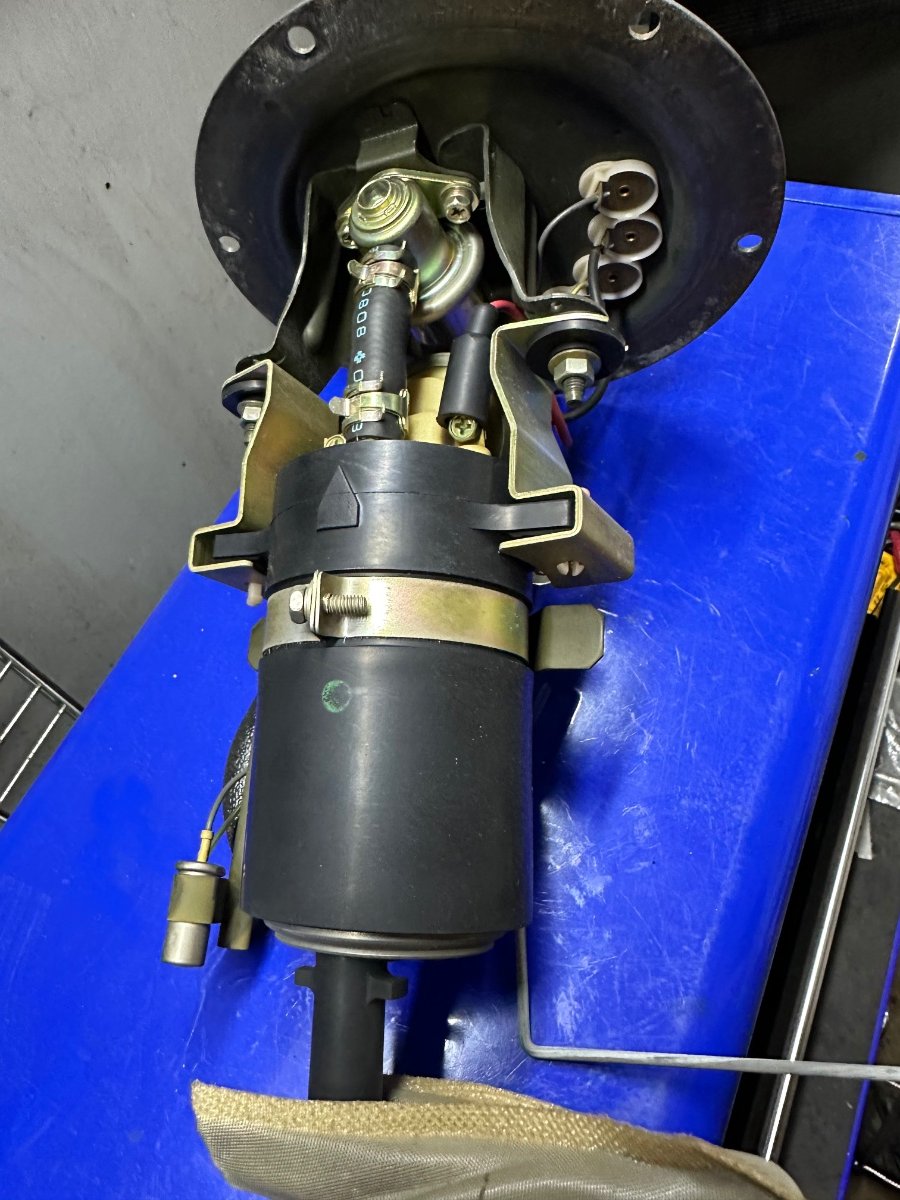
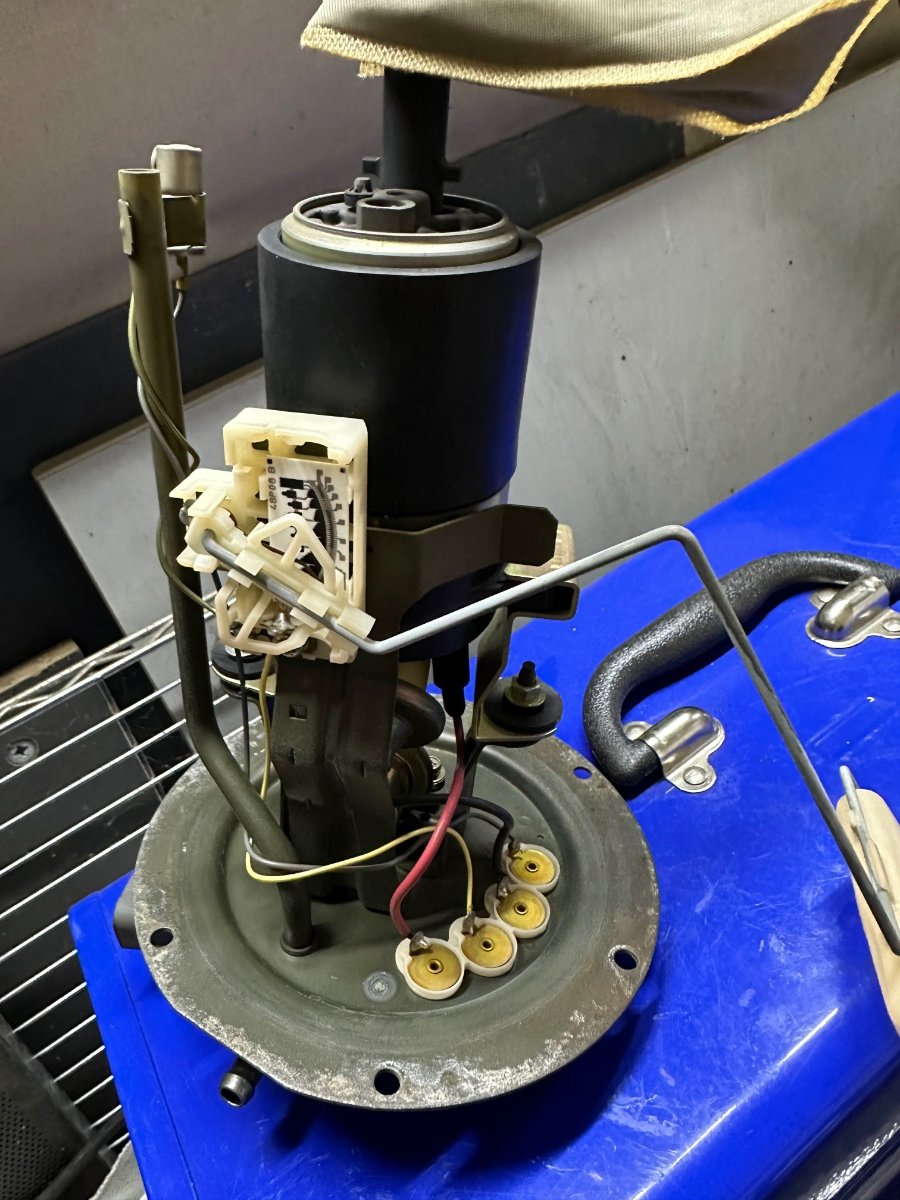
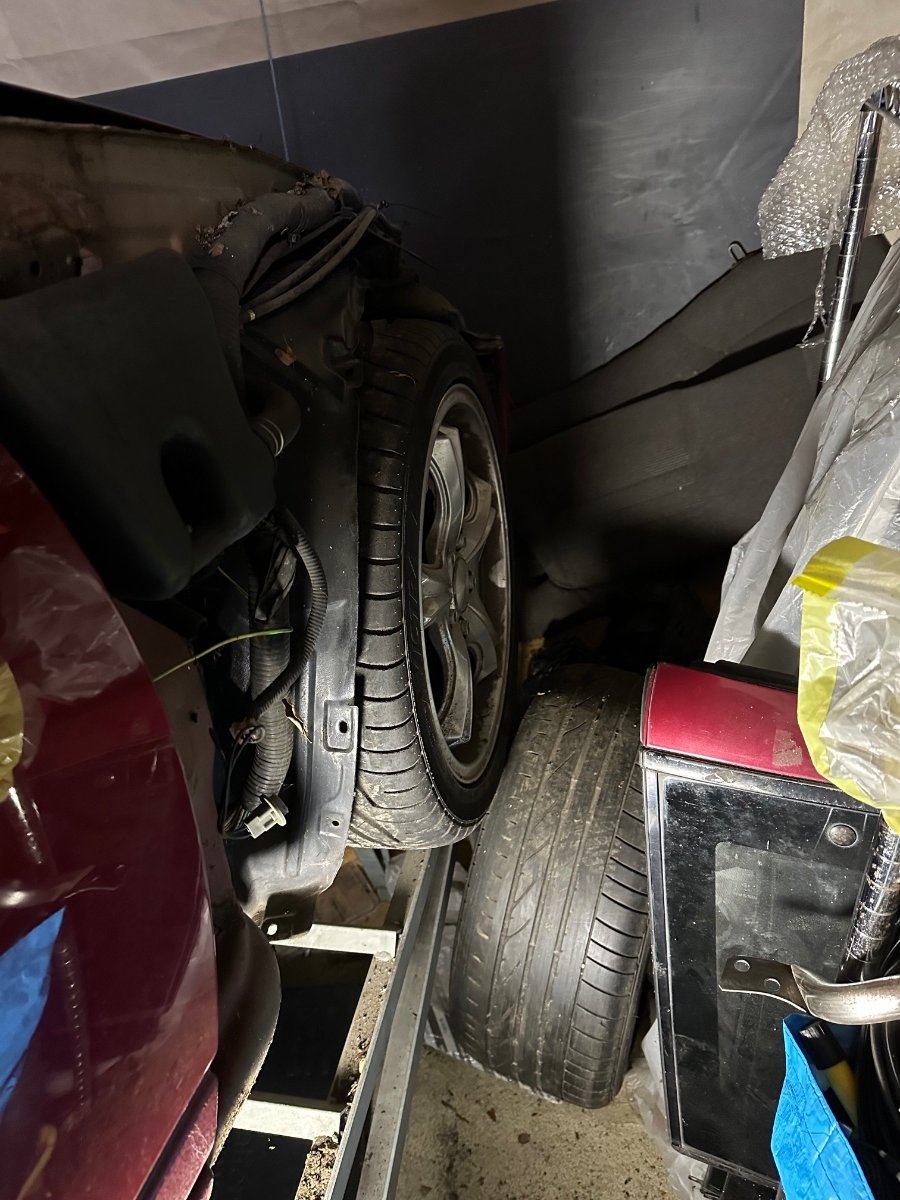
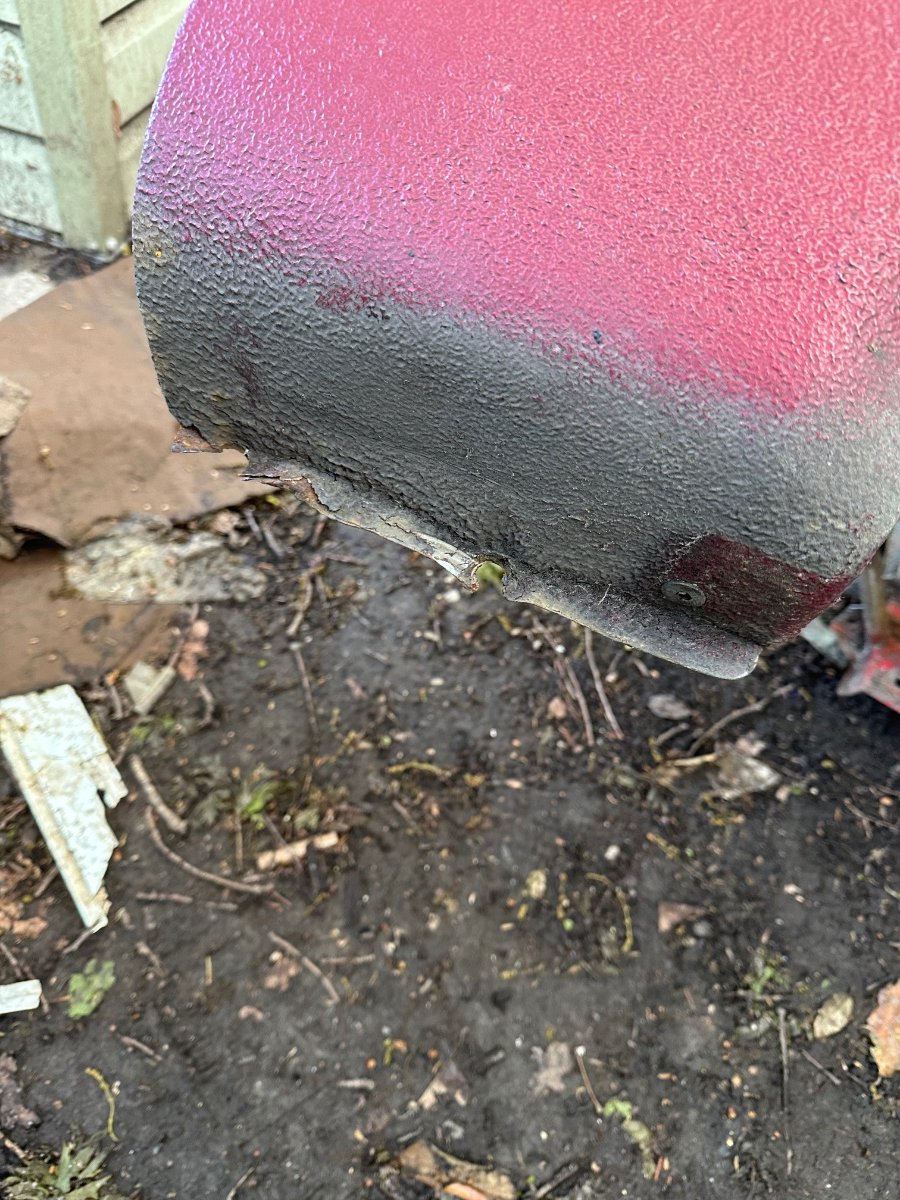
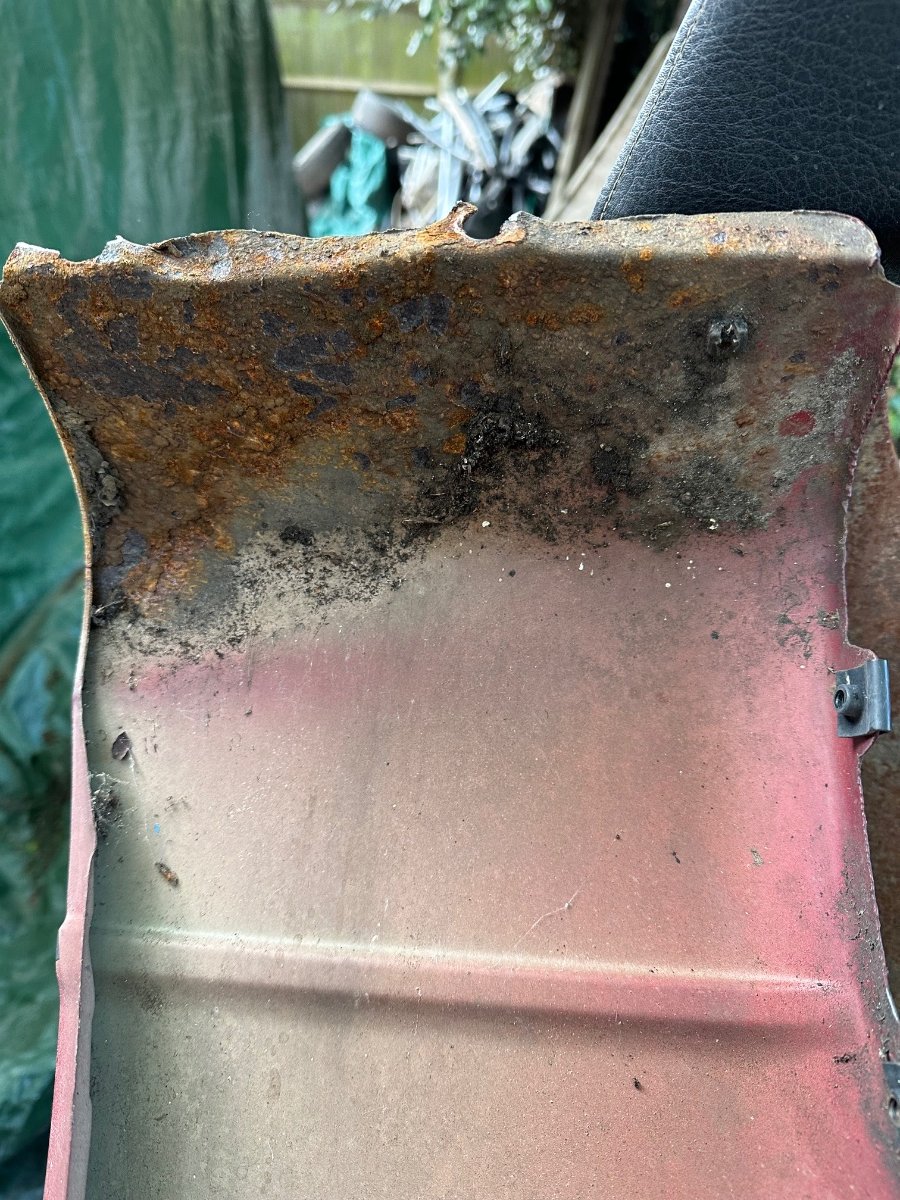
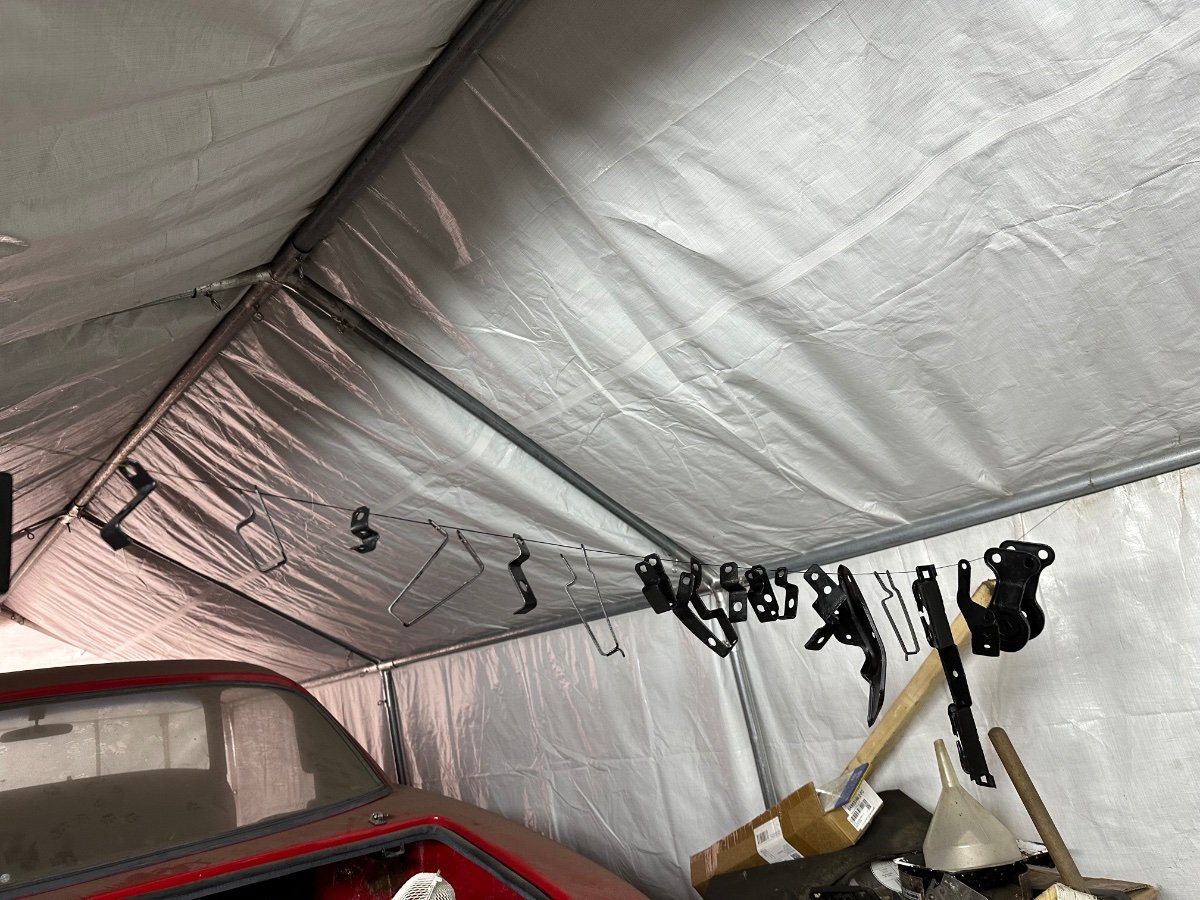
Today I painted some brackets and bits. I can’t believe I managed to get the front wing off was a real squeeze with the space I have. Underside of the front sill area. Fuel pump looks in good condition.



-
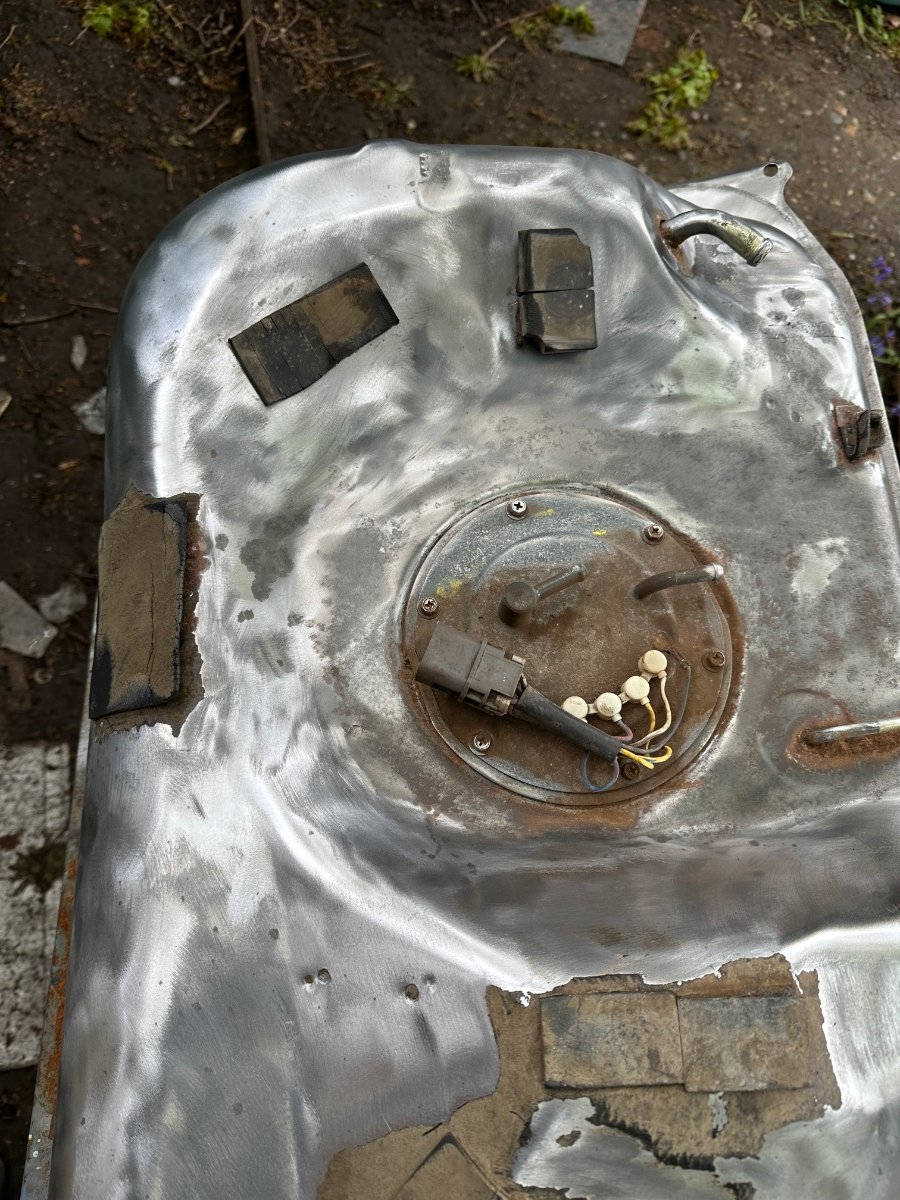
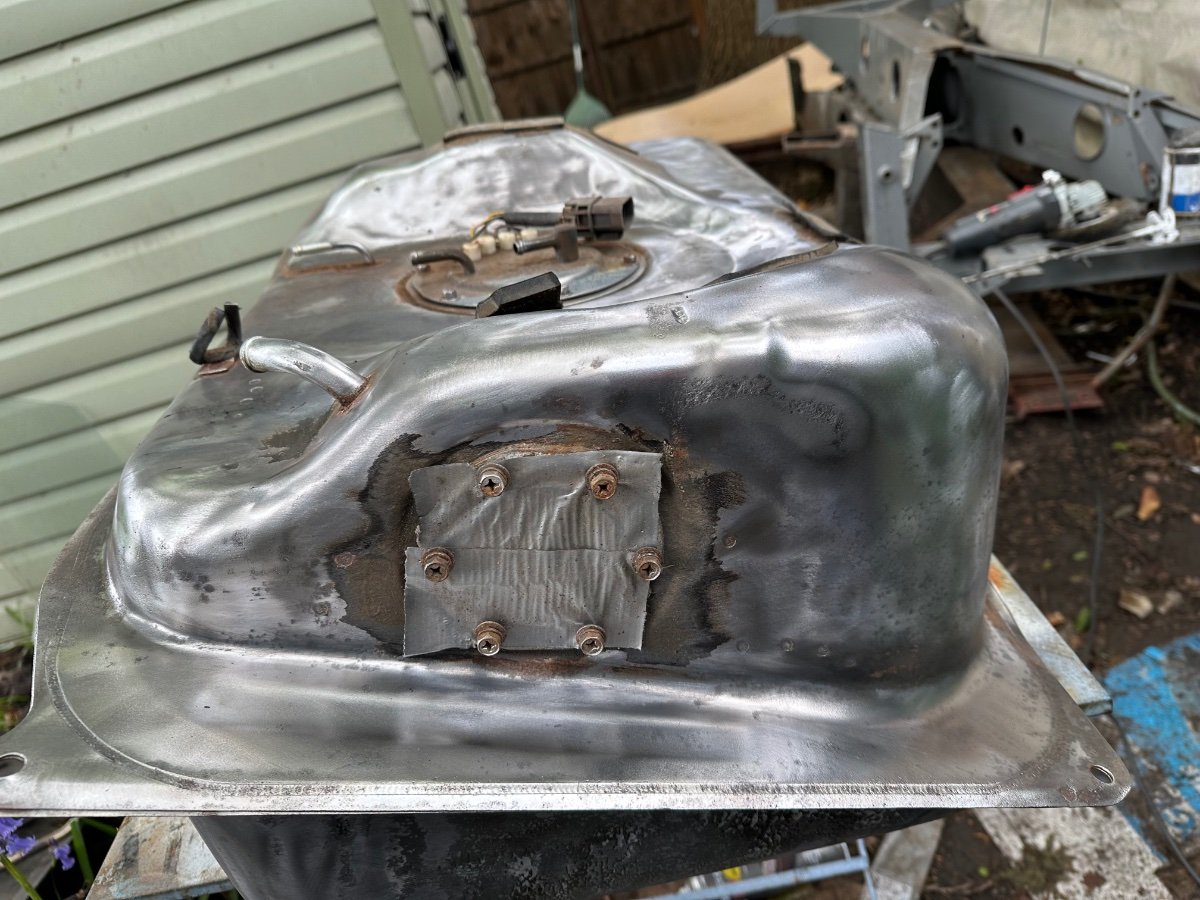
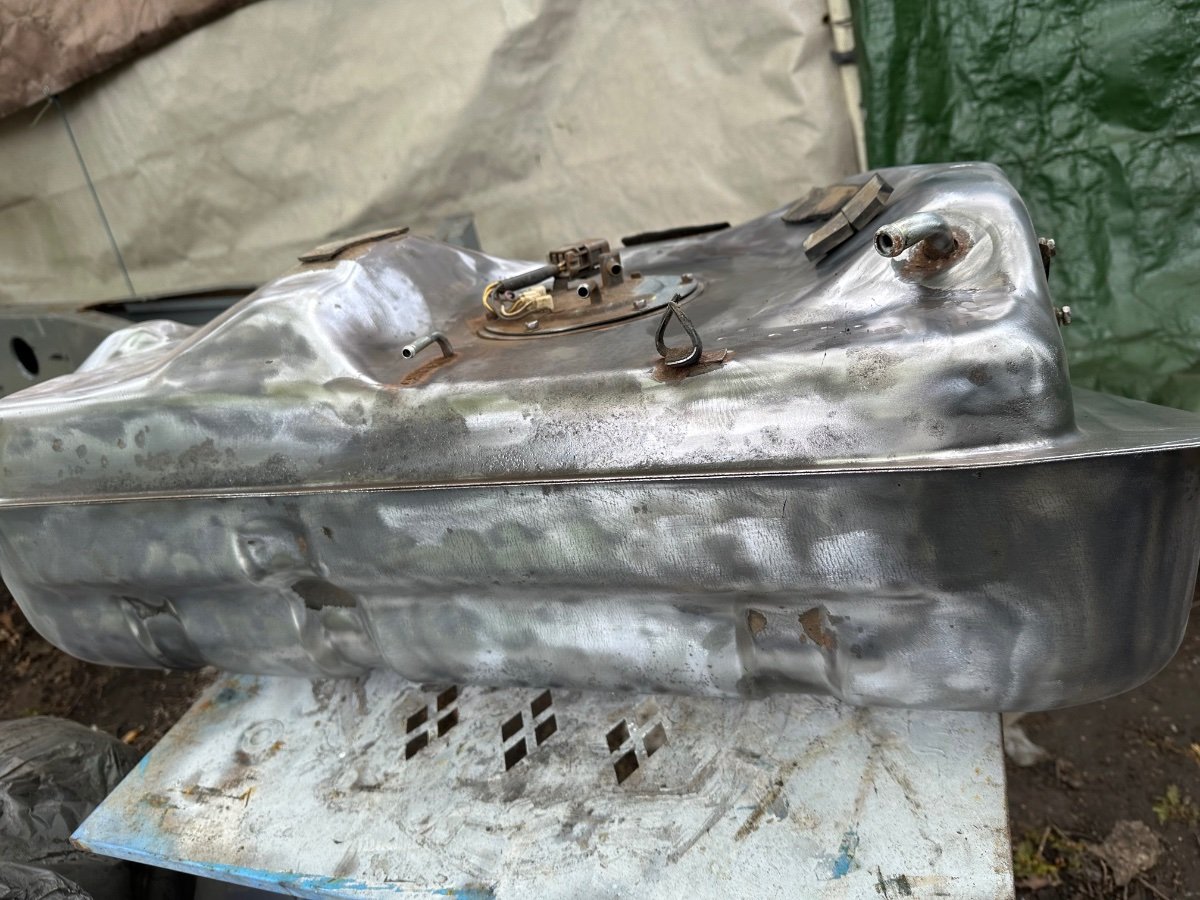
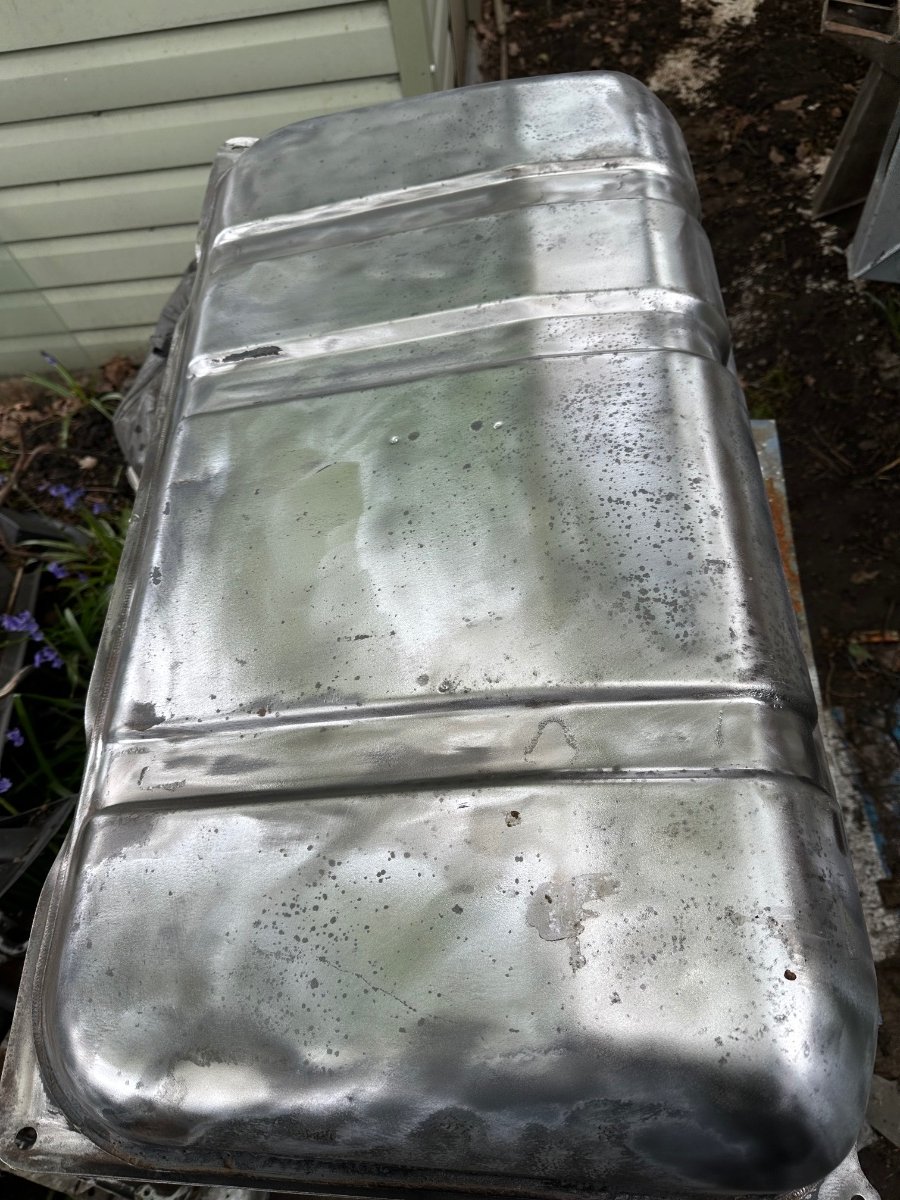
Started cleaning my petrol tank.


-
Crazy
-
All of mine is in pieces have to renew the hard lines anyway, so if it has a separate module and wire harness, can you see. Probably not that simple.
-
Ok what a pain would like to upgrade it.
-
Can I fit it to my 1991?
-
Hi does it have rear Hicas.
-
Happy Birthday 🎂


