Everything posted by JaiKai
-
Congratulations to Iangreenfield for winning last month's competition. Submissions for this months competition are now being allowed if you all want to upload a picture or two. https://www.300zx.co.uk/competition/ As per last month you can upload as many as 5 of your best and vote on 5 of the best. If you were one of the winners or in the top 5 then please upload a different picture so that we have some variety to vote on.
-
It does but its just a huge and expensive paper weight.
-
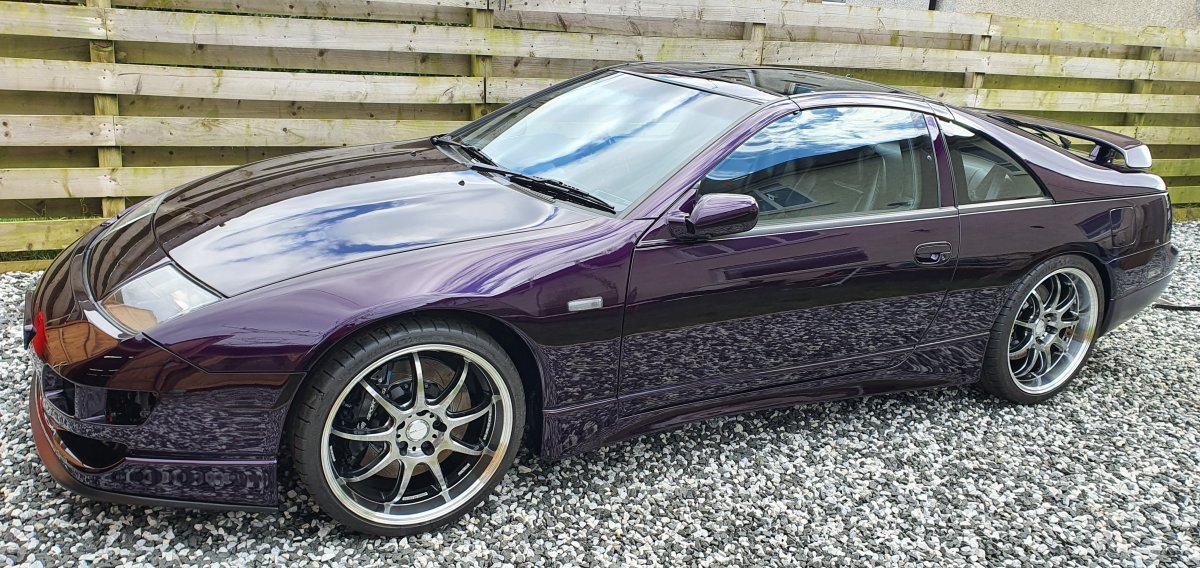
Its House of Kolors paint in of course Purple. So the engine issues spans originally back to 2015 when it blew up on my old zed, I stupidly used the same plenum because it was highly polished on my new build without checking that it was 100% internally cleaned. The result was debri or what i would call shrapnel metal which remained in the old engine components got sucked back through the air intake and damaged the engine, aswell as that i had a failed open injector which gave me washed bores Washed down oil mixed with fuel caused my turbos to cease too. The whole thing was a huge dominoes effect. I still have all the components and the engine has been stripped down to the block but to trust the build again would require every components to be surgically cleaned and reassembled which at the moment i cannot afford.
-
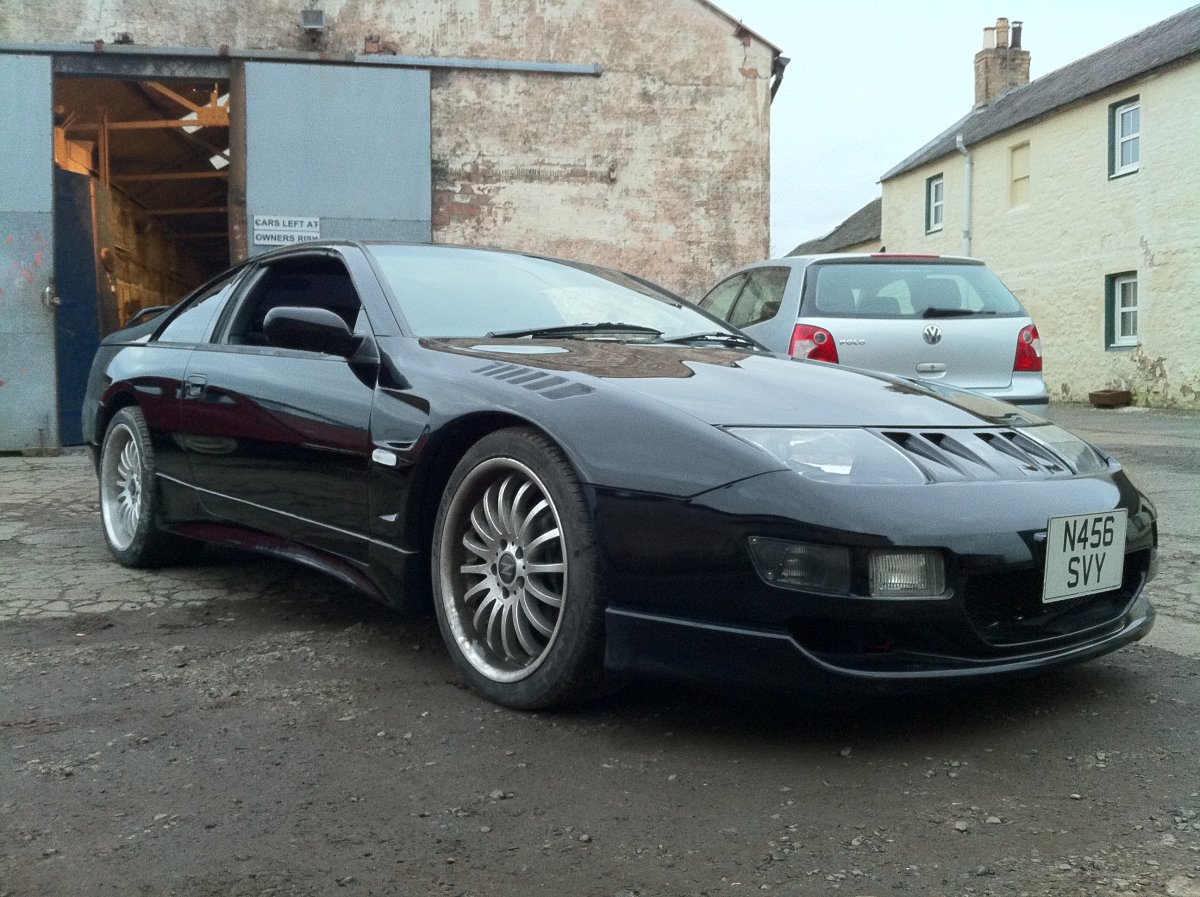
Must be from the camera, i checked other pictures in the same position and they all have it. Maybe the lense is refracting light at the nose panel.
-
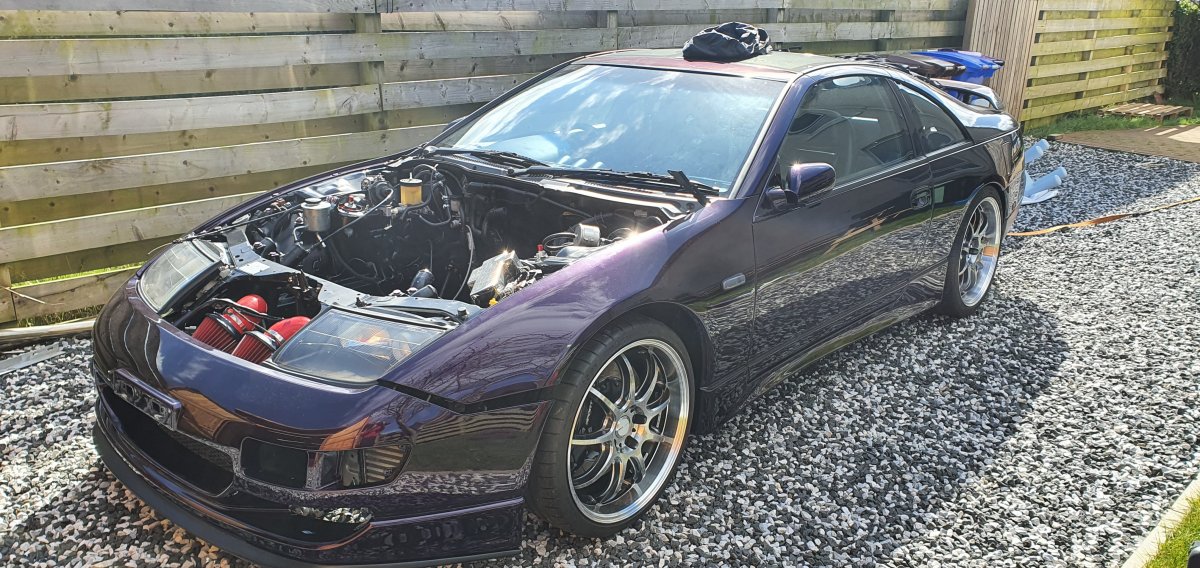
Due to my extreme bad luck in engines recently i've kind of been ignoring the zed as i don't want to feel any worse than i do by thinking about it to much but that being said the cover has been off and parts lying about that there was a layer cake of dust and other contaminants that could have spoiled the overall paintwork. So today with the help of my wifes car we hauled her out of the garage for a reassembly and thorough clean. Afer a scale and polish she makes my proud again to say i own her - minus an engine for now.
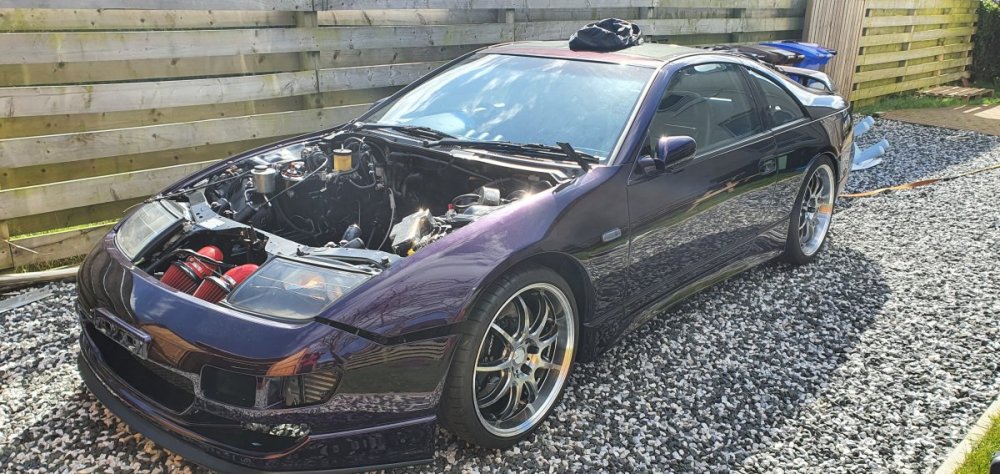
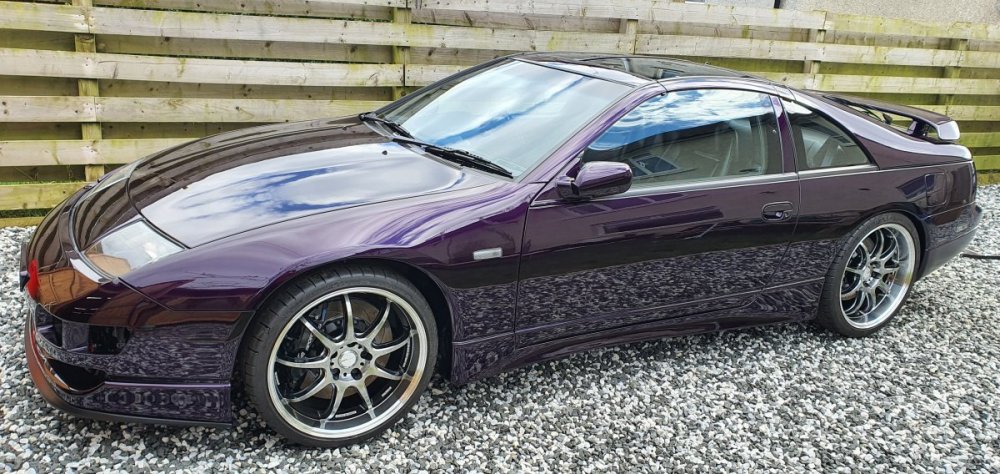
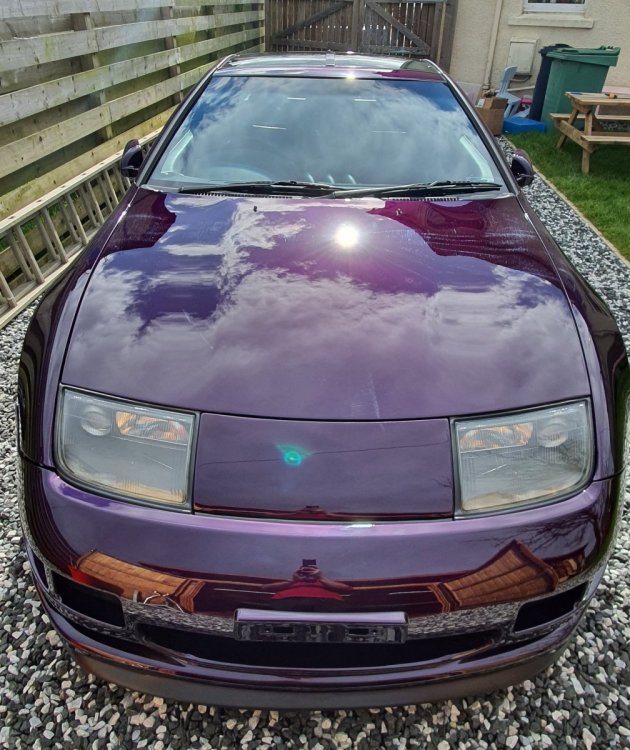
-
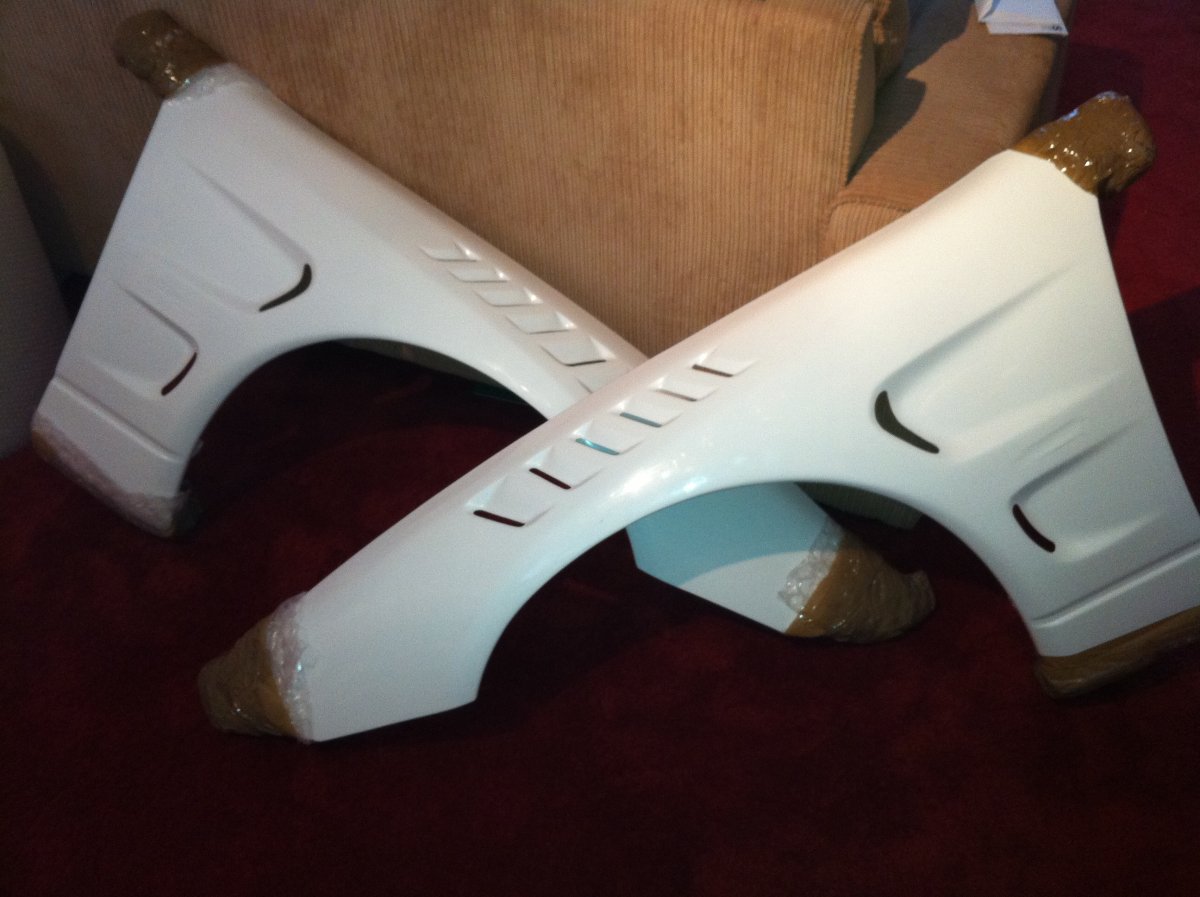
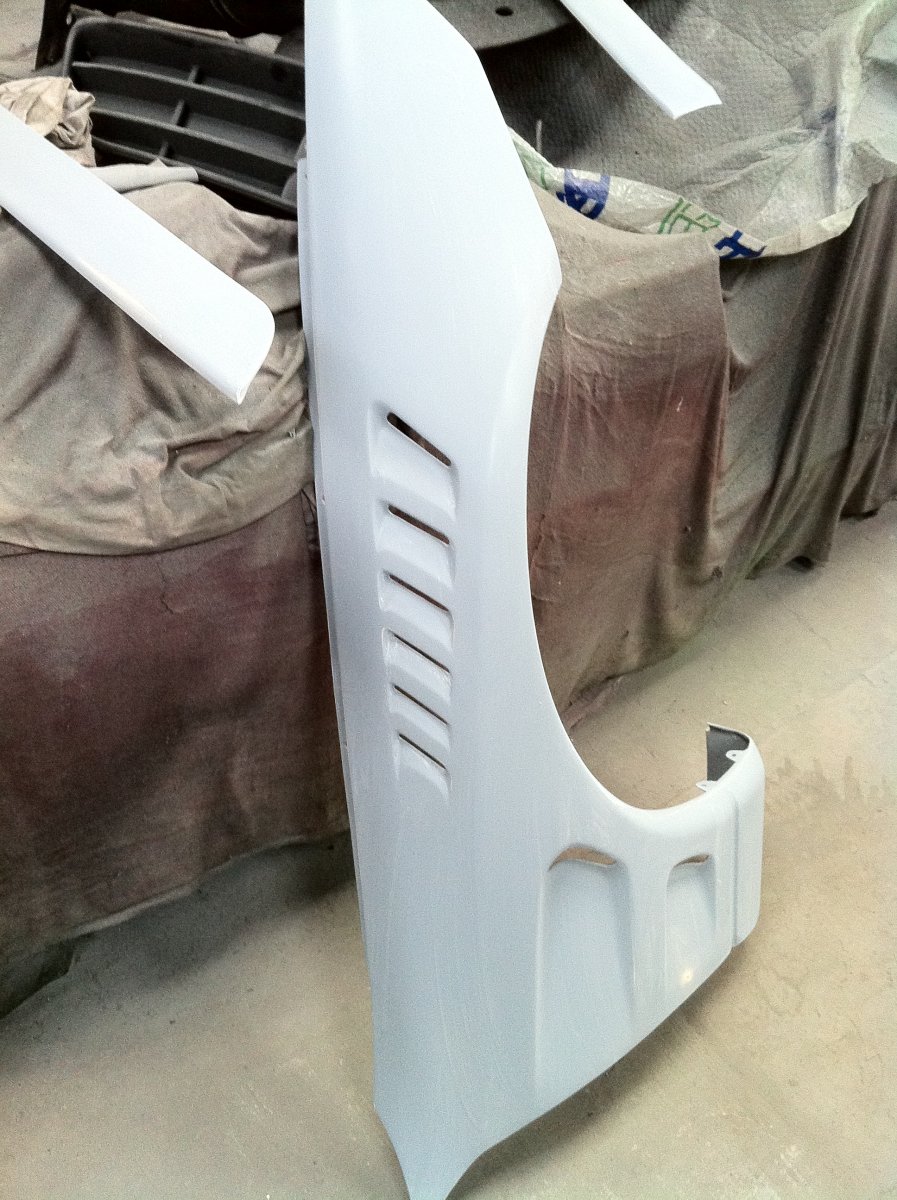
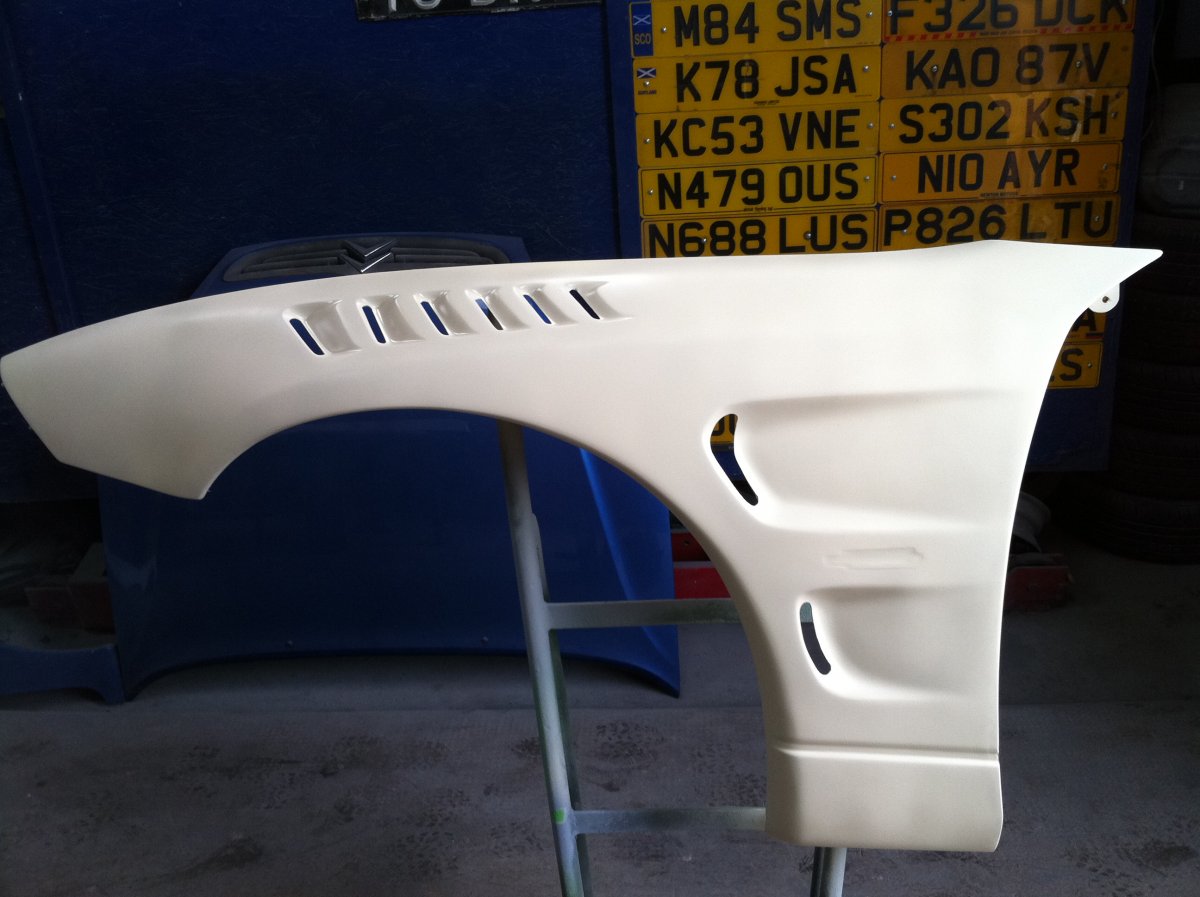
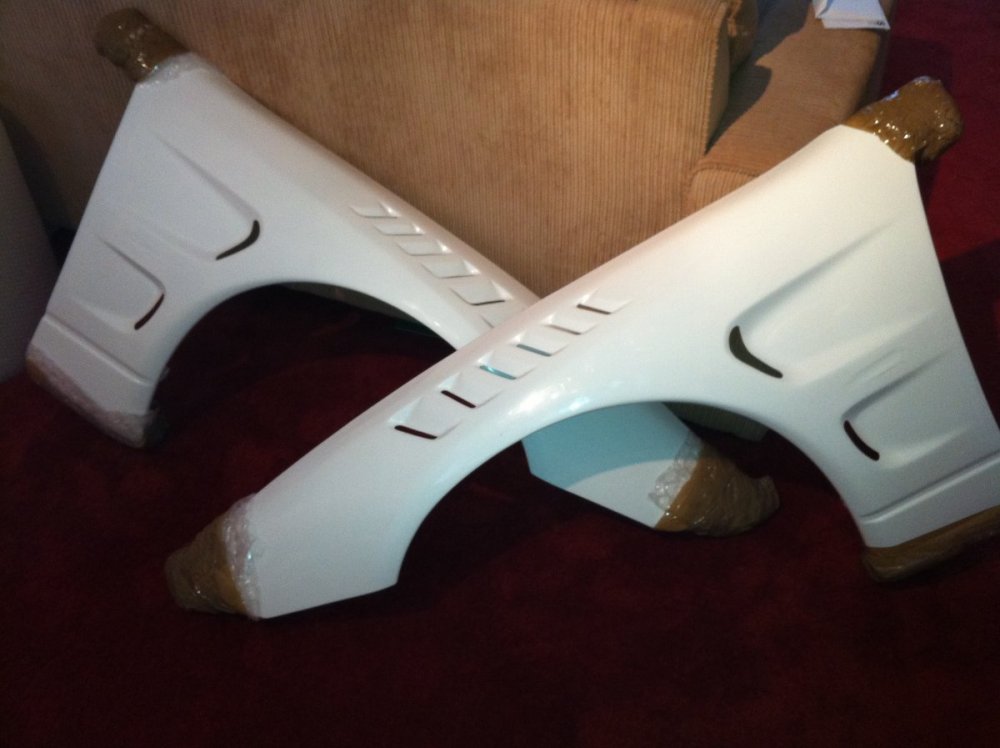
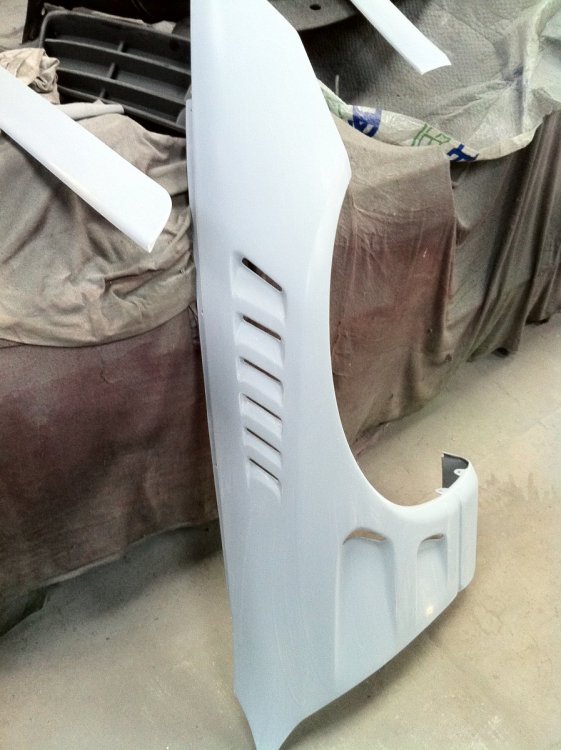
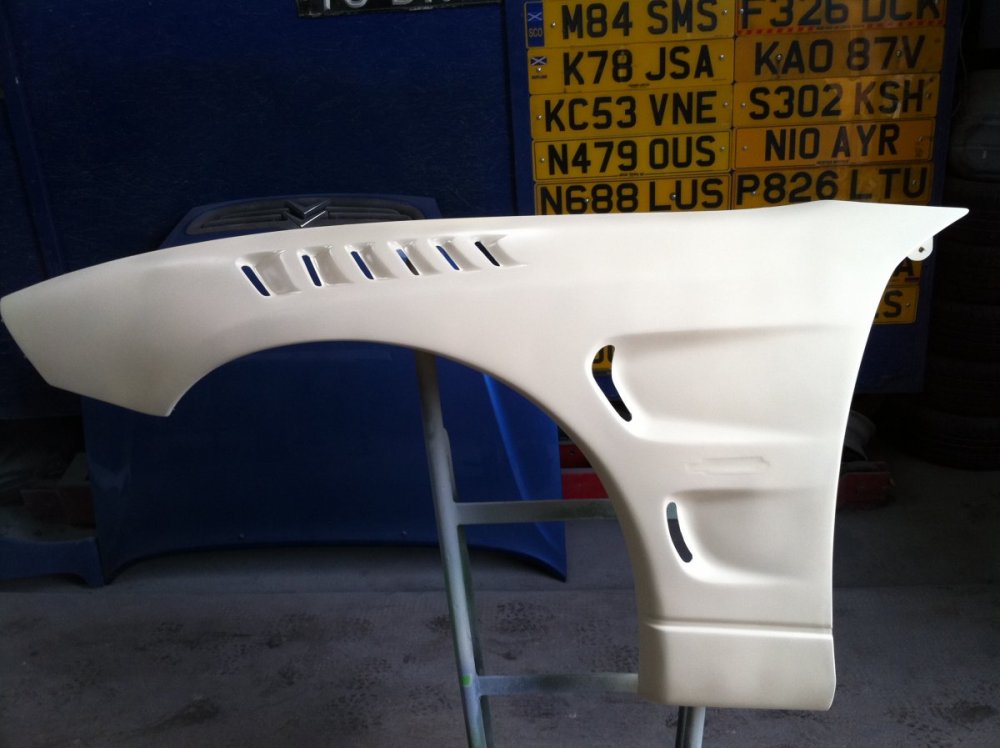
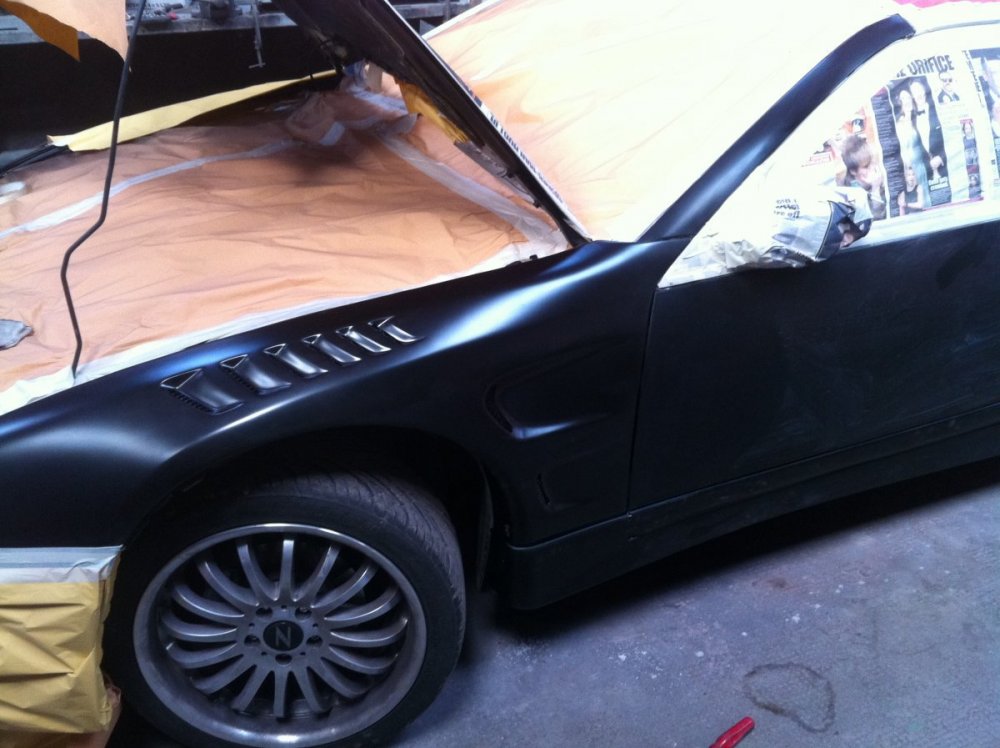
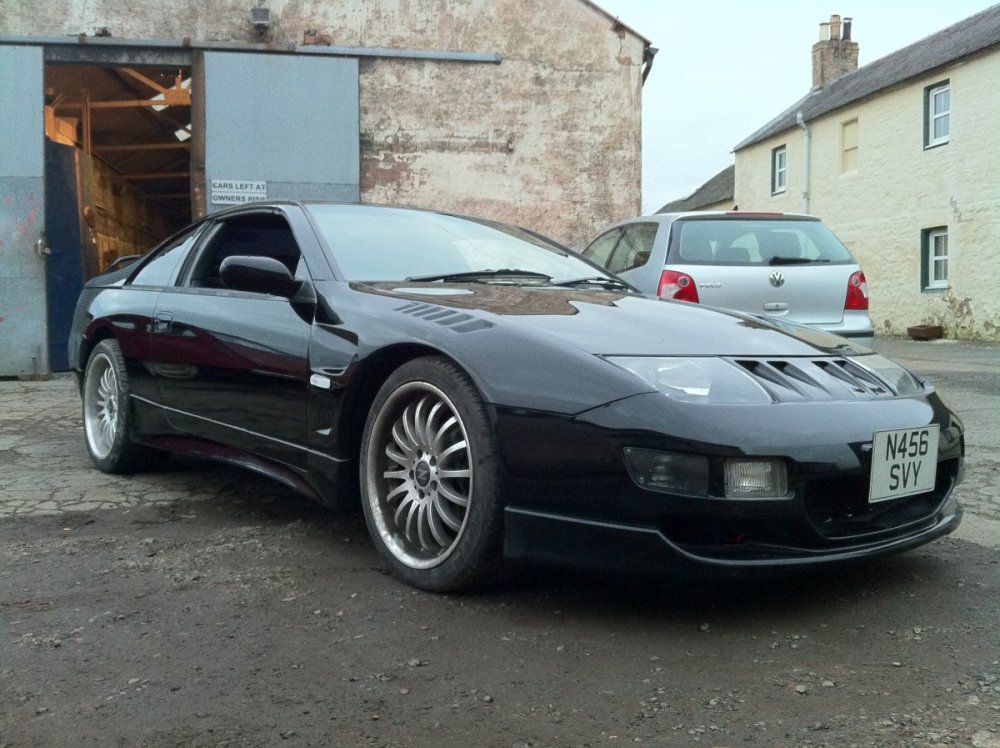
Few pics of the one i got from zcentre
-
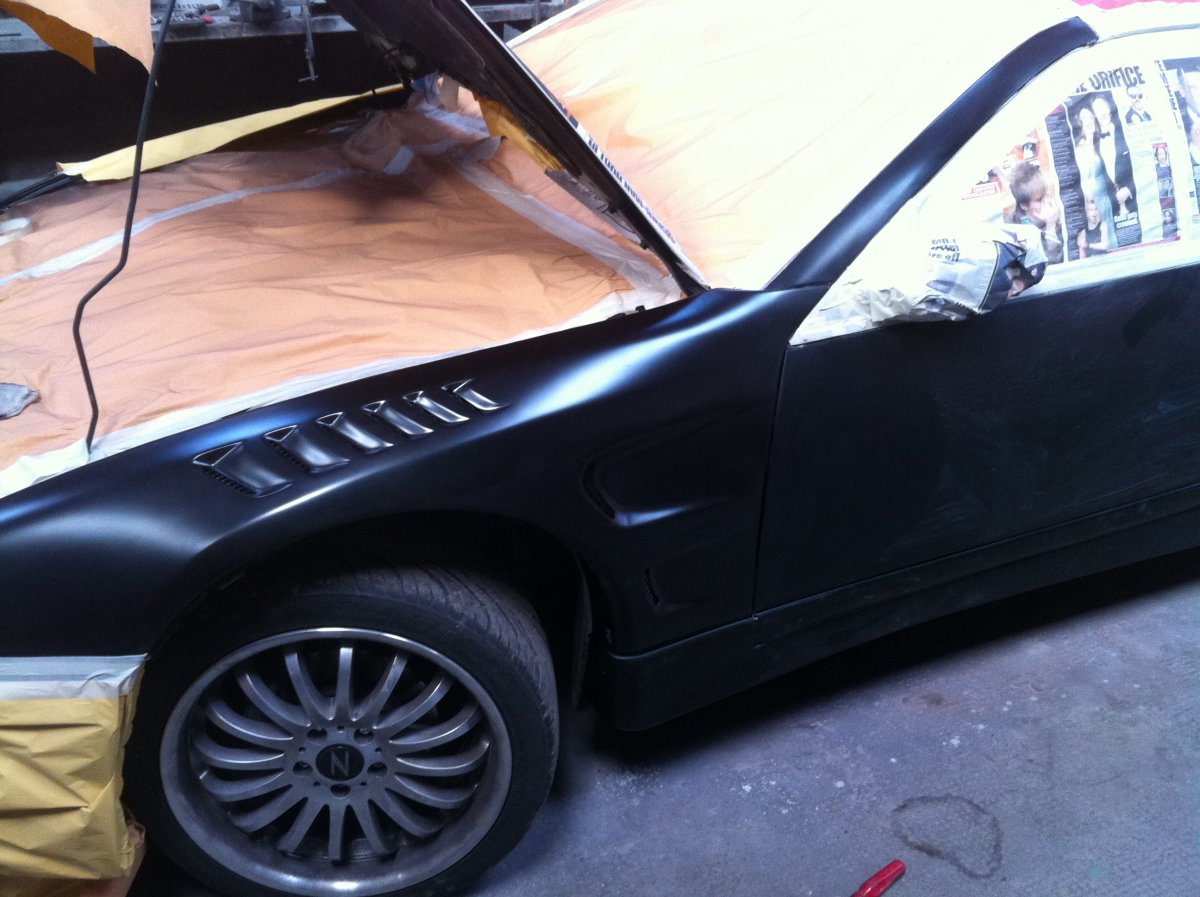
I had a set of zcentre front wings years ago and we had issues with the fitment. What i found is that the panels when fitted were too stretched looking and that we had to glue blocks of wood to the inside centre of the wing. After that the fitment was fine.
-
I've started a private group thats going to be using a VPN server to host LAN games rather than using the likes of steam.
-
Get a PC and join my gaming group !
-
Now that we are on a proper lockdown i thought i'd start a counter and support threads each day. Try to keep me partially sane. One of the things i have started for all the old school gamers out there is a FaceBook group called C-19-G We have also setup a VPN for members where we will be hosting games over the coming weeks If anyone is interested add me to facebook and i will add invite you to the group. Seperate from this i also provide IT services and this can be done remotely and over the phone. If anyone needs assistance then please contact me i'll be happy to help for a small fee of course.
-
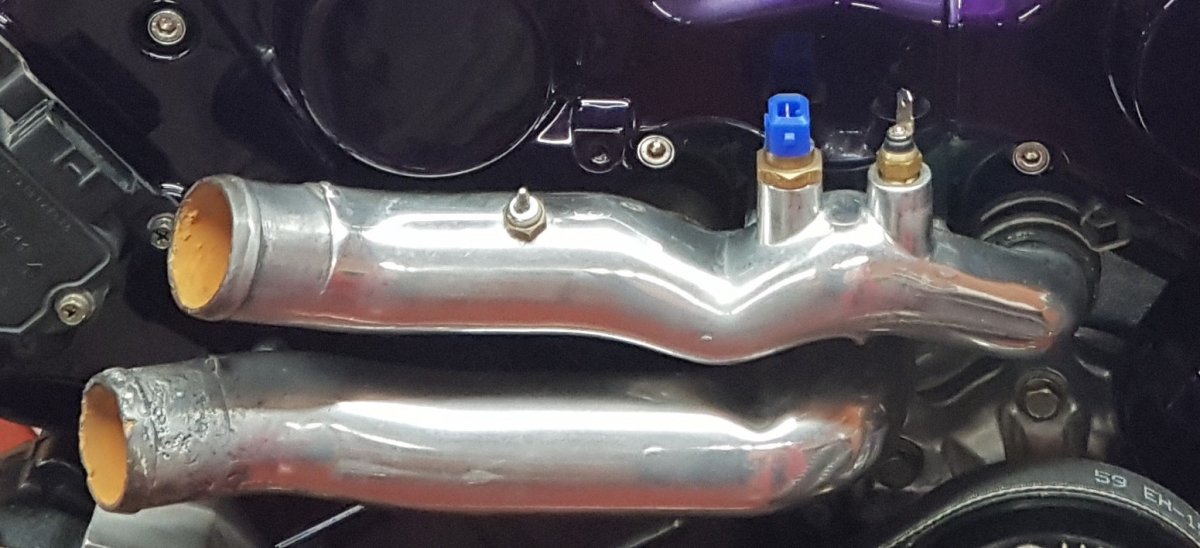
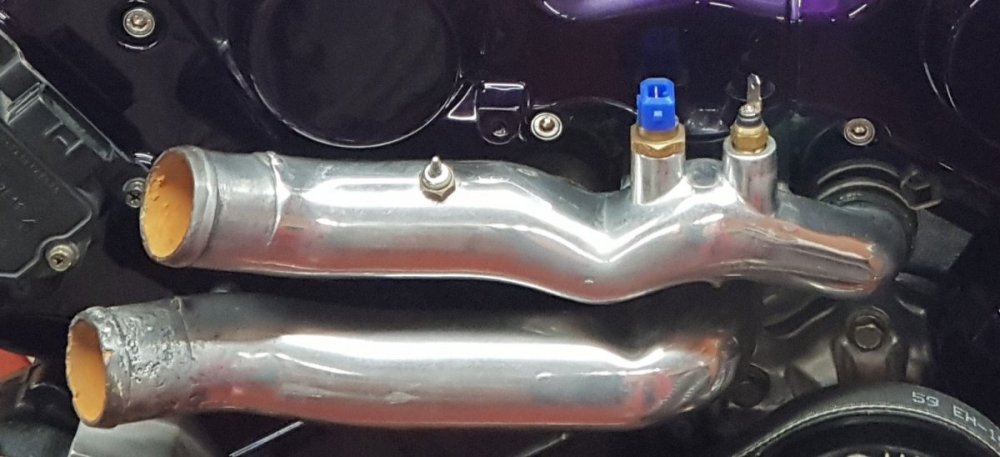
I'm good, working in my new office. Now offering discount remote IT support for people who are confined due to the pandemic.First thing I would be doing is changing every fluid you can including the fuel if you can.I drilled and tapped a new sensor mount on the upper water pipe which goes to a digital gauge on the dash.
 We used to refrain from putting this information up but the instructions are all over the Internet these days, lol Actual manual in PDF form attached. Ai606_Install.pdfIs that Vince's ?It's hard to say but that's 5 years since Mandy past. Always missed and never forgotten.Living on the edge !!Happy birthday Andrew.Congratulations to t.mogsy for winning last month's competition. Submissions for this months competition are now being allowed if you all want to upload a picture or two. https://www.300zx.co.uk/competition/ As per last month you can upload as many as 5 of your best and vote on 5 of the best. If you were one of the winners or in the top 5 then please upload a different picture so that we have some variety to vote on.J7 - HIT You have sunk my battleship.Would everyone prefer a grid style ? As an example i'm in region E6.
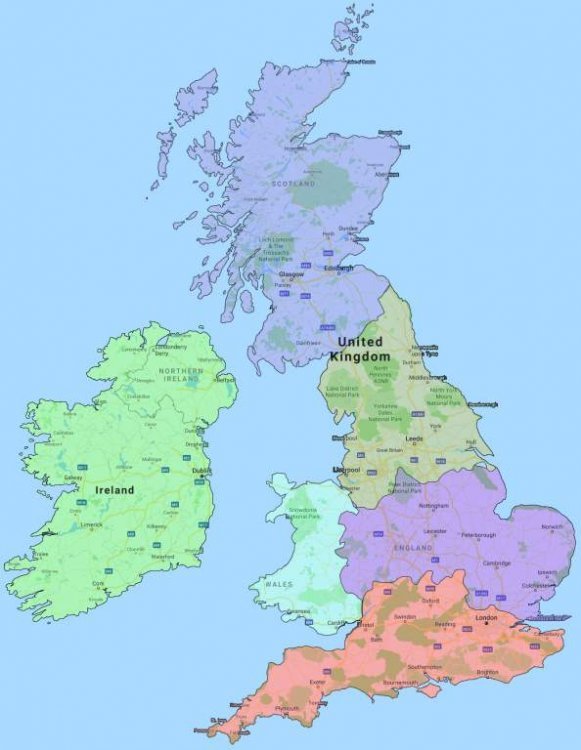
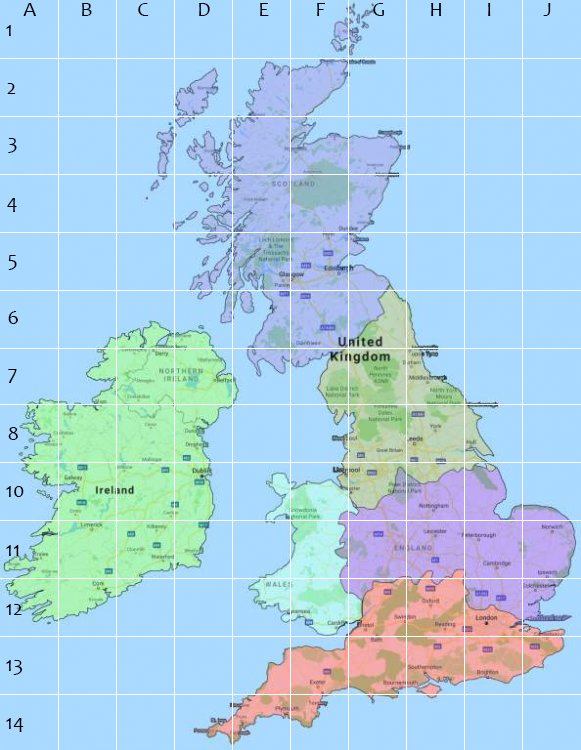 Its that time again + 1 month since i forgot to post this at the end of last month. The club sensus is now open. Following on from last year we have the updated map and club areas as follows : Also added this year is the extra poll option of 'Outside of the UK' for everyone outside the UK. The poll is now open and will be open until the end of march to give us a good count of members.
 Should be fixed now.Should be, so i'll look into it shortly.