Everything posted by JaiKai
-
Click classifieds on top toolbar. Your likely seeing the old archived system.
-
I didnt this time as they were done not that long ago and i ensured everything was put back together the way it was. This rebuild was more so to clean everything and ensure no nasty metal particles were inside.
-
Tell me about it, the larger ones are like playing Russian Roulette . And i done them with needle nose pliers
-
Are you sure it's the abs pump! Do you have a bose system as my zed has an amp under the plastics just behind the ABS area. Just a thought.
-
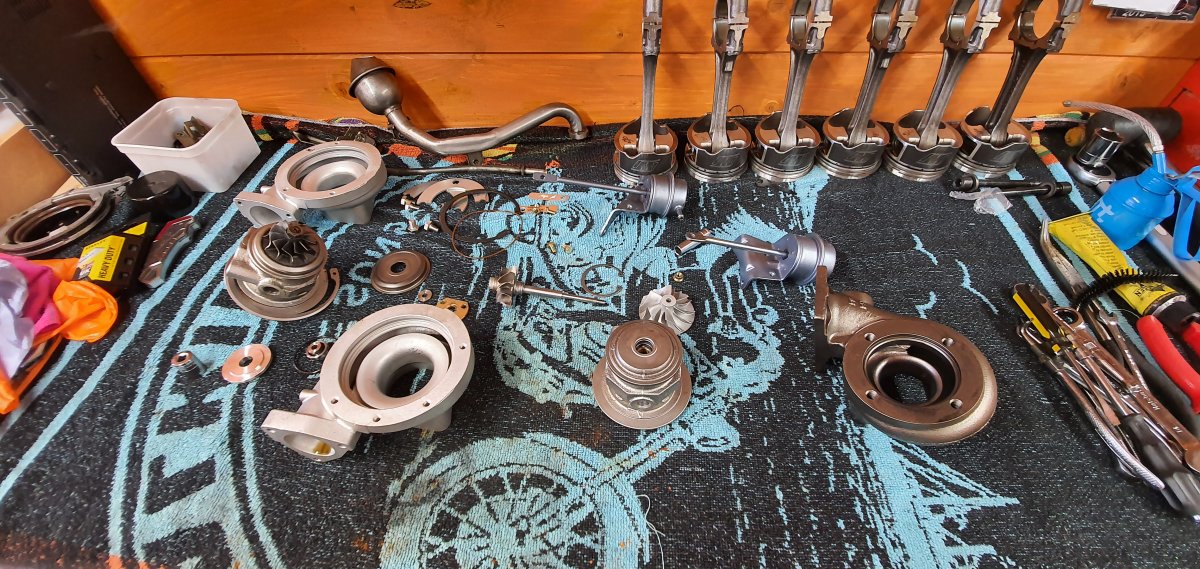
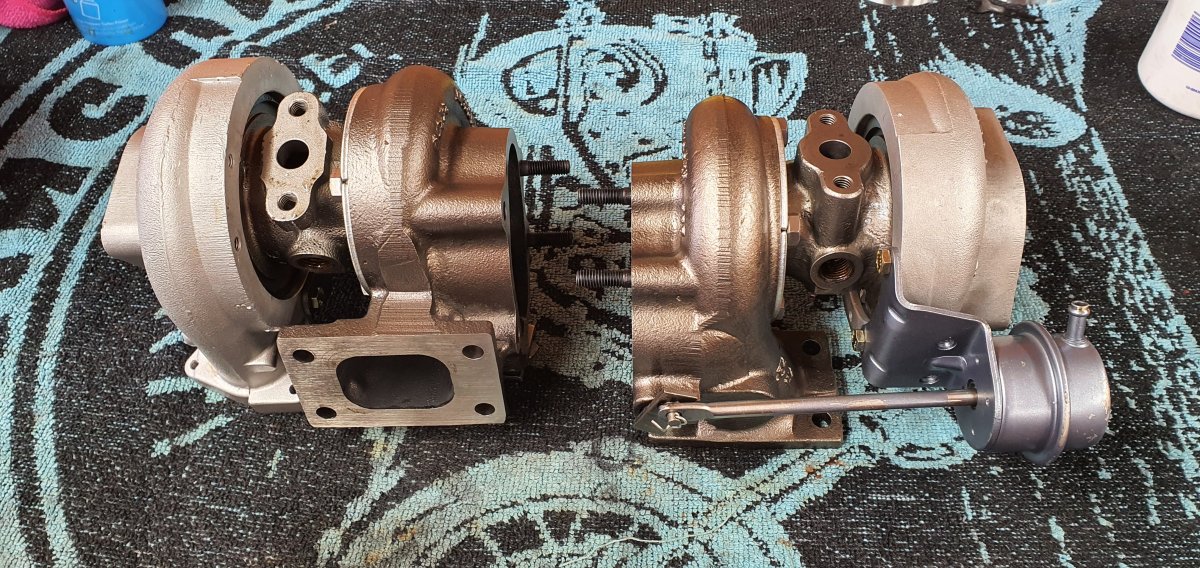
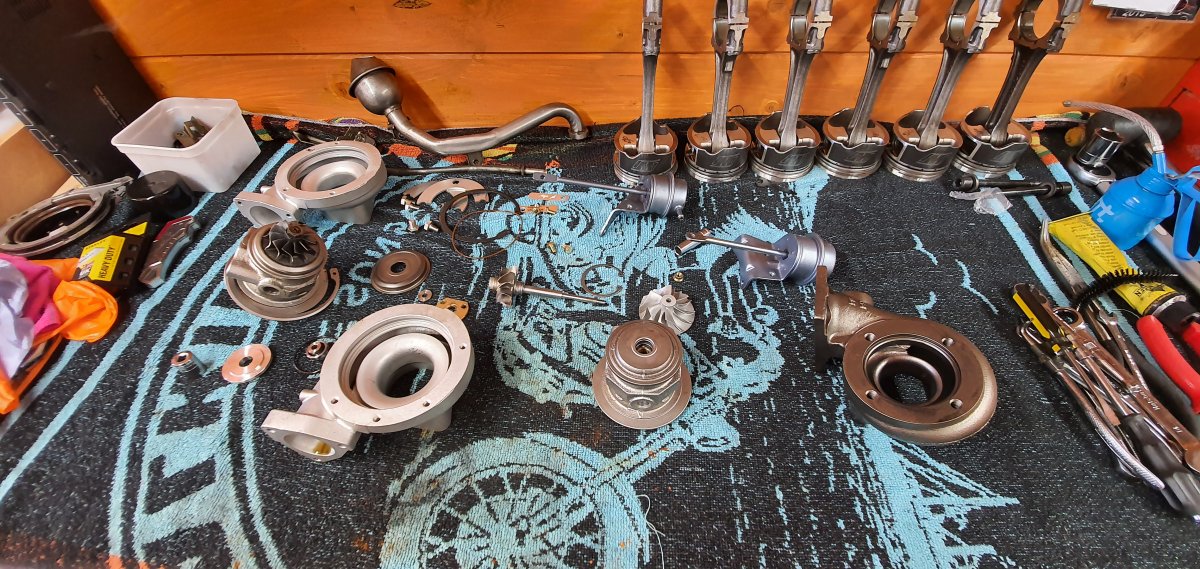
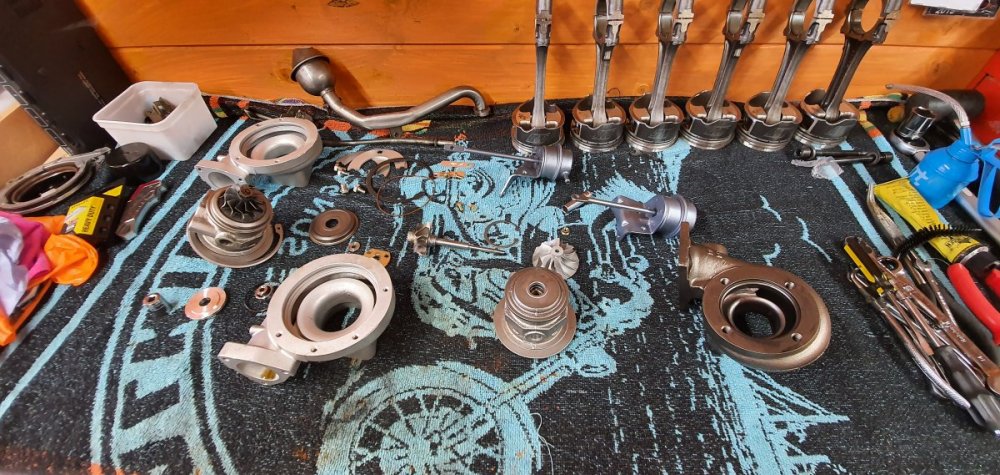
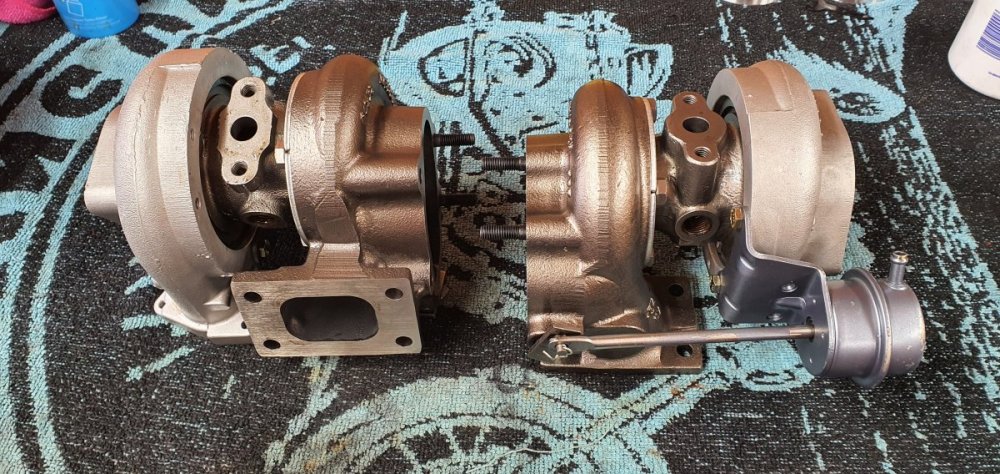
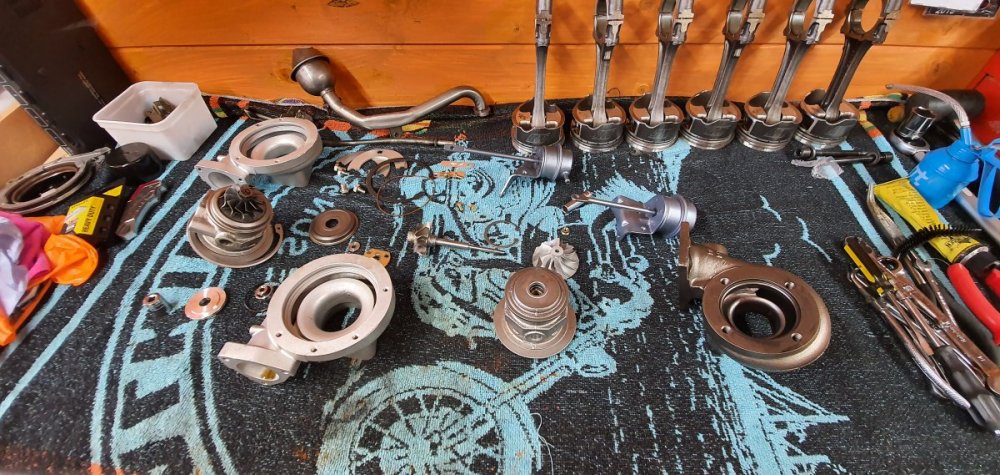
After the oil got contaminated and slightly washed down with fuel the turbos also ceased up. I decided to strip them and do the rebuild myself as the costs for that at the moment to be done professionally are just too much. Here the first one is stripped down. Took me most of the day to clean these but using an air gun, wd40 and a can brake cleaner i got them to near new condition again. On assembly i used fresh oil to lubricate the bearings and everything fitted together again perfectly. I now have two turbos with freely spinning shafts and propellers.
-
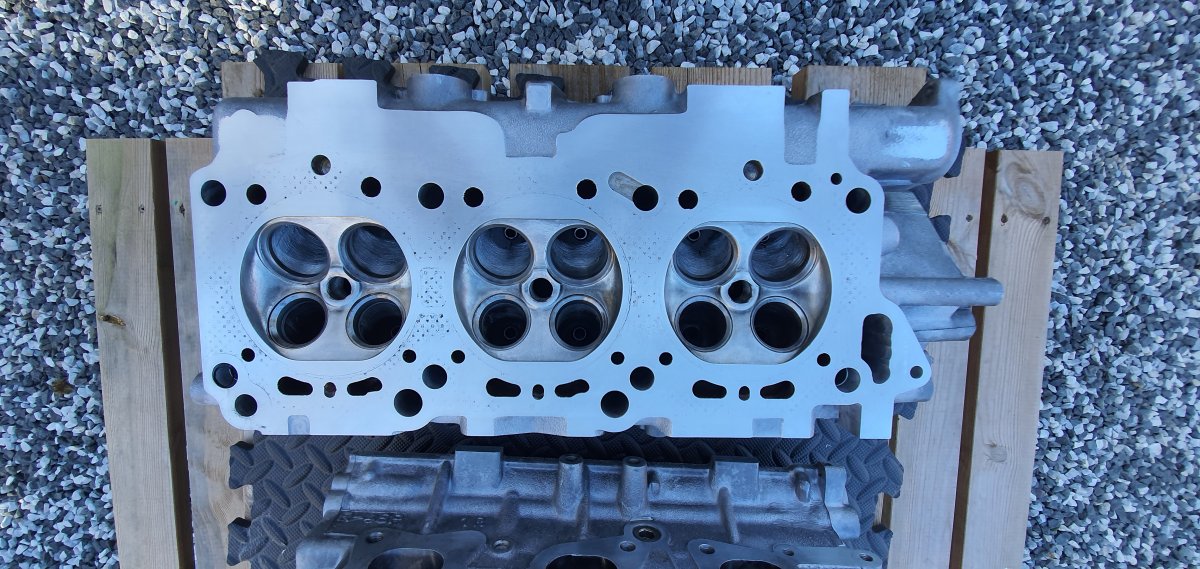
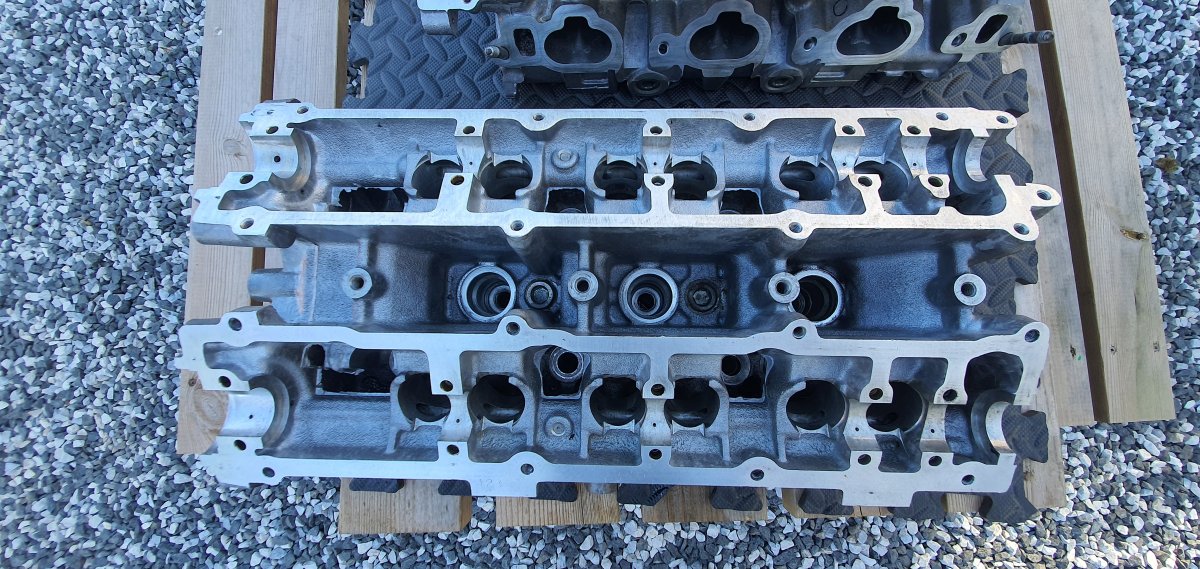
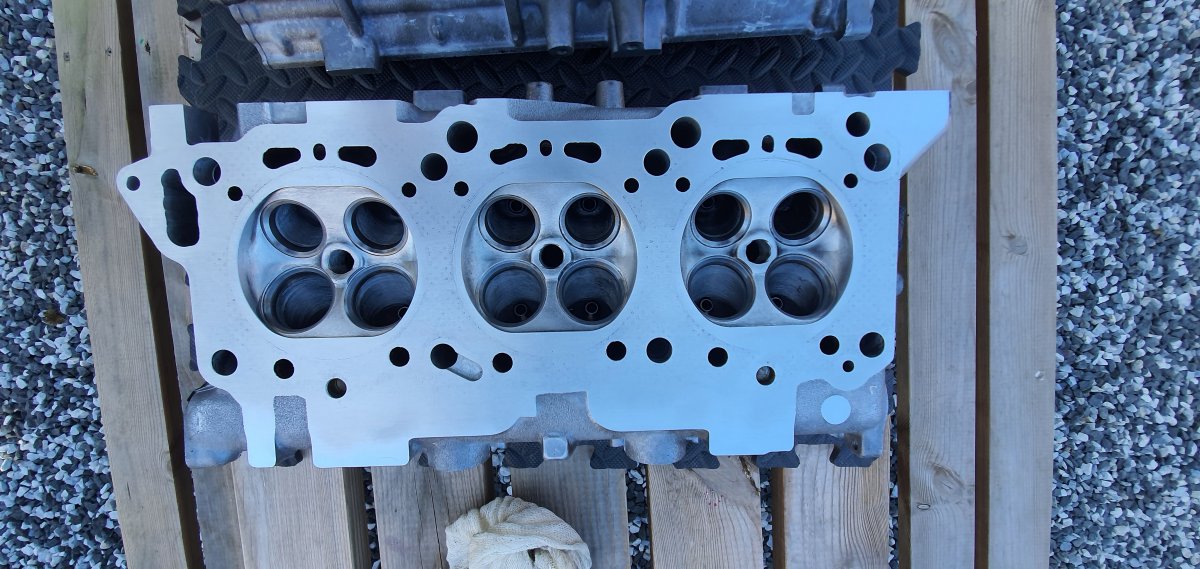
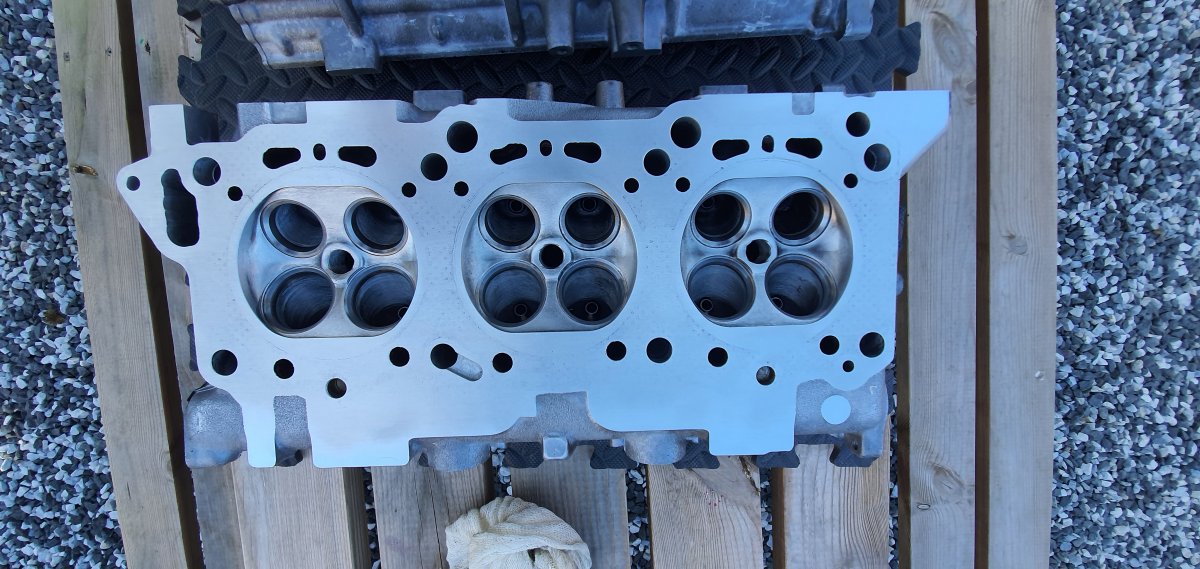
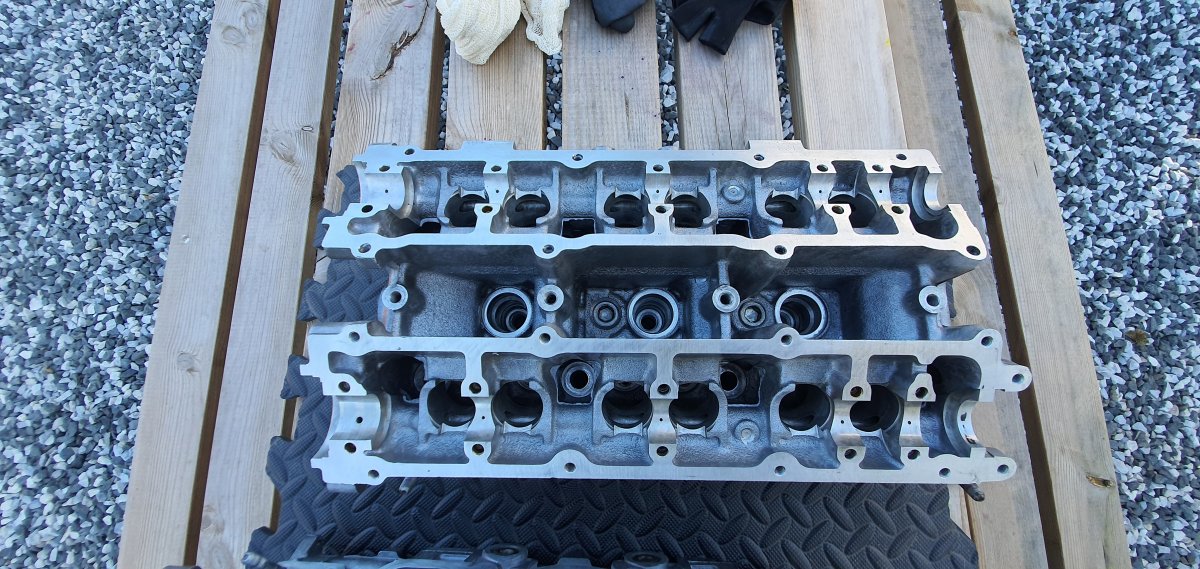
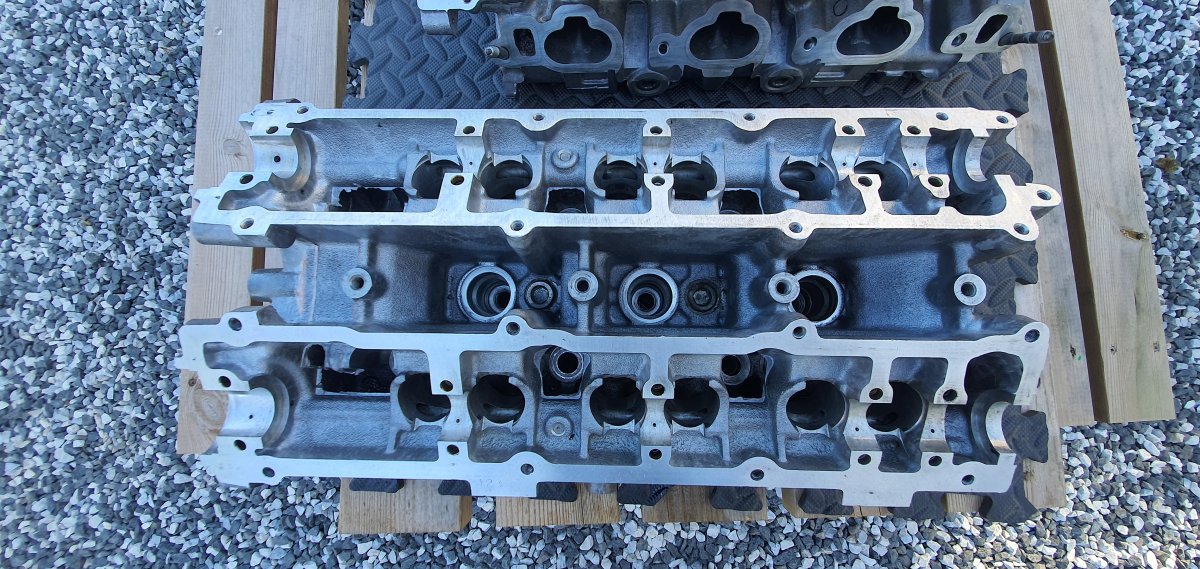
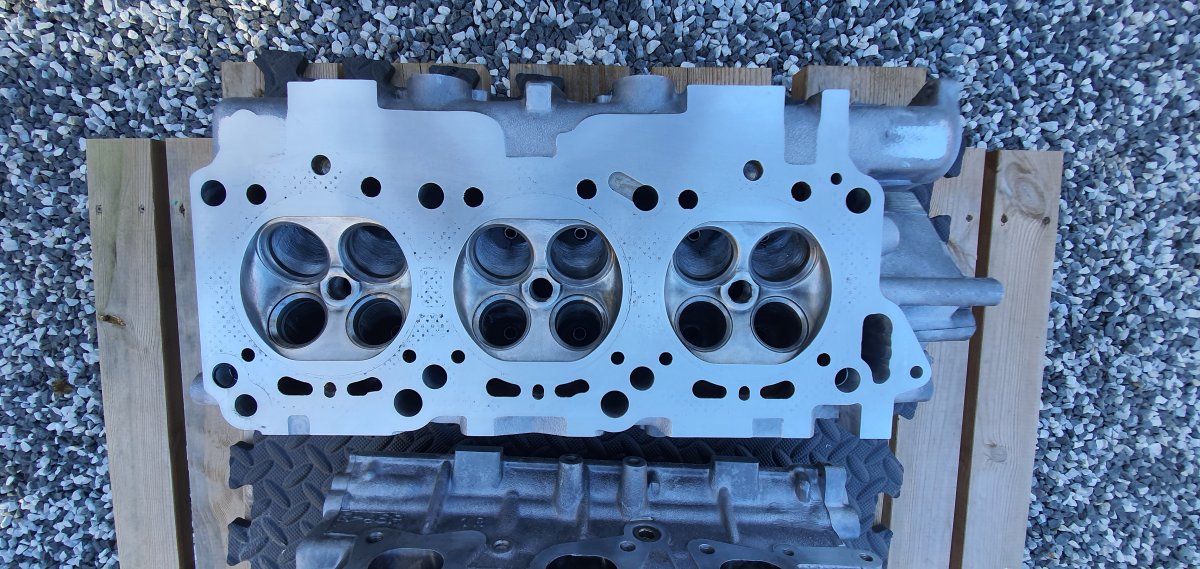
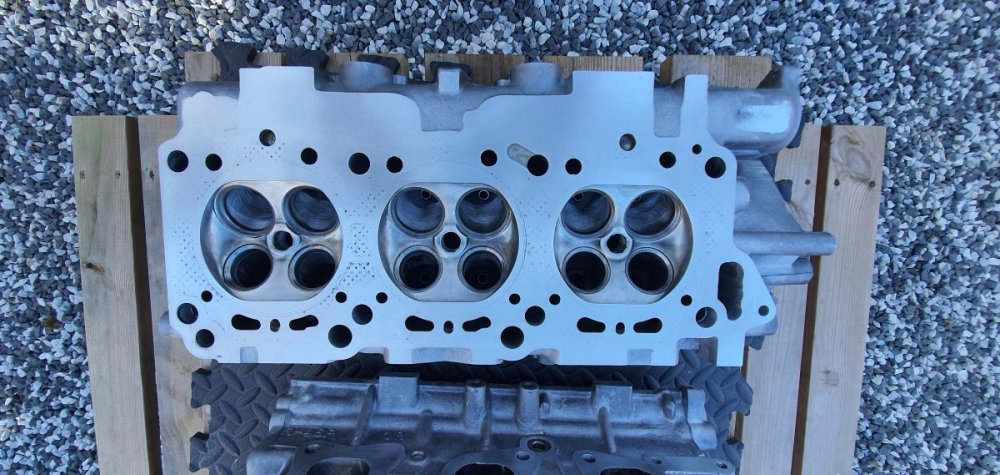
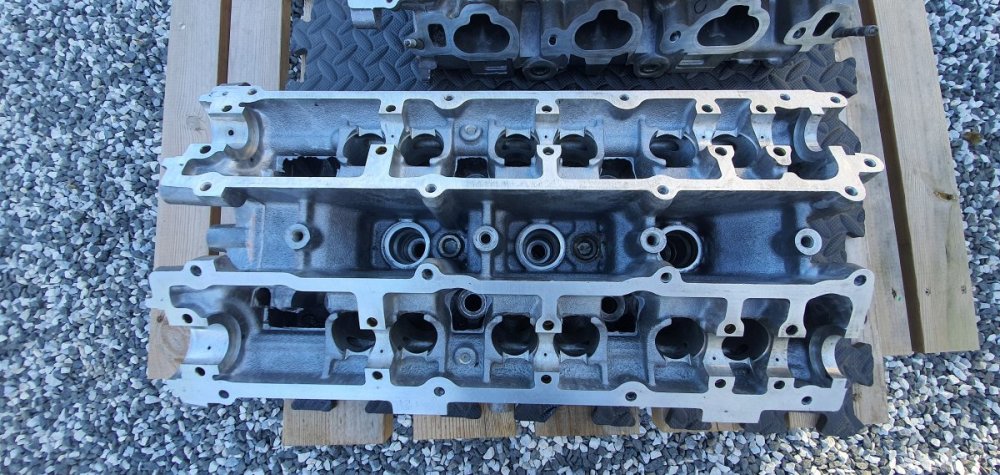
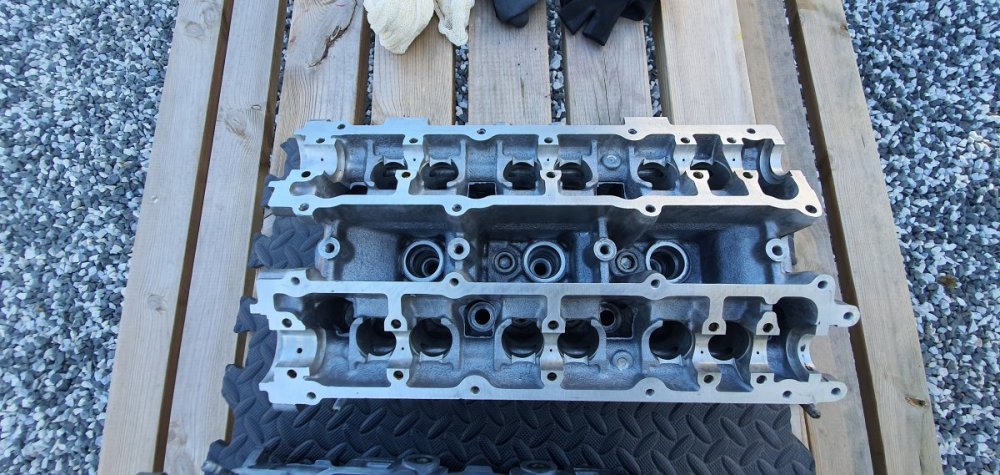
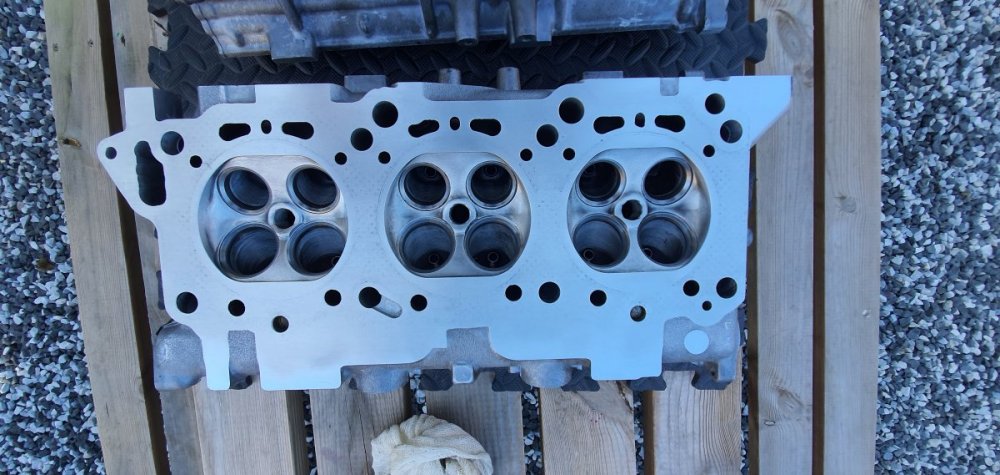
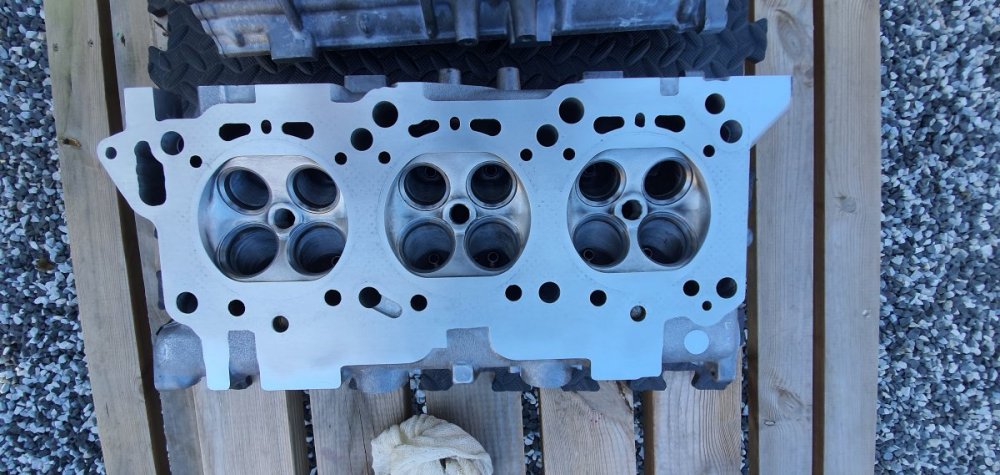
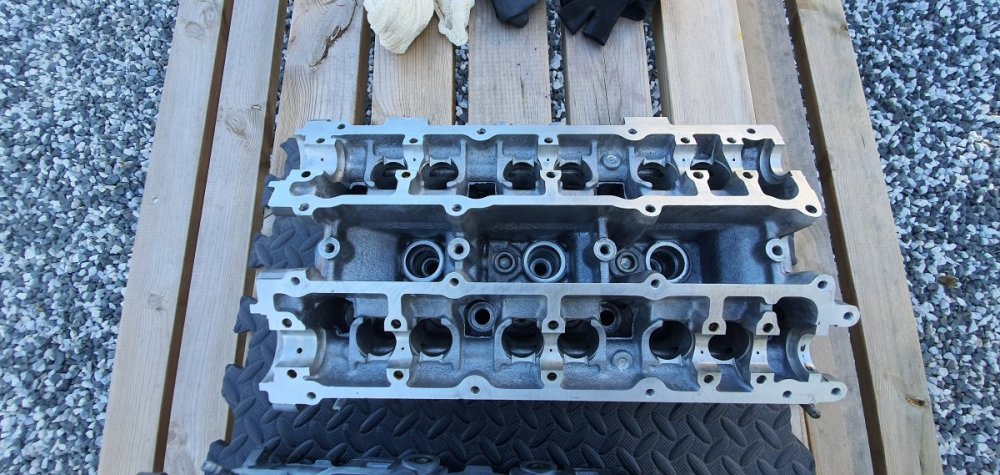
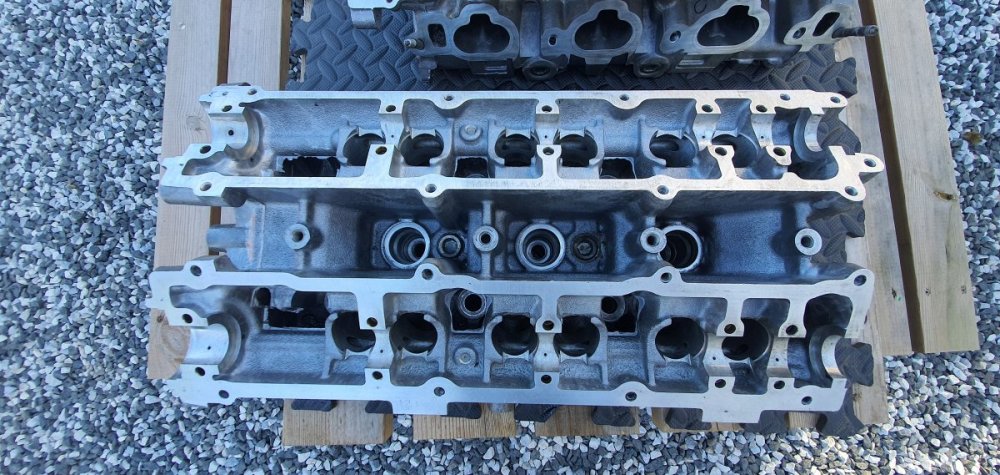
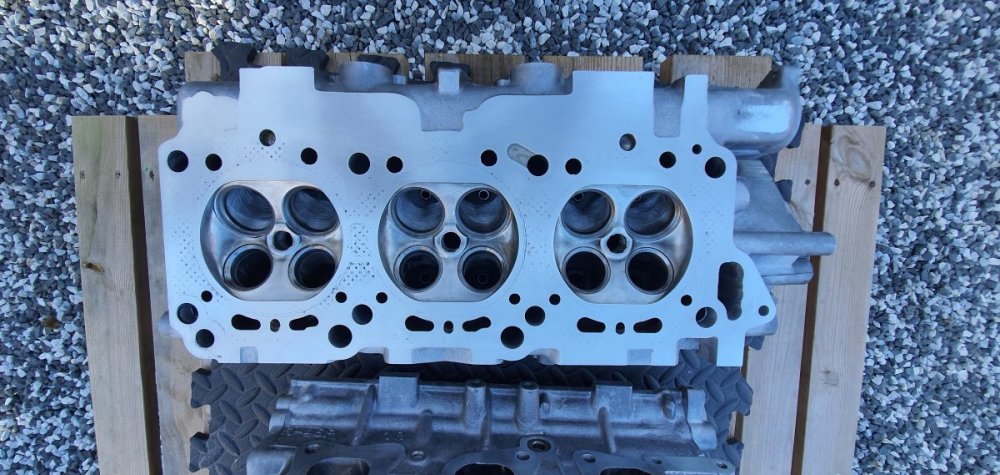
Heads stripped down and cleaned.
-
Not posted on my build thread for a few months so i thought i'd recap and move on. So here goes : Back in 2015 my purple zed was written off when it was hit by truck on the m42 while on-route to the NEC car show. It was hit after i already broke down due to engine failure and pulled into the hard shoulder to get assistance from the RAC, Luckily the insurance paid out an agreed valuation and the current project started. The new build which was called the MKII was a more prestige build and the final thing to be done was the engine. I had an the engine rebuilt with forged pistons, up-rated injectors and also a new ECU to boot it all. Unfortunately i was dumb enough to reuse the polished plenum from the previous engine that failed without thoroughly giving it a deep clean. In the end some fragments of the damaged previous engine made its way into the current engine and was only discovered on the day that the zed was trailered up to get a mapping session. Apart from a few unrelated starting issues the route end cause of the new build failing was due to filaments from the old pistons that blew-up. Where i am now is that i once again have to rebuilt the engine from scratch; but this time everything has to be scrubbed clean to make sure that no contamination of the previous engine has got into the new engine. The engine has once again been removed, stripped to the block and the cleaning process has begun. I'll upload a few pics to show the process shortly.
-
Before i dismantled them the spindles were very tough to rotate but after being cleaned and oiled up they spin freely enough and the blades also have no signs of damage.
-
Time to change things and now the theme is Engine Bay Only. Get a nice engine bay pic uploaded now.
-
Rebuilding my turbos after they got contaminated oil run through them. Luckily no damage and on a pre assembly they spin freely now.
-
Congratulations to AndrewG for winning last month's competition. Submissions for this months competition are now being allowed if you all want to upload a picture or two. https://www.300zx.co.uk/competition/ As per last month you can upload as many as 5 of your best and vote on 5 of the best. If you were one of the winners or in the top 5 then please upload a different picture so that we have some variety to vote on.
-
wouldn't think so as its just a polish to the areas that come into contact with the bearings Not enough material would come off in my opinion.
-
Thanks, I've coated it with oil for the moment and i'll order up some emery cloth. ?
-
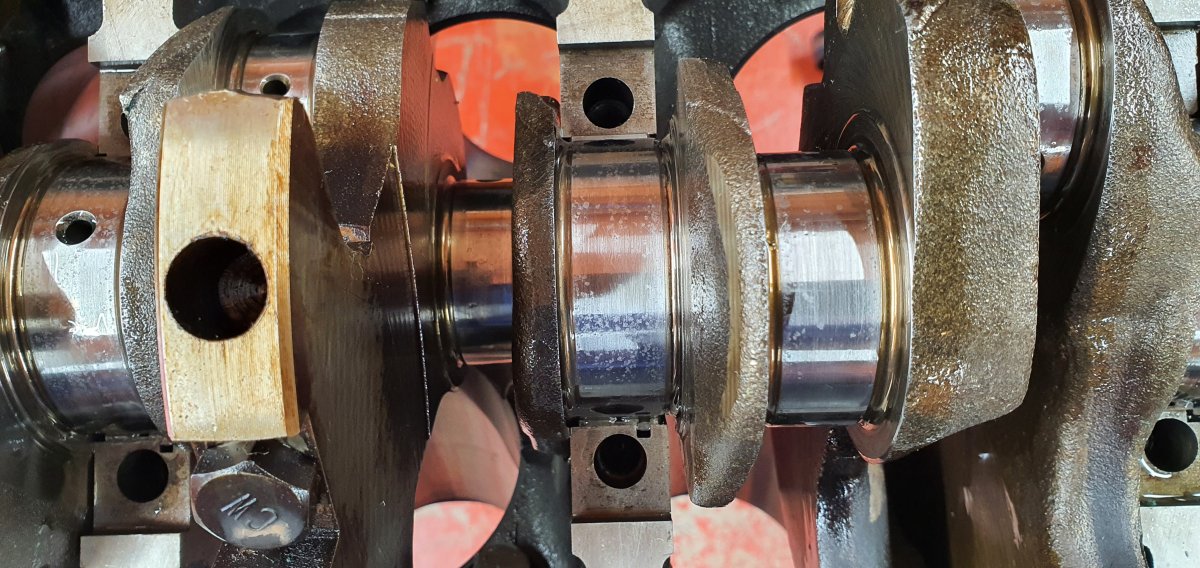
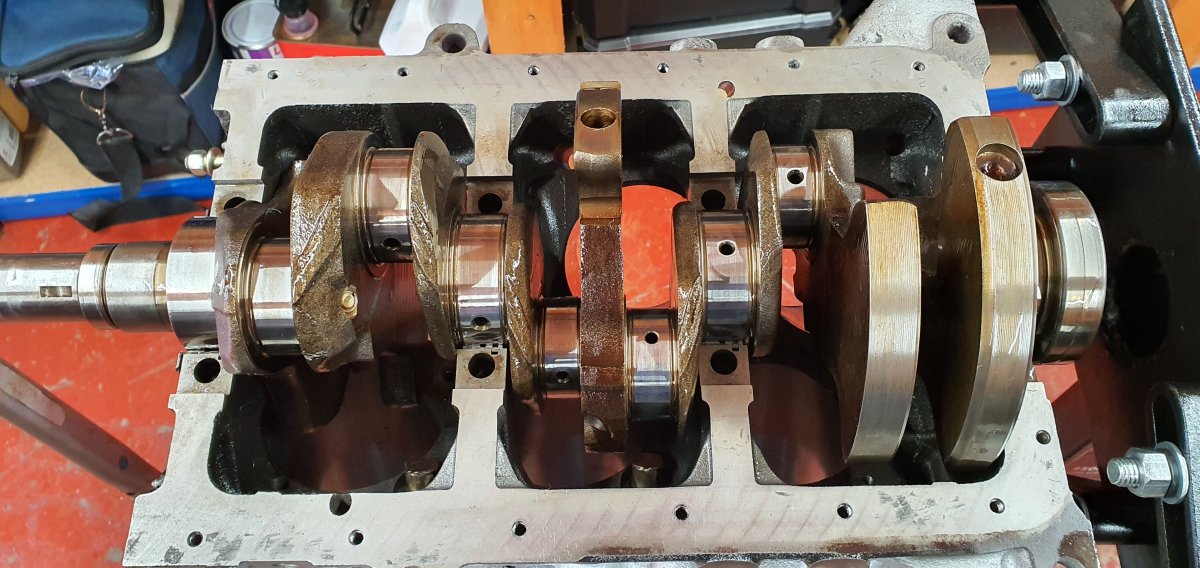
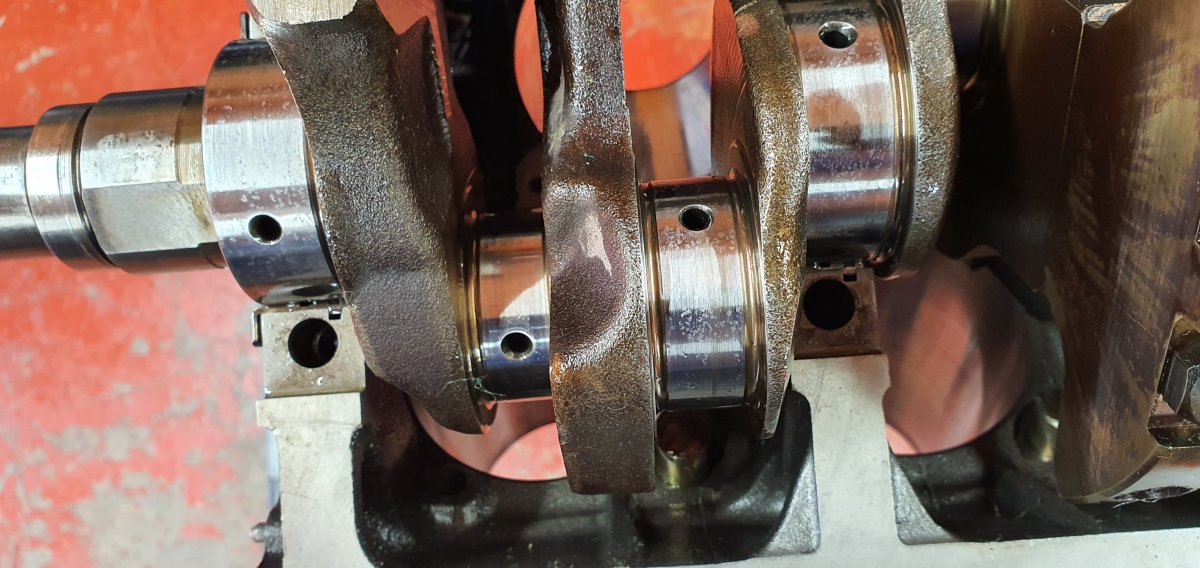
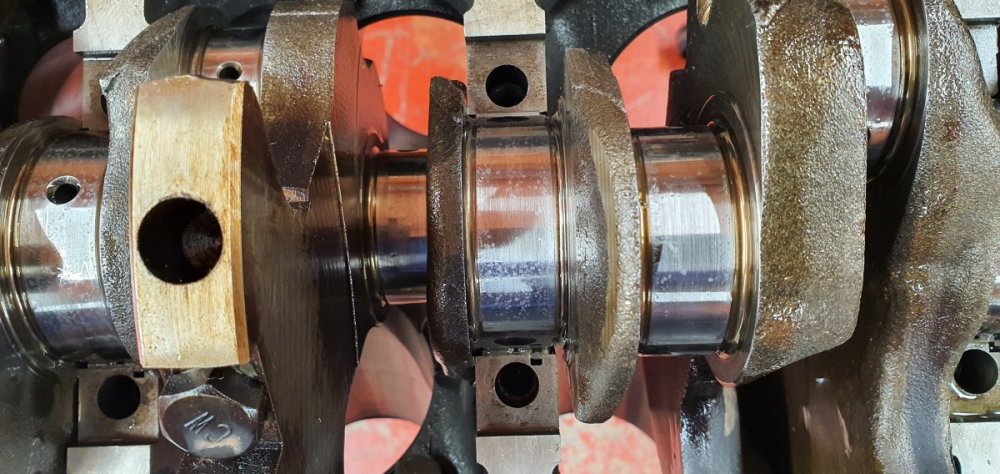
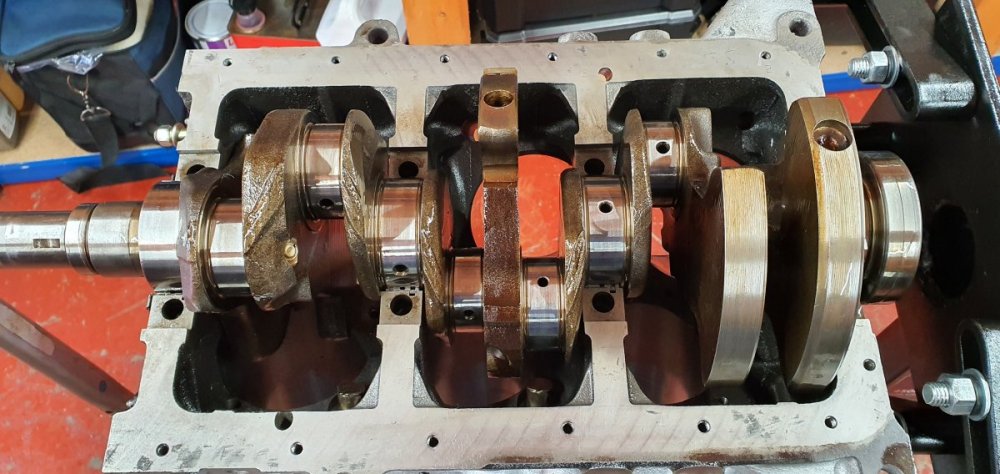
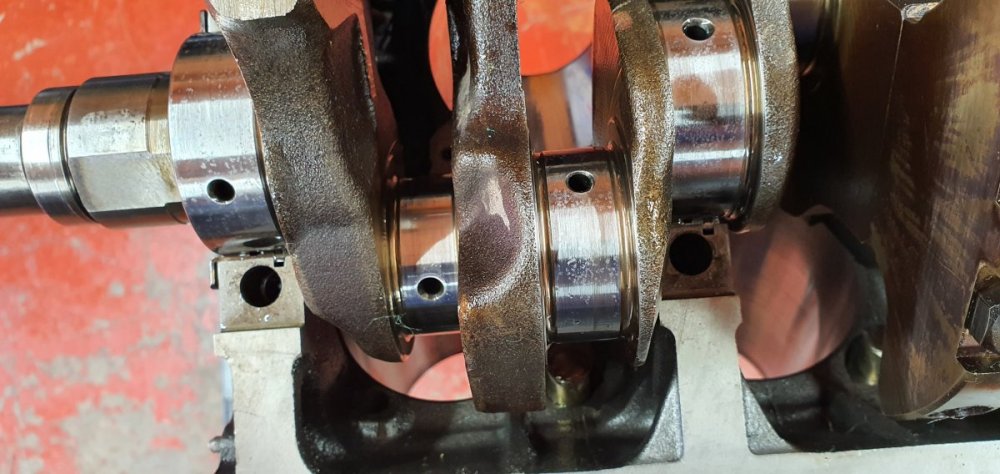
So when i dismantled the bottom end a few months ago i mistakenly left the crank exposed. Over the last few months its gained some surface oxidisation which easy came off with a cloth and wd40. Will i need to replace this or get is professionally polished again ? There is no pitting or scratches that i can feel although you can see discolouration in a few areas.

-
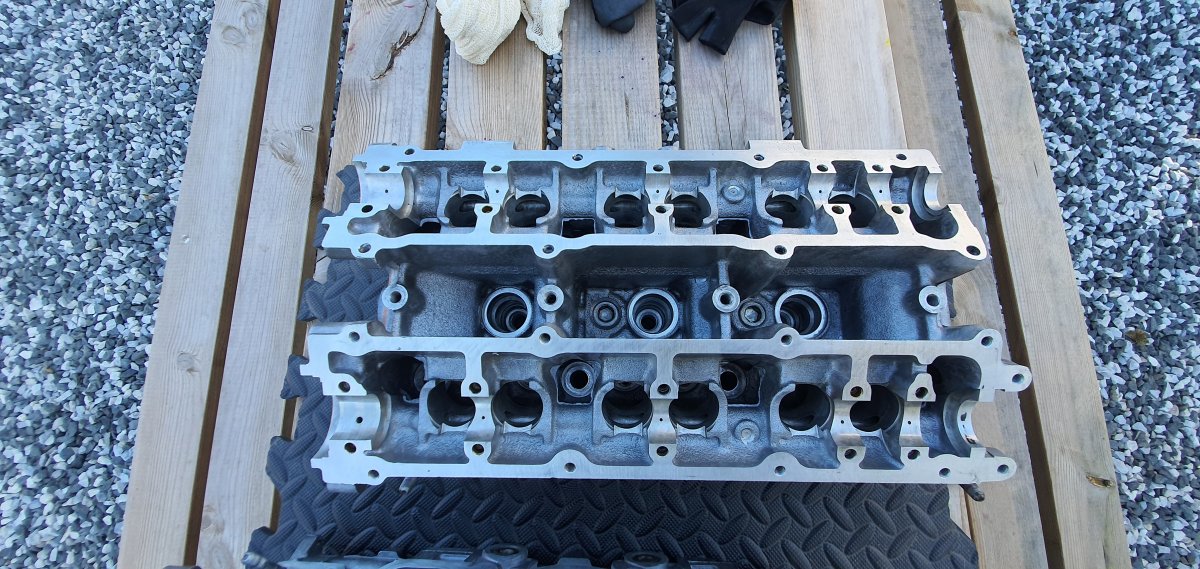
Finally started to strip and clean everything on my engine. The main block has been stripped for a while but it was time for the heads to be done. Removed all the retainers, springs and valves and gave everything a good clean. To protect the cams they are steeping in a bath of oil until they are ready to go back in. All the cam caps and valves have been carefully placed so that they also go back in the proper order.
-
Lol, Posted that as you by accident, seems to work ok.
-
done
-
Surprised they haven't thought about doing it electric. Also the two different articles show two radically different designs the second of which looks like something ford or renault would come up with.
-
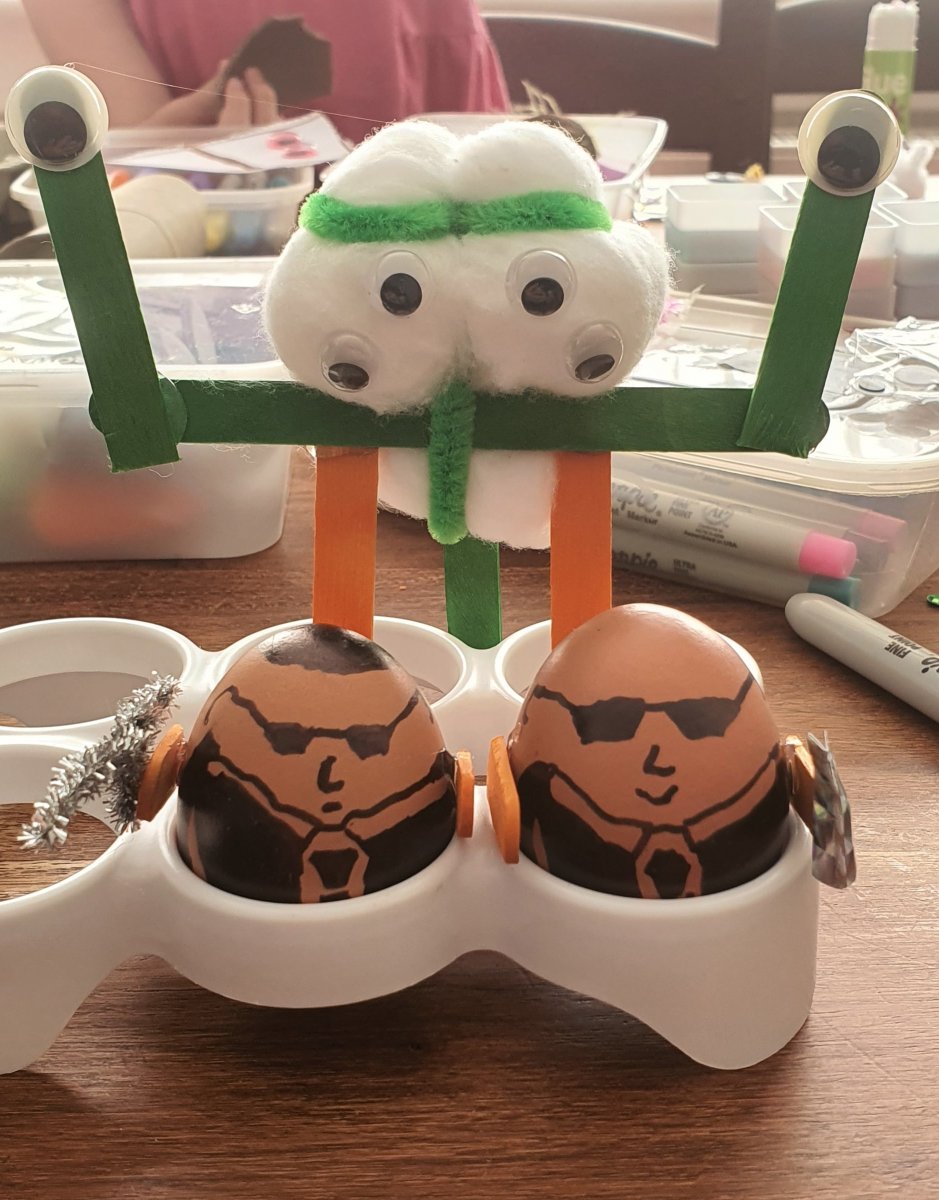
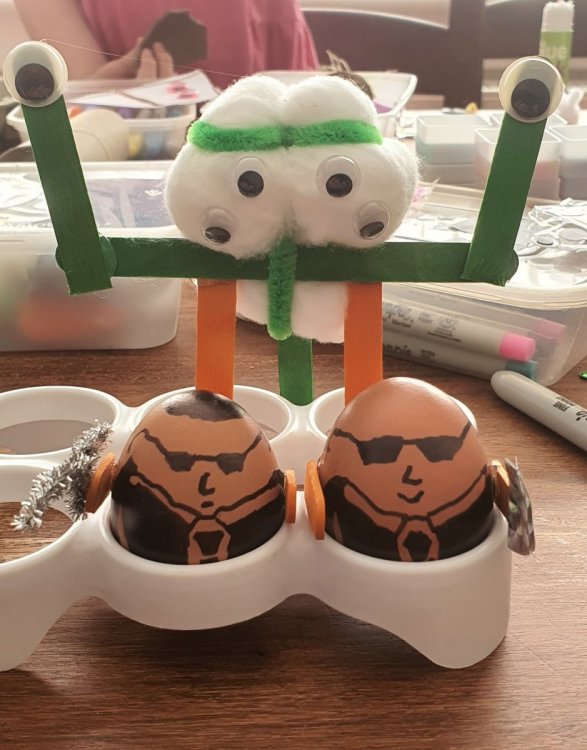
Since its easter the big kids were out in play today.
-
Garry, any reason you deleted your own thread?

-
I think after you map all the connections into what is likely a small ecu in those clocks everything would be mapable.
-
I'm glad they quoted the club name properly. ?
-
Not a sales pitch at all and i apologise if it seemed that way. At the time i posted it was simply easier for me to reply direct on the club forum. i will email you separately regarding your query.
-
Did they hit it with a hammer first.
-
Belated happy birthday, Hope you had a good day.