Everything posted by JaiKai
-
Any more entries ? Plenty of time left, upload you pictures now.
-
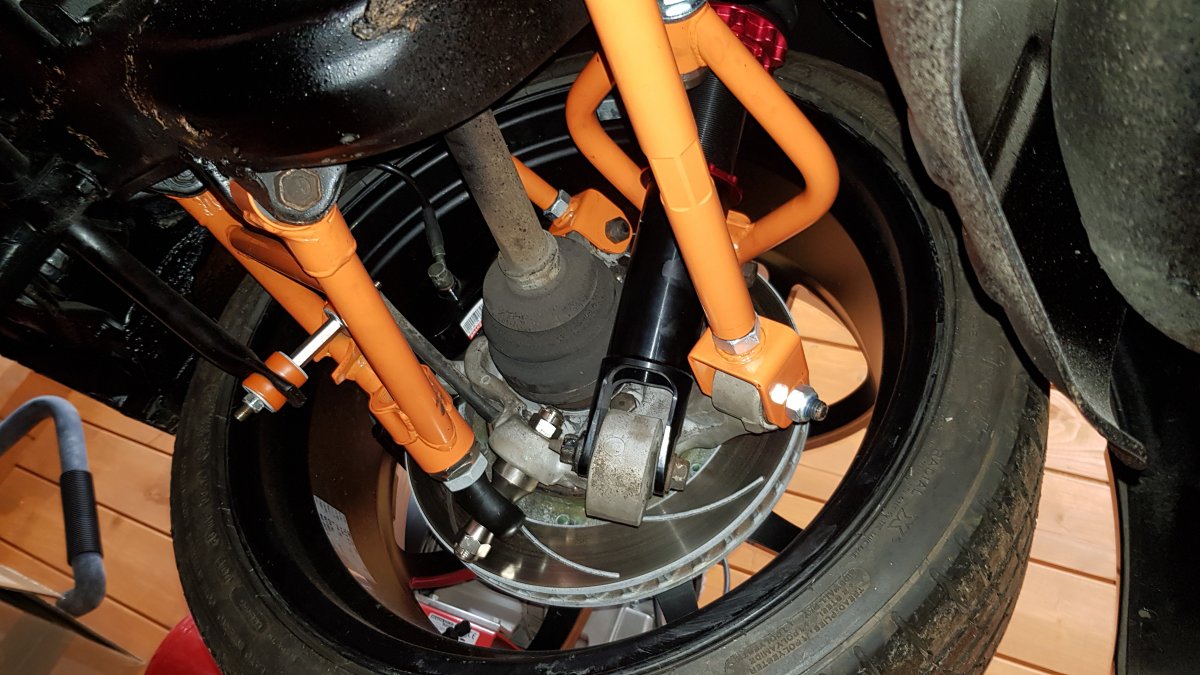
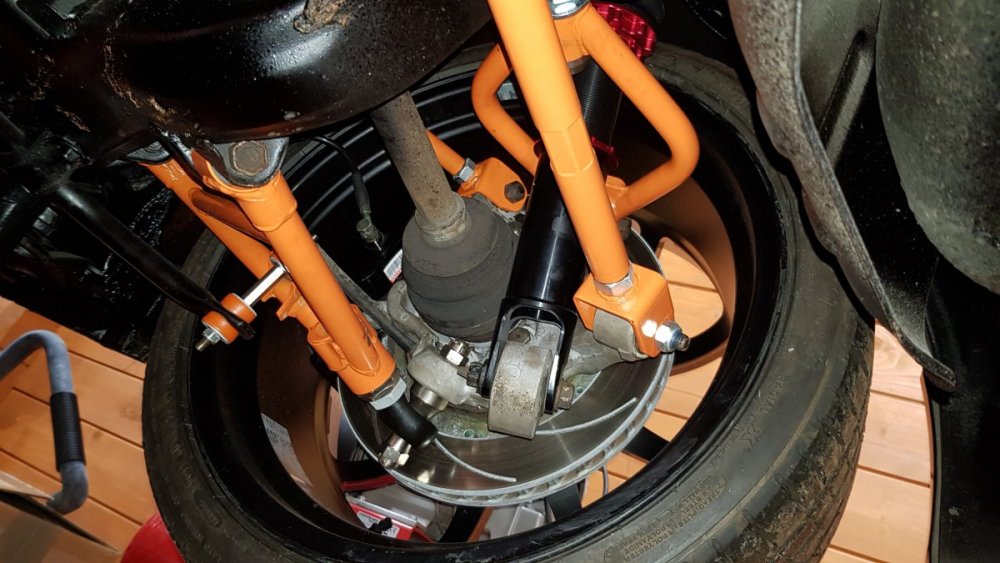
When i done my rebuild i replaced everything i could aswell as the top arms which are fully adjustable. I'm now riding with 19" wheels and a perfect alignment.

-
Happy 1/2 Century, all the best.
-
Planning to buy original, but just dont know the part number or how to get it.
-
Happy Birthday Jim.
-
So where's the best place to buy a new DPF for a Nissan Qashqai DCi ? The one i have is past repair and i now need it replaced asap as its basically a straight through pipe. Garage prices are far too expensive so i'm planning to fit it myself.
-
Voting has now opened ! If you still wish to join in get you picture uploaded now to get a fair chance of getting votes.
-
Fixed.
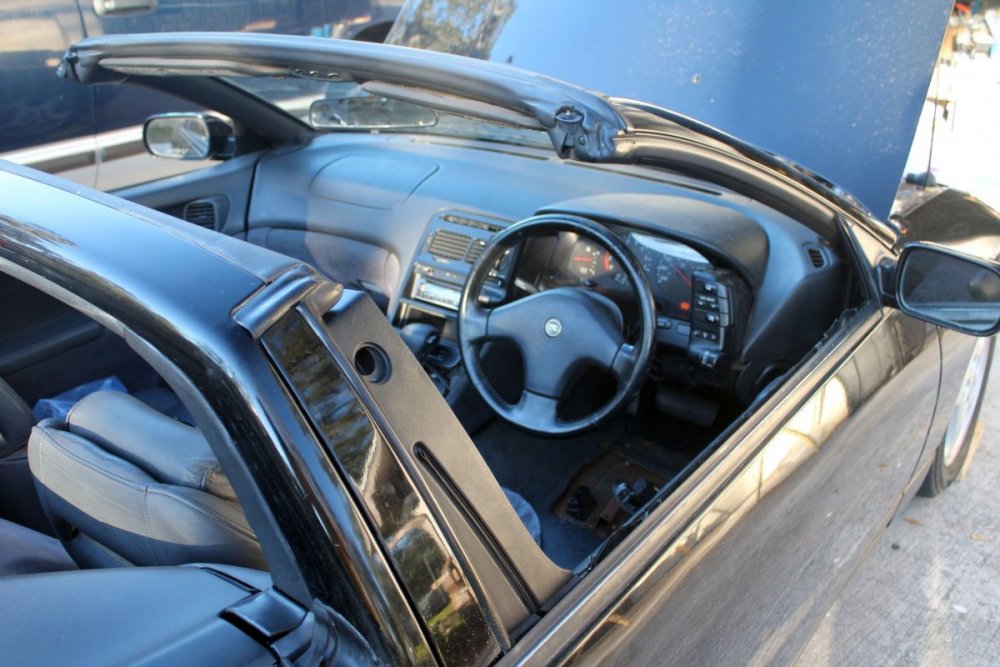
-
Likely will be more than 12 pictures in the final if we keep getting joint winners.
-
Congratulations to the joint winners of the last month's competition. Submissions for this months competition are now being allowed if you all want to upload a picture or two. https://www.300zx.co.uk/competition/ As per last month you can upload as many as 5 of your best and vote on 5 of the best. If you were one of the winners or in the top 5 then please upload a different picture so that we have some variety to vote on.
-
If you haven't already voted it's time you did. Voting ends 31st at 10pm : https://www.300zx.co.uk/index.php?app=competition
-
Done, It may take an hour for posts on the newer account to update to the older account.
-
do you want me to merge the accounts ?
-
Excellent Job. Certainly worthy of a bluepeter badge. ?
-
Very inventive stand you made ?
-
me too, i was interested in the carpets and dash as he is only about an hour or so drive from where i stayIt's with great sadness to discover that Mike has passed away. Condolences to his family. You will be sadly missed.
 Its relisted. As he's breaking it i'm guessing he doesn't want people to bid but to rather contact him for parts. https://www.ebay.co.uk/itm/153797829179?ViewItem=&item=153797829179It could be based on who got the vote first.Not sure how it works it out, I'll look into it later when I'm home. You only get 5 votes, if you click again a notification shows saying you've used them all. However you can remove a vote and recast it. But unsure if it notifies the person or not.Entries for the January Photo competition are open and so now is voting.Hi Kris, Welcome to the Club and thank you for supporting your club by purchasing a Premium Membership. Plenty of help on here as you work on her and feel free to start a Journal of your progress here Also get some pics up ASAP as that's a rule. Regards LeeMembership for December 2019 19x New Registrations 5x New Premium Membership - 1 Year 2x New Premium Membership - 2 Years 4x Renewed Premium MembershipsHi all, We have got ourselves a new competition app for our zed photo's. Accessed on the following URL : https://www.300zx.co.uk/competition/ and now also from the Gallery menu. Competitions will now run monthly and anyone can enter and upload a zed picture they own. This is a new system so we may tweak the rules as we go but for now they are as follows : 5 Entries allowed per month 5 Votes allowed per month Voting starts 7 days after the start of the month to allow entries to upload their pictures. I've uploaded a picture of my zed to get us going but if everyone can start uploading pictures that will be great.