Everything posted by JaiKai
-
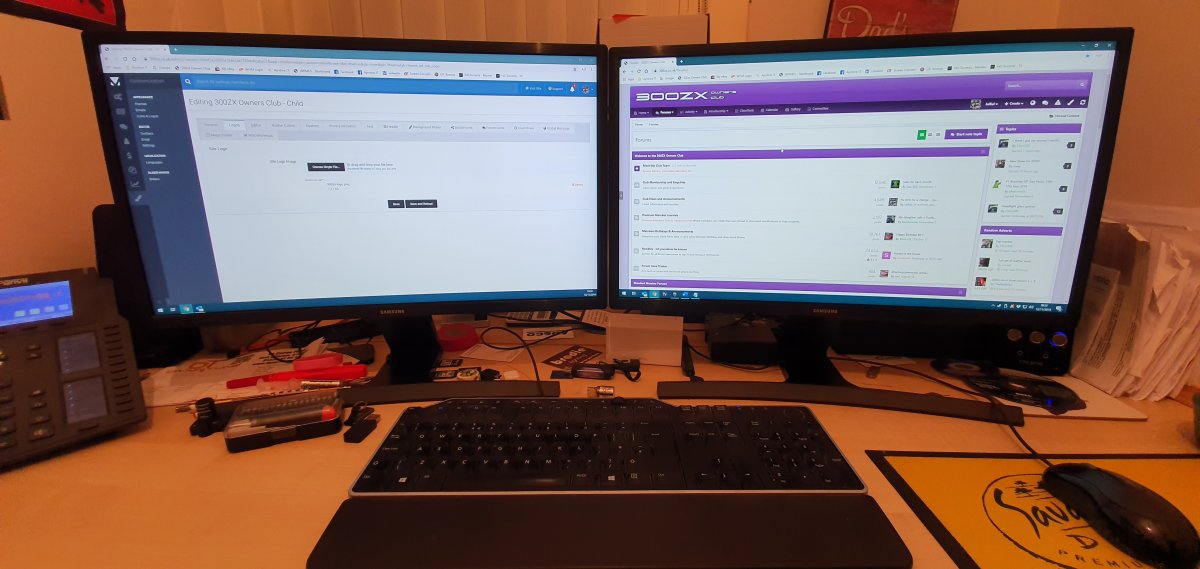
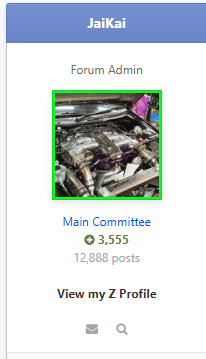
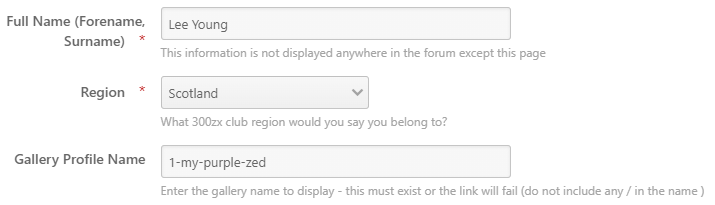
I'd like to intoduce a simple but great feature for all Premium Members. This was suggested by @AndrewG and i've managed to implement it fairly quickly. Its simply a link directed to a gallery of your choosing on the left side under your profile stats. As seen above in the screen capture it says 'View my Z Profile'. Clicking this will take you directly to my featured gallery. In order for this link to show you need to populate the URL within your profile page. To do this click your profile picture at the top right of the screen : Then click the Edit Profile button shown below : Scroll down to the bottom of the popup dialogue and enter your gallery name under 'Gallery Profile Name' Obviously you need to create a gallery first and update its content for others to see before being able to paste the name.


-
Now closed.
-
I doubt many zeds are on the road this time of year. So I was thinking a more informal meet and greet.
-
I thought it would be a good idea, but i can also see the issue it creates. I've turned the feature off for now.
-
Ah right, It's per thread, rather than a default for all. The standard members help section is the only area formatted with the question and answers vote system so it shouldn't effect any other threads.
-
On the first post of the thread there is a filter at the bottom right side.

-
Fixed.
-
I see lots of scottish members reading this thread but no replies ?Not much to say really. Faulty injectors Ceased turbo's metal fragments found in the oil system Cash flow is at zero now and at this point i dont trust any of the parts i even have to attempt a rebuild. I know i'm looking at a full rebuild and every component this time will need to be thorughly and professionaly cleaned. As it stands i'm just about to throw this block in the skip and look for a donor engine.What settings? You don't need to change anything for mobile to work.I would have bought 2 boxes just so i could eat one and keep the other. Where did you get them ?I Haven't seen any dark mode, but thats not to say we cant get another them people can select. Although time comsuming trying to add the same fixes and changes to each theme. We did attempt the upgrade to vBulletin 5 but it was a terrible system. I'm so glad i rolled back and waited to find thomething better.Now my view of the site matches my zed ?
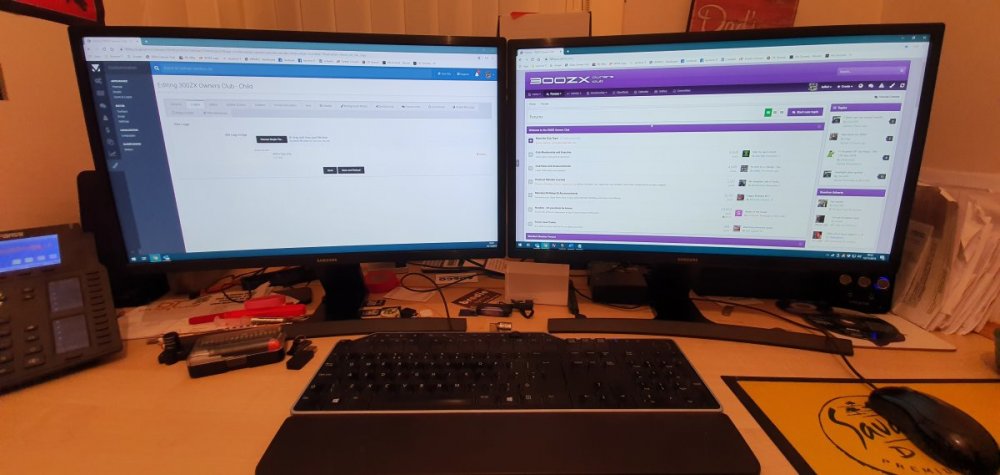 I Managed to upload a transparent image of the logo. The colour picker should work just fine now with it.I've enabled it now to let everyone see what it does but as the logo is not transparent it wont change so it looks naf. Click the paintbrush tool at the top right to get the colour picker.I presume they would be great at sneaking up on the enemy.Its been a fast week, thats us been on the new system for a week now. Everyone settling in ok ?
 great video, but just incase anyone hadn't noticed it was last years stand. ?
Why did you add them all as a comment?Indeed, I was part of the procession this morning at out local memorial in Troon. I laid a wreath on behalf of the Troon Round Table.I think its long over due but i think we should start to arrange a meet of all the Scottish Members on here. i miss the old days we used to meet up for a carvery (not so much the kfc meets ?) Weekends would be best and since its november possably a during the day. The 30th November is the last Saturday of the month. Can we aim for that !
great video, but just incase anyone hadn't noticed it was last years stand. ?
Why did you add them all as a comment?Indeed, I was part of the procession this morning at out local memorial in Troon. I laid a wreath on behalf of the Troon Round Table.I think its long over due but i think we should start to arrange a meet of all the Scottish Members on here. i miss the old days we used to meet up for a carvery (not so much the kfc meets ?) Weekends would be best and since its november possably a during the day. The 30th November is the last Saturday of the month. Can we aim for that !-
f9b8b53692ceea0de8245cb3ce0b3b9a.jpg
-
 E19946CD-EB91-45B1-A225-144BF8548A2E.thumb.jpeg.401eb5bf339ec53e73438f5094715b1c.jpg
-
 e7d2eb87d9eb6f63bfd63e123391d337.jpg
-
 d5967e50674e35e06d093ead16b17bb4.jpg
-
 c11f94be6883aacceb24fc1a6d6e8b1b.jpg
-
 b0301db4320a36f4626e4269aa9bca4a.jpg
-
 A7AD34D6-66B8-4957-8D99-4D052479C2F7.thumb.jpeg.25fcbc2a9ac80ccc52b8688fcaaf90f7.jpg
-
 630499c28acbfcec880778e9ddeb8518.jpg
-
 85d220b9faa7219924b871e6900de36f.jpg
-
 14ebea980d93a7e433b56154c872b084.jpg
-
 02a6b307d789c90146199da42b857833.jpg
-
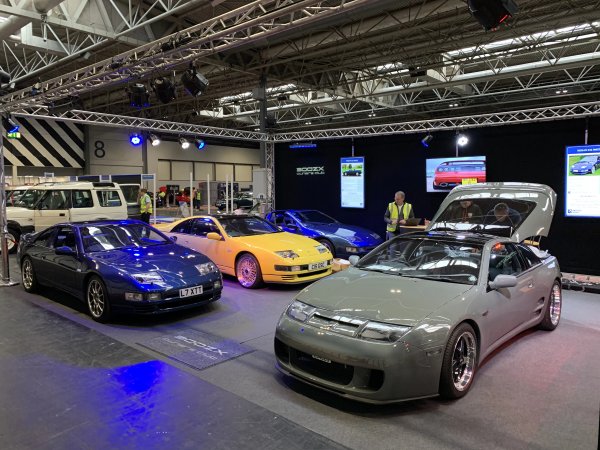
 nec-2019.JPG
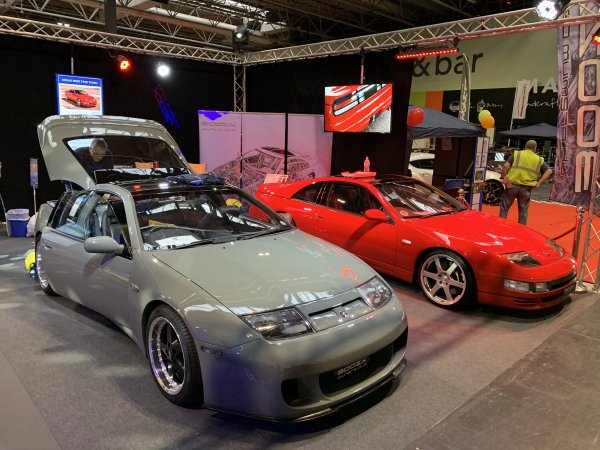
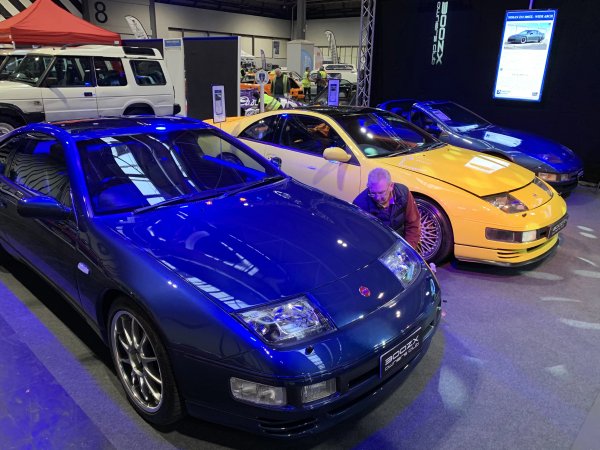
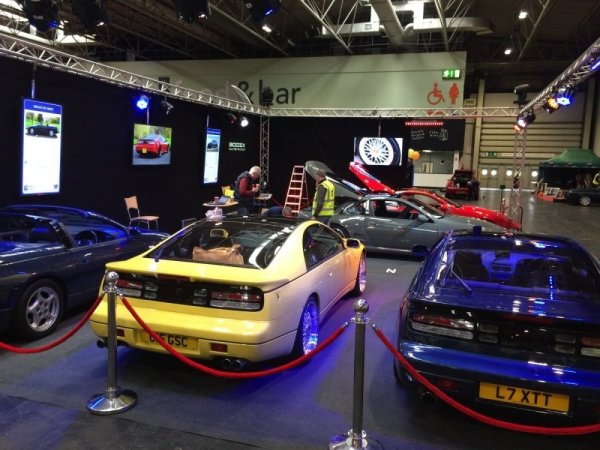
From the album: Classic Motor Show 2019
From the album: Classic Motor Show 2019