




Everything posted by JaiKai
-
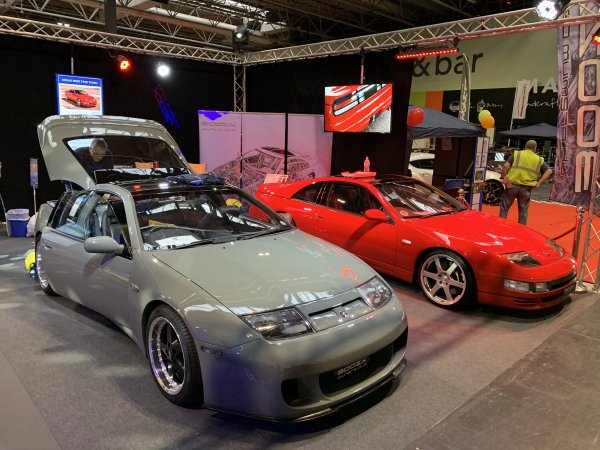
From the album: Classic Motor Show 2019
-
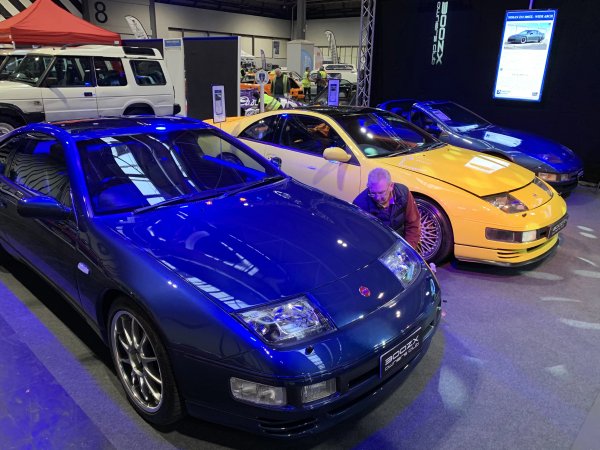
From the album: Classic Motor Show 2019
-

From the album: Classic Motor Show 2019
-

From the album: Classic Motor Show 2019
-
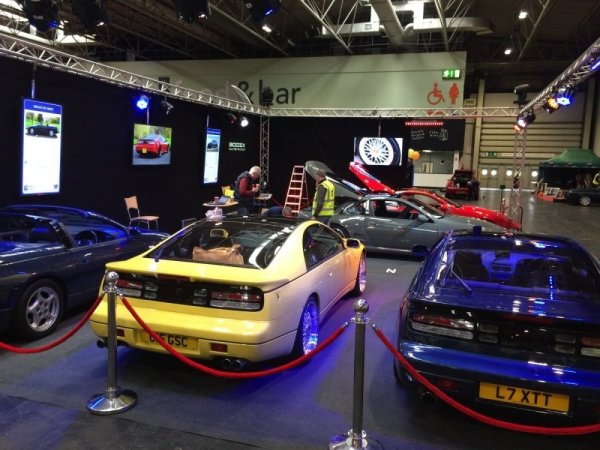
From the album: Classic Motor Show 2019
-

From the album: Classic Motor Show 2019
-

From the album: Classic Motor Show 2019
-

From the album: Classic Motor Show 2019
-
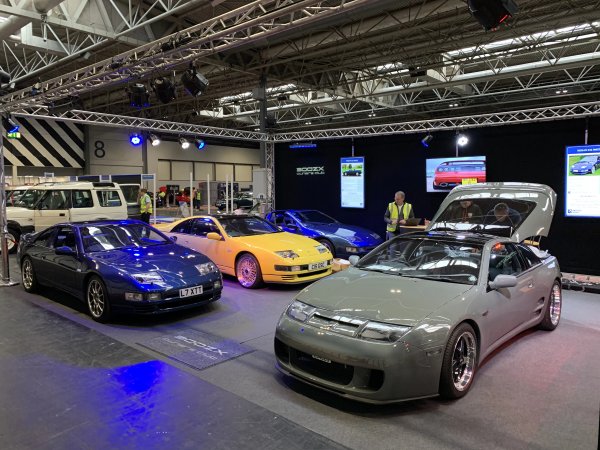
From the album: Classic Motor Show 2019
-
If you happened to swing past our stand would you be kind enough to upload any pictures to our gallery section below. If we catalogue events photos into our new gallery it will make it much easier to see in the future.
-

From the album: Classic Motor Show 2019
-
Can you try it now. The group setting was to lock editing after 5 minutes.
-
Few more changes I'm working on. Trying to get the banner moved back to the top right and search box below the nav bar. Tried it today and managed to screw it up so next time I'll work on a copy of the theme rather than the live site.
-
I've now made the old selling section available to view.
-
Just reinvented. There is now a customised selling tool available from the top menu. I will enable the old sections for viewing only as they can't be controlled like we used to do.
-
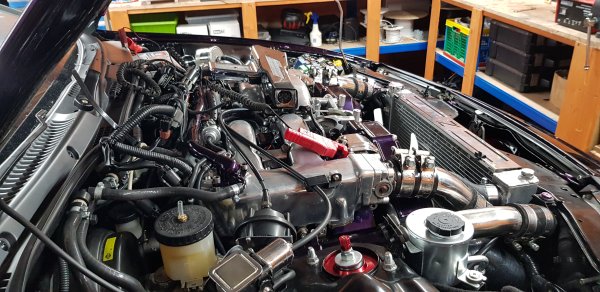
From the album: My Purple Zed
-

From the album: My Purple Zed
-

From the album: My Purple Zed
-
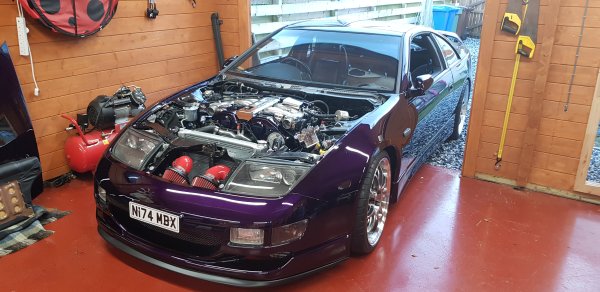
From the album: My Purple Zed
-

From the album: My Purple Zed
-

From the album: My Purple Zed
-
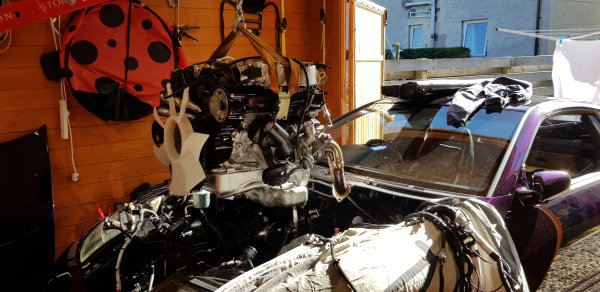
From the album: My Purple Zed
-

From the album: My Purple Zed
-

From the album: My Purple Zed
-

From the album: My Purple Zed

