


Everything posted by Bones28
-
More cleaning yesterday. More on YouTube
-
Happy Birthday 🎂
-
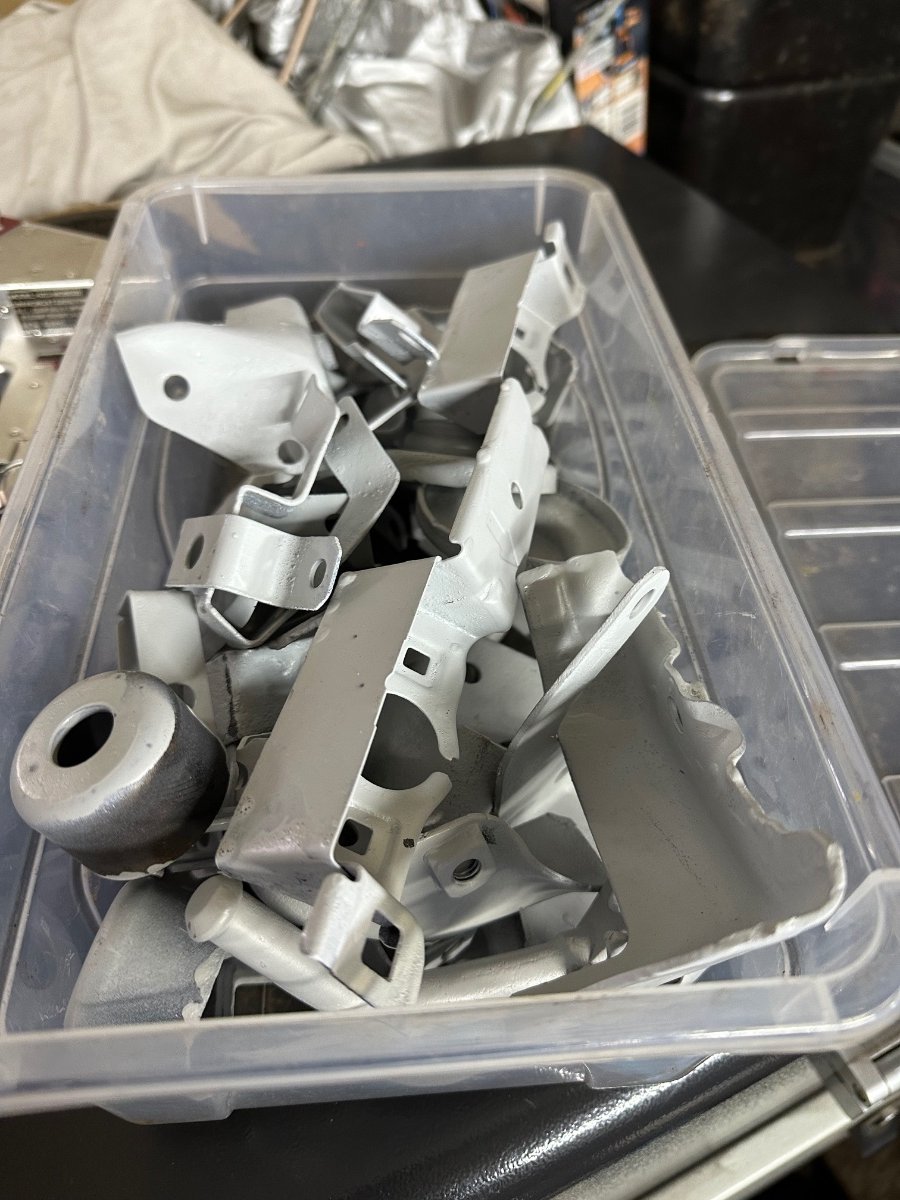
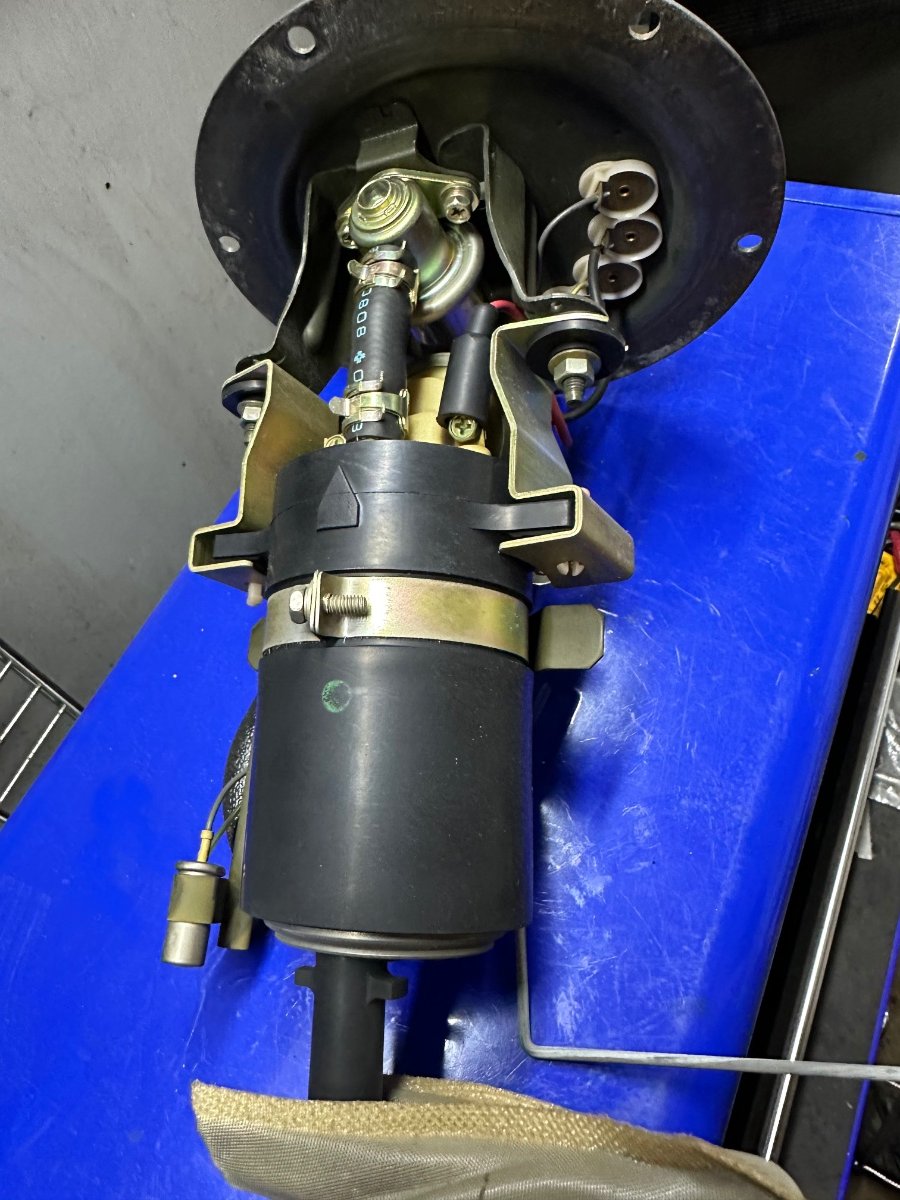
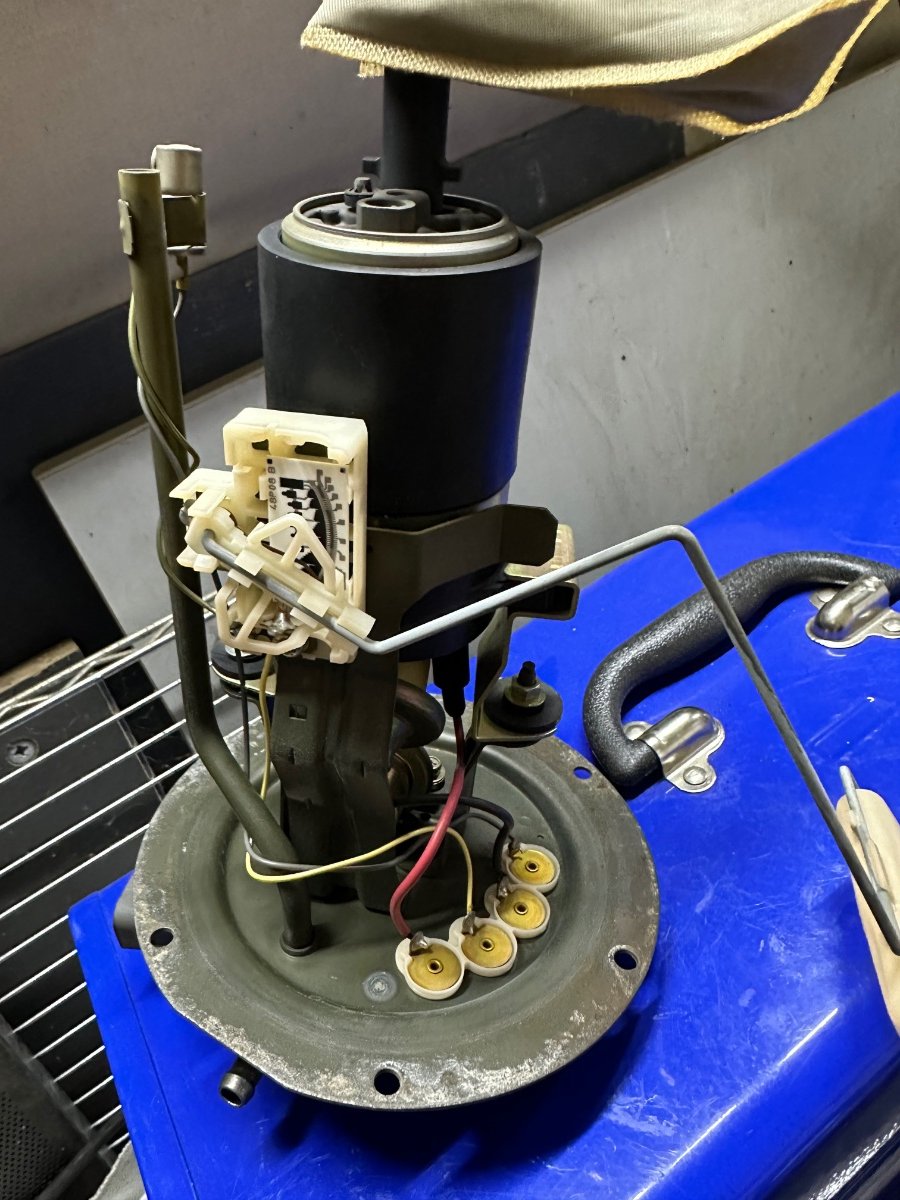
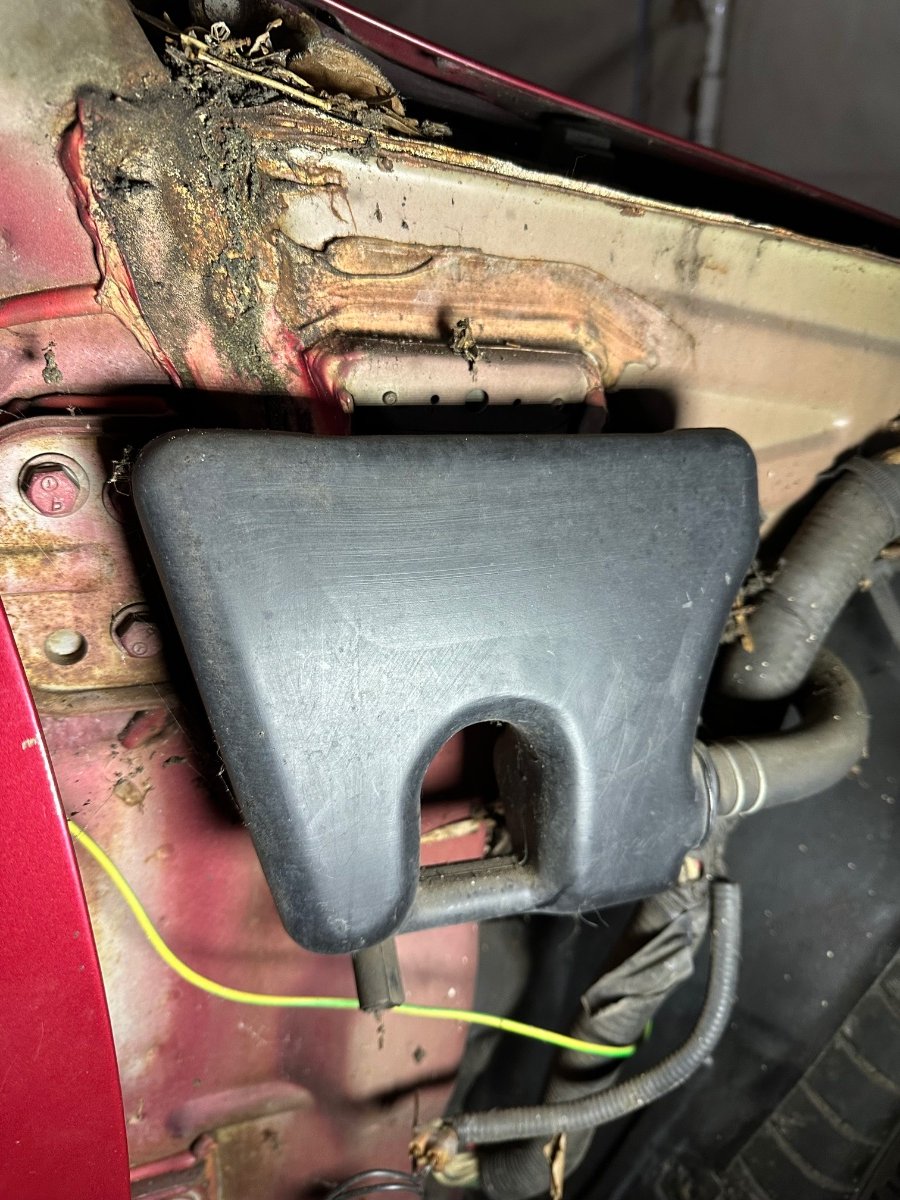
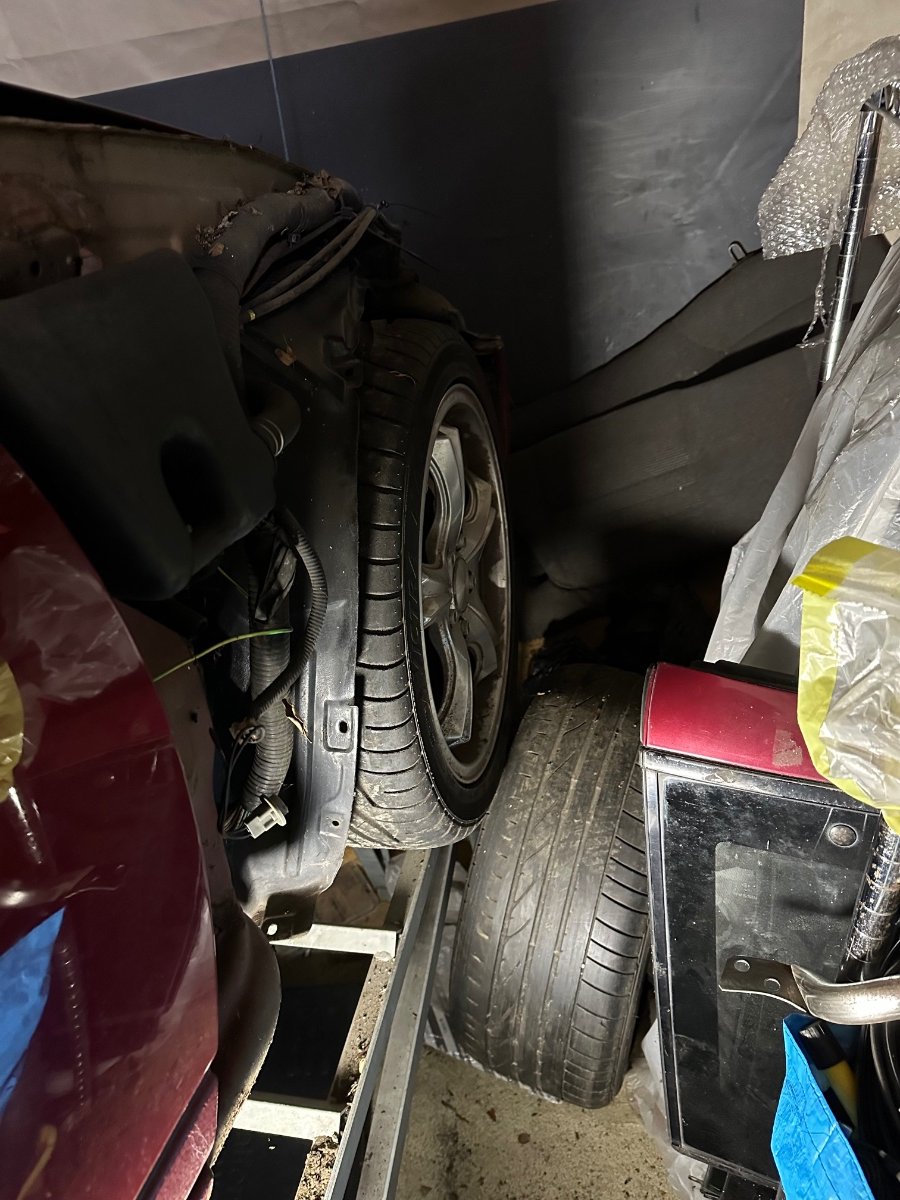
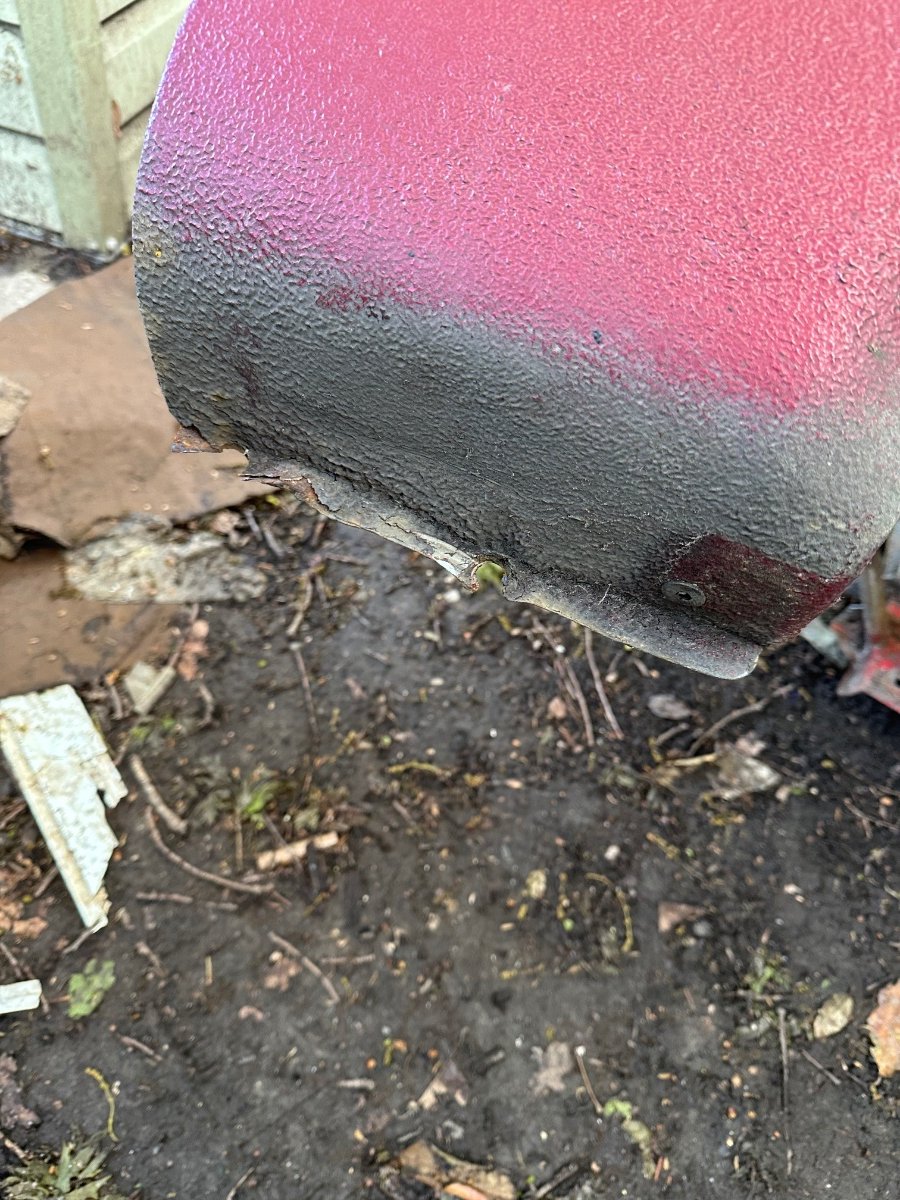
Today I painted some brackets and bits. I can’t believe I managed to get the front wing off was a real squeeze with the space I have. Underside of the front sill area. Fuel pump looks in good condition.


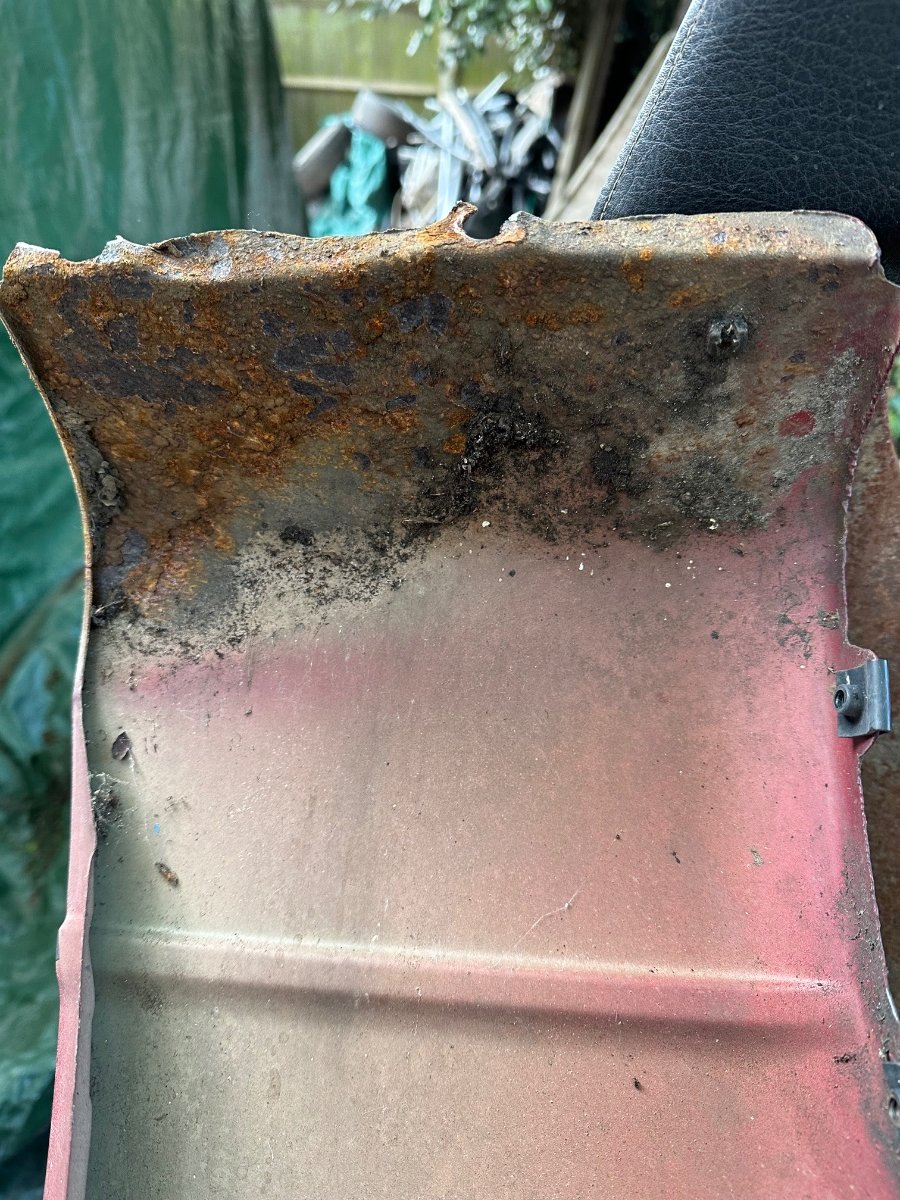

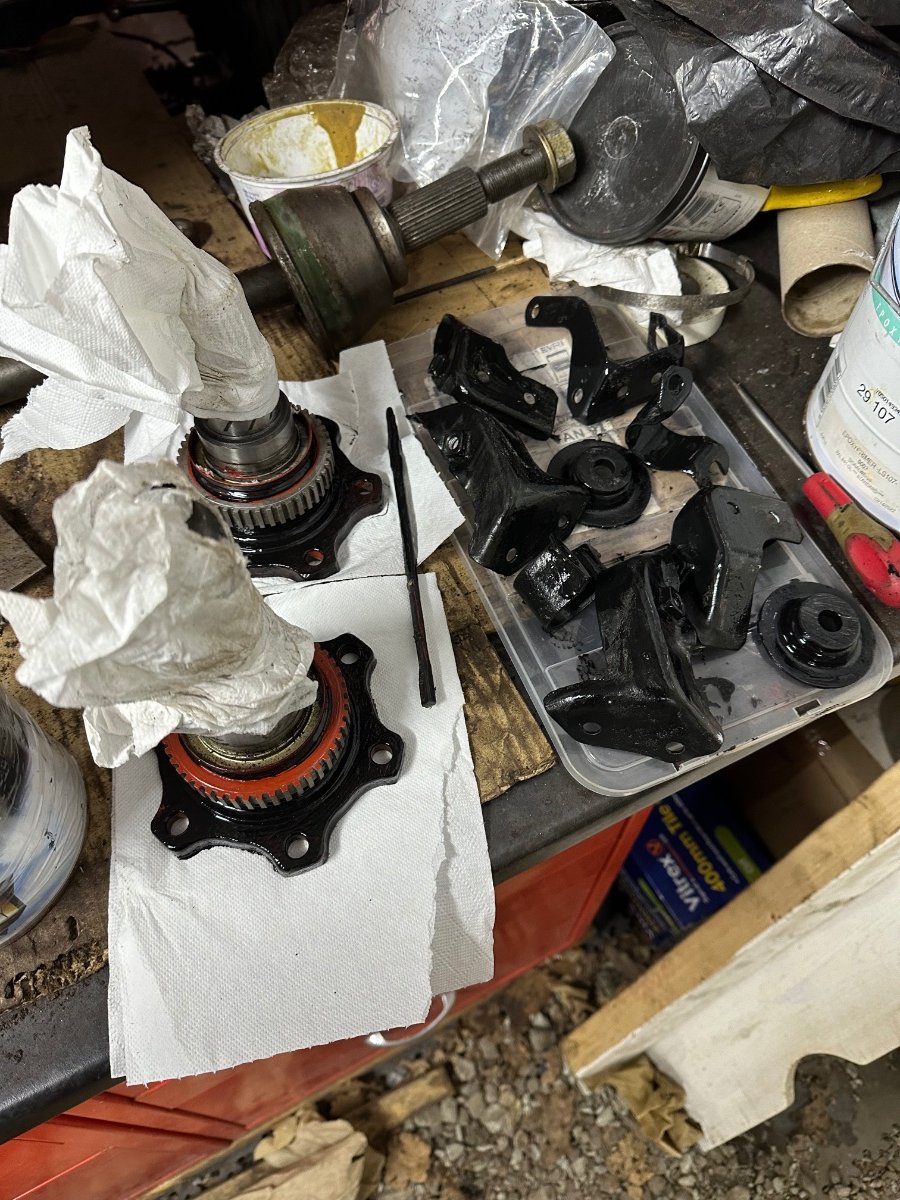
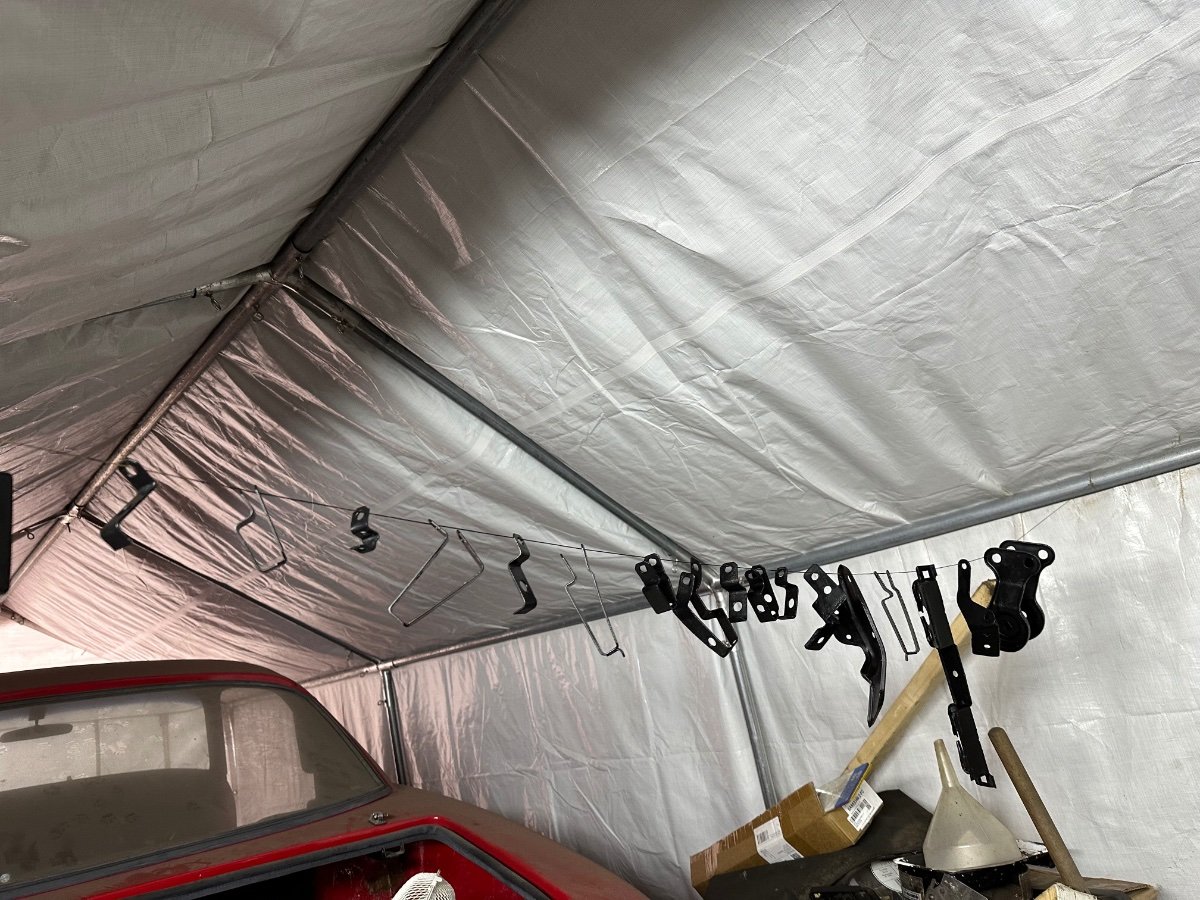
-
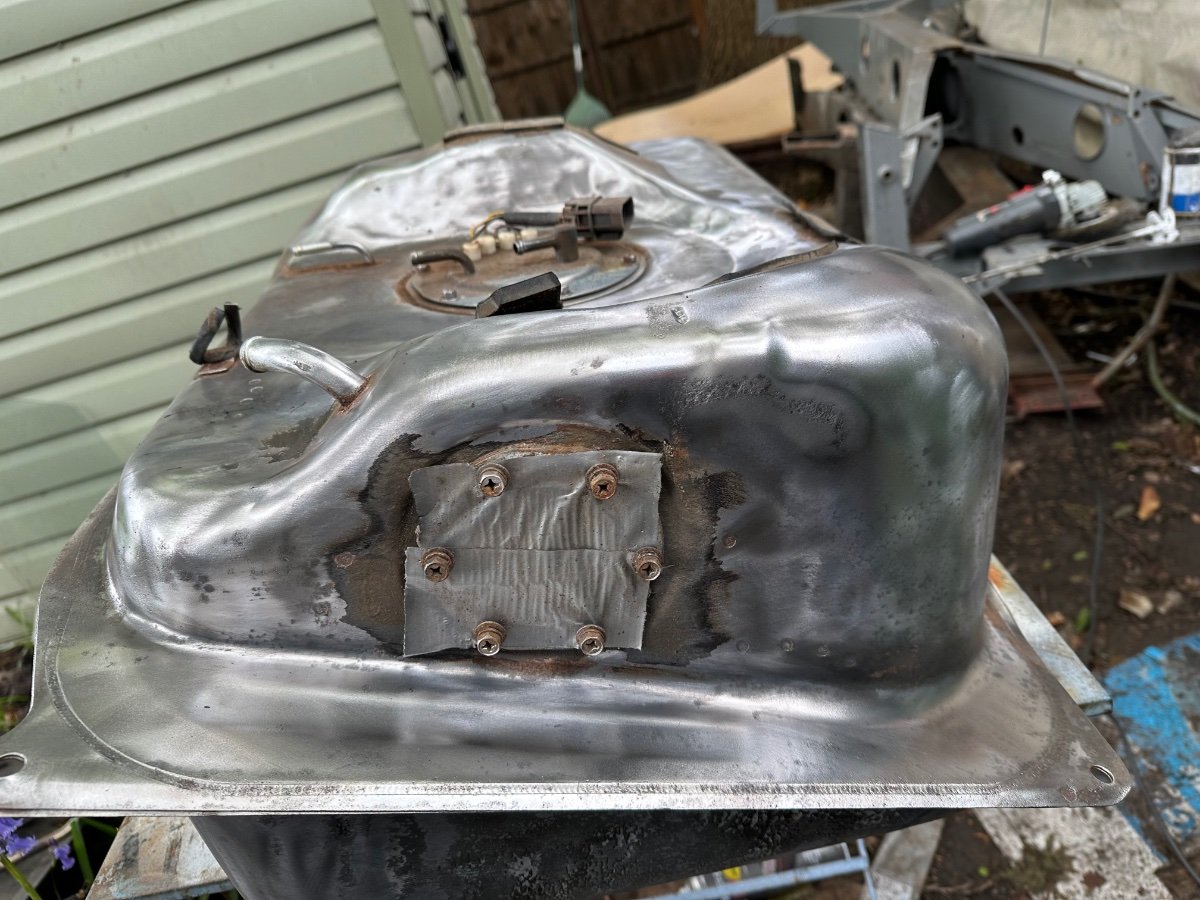
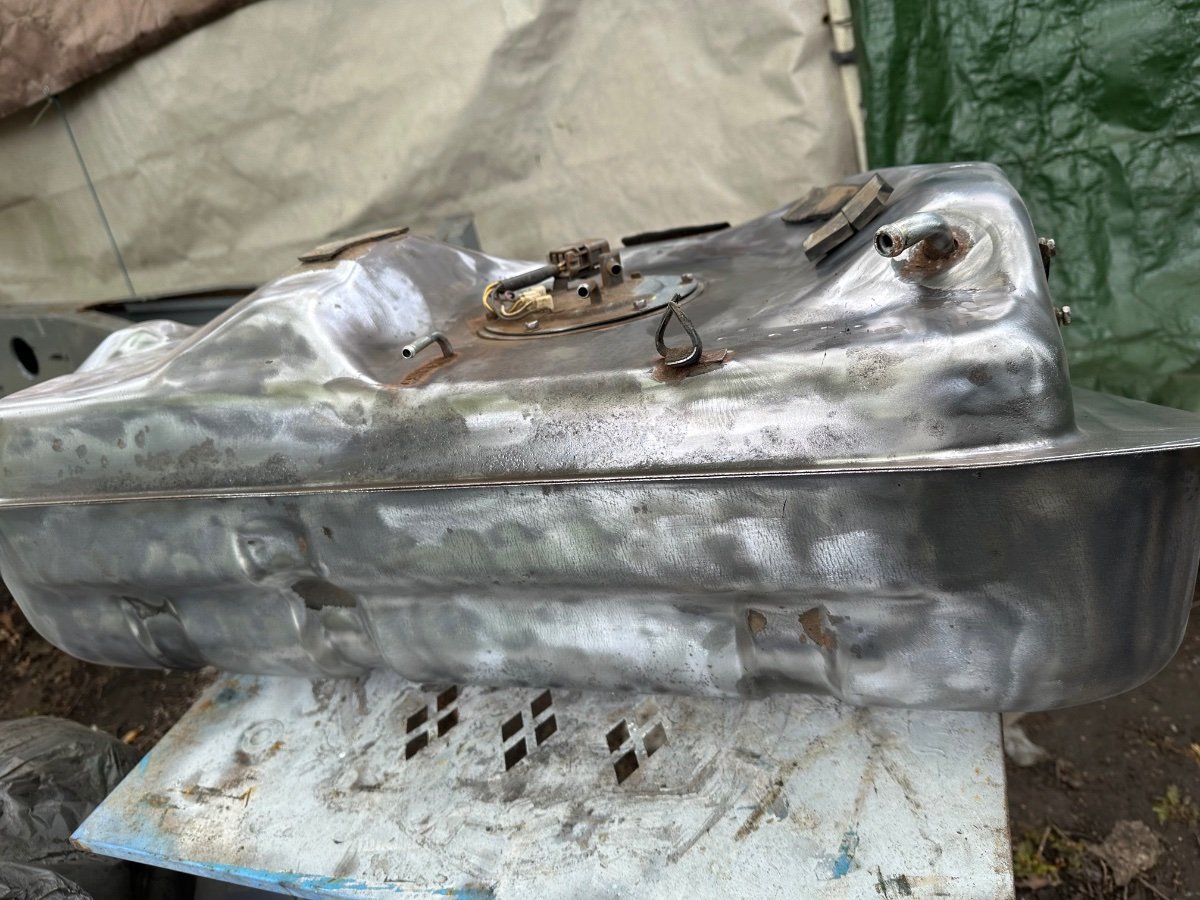
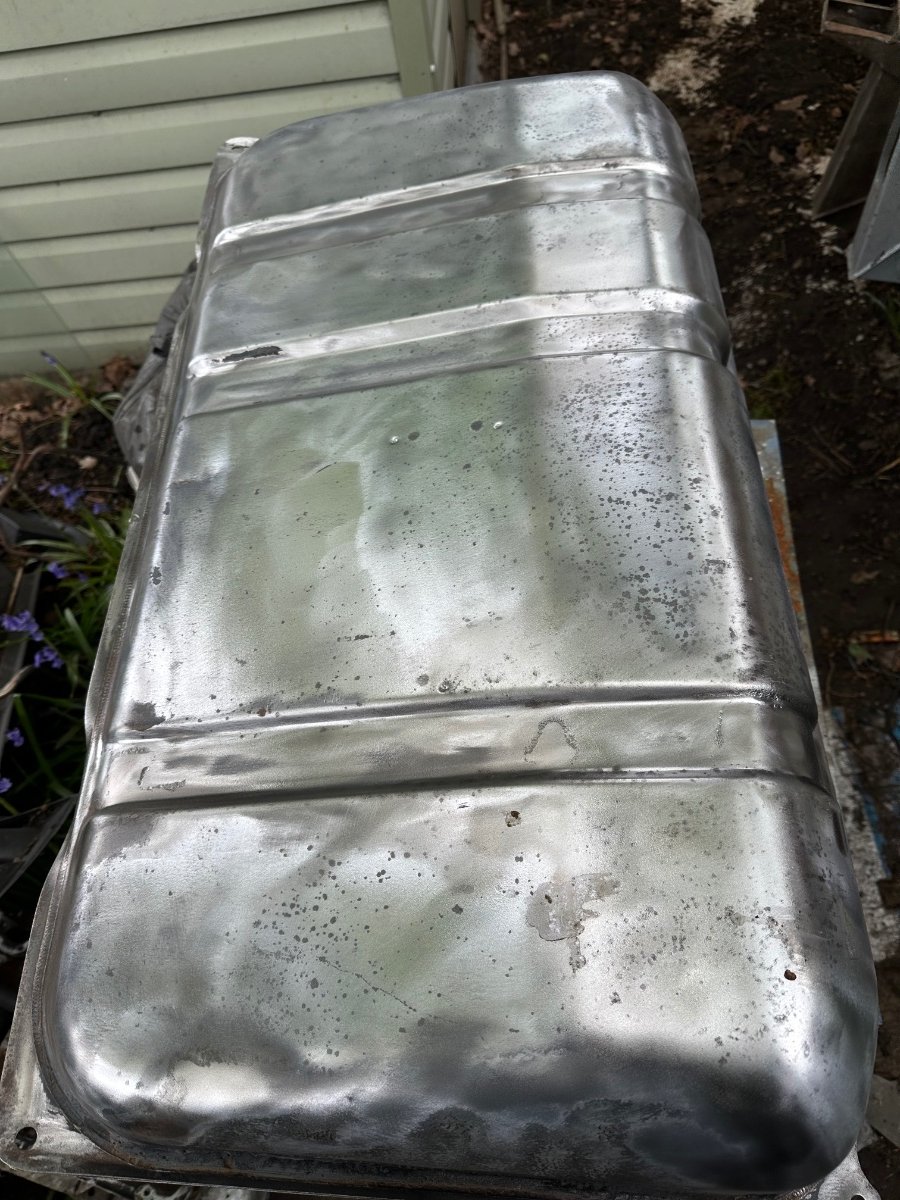
Started cleaning my petrol tank.

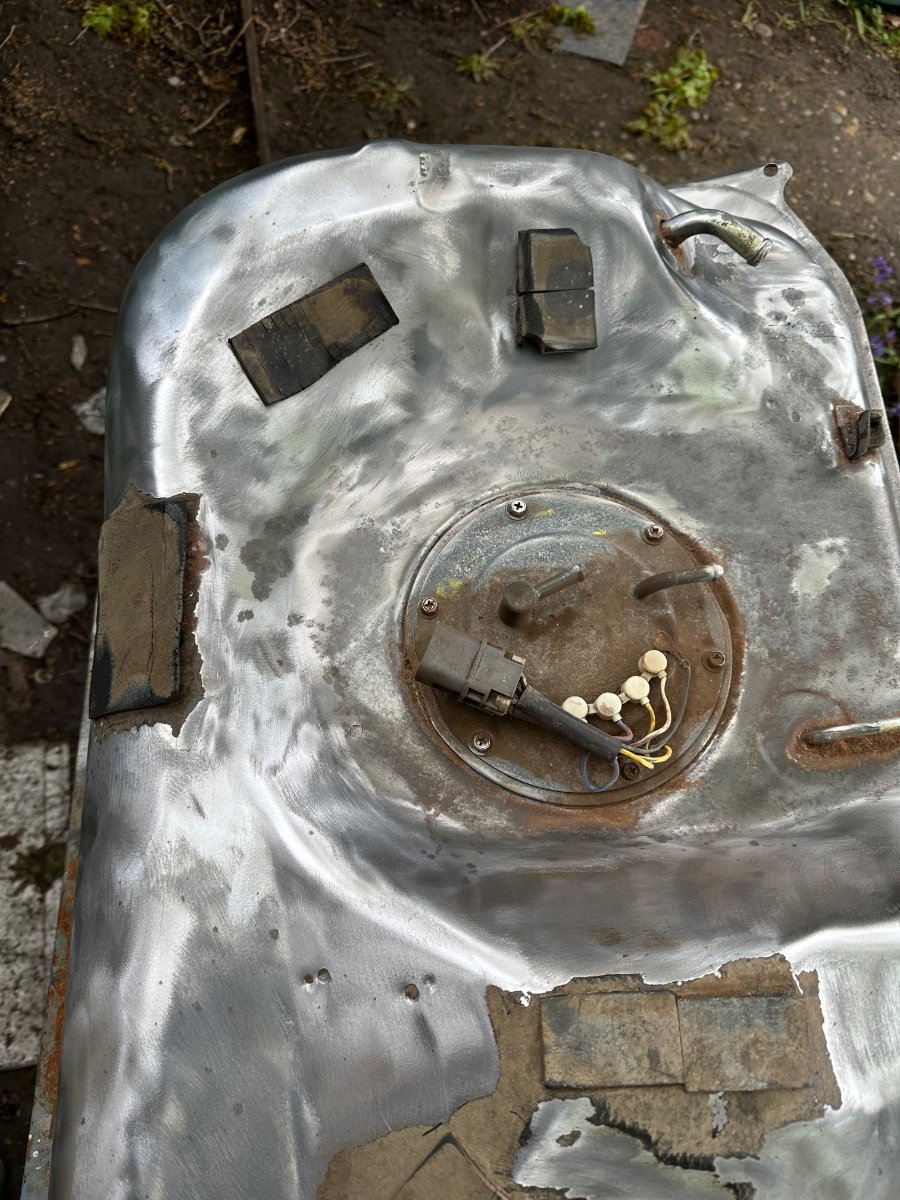

-
Crazy
-
All of mine is in pieces have to renew the hard lines anyway, so if it has a separate module and wire harness, can you see. Probably not that simple.
-
Ok what a pain would like to upgrade it.
-
Can I fit it to my 1991?
-
Hi does it have rear Hicas.
-
Happy Birthday 🎂
-
Happy Birthday 🎂
-
Welcome to the Club, good luck on your move.
-
Happy Birthday 🥳
-
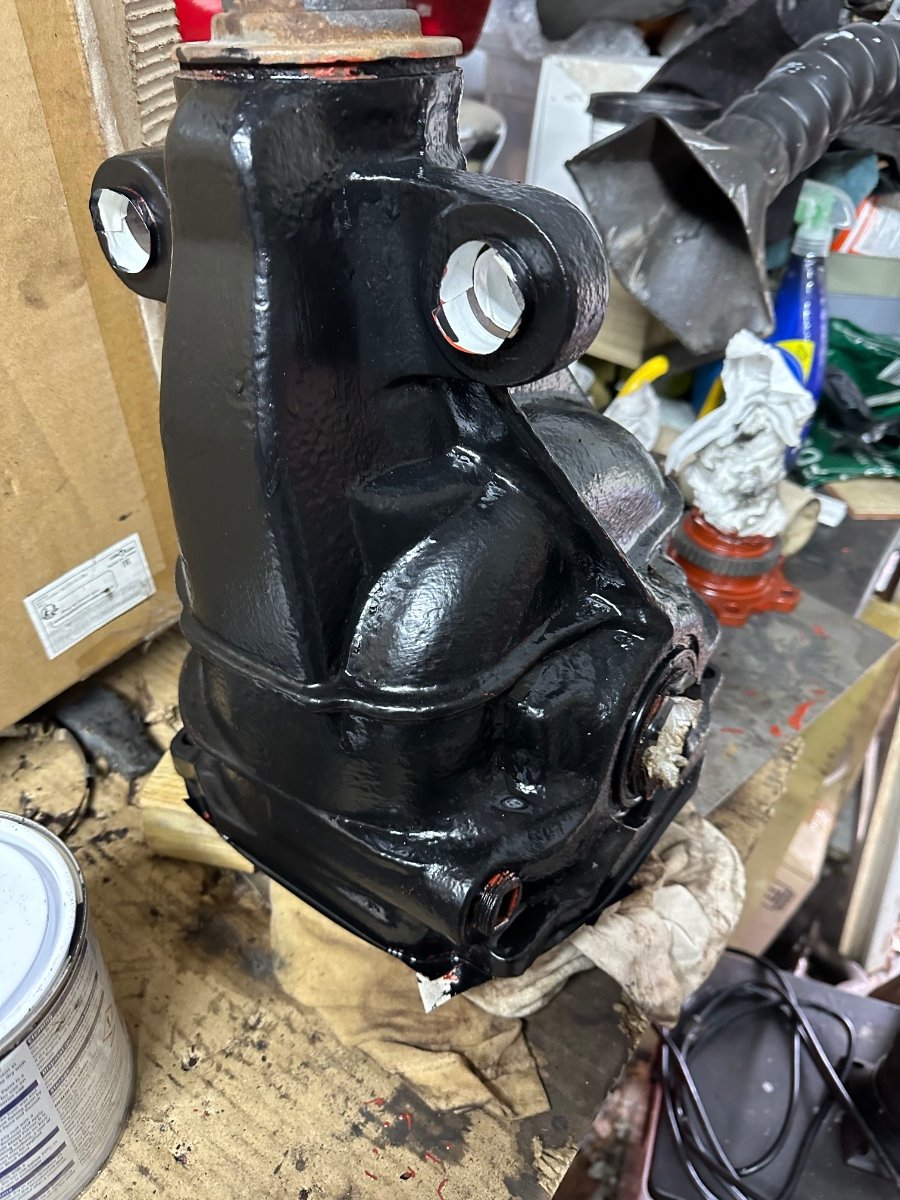
Happy Birthday 🎂Decided to clean and prime my diff and some brackets today.
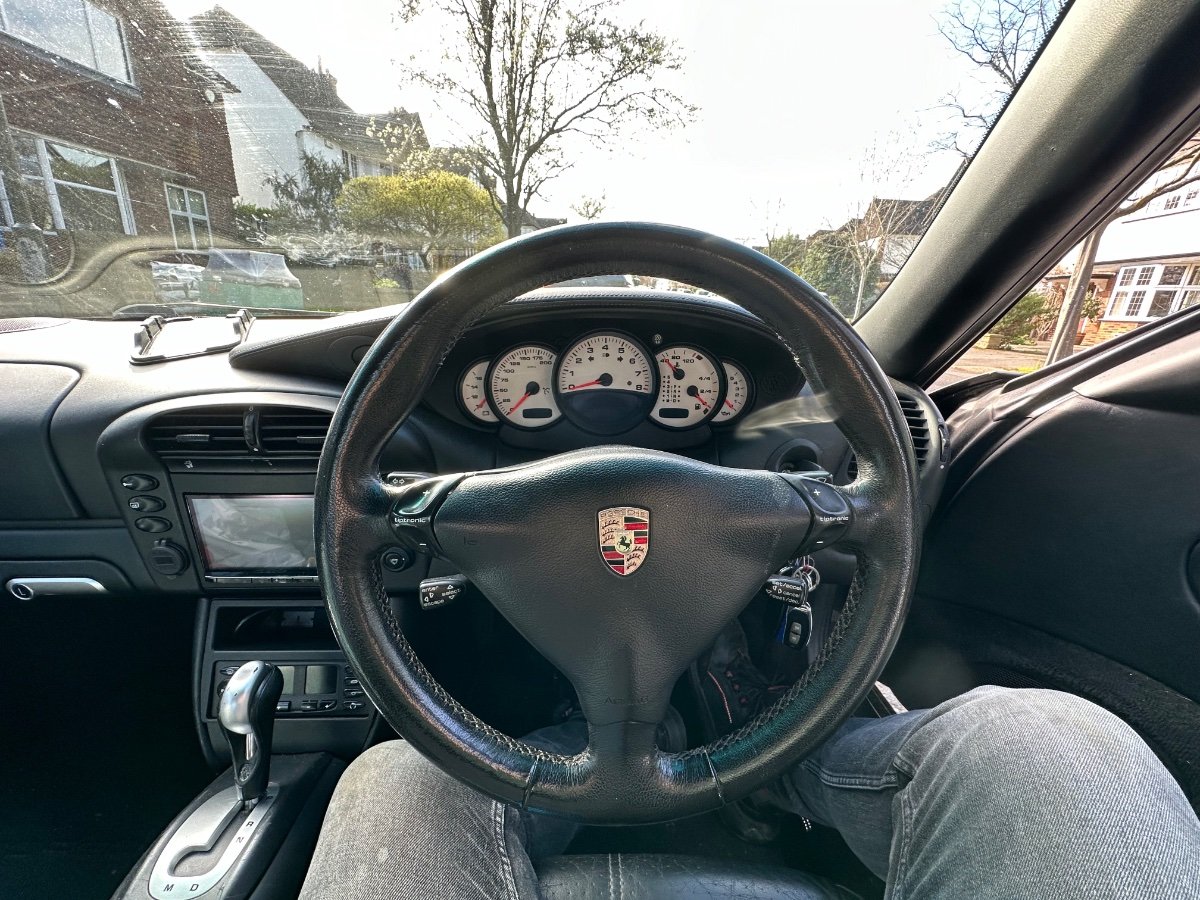
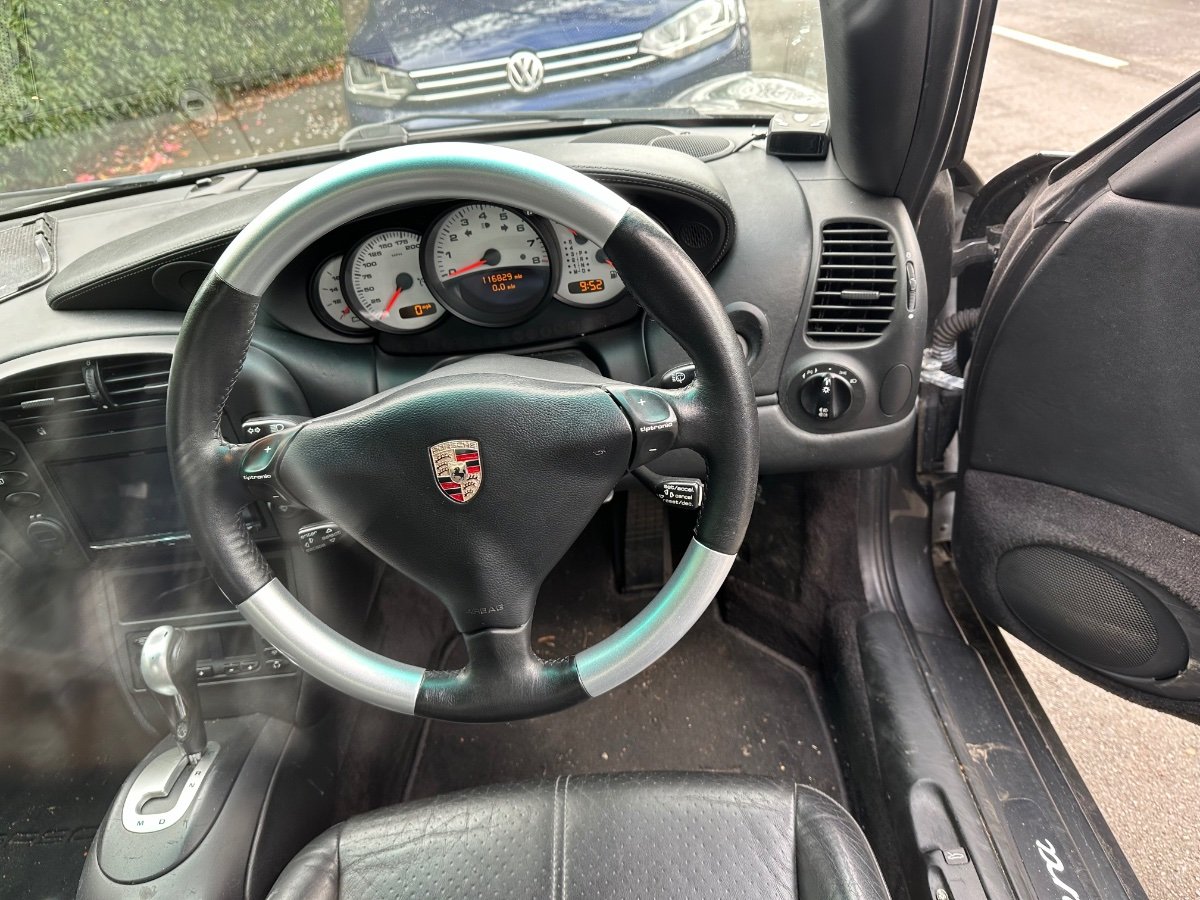
 Hi welcome to the clubMake sure the connector is not corroded.Oh pretty bad I replaced mine with new pigtails, you will need to check all the connectors, tps everything.Unfortunately yes a bit of a pain, you need a small screwdriver to unclip the sides of the metal clips and ping them off, have a magnetic ready to catch them.How about the engine harness the plastic connectors crack and get corrosion especially the injectors, look for green corrosion.That’s such a shame but the Zed does have a decent crash bar.Happy Birthday 🥳I decided to upgrade my Steering Wheel, made a huge difference.
 Happy Birthday 🎂