Everything posted by JaiKai
-
Sorry, but I'm not. I have to look at the reality of the situation. At the moment the car won't start, needs mapped to be safe, needs a 4 wheel alignment then an mot.
-
So the problems i'm having in general is either power or fuel; or both. I nipped out to buy 5l of fuel as when i popped off the fuel pipe next to the fuel filter there was no pressure. The battery i have is brand new but i think all the testing lately has run it down too far. I'll charge the battery back up tonight and try again tomorrow.
-
I think i have a battery / power issue. As when i crank it the ecu resets. I've now taken the battery out and going to give it a charge over night see if i can get it started tomorrow.
-
cant find anyone yet, but saying that what use would it be if it wont start.
-
And i think i know why she wont start either. Have to nip out for a bit and try something when i'm back.
-
Surgery took place at 1pm today and it was a success. I now have a working clutch. :)
-
Not standard but I would guess its a crudely positioned sensor for an alarm.
-
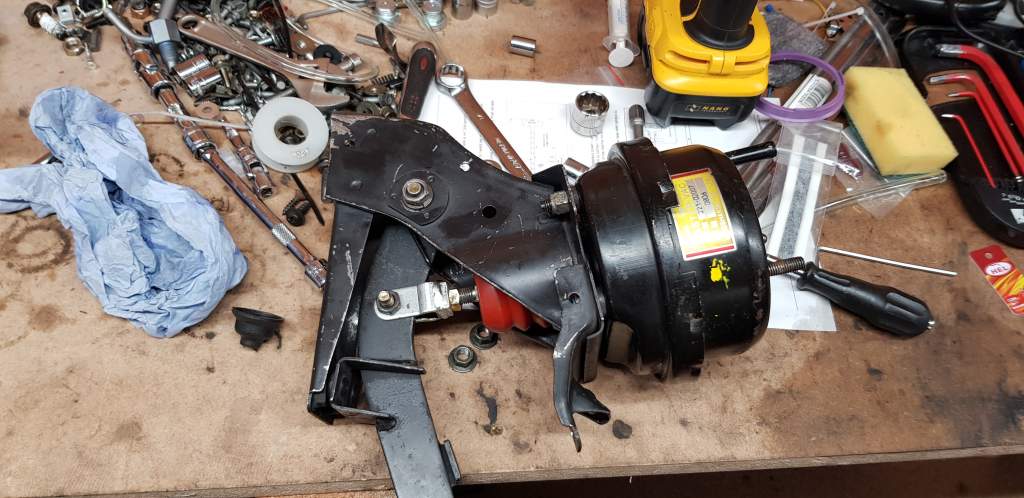
not sure, This is the second conversion i've done, but i dont remember having any sort of issue previously. As you can see on the picture the rubber parts would get sandwiched between the booster and master cylinder. I just need to cut a larger circle of the rubber away to give more of a flush and flat seal.
-
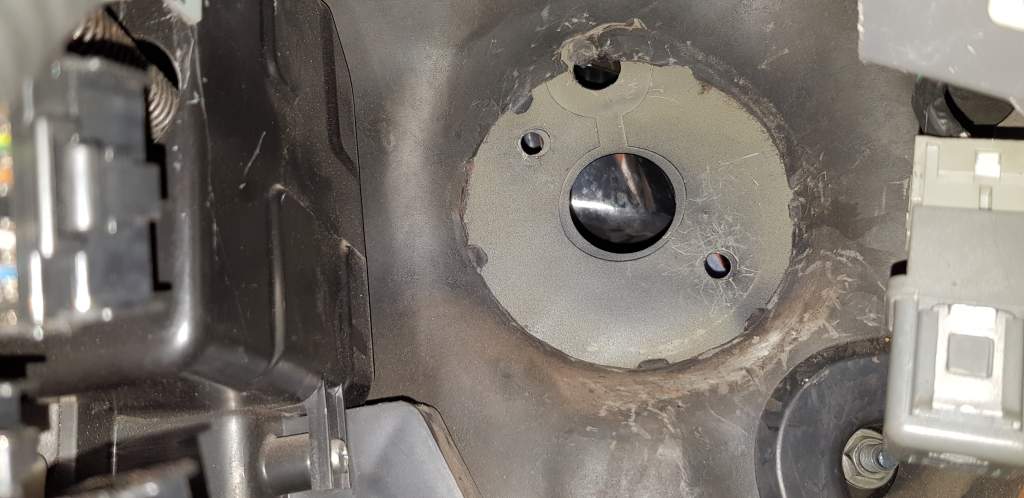
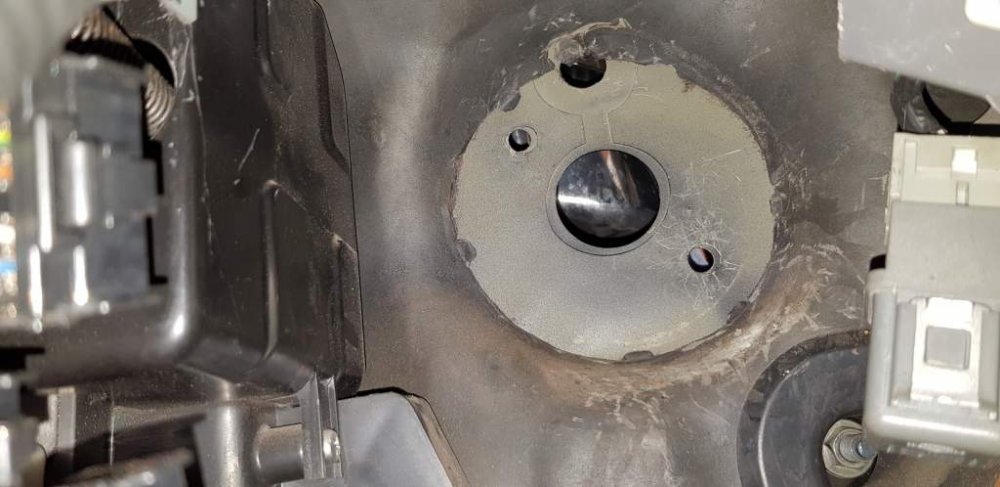
The problem is when i put it back in the car it stops working and i think i may have sussed it out. This being an ex auto, we had to take off the faceplate covering the clutch area inside and out. And i beleive looking at this the rubber membrane covering the bulkhead may be getting sandwich between the master and booster. The extra gap is enough to stop the piston working,
-
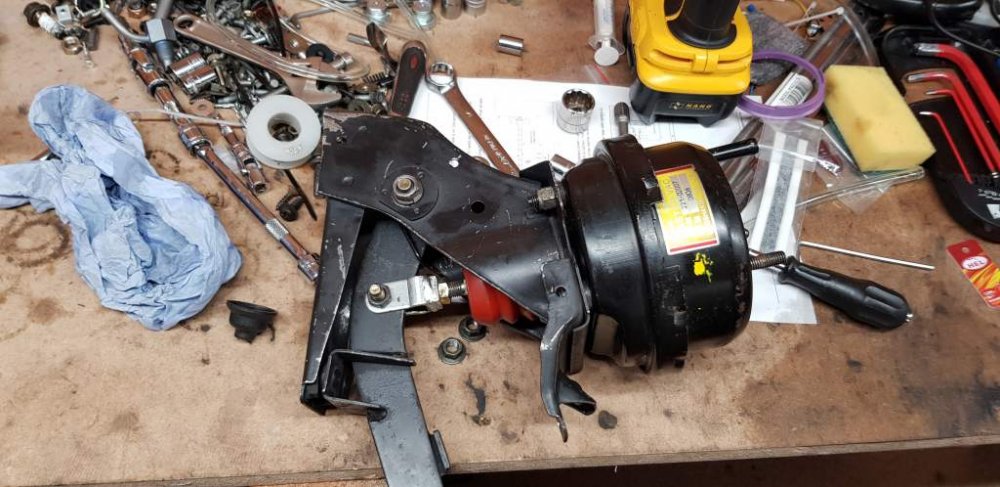
Add the pedal External to the car and it still works so good so far.
-
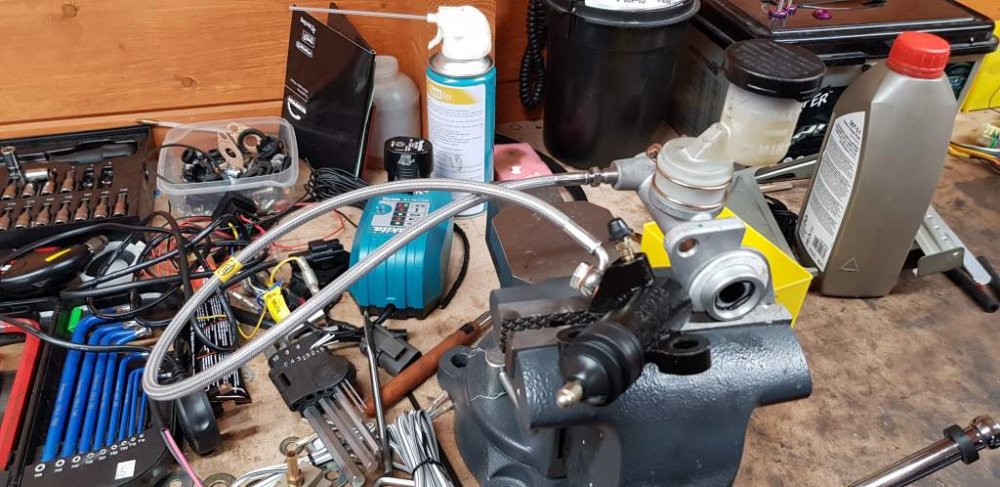
My cable, clutch master cylinder and slave piston are all brand new and together they work fine,
-
fully assembled outside the zed the system is working and the clutch slave piston is moving :)
-
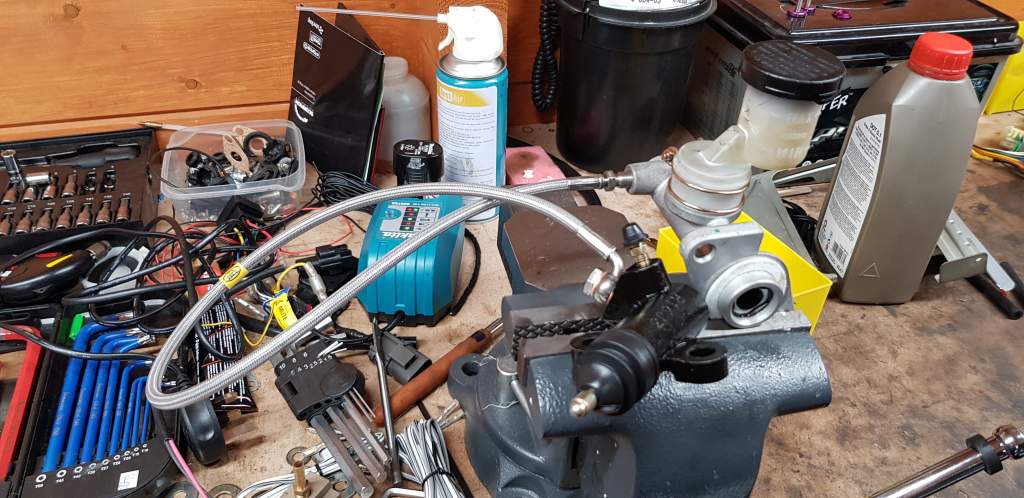
Clutch booster and pedal back out along with the master cylinder. Fitted everything together externally and i've managed to bleed the valve when not connected to the booster or pedal. Basically stuck the master cylinder in a vice and pumped it with a socket screwdriver end. I'm going to assemble it all again external to the car and try it out now see if the piston moves.
-
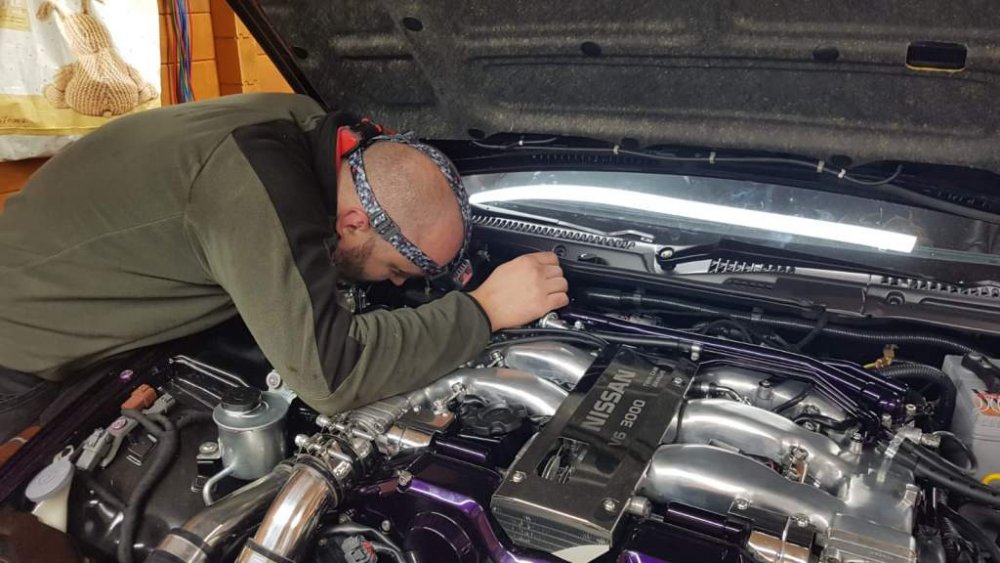
New clutch cable arrived, this time its a proper short one. Hopefully this time the system will bleed more than i have in the last few days.
-
Few things needing done so its cascading big time. Engine wont start either, but i think thats down to the ecu needing setup properly. At the moment my zed is still stuck on axle stands going nowhere.
-
Well it looks like i have a busted clutch booster :( My clutch wouldn't bleed so i unbolted the master cylinder from the bulk head and the push rod came completely out with it. I put it back in and i get some resistance but i dont think its enough to push the cylinder in.
-
4am and I've given up. Problem with bleeding the clutch, dismantled the full thing and refitted but still have issues. I'll now miss the mapping session tomorrow and the zed won't be safe to drive. I really feel this is a NEC breaker for me now unless a miracle happens.
-
So while my battery is charging i'm moving on to my next issue. Bleeding the clutch. I have a straight drop clutch line but with fluid in the reservoir no matter how we do it nothing flows to the other side. Its a new cylinder so is there a way to adjust the pump action ? From inside the car i can see the valve moving in but no fluid goes down the line.
-
Well that was a major let down. Been tinkering so long with the zed and the battery has fell below the level needed to start it. :(
-
Been told its about 8ms to try and start it. Here we go.
-
Ok, Setting up the ECU for first start and i have an issue. I dont know what to set the master fuel level to for the nismo 740cc injectors i have ? Anybody know what to set this too ?
-
I would if i had one :)
-
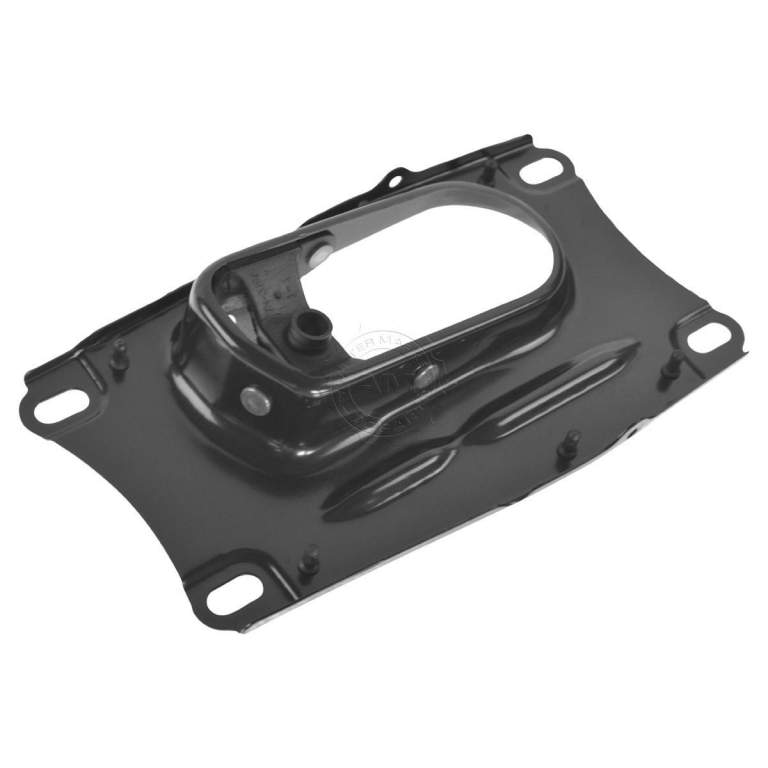
Urgent - Anybody got a Shifter Support Bracket : I have a mapping session tomorrow and just notice this part is missing !

-
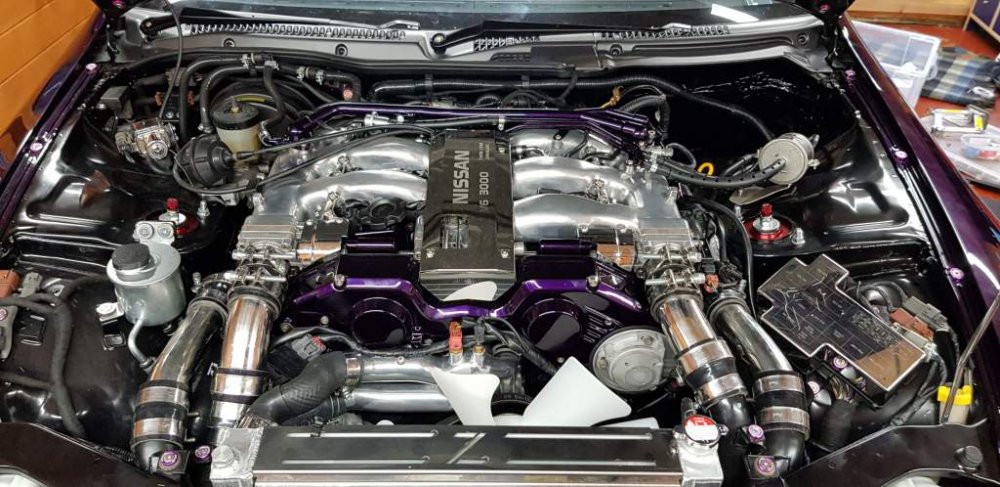
Front of the engine rebuilt.
-
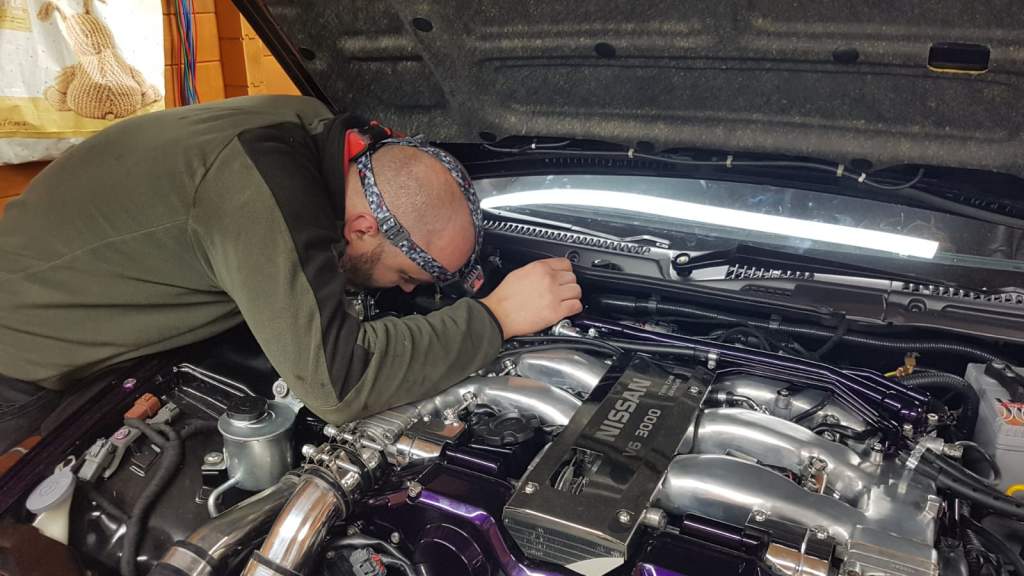
Surprisingly how tired your arms get holding them straight up