Everything posted by JaiKai
-
New ecu ordered and dispatched along with a few sensors. Still to get the lambda sensors ordered.
-
Happy Birthday Mike.
-
I'm getting rid of the maf and going for a dual intake, wheres the best place to put the ait sensor?
-
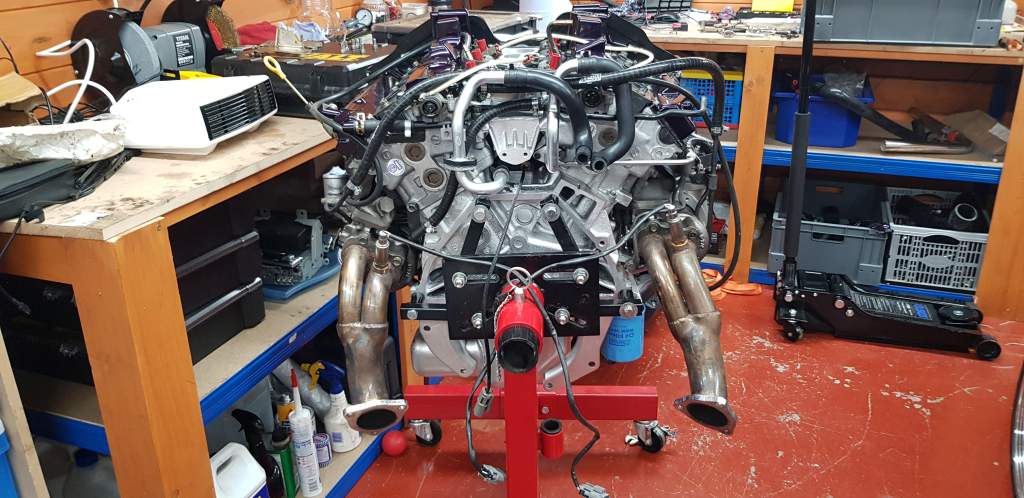
I've ordered two wideband sensors and I'll get my garage to weld in new bosses for them. Likely down where the cat sensors used to be then I can bring the sensor cables in via the old route under the seats.
-
Because you've taken them upside down. But your phone adds a marker in the picture that tells each device which way is up.
-
Hi Mike, When going for the wide band sensors i'm I correct in thinking you need one for each exhaust port ? Is the factory position ok for these or do I weld in a mount further down ?
-
Only Admin, Committee and Mods can delete threads. Just PM one of us and we can tidy it up if need be.
-
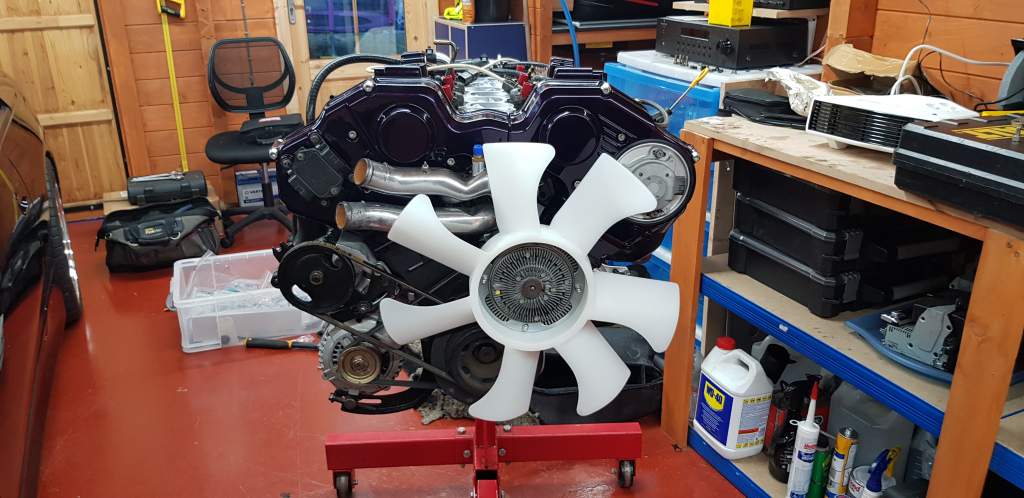
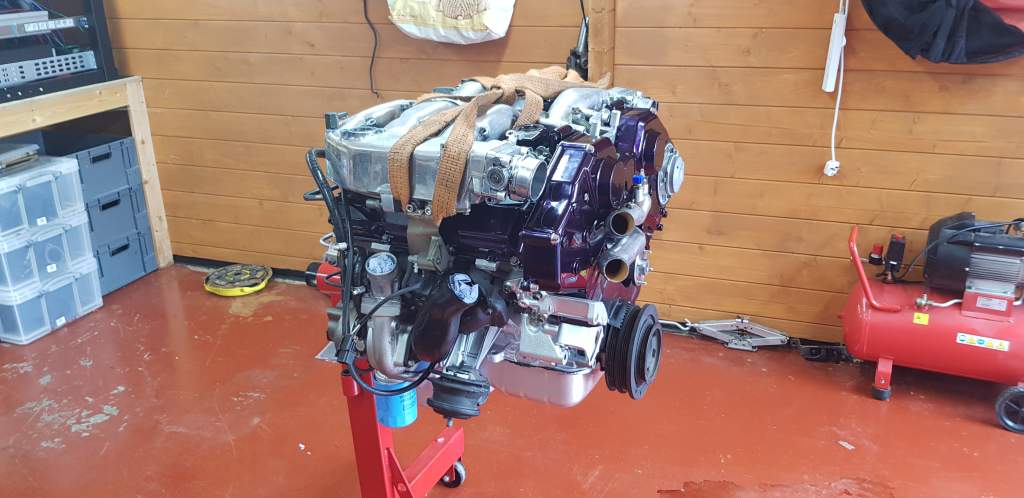
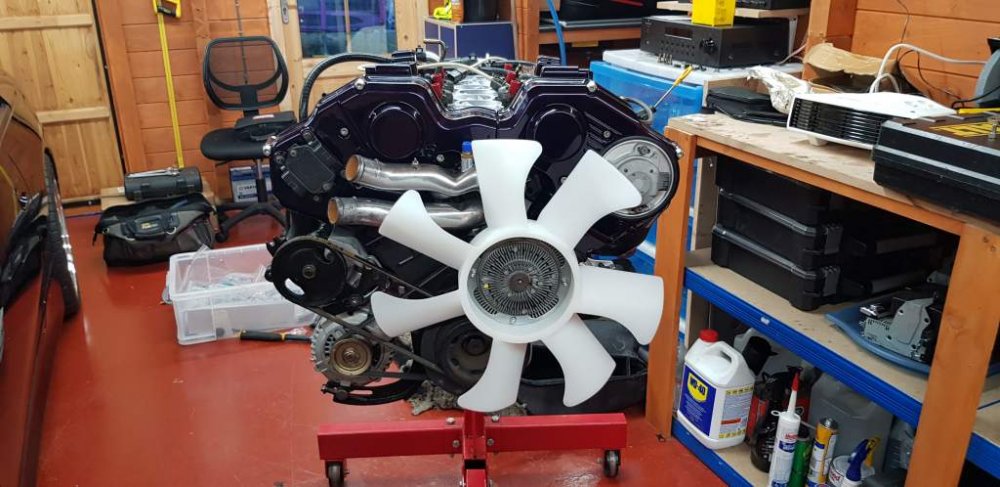
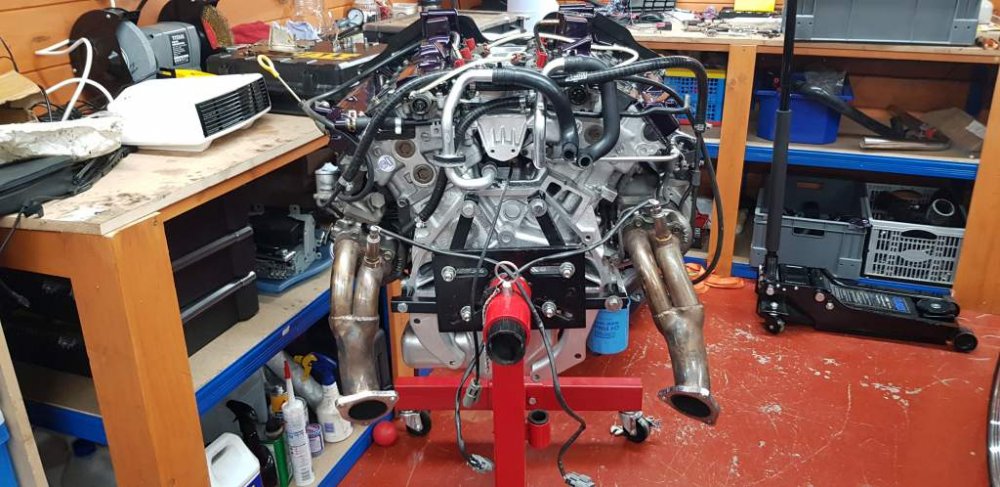
Started to add all the extras for the engine today and progress is good. It's taken me longer than it should have due to missing or should say misplaced bolts but it's getting there now.
-
Bump, So I'm looking for the following as minimum : Link G4 ECU AIT Sensor Additional options : Lambda modules for 2x O2 Sensors (do these replace stock sensors ?) Boost Control Solenoid
-
Anyone got a dummy maf or broken one ? I'm going for a dual intake setup and don't actually need the MAF any longer but I need an adaptor to fit the Apexi air filters I have. So either a spare maf will fit it or I remove the maf and fit some sort of universal adaptor.
-
Not the greatest thing to do as the Van we were driving was under trade plates and traded insurance. And it barely passed its last MOT with white gaffa tape covering up all the tell tail signs of rust.
-
All I can say is we took an accidental left turn off a roundabout with no way to reverse back out of the situation. Only way to go; was forward.
-
Yeh, But the funny bit is we weren't stopped !
-
Can't remember exactly where it happened but we believe it was in the Cambridge area. Shortly after refuelling there was a cluster of various roundabouts and I was driving. Now I must say in my defence I was in a foreign country and the roads of the area were very unfamiliar. Lastly I was following exactly what the old TomTom was telling me and when it said take next left I did.
-
What could possible be worse than getting stopped on the motorway by VOSA.
-
Can you check your email is up to date too. Our server got a bounce back that's why you never got any email reminder :
-
How did you pay your subs ? I've activated you again but i'm guessing you done a bank transfer as paypal would have been automatic.
-
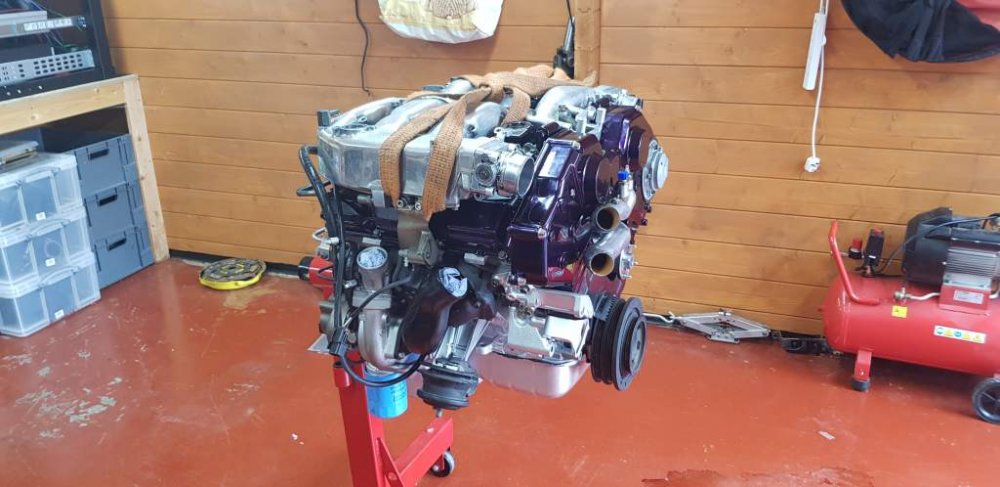
Purchased a sheet from bnq then got them to cut it in half. Like playing chess we moved the queen across the driveway easily enough. She's now in the garage ready for fitting next weekend.
-
Great article and I agree with Gary on the insurance. I'm getting at least £25k Agreed valuation on mine.
-
No, But I was thinking the same, just make a board walk and keep swapping out the boards as we go. I need to pull the zed completely out of the garage too and slide it past.
-
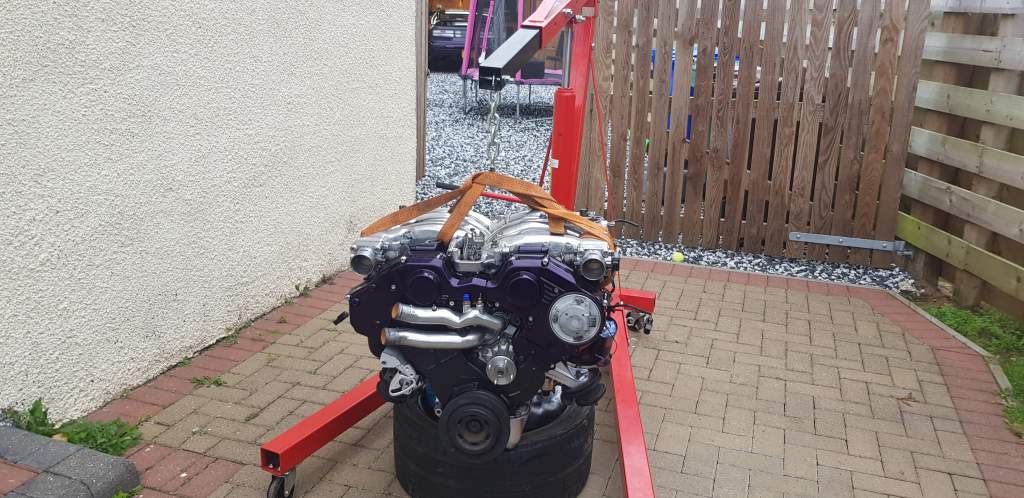
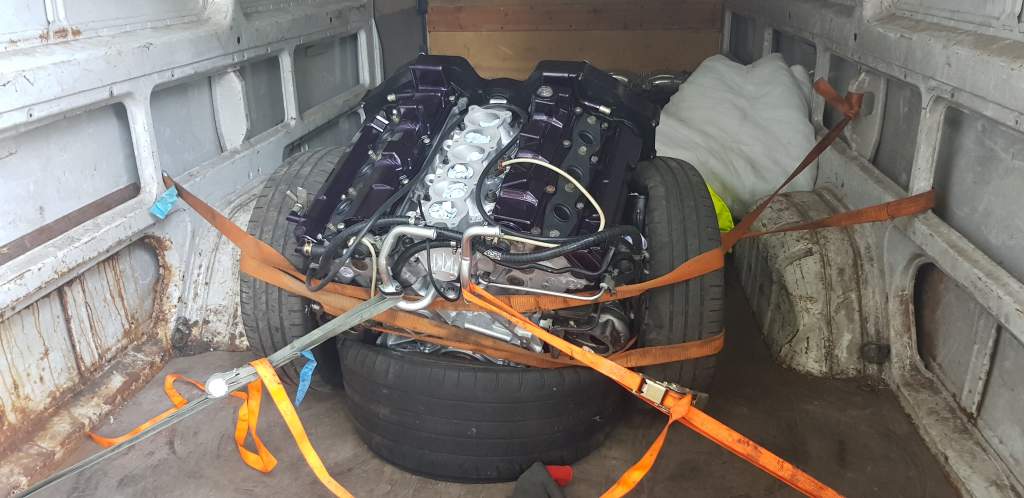
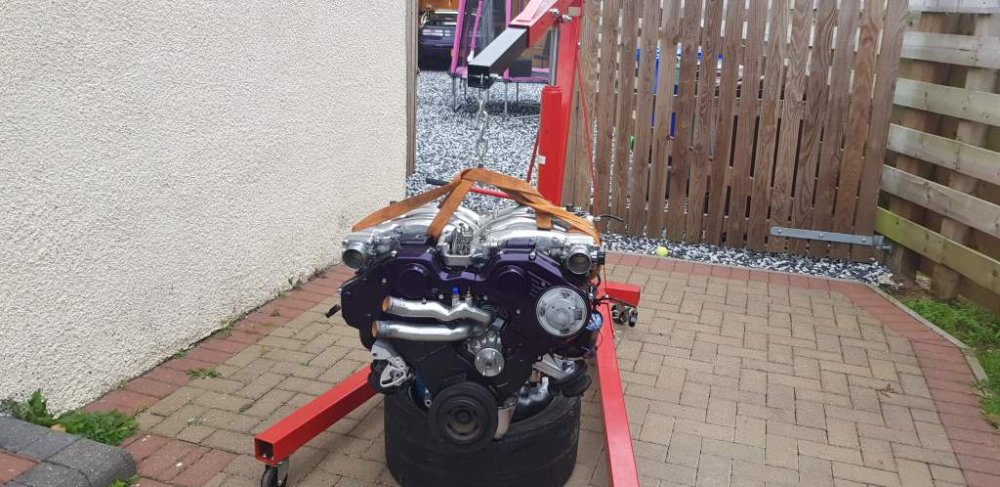
Morning all. Been an awaking 24 hours for Trevor and myself. Many thanks to Trevor for coming on the long haul across the UK, and I'm sorry you came back empty handed. After a good 10 hour sleep I've managed to solely get the engine out of the van. Now I just need to figure out how to get it across 20ft of stones into the garage.
-
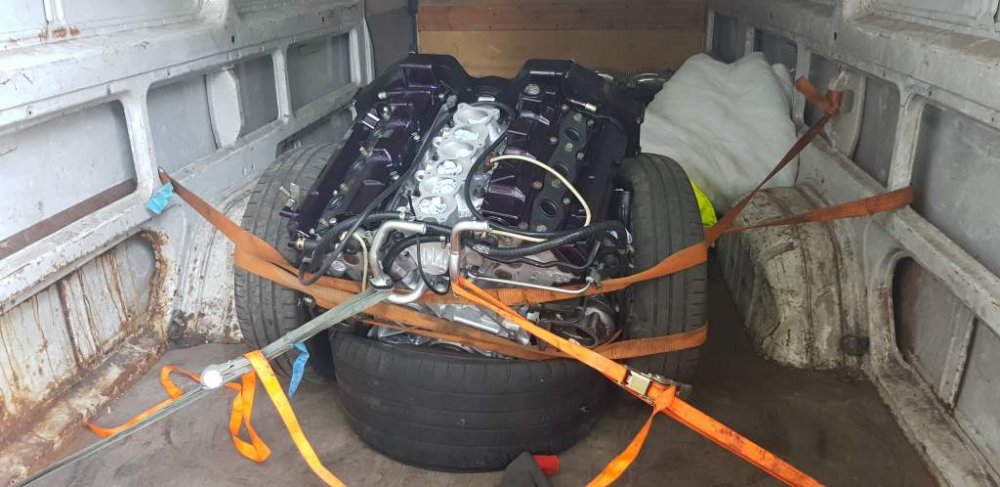
Found a transit with a zed engine in it.
-
Hi Si, When powder coating these; how did they do the pivot that overlaps ? Did you take the rivet out and split them ?
-
To reflect on this post from the 8th of October 2016, - Hopefully within a month ! :clap:
-
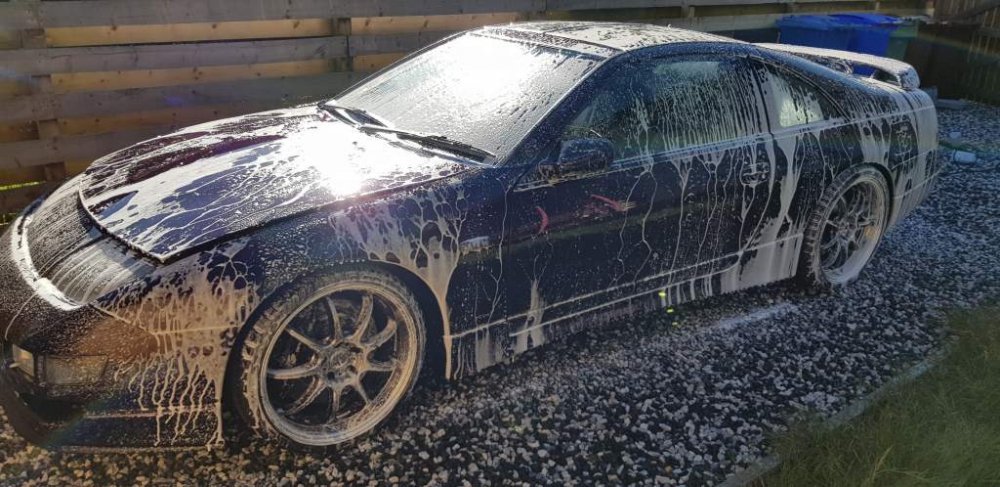
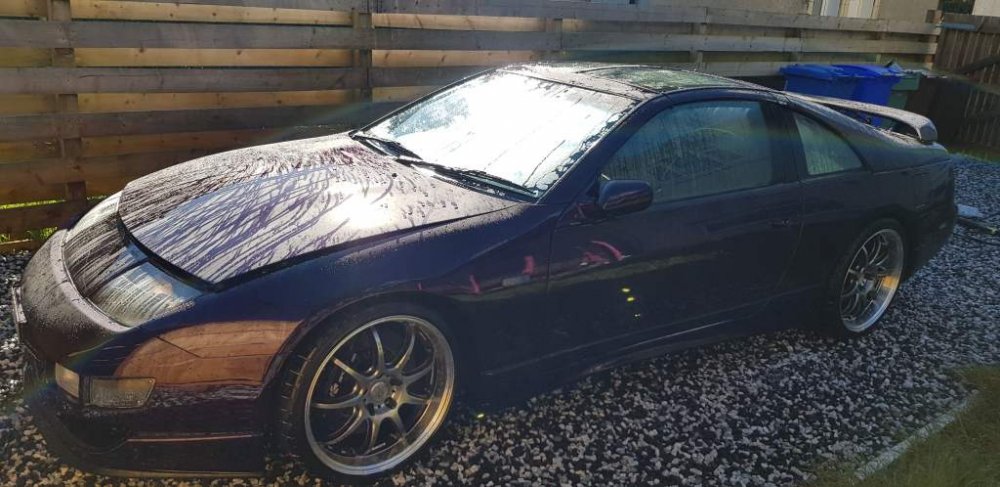
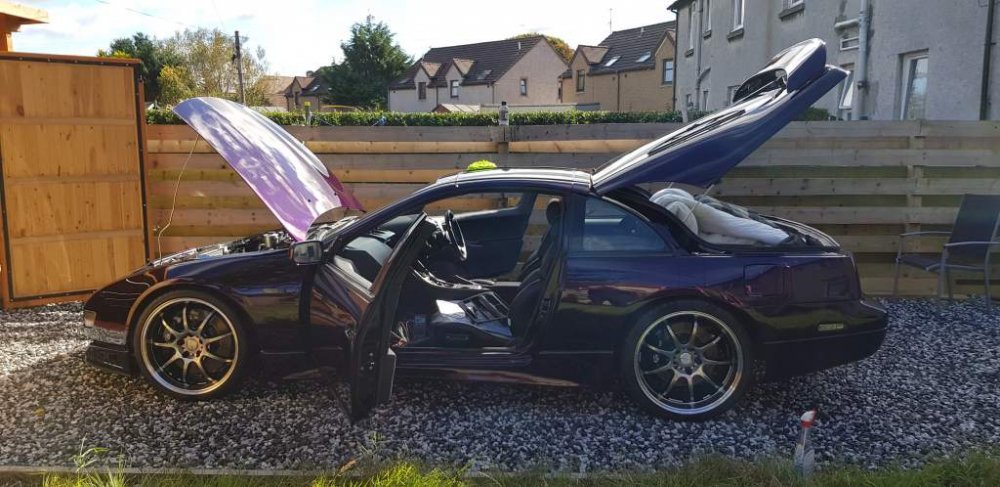
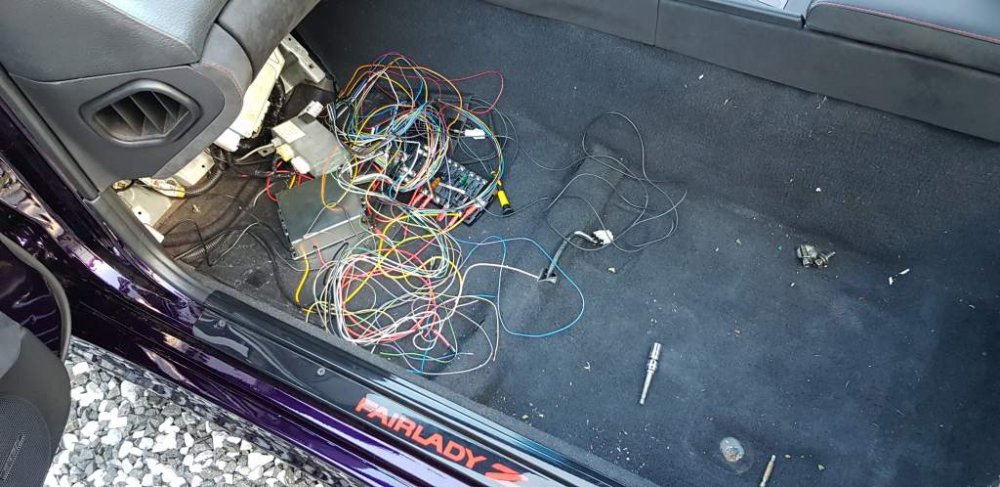
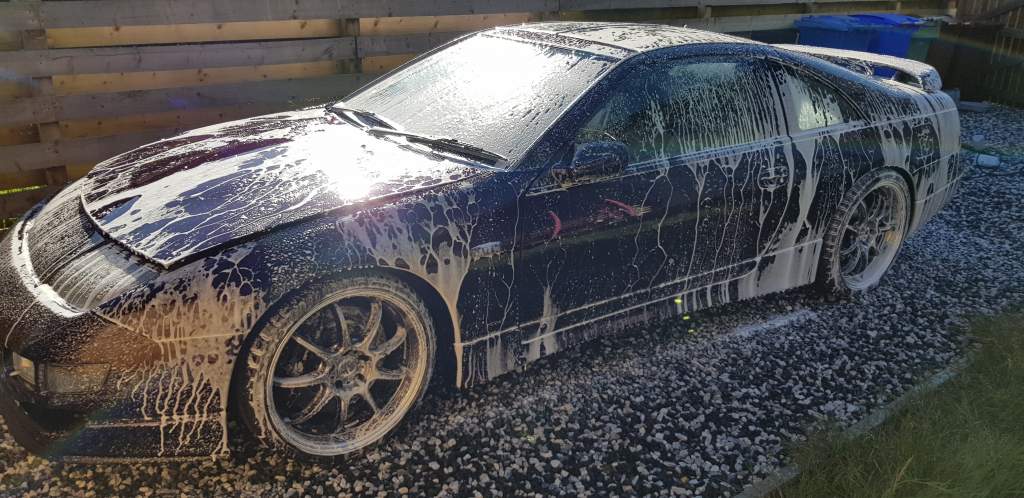
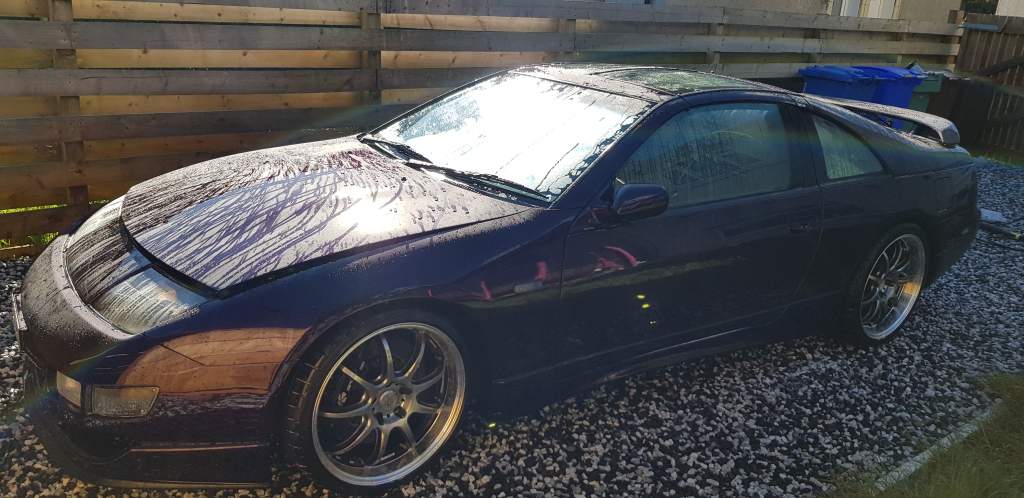
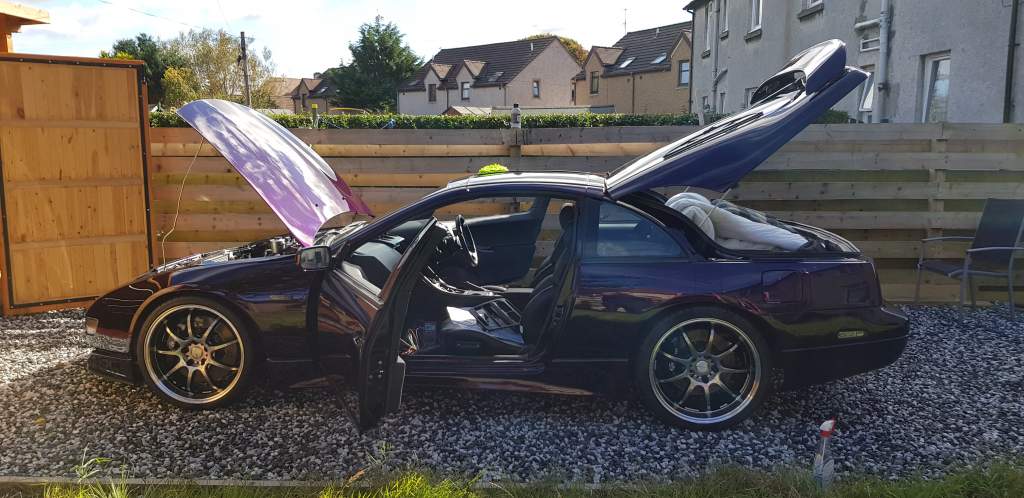
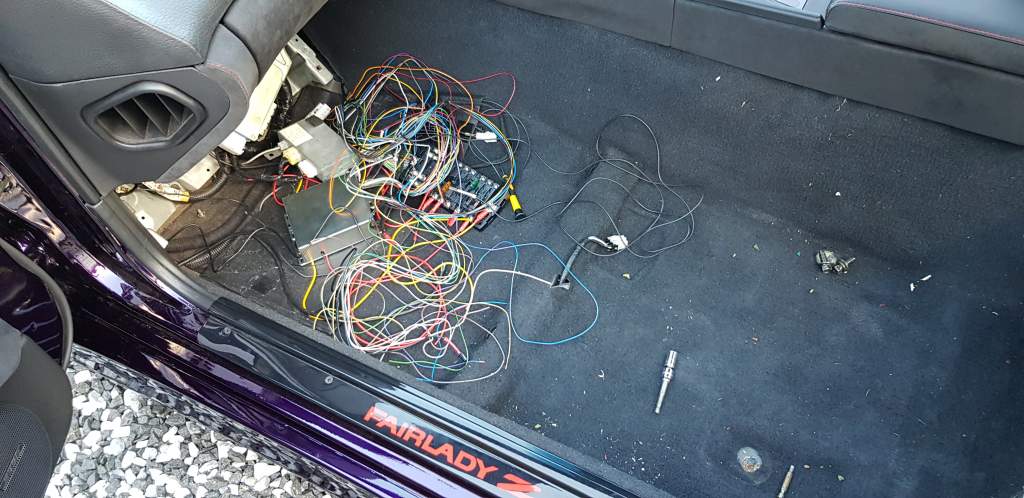
So road trip for this Tuesday night as Trevor and myself plan to head down to Bury St Edmunds to collect some parts then on the way back we plan to stop in at Mikes and collect the fresh new engine that he has built for me. For the moment i'm working on getting some other wiring done to fit the alarm and some spare loom to add in things like the rear fog and also my light up red el panel which is also on the back. After pushing the zed out of the garage she was given a good foam bath and then dry / polish. Lots to do and hopefully if the weather is ok tomorrow i'll start on the mess of an alarm that I want installed. Anyone know how to sort this mess out ?