Everything posted by JaiKai
-
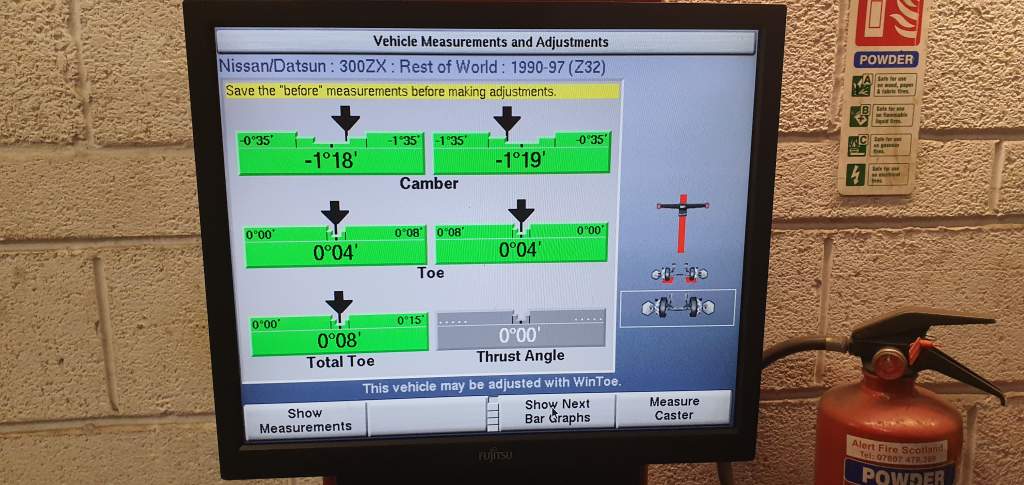
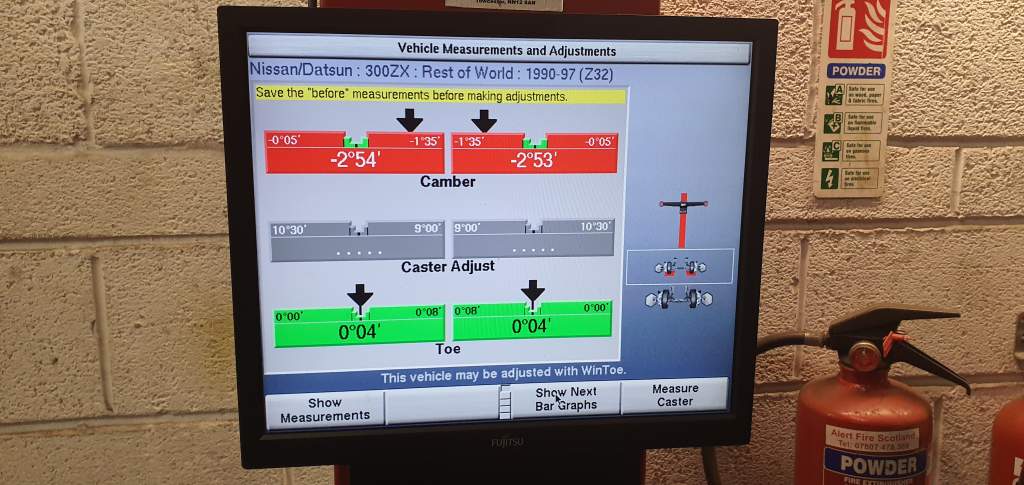
Run out of ink on the printer so never got a print out atthe time. i took a photo of the screen when they were doing it but before it was finished.
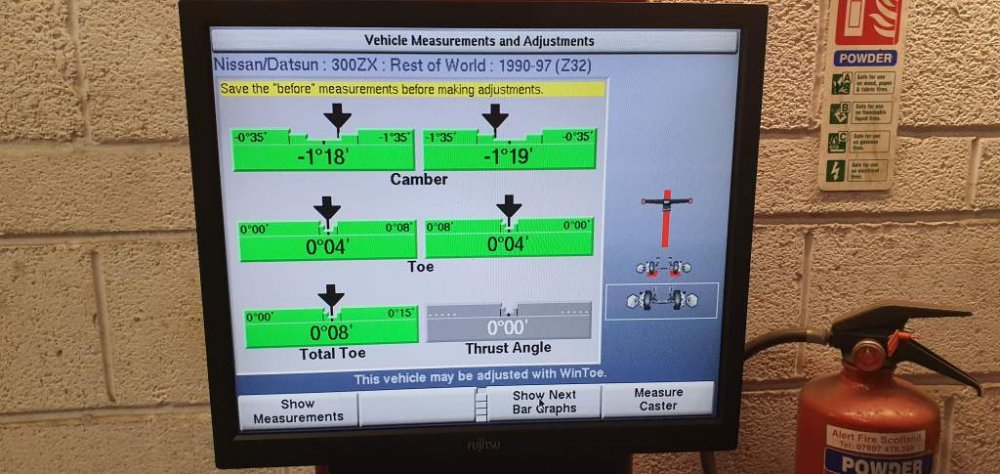
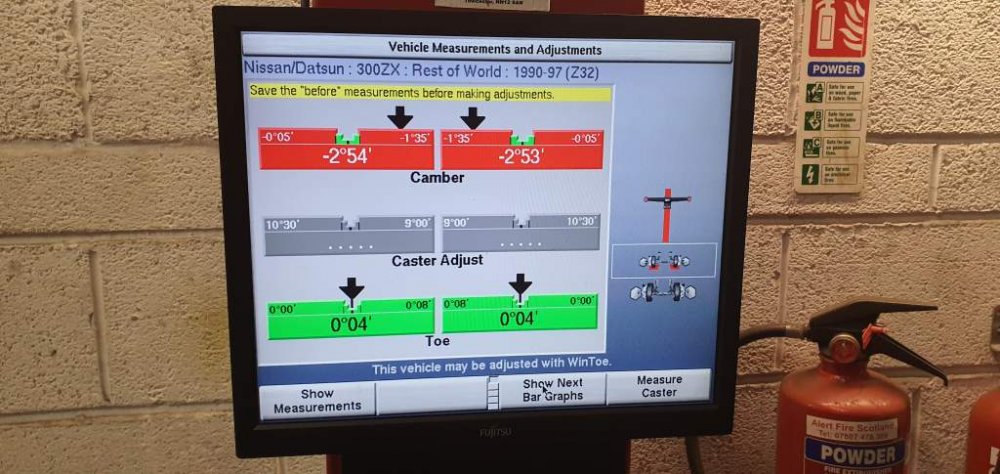
-
I like that, mine used to be like that 4 years ago but its all dull now. But not enough experience with polishing to try bring the shine back.
-
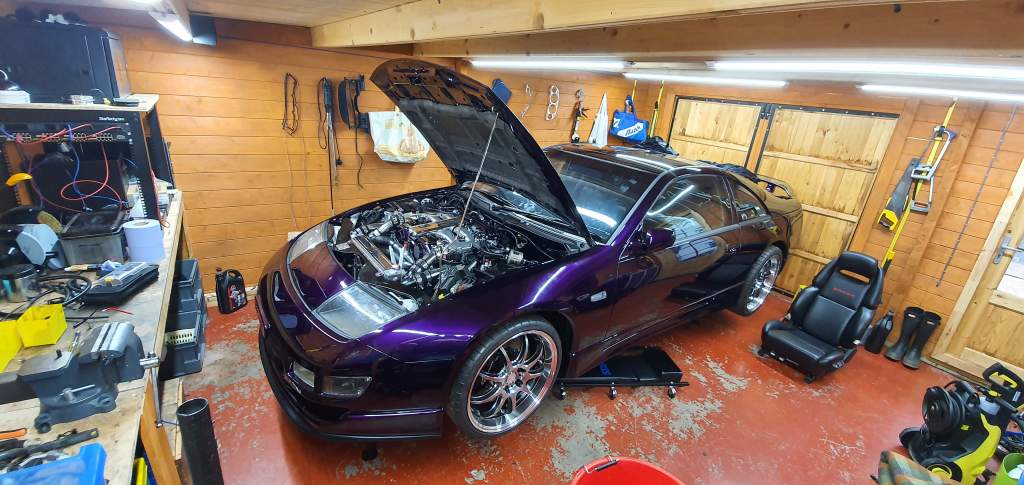
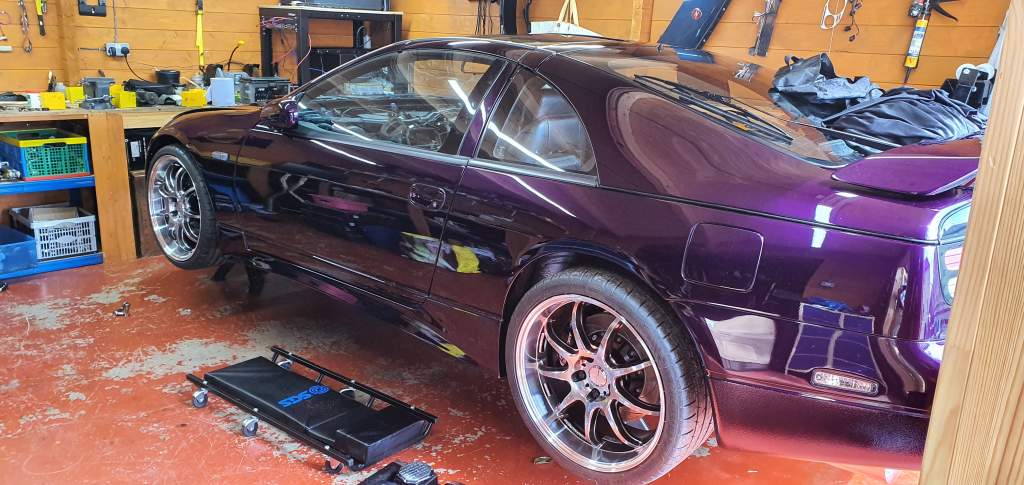
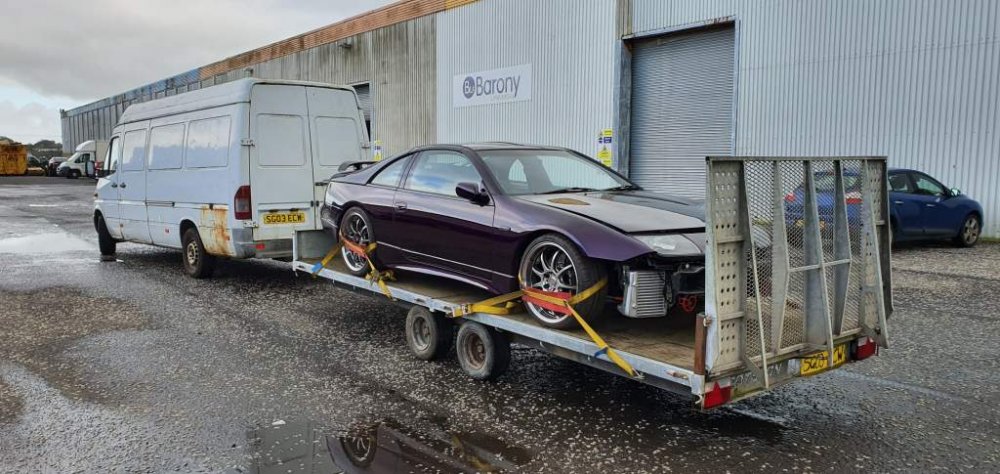
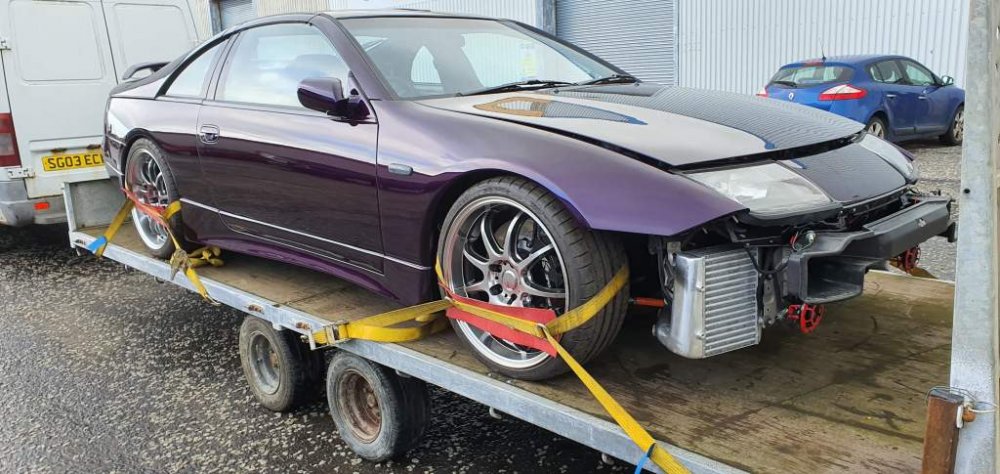
Finally picked up the zed this morning and she is safely home.
-
Not sure, I'll ask tomorrow when I goto pick it up.
-
Don't think so, this zed was stock and very clean when purchased.
-
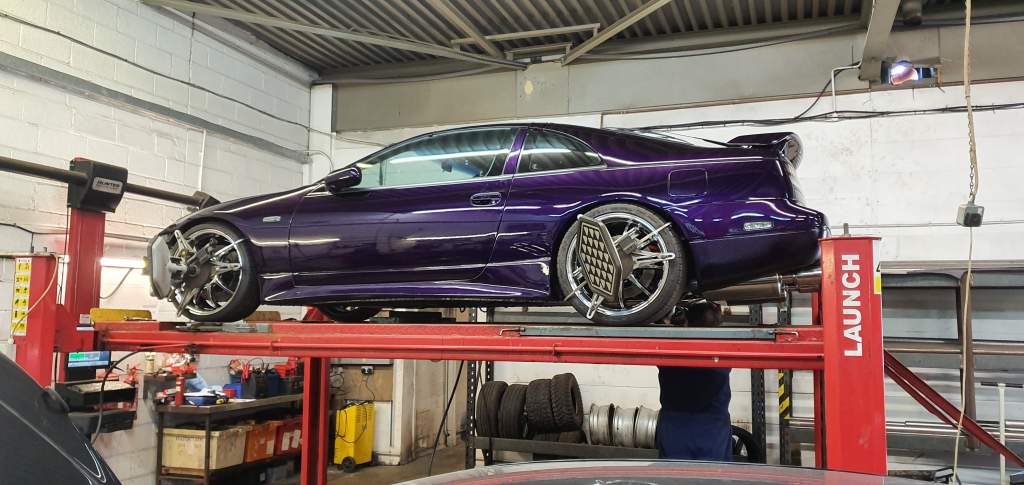
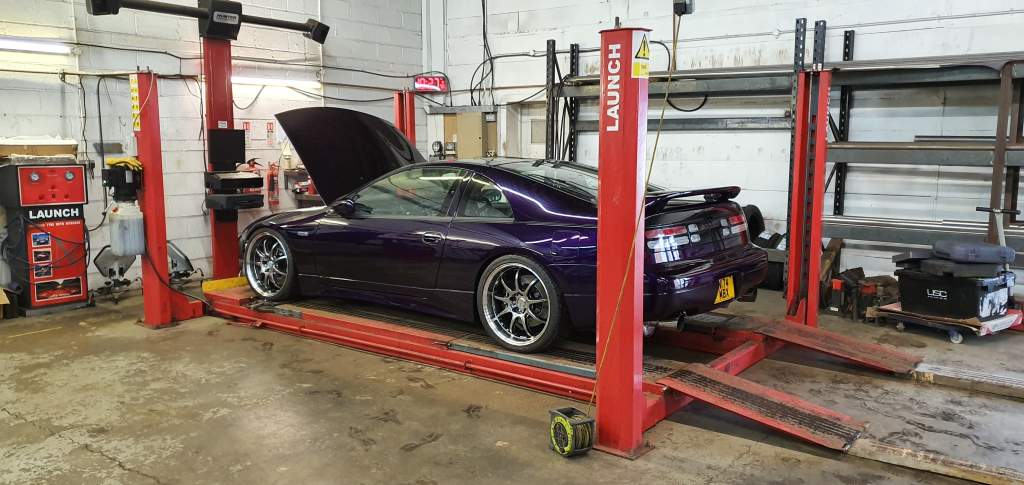
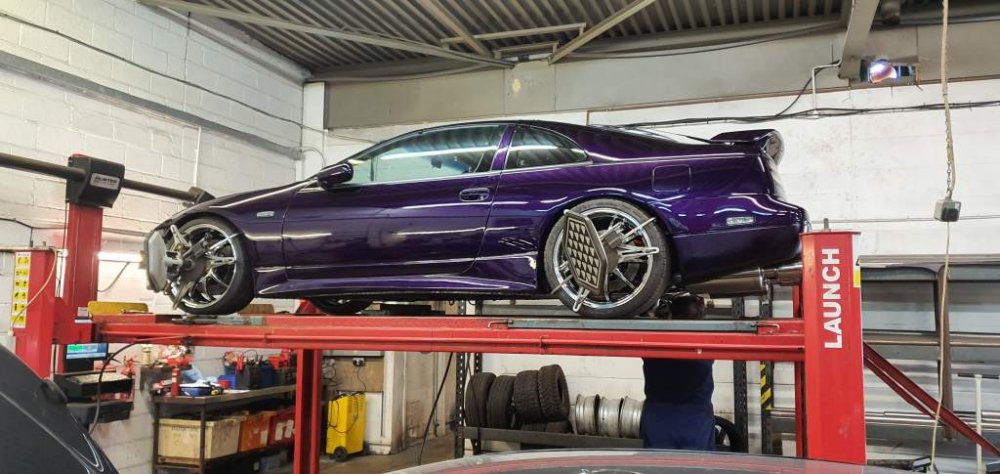
So my zed is on the ramps for a second day after they forgot to adjust the ride height before alignment. This time hopefully they got it right. One thing that baffles me is that they said that the front right of my zeds chassis is 30mm longer than the left. How can this be possable ?
-
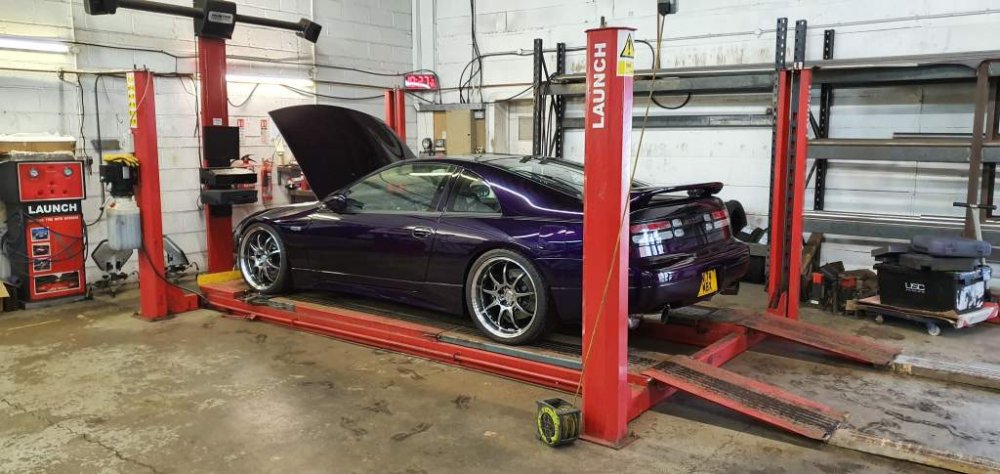
Wheel alignment done today. All good but decided ride height was far too low so another day in the garage to fix that too.
-
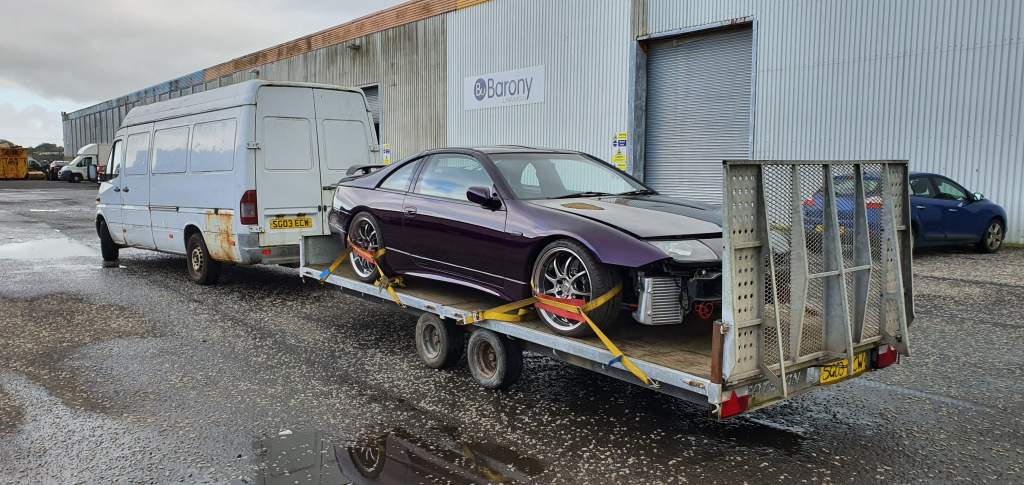
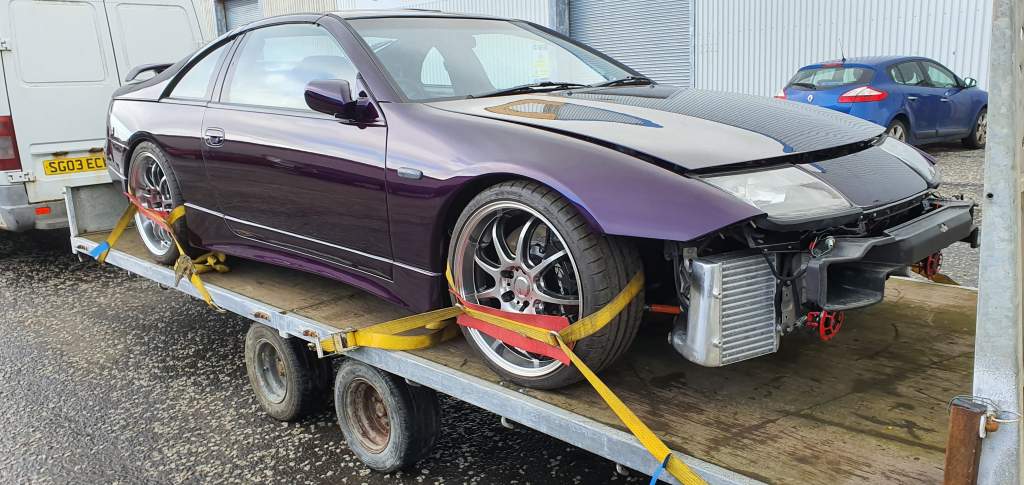
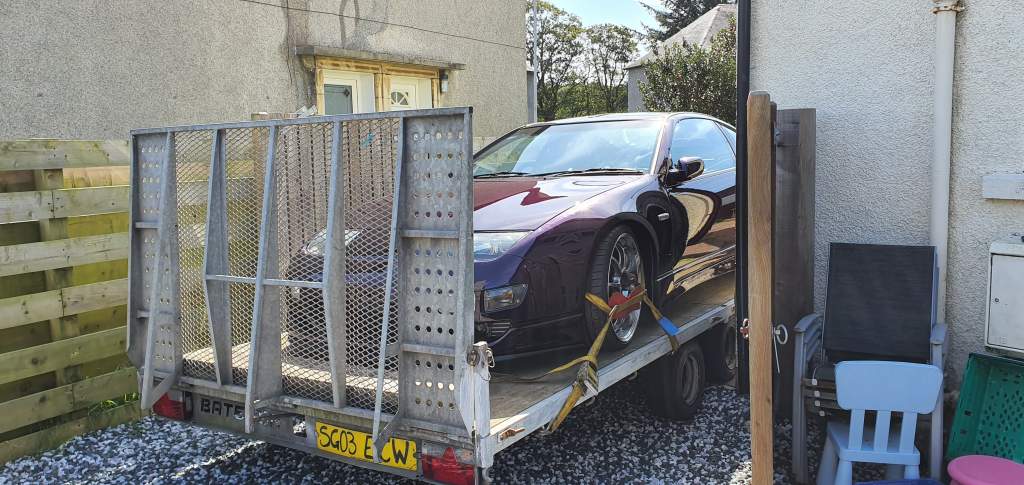
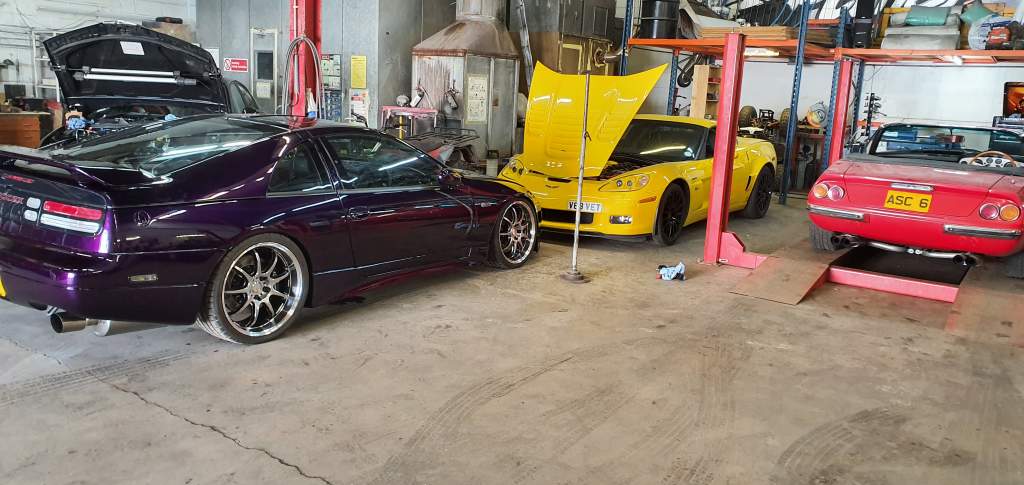
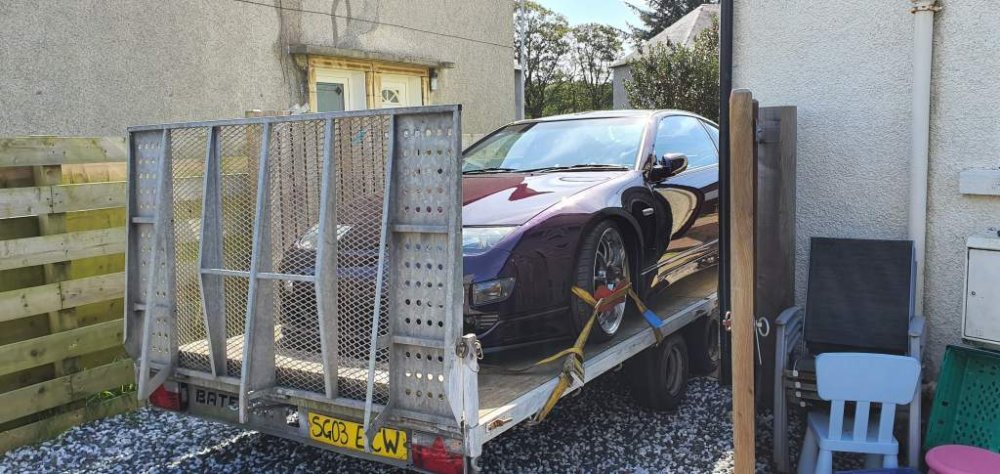
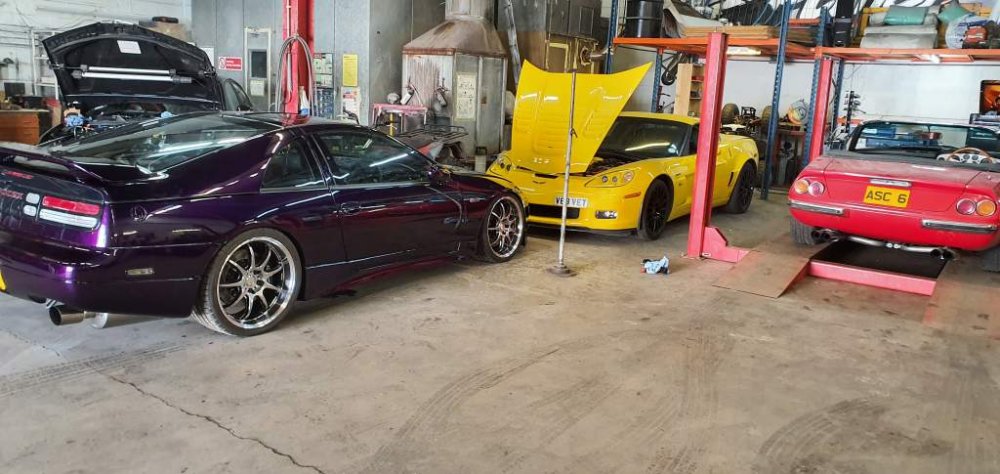
The zed has now been safely delivered to the local garage for a 4 wheel alignment. Bit of a struggle to get her loaded onto the trailer then off again but finally done it without scraping the front lip. i think next time i'll just remove the front bumber for loading and unloading of the trailer.

-
I currently have an agreed valuation for £25000 with Lancaster. The way i worked it out was to imagine it was a complete loss, what would it take to rebuild as is. For me personally alot of you know this has already happened to me in 2015. My current valuation i went in at £27,000 and the insurers came back to me at for the £25,000 which i was happy with. Just make sure you give as much pictures of evidence and a history of receipts to prove it.
-
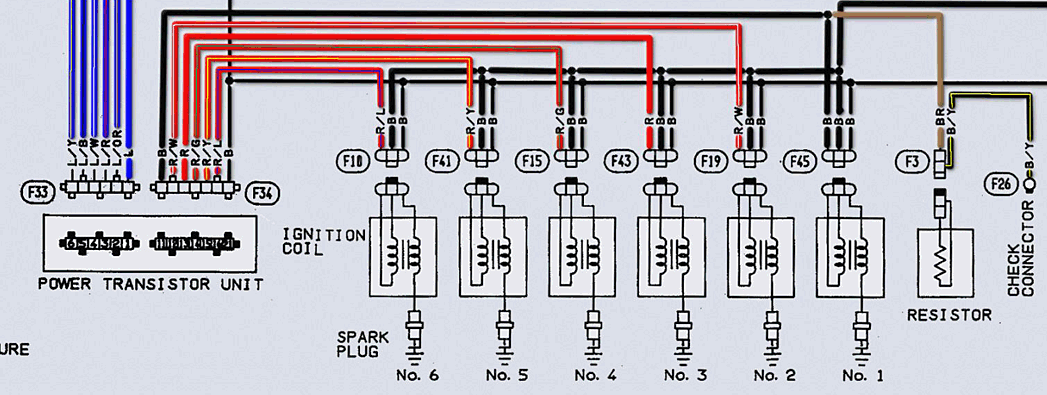
ECCS_colored_m.pdf


-
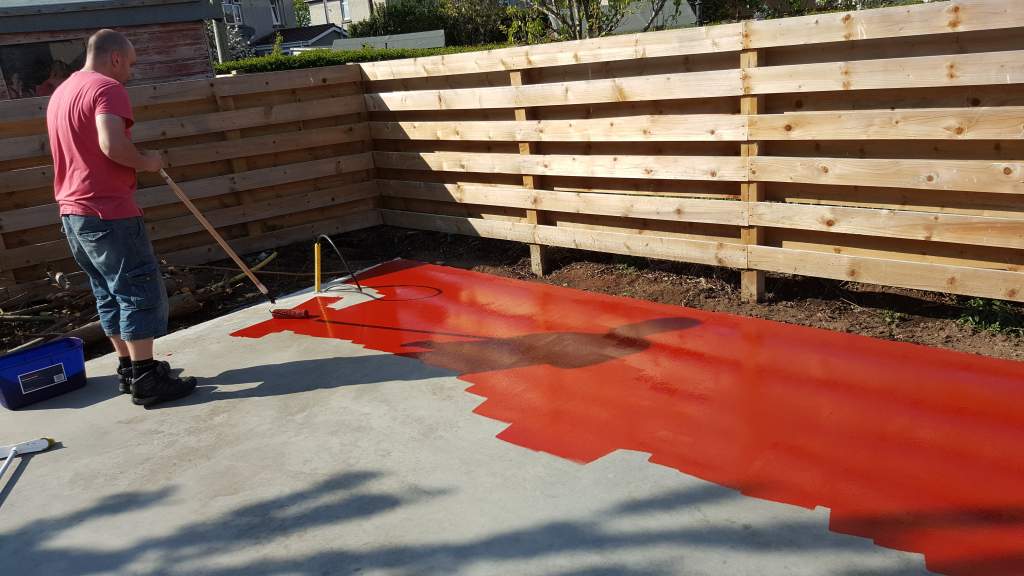
Yeh, i remember painting that. My man cave build was just as impresive when i done it. https://www.300zx.co.uk/forums/showthread.php?184484


-
Happy Birthday Rich.
-
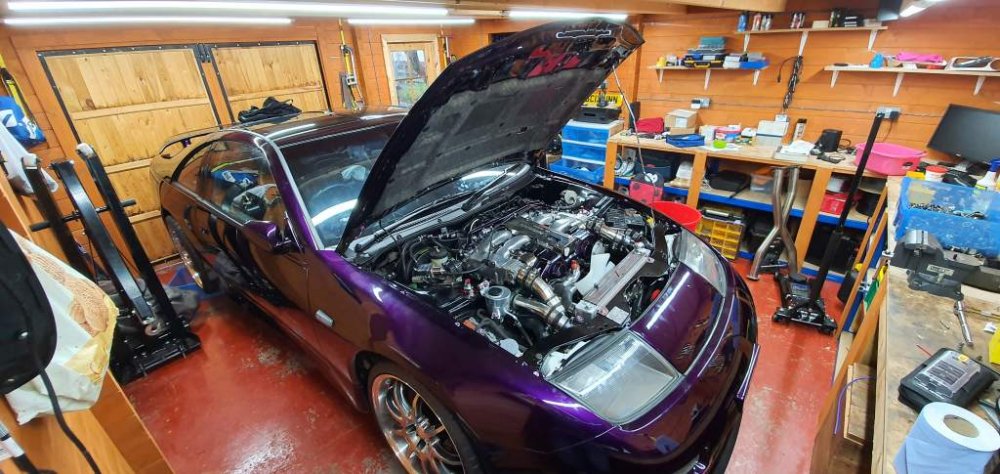
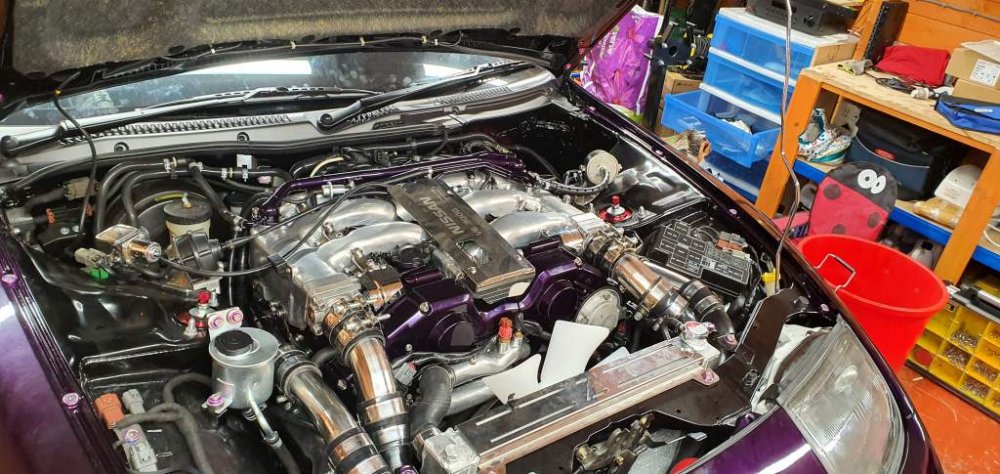
Also a few dates for my diary. Monday 9th September for a 4 wheel alignment. Wednesday 25th September for the first start and mapping session. My exhaust test pipes with the new bosses welded in should be back this week and i can get the exhaust bolted up. Still need to refit my dash with the big hole but hopefully have a plan for that too.
-
So nearly there.

-
Just for an update the zed in 95% ready for its mapping session and first start. Everything is built up and i'm just awaiting my exhaust pipes to have new bosses welded on for my wideband lambdas. After that it a tow upto the mapping place in East Kilbride which is about an hour from where i stay. So next few tasks are to secure funding for the mapping session, find a truck big enough to pull the trailer up there. Then onwards and upwards it will need a 4 wheel alignment and its mot.
-
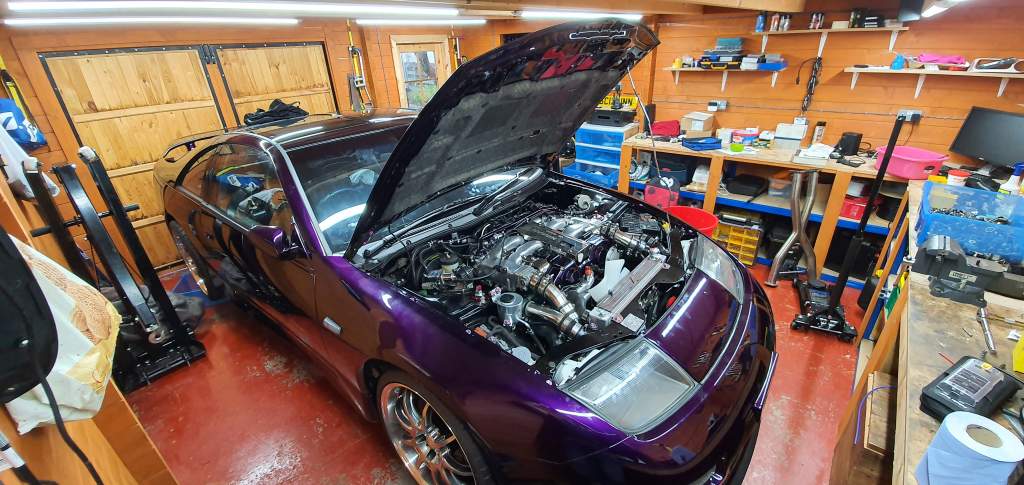
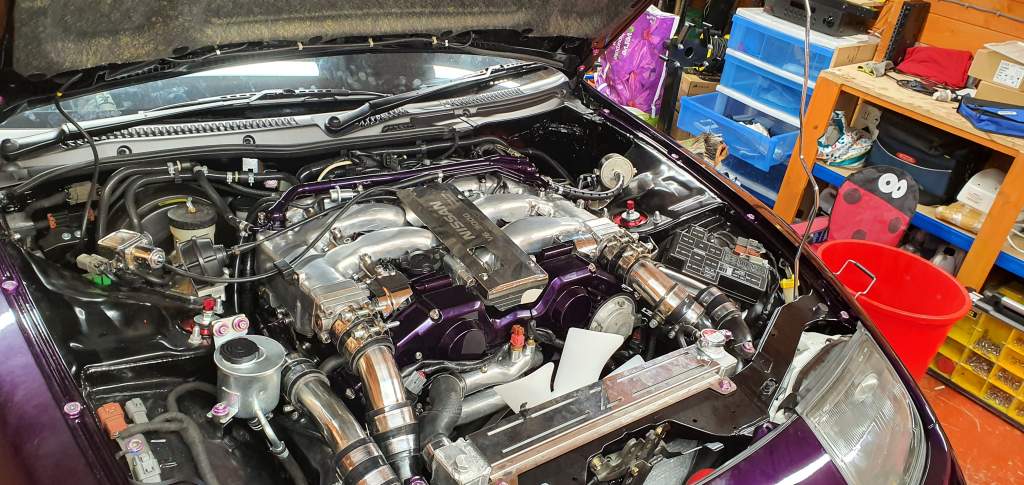
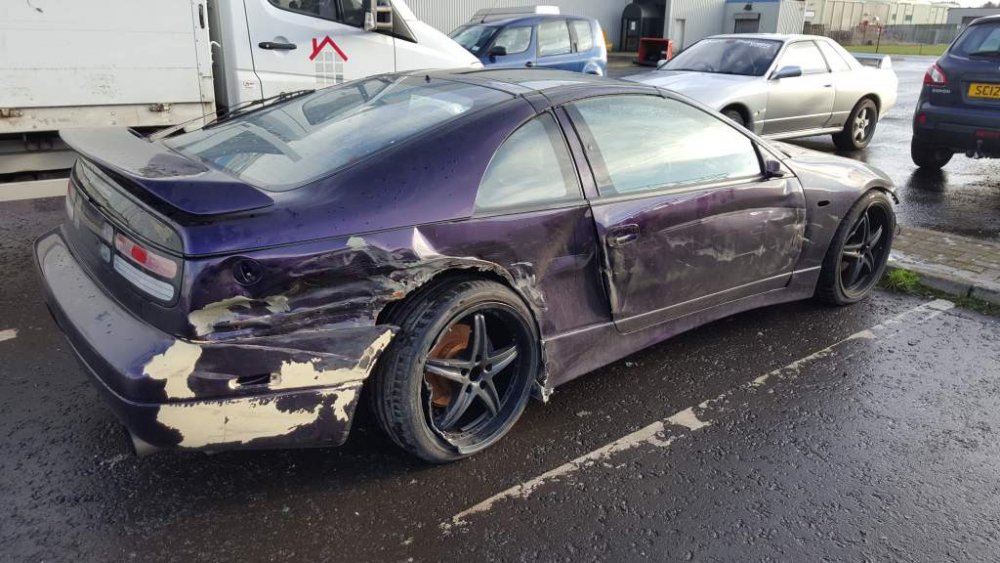
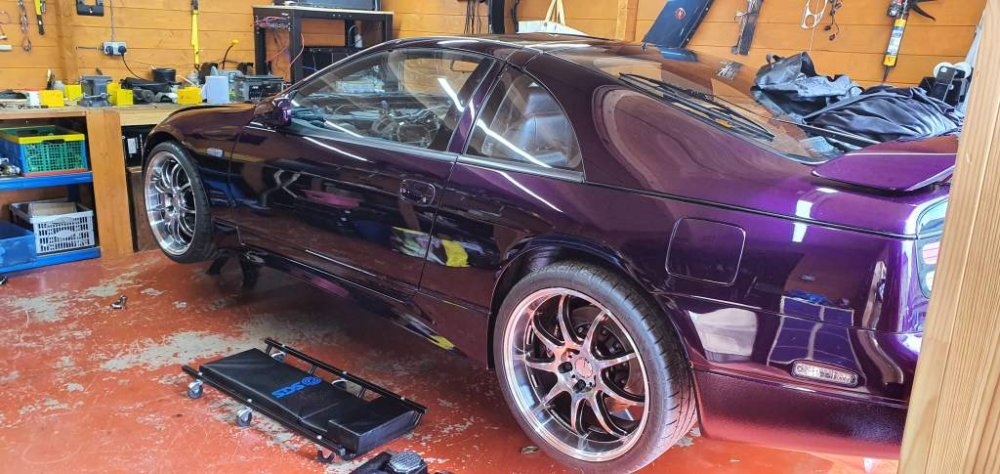
I dito the comments of Joel and Nick for the votes i've received. I've been working hard to get my zed to the show every year since 2015 when my last zed was hit onroute and destroyed. As a recap back in 2015 my car was hit by an artic truck who wasn't paying attention as i was parked up in a layby, the result was below : Luckily i wasnt in the car at the time as if i was; it could of easily killed me. I quickly started a new project making things very similar to my first build with the colour but this time round i think i may have spent a wee bit more than i should have. This is how she sits currently with this picture taken a few days ago : Engine is now back in and wired up and i've just a few things that needs fitted before i get her up to the local mappers to start her up. One thing certainly is that this poll has gave be a bit more oomft needed to get her finished quickly and ontime for the NEC show. Thanks again for all your support. Lee.
-
The seller is actually 5 miles down the road from me. Wont fit in my garage, but likely could hang it on the outside :)
-
Lol, yeh
-
Fitted my radiator back in; connected the new oem hose pipes and filled her up with water.
-
Got to start somewhere. I remember the first time i pulled the bumpers off when i changed it to a 99 spec front. Never knew the lighting plugs and fittments were all different so had to put it all back on again. This was about 9 years ago now and i've just about done every thing possable apart from remove the sub frames.
-
I've redone them with Sikaflex for now and this time i've covered the neck of the opening rather than what goes on the metal inside. Done this last night and its dry to the touch now.


-
No metal parts apart from the inserts.
-
That's just a bit of previous silicon sealer I tried to use.
-
Well i've just uploaded all my documentation to renew my agreed valuation on my insurance. Fingers crossed that i get it.
-
Thats whats on it at the moment. I'll try it again but leave it a few days before fitting to be sure.