



Everything posted by JaiKai
-
The costs involved in running this club are not just for this website, club liability insurance is a key factor and without it many of official meeting locations like today's AGM would never be possible. As a club our membership is critical to survival as we wish to be more than just an online media platform. So please support us by purchasing an annual membership so that we may increase our future events and discount offers at them. https://www.300zx-owners.club/membership/
-
It's time to say our final good riddens to TapaTalk. The clubs site has been mobile friendly for some time now and we have only kept on the TapaTalk plugin for a select few. But TapaTalk does not convert the site functionily and is only a hinderance to the club. So it's been decided that we will shortly disable and remove the plugin completely. Expect the plugin to be removed sometime tonight.
-
Perfect, just ordered a load. And they match more or less the oem style.
-
What kind of clips do people use for vac pipes if any ?
-
-
Held on the 25th June 2023 this years club AGM was held at The British Motor Museum, Banbury Road, Gaydon, Warwickshire.
-
 2023-06-25 09.12.59.jpg
-
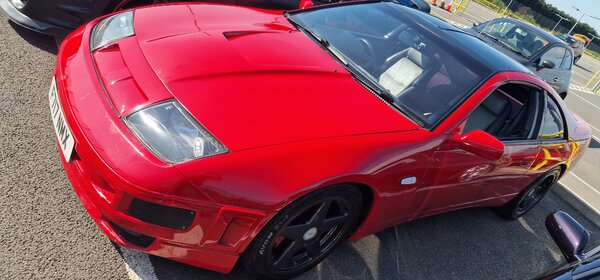 2023-06-25 09.12.40.jpg
-
 2023-06-25 09.12.30.jpg
-
 2023-06-25 09.12.13.jpg
-
 2023-06-25 09.12.02.jpg
-
 2023-06-25 09.11.55.jpg
-
 2023-06-25 09.11.47.jpg
-
 2023-06-25 09.11.27.jpg
-
 2023-06-25 09.10.54.jpg
-
 2023-06-25 09.18.54.jpg
-
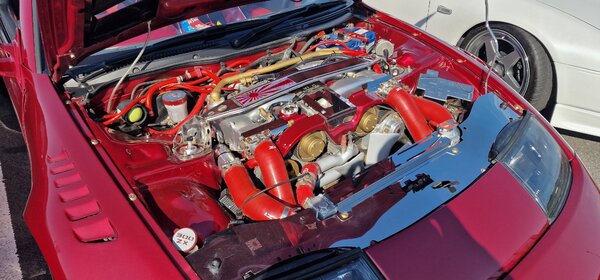 2023-06-25 09.17.41.jpg
-
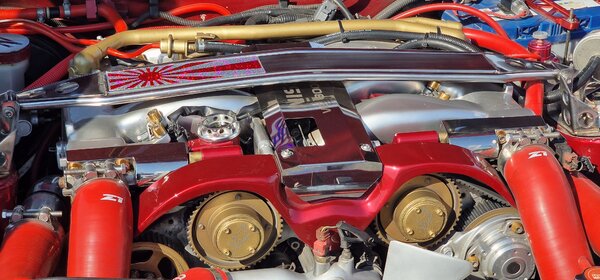 2023-06-25 09.17.33.jpg
-
 2023-06-25 09.13.12.jpg
-
 2023-06-25 09.13.08.jpg
-
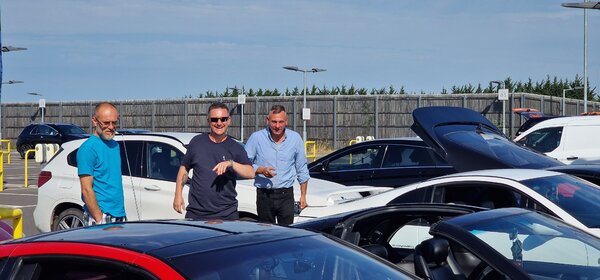 2023-06-25 09.13.05.jpg
-
 2023-06-25 09.10.48.jpg
-
 2023-06-25 09.10.40.jpg
-
 2023-06-25 09.09.50.jpg
-
 2023-06-25 09.09.41.jpg
-
 2023-06-25 09.09.33.jpg
- 1 review
-
-

- 2
-
-
-
-
-
-
-
-
-
-
-
-
-
-
-
-
-
-
From the album: AGM 2023
-
-
-

