




Everything posted by JaiKai
-
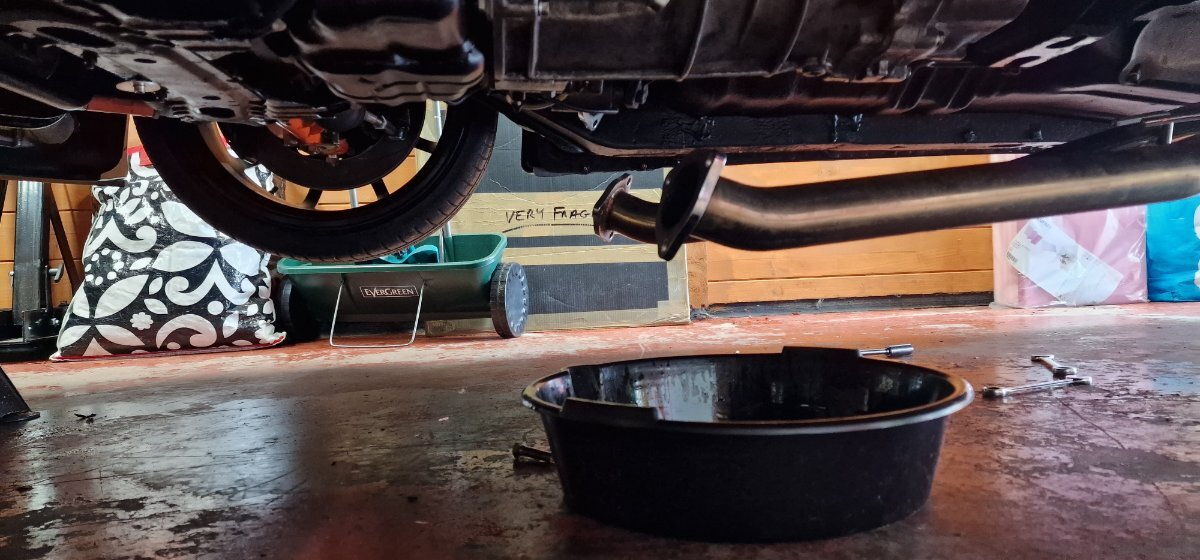
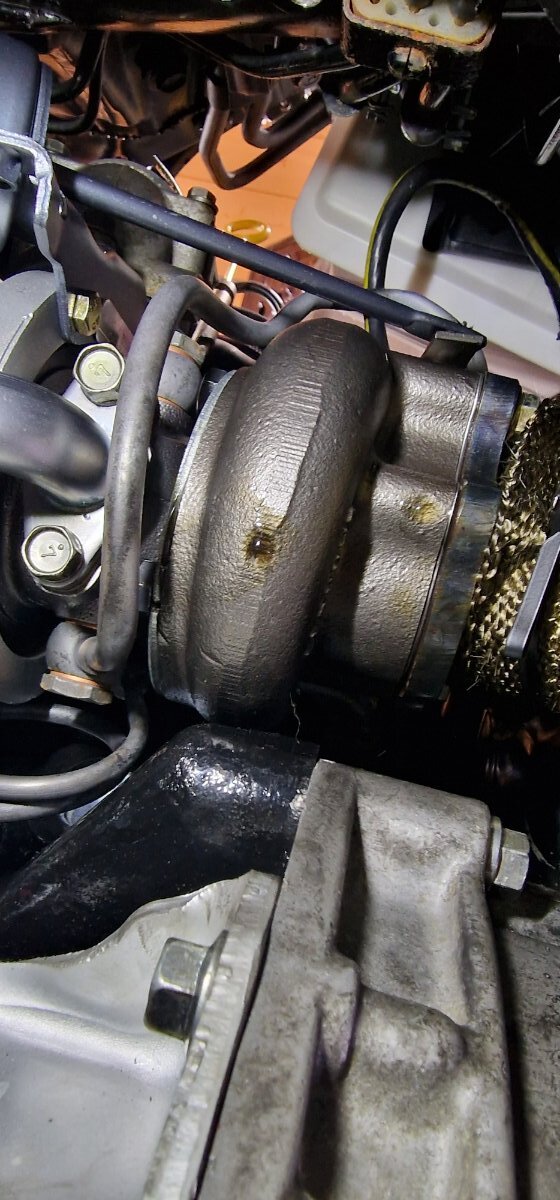
My tuner said we need to get it started on the base map last time before i took it up to him. Its a big expense to get it trailer'd up just for me to bring it back. I've swapped out the oil just incase but as the turbo seal seems to be leaking i may need to pull the turbo now.
-
The engine itself is fine, cranks over without issue. I think the issue now is down to the link ecu.
-
nope
-
Let the oil out and it stinks of fuel; so going to let it drip out for the next few hours. The oil its self isn't discolored or thinned out just got a smell of petrol to it. Next job is to test every coil pack to ensure they are firing properly.
-
Now question is I'm scared of turbo failure because of washed down oil, should I be changing the oil now. I also need to test the spark on the left side of the engine, or would it be right side.
-
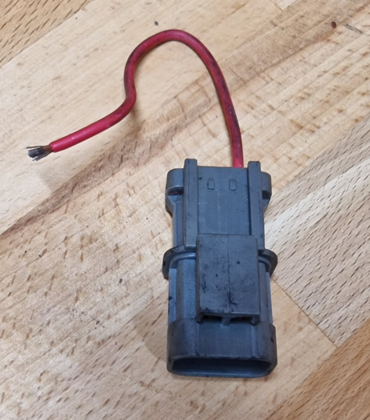
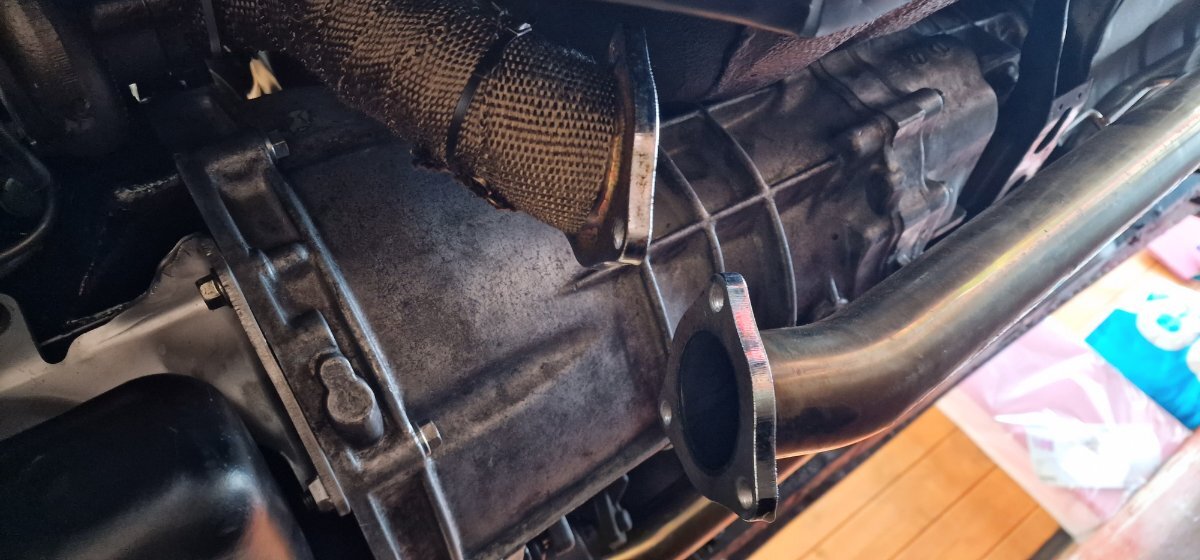
Latest troubles. I think one side of the engine isn't firing and then it fuel locks - just a guess. I saw an oil leak on the passenger side turbo as well as a smell of fuel. So I disconnected the test pipes and I would say half a pint of fuel poured out the exhaust. Done the same to the driver side and it was bone dry.I knew it would be something simple, broken wire on the starter inhibitor bypass plug. My zed used to be an auto and needs this to work. Next job it to do some more wiring for the wideband and map sensors.
 Also big shout out for the txt notification to let me action the issue. You know who you are, even though i don't at the moment.😁We had a small flutter of spammers for a period of 20 minutes or so. It was fairly exciting for a bit, not had something like that happen for many a year. Anyways, Reason it happened is that i had turned the quick registration option on without admin approval which in turn let them in. All cleaned up and i have put the standard registration approval and rules back on. LeeHappy Birthday !Tonight on JaiKai Tv.... Last night i managed to get nearly everything done apart from some of the fluids. So that would include : starter, clutch piston, Exhaust, Radiator, Front cooling fan, Inter-cooler pipes All ready for first start i managed to get the ground harness cable attached to the gearbox and installed the battery for first start. I removed the fuel pump fuse so that i can prime the oil in the system and connected the battery up. The zed came alive and starting chiming with the doors open and the interior lamp turned on for the first time in 3 years. Quick check over everything we are ready for first crank.. And we get nothing, nadda. Spent a further 2 hours goin over all cabling and checking the ecu but she simply wont crank over. I'm thinking now either i have a power issue going to the starter or my starter has simply jammed. Gave in for the night and will likely need to do some diagnostics another day. I'm not very happy chappy at the moment but hopefully its something simple.Nearly done, just the starter, exhaust and a few little things like wiring for the wide band sensors ! All fluids apart from gearbox has also been topped up which i'll do after i go get some. Also had the first blood of war an hour ago when i stabbed myself with a screw driver taking a fuel hose off. Spot the man bandage; only the best !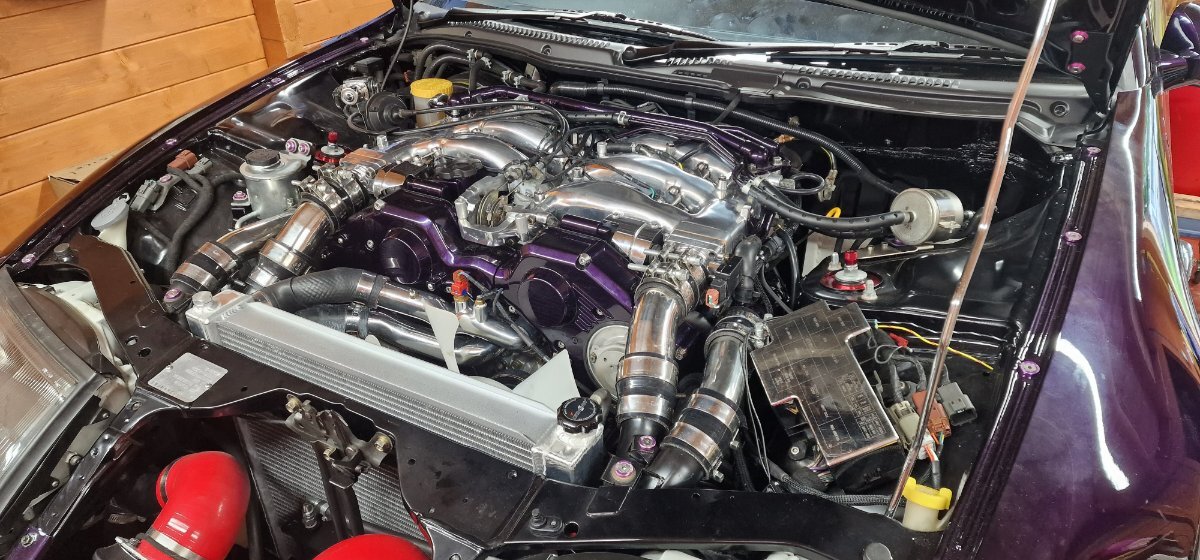
 Still to fit the gearbox, prop and exhaust parts, When that is done; the front pipes can be tightened up and i'll look at filling it up with fluids again. Also fitted the new wiring loom and its a very neat install.
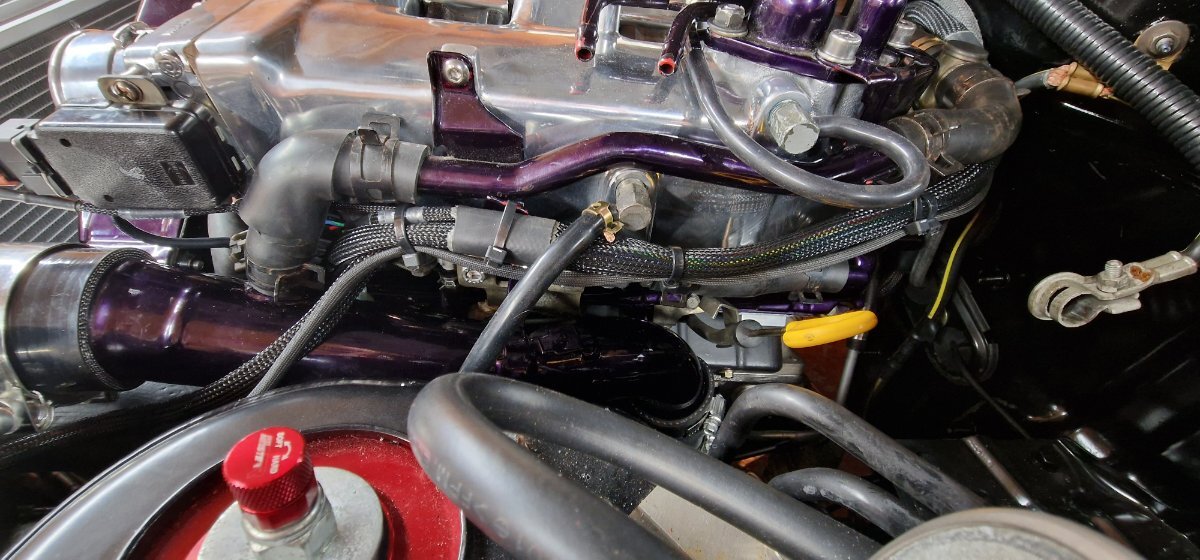 So the zed is now jacked up. Managed to do loads on it today, started working from just after 9am until 7:30 or so.
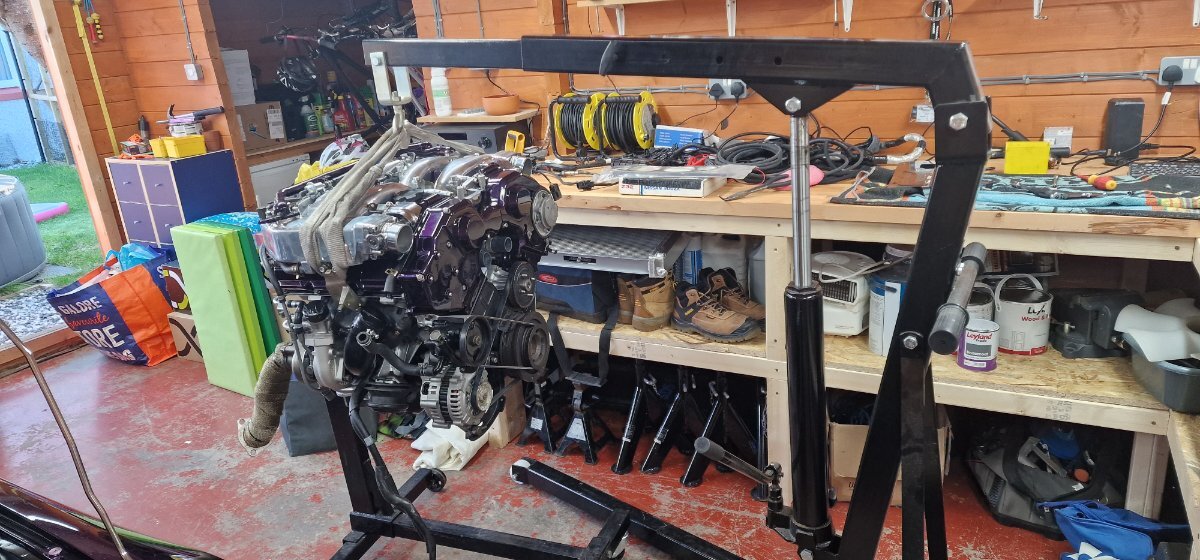
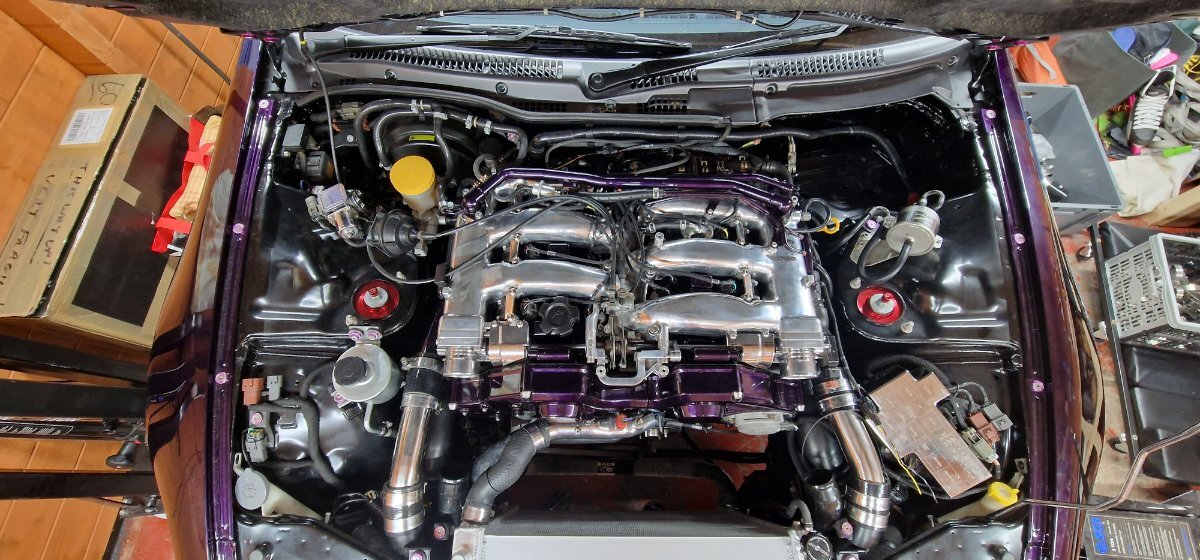 Starting to fit all accessories to the engine and got to the alternator loom which I stupidly forgot to fit when the engine was on the stand. So had to remove it again to plug in and bolt on the loom. This was a pig of a job.
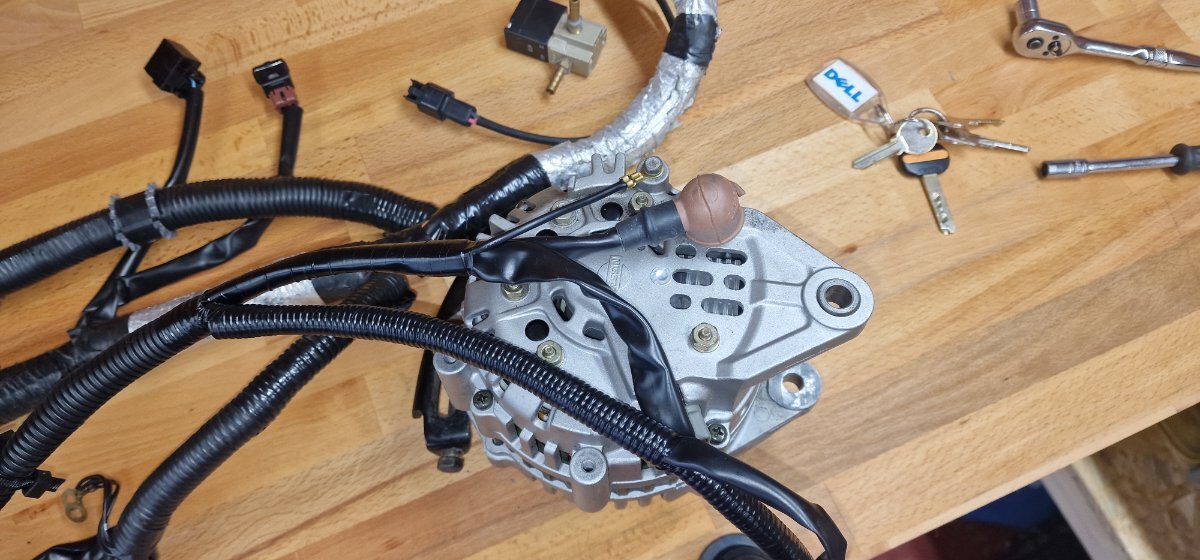 And its in.....
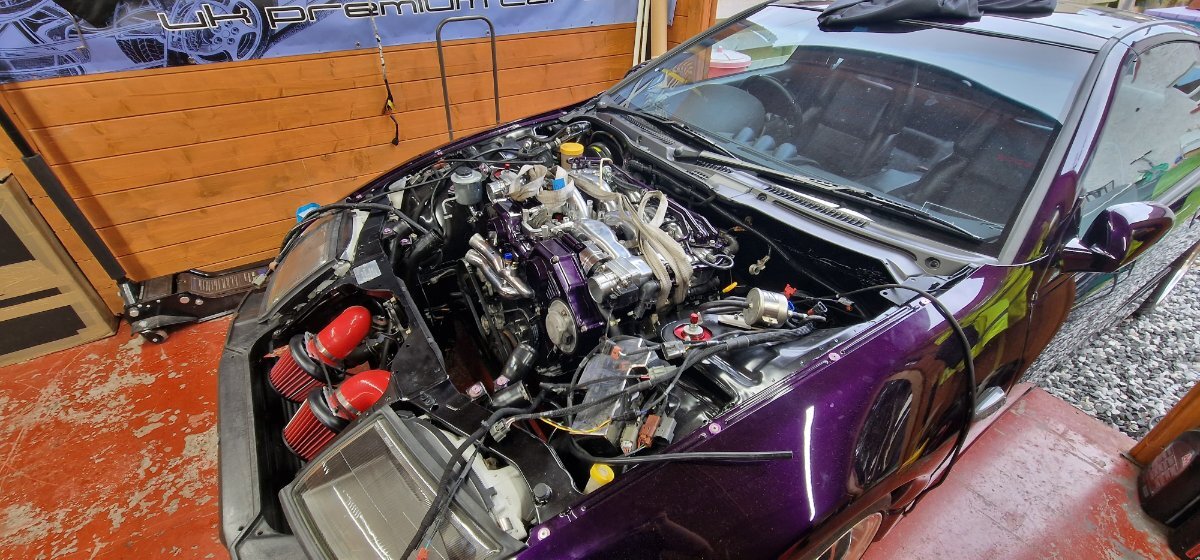 There she goes ....
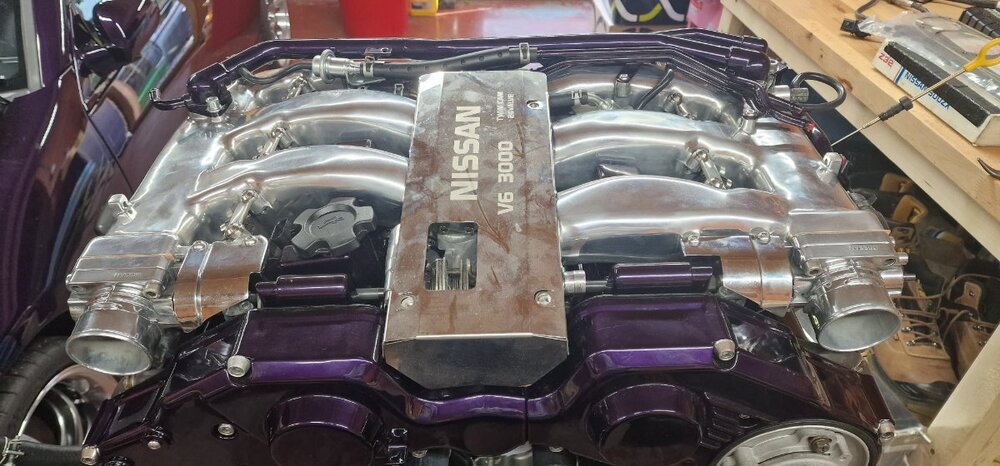
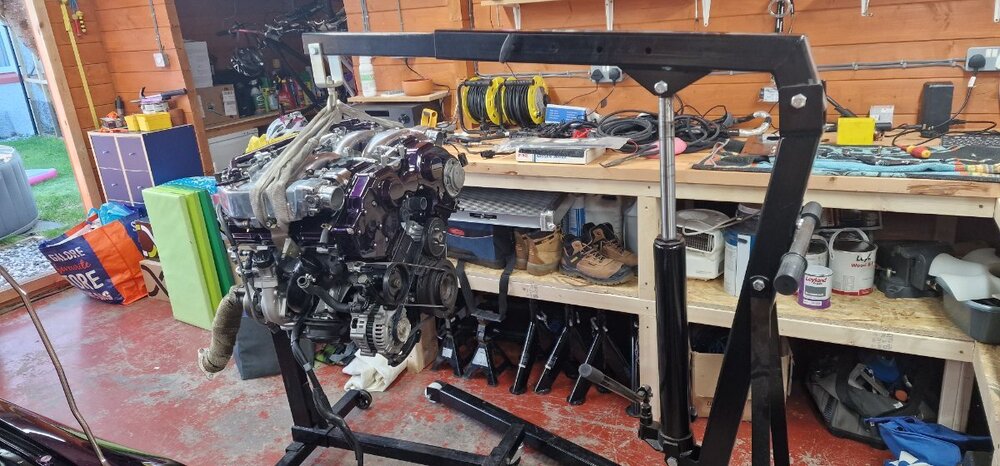
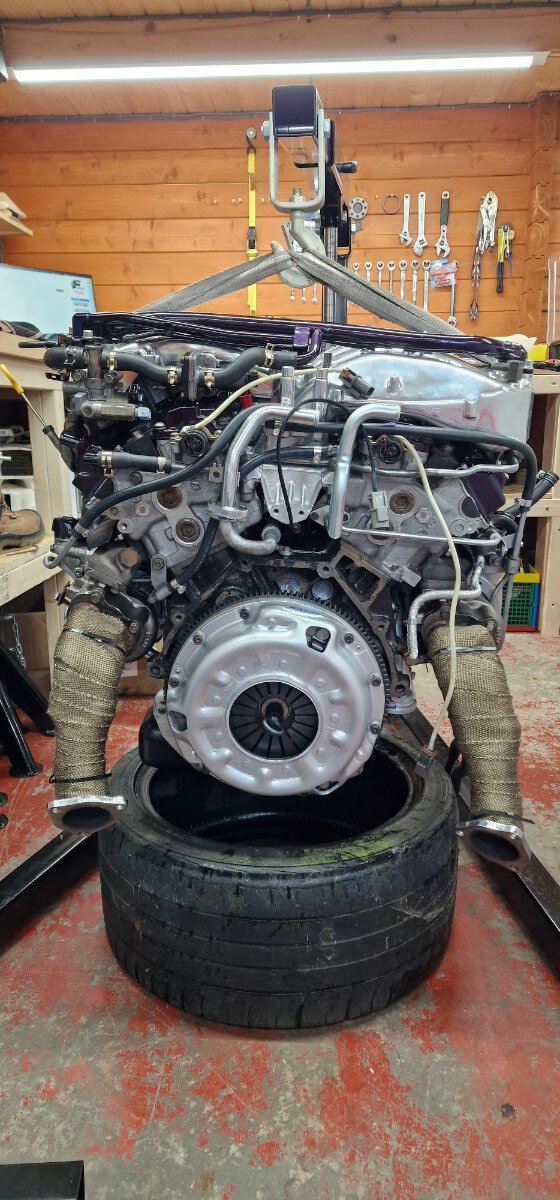
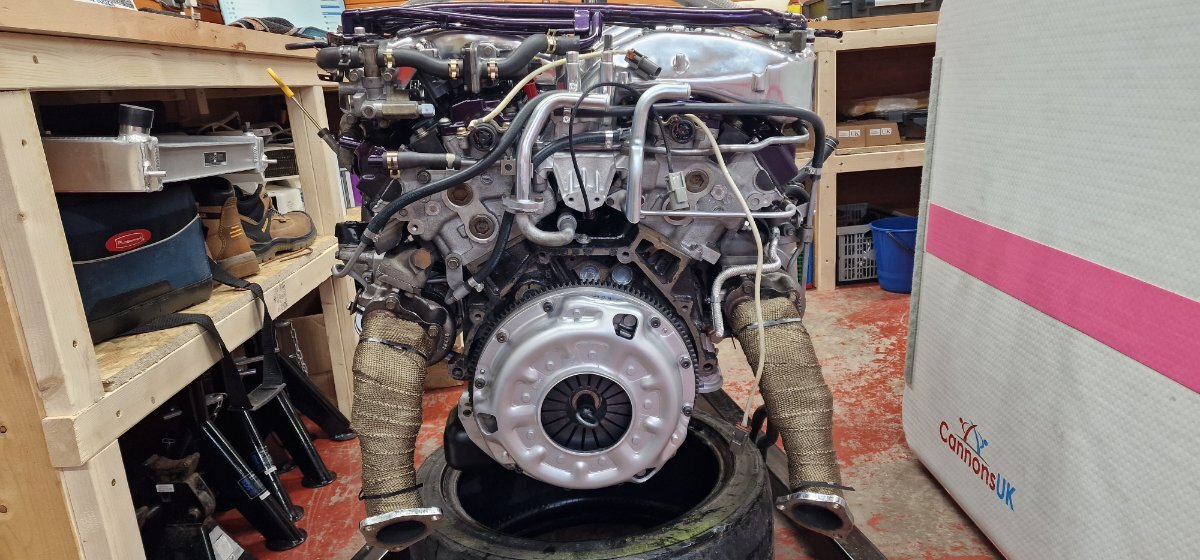
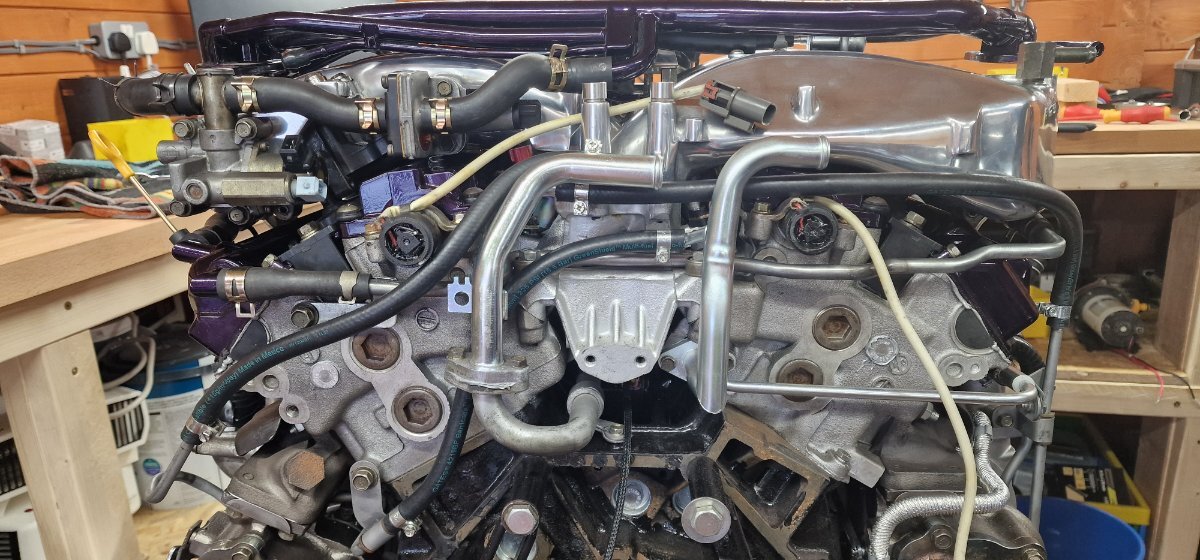
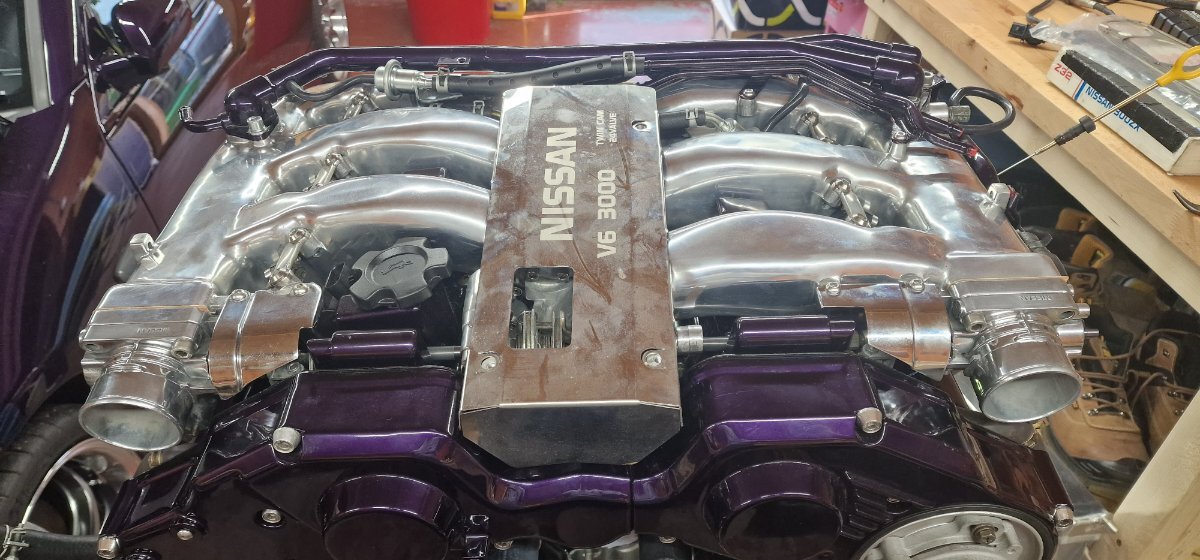
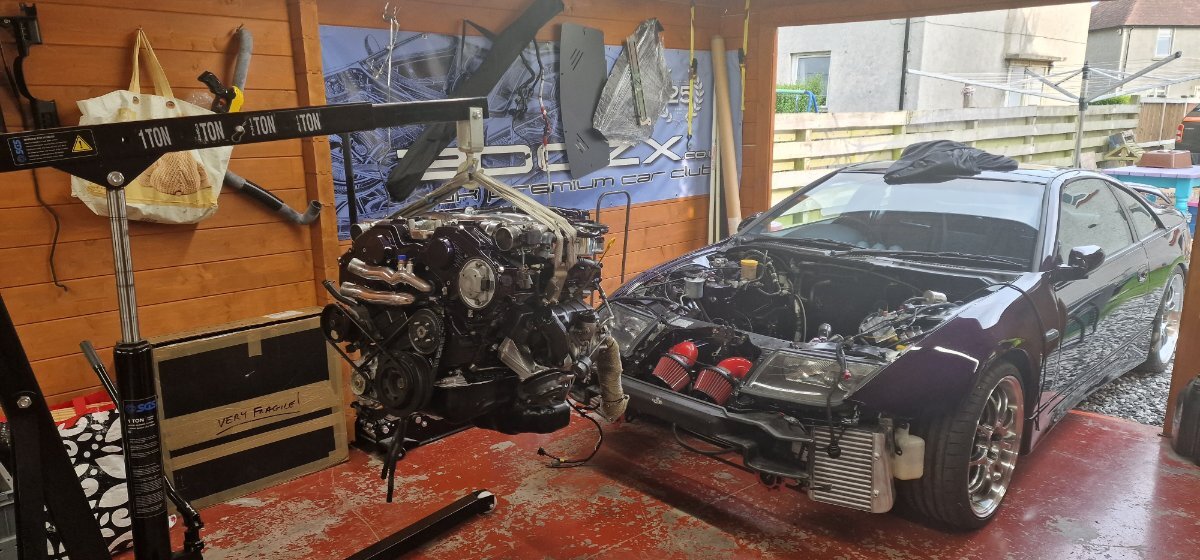 Now we have a complete build ready to go. Just need to work out the vac pipes for the turbos and where i'm going to locate the actuator for them.
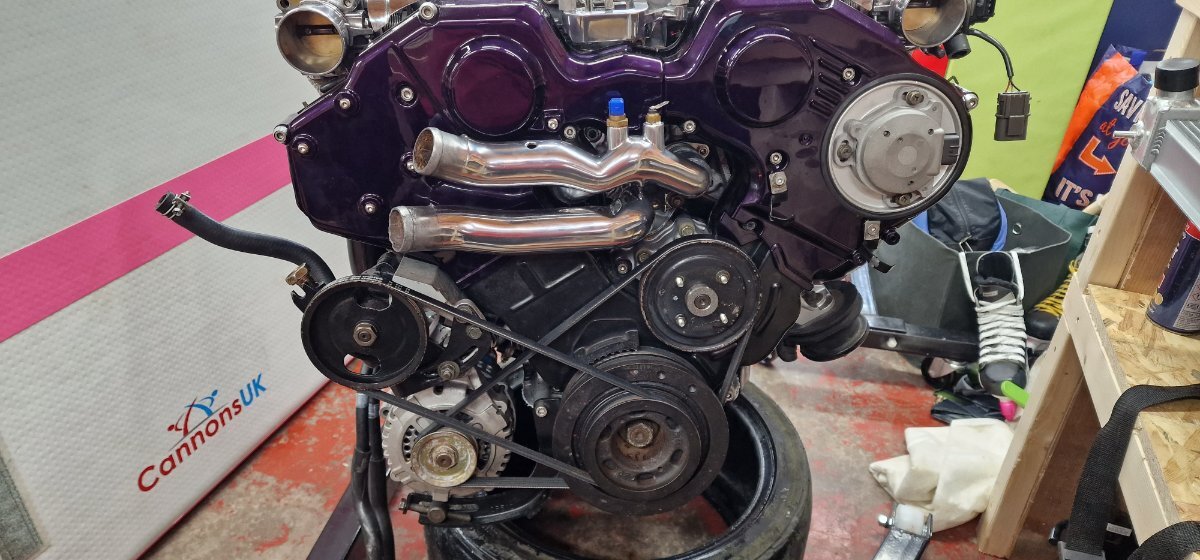
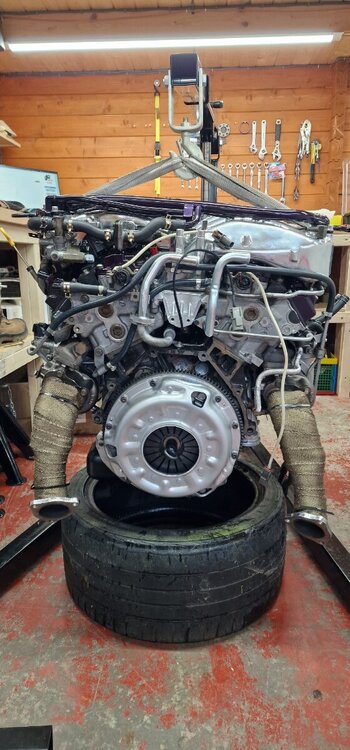 Also as the engine was off the stand and on the home run i managed to get the fly wheel on and torqued then the clutch.
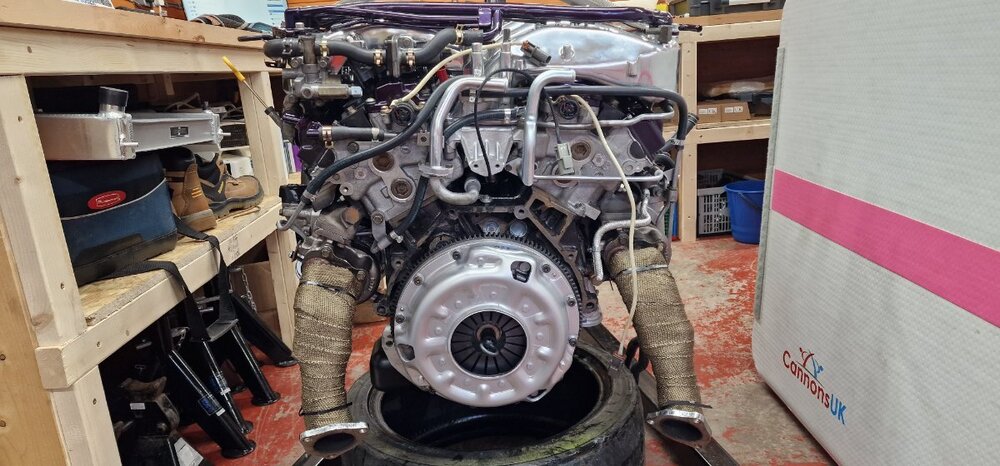 Water Temperature Stat showed up yesterday so managed to fit the water pipes.
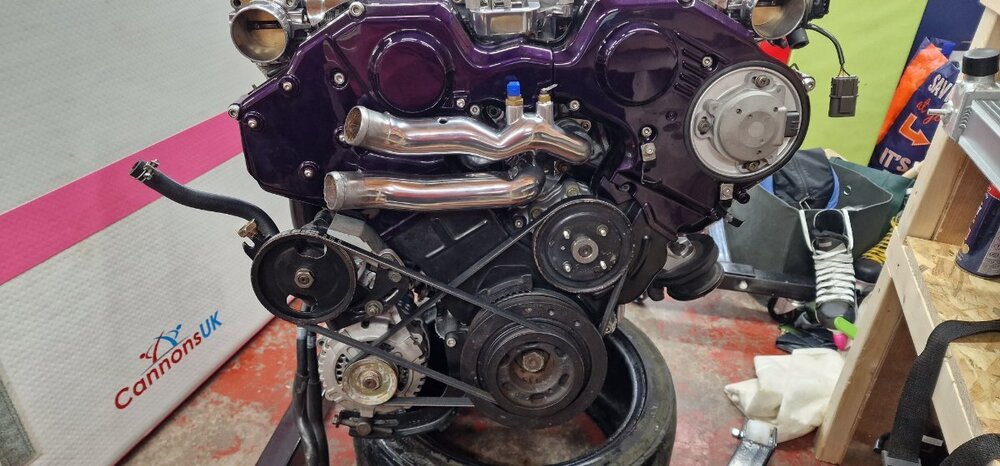 So tempted to start putting this back in tonight but unfortunately i had to take care of the kids. Maybe tomorrow.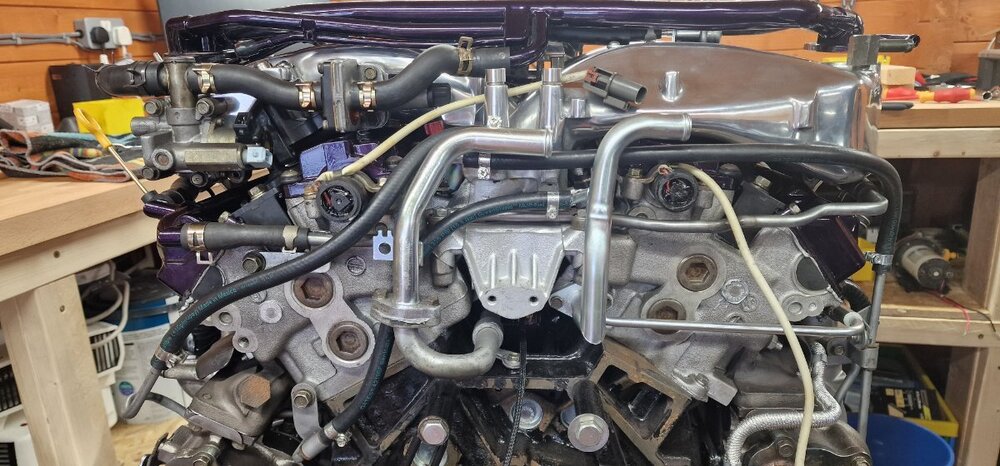
 Thanks for supporting the club






Important Information
Account
Navigation
Search
Configure browser push notifications
Chrome (Android)
- Tap the lock icon next to the address bar.
- Tap Permissions → Notifications.
- Adjust your preference.
Chrome (Desktop)
- Click the padlock icon in the address bar.
- Select Site settings.
- Find Notifications and adjust your preference.
Safari (iOS 16.4+)
- Ensure the site is installed via Add to Home Screen.
- Open Settings App → Notifications.
- Find your app name and adjust your preference.
Safari (macOS)
- Go to Safari → Preferences.
- Click the Websites tab.
- Select Notifications in the sidebar.
- Find this website and adjust your preference.
Edge (Android)
- Tap the lock icon next to the address bar.
- Tap Permissions.
- Find Notifications and adjust your preference.
Edge (Desktop)
- Click the padlock icon in the address bar.
- Click Permissions for this site.
- Find Notifications and adjust your preference.
Firefox (Android)
- Go to Settings → Site permissions.
- Tap Notifications.
- Find this site in the list and adjust your preference.
Firefox (Desktop)
- Open Firefox Settings.
- Search for Notifications.
- Find this site in the list and adjust your preference.