Everything posted by JaiKai
-
They are a wee bit out of date, as the logo is the old 300zx.co.uk name.
-
PM'd
-
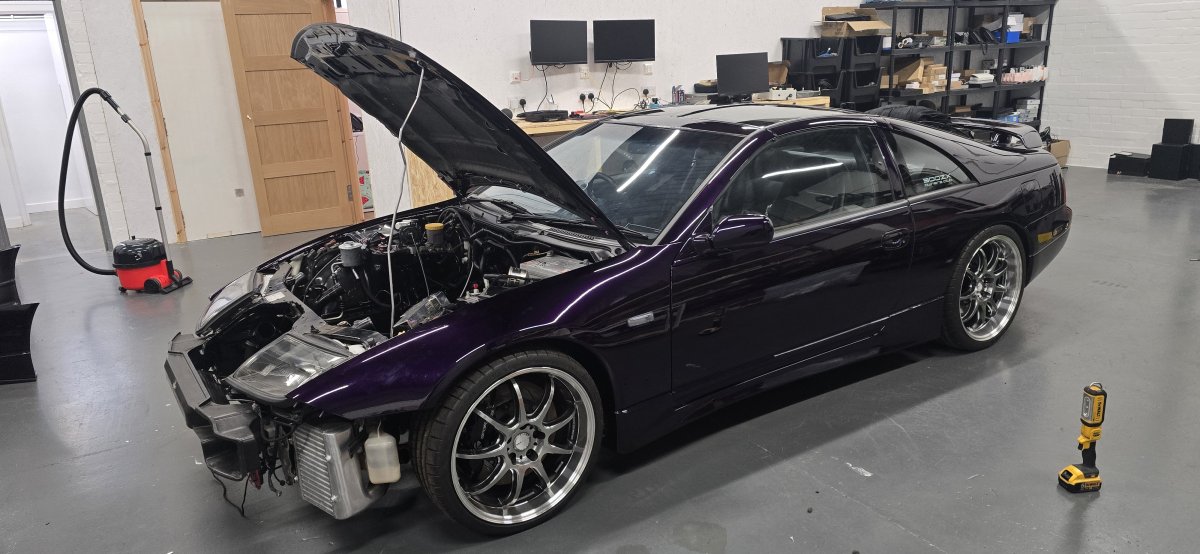
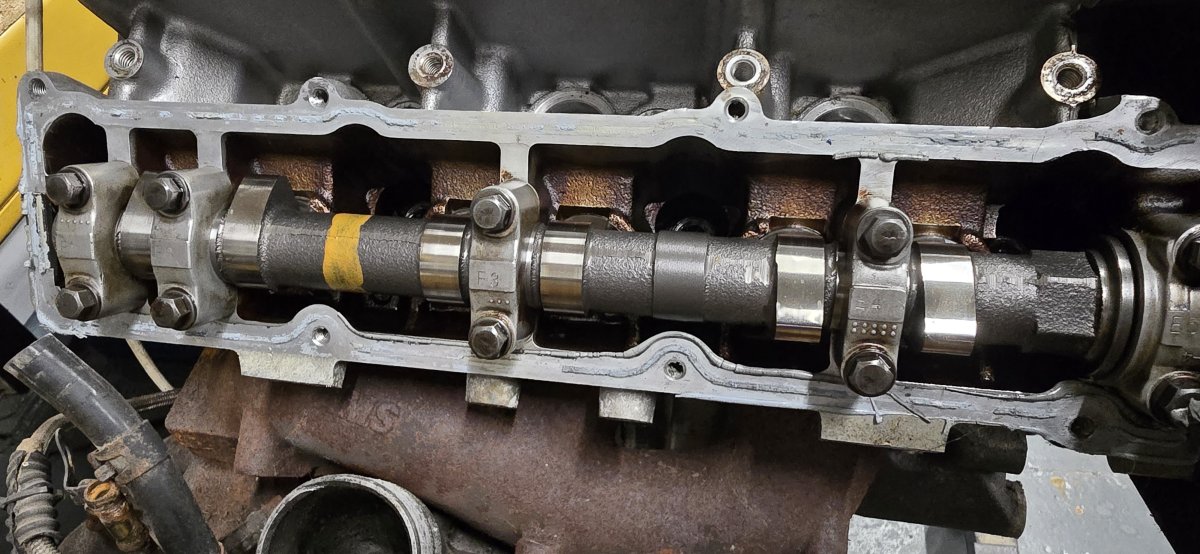
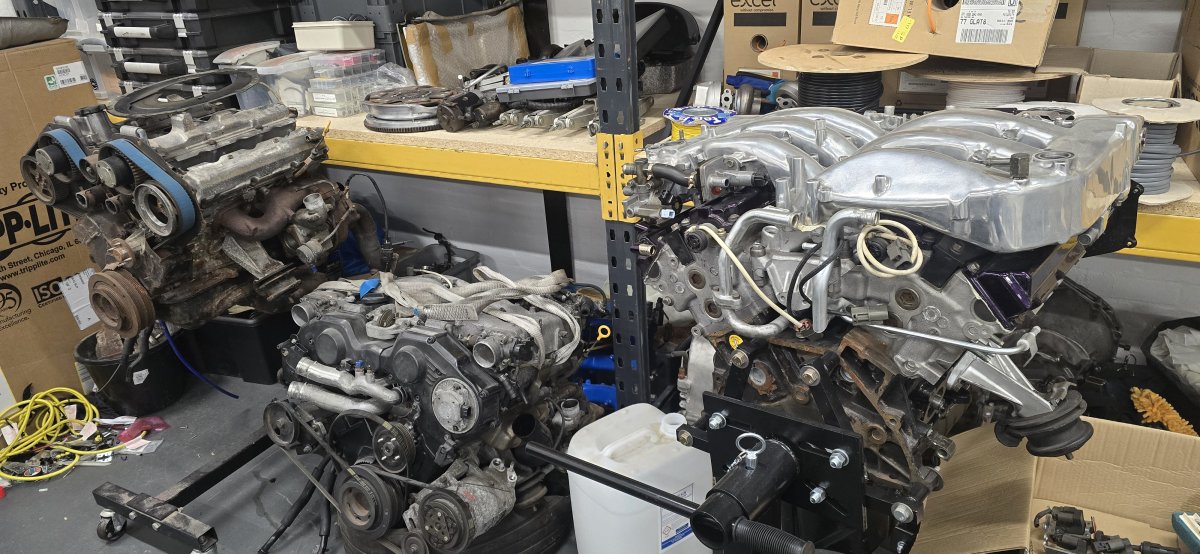
So as i wait for the turbos to arrive i need to order up a new condenser and dryer. In regards to the engine; its just sitting waiting to be put back in but we are held back because of the turbos. I have 3 engines sitting, 2 forged and 1 stock. I'm also considering replacing the stock cams for a set of JWT's as i have a set in the other engine i own. For the moment it will just have to sit an wait.
-
Working on the AC again today as my turbos still haven't arrived from Z1. Looks like i need a new AC evaporator and dryer as the donor is bent out of shape too. Pipe work isn't in the best of shape either, shame everything is end of life and no longer available.
-
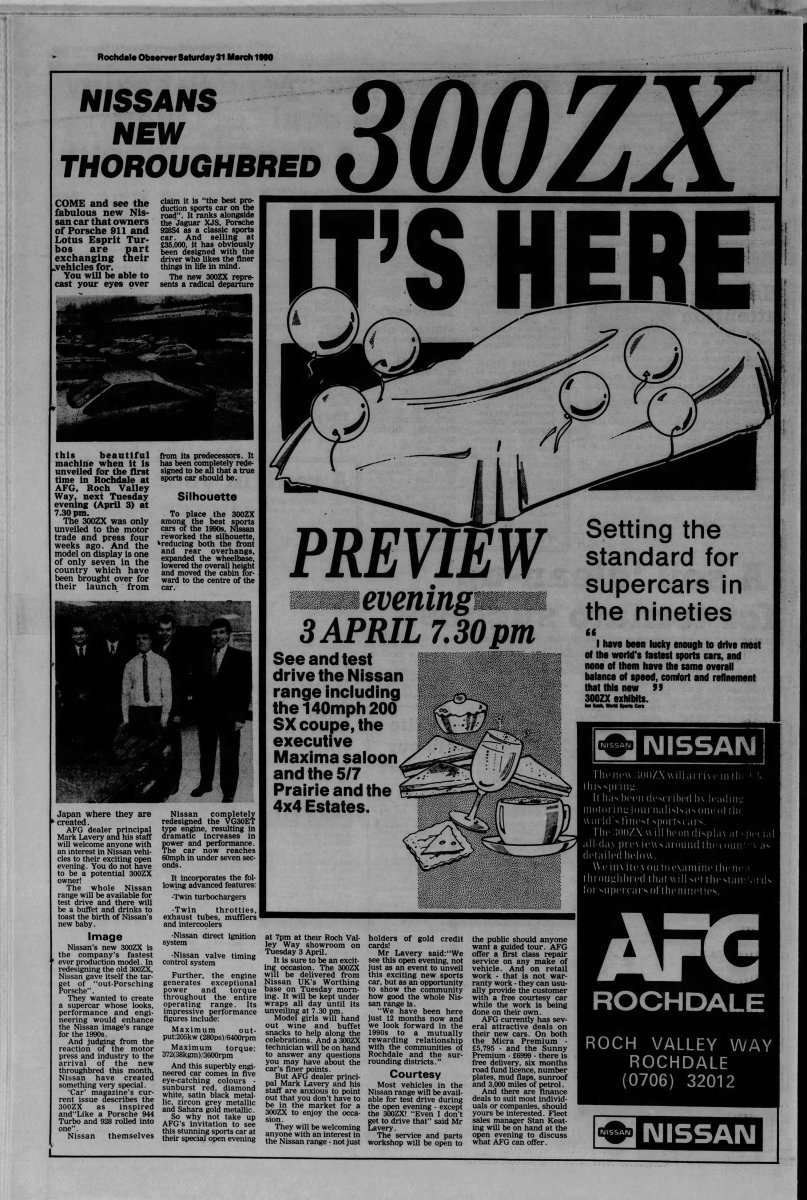
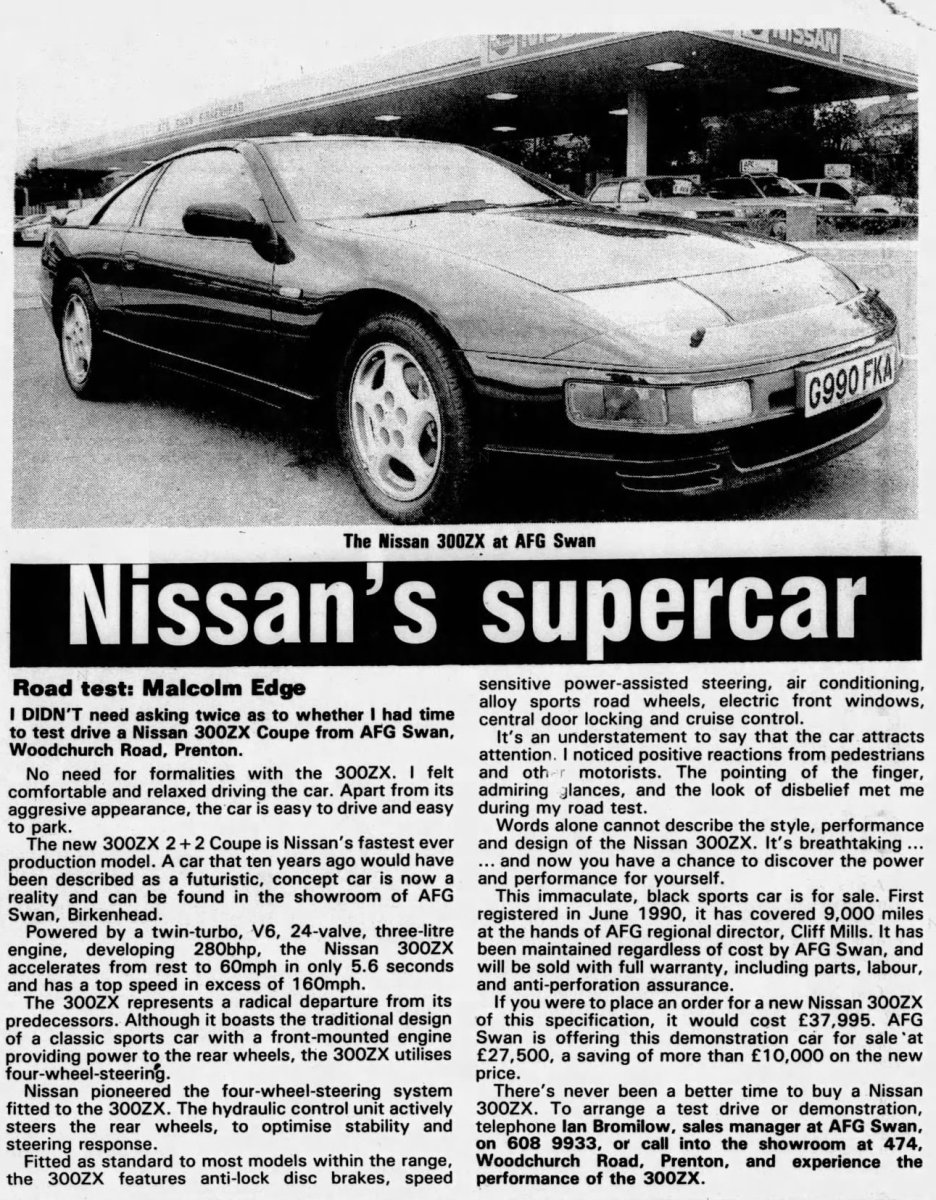
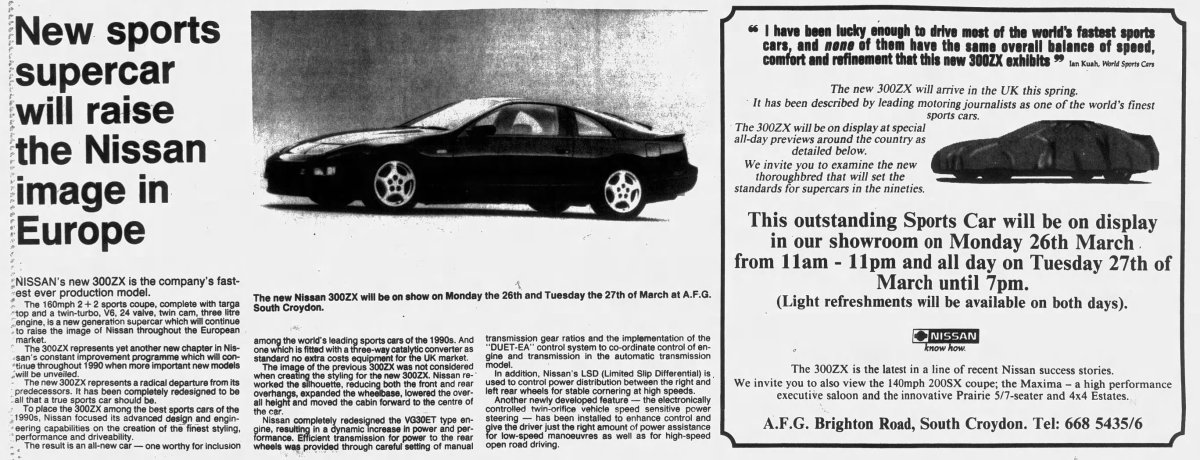
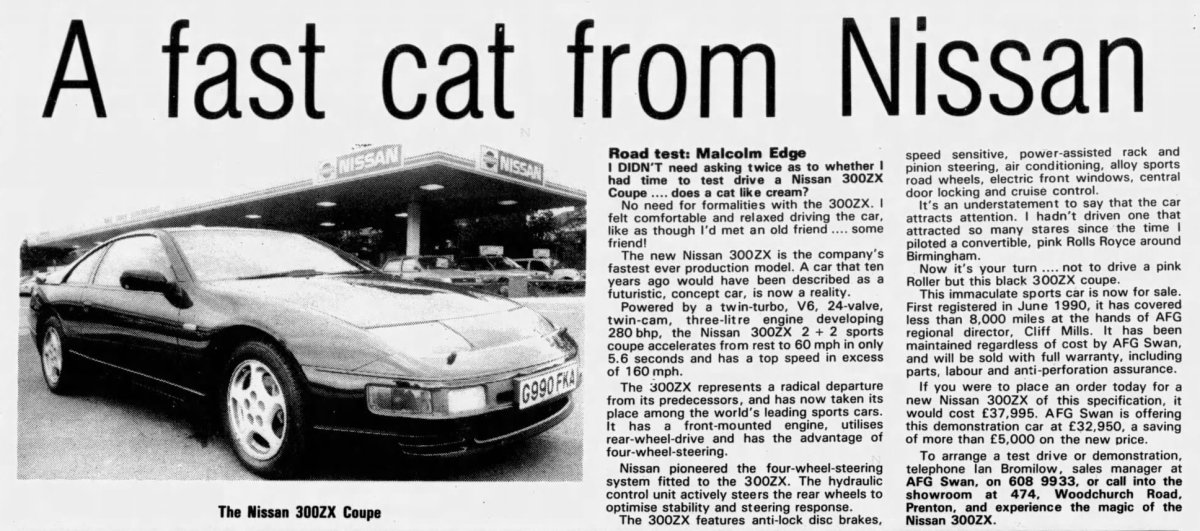
Recently had a trial of NewsPapers.com and done a search for the zed.

-
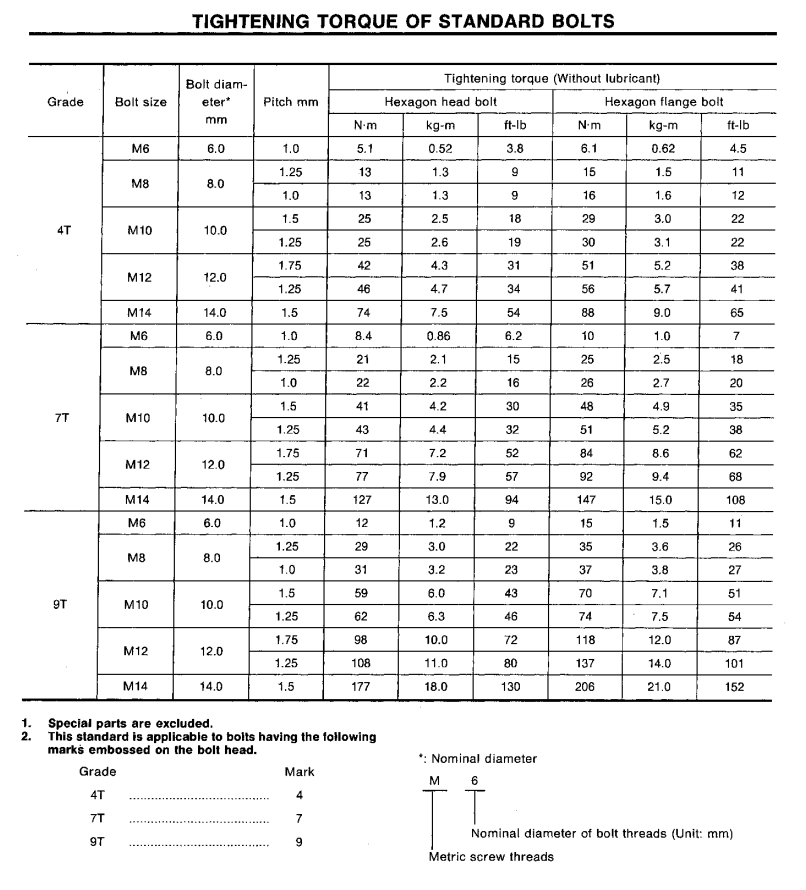
Not directly but below is a guide from the Service Manual :
-
Hope your day goes well. All the best.
-
Where did you get a new Aircon Rad from ?
-
Happy Birthday Jim.
-
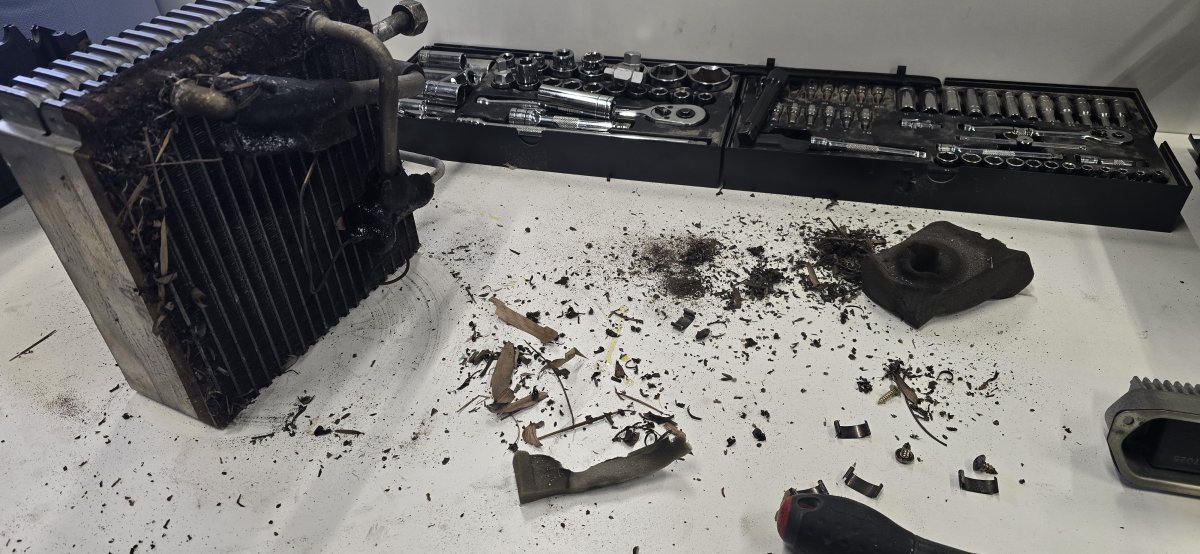
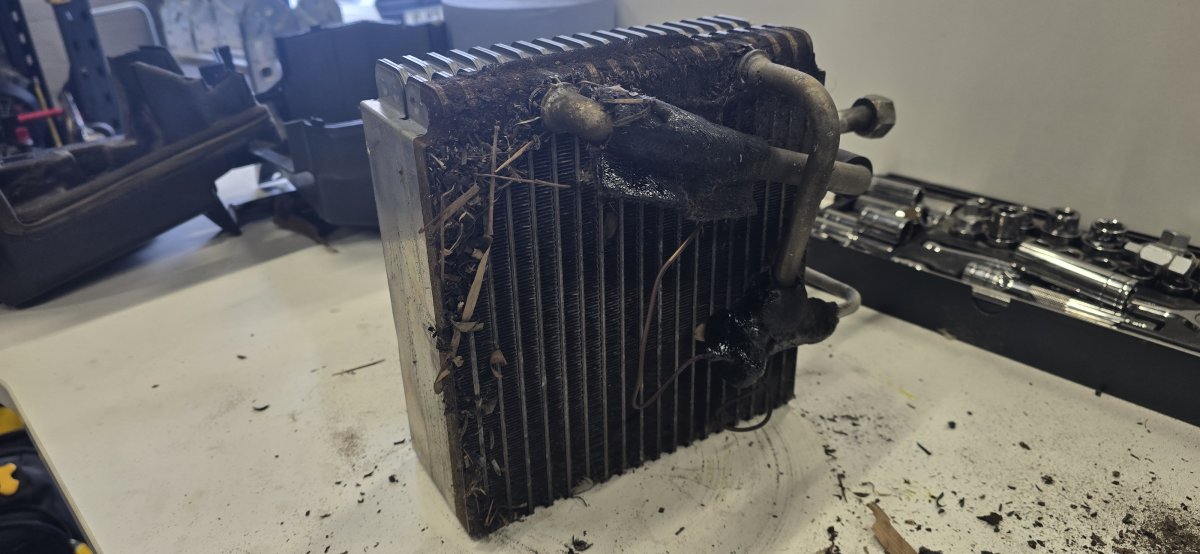
Time to clean the AC parts as i found a birds nest in it.
-
Not the same motor. Mine was originally blue, and I done a full break down and refurb with a full respray to purple.
-
I used GazWoz (Garry Warren) who used to be a trader on here for a while. My purple zed was imported by him nearly 9 years ago now, No idea if he still does it.
-
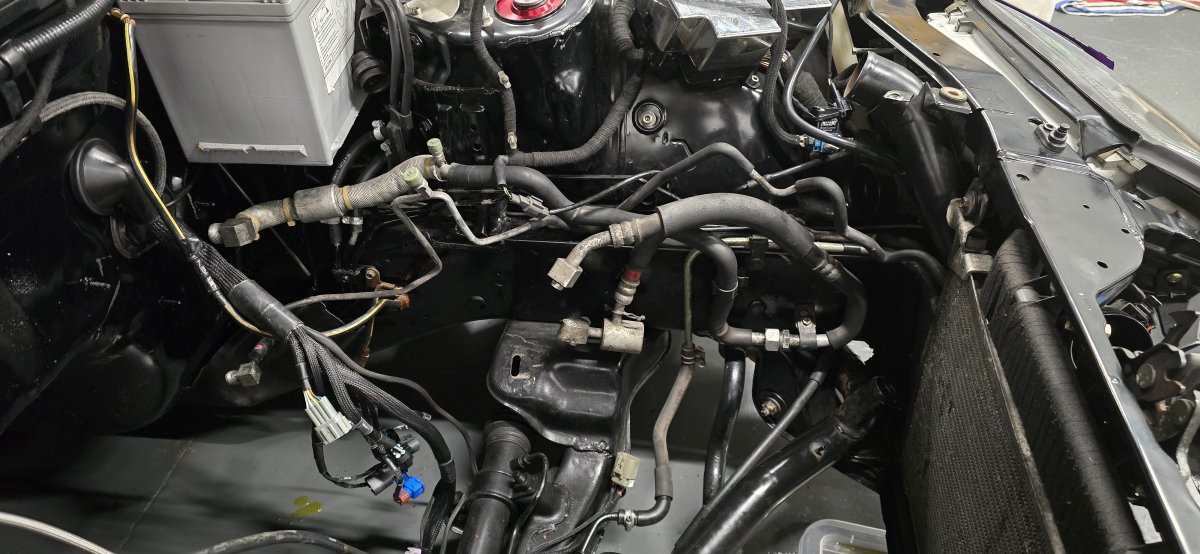
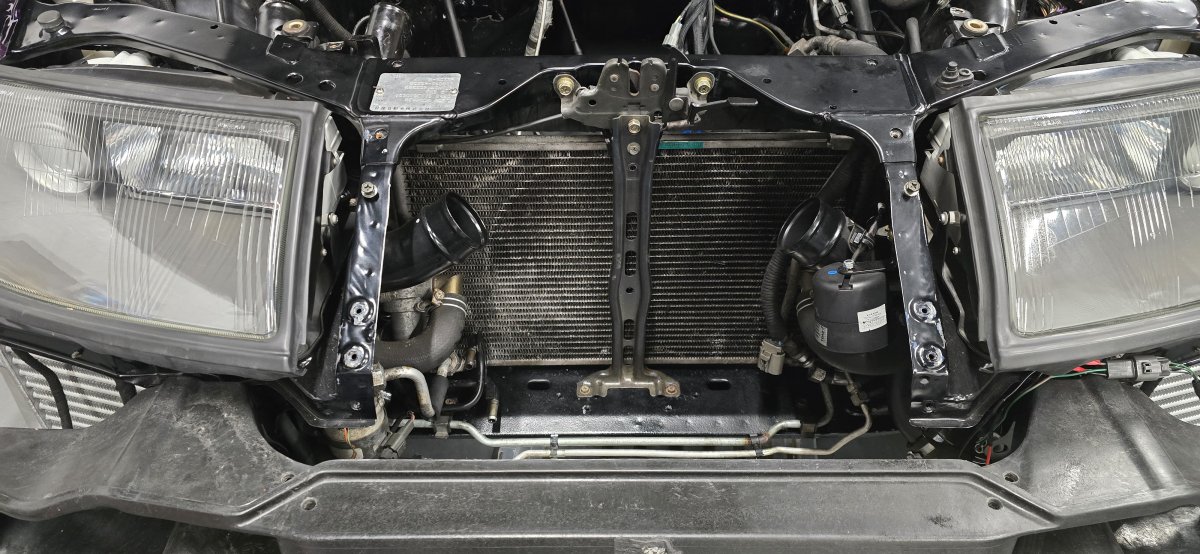
Moving on to the air conditioning. This felt like it took me an age to get the pipe work back in, never seen such a complicated setup of pipes. think i've managed to get them all in place however i've discovered that the aircon evaporator is bent and i cant get it to bolt back in on one side. I'm now looking out for options to retrofit a newer aircon system.
-
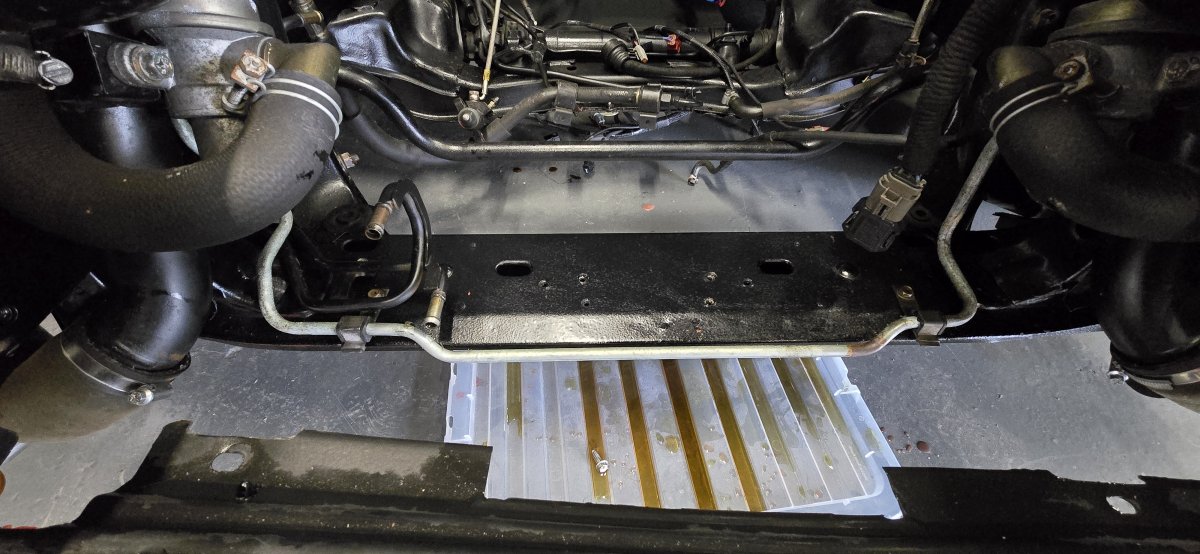
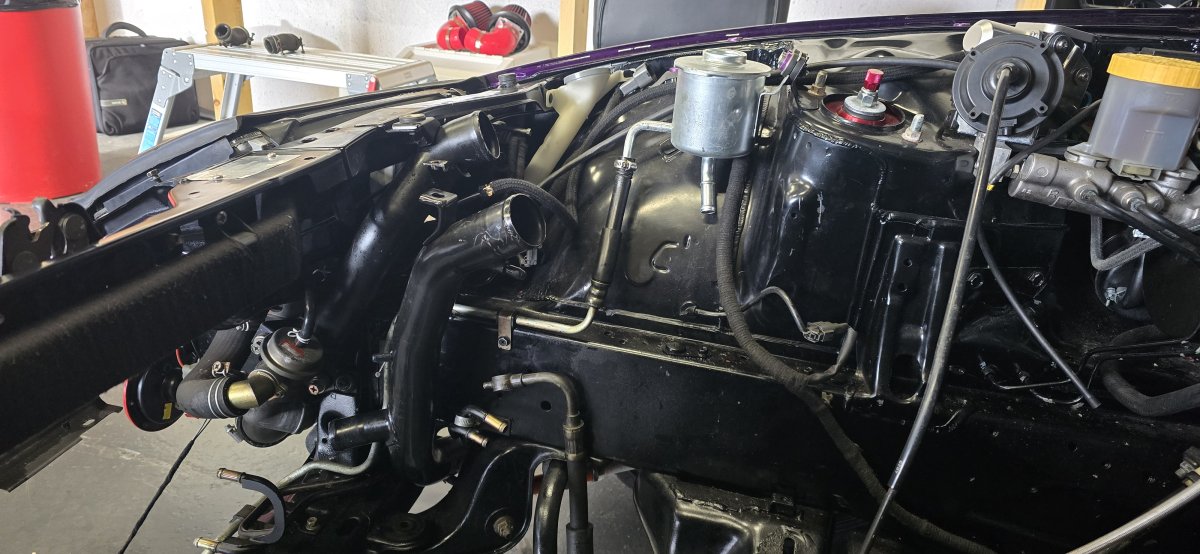
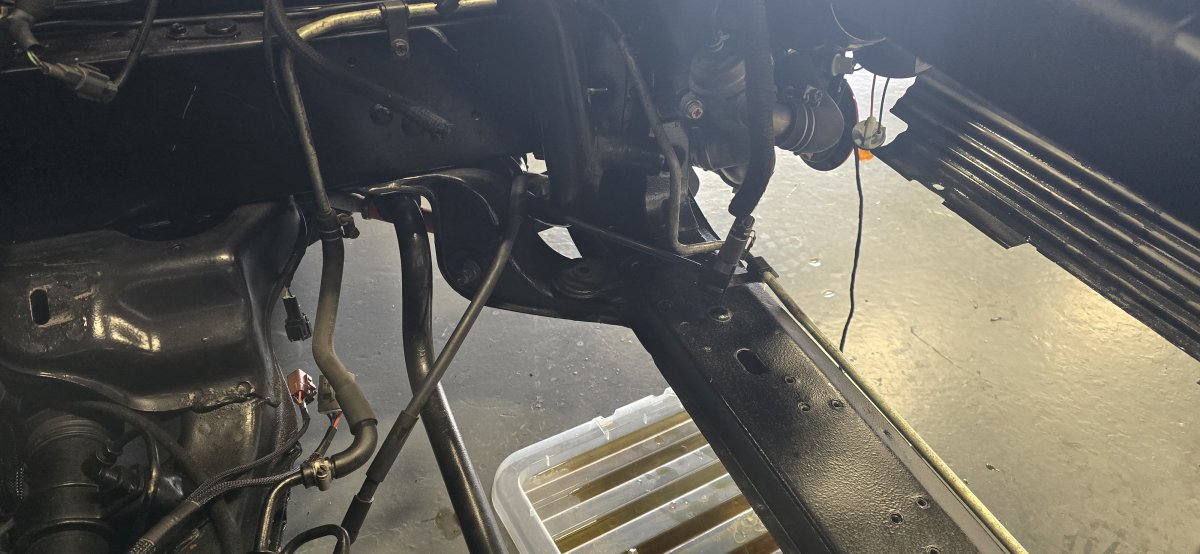
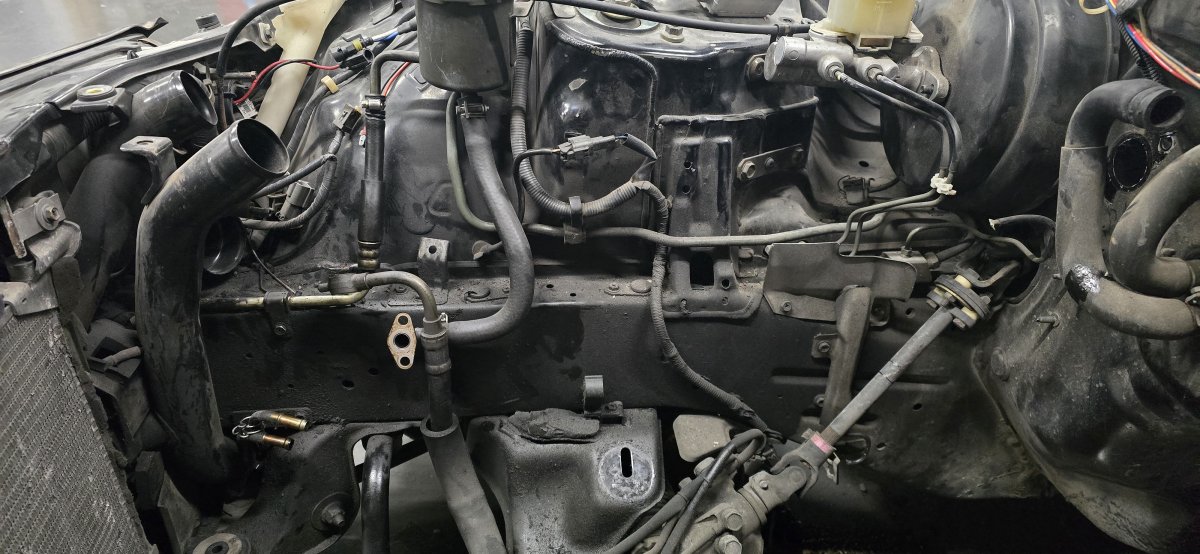
Fitted the donor Power Steering pipe work today, after i gave it a good scrub to clean it :
-
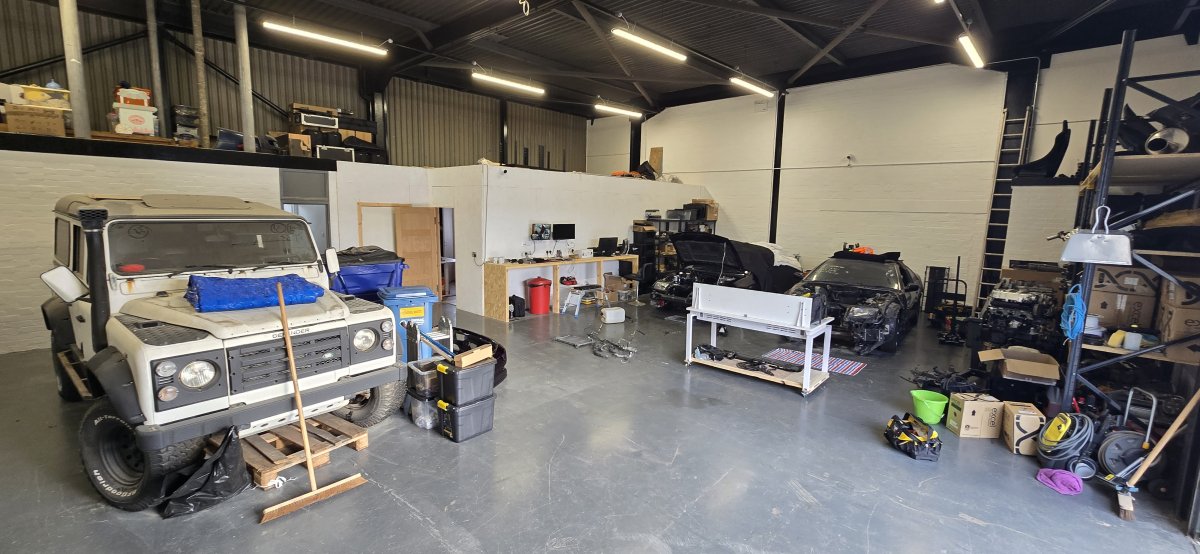
Can't believe how much room I have now. Time to crack on fixing the main zed.
-
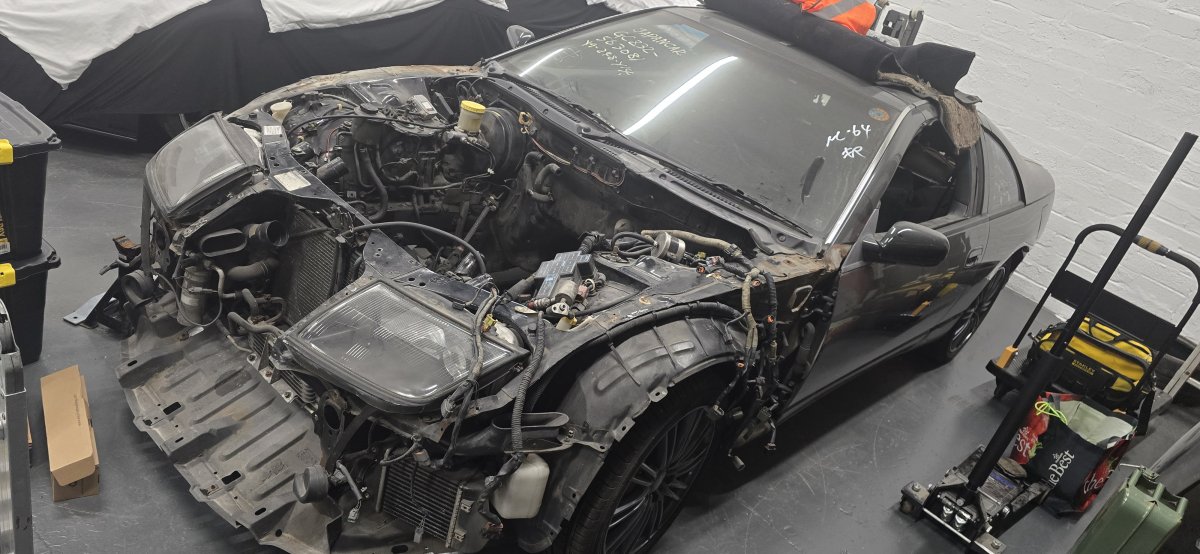
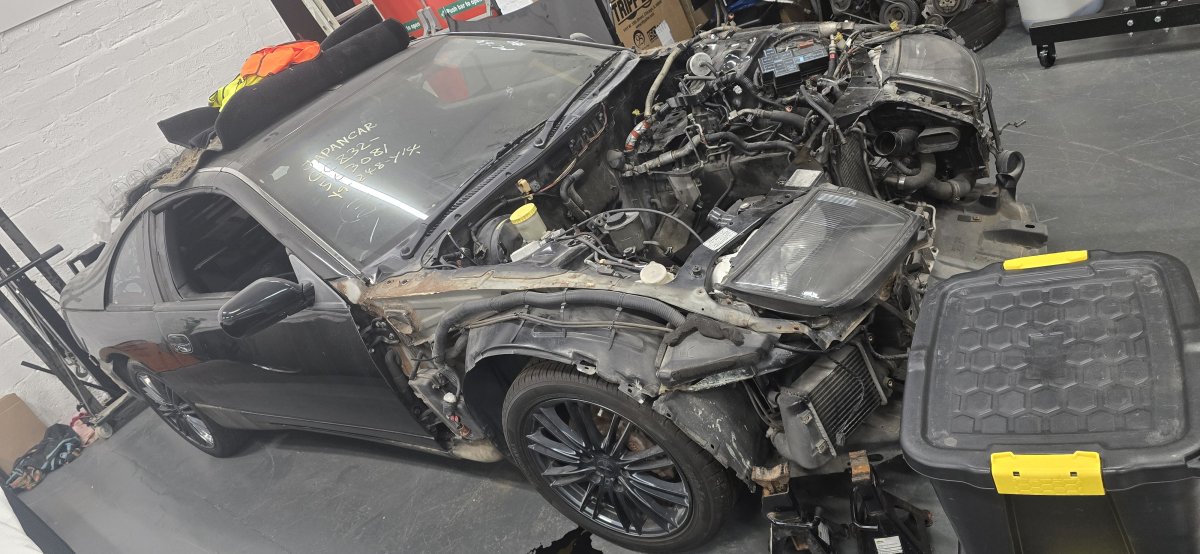
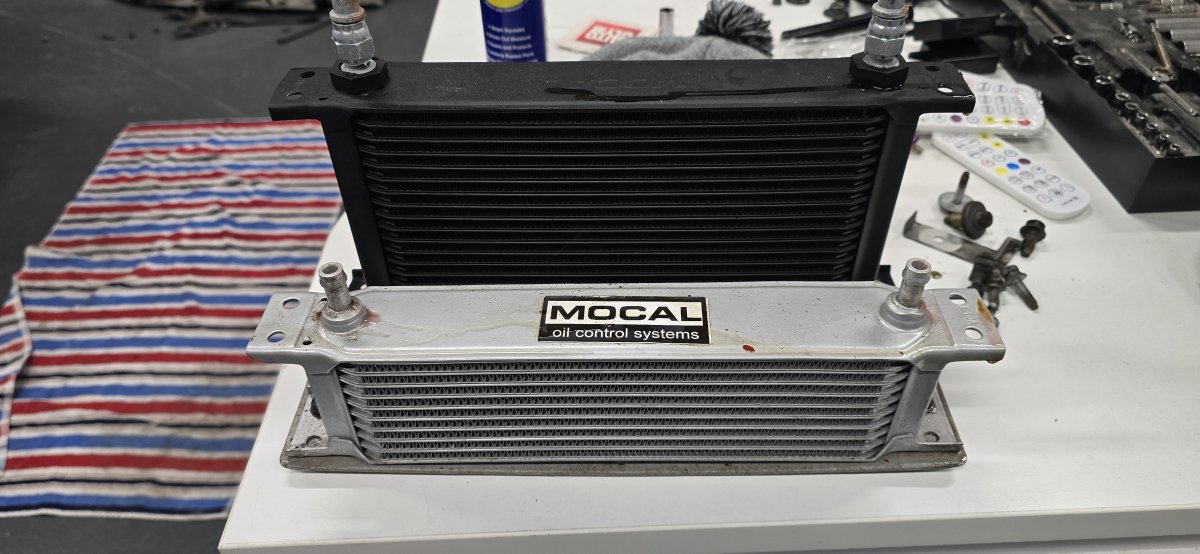
Coolers now out Had to remove these as they were sitting on a custom bracket and the AC wont fit back in without going back to the old way.
-
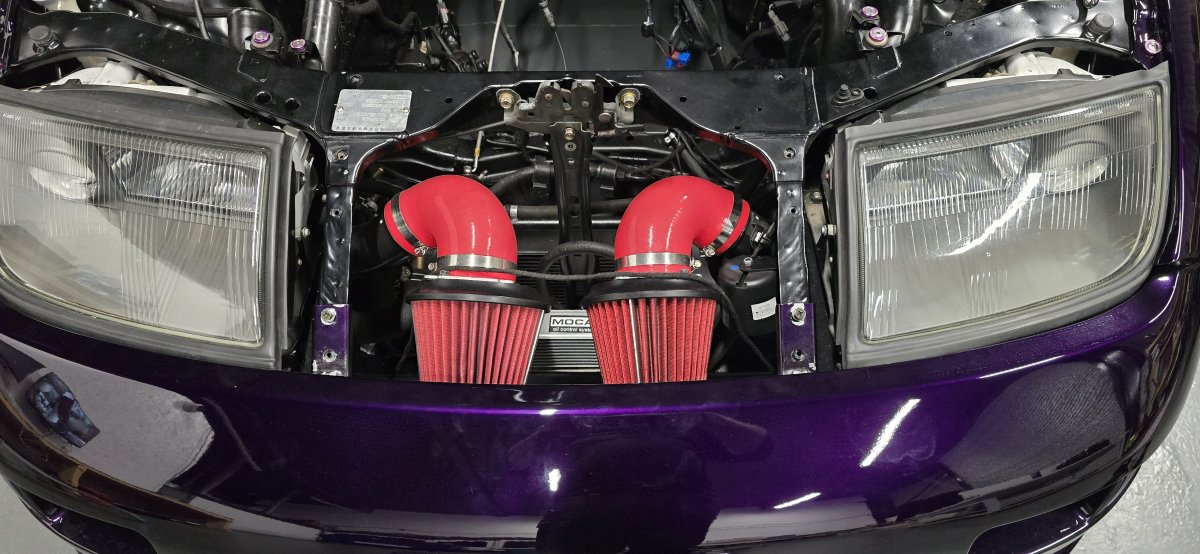
Now i have to strip out the old oil cooler and hoses from the purple zed.
-
Also managed to pull out the steering rack hoses and my zeds were damaged and i had them bypassed with rubber pipes and a small radiator. Lots of cleaning to do in order to get it up to the spec i want for the purple zed. Spare power steering hoses carefully removed :
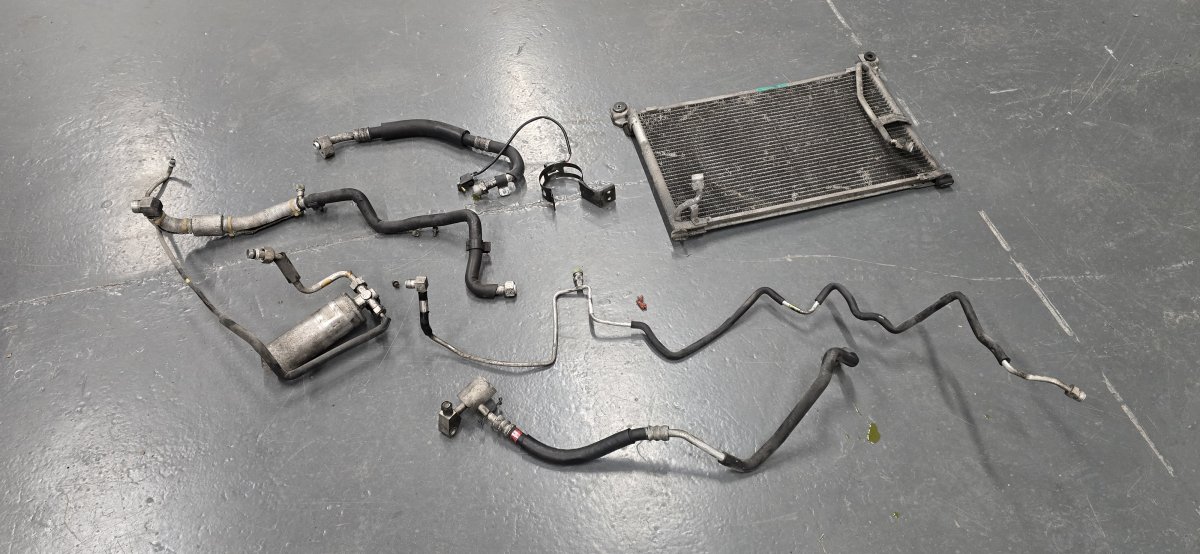
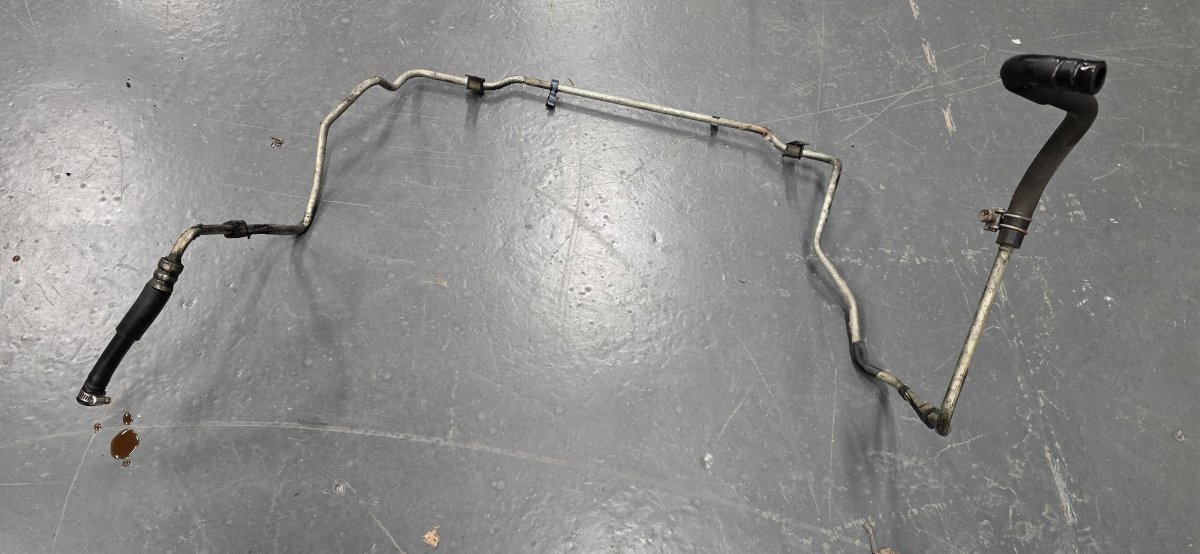
-
Started some work on the zeds today, first time in years. First i removed all the AC parts from the spare breaker i have.
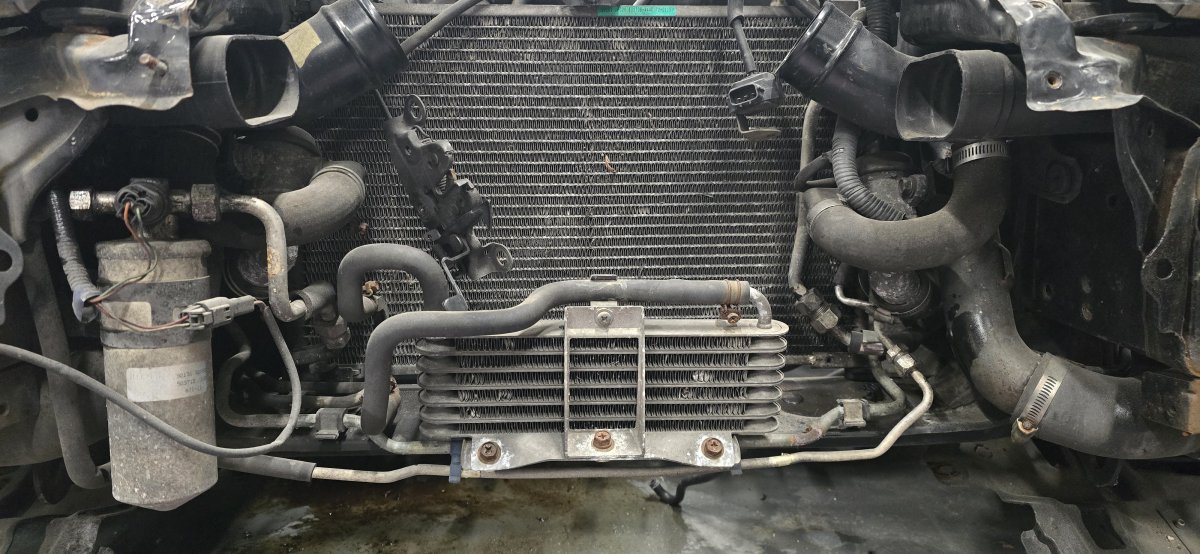
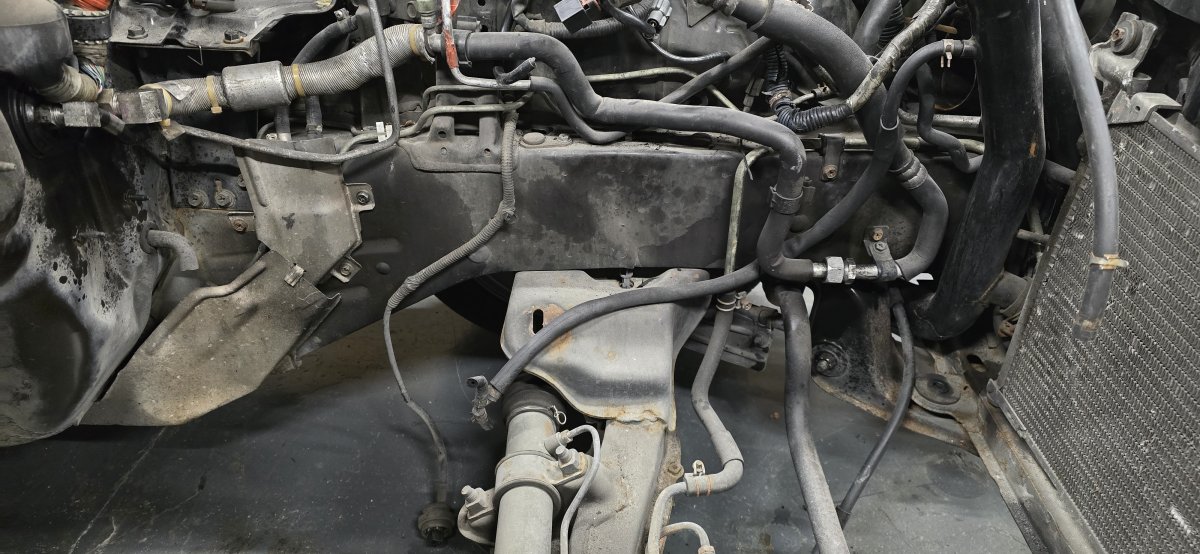
-
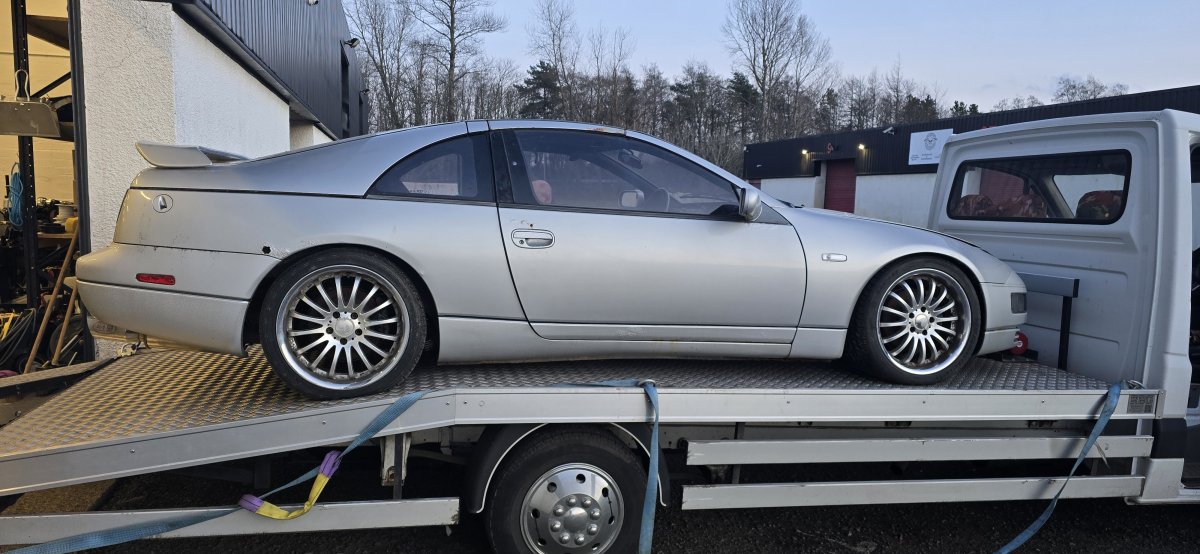
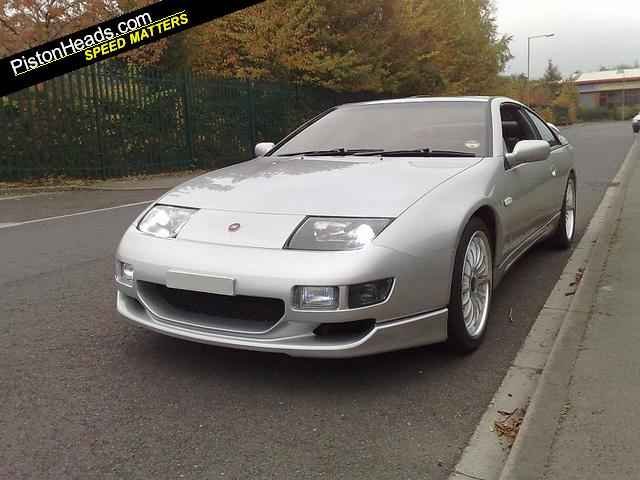
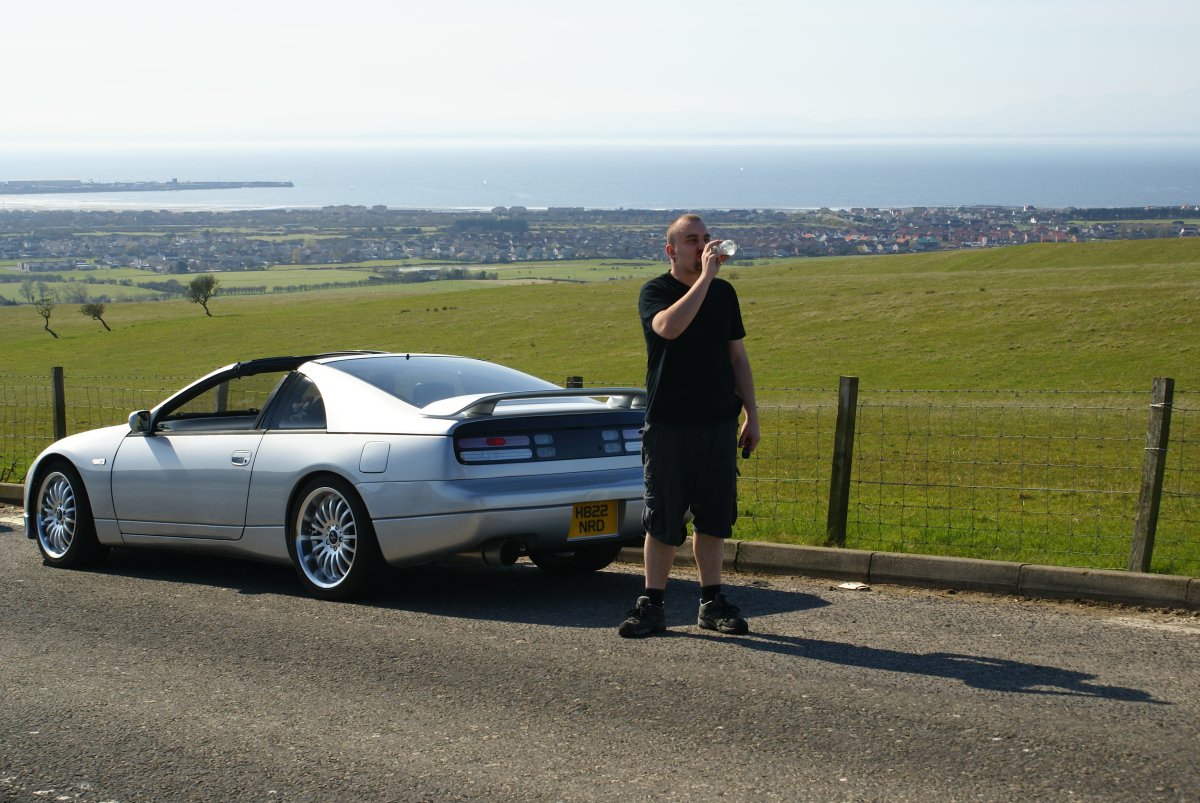
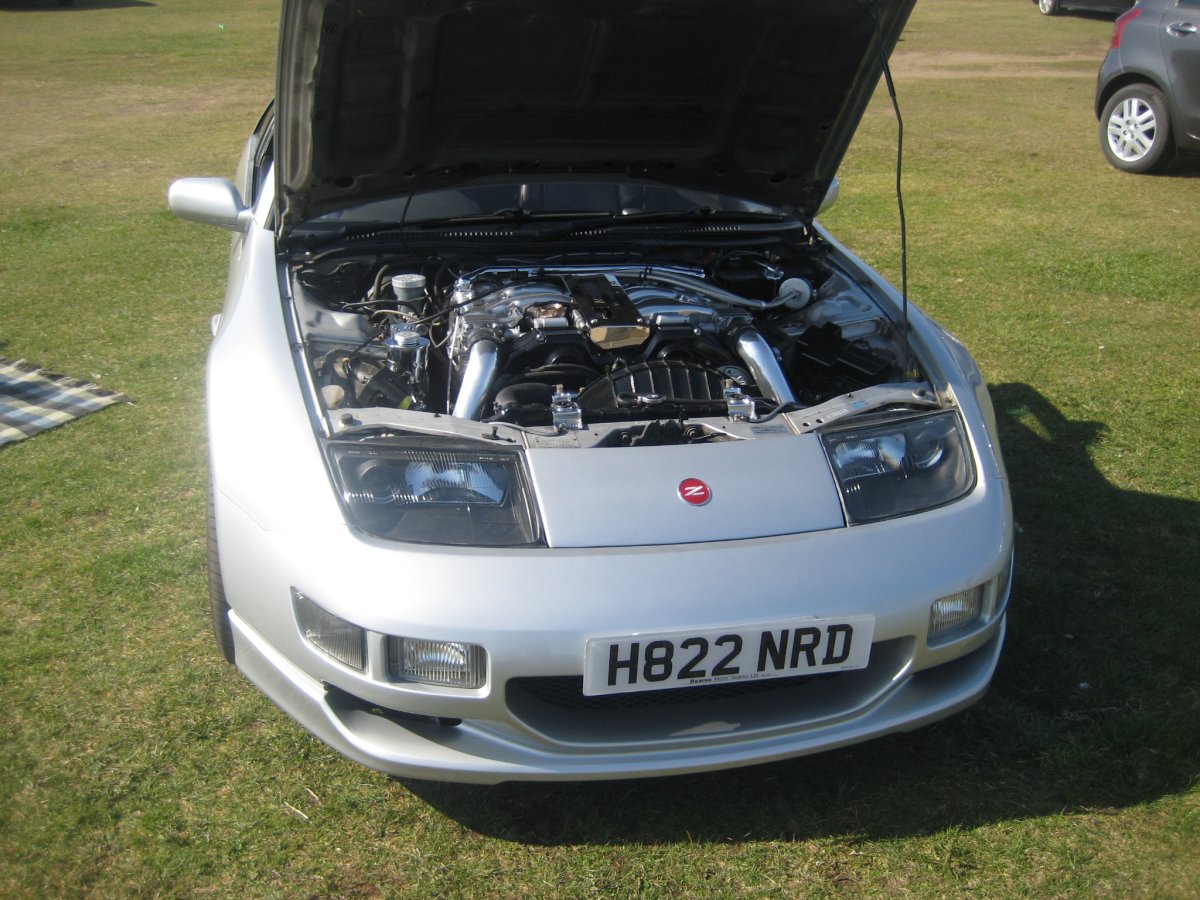
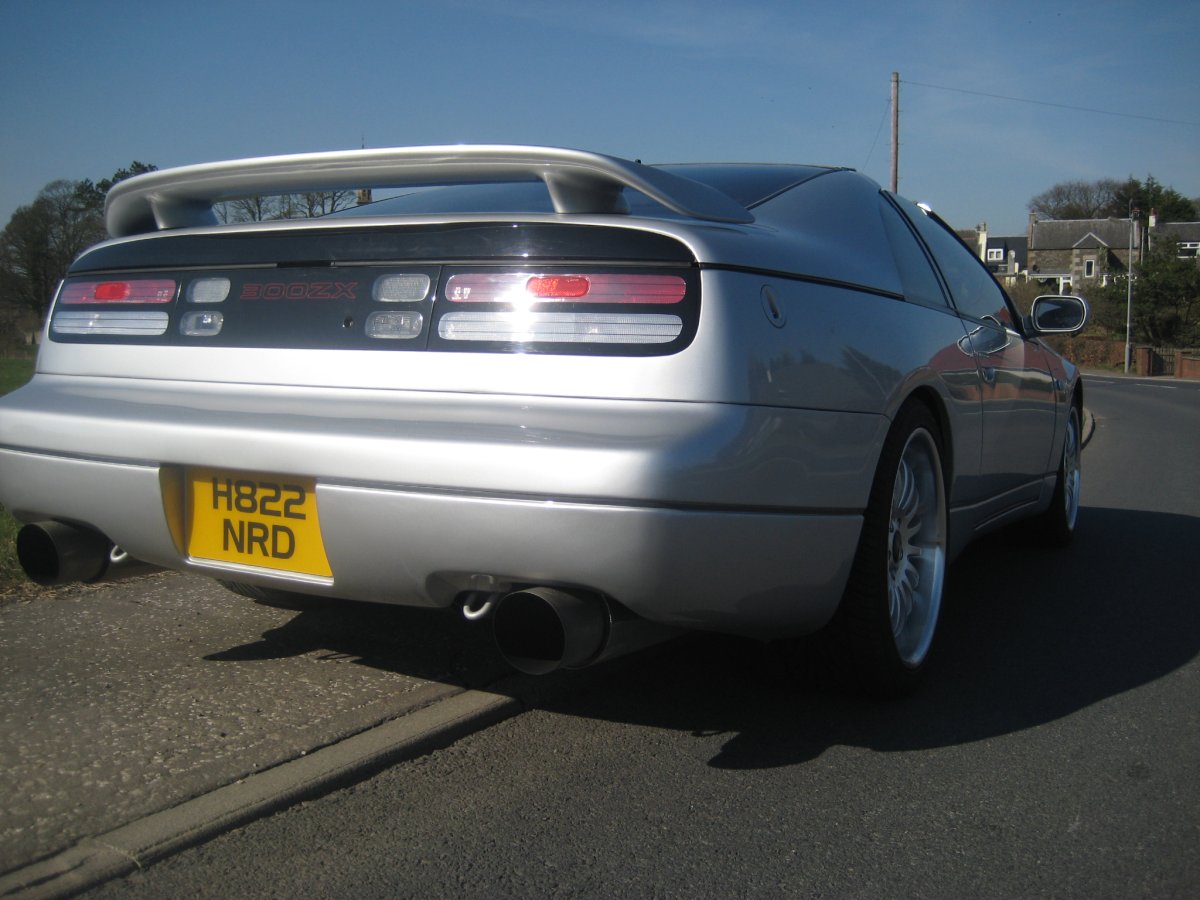
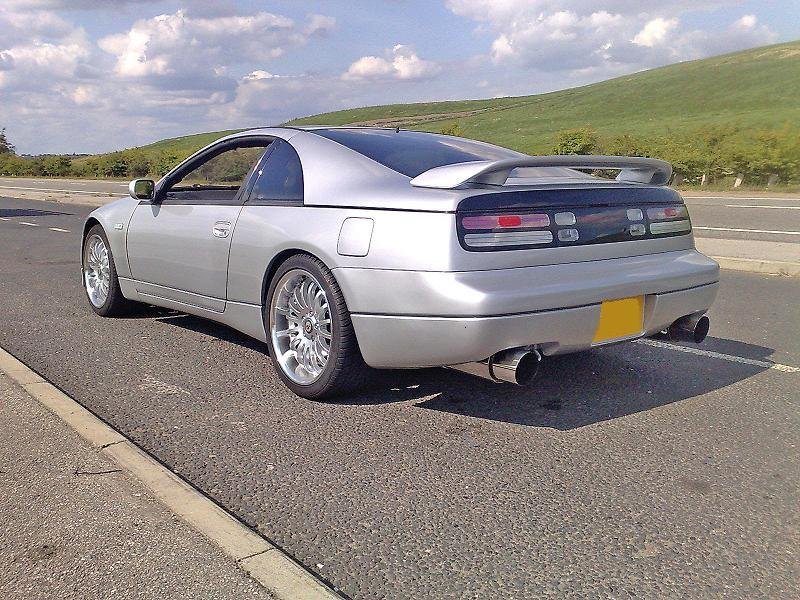
Sad day today as my first zed i ever owned was towed away to a breakers yard. This was a 1991 NA which i originally purchased over 17 years ago, but unfortunately wasn't economic to repair due to excessive rust.
-
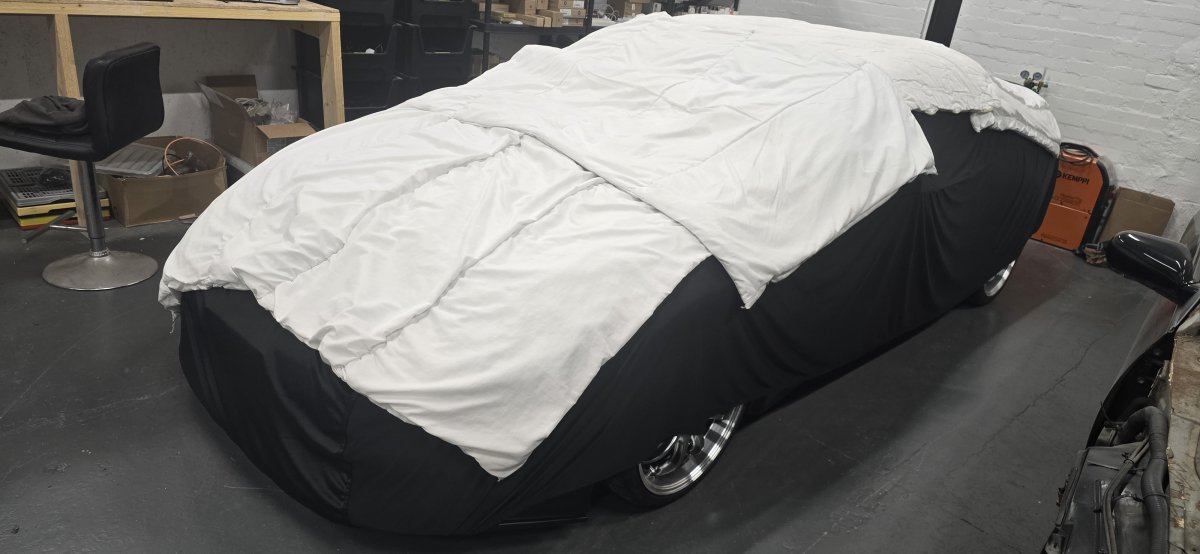
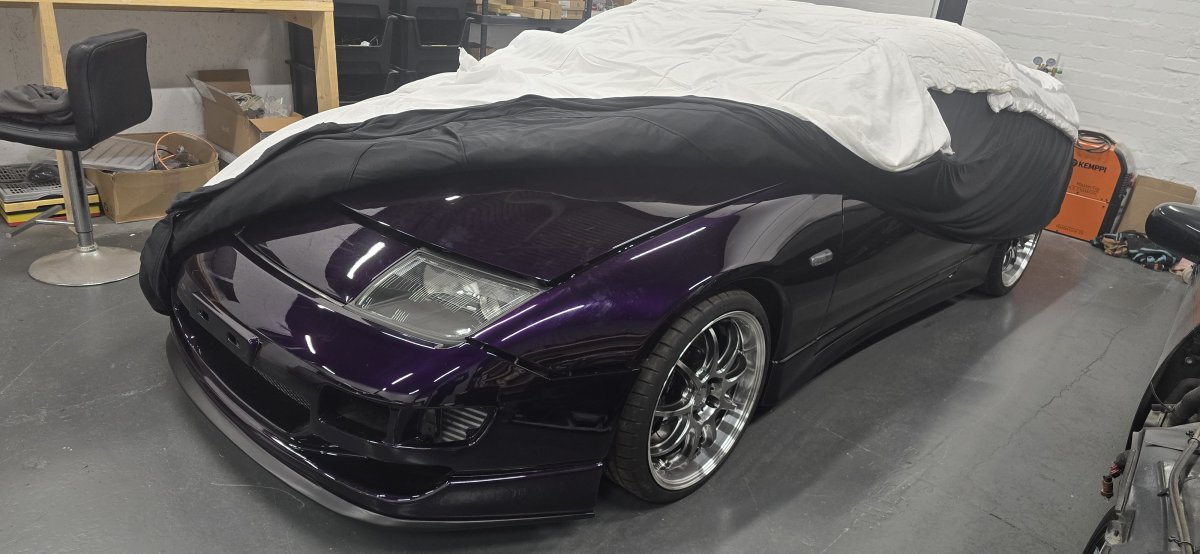
I think this Beauty has slept long enough.
-
Yes, I have full loom set. I'll try look it out.Rolling Shell still available, Bonnet is sold pending collection. Will sell for £1250, ready for collection in roughly 2 weeks