Everything posted by JaiKai
-
-
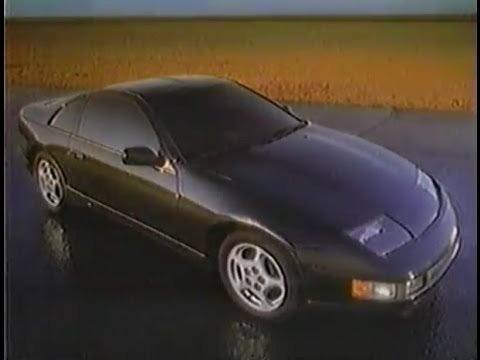
 Original Nissan Motor Co TV commercial introducing the new-for-1990 Nissan 300ZX.
 -
 GI Joe in his 300ZX, Van Halen on the stereo, and stealing Barbie from Ken...You gotta love this one!
 -
 Nissan - Datsun 300ZX Turbo - Werbespot von 1990
 -
Messing with the idea of new Membership cards again.


 Reach out to Paul at Banzai Breakers, he may be able to help. https://www.facebook.com/banzaibreakers
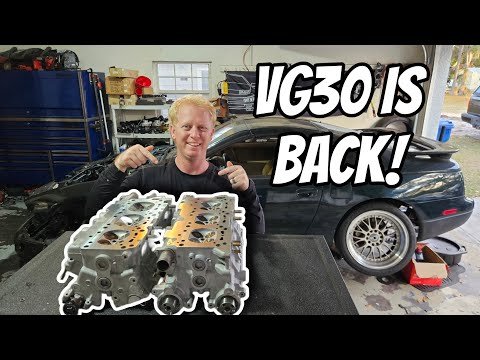
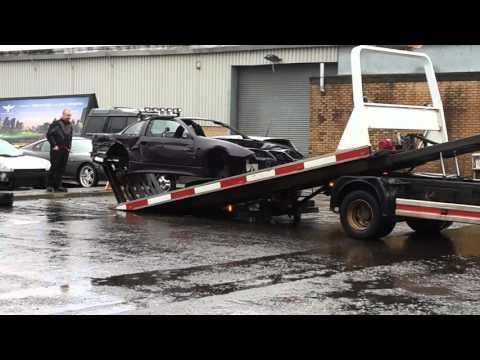 A zed that was never meant to be, my first full build was written off weeks after completion in 2015 by a Polish trucker run into me when i was parked up on the M42.Lots of empty promises and i think we are worse off than when we started. I voted to stay, but no matter how i voted the majority vote from England was larger than Scotland and we got dragged out anyways which is a shame.Updated the graphic to make it more zed related :) yes, that is my current engine build, maybe he can fix it better than i can.Small update on this section, I've changed the plugin used and now we can have full youtube videos directly on the club in there own sections along with video review and view counters. I've pre populated a whole lot of videos i have found and even reached out to Billy McKee who runs the Billy Built Youtube channel so ive included all of his content too. You need to be a Premier member to post a video but if you have a suggestion then let us know and we can put it up.Nope, I've clocked it about 5 degrees and its now clear of the oil tree, oops !So managed to clock the drivers side turbo and it matches up a lot better and the actuator no longer touches the oil tree. However it took me two hours to strip everything back off to get to the bolts on just one of the turbos to fix this.Infact when i test fit the top pipes one is too close and the other is way out. i think the new turbos are miss clocked for this engine, and need rotated. That likely explains why on the drivers side the turbo actuator is fowling the oil tree.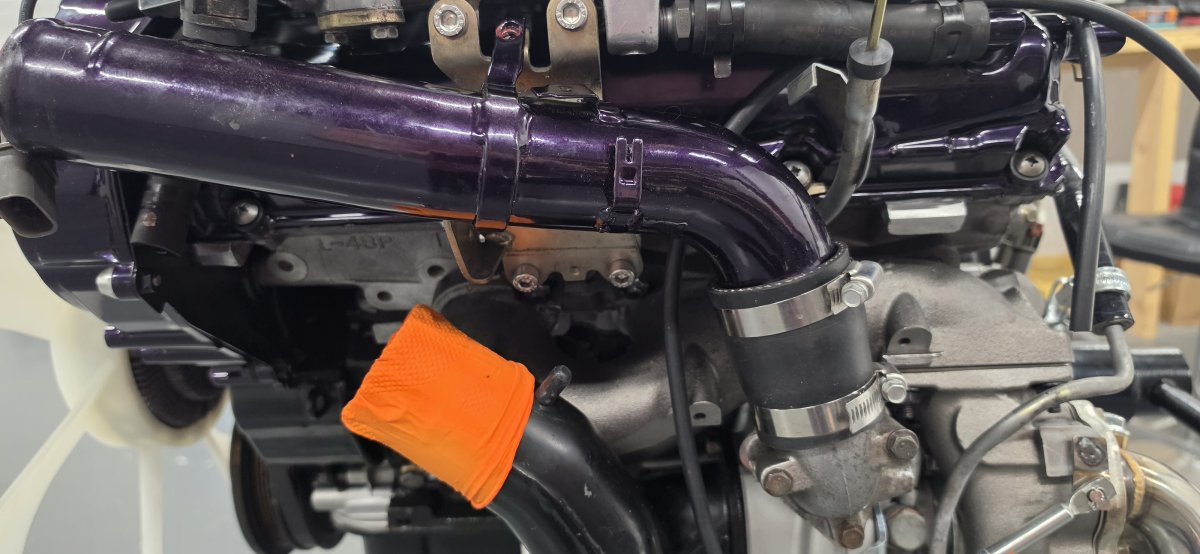
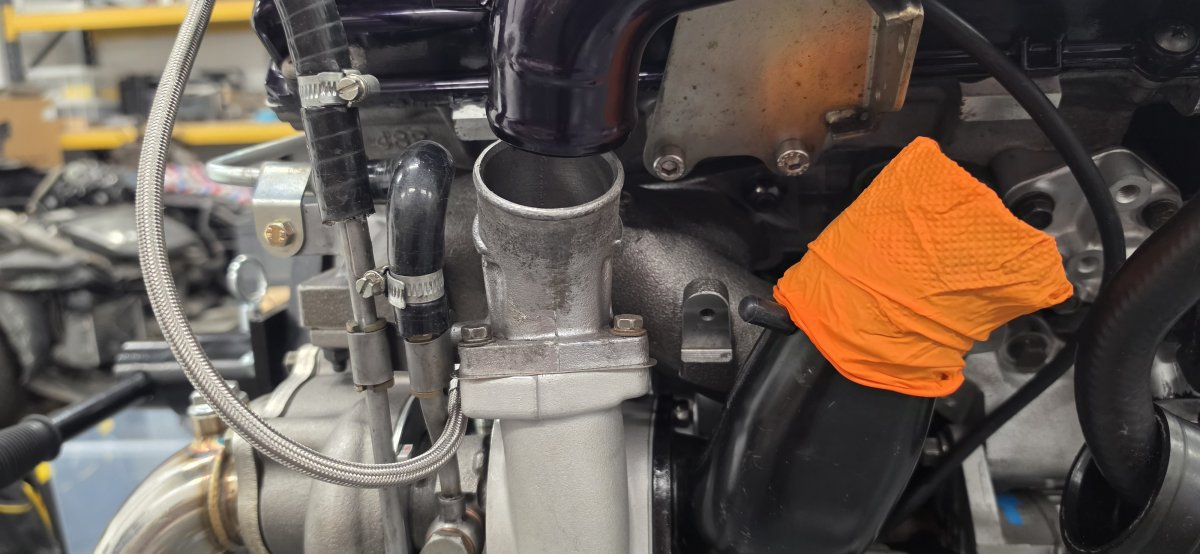 Houston we have a problem ! Was hoping to get the rest of the engine sorted today with a view of putting it in tomorrow. However i have discovered that the drain oil pipes from the turbos as way off. Too long on the driver side and too short on the passenger side.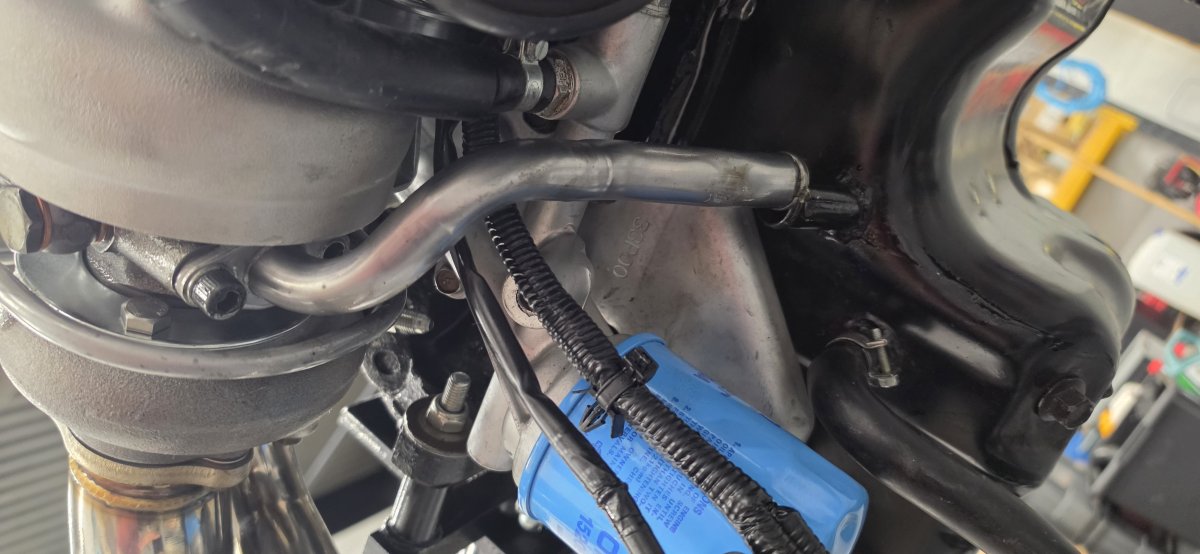
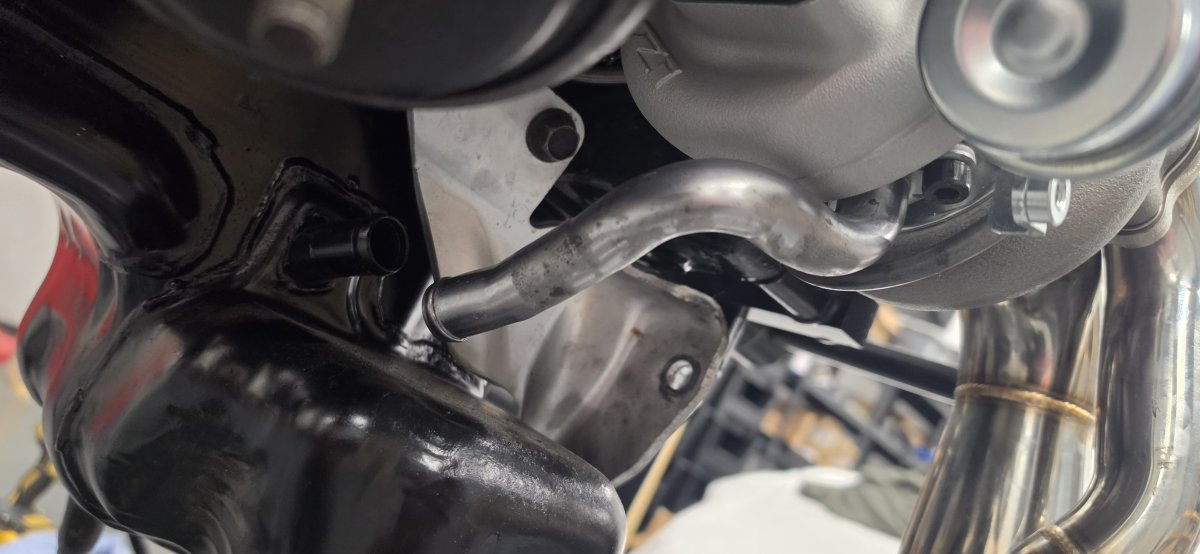 So 10 years on ! How's all the people who said leave feel now ?Found an old Retro Club Logo so thought i'd give it a makeover and up the resolution of it a bit. Went from this : To this :