Everything posted by JaiKai
-
I'll be there, my zeds working, just needs mapped.
-
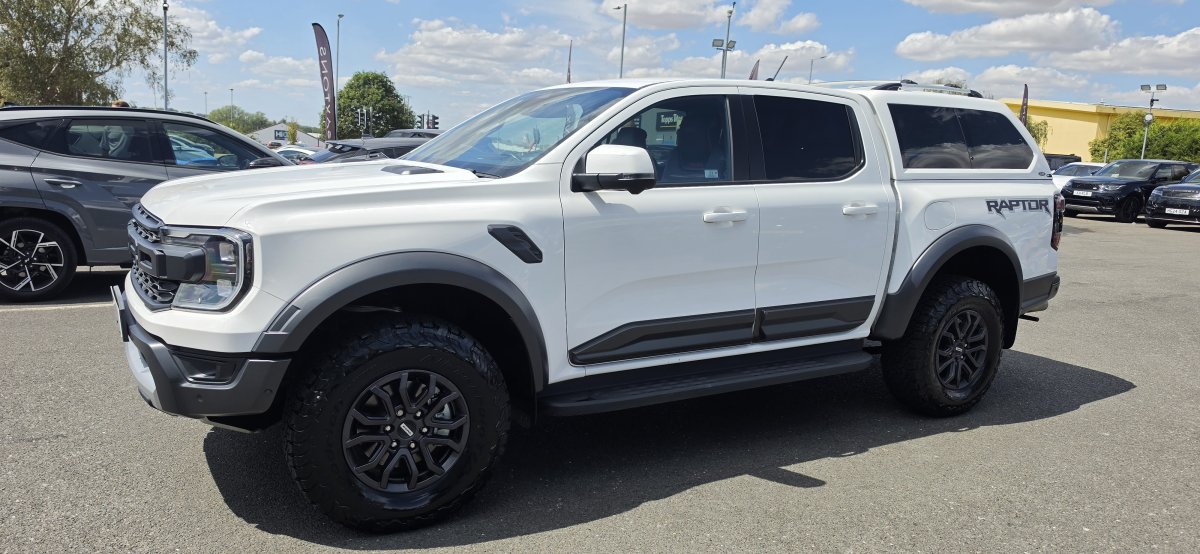
Well, What a trip i've had over the last two days. Took a spontaneous trip to Chelmsford on Friday to look at and buy a new truck. After a day dealing with finance, insurance and getting it taxed, i'm now a proud owner of a Ranger Raptor. 23 Plate, 12.5k Miles on the clock and its a 3L Twin Turbo, Petrol. I'm now home, ready to work on a plan of upgrades for it already.
-
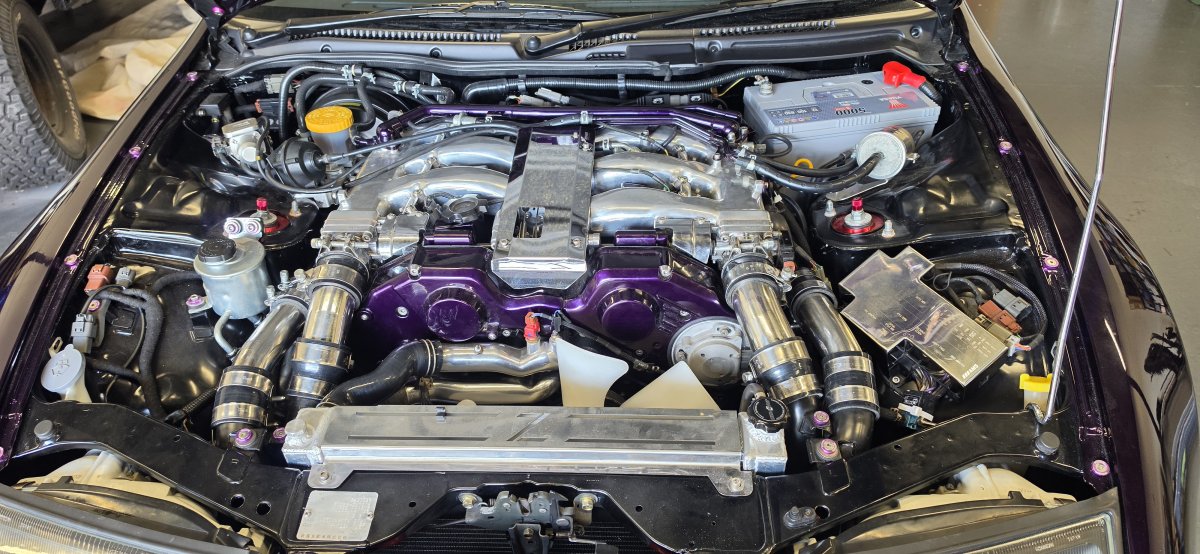
Same rad on mine and i just bought a slam plate from conceptz
-
Over 8 years ago mine was replaced on my old zed, they left the top trim in place but pulled off the old ones. It was autoglass and they had brand new side trims along with the new clips and the track for it to fit into
-
That's a long timescale. Are the replacing the trims too? I had mine done years ago in another zed I owned and they replaced the side trims too.
-
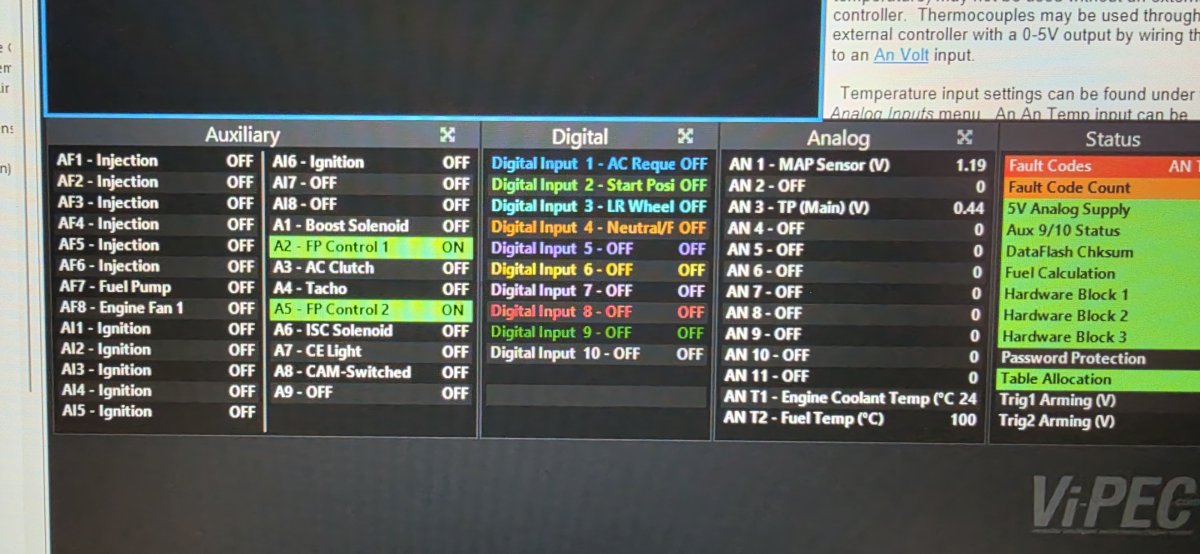
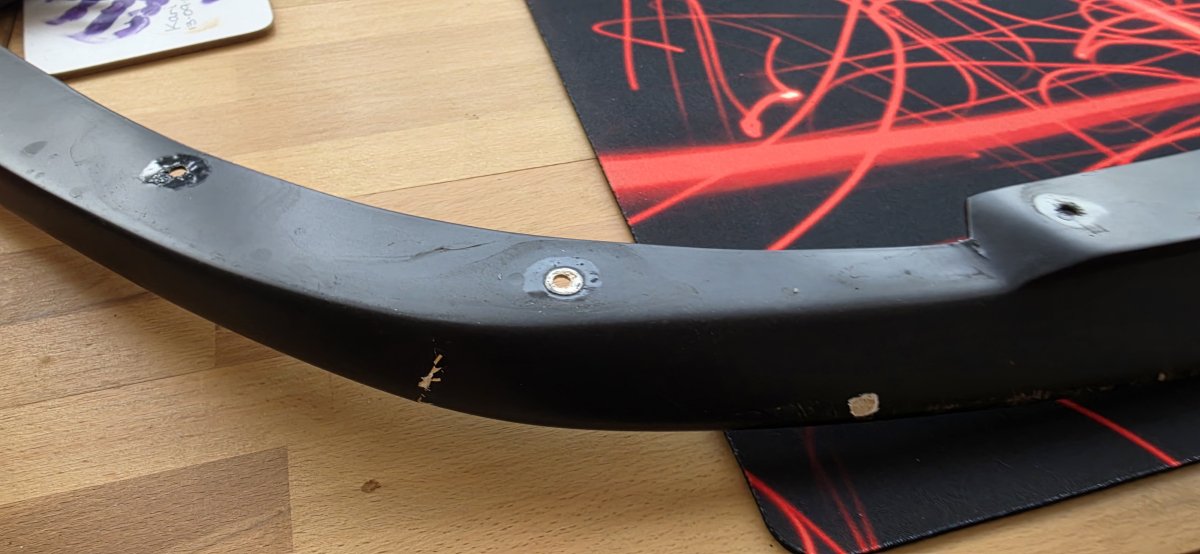
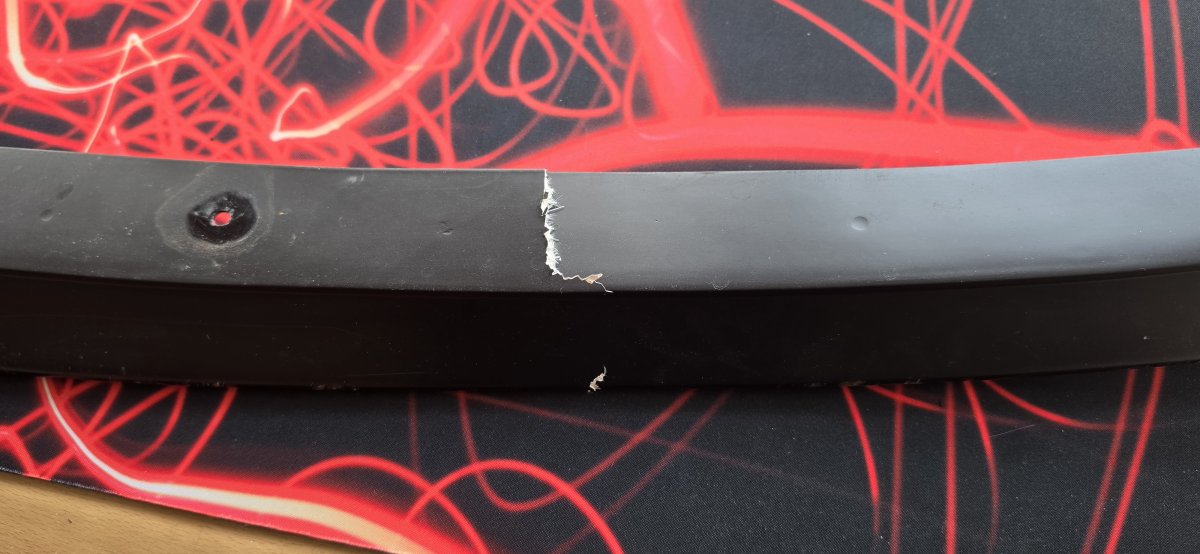
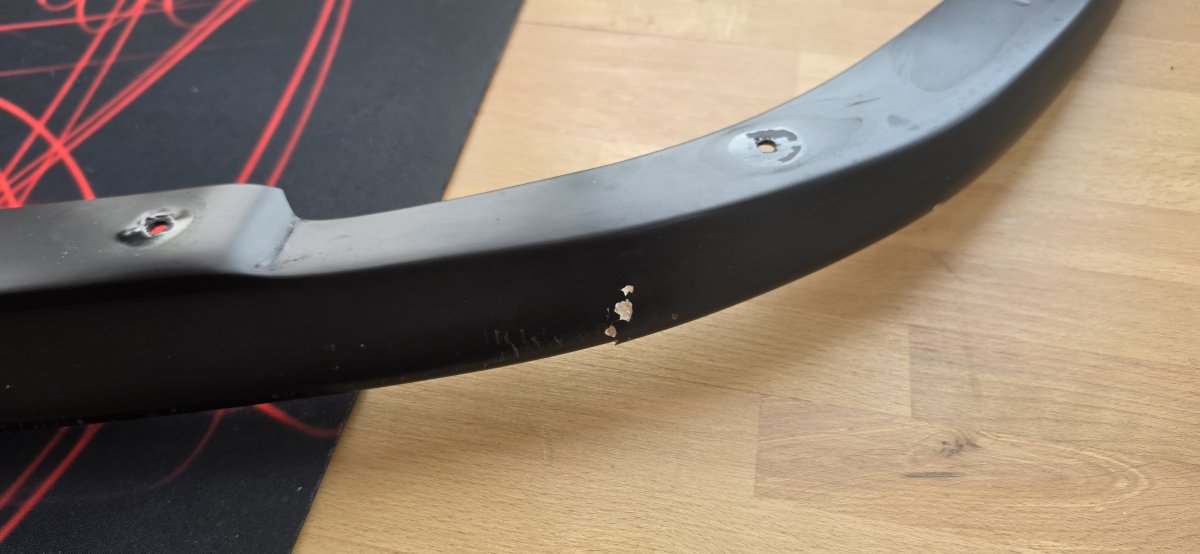
Major f*ck up just over a week ago. And its taken me nearly a week to come back to this. Just over a week ago we got the zed started although with a bit of fuelling issues. I decided to take it out the garage for the first time in 2 years nearly and all was going well, managed to work my way round the block and back. The issue was that i drove out forwards and then rather than reversing i went straight back in facing the opposite way. Turns out the zeds front bumper valance was too low and i've managed to crack it in three places. :( Email now into car.mad to make me a knew one along with a spare.
-
Just buy a replacement door from a donor car and replace it yourself. How bad was the damage ? Did the sill get damaged at all?
-
By the looks of it you have a late series 4 zed, same as mine but i have changed my own to the 99 Spec style.
-
Very clean looking inside and out. The interior colour is a very usa style as i dont think many were released like that in Europe. Many of the users on here are UK based, but we have a growing international membership now too.
-
Hi, That zed is spotless, are those recent pictures ? Dont sell it as you WILL regret it and you will never get another in such a great condition.
-
Getting closer to getting this zed out the door. Fresh oil today and it was starting easy and holding at 1k revs. Took it off the jack stands and now it wont start easily. Going to charge the battery up again over night then wait until its cooled down again and check everything over.
-
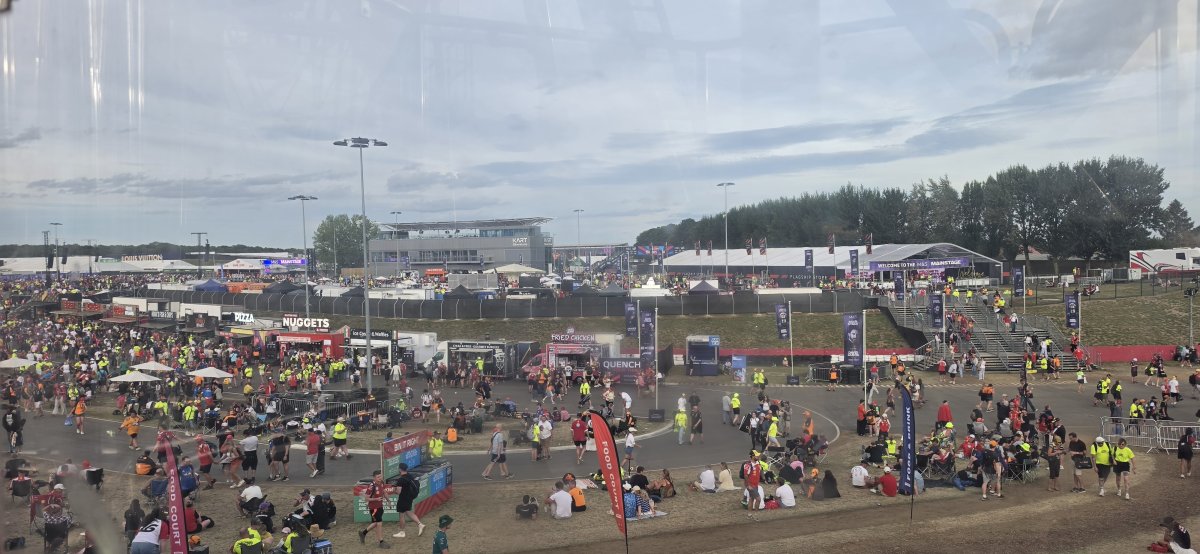
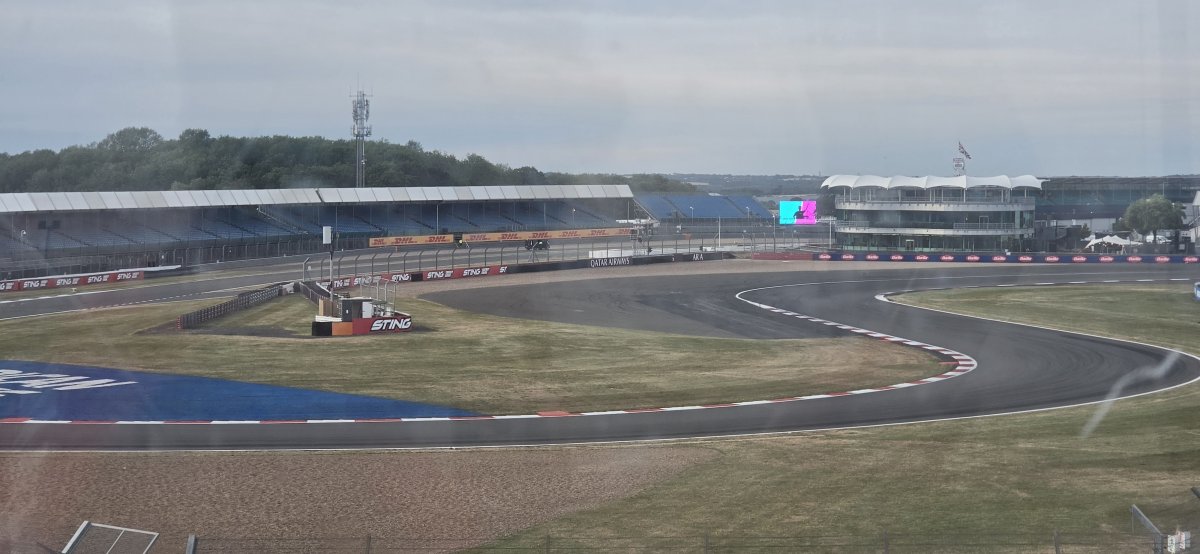
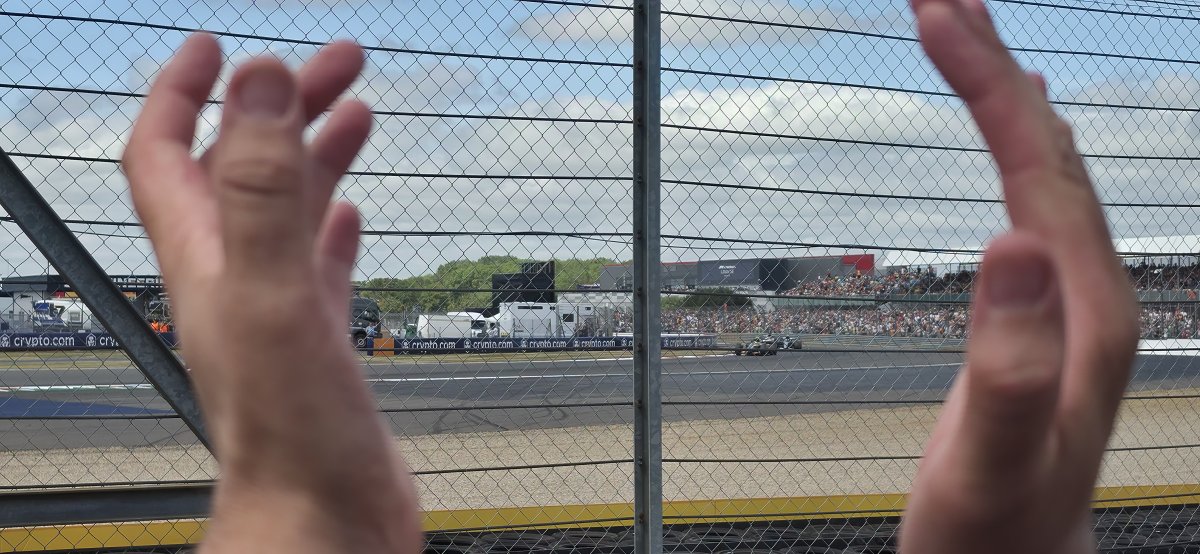
Pictures from the large Ferris wheel. Stuart trying to grab an F1 car.
-
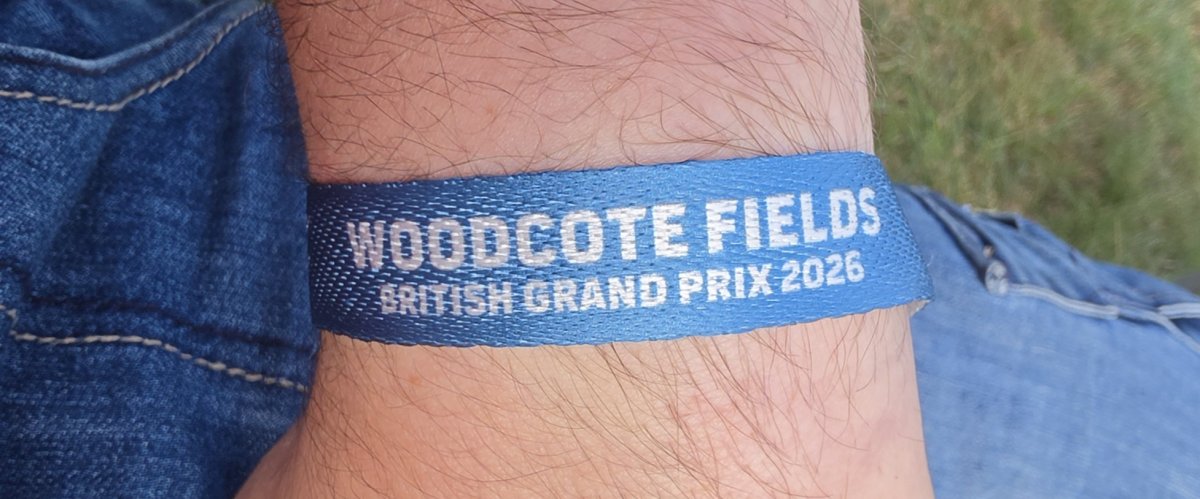
What an amazing week i've had, drove down and setup camp last Wednesday and got back last night just after 7. First time being at Silverstone so this was a completely new experience for me.
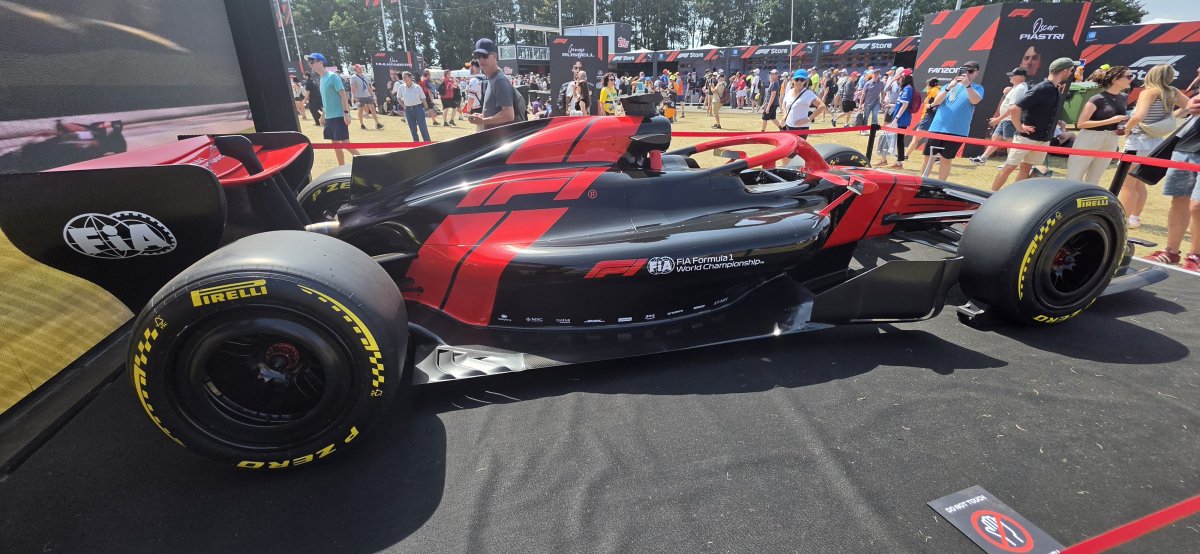
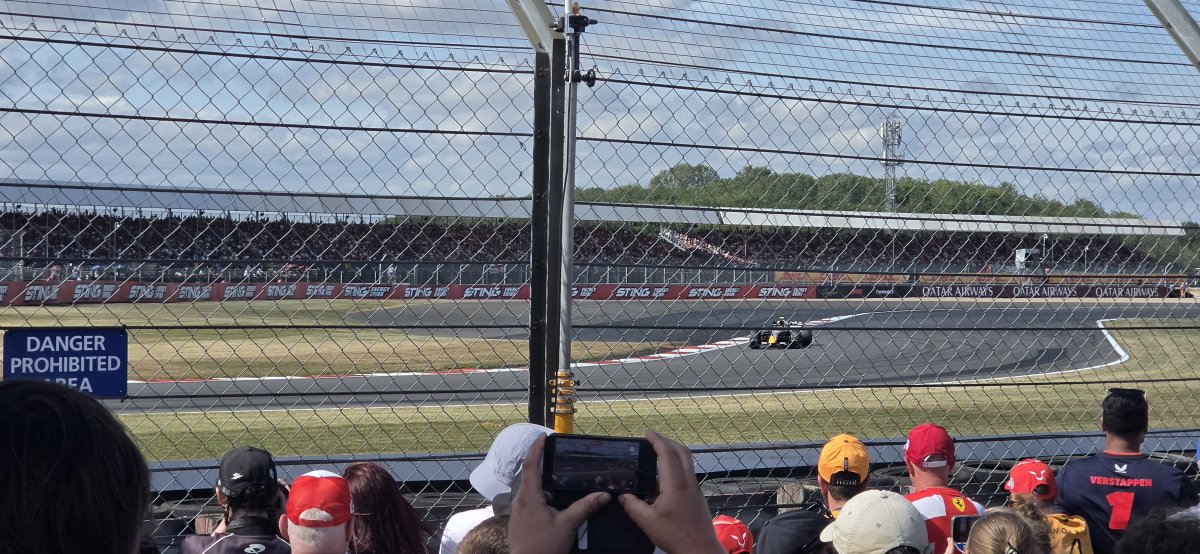
-
20260704_160126.mp4
-
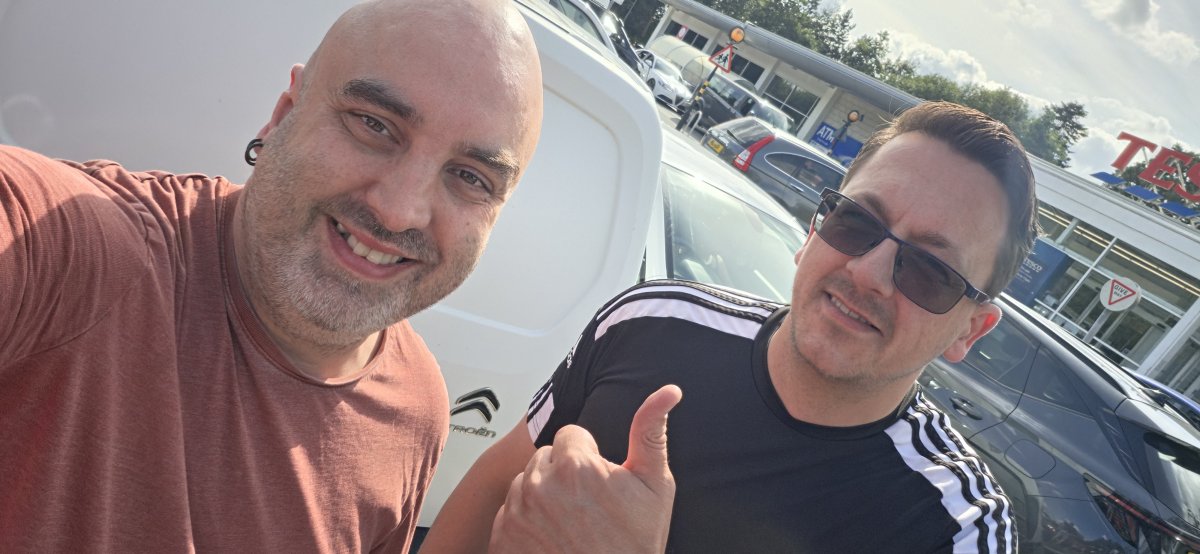
Also bumped into a guy called Matt
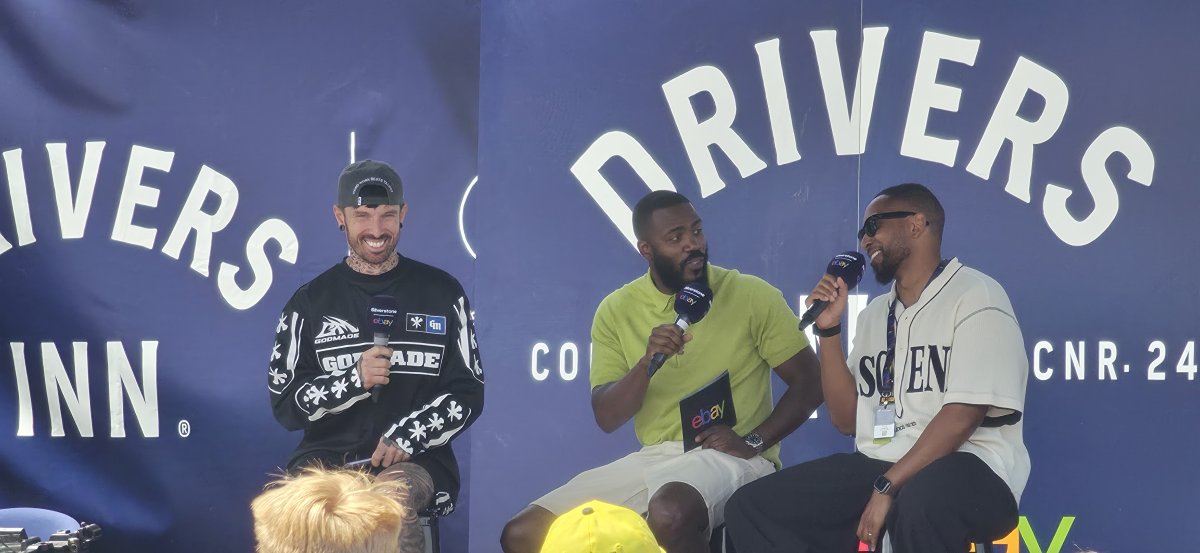
-
Great few days so far and weather has been hotter than I could have imagined. Race day tomorrow so can't wait.
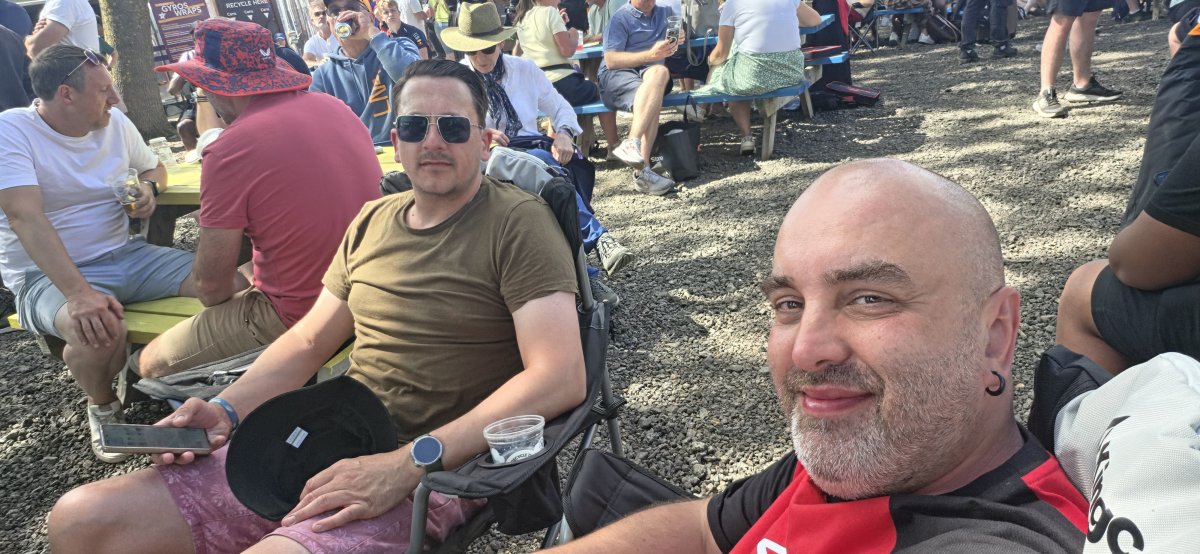
-
Do your light up green? You used to be able to get matching quarter glass panels in green too.And we are all setup!
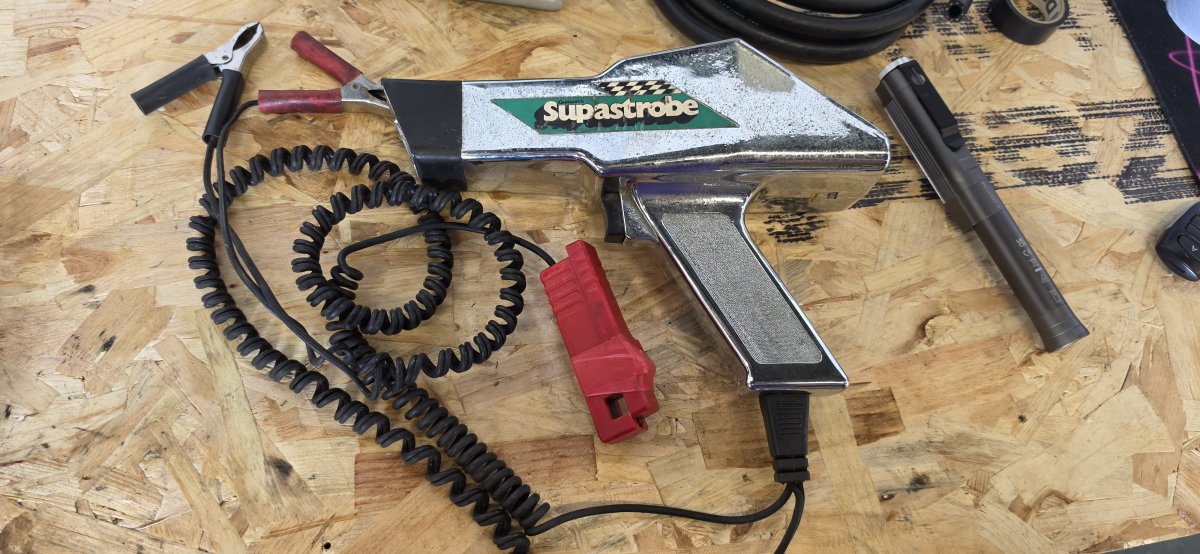
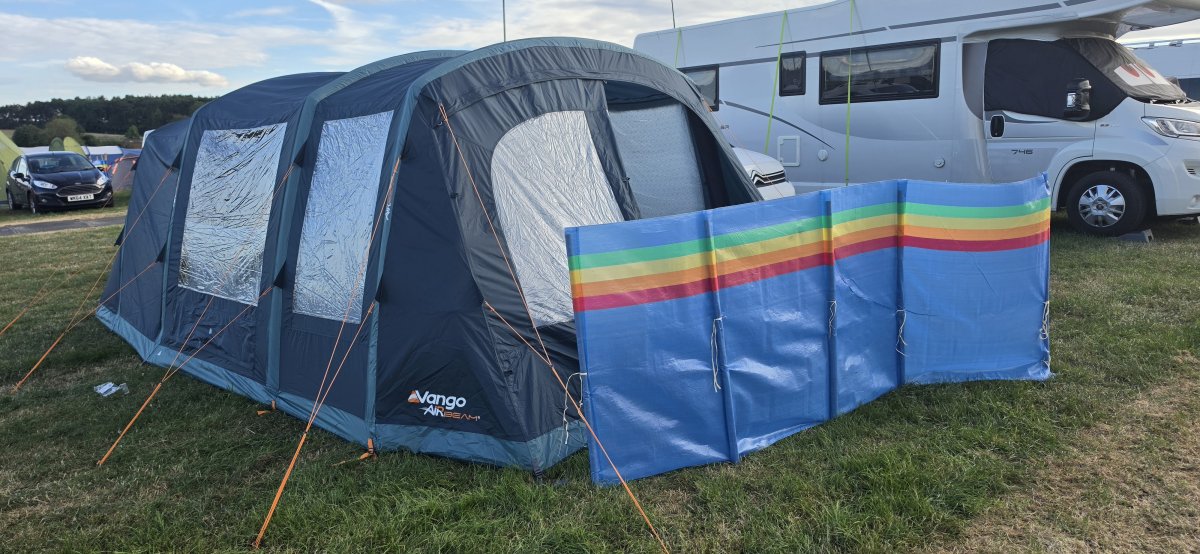 Anyone going to Silverstone for the F1 this week ? I'm doing the whole camping expedition so plan to be down Wednesday to Mondaylike hens teeth those are, only seen 1 set in person over 15 years ago. Good luck.i have a spare if this ones goneAs we age and our zeds age has anyone got a tool that's just as old if not older. 10 year old in me still calls it my Ray Gun.
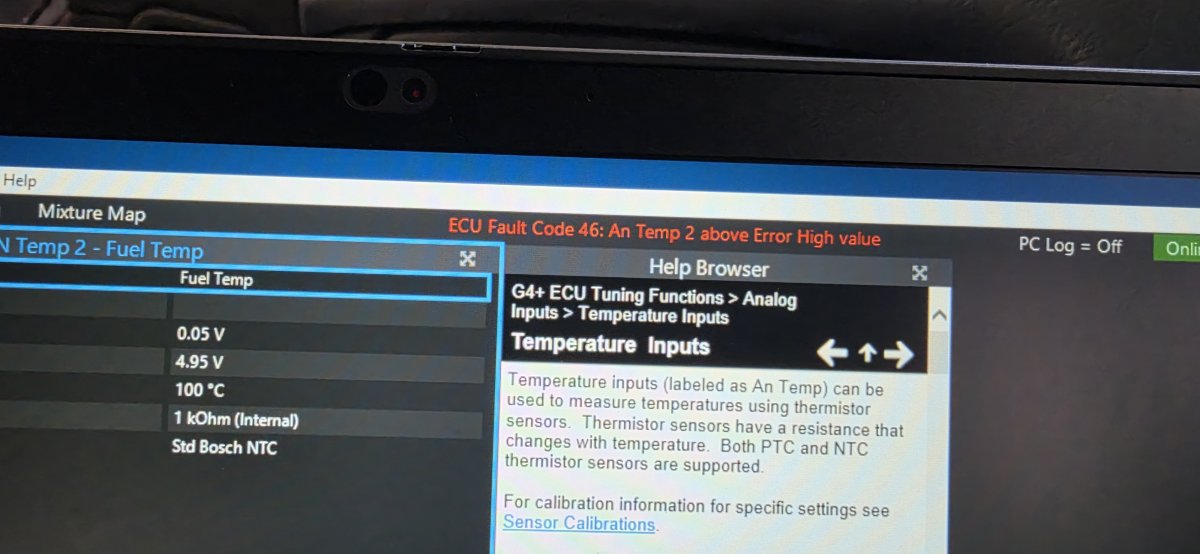
 Also the fuelling issue may be directly related to a faulty cable or sensor on the Fuel Rail as i dont think 100 Degrees C is correct.