Everything posted by JaiKai
-

From the album: Classic Motor Show 2025
-

From the album: Classic Motor Show 2025
-
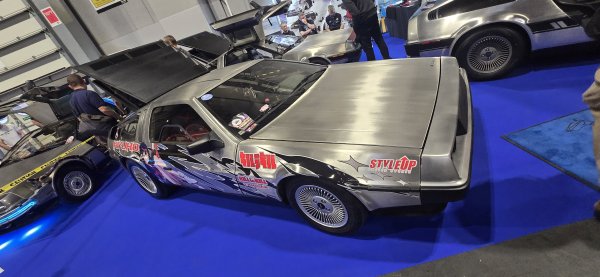
From the album: Classic Motor Show 2025
-
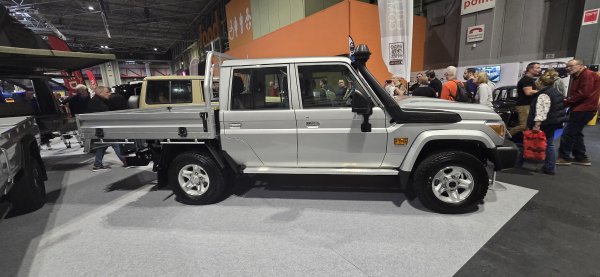
From the album: Classic Motor Show 2025
-
From the album: Classic Motor Show 2025
-
From the album: Classic Motor Show 2025
-
From the album: Classic Motor Show 2025
-
From the album: Classic Motor Show 2025
-

From the album: Classic Motor Show 2025
-

From the album: Classic Motor Show 2025
-

From the album: Classic Motor Show 2025
-

From the album: Classic Motor Show 2025
-

From the album: Classic Motor Show 2025
-

From the album: Classic Motor Show 2025
-

From the album: Classic Motor Show 2025
-

From the album: Classic Motor Show 2025
-

From the album: Classic Motor Show 2025
-
I'll likely be starting my route down at 2 or 3am to get down for opening. See you shortly.
-
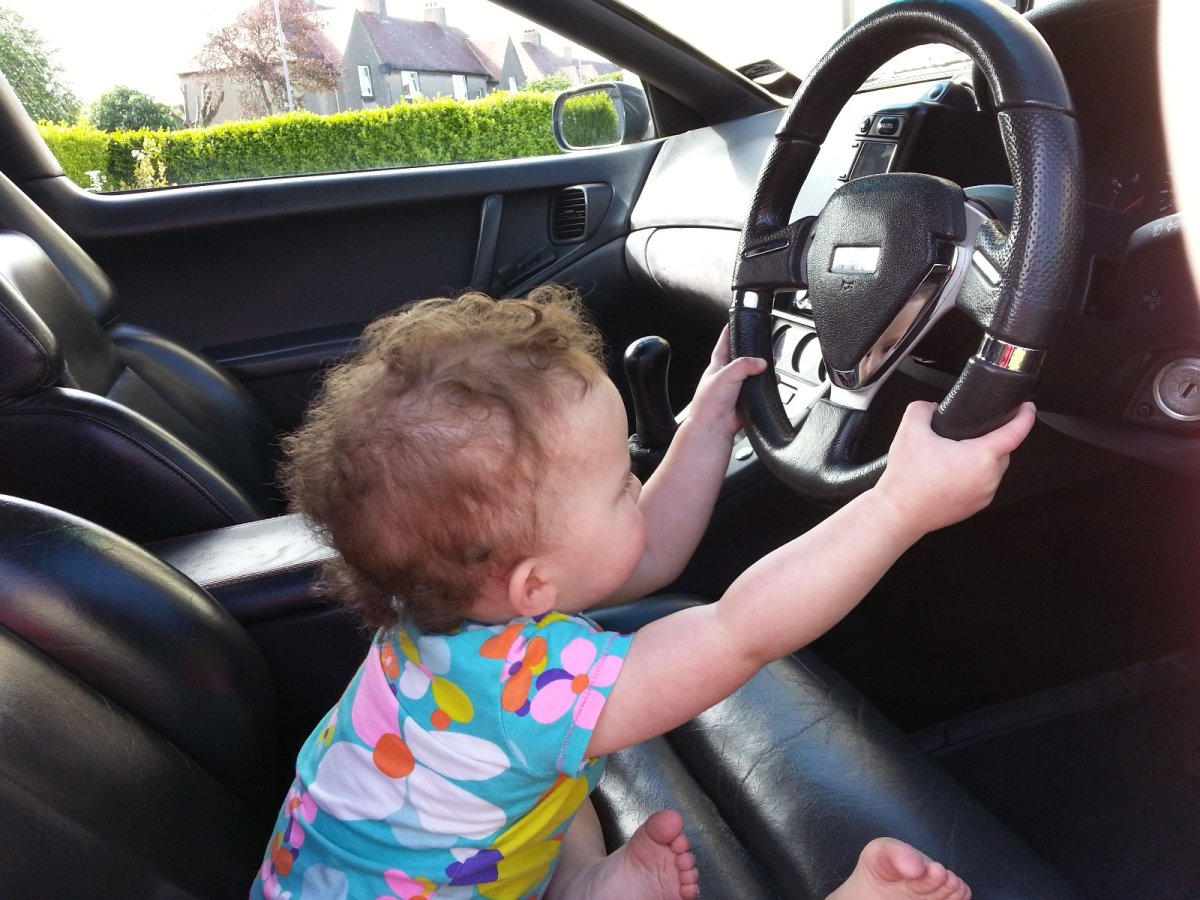
I have a picture just like this with my daughter. She's now 14.
-
Yip, I'll be leaving here at about 4am so will be down for the full day near enough on Friday and Saturday.
-
No offence but i'd rather buy a nice shell and do it up to my own spec. I'm guessing the price tag is due to the name rather than condition. Just my personal opinion.
-
That's great news, And I bet it's a great relieve knowing it's a simple plug rather than a broken cable somewhere you will never find.
-
Just trying to book a hotel but I'll be down Friday and Saturday
-
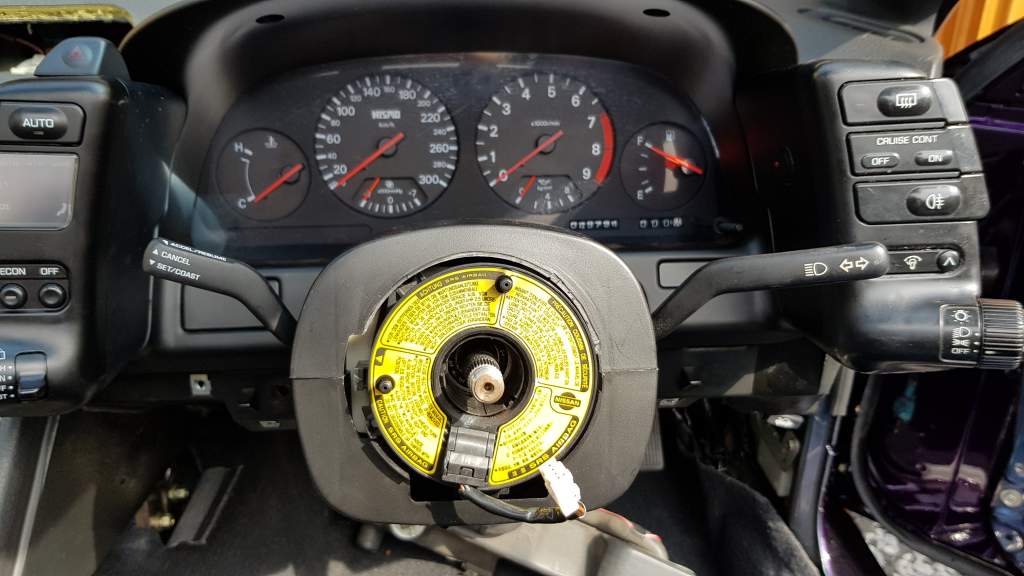
Sorry I meant mine as out my purple zed. Those are old pictures when I had the clocks out last. The rolling shell might be rebuilt next year depending on a few things.
-
My series 4 cluster is a nismo.