Everything posted by dutchgold92
-
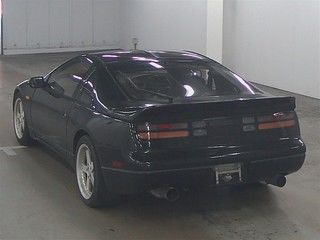
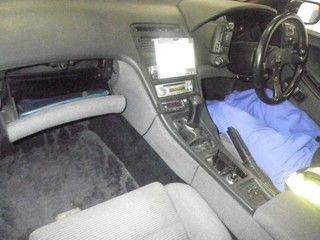
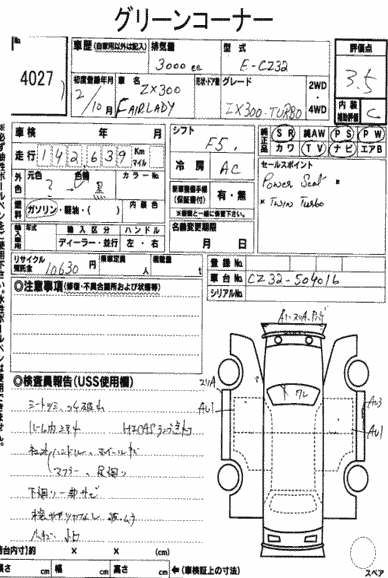
12/08/2016 - 1990 cz32
-
Great news for the club. Now if only they would branch into Ireland :(
-
Well if all else fails you can always trade wheels with me :p
-
Also, there are quite a few fantastic condition Zs left in Japan that will sell for even twice that amount!
-
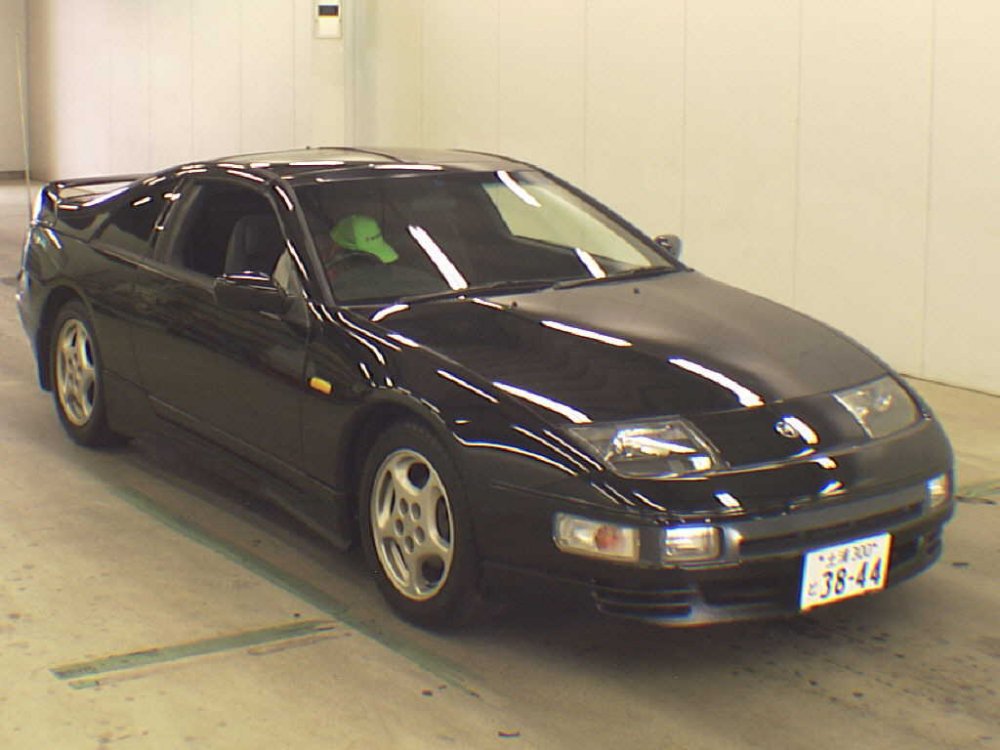
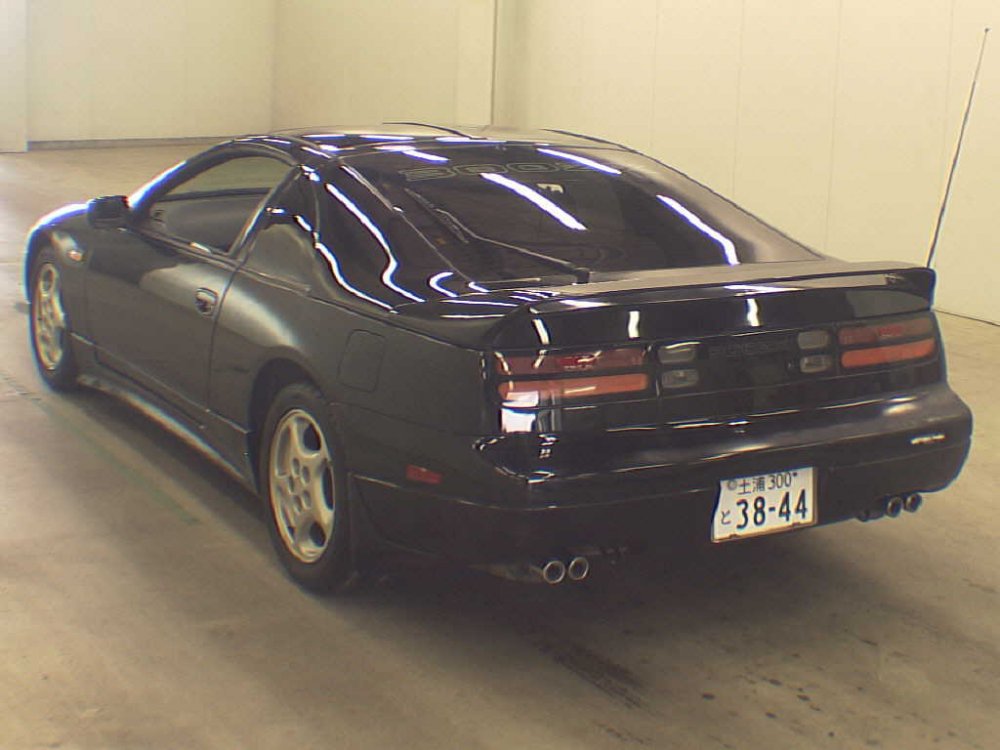
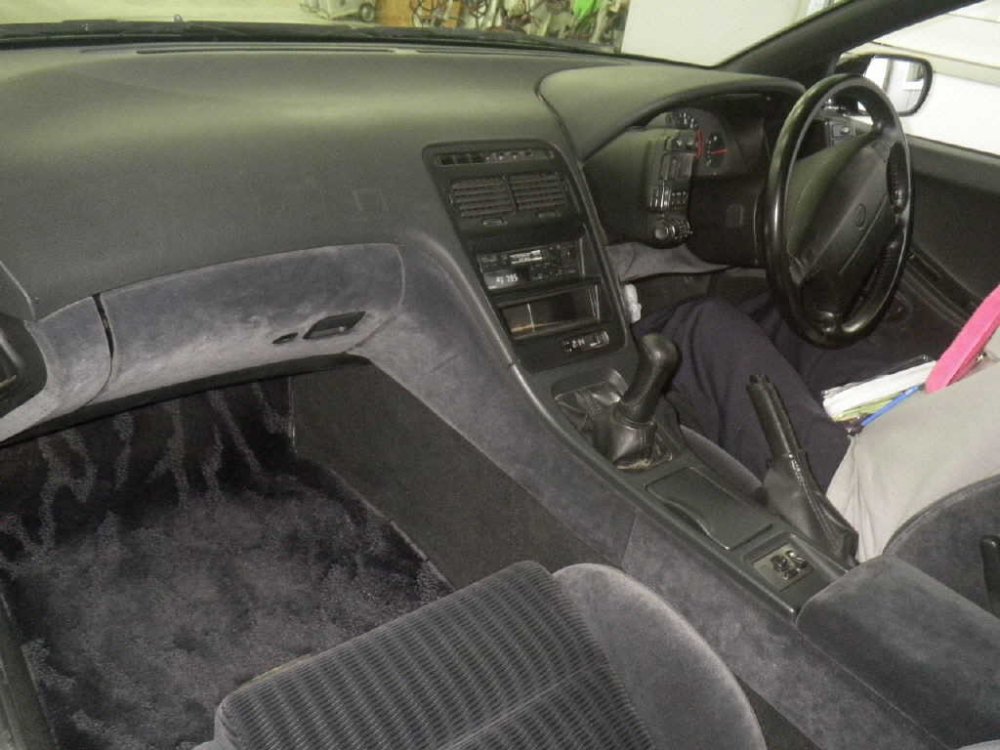
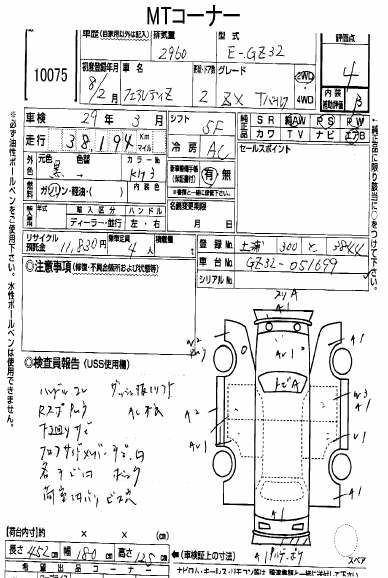
11/08/2016 - 1996 gz32
-
Huge brakes. Did you check the Veilsides clear them?
-
It's not so bad aside from the rear lights.
-
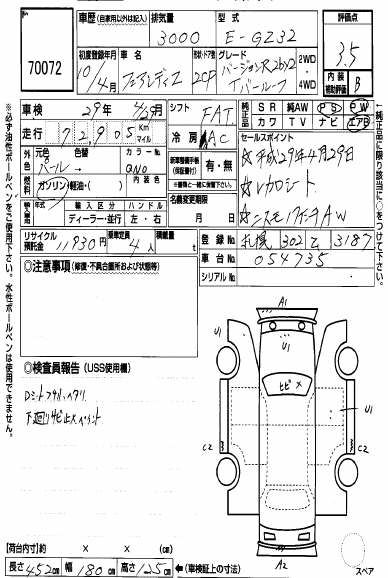
Dealer colour samples http://page19.auctions.yahoo.co.jp/jp/auction/x455685699


-
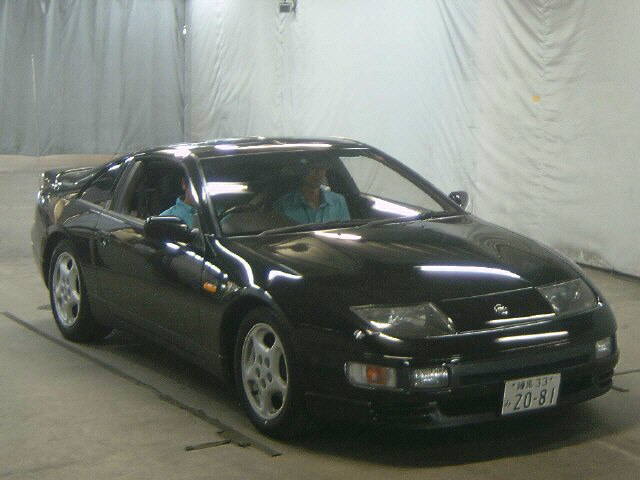
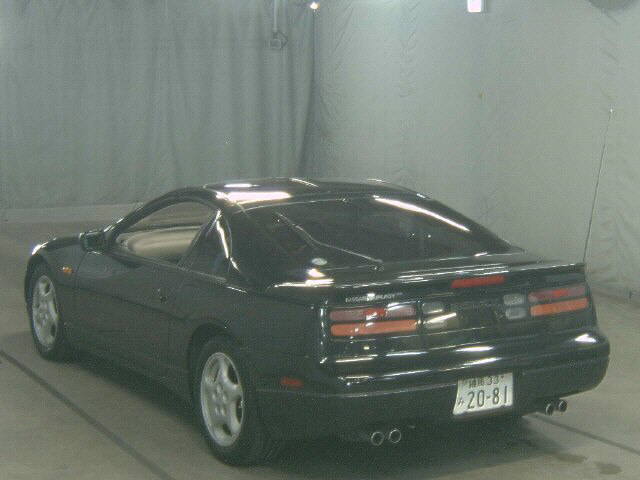
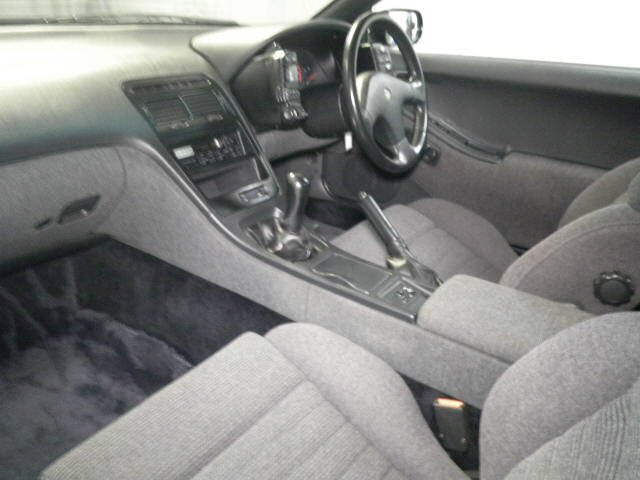
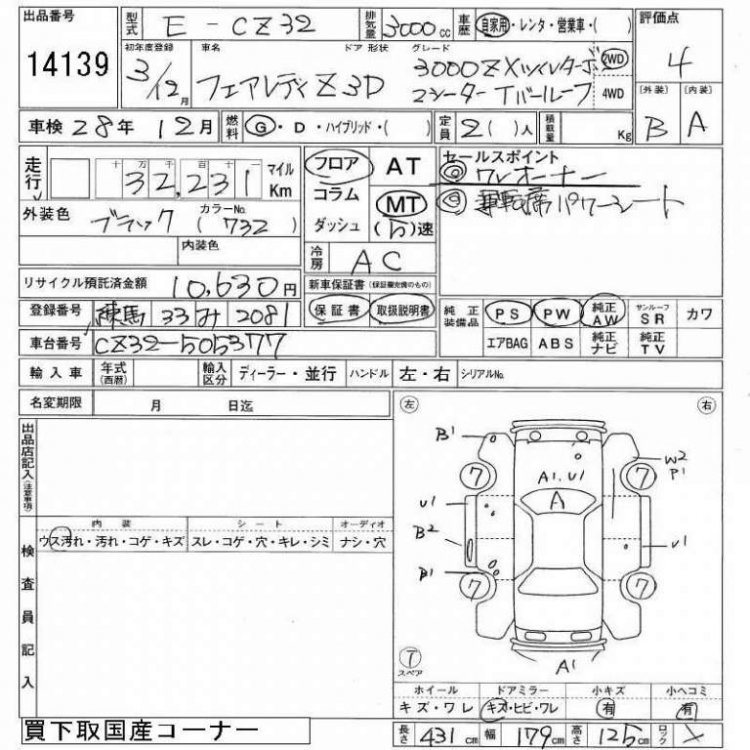
10/08/2016 - 1991 CZ32 So good that it got a passenger.
-
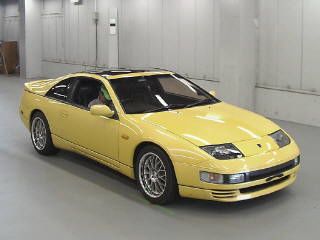
09/08/2016 - 1990 gcz32
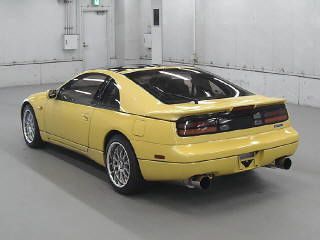
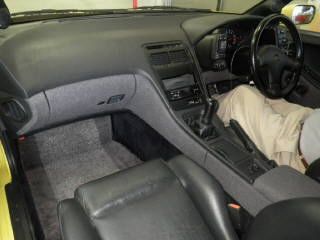
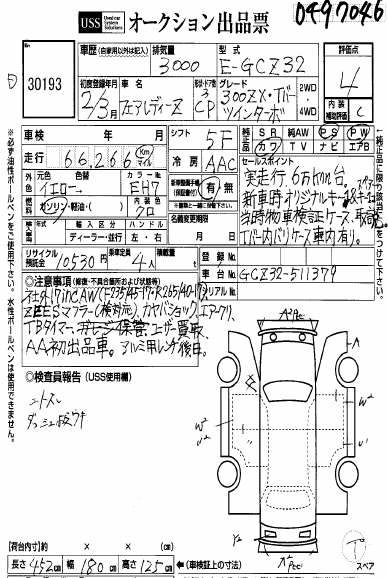
-
Happy Birthday!
-
Let me know what you think of the Nismo transmission mount. I bought one on sale but haven't decided if I'll use it. And don't sell.
-
Looking for a replica titanium key with red lettering if anyone has one, before I buy a plain one.
-
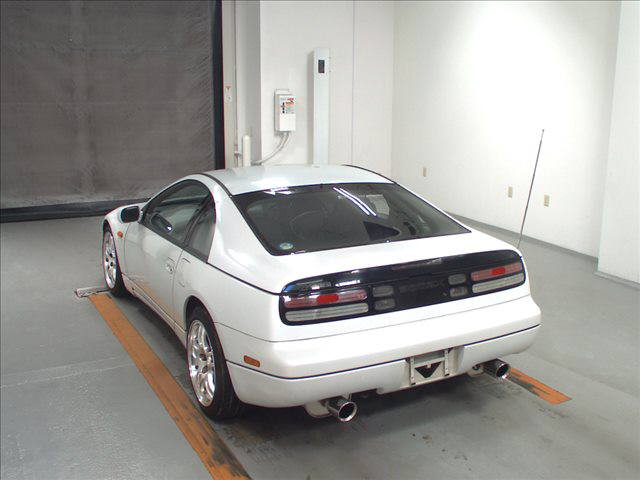
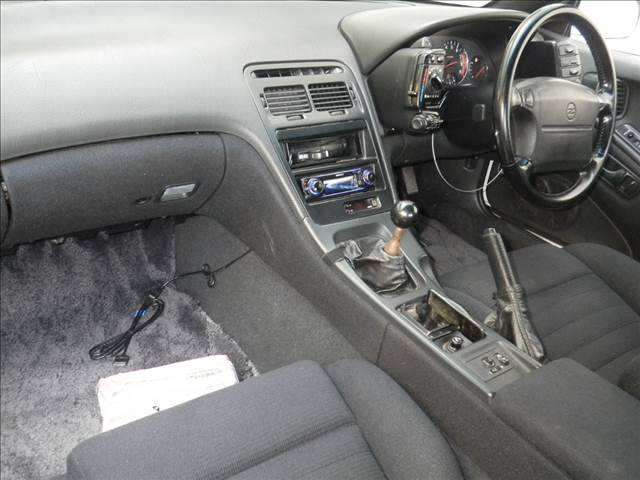
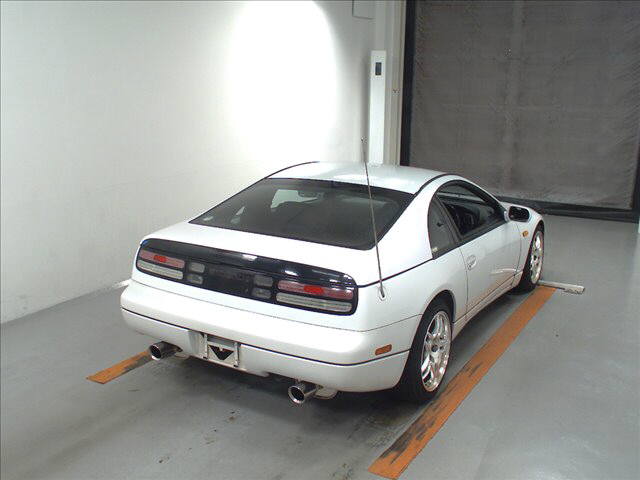
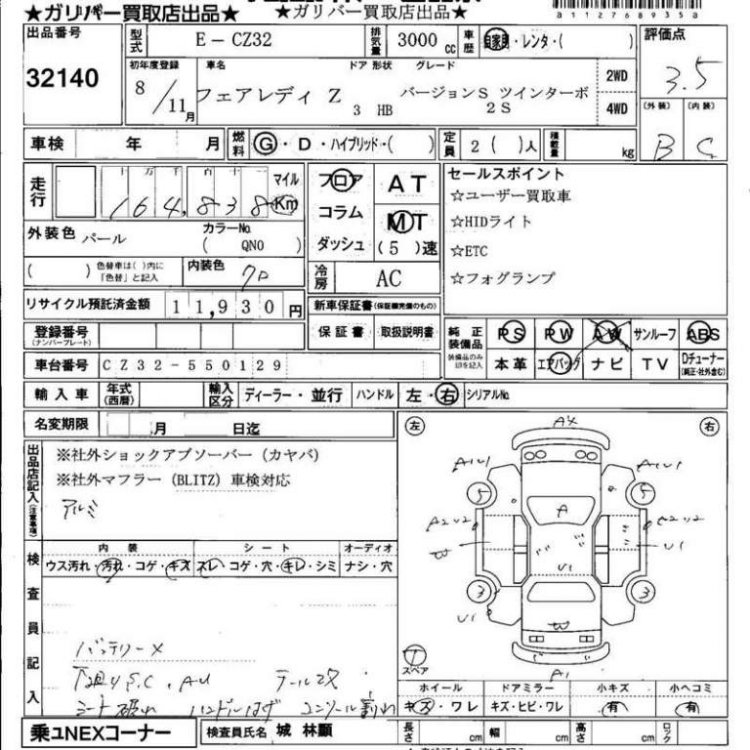
06/09/2016 - 1996 CZ32 version S
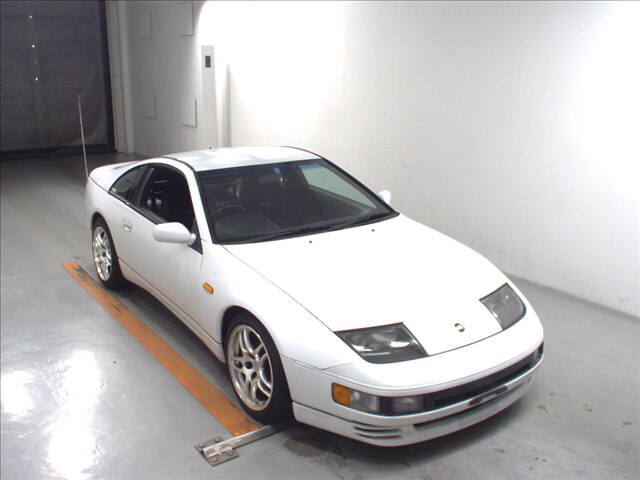
-
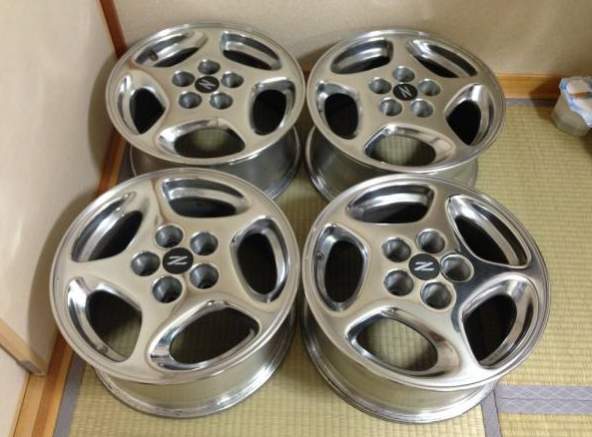
Love these late polished wheels! Price isn't too bad, but it's a shame about the shipping... http://page3.auctions.yahoo.co.jp/jp/auction/c563279051
-
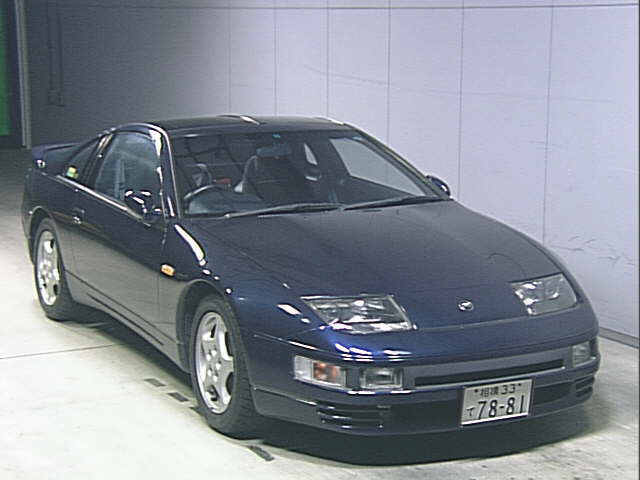
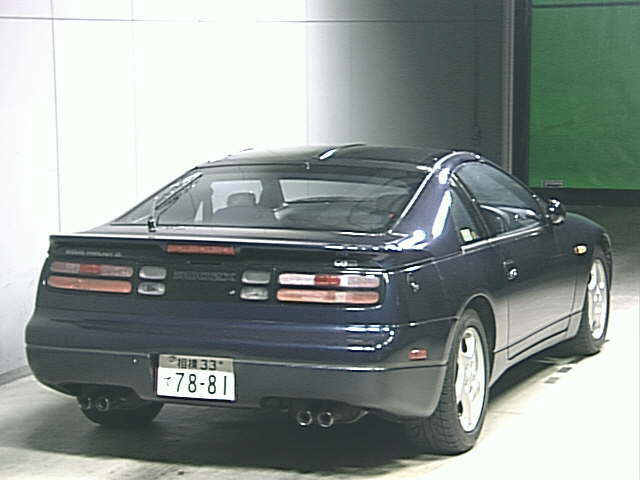
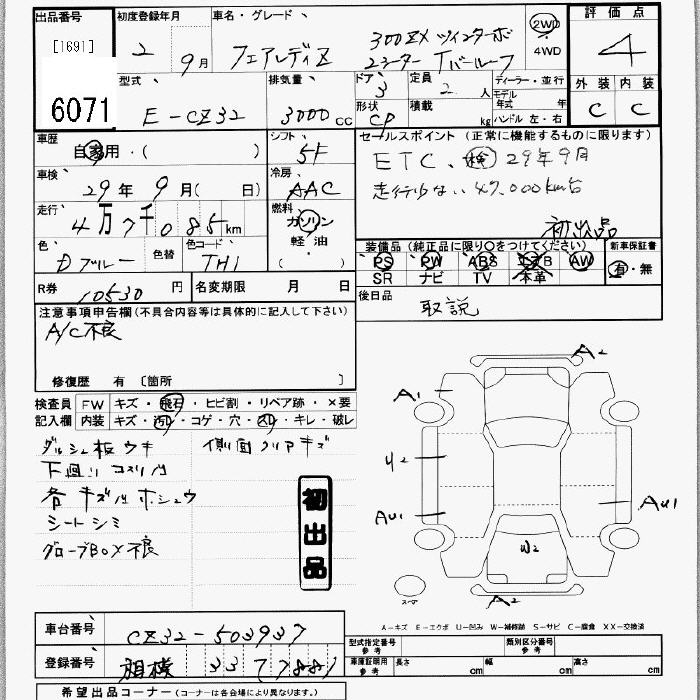
04/08/2016 - 1990 cz32
-
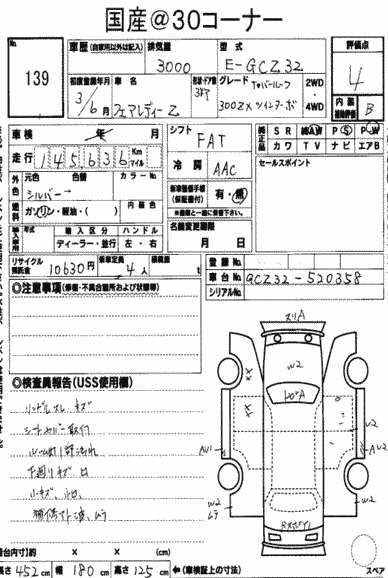
05/08/2016 - 1991 gcz32
-
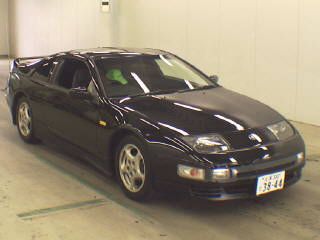
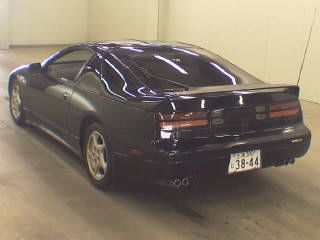
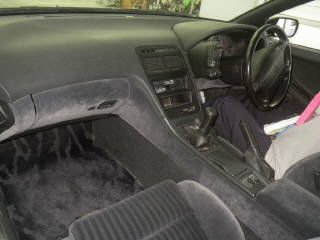
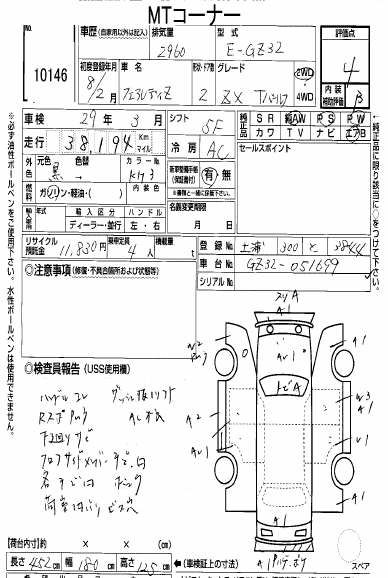
04/08/2016 - 1996 gz32
-
You might want to rephrase that :lol: Car is looking well!
-
Best of luck Paul!
-
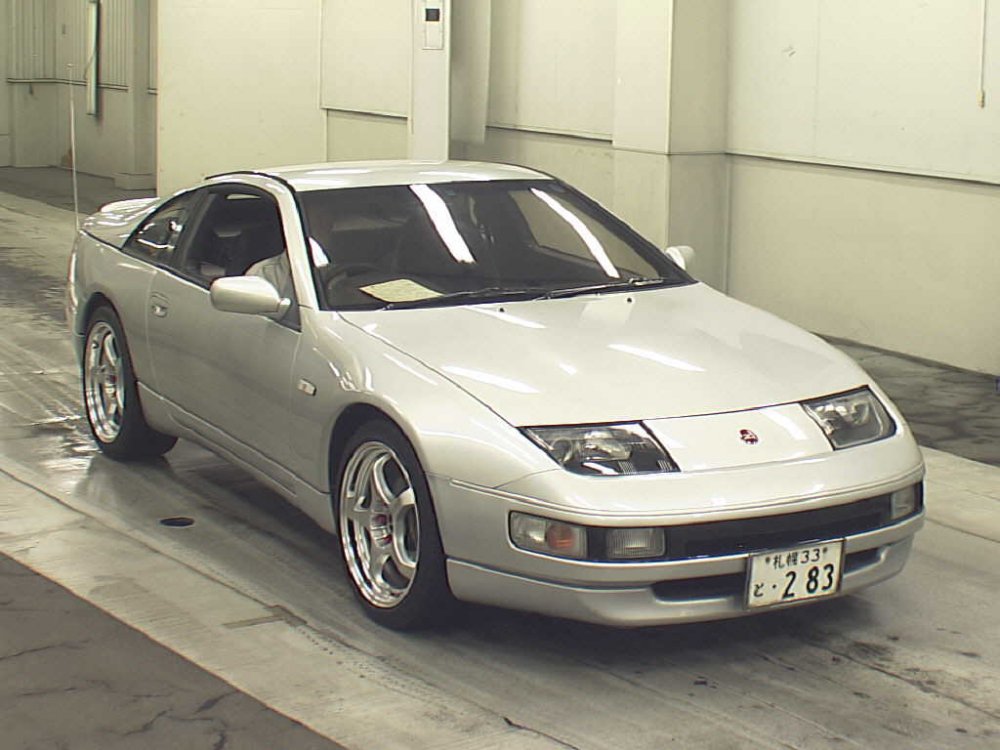
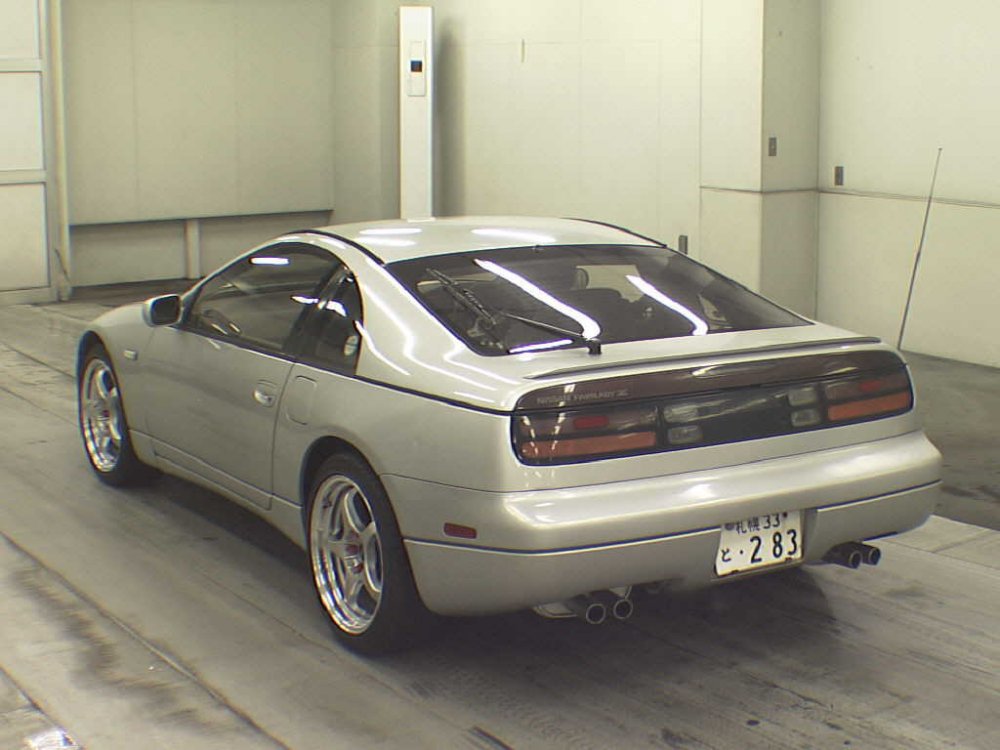
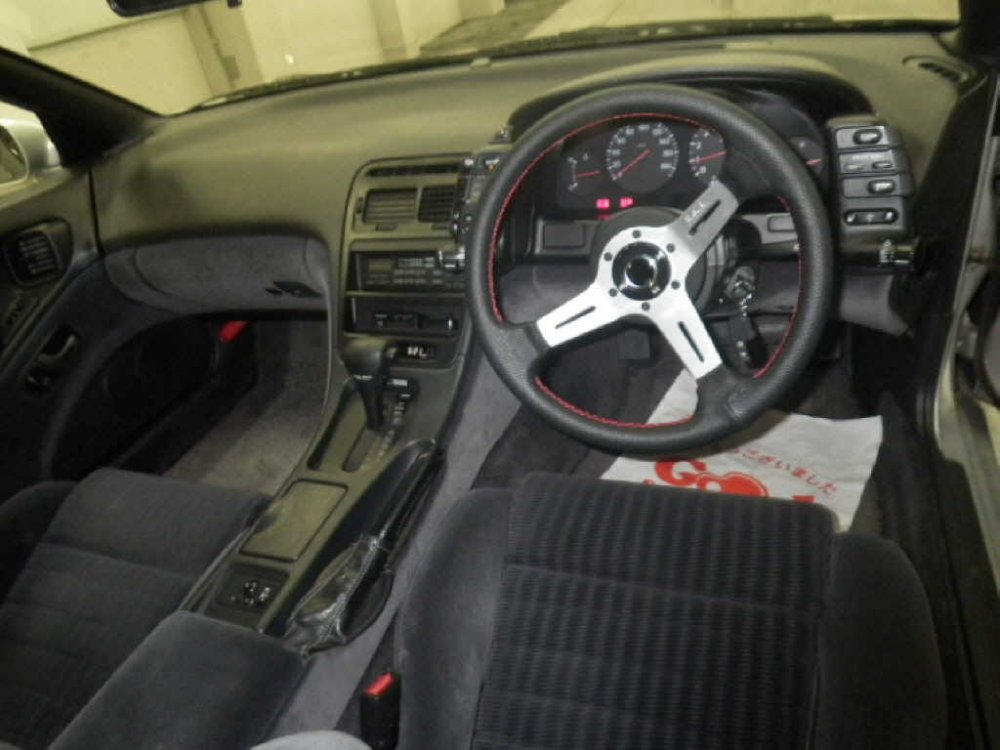
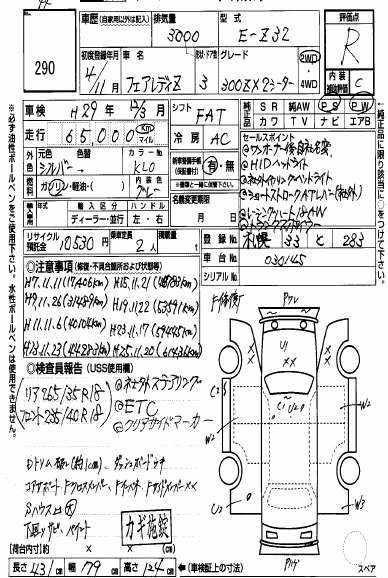
03/08/2016 - 1992 z32
-
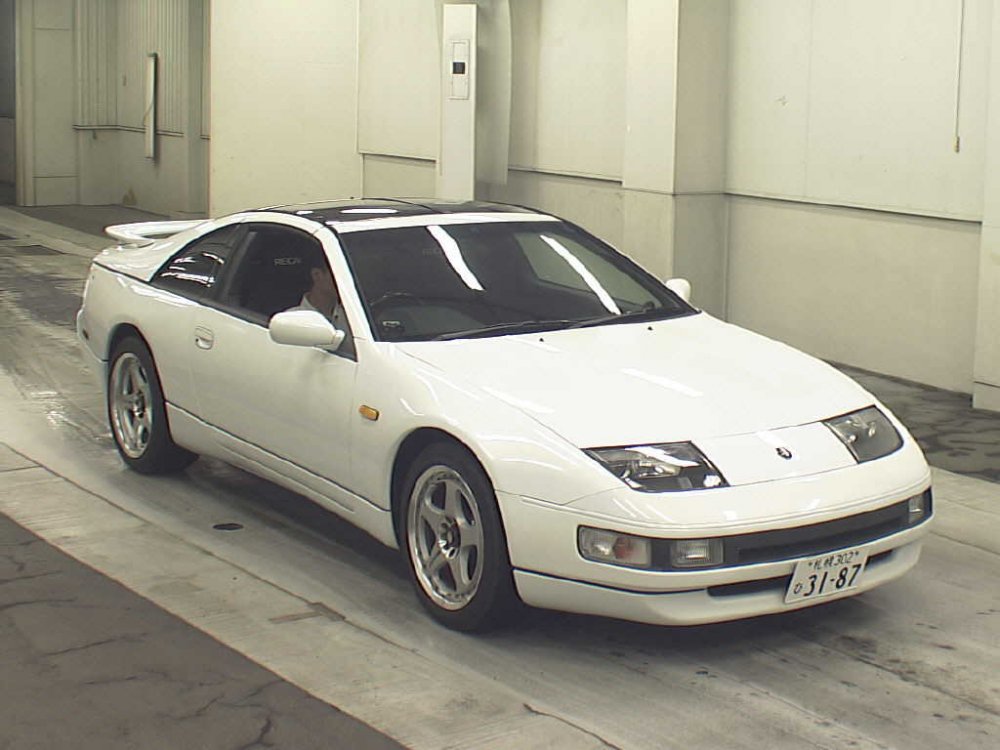
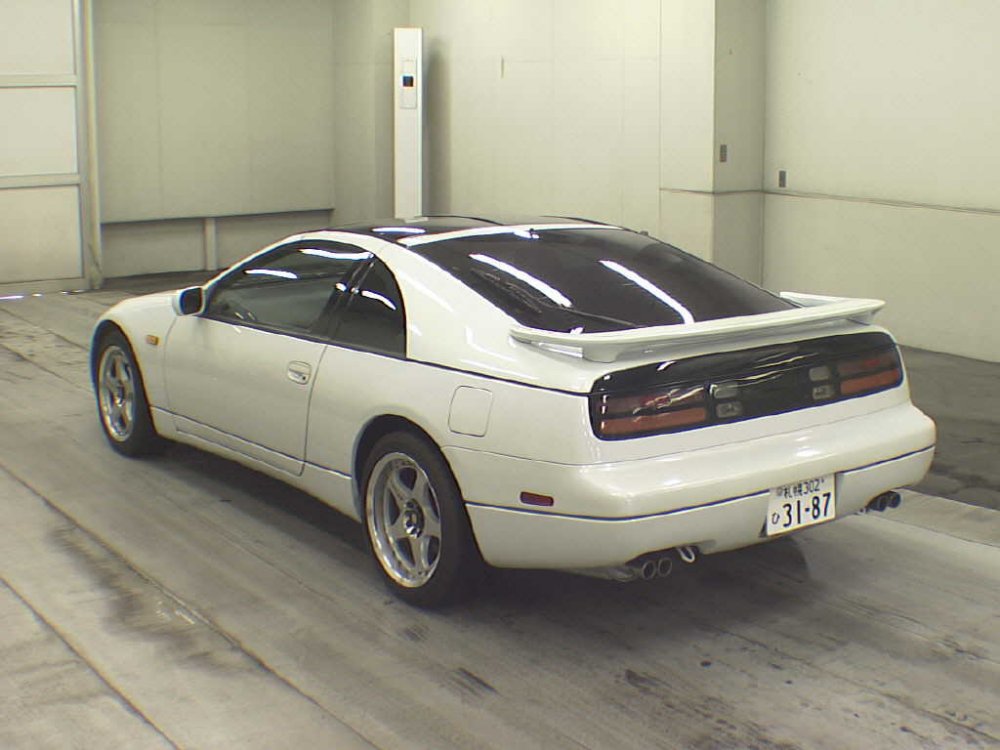
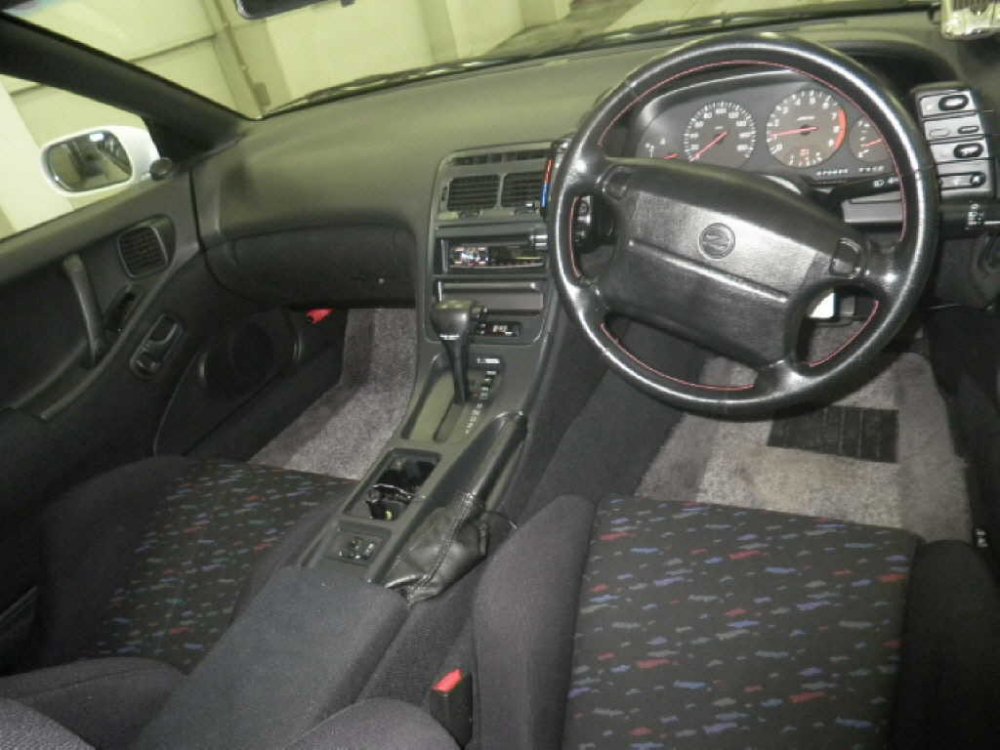
03/08/2016 - 1998 GZ32 version R
-
Sure but you can't really just do it out of habit when you have to go to the effort of typing it.
-
Welcome to the club.
-
I often think about it myself (although it's more due to this antimotoring shithole I live in) but I'm sure you know you'll regret it for the rest of your life. This club alone has shown me owning a Z32 is a lifestyle.