Everything posted by Bones28
-
cool :thumbup:
-
I don't trust people who put up bad quality photos and very little information.
-
Happy Bithday
-
Happy Bithday
-
Thanks Jeff will do
-
Welcome to the club good hunting.
-
Welcome to the club
-
Hi just been out to car, the connectors behind the passenger panel are wet so will clean and dry tomorrow. Will find targa drain as well. Thanks Jeff, will do my back a world of good.
-
Lol, Got loads to do on it wish I could, don't think my sister would approve.
-
Hi I'm at my sisters for a bit have the 300zx with me so poor things out in the rain and cold. Just heard a car horn go off constantly, went to door and it was my car:whistling:, so I disconnected the battery. It has been raining so much, water must have gotten into the horn wire some how.
-
Happy Birthday
-
Nice will give them a call
-
Cool thank you
-
Thanks anyway.
-
Shame
-
O\s n\s

-
Happy Birthday
-
Won't make any difference to your health if you eat to many burgers and cakes. Lol
-
Great stuff same with mine.
-
Nice looking Z, welcome to the club.
-
Good luck hope you do get it.
-
Passed MOT. Just love the smoothness and power, need some deserted mountain roads. Only got to do 1,500mls last year.
-
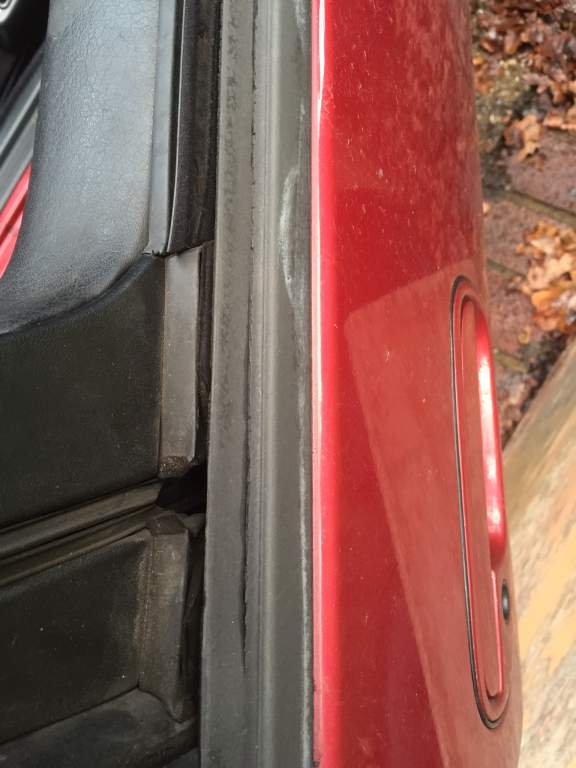
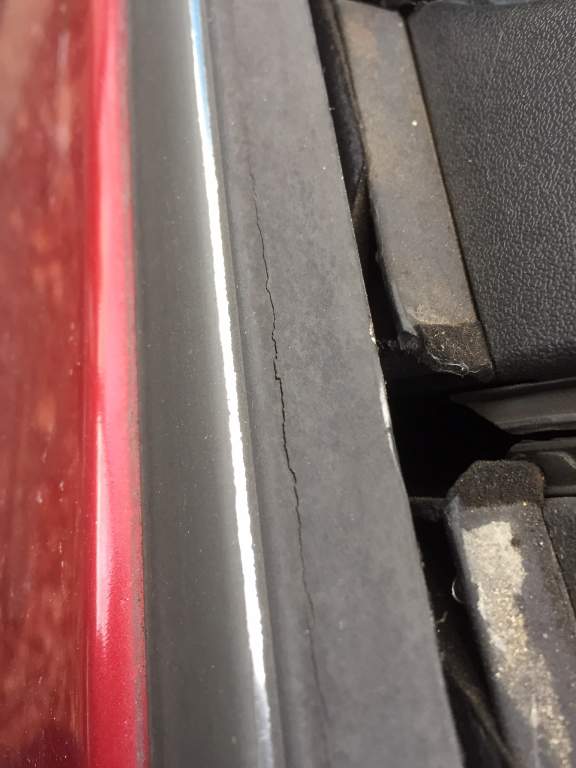
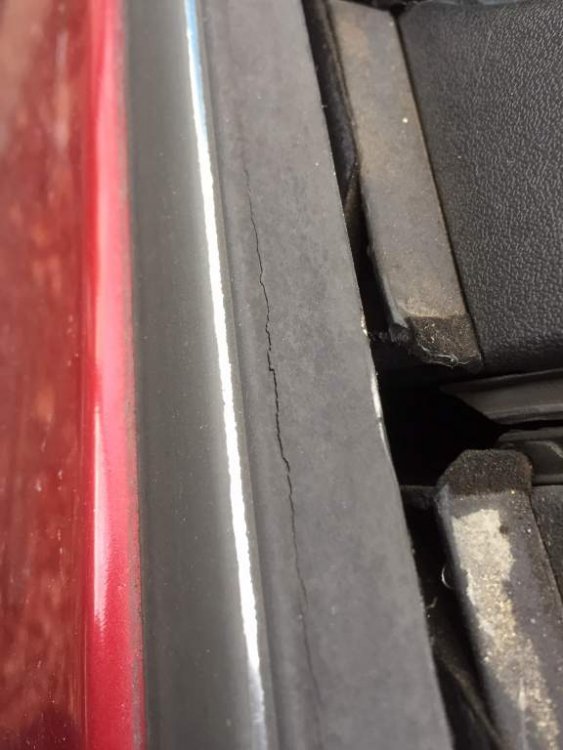
Hi does anyone know a fix for the door weatherstrips or somewhere not too expensive Z Centre £75 each side.
-
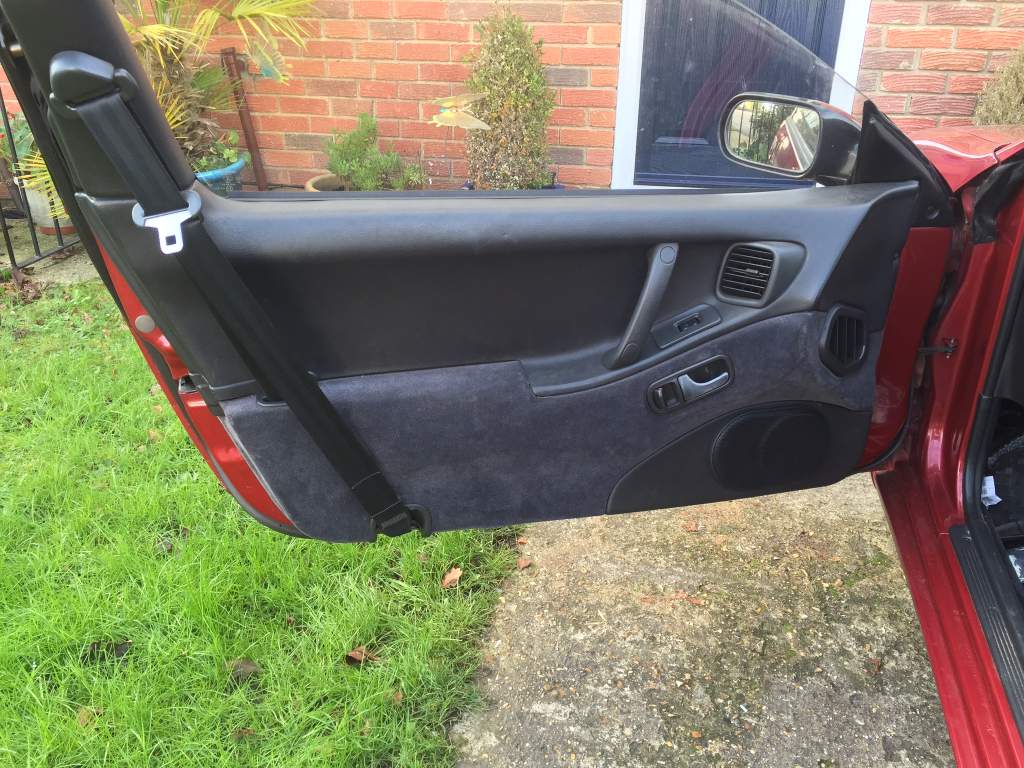
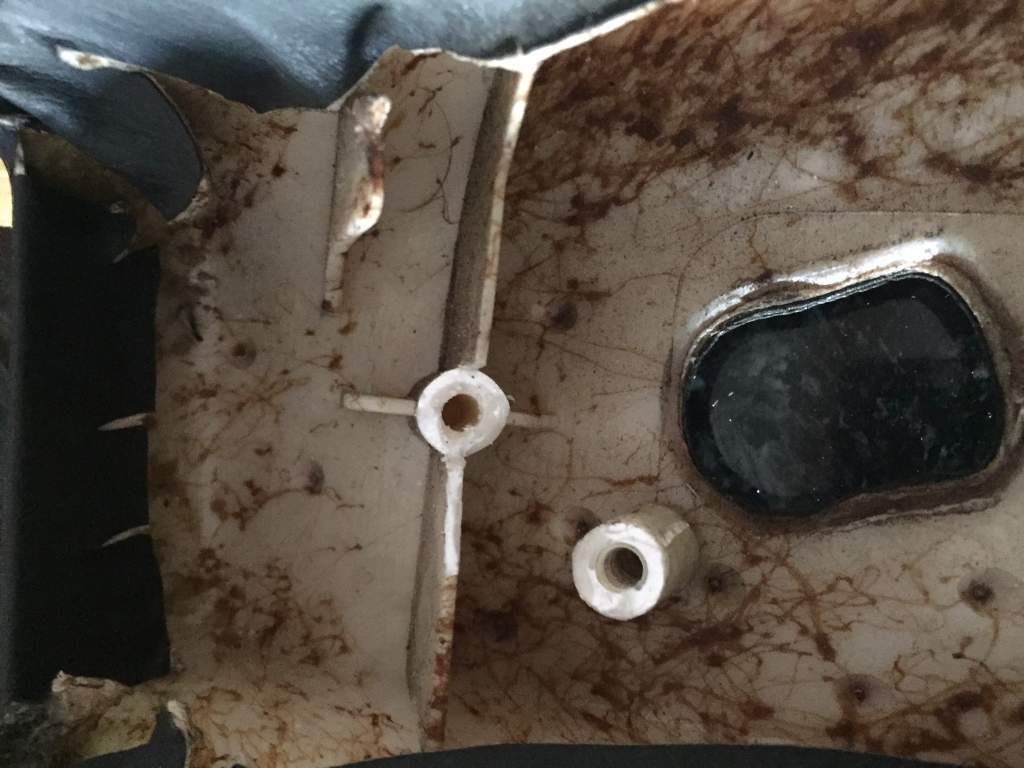
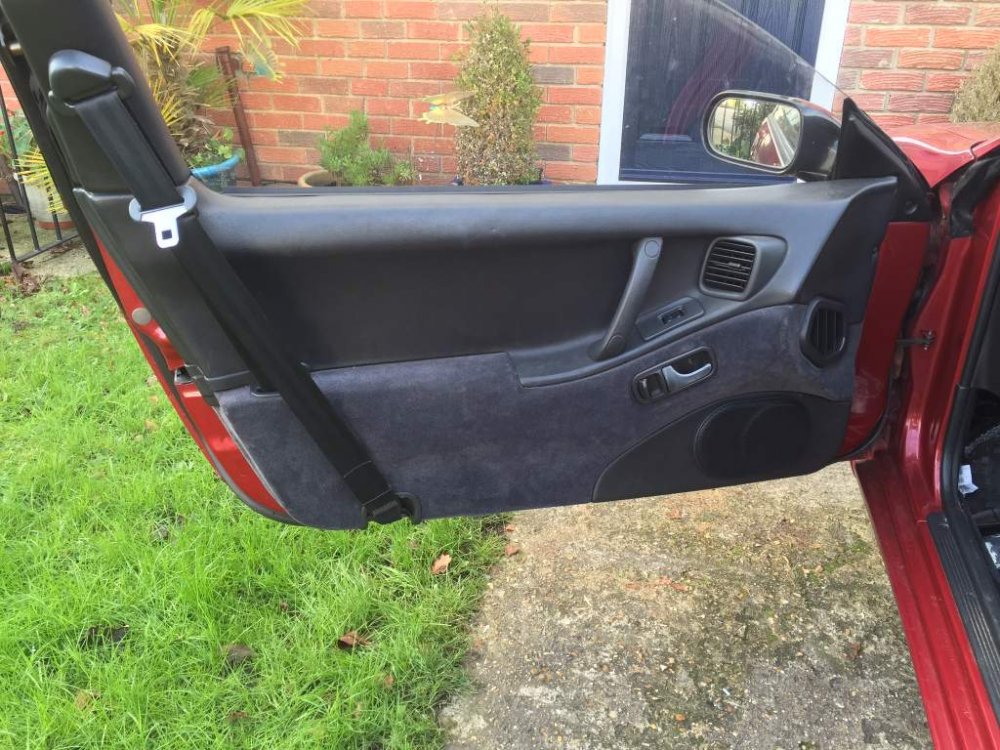
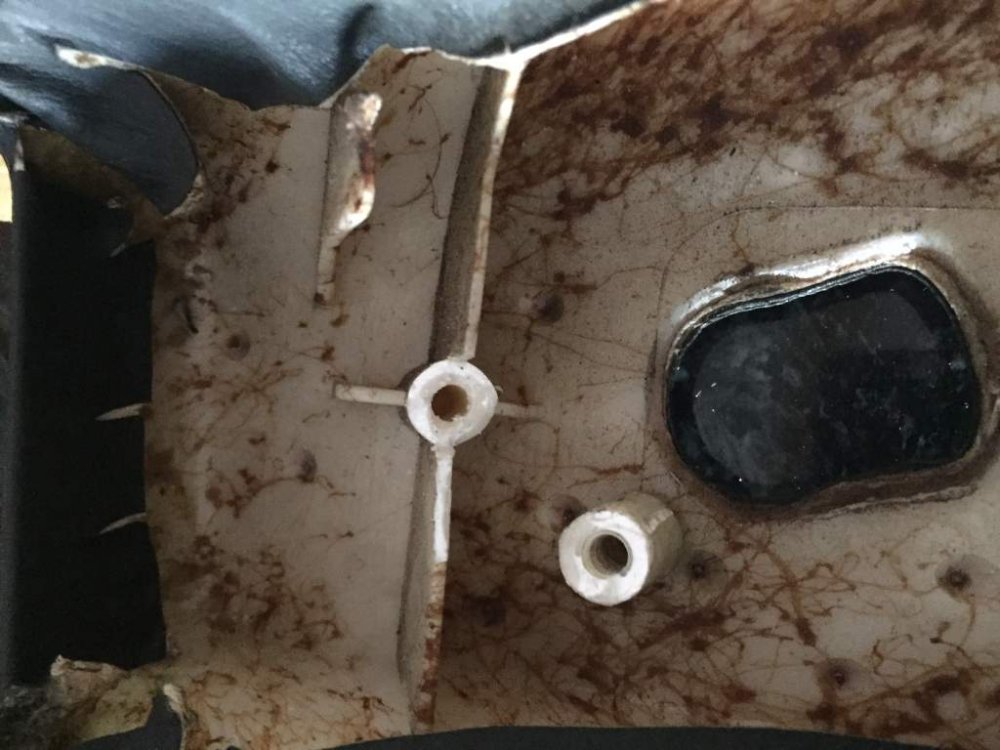
Passenger door card back on looks ok not perfect but neither am I so we make a good match. Drivers side next if only things were simple, both covers with the second hand interior I purchased were broken too. I will be sorting my drivers window as well have a bad rattle that's driving me mad. I have the part to fix it.
-
Funny that just booked my MOT for tomorrow as well. Fitting door cards back today clips just arrived.