Everything posted by Bones28
-
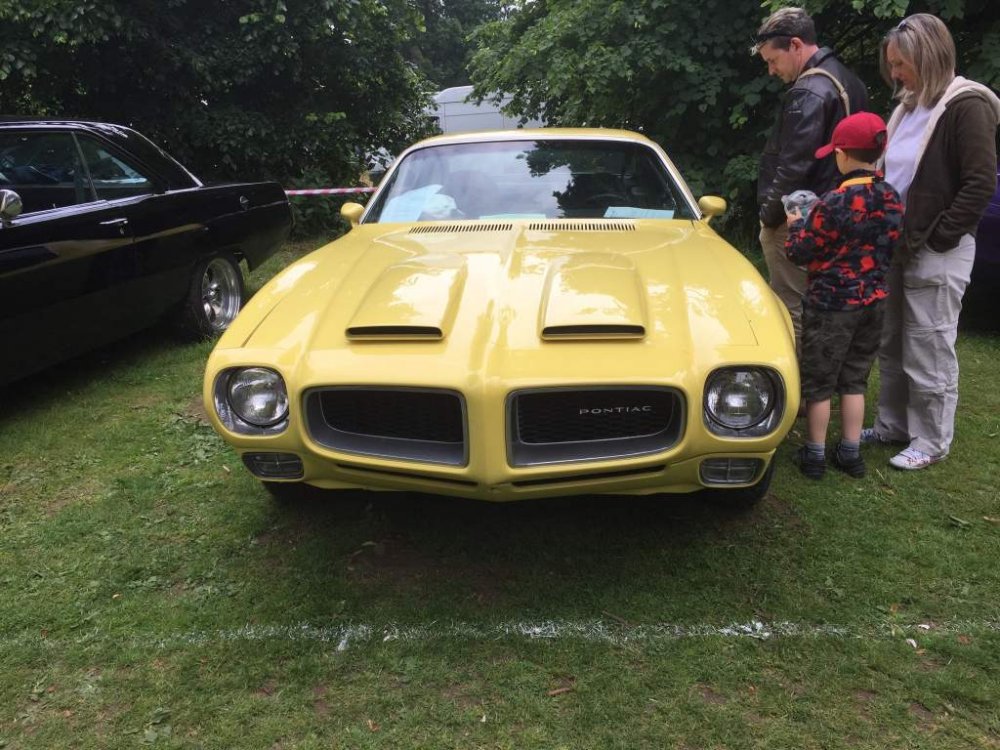
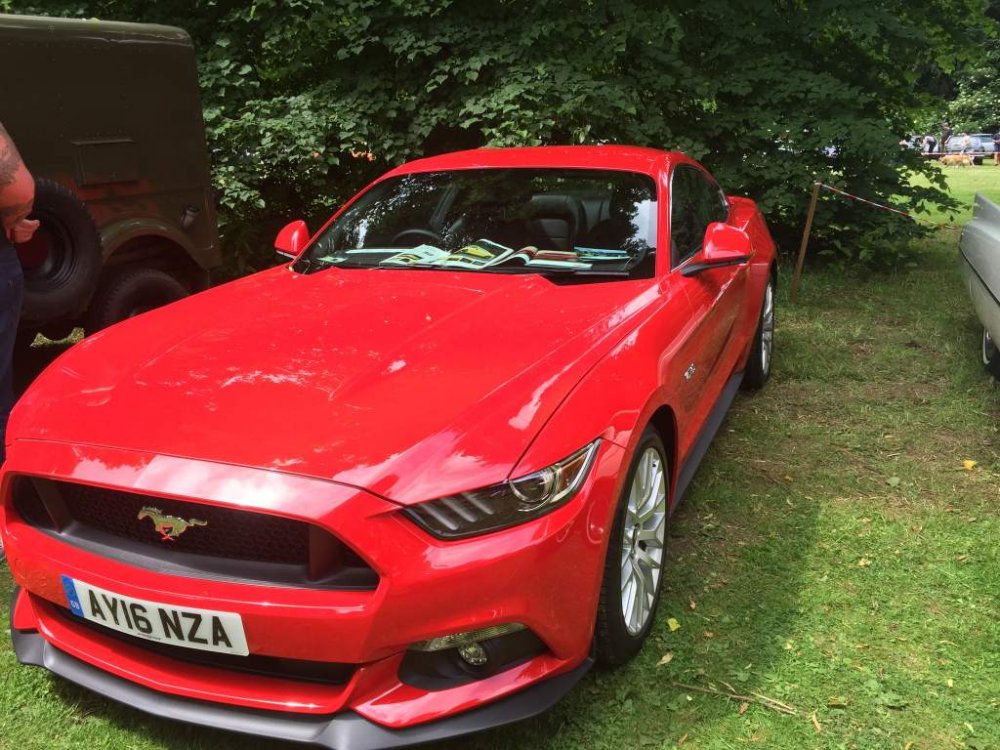
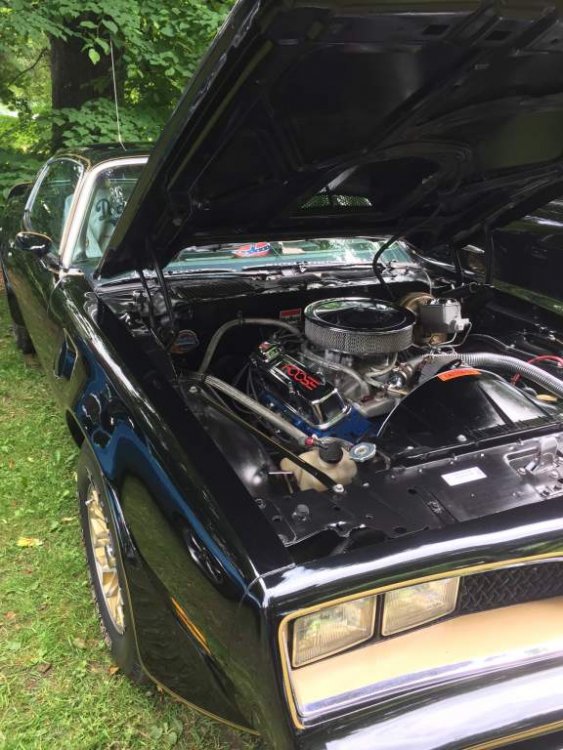
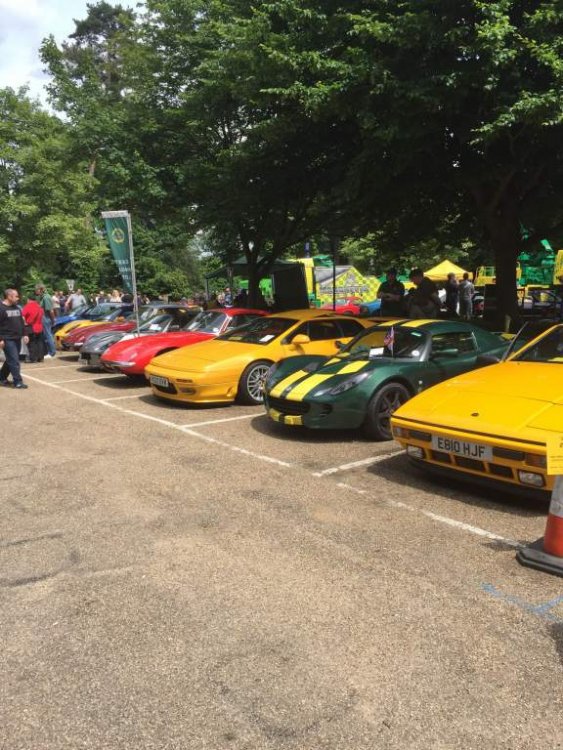
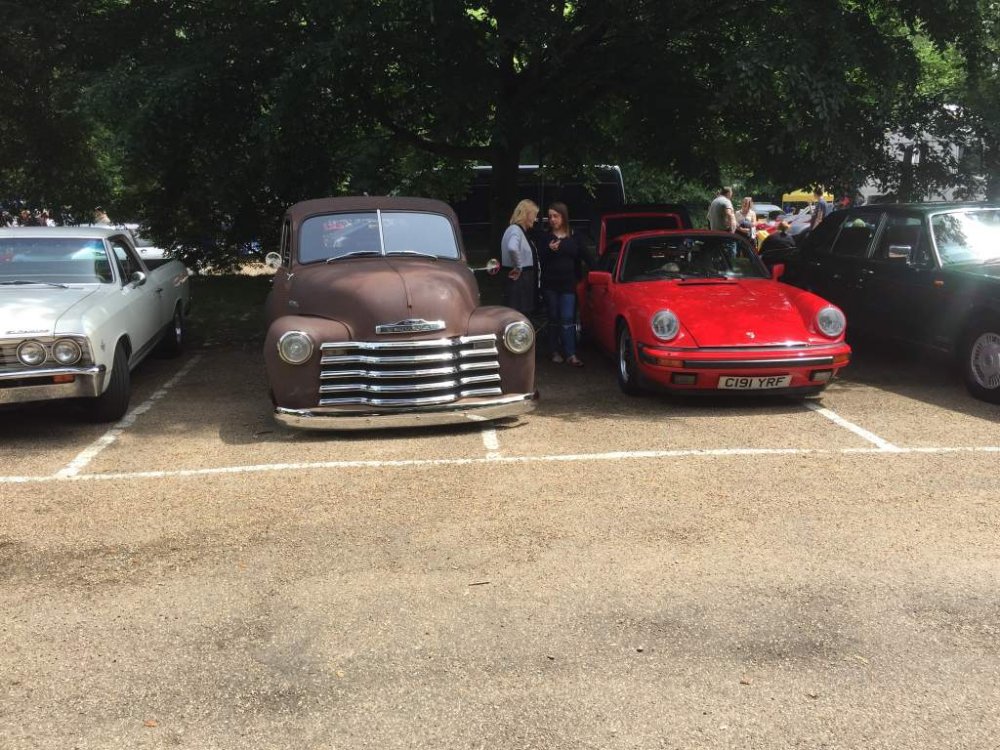
Was a nice day.
-
Nice, my cousin has one, has bigger turbo and Porsche brakes, I had a go round Castle Combe great fun.
-
I might be about but not with my Z.
-
Cool
-
Happy Birthday
-
Happy Birthday
-
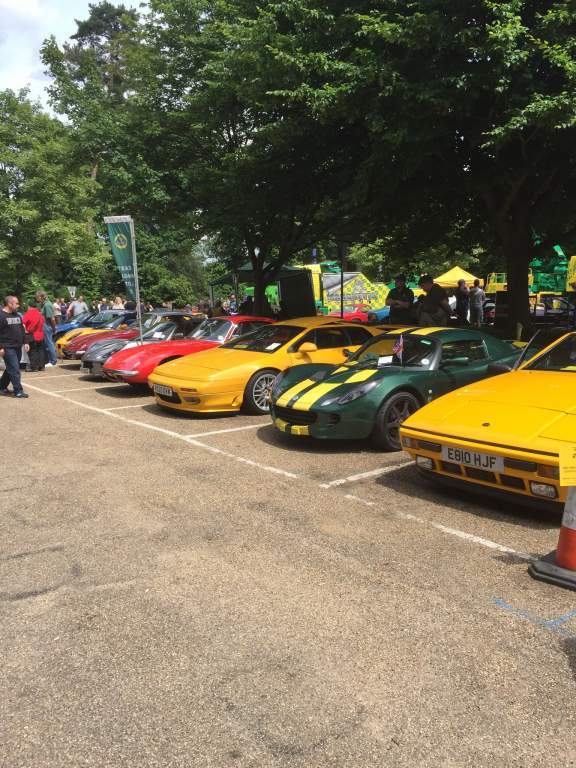
Wish I could have come but had to pick my niece up from Manchester today. Nice turn out.
-
Looking good will be a nice custom touch when finished.
-
You will have to get a long thin flat head screwdriver and at the corners slide the metal clip off.
-
Happy Birthday
-
Happy Birthday
-
Happy Birthday
-
Happy Birthday
-
Happy Birthday
-
Happy Birthday
-
Very nice has a bid on it now
-
That's a real shame they become so much part of the family it is hard. I'm sure you gave her a wonderful life.
-
Sure was a legend, I grew up watching him fight. R.I.P
-
Good luck, maybe see you there
-
Hi anyone going to the Bromley Pageant this year. http://www.bromleypageant.co.uk/bromley_pageant_home
-
Very nice any interior pics.
-
Cool number plate
-
Happy Birthday
-
It still got more style than any of those.
-
The Ad is very bad not really any information, pictures are horrendous show nothing really. He will not get that price in that condition, should be immaculate and the lack of history is disturbing you would want to list everything it's had.