Everything posted by Bones28
-
I think it looks nice.
-
Got mine thanks.
-
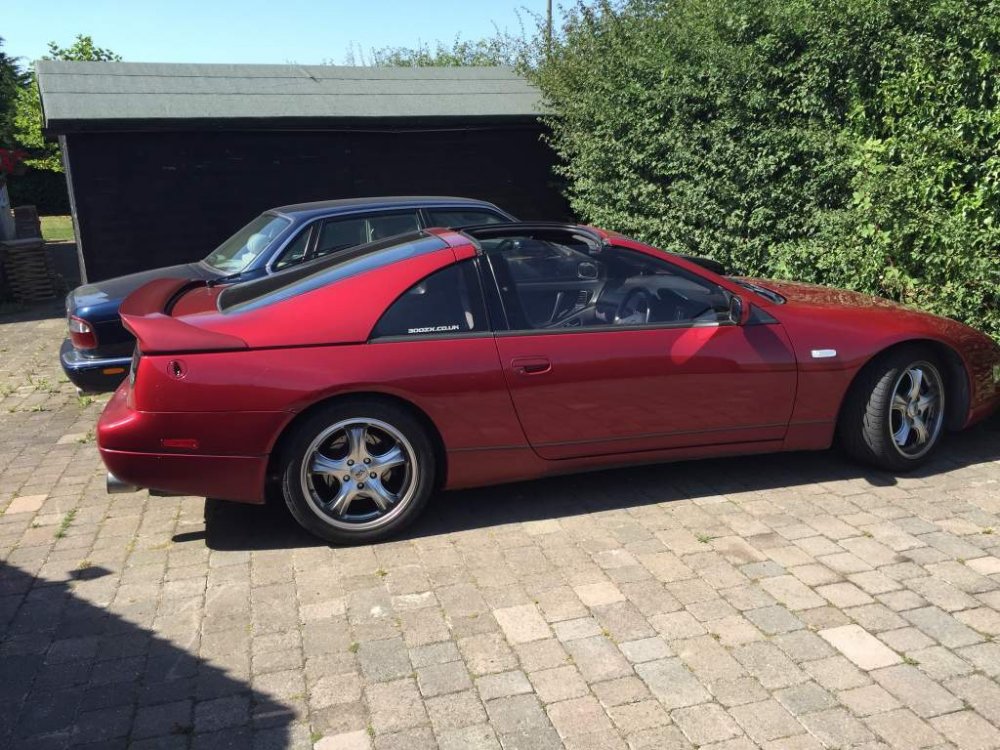
Nice drive to Newmarket and back with the tops off.
-
Rich family out for dinner.
-
My oil temp today on the M11 was between 90 - 100
-
I want one but never letting the Z go again.
-
Welcome nice looking z
-
Went to Kent to get my Zed swapped it round with my brothers car. Nice drive to my sisters car ran well, next week back home, put away in garage ready for Classic-and-Sports-cars-by-the-lake.
-
Happy Birthday
-
Happy Birthday
-
Very nice
-
Welcome to the club.
-
Got mine thanks.
-
Very very nice great work.
-
Try popping down to the local exhaust garage sure they should be able to match it.
-
Happy Birthday
-
Happy Birthday
-
Happy Birthday
-
Happy Birthday
-
Great news well done Paul.
-
Happy Birthday
-
I have not fitted mine yet, that looks bad would not have expected that to happen.
-
Happy Birthday
-
Happy Birthday
-
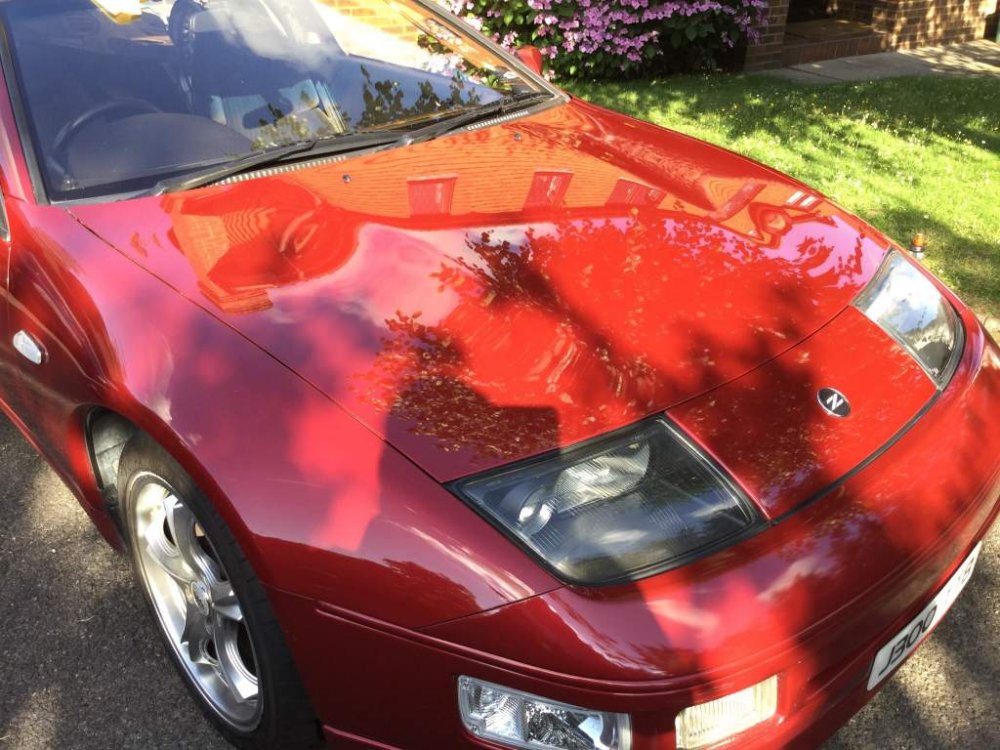
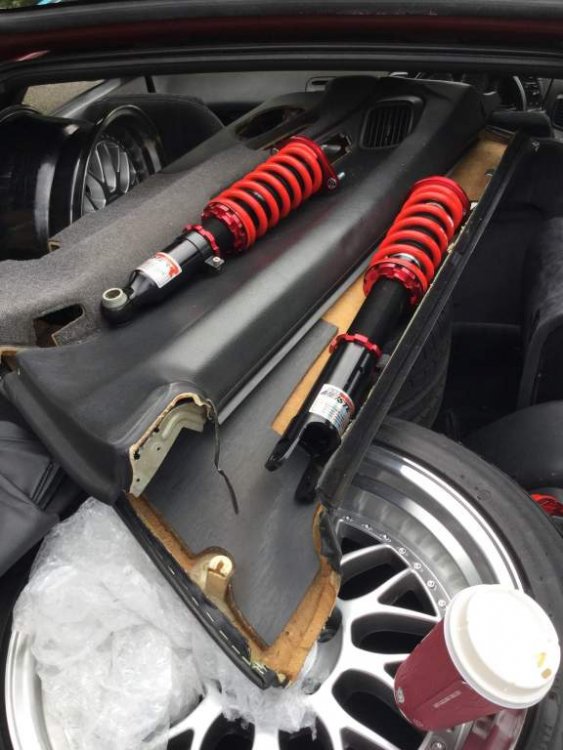
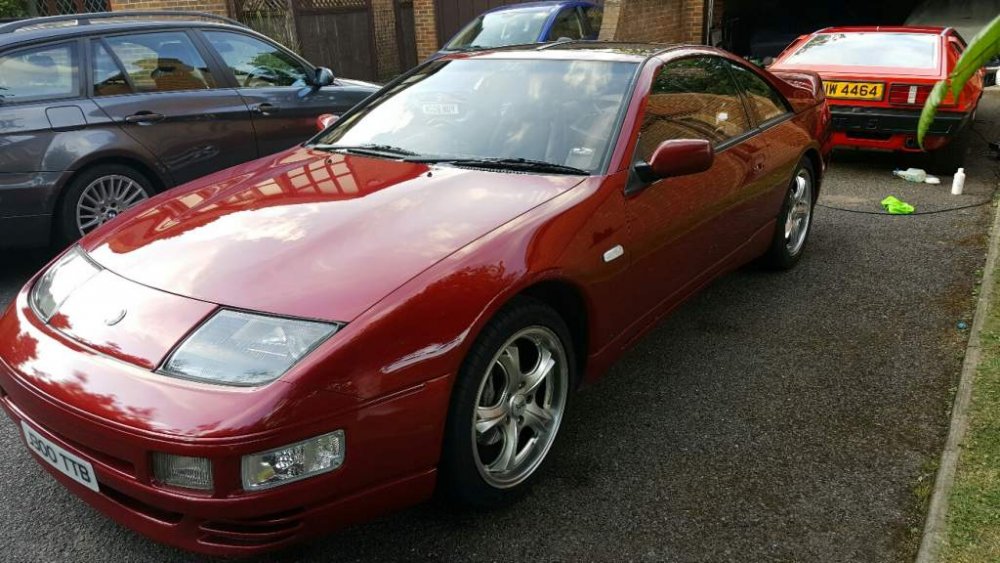
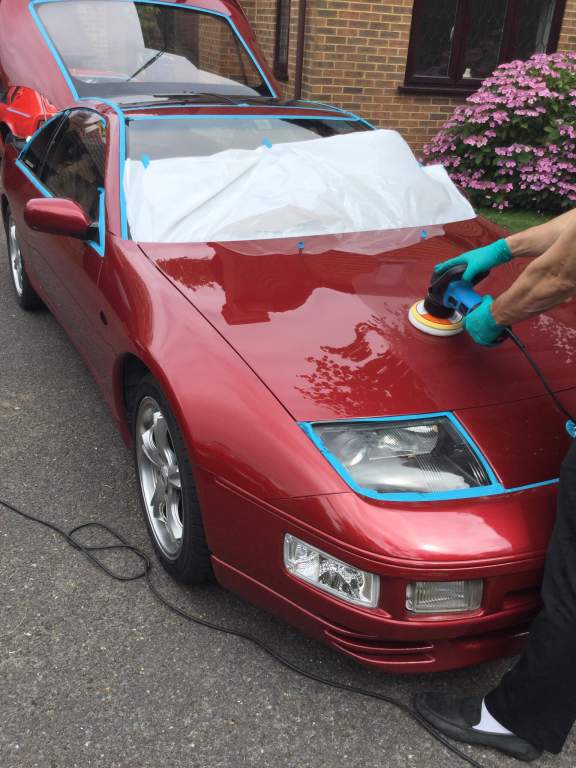
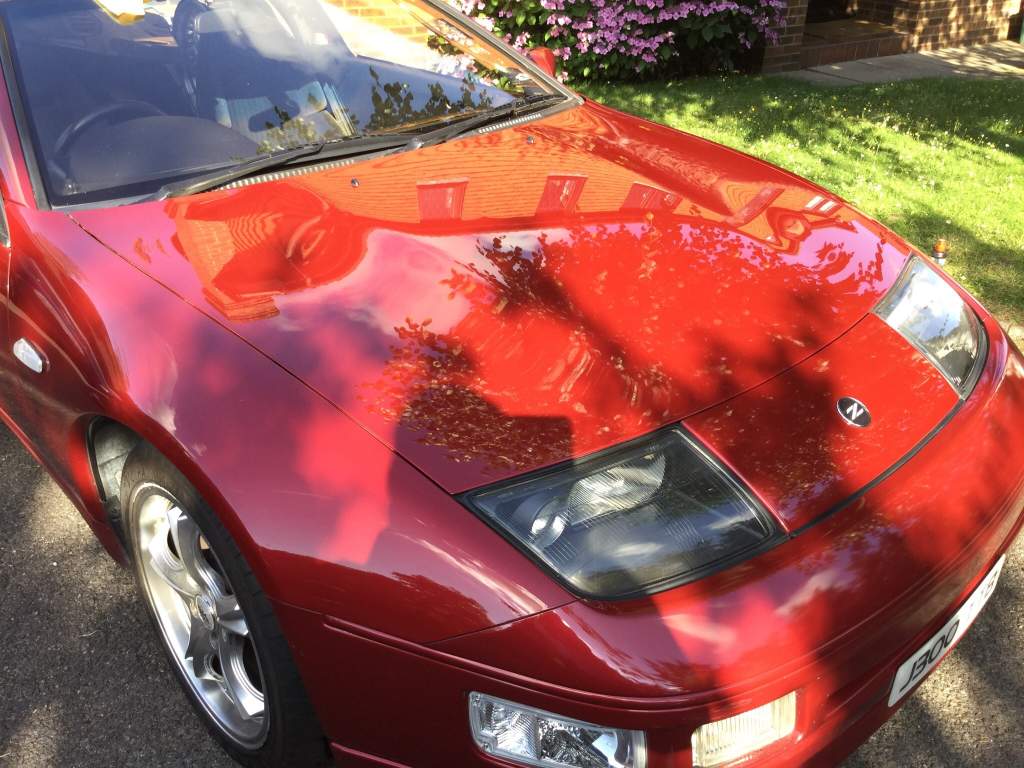
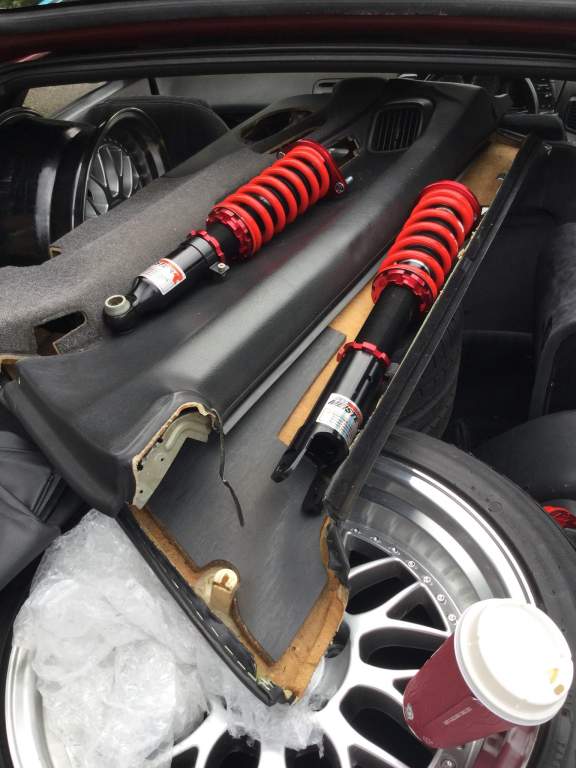
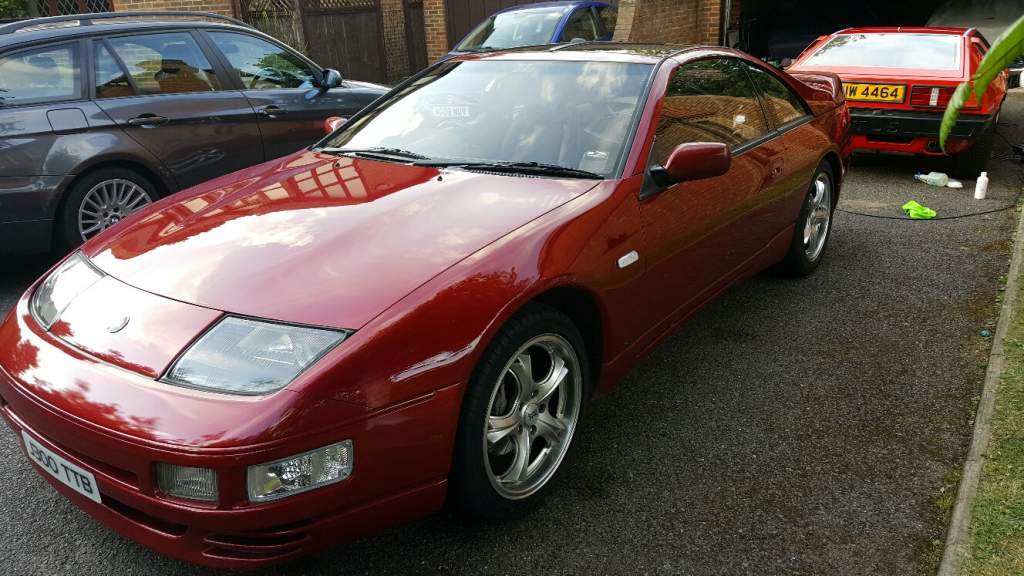
My sister has given me tickets for the weekend with a car pass to The Silverstone Classic, on the Sporting Bears stand. Well wasn't expecting that, car is not ready for a show yet, so spent the last 2 days with the help of my friend, bringing my paintwork back to life. I do not need a re-spray now, was amazed how well it came out, has a real sparkle in the colour. Suspension will have to wait now no enough time. Had to make an effort not to let the club down.