


Everything posted by Bones28
-
Happy Birthday 🥳
-
Happy birthday 🥳
-
Hi the later cars did not have turbo gauges. https://conceptzperformance.com/wiki/index.php/Year_Differences?srsltid=AfmBOop7dwwOiRjbTNBE5W-BUh47BAKBmhF4QuEetetf3xaqP9z1uQiQ
-
Welcome to the club glad your enjoying your Zed
-
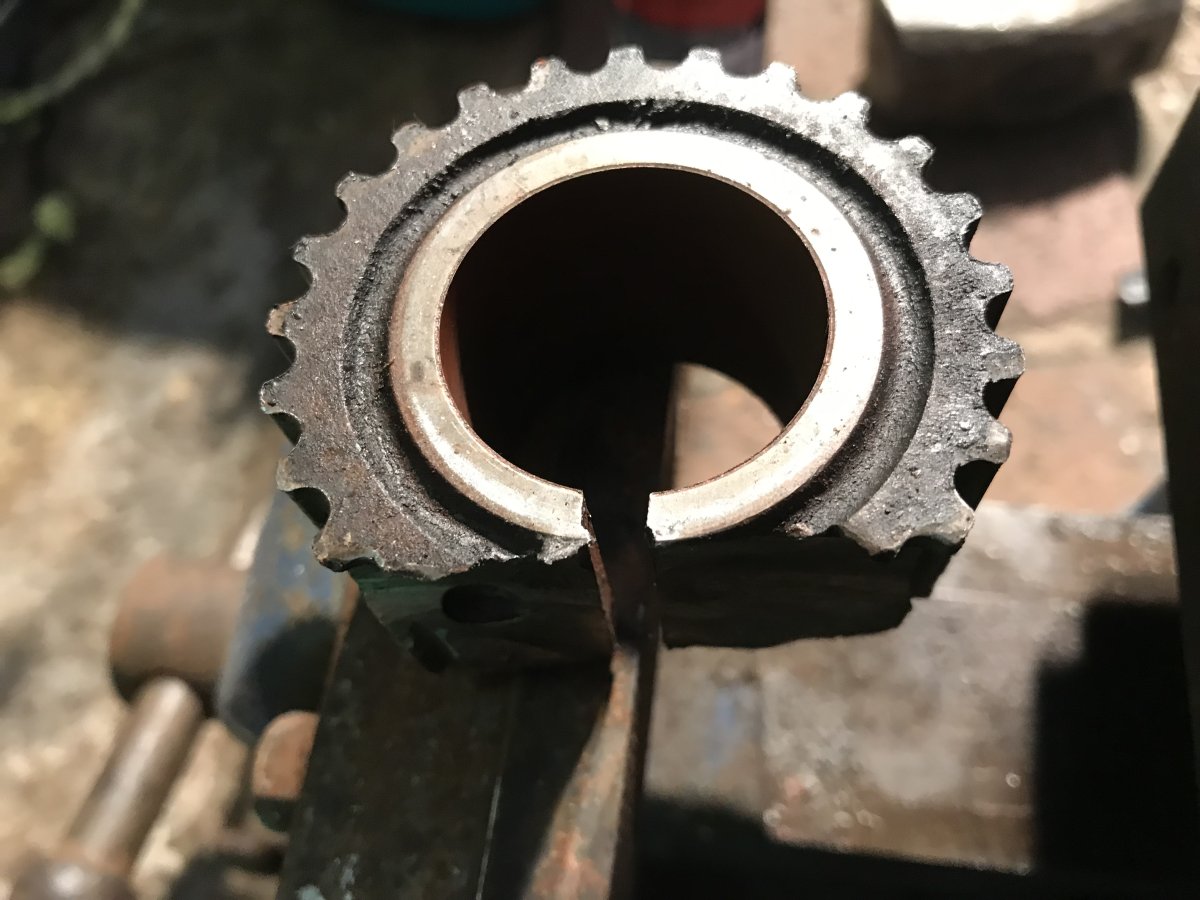
I learnt a hard lesson lesson last time I took the engine out, the crankshaft cog was seized and had to be cut off, but before that I tried to pry it off and a hairline crack was made in the oil pump, this was only found once the engine was put back In and started, so be very carefully cut it rather than pry it off, I put some copper slip on the shaft and this time it slid off with very little pressure.



-
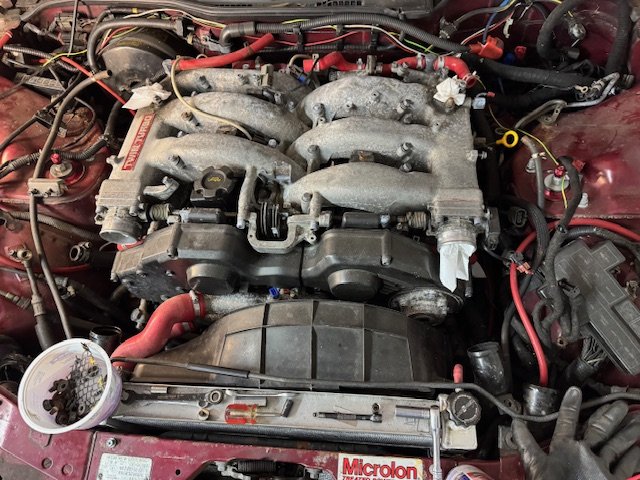
Well back in the real world, stripping the car. When I took it off the road I gave it a last blast down the motorway and the double nuts on the exhaust down pipes cane lose some fell off not so bad was worried because of the noise, also I had coolant pouring out of the front somewhere. Looks to be above the water pump in the valley.


-
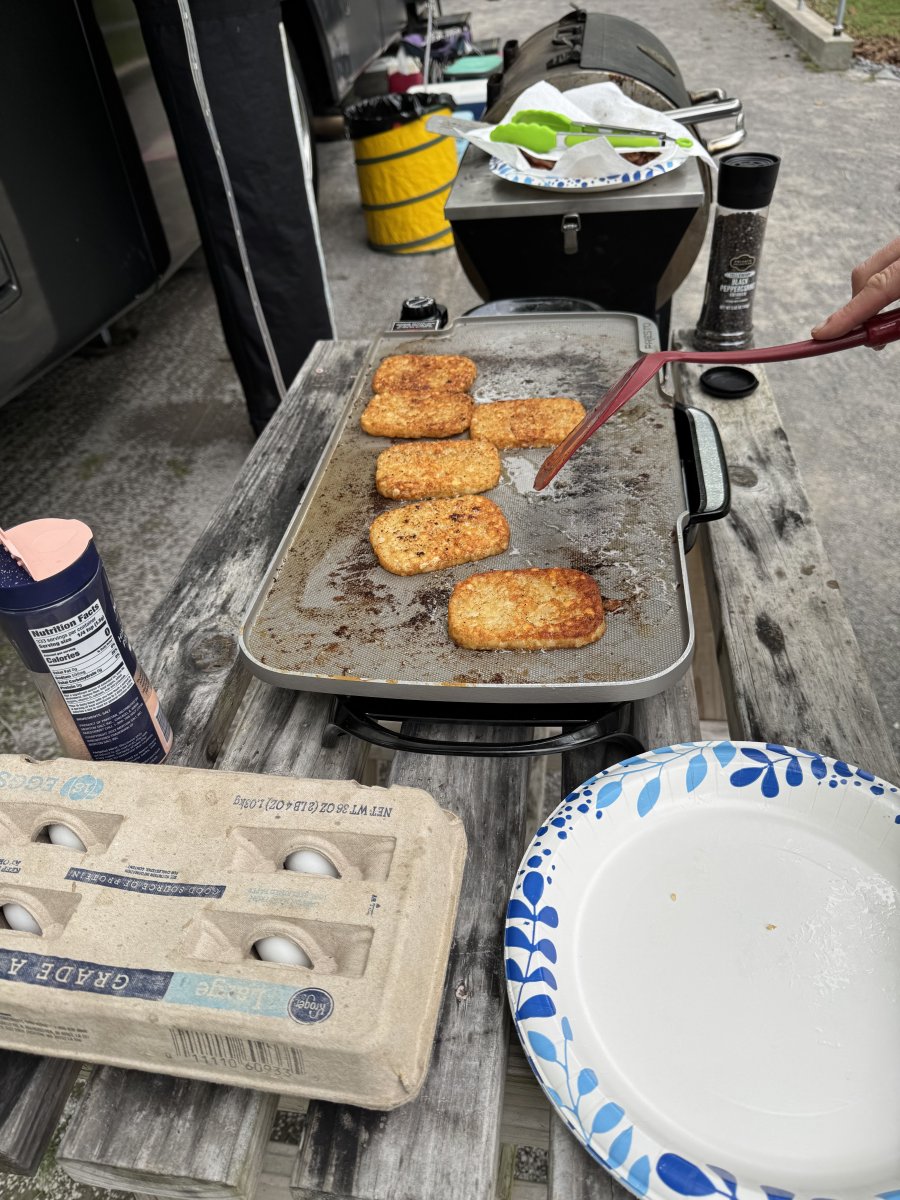
Camping


-
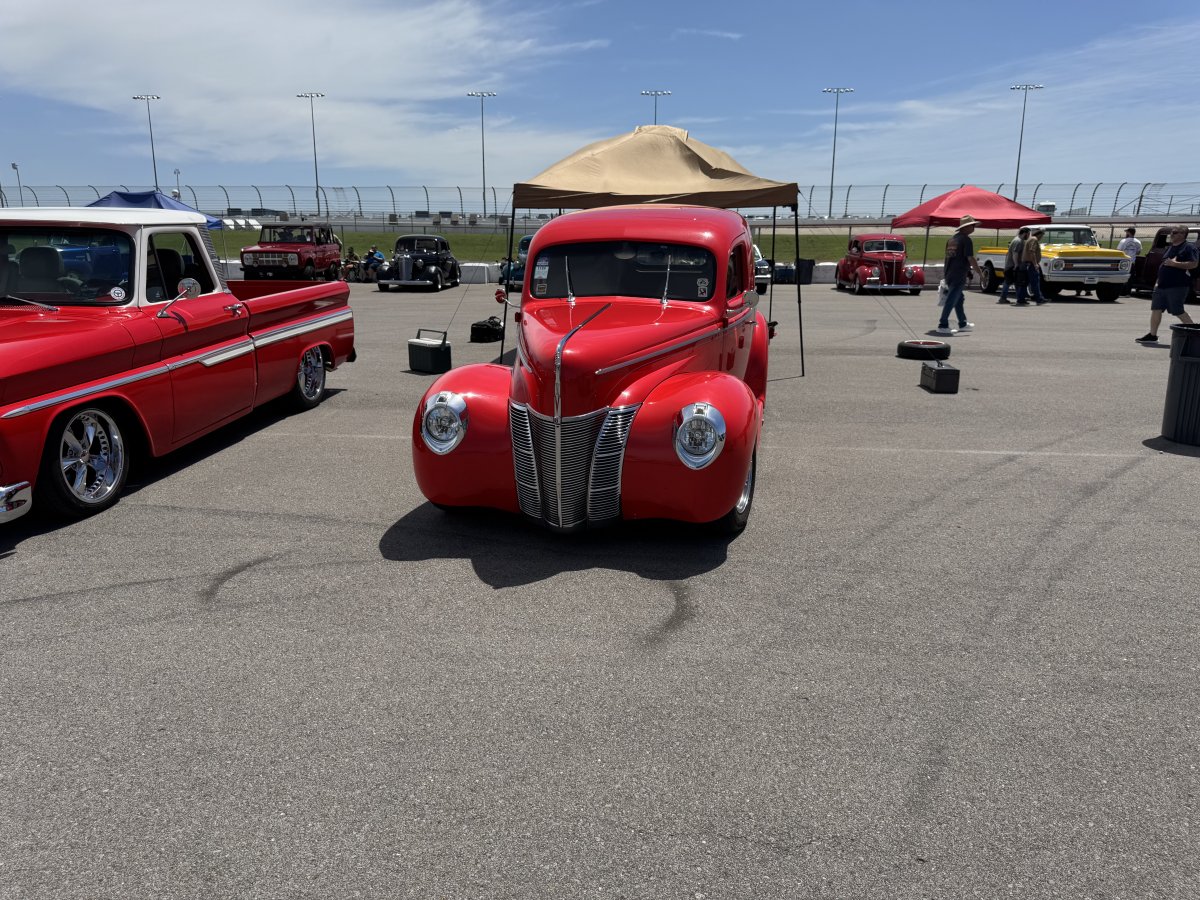
Hi been a little while spent most of last month in the US seeing family, Went to a car show.



 Happy Birthday 🎂Welcome to the club look forward to your expertise.Welcome to the owners club Ayrton. Good luck with your search, I to had an obsession when my brother brought his back from Tokyo and I got to drive it, was a rocket ship in 1991. I’m so glad I got one have had it since 2012 loved every drive.Happy Birthday 🎂Have a look at this site I have done as much as possible. http://s95014253.onlinehome.us/63104/197490.htmlIt could be the rear of the outer rocker covers.Welcome to the club Liam.Welcome to the owners club.This Easter I have been stripping the front end I’m hoping to drop the engine, gearbox and suspension out from underneath. Then I’m planning on buying a rotisserie to make things easier to work on the underneath.


 Wow amazing trip and can’t believe how lucky you were, someone was looking out for you, beautiful car you have.Happy Birthday 🎂Wow so sorry for you, what a horrendous nightmare, keep fighting they must not get away with bad workmanship.Happy Birthday 🥳He was always a fun guy. RIPYes just search for Nissan Consult.Happy Birthday 🥳



