Everything posted by Bones28
-
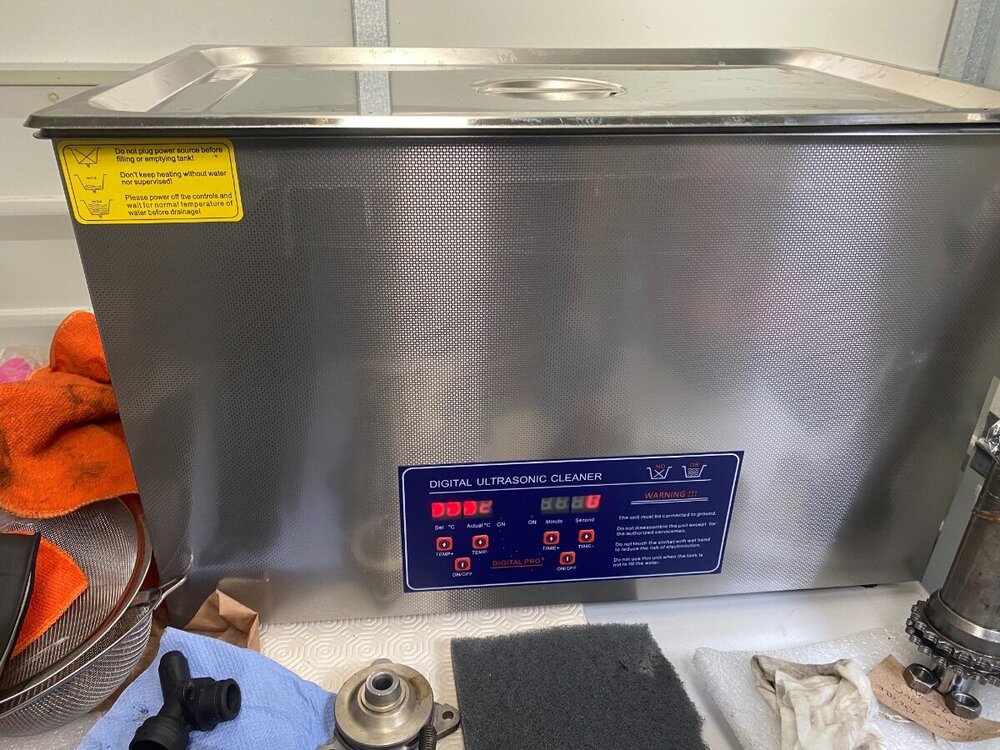
I got the Oxidation and Rust Removal Ultrasonic Cleaner Solution - 5 Litre Cleaning Fluid, There are many different cleaning fluids, the cheap ones don’t really work. I will use ACF-50 to coat all the parts to protect them. https://www.allendale-ultrasonics.co.uk/detergents-and-fluids
-
eBay Chinese £200, Named brands are 4 x as much. https://www.ebay.co.uk/itm/133830811604?hash=item1f28f01fd4:g:mRQAAOSwumNhAAWC
-
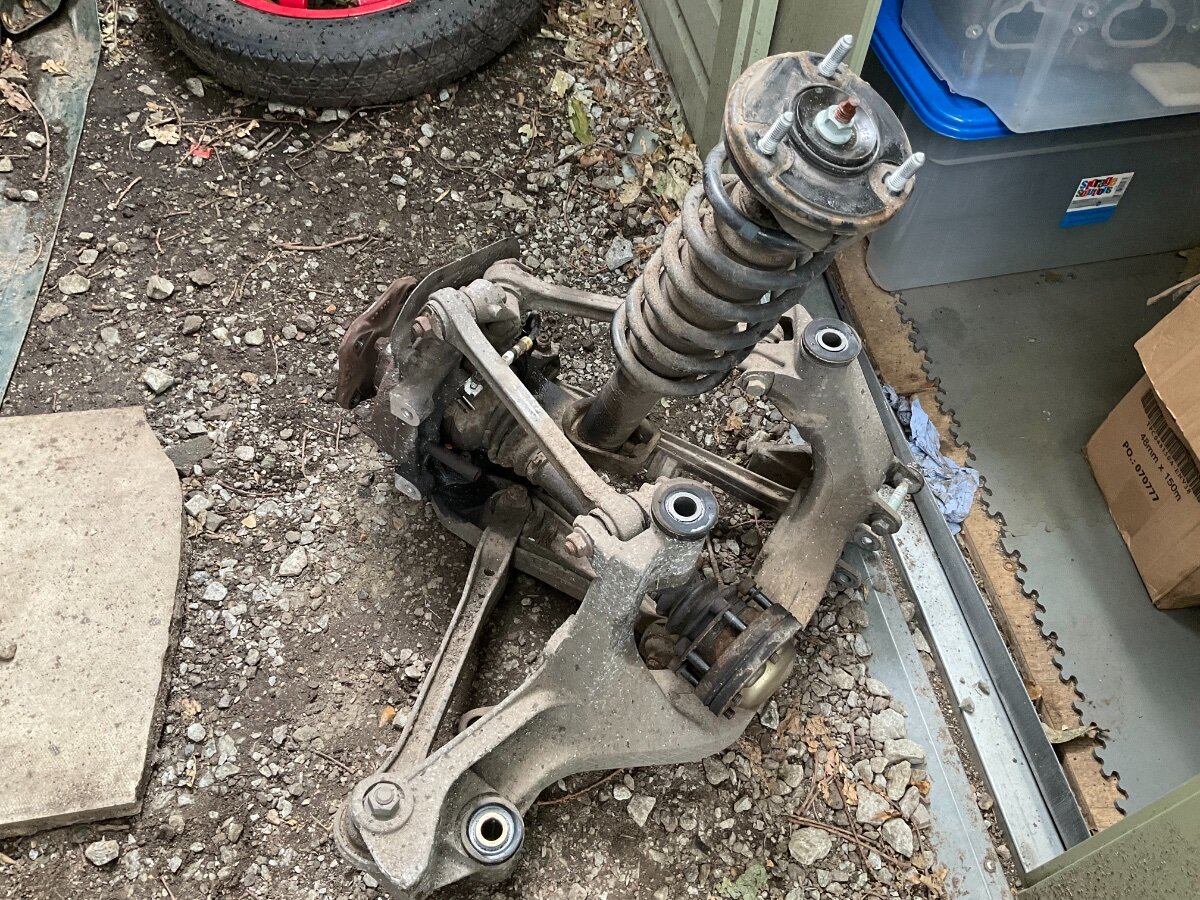
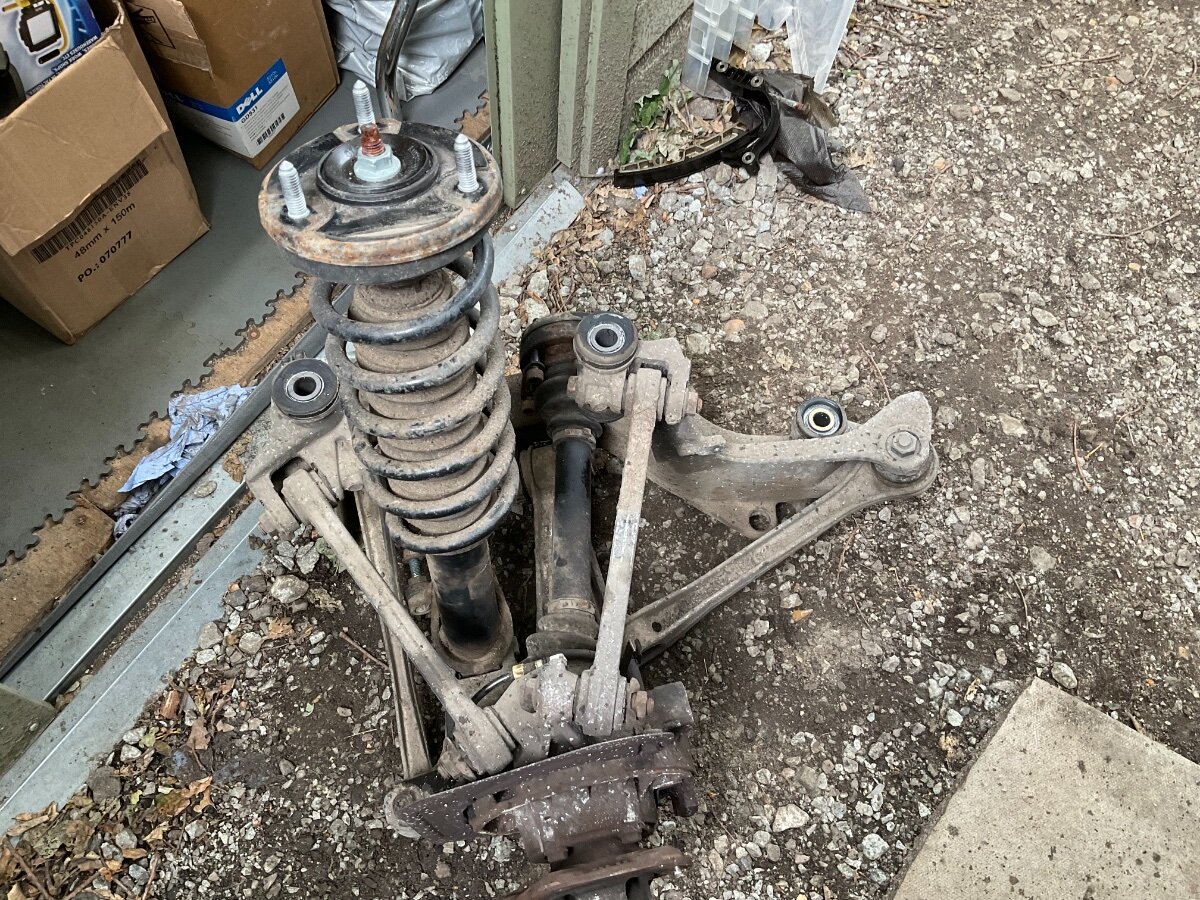
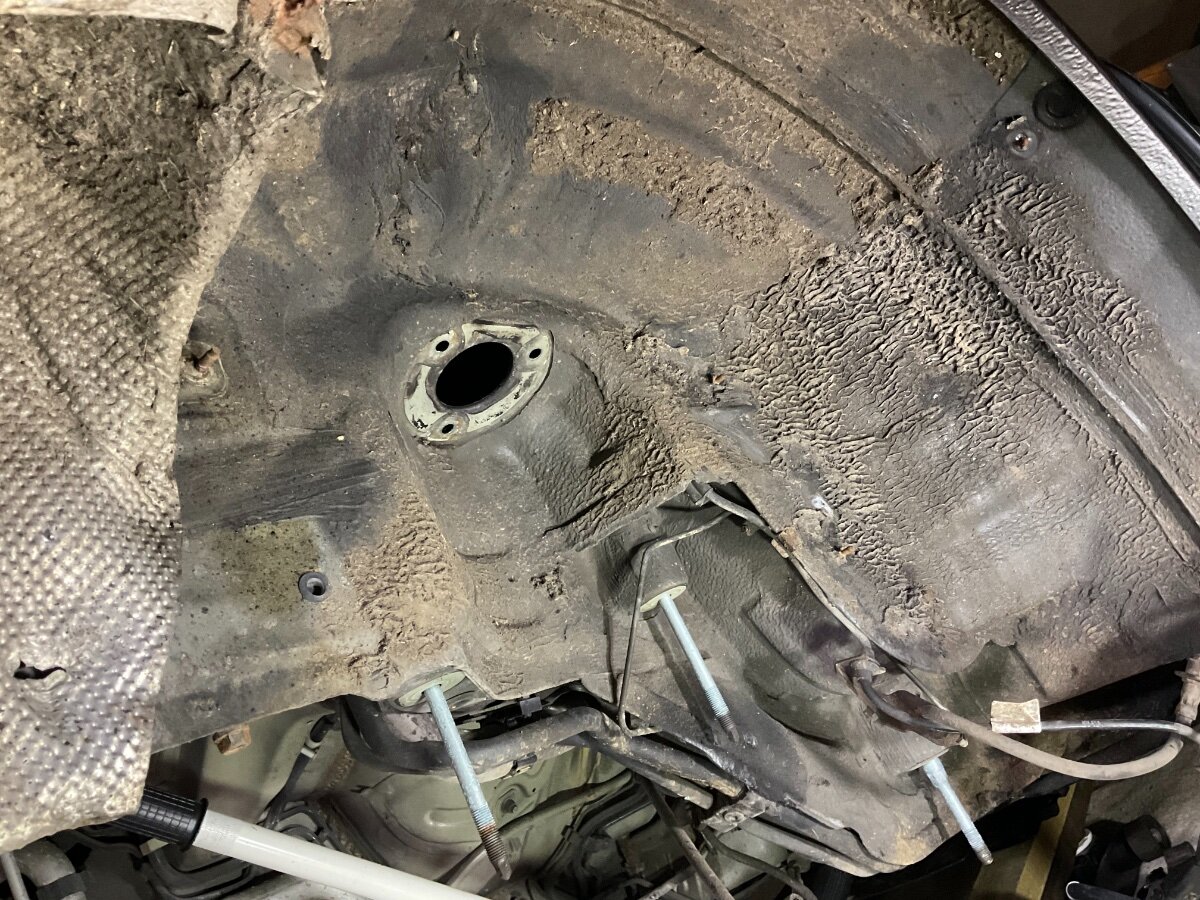
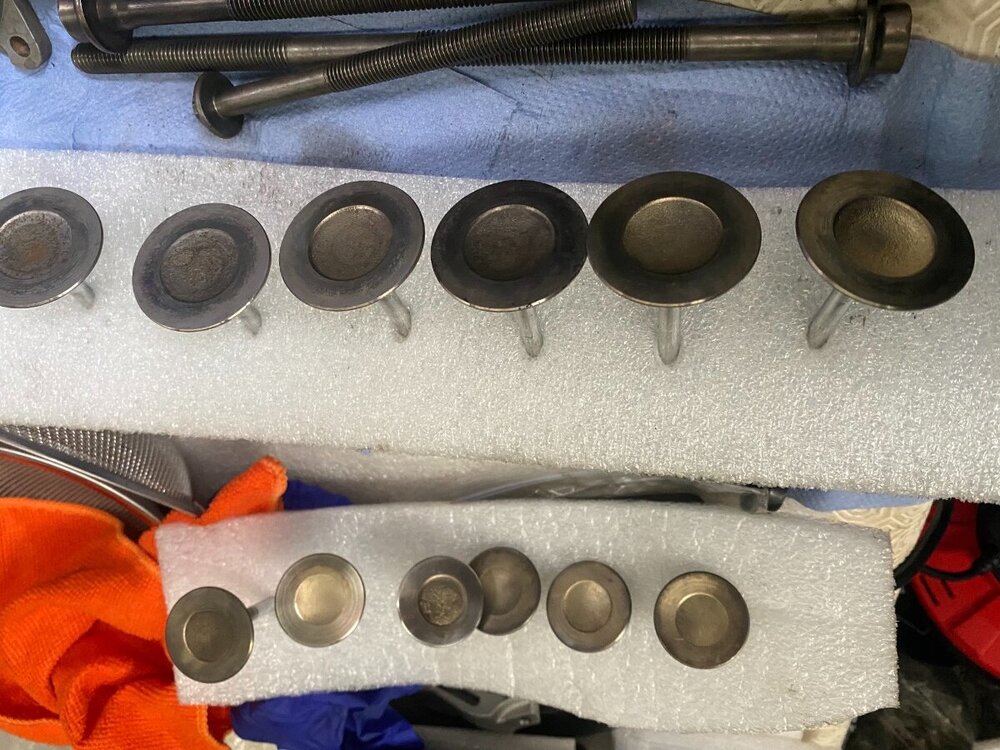
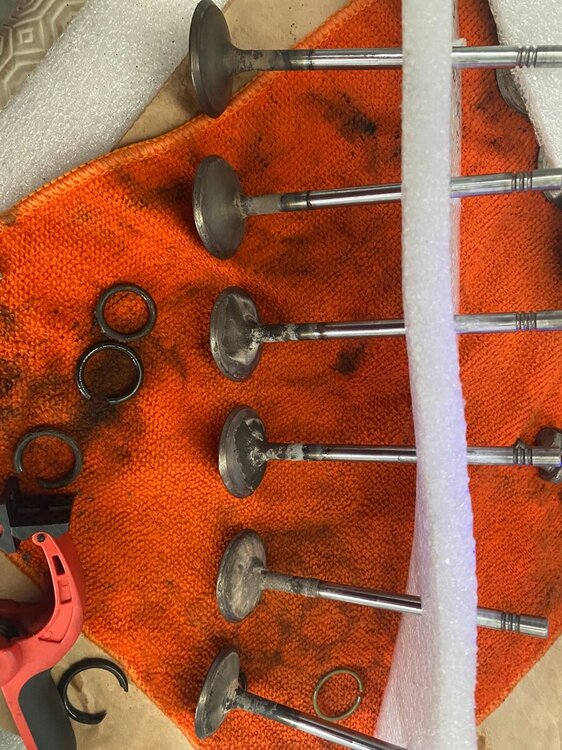
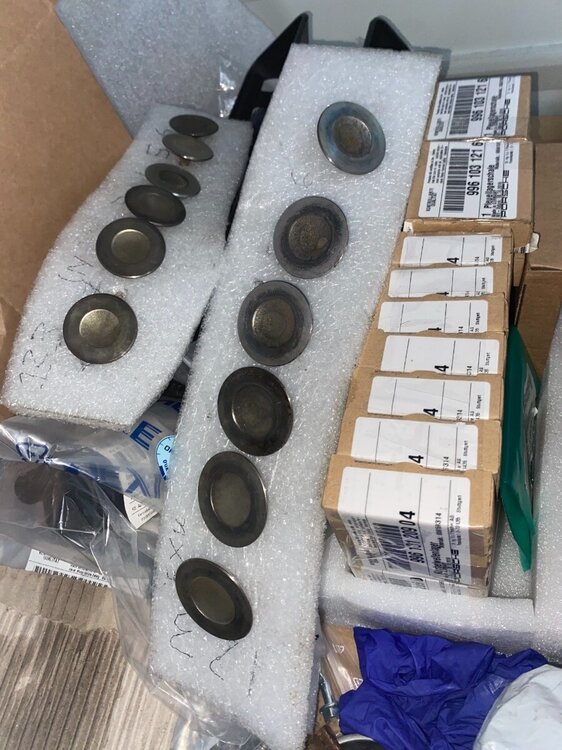
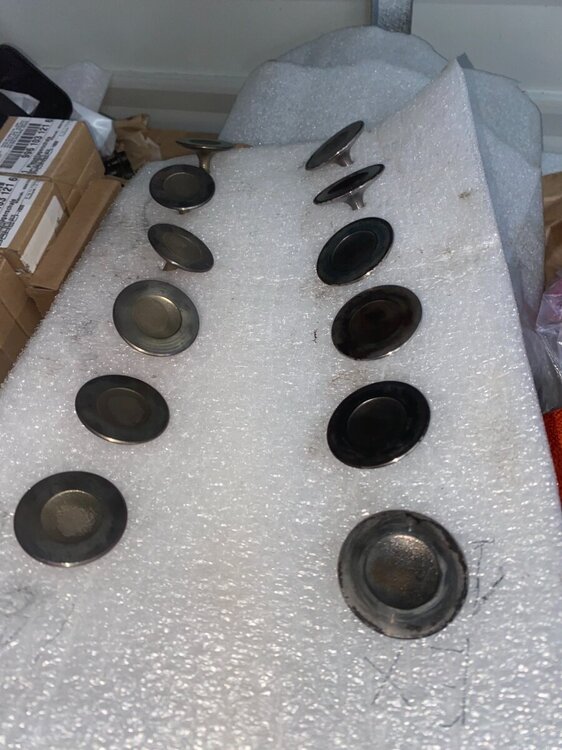
Hi not done a lot recently, but have been doing some bits last few days. I purchased a ultrasonic cleaner 30L works really well just have to keep putting parts in, then as the fluid gets dirty change it and repeat till happy with it. As we all know old cars always need ££££££. The underbody seems very good will poke around with my endoscope. I decided to take the whole suspension out to clean and check bushes, 3 nuts underneath and 3 on the top of the shock. 2 new scavenge pumps.


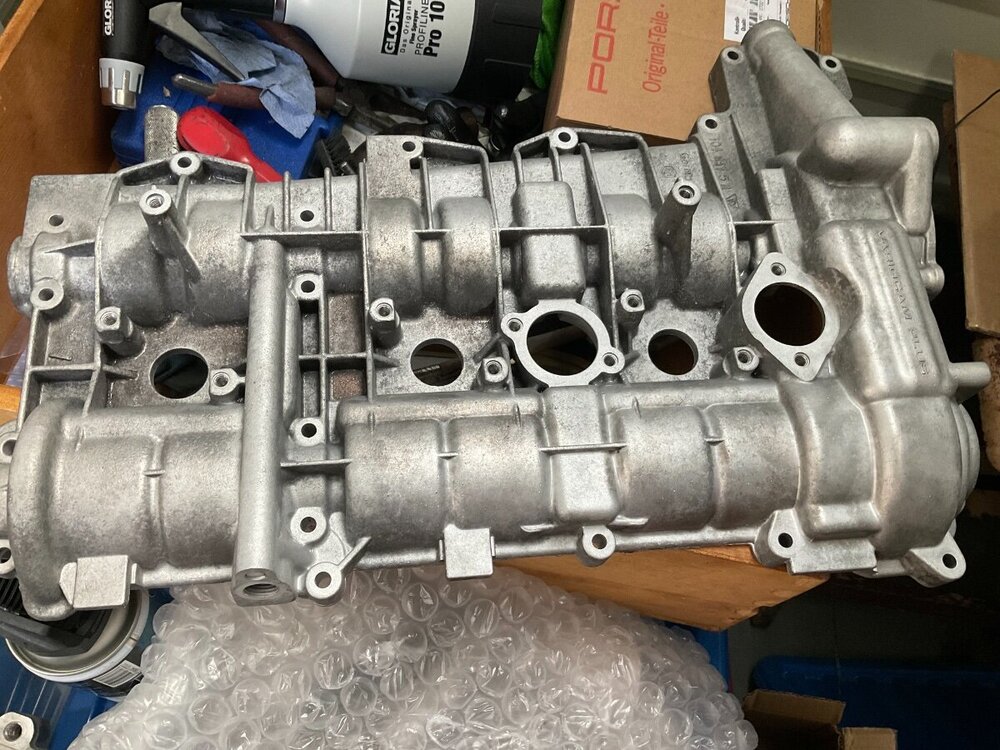


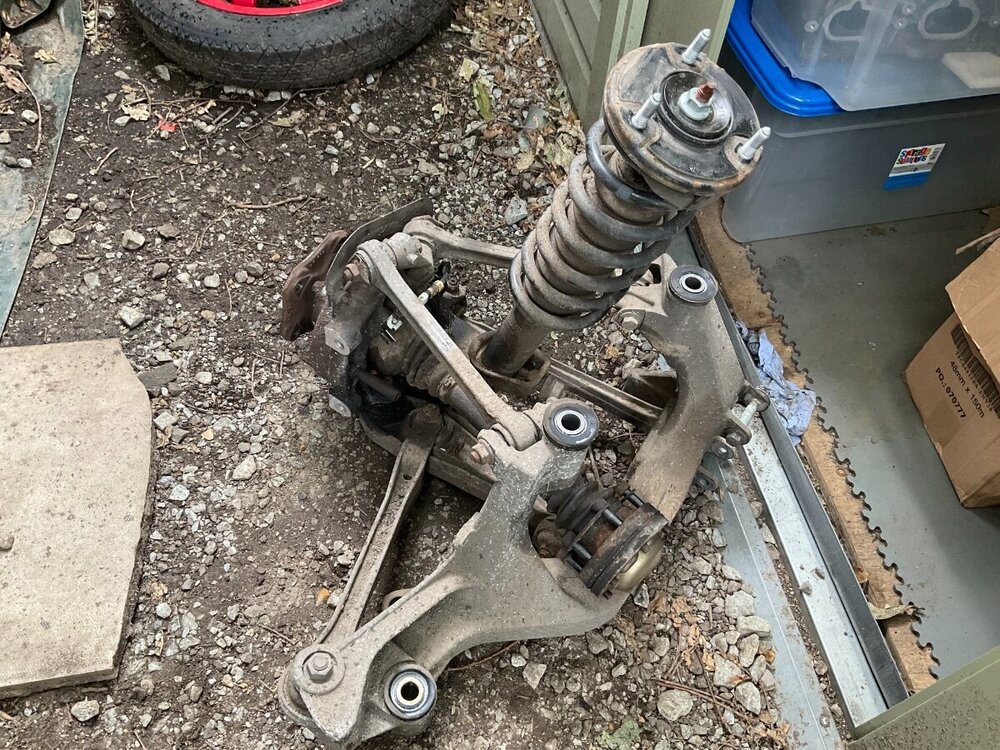
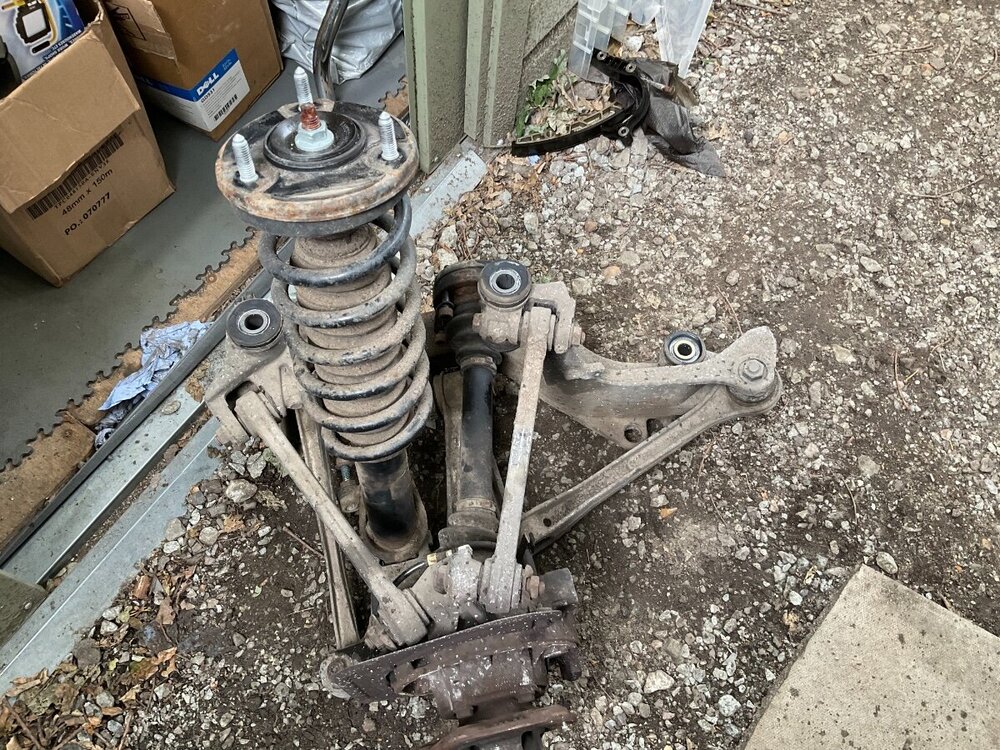

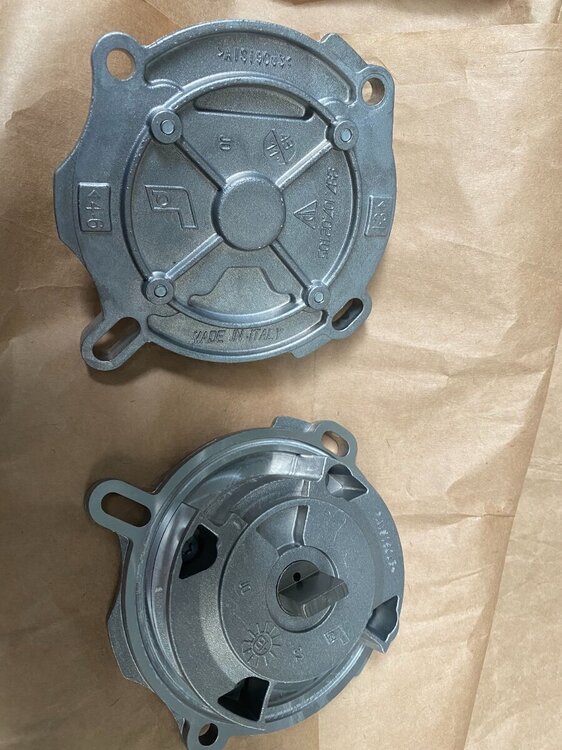


-
Yes Good luck Ham ☘️?
-
Very nice I would buy it.
-
Happy Birthday Guys ??
-
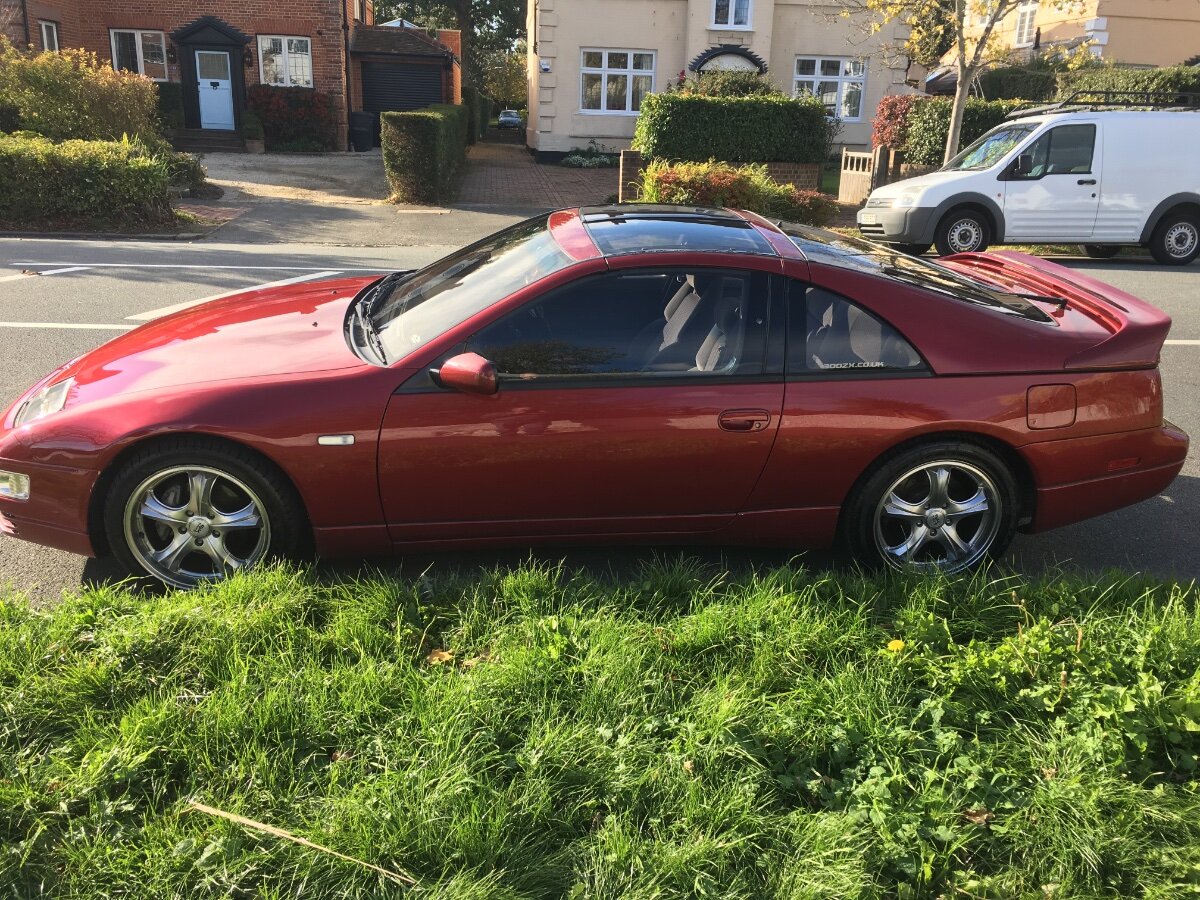
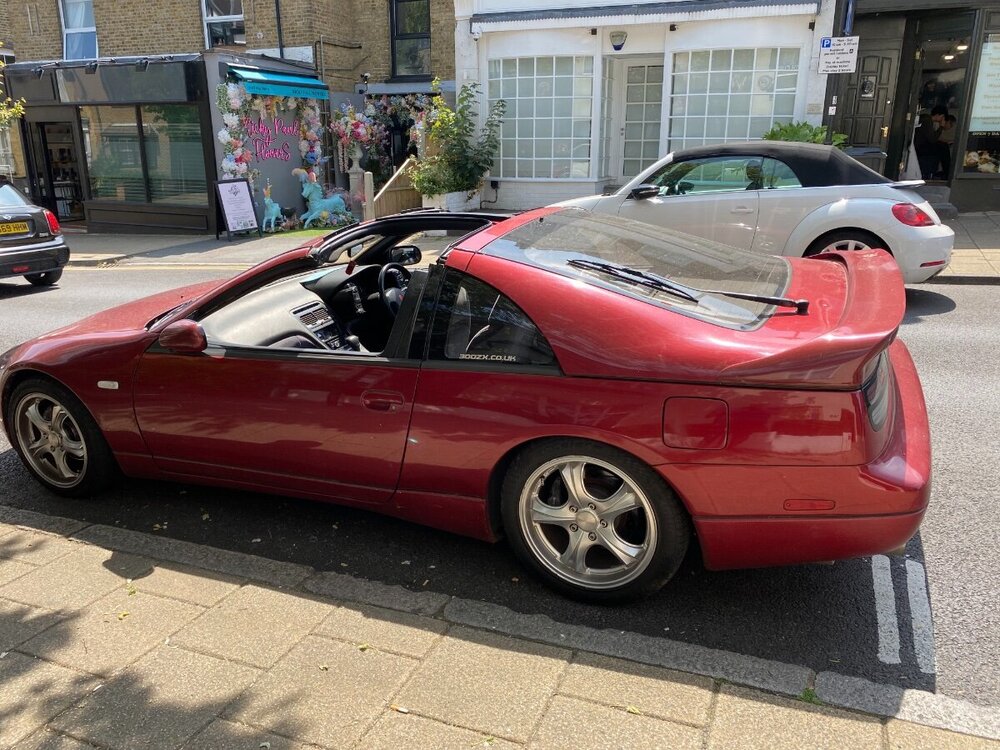
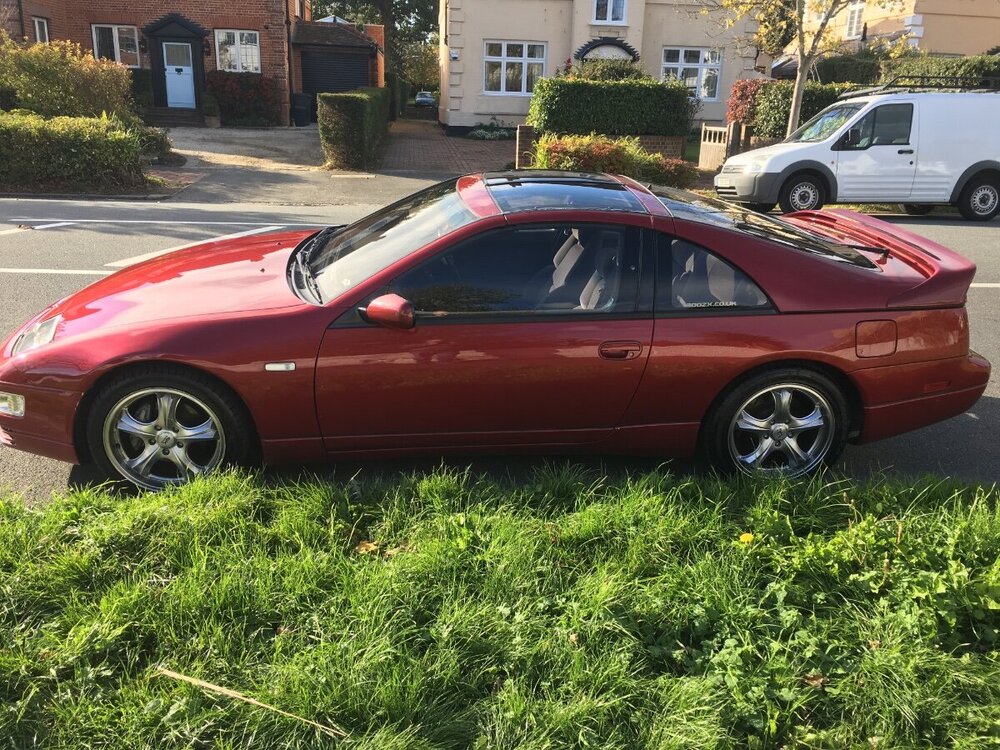
Went for a much needed drive, car filthy but going to rain here all weekend.
-
-
JDM 1991 2+2 Twin Turbo Auto
-
Cool Happy Birthday The great Z32’s ???
-
What about pulling the coil pack connector off and see if it makes a difference.
-
Happy Birthday ?
-
Hi welcome to the club, good luck on your hunt.
-
Happy Birthday ?
-
Happy Birthday ?
-
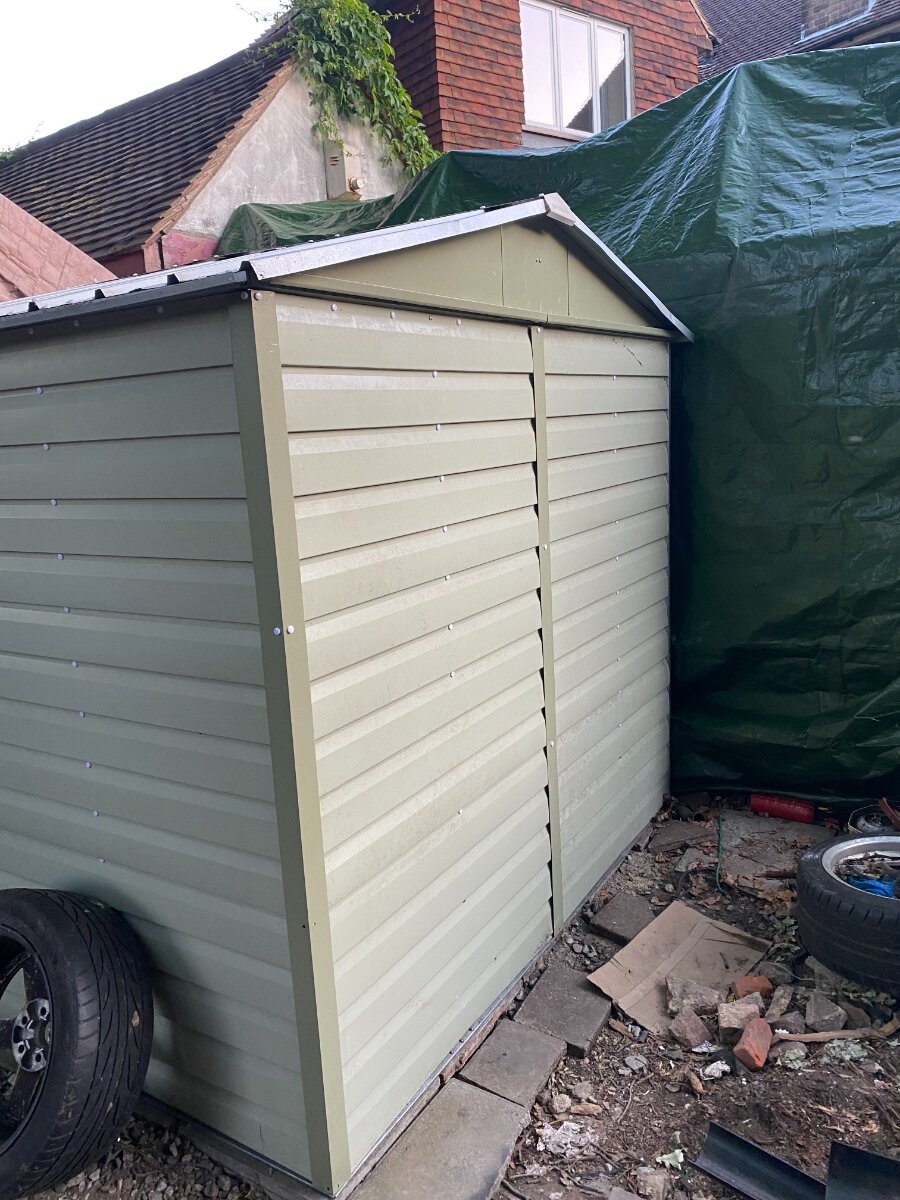
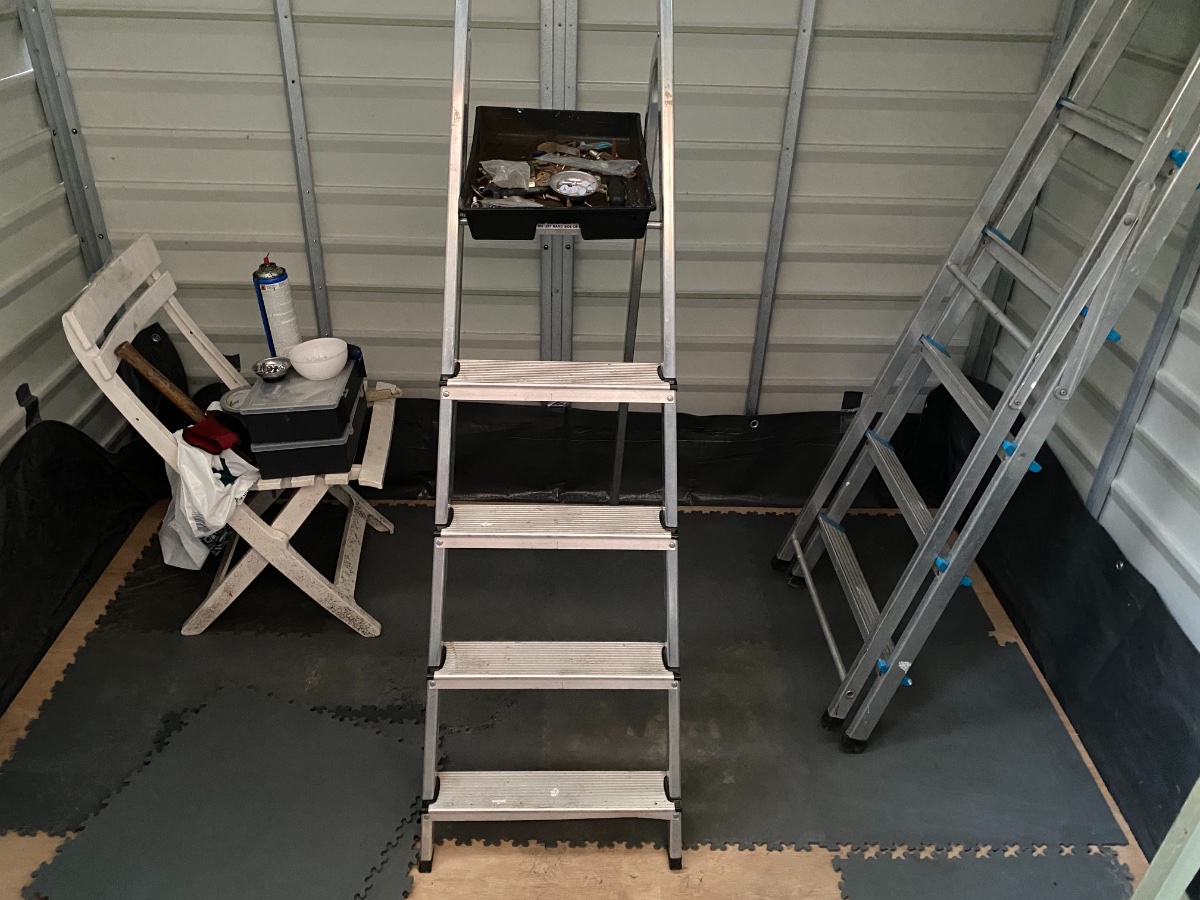
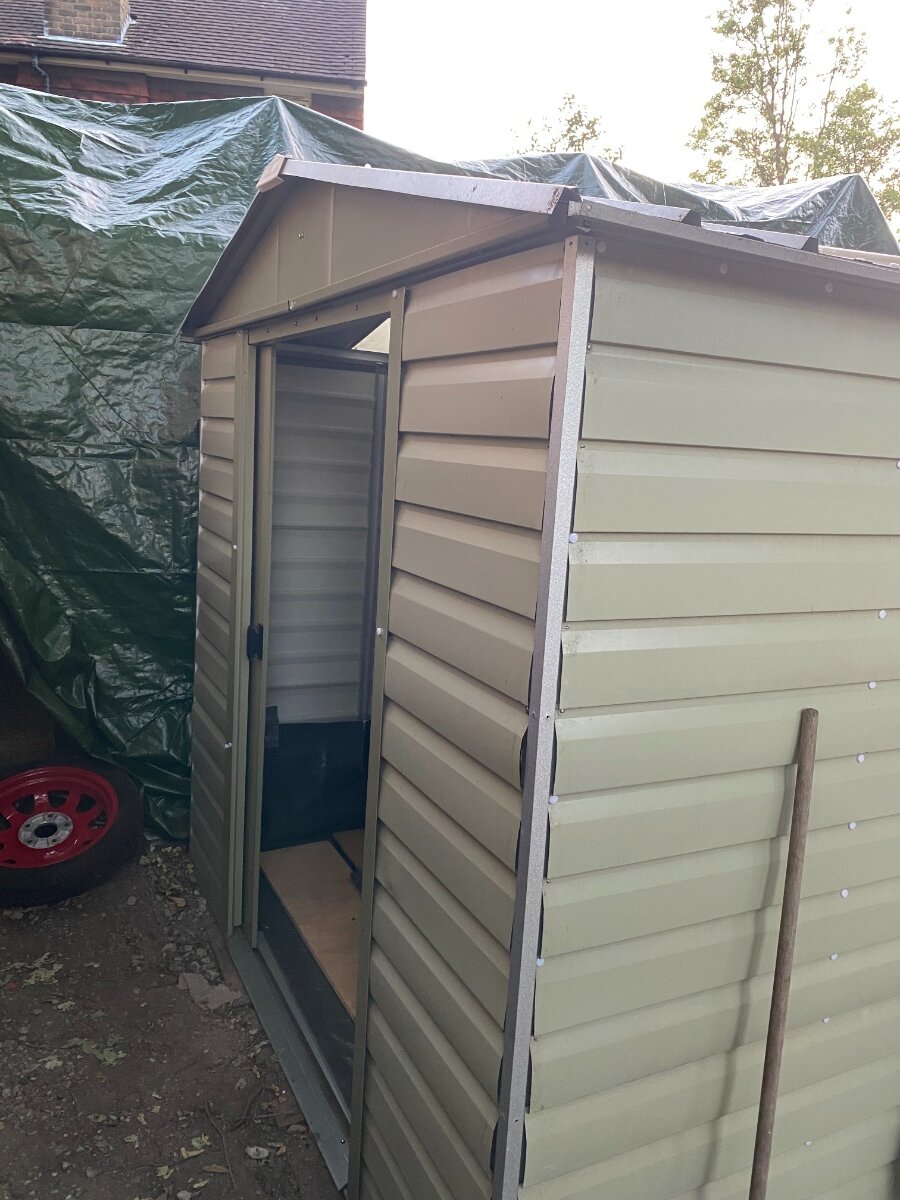
Yard Master picked it up second hand for £50 what a bargain 8x6. I put the caps on screws and sealed edges from dust.

-
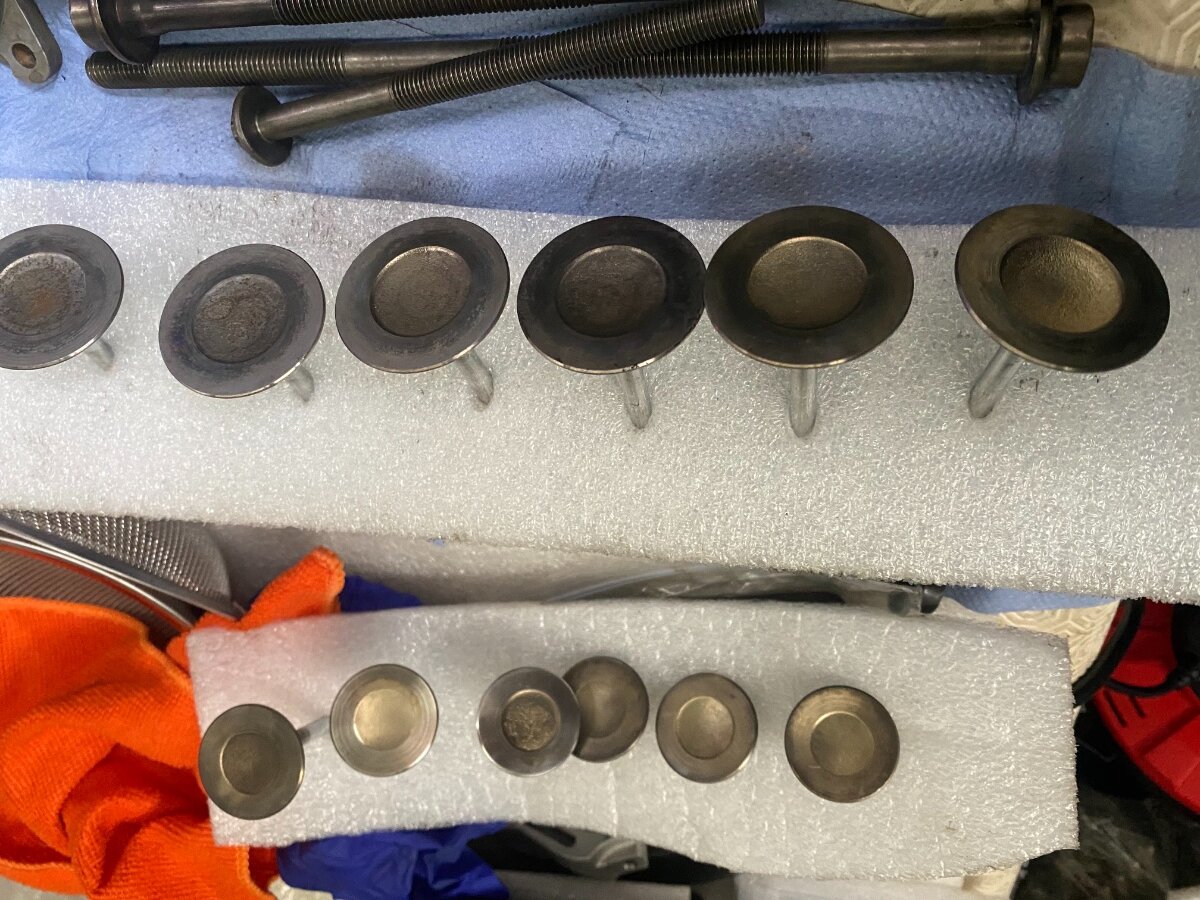
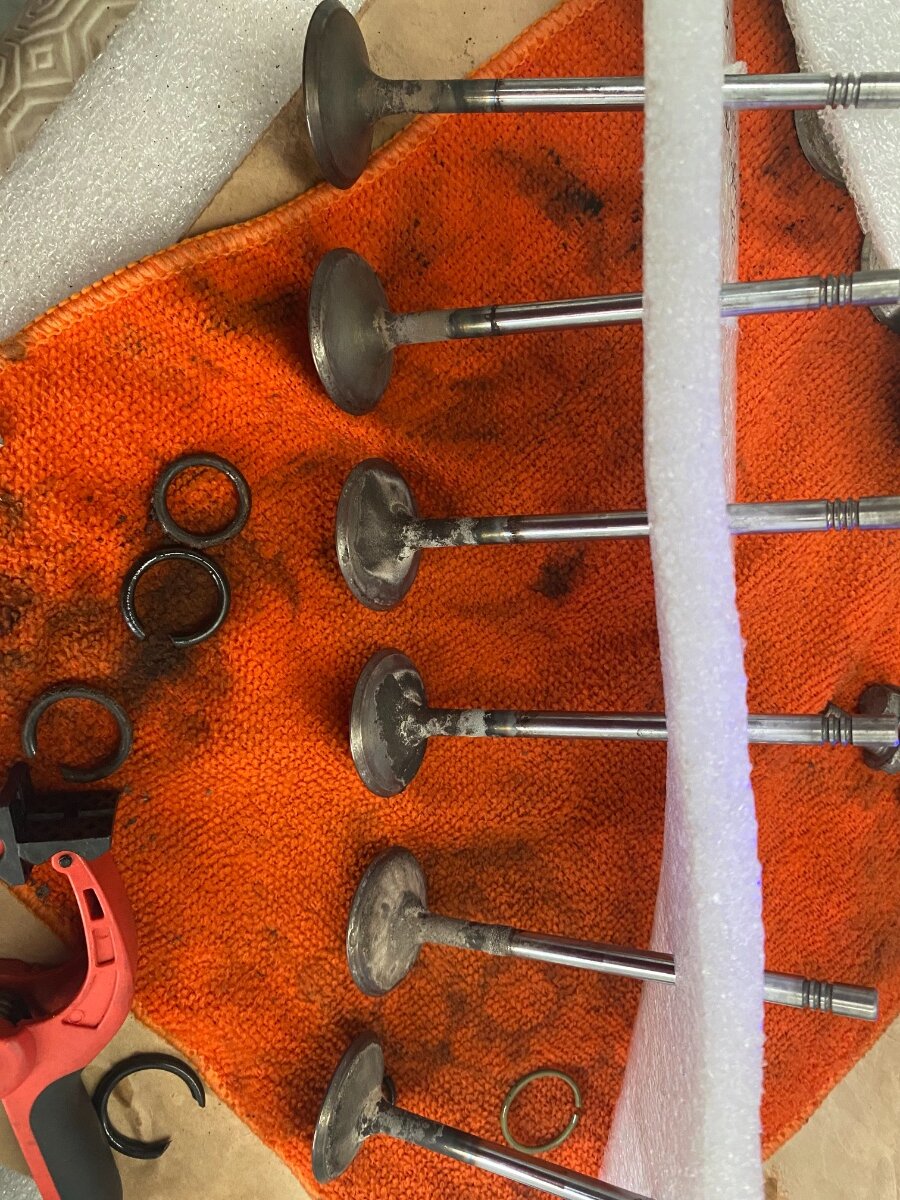
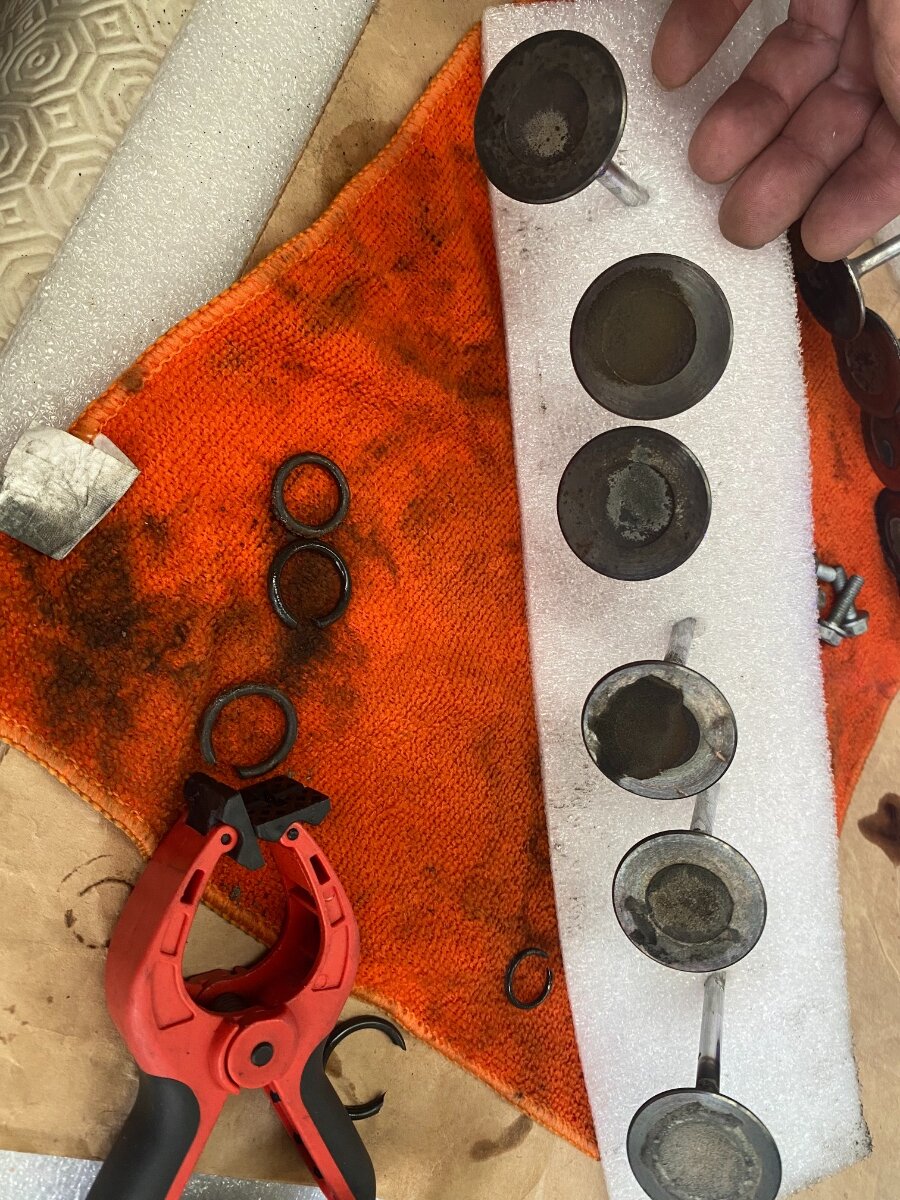
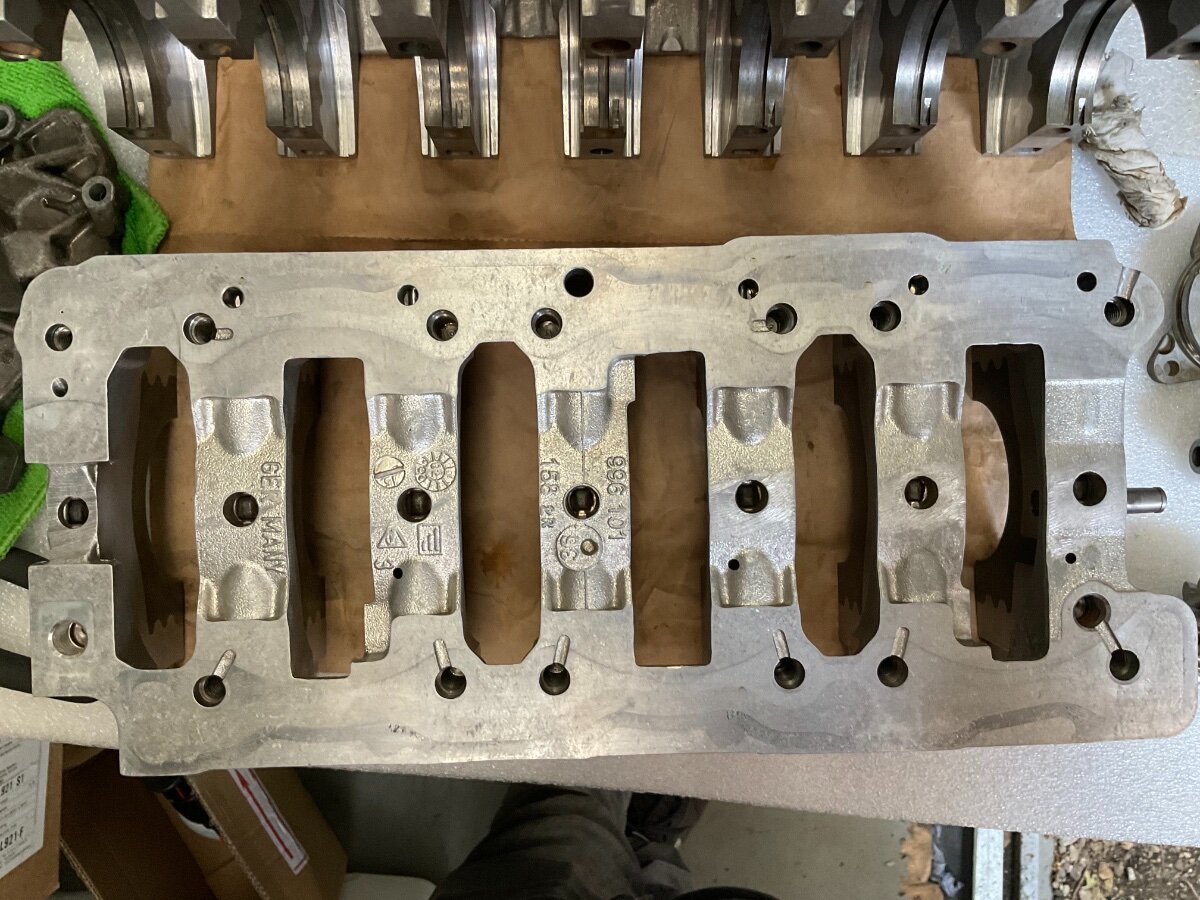
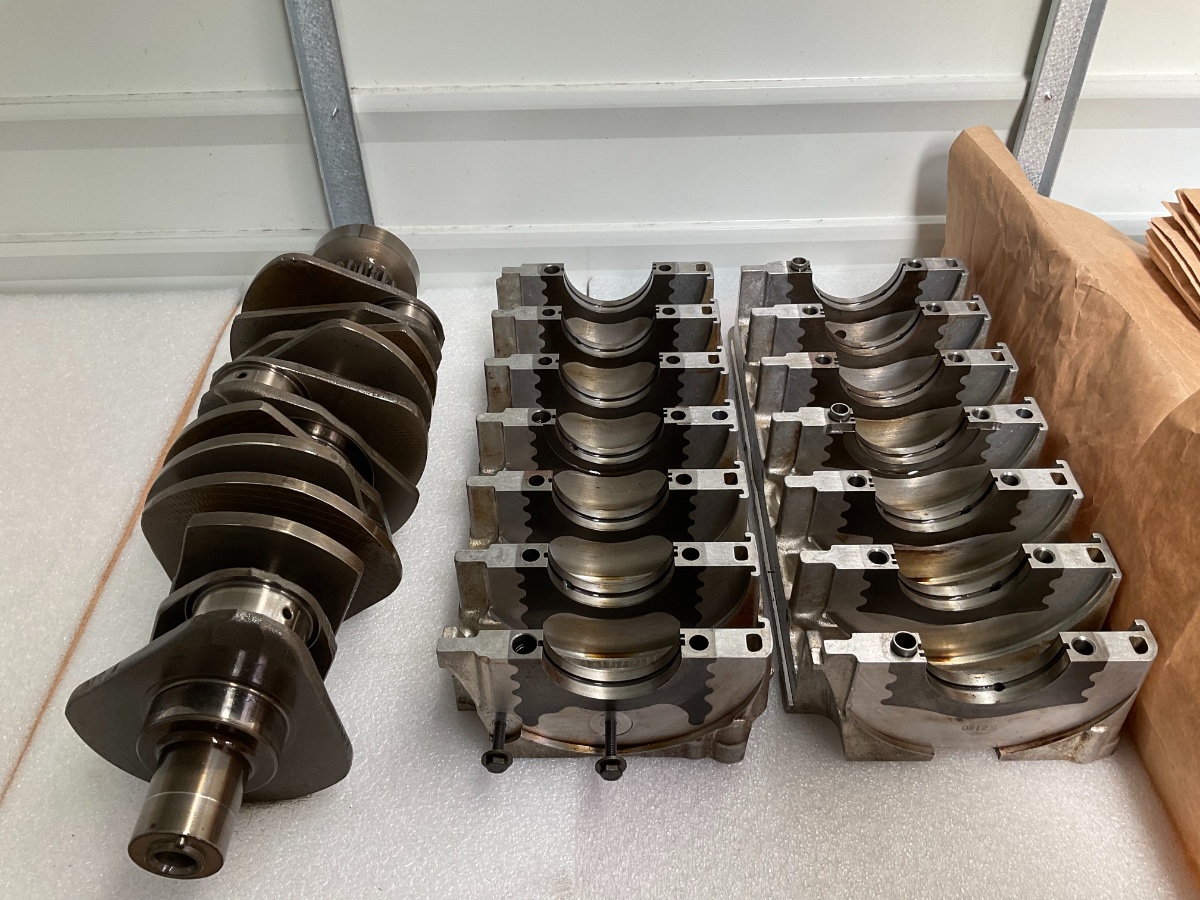
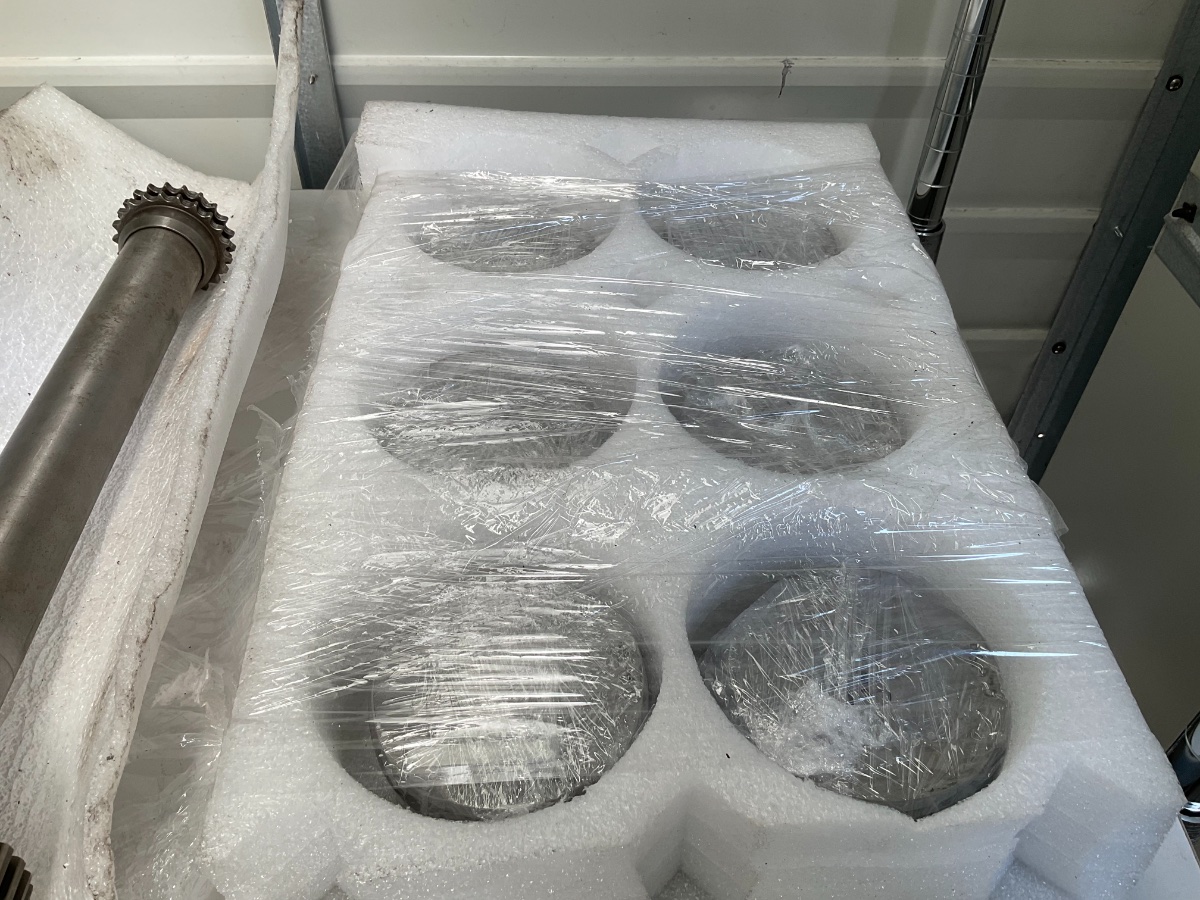
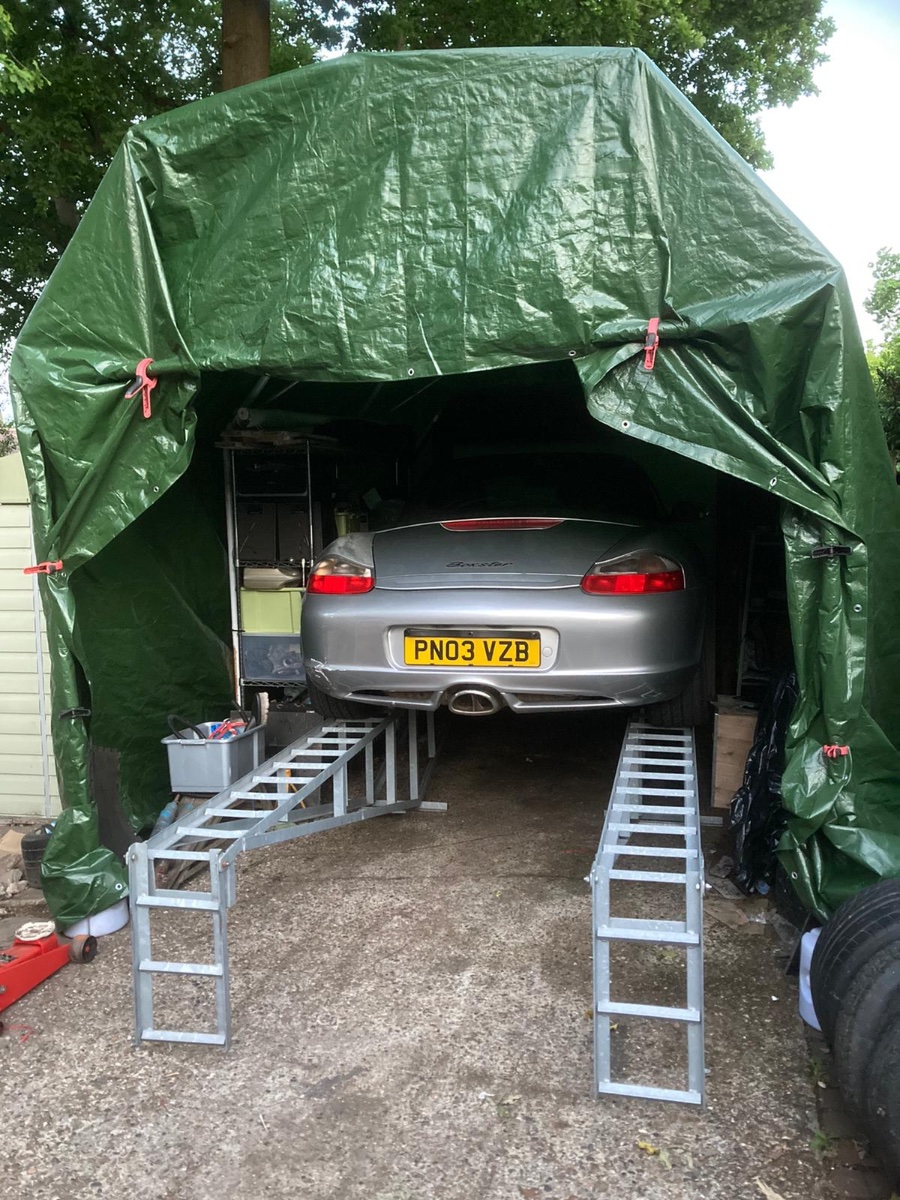
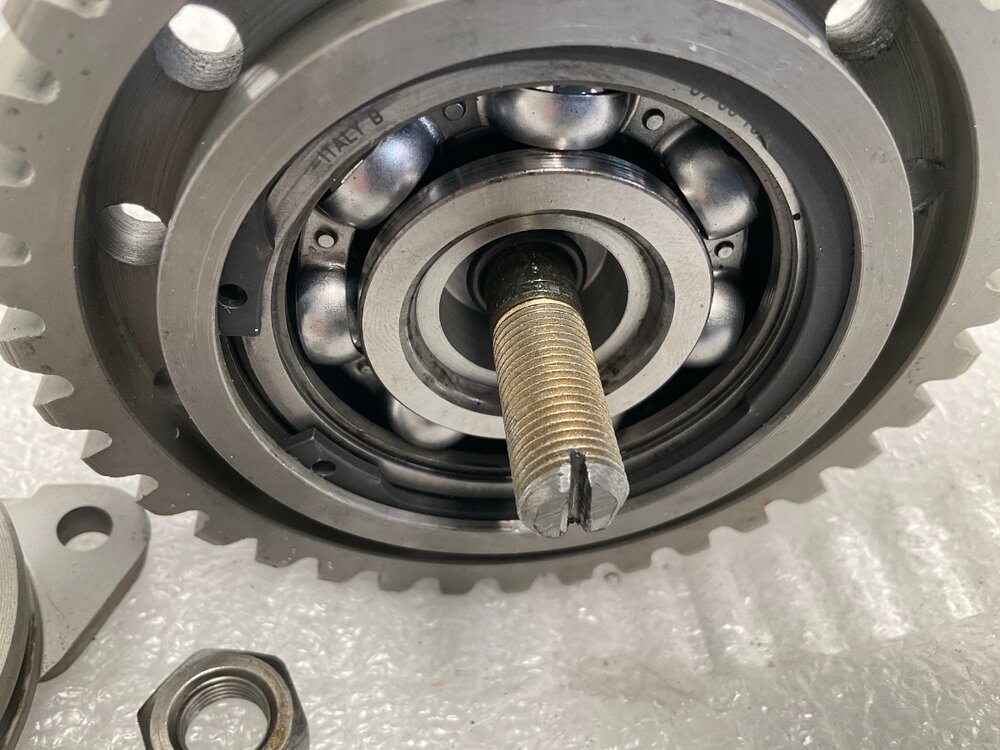
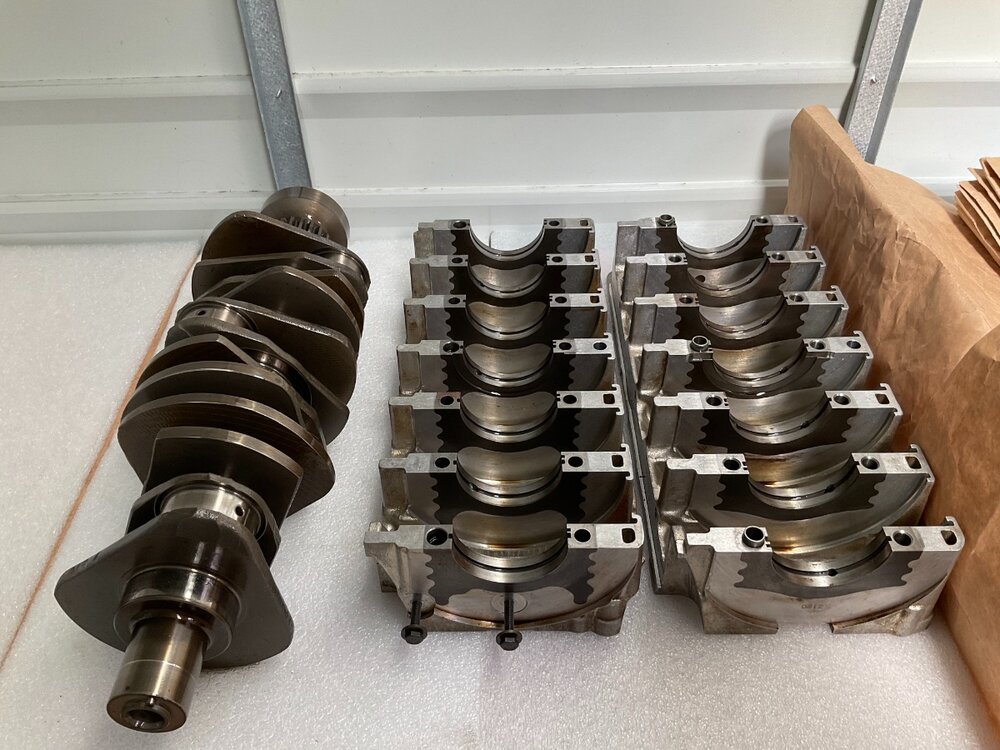
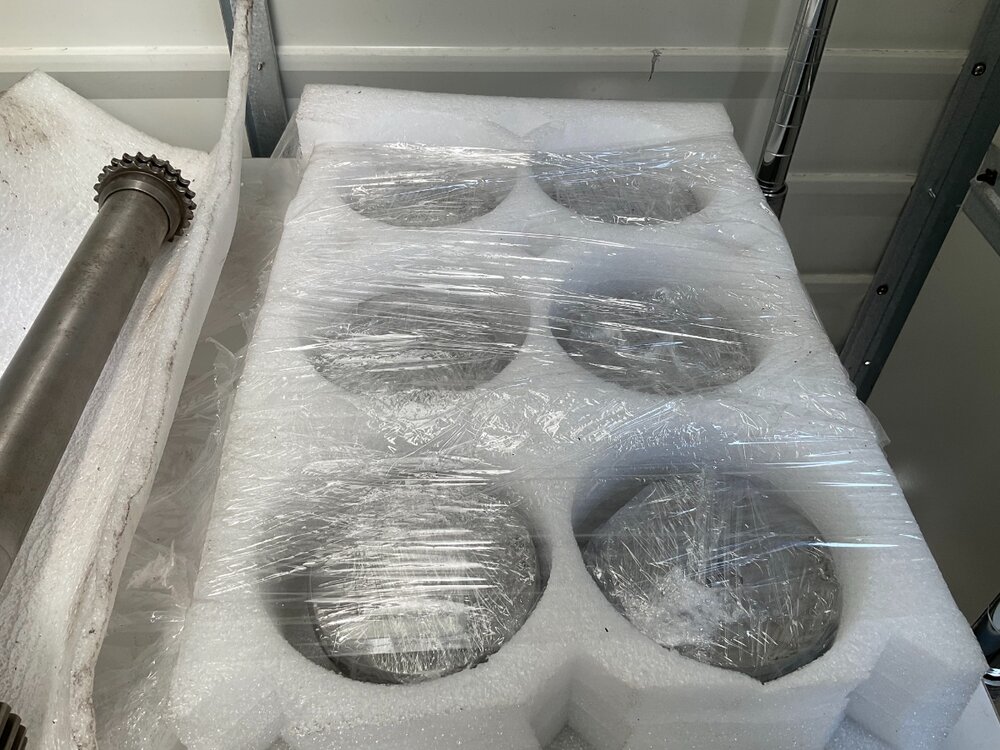
Hi been a while shame that idiot got re-elected. So I have been busy building a shed for the engine reassembly, parts all back now. I went for the expensive Larger IMS bearing machined into same sprocket so I don’t have to change the chains. Unfortunately there is no rebuild for the 996.2 3.6 engine so will get advice from the 911Site most is the same as the 4.3, it’s just the timing setup. Since I’m doing it at my Brothers I can’t get there all the tIme.





-
Happy Birthday ?
-
Totally understand they are huge and very long, but having had a jack slip before and survived, I’m getting to old for this.
-
Great work, your opinion for getting the car higher was a lot cheaper than ours, my brother and I went half’s on a set of car display ramps. As soon as my Porsche is on the road, i will be doing the sills and undersealing on my 300. Good luck. A pick of my brother testing them.

-
Happy Birthday ?
-
It was an extremely crazy race. They have let Pirelli try and slow the cars down with different tyre types, probably made things more dangerous. Nice for Aston Martin to get first podium.
-
Happy Birthday ?
-
Happy Birthday ?
-
I’m sure I had to leave mine off after I installed my ally radiator just nowhere to fit fix it to.