Everything posted by JaiKai
-
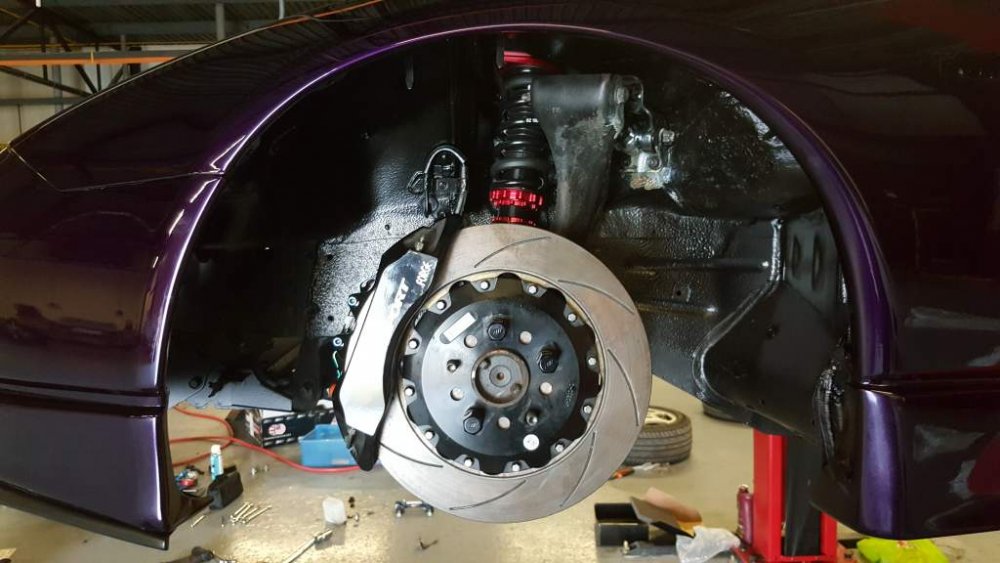
Back to the garage tonight for a few hours and completed the passenger side hub.

-
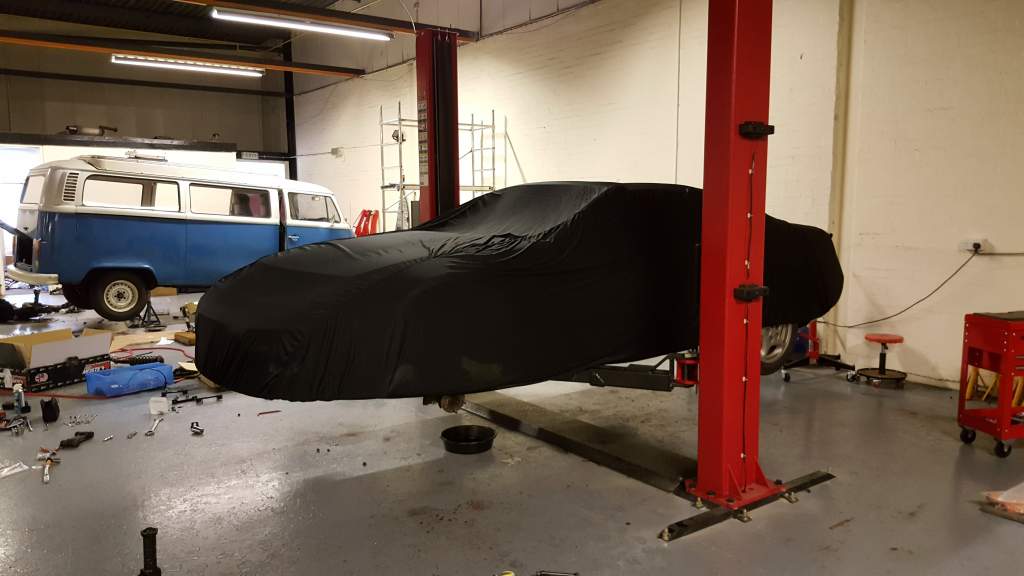
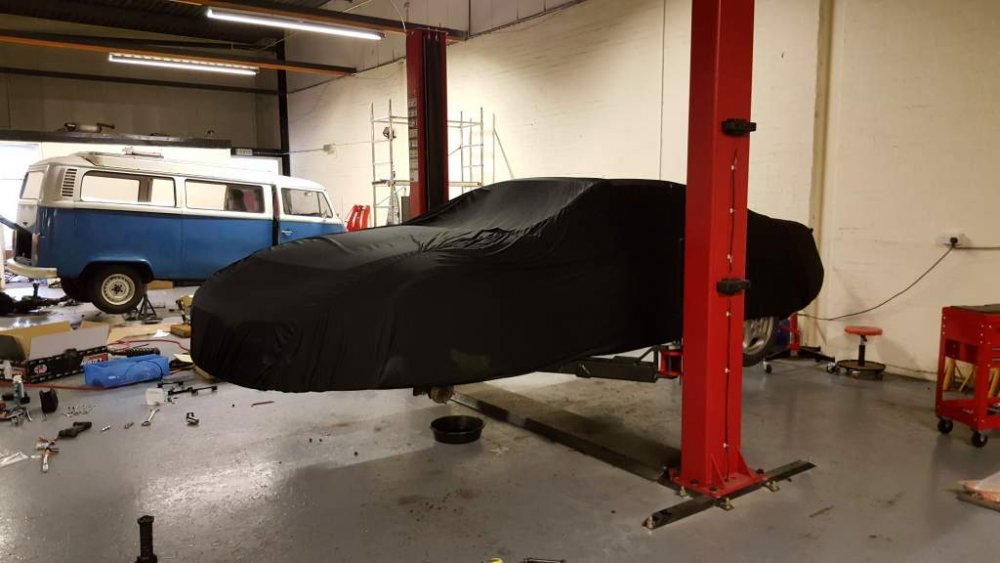
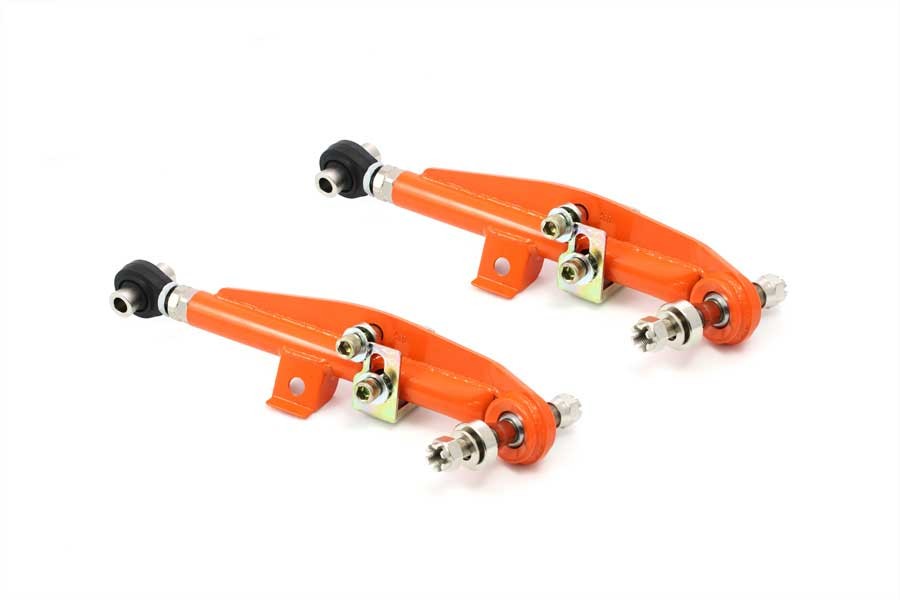
I'm heading over to the garage tonight to fit the other side of my suspension / arms / brakes and wheel. I'll get some details pics. I've used them before on my last build and I thought they were great, along with the geomaster version of the front arms it gives more clearance behind the wheel.Started on the other side today and after nearly three hours I only managed to strip everything down. The other side was much easier but fate had it that I had some bolts and nuts that were happy where they were and had no plans to move. But they eventually were persuaded to budge. Also got my new car cover so fitted that too to keep things nice and clean.
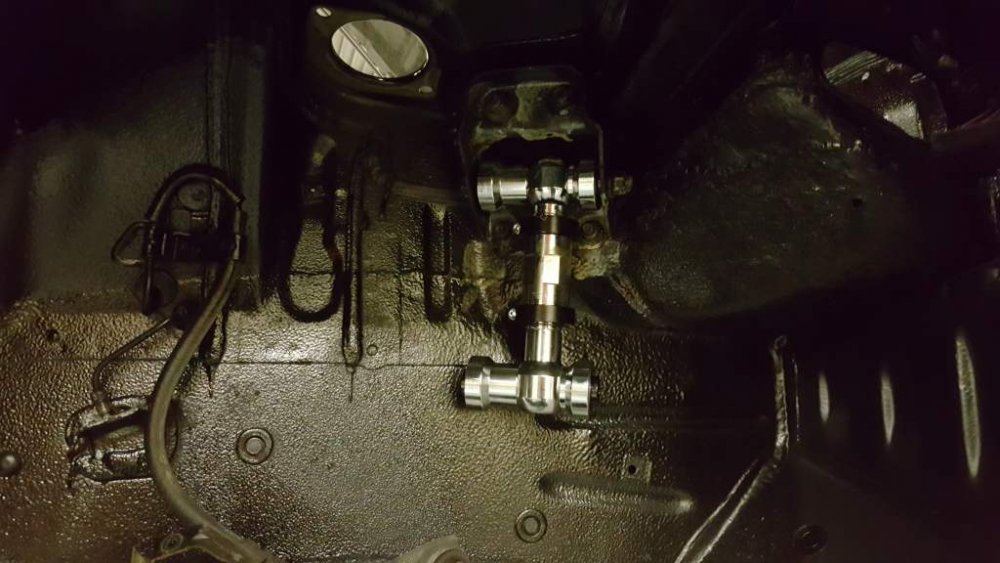
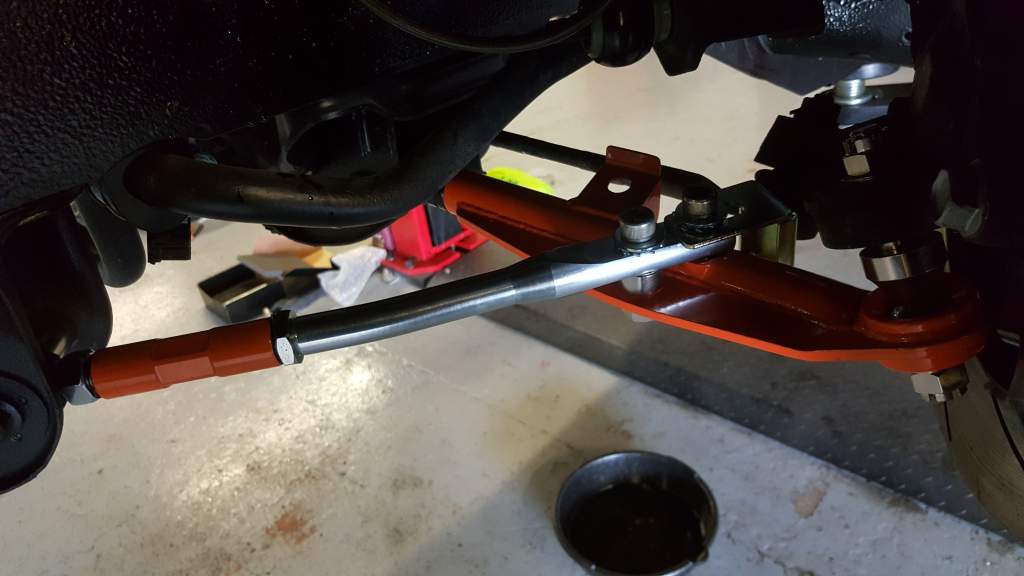
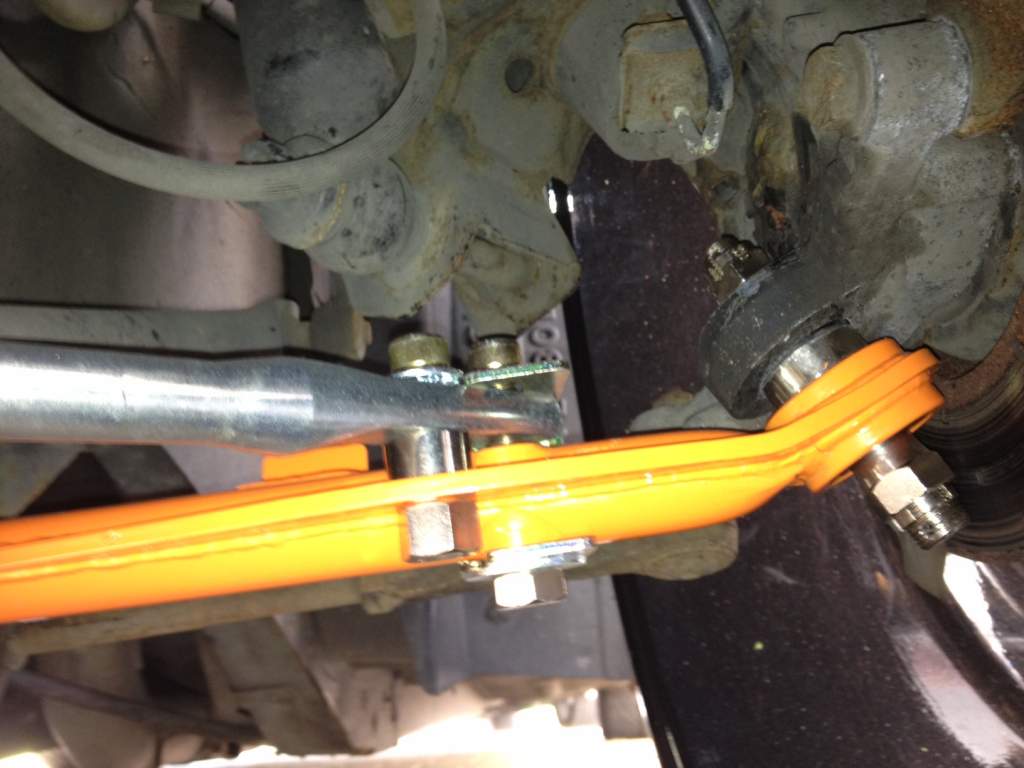
 ok, Answering my own question here but i'm presuming its a safety feature to stop the steering control arm hitting the arm. EDIT. To stop your wheel hitting something that's not suppose to, by adjusting the bracket in or out it limits the steering. Great team work on this, thanks :)Just fitted the first one of these to my new zed but I was wondering what is the point of the gold bracket ? I can't see any reason for it to be there.
 So when you start the car does it jump to the other side of 180 ? Has this just started happening or are these clocks replacements for another set. May be a good idea to borrow a set of clocks off someone if you can and test, at least that will tell you if its either a faulty speed sensor on the gearbox, bad cable if it still happens and if it doesn't happen after a clock swap then its likely a dry joint on one of the parts of the clock.What do you mean you pulled it back ? At idle was it doing 180 ?, also has the needle every been removed ?Still to adjust the ride height as I wasn't sure at first what height to make everything. I'm just doing the install first then i'll think about lowering it a bit.Old vs New setup
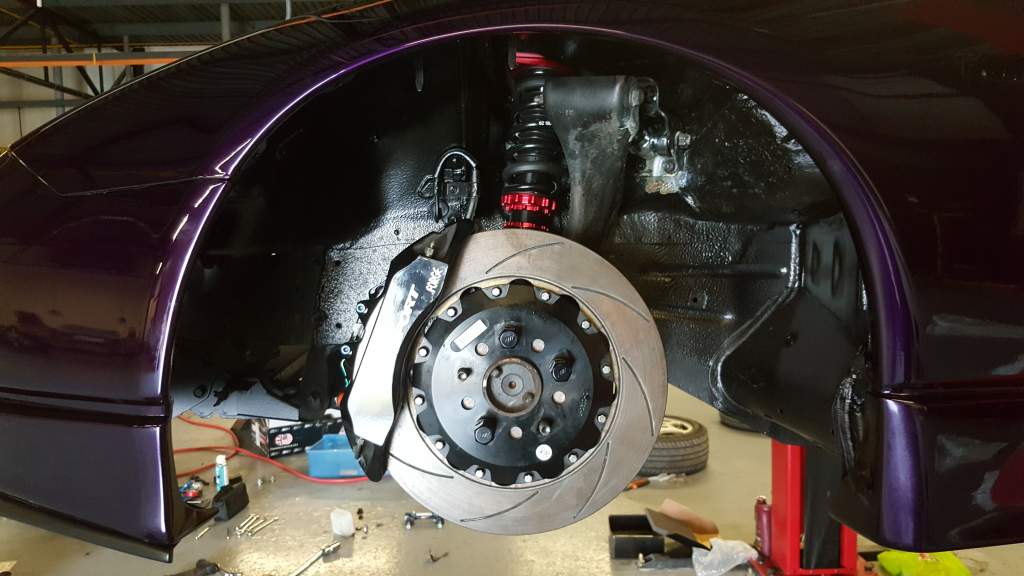
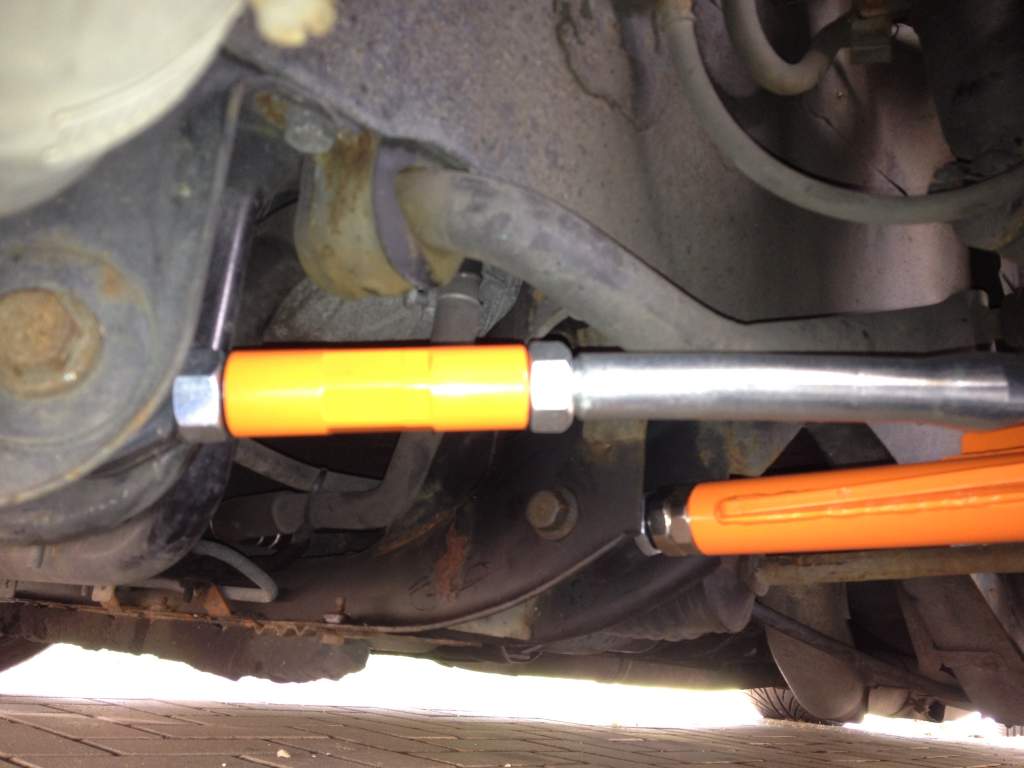
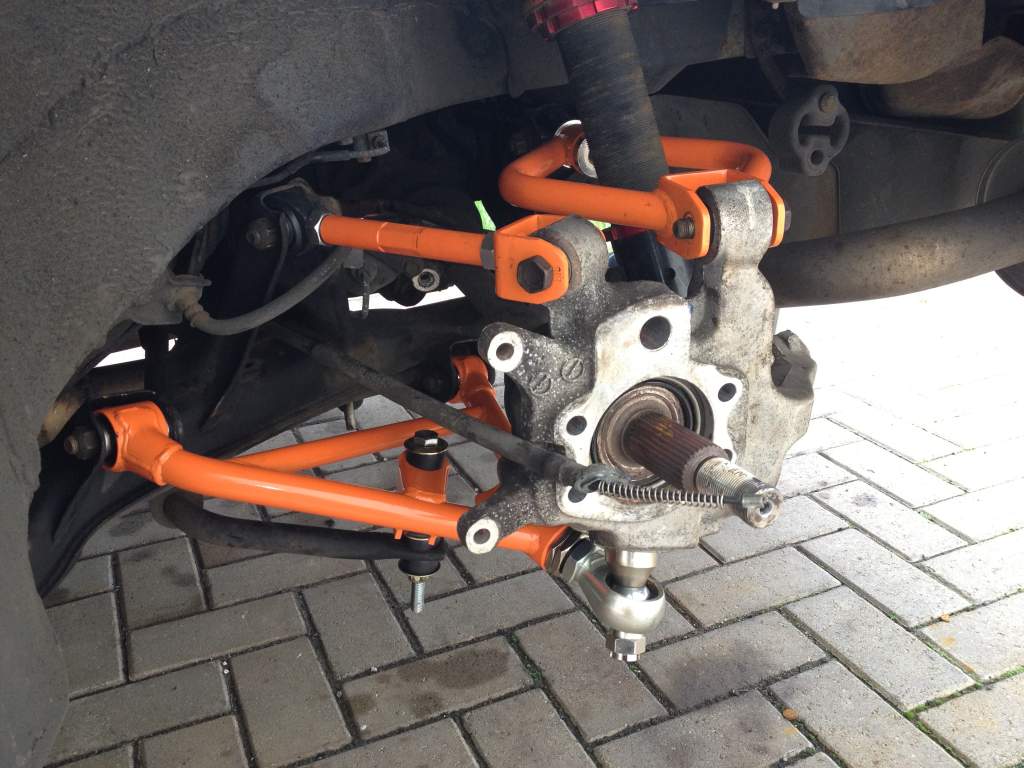
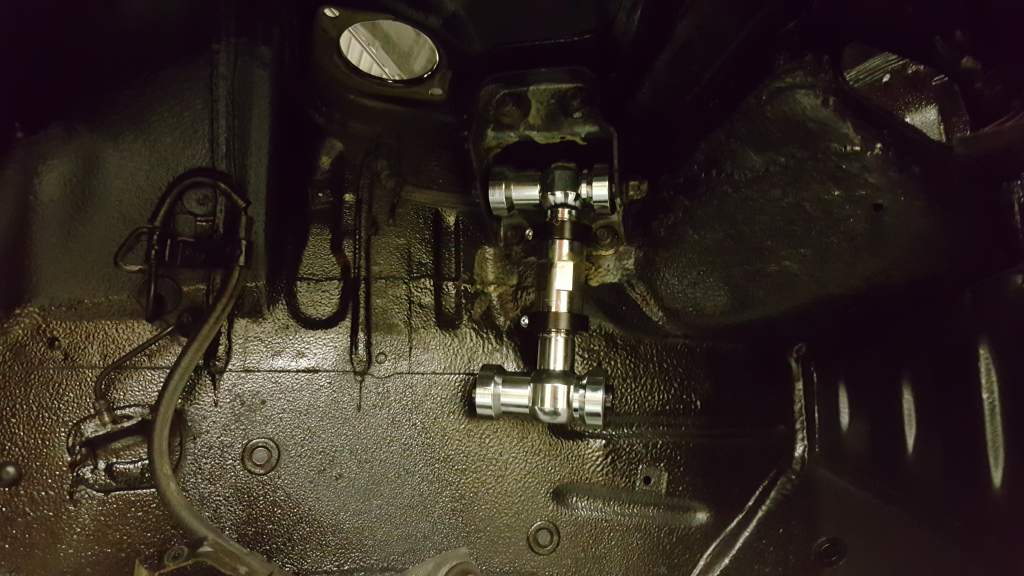
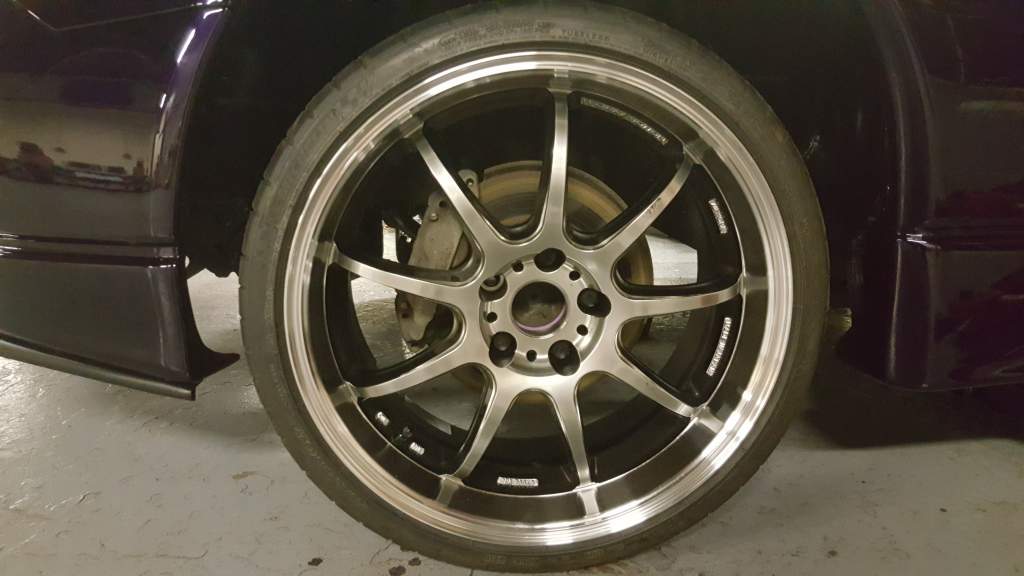
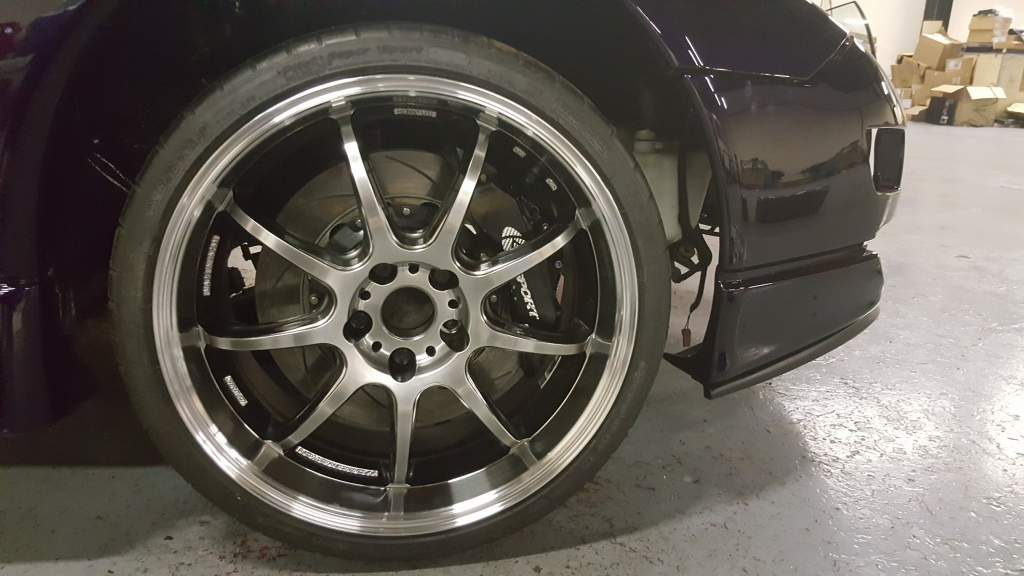
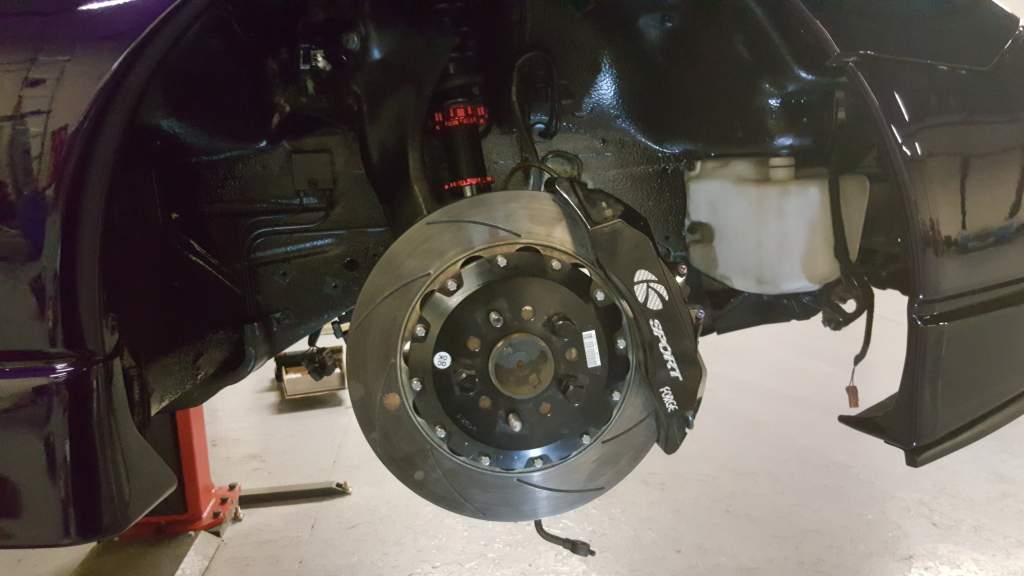
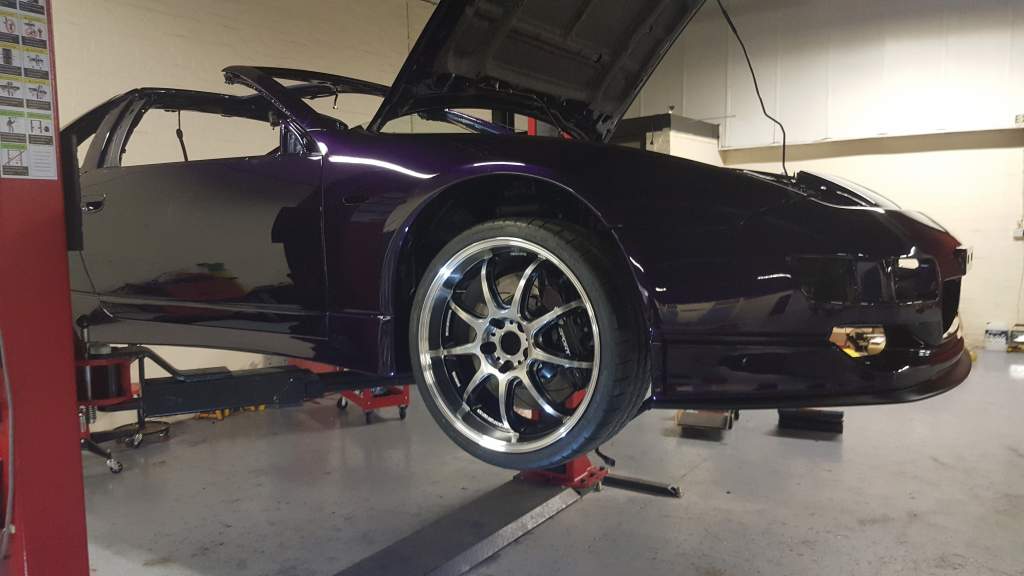
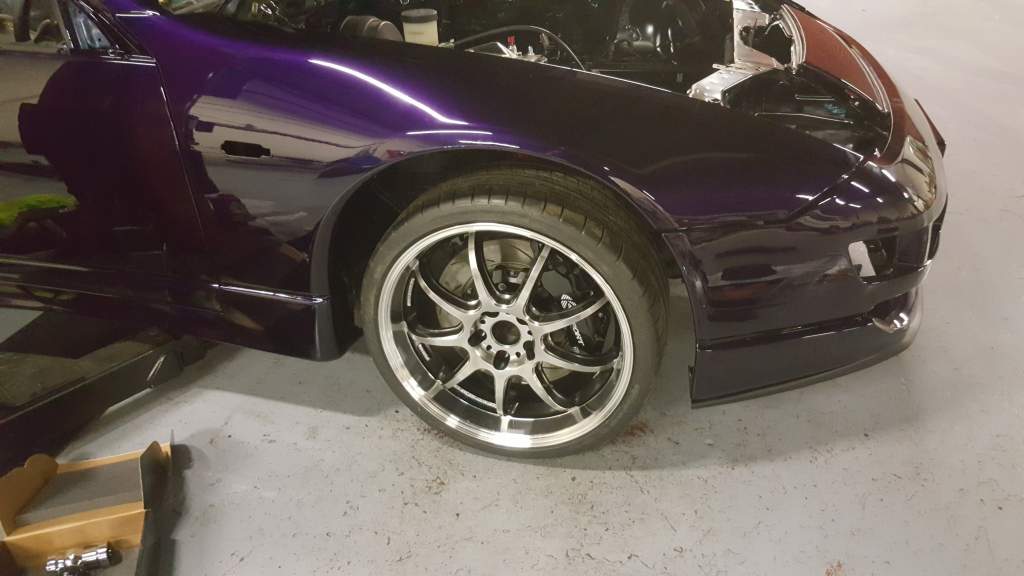
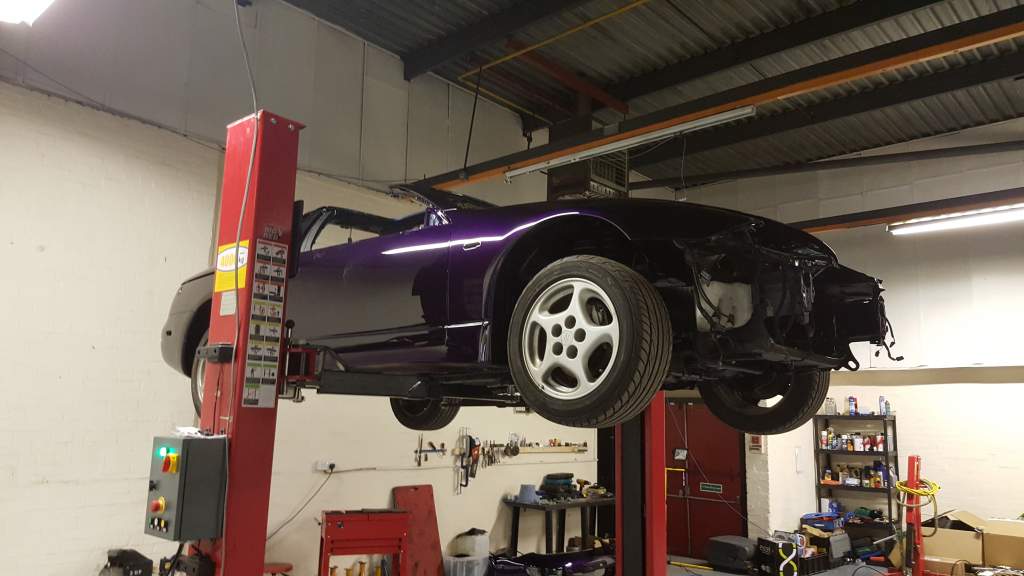
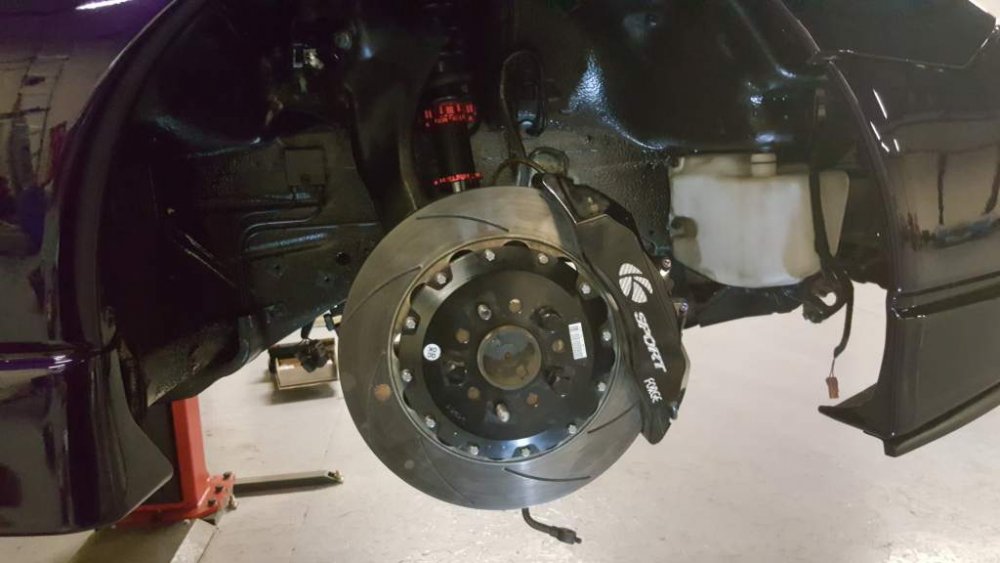
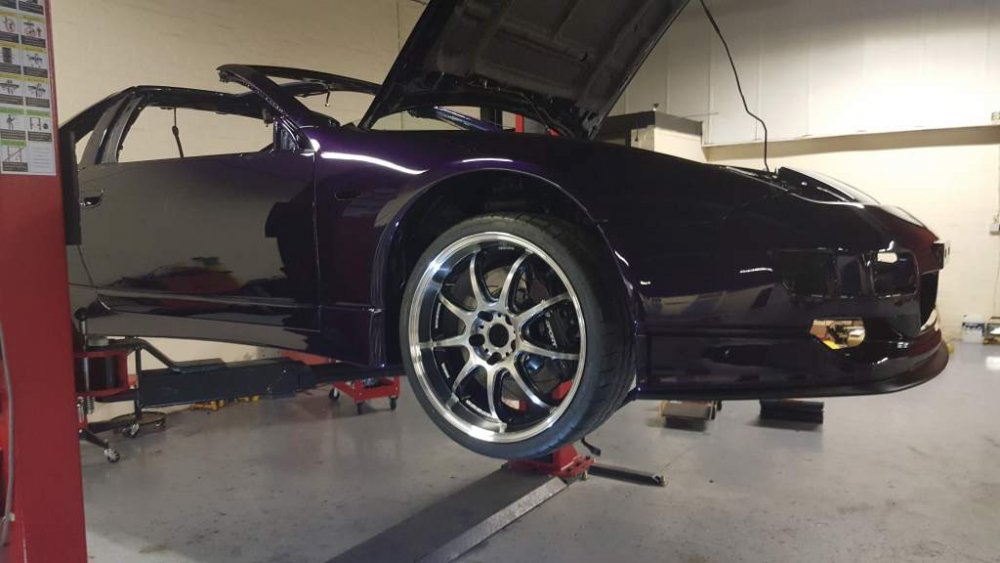
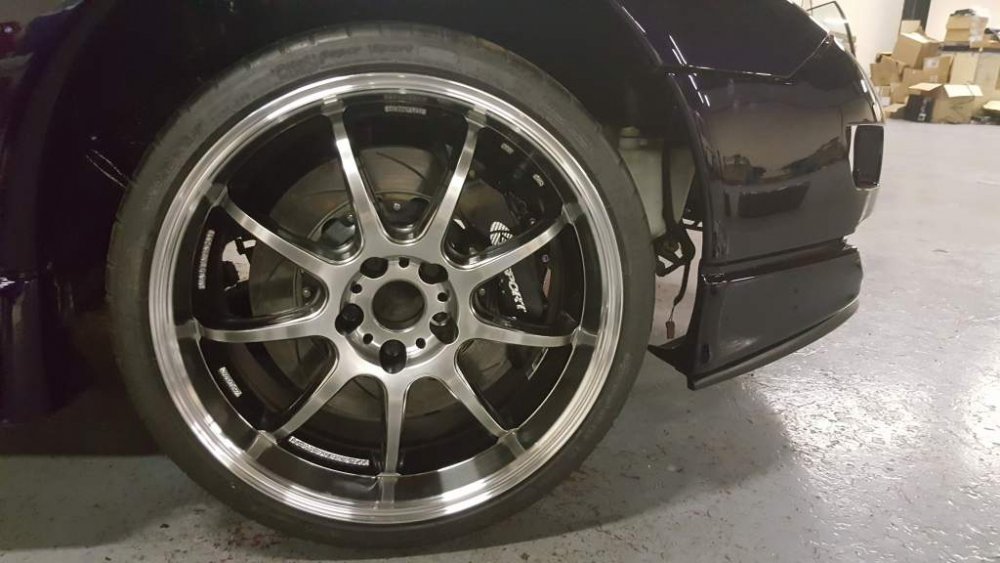 Few hours on the zed today and started the suspension over-hall with the drivers side being partially done. New Driftworks Top Camber Arms installed. New Driftworks Tensions Rods installed. New Driftworks Front Lower Arms. New MeisterR Coilovers. Removed old brakes and also the dust shield so that I can fit my KSport big brakes. Then finally test fit the new wheels.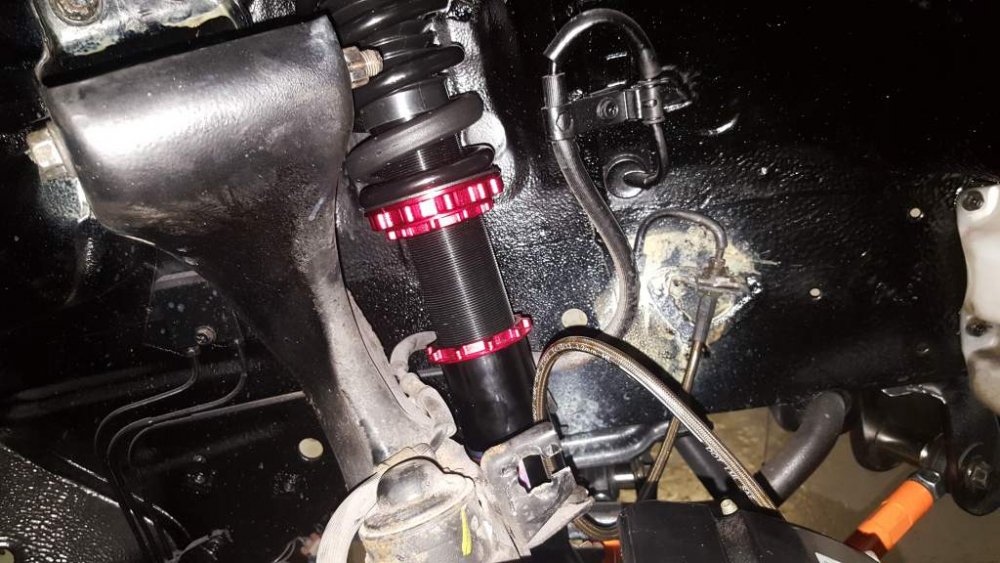
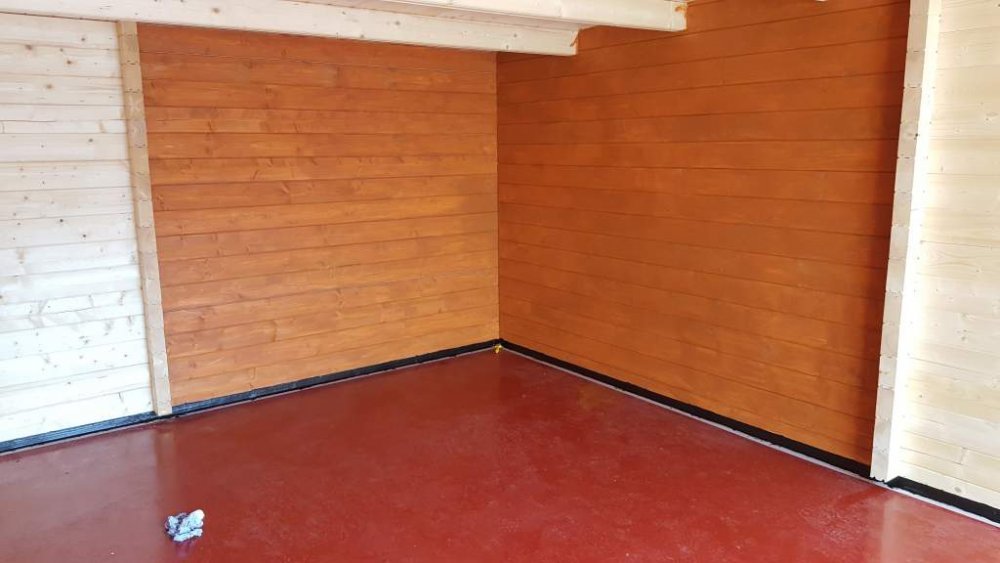
 If the carcus of the clocks is the same just swap them over. There is a few variations of the casings out there depending on the series of zed you have.Managed to fix the leaks by using sikaflex on the lower foundation of the garage, gave the whole structure a very thick coat and i plan to do the same on the outside. Checked it this morning and i had a small leak but i think its because i damaged the seal when i ripped the masking tape off. Also plan to deck arround the outside of the full garage and when doing that i also plan to put a waterproof skirt on it so water just drains straight into the ground and doesnt back flow over the concreete base.
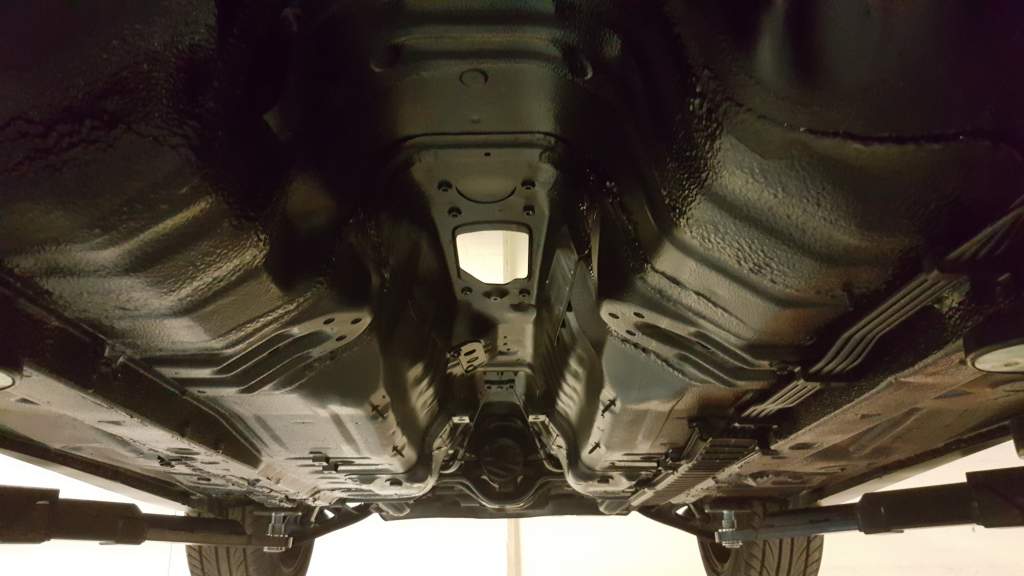
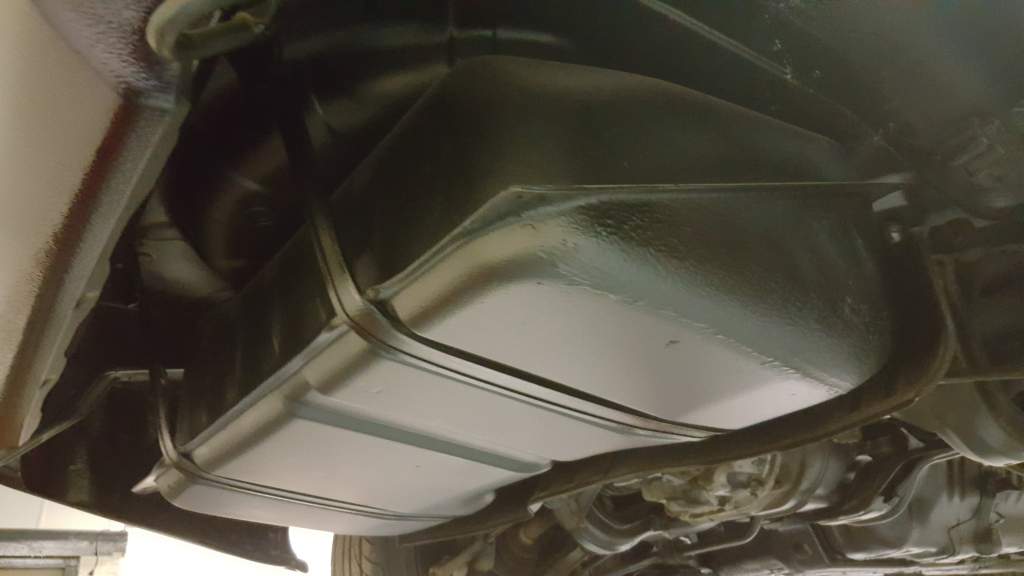
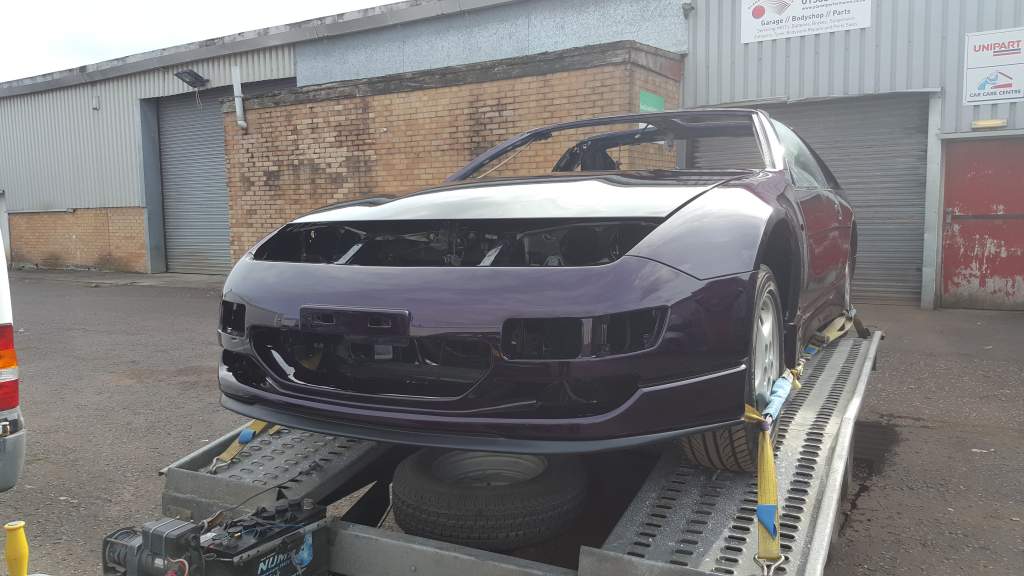
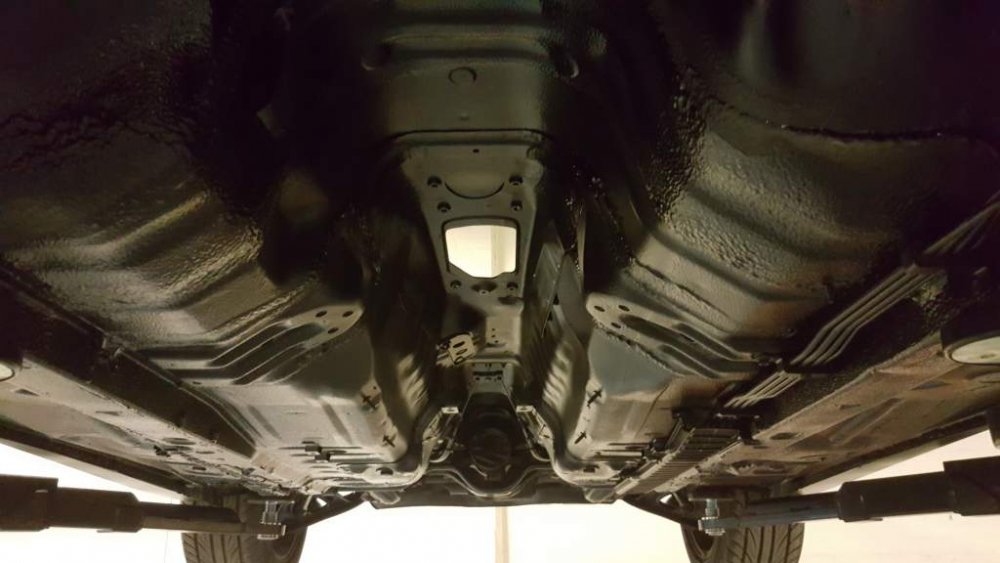
 Working everyday untill after 6pm so work wont statr on it until the weekend. Does 'till Saturday' include Saturday as i'll be stripping the wheels, suspension and underarms all off to fit the new kit. Any help would be appreciated. I'll hapily pay for lunches for anybody who comes. ;)Think you misunderstood. The body work is spot on and in tip top shape. I was talking about the undercoating work the bodyshop done.Now safely at my work lockup. Up on the ramps I get to see for the first time the underbody which I was impressed with.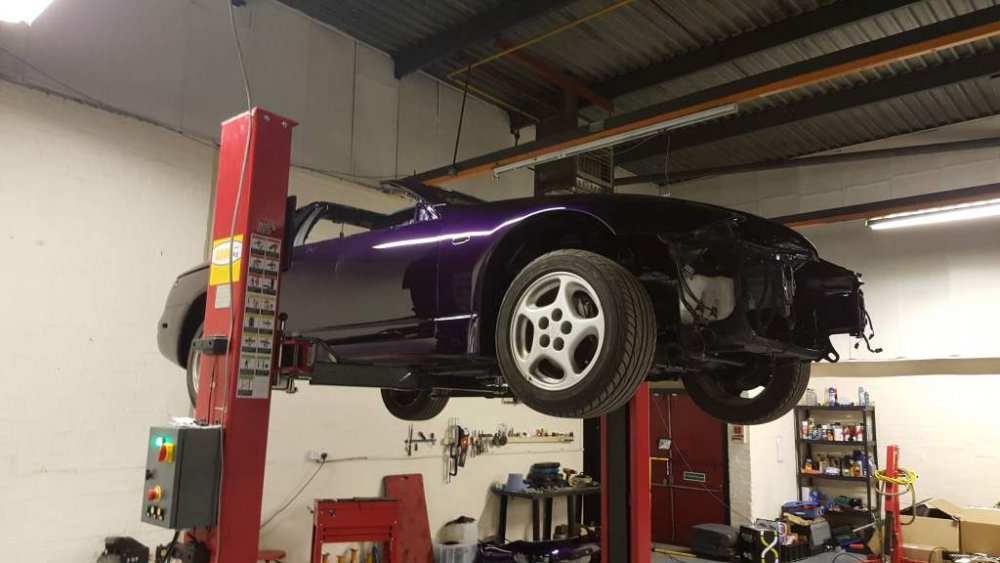
 Lock and Load
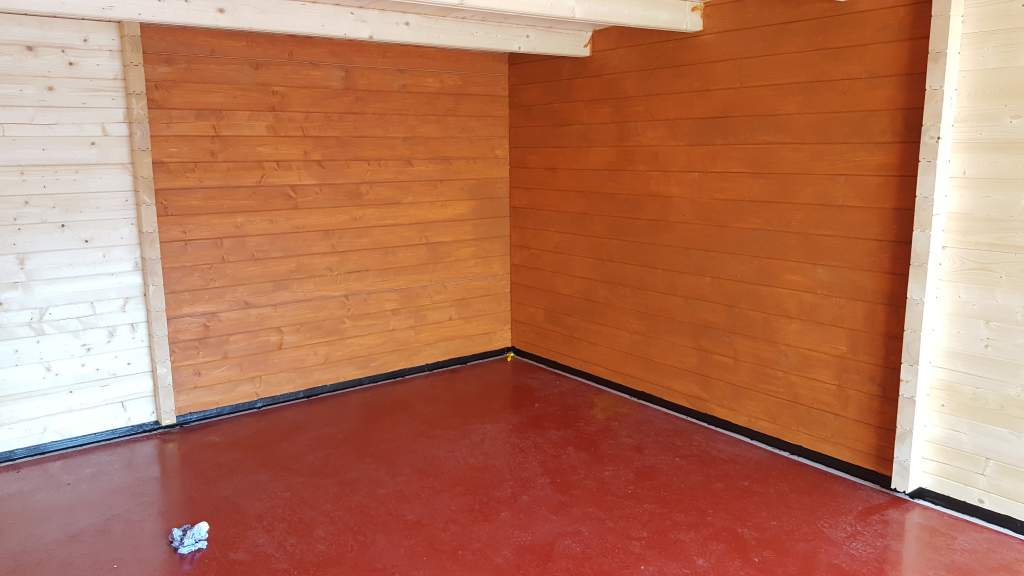
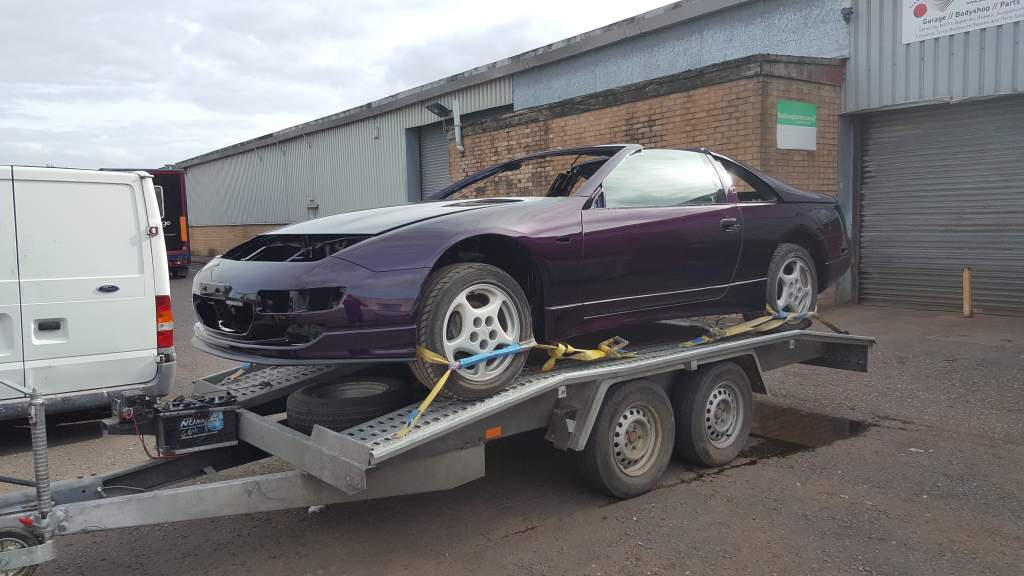
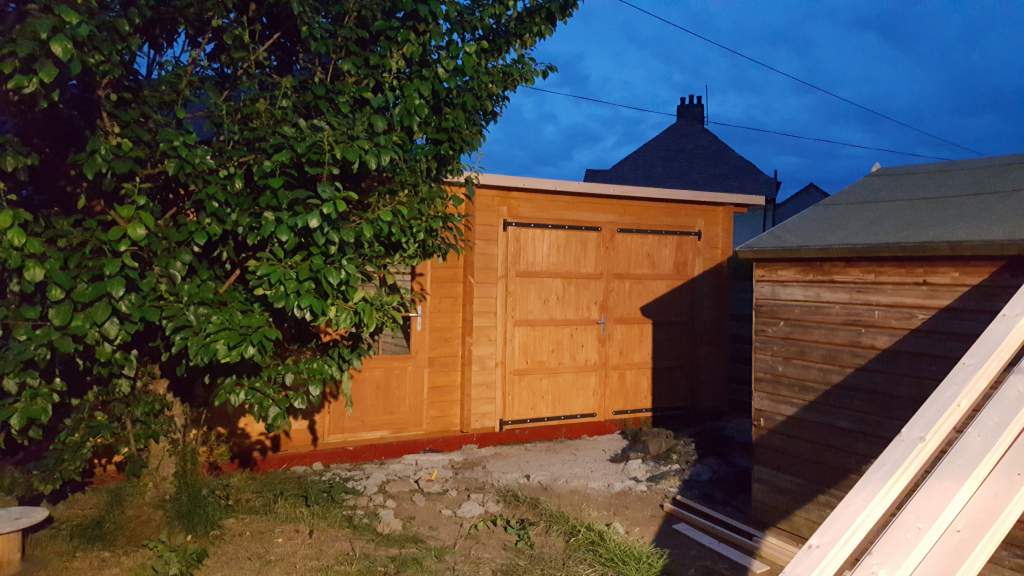
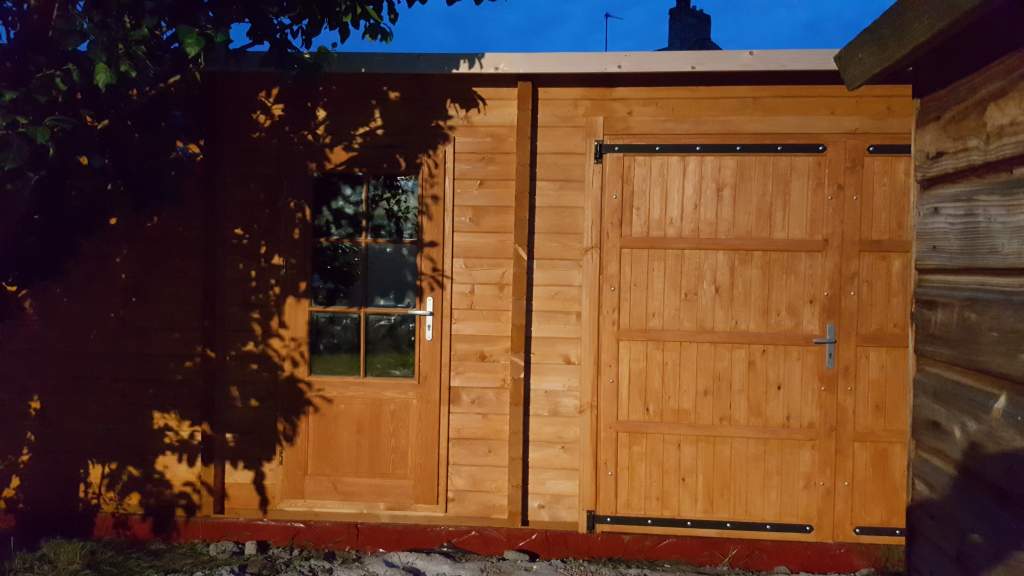
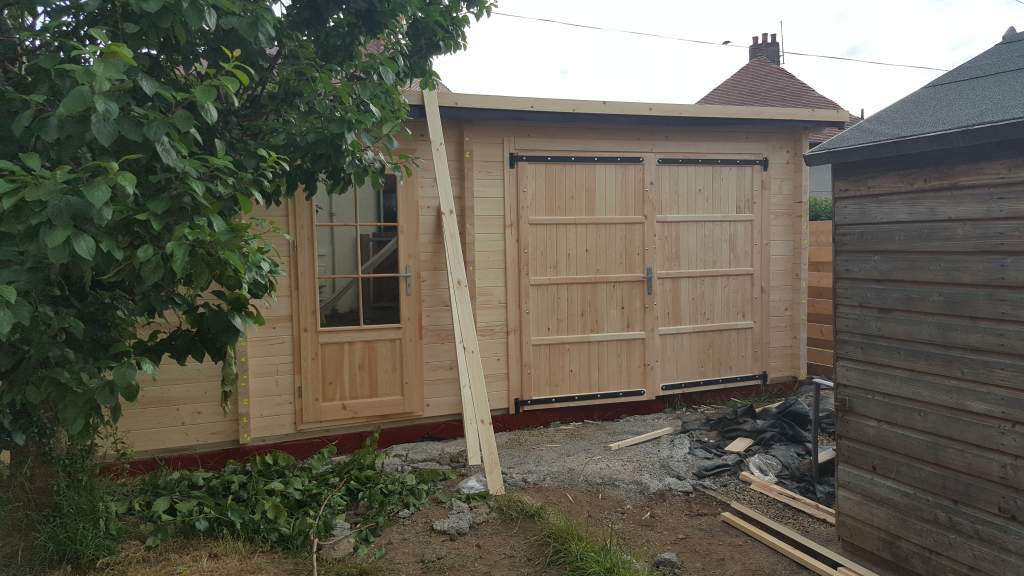
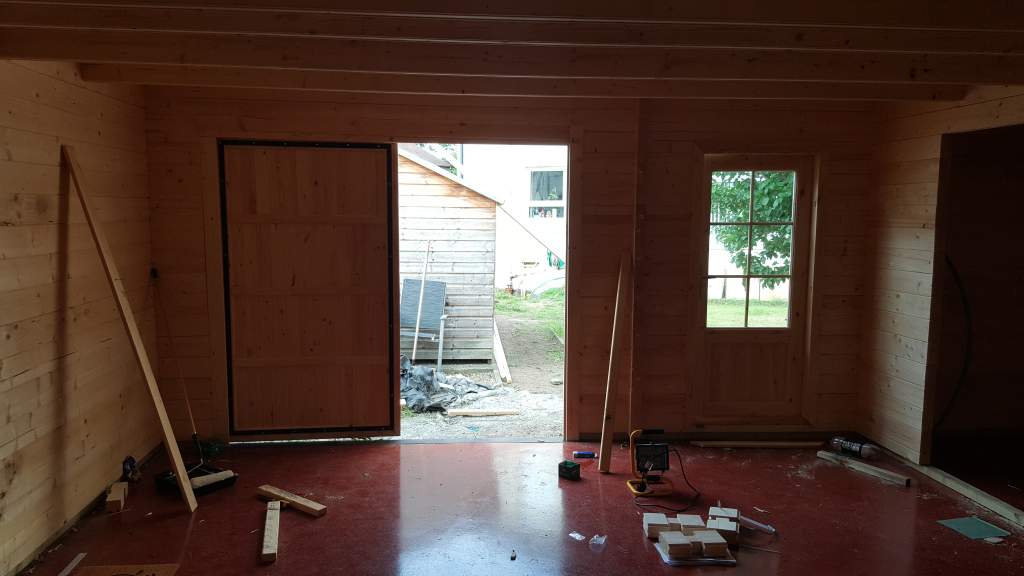
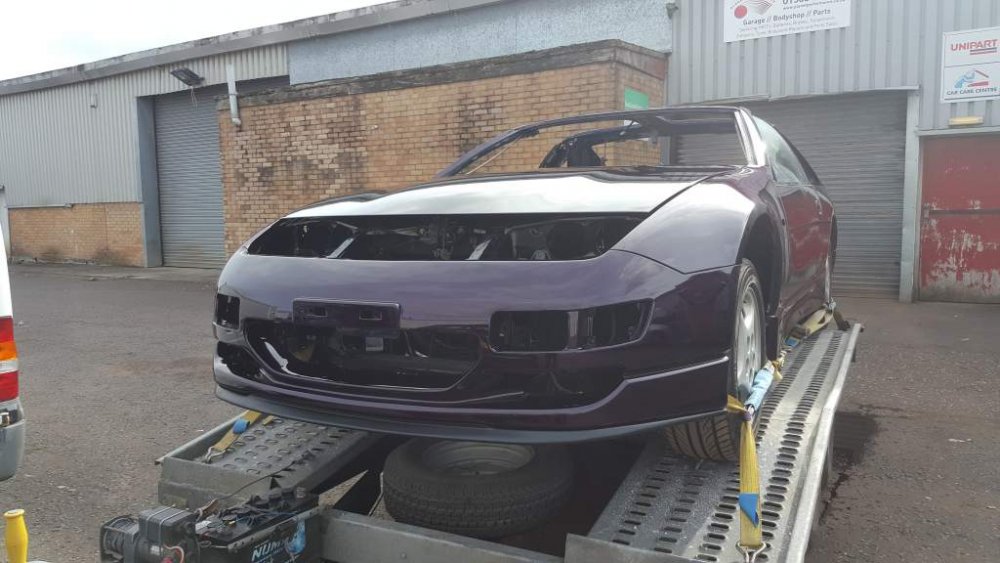 I'm still coming but no zed and i'll have to book into a Hotel at Tamsworth as the nominated Hotel is now fully booked. Good news is my zed comes out the spray booth today so i can take it home. :)Not to good to be honest. Although the gutter isn't installed as yet. Roof is water right but I have a few leaks coming in from the lower joists. Just need to waterproof the lower joists, few ideas up my sleave.Another few hours working on the garage and the first coat of oak protection coat is on. Still have the other exterior walls and interior to do.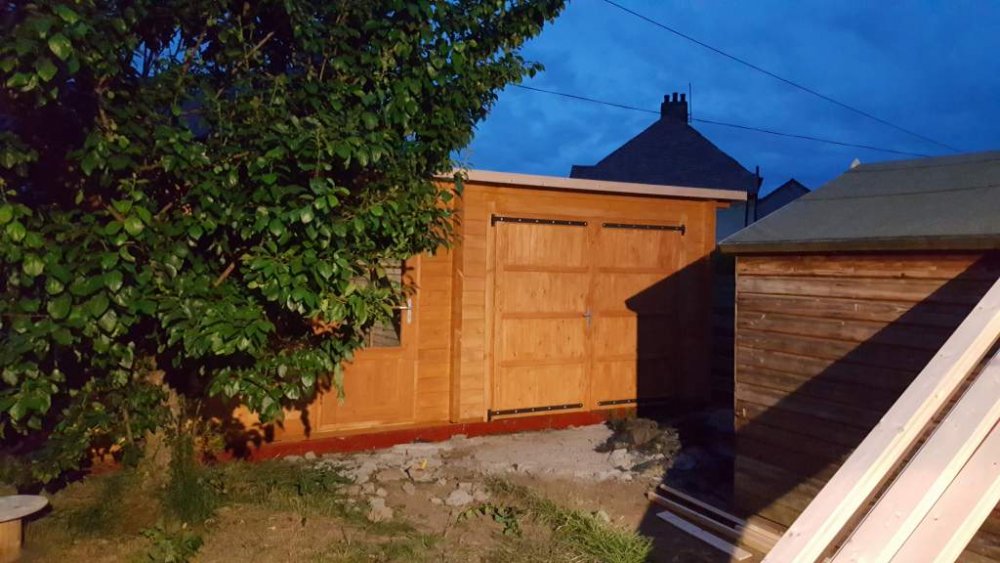
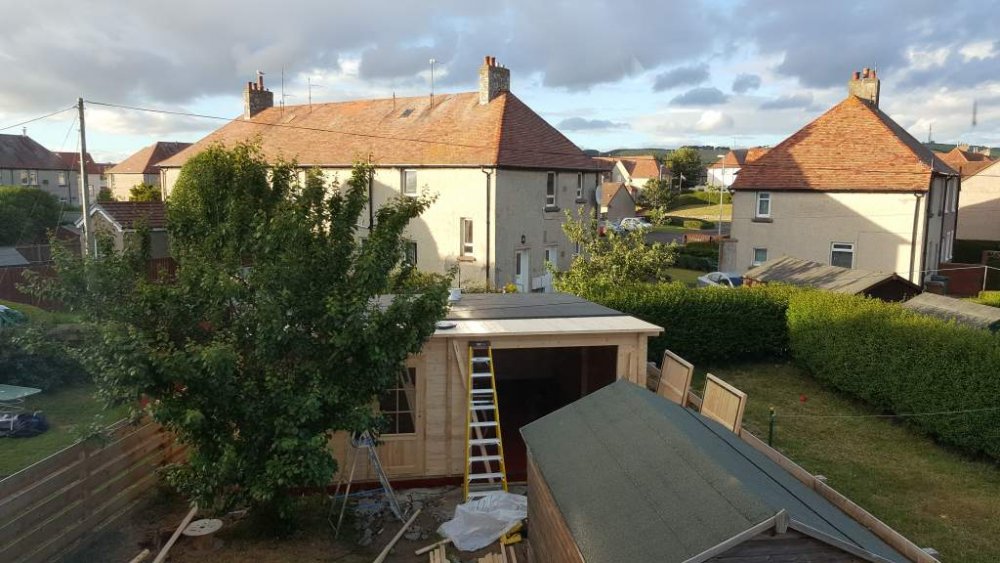
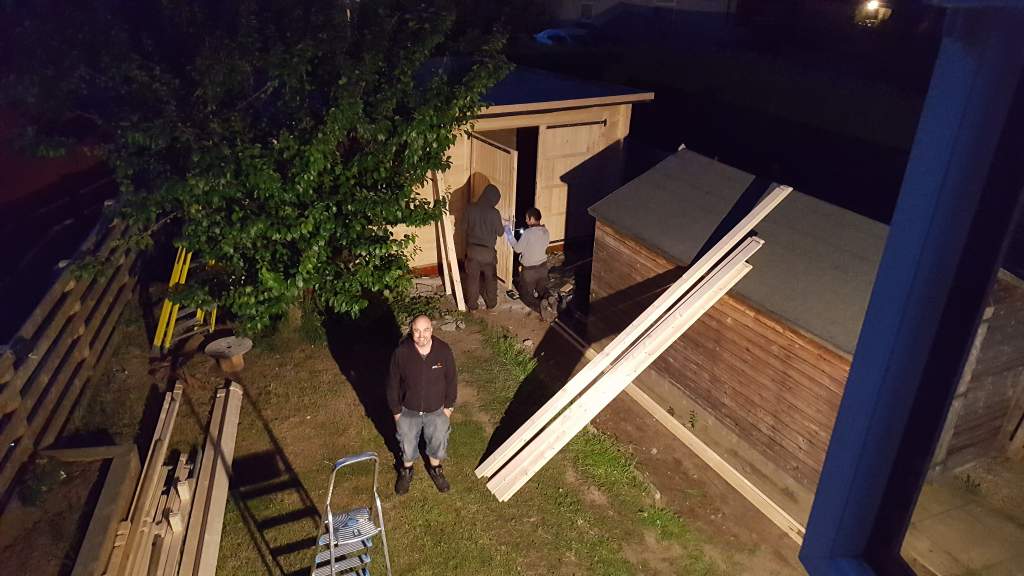
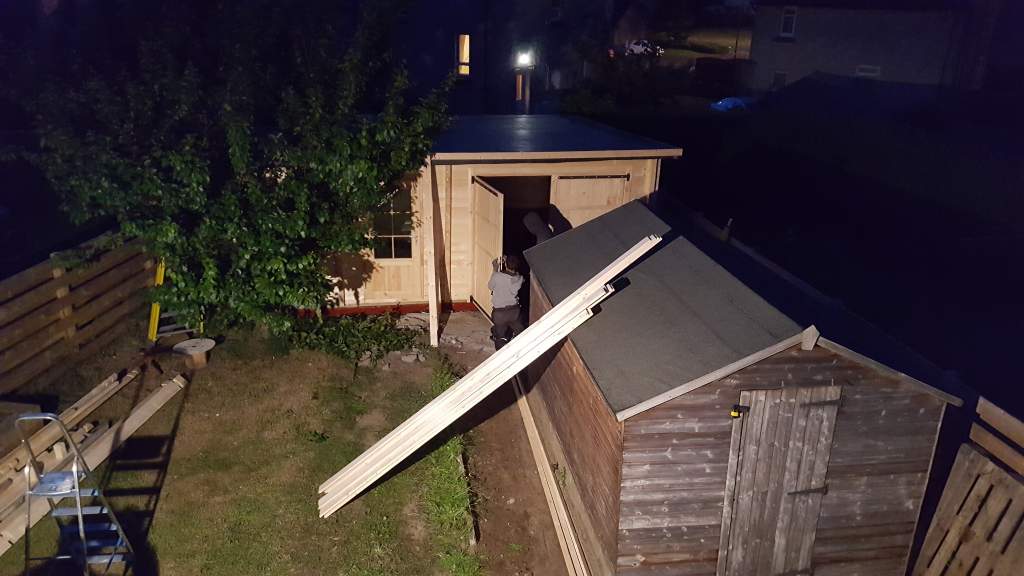
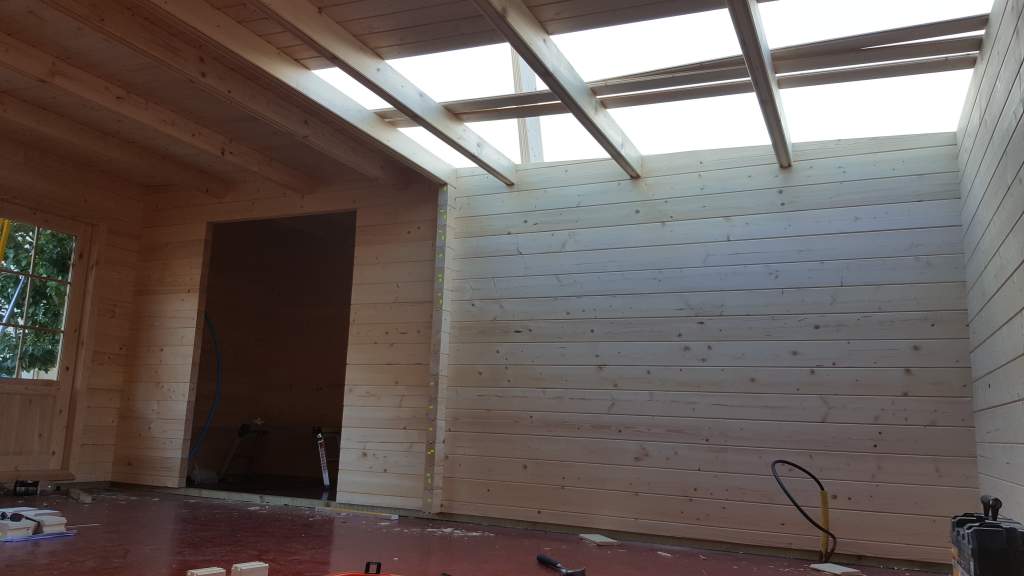
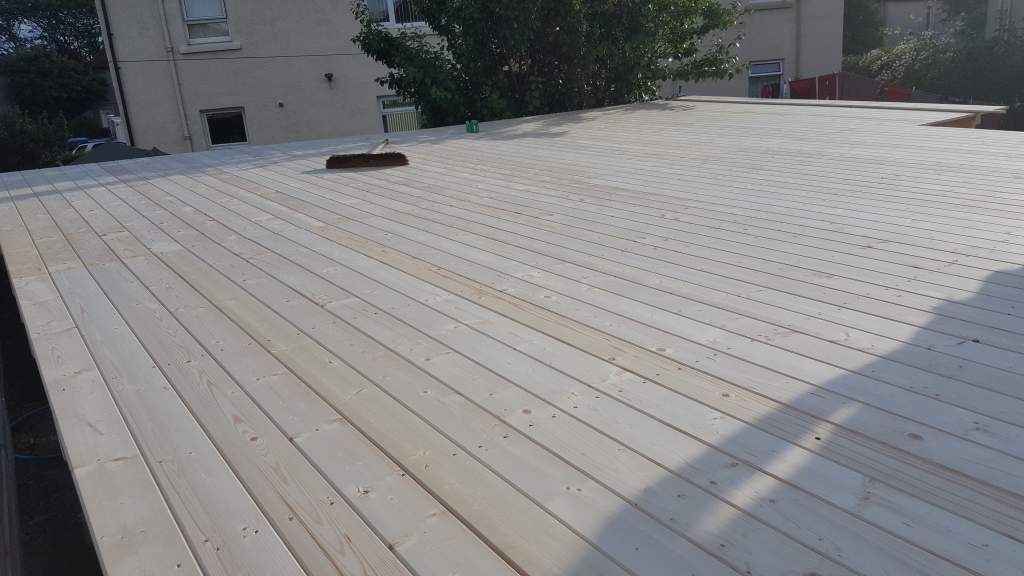
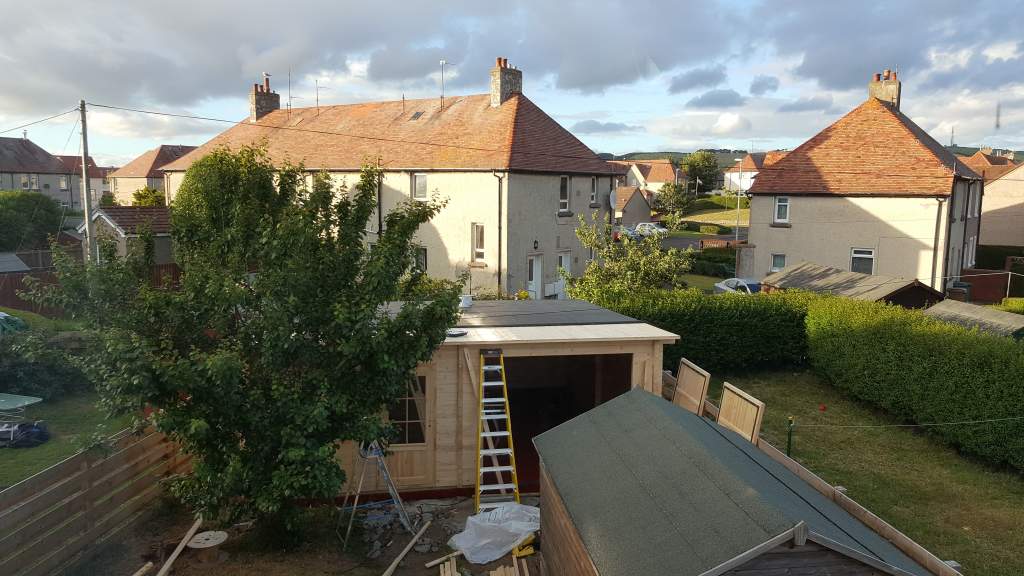
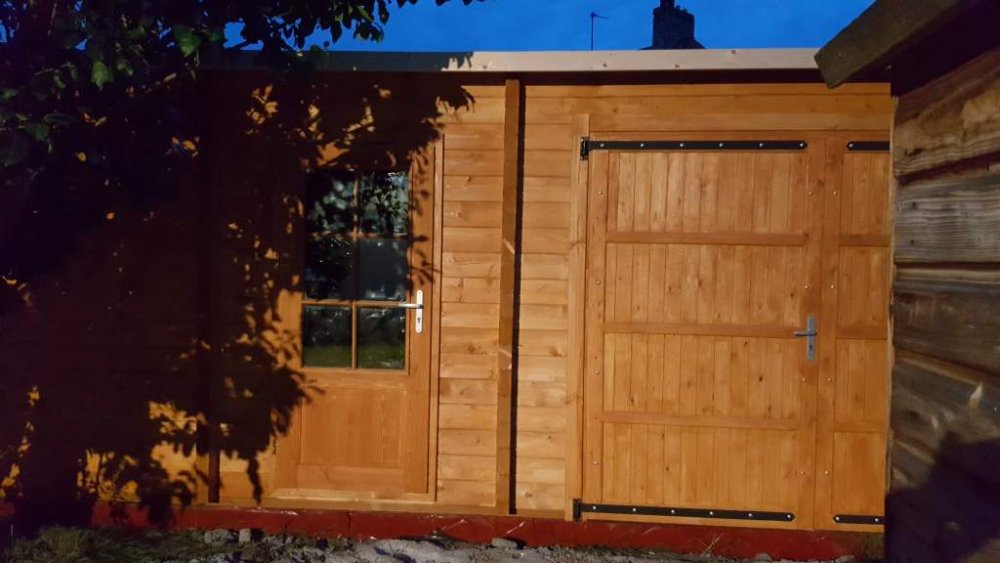 Yes, Its pitched front to back and there is a gutter to be fitted to the back side to catch the water. Roof is already done and its now water tight.It came with storm braces which is on the list to be fitted today. Also got a big tin of cuprinol ready to be painted on.We were up to 11:30 last night finishing off what we could, just a few snagging parts to do but the main build is now complete.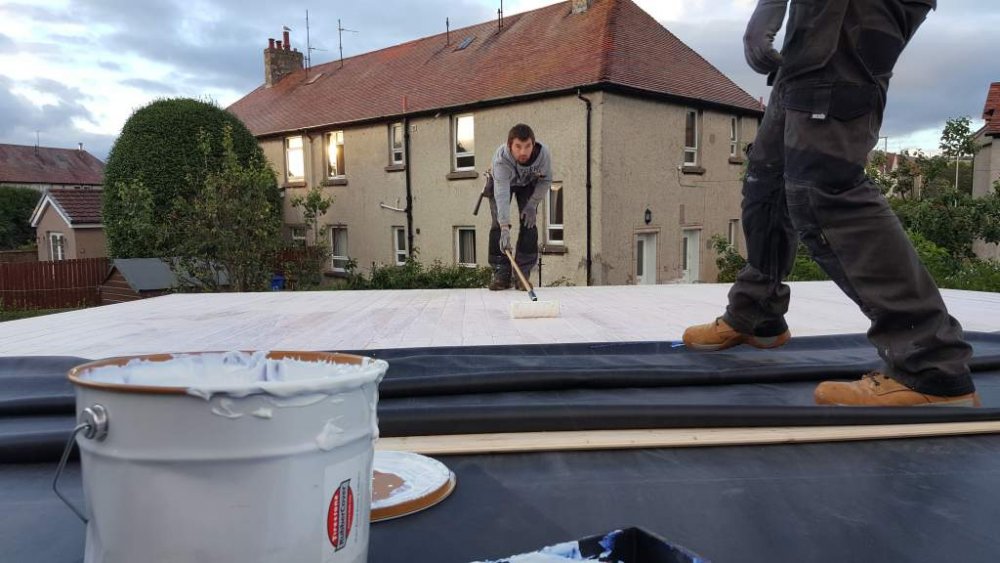
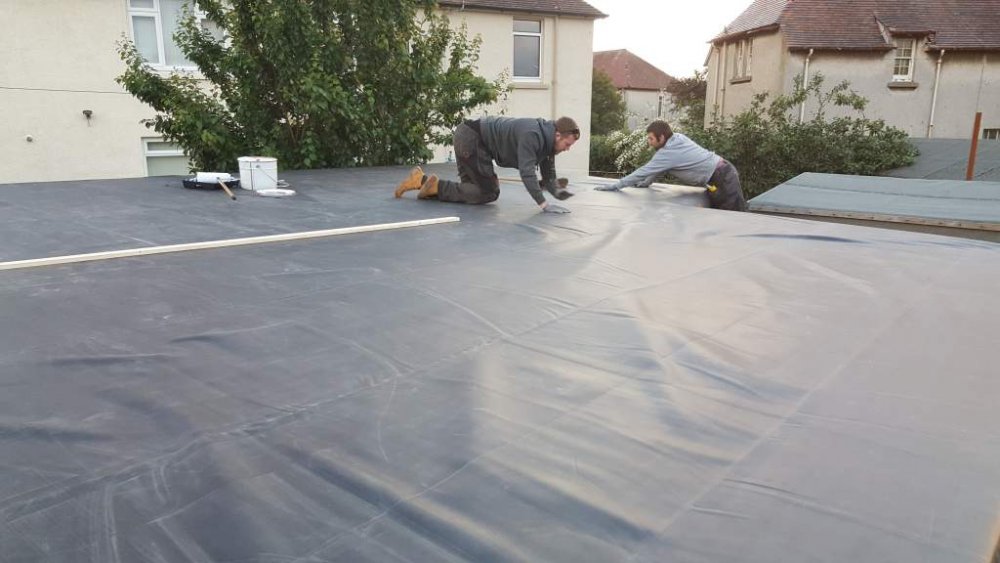
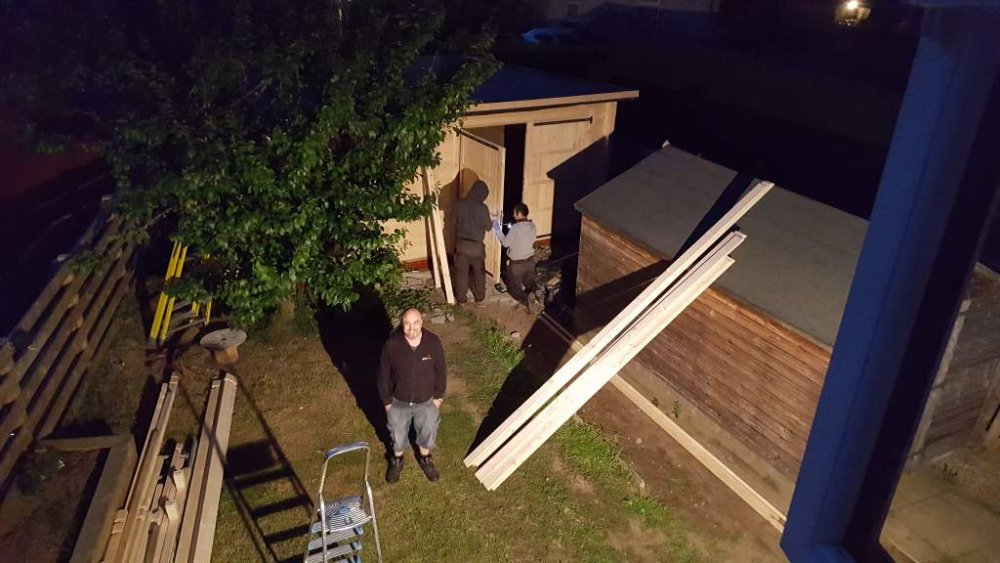
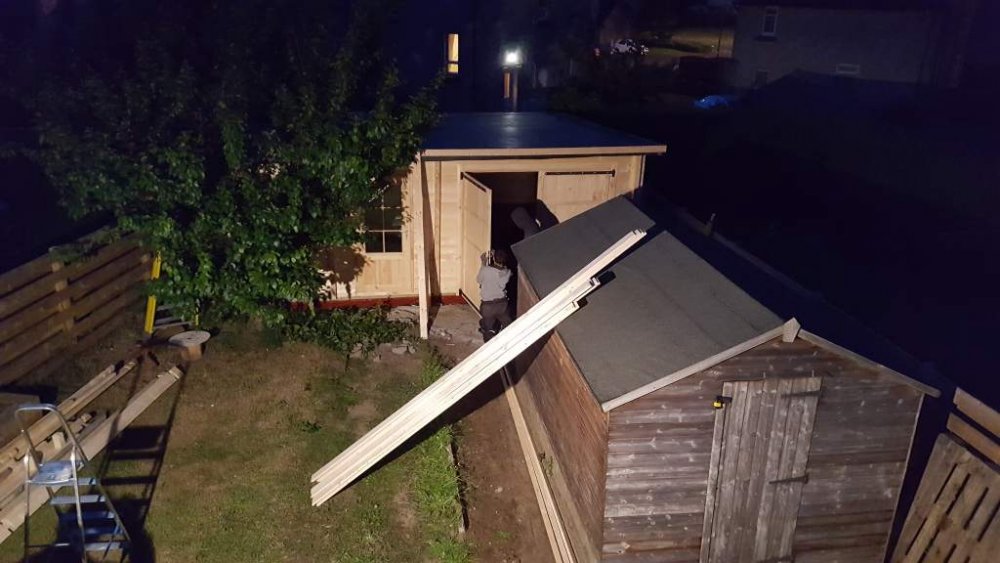
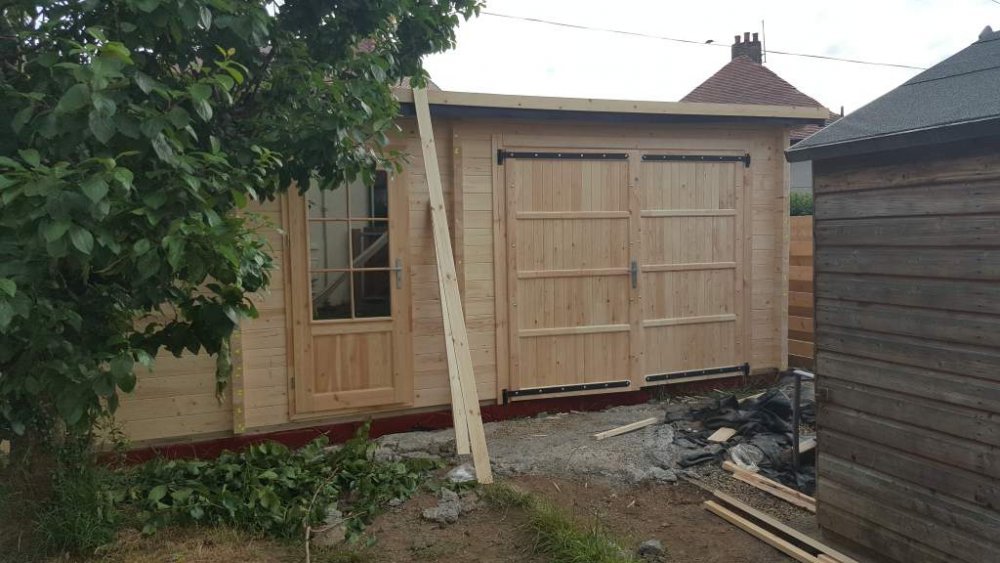
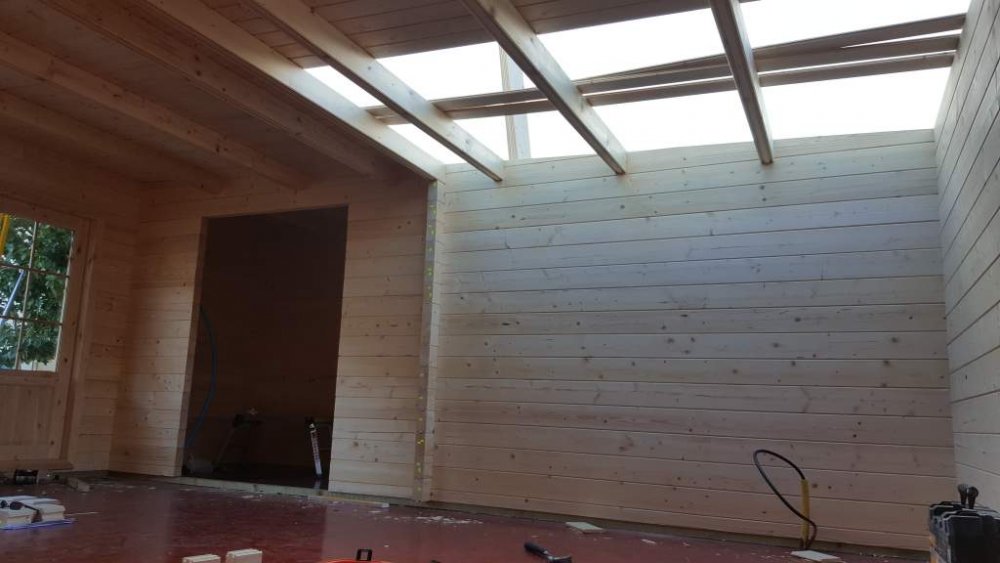
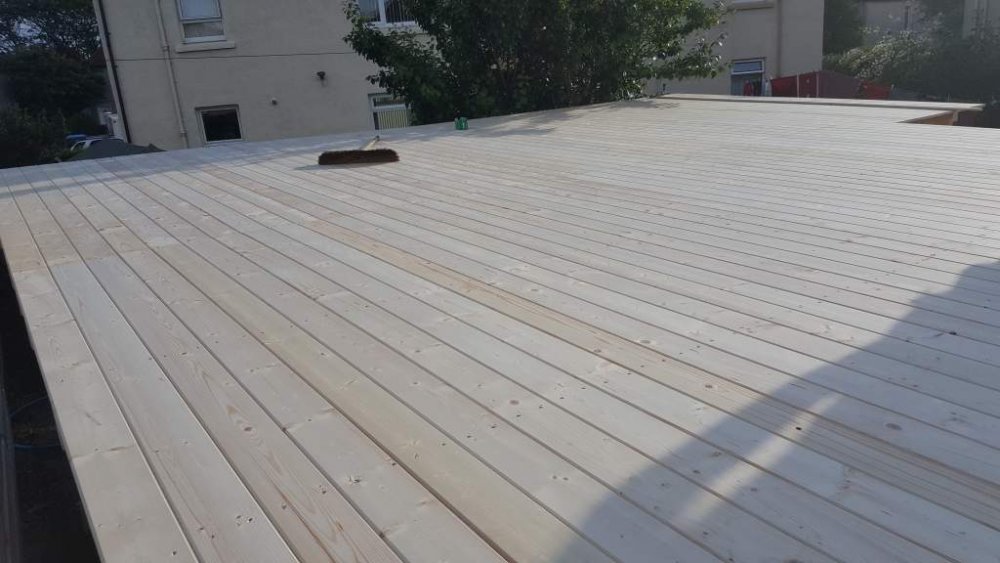
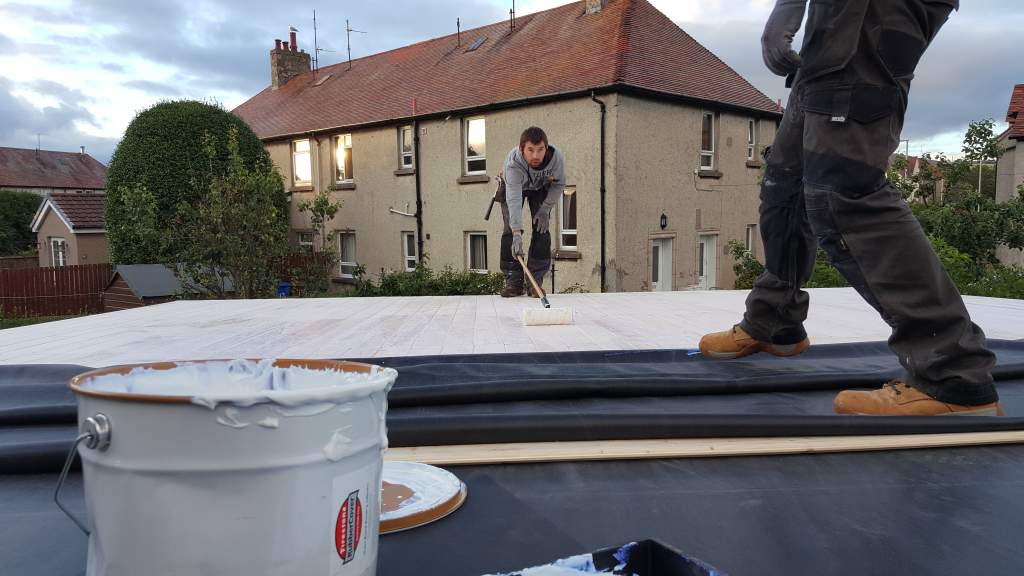
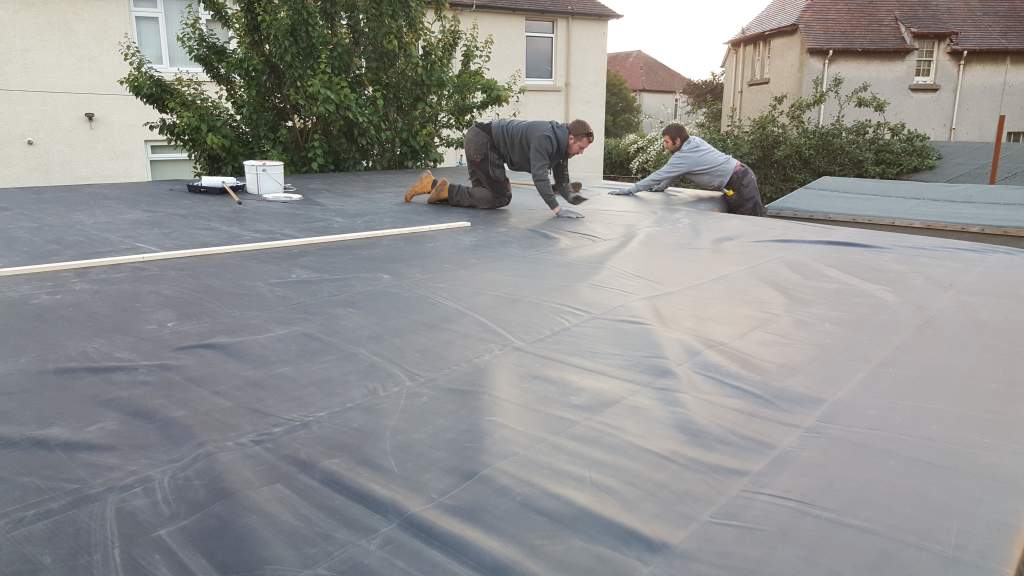
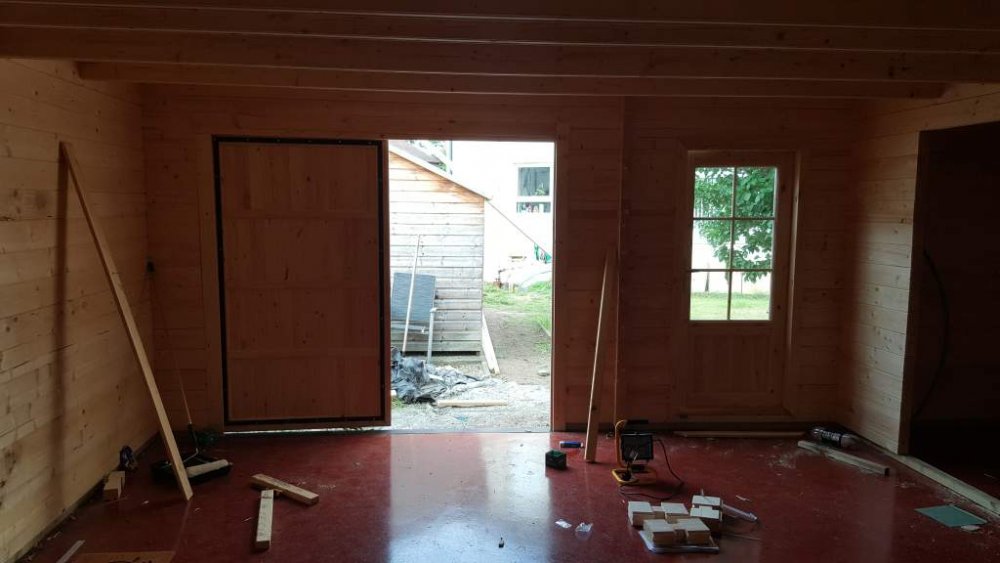 Roof panels are now on and we are working on the rubber EPDM rubber roof to make it water tight.