
Everything posted by AndrewG
-
Best wishes on your Birthday Richard!
-
Thanks Vig, I'll let you know! I left the HKS I/Cs for Jim to sell on.
-
Bought years ago from CZP before they went NLA.
-
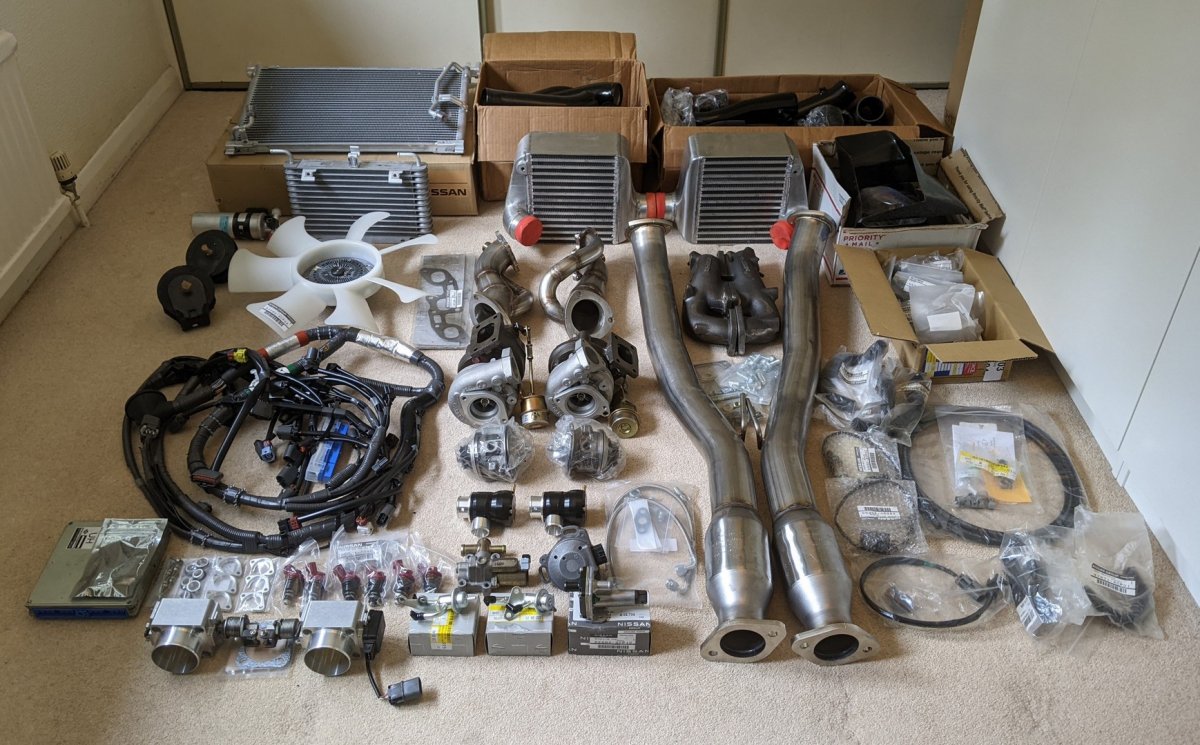
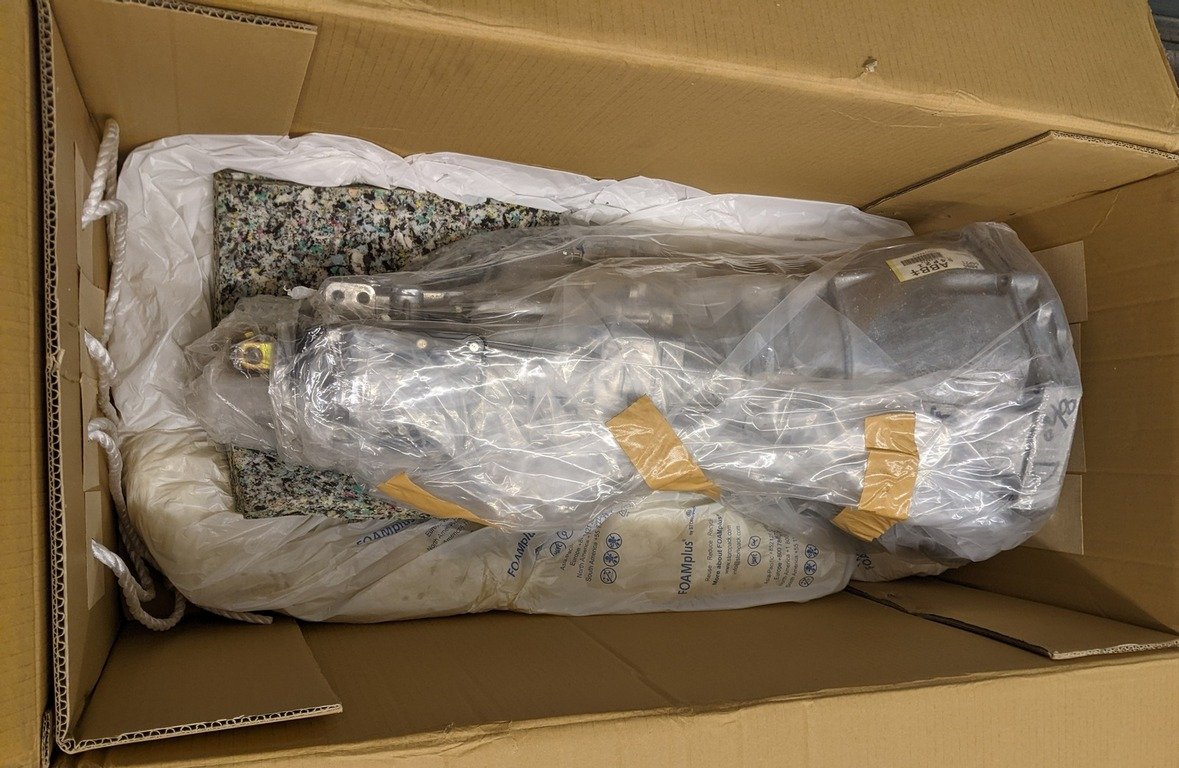
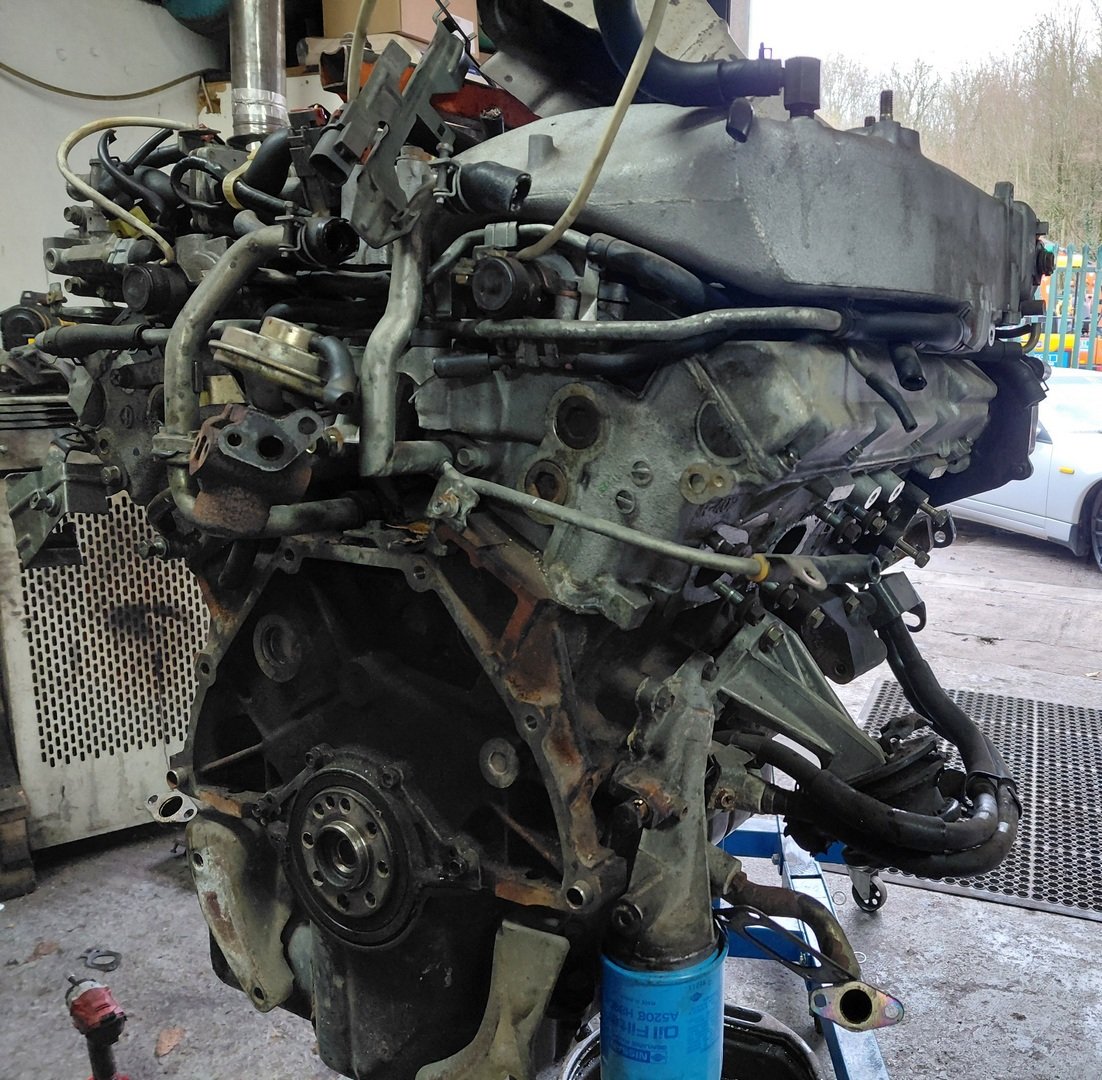
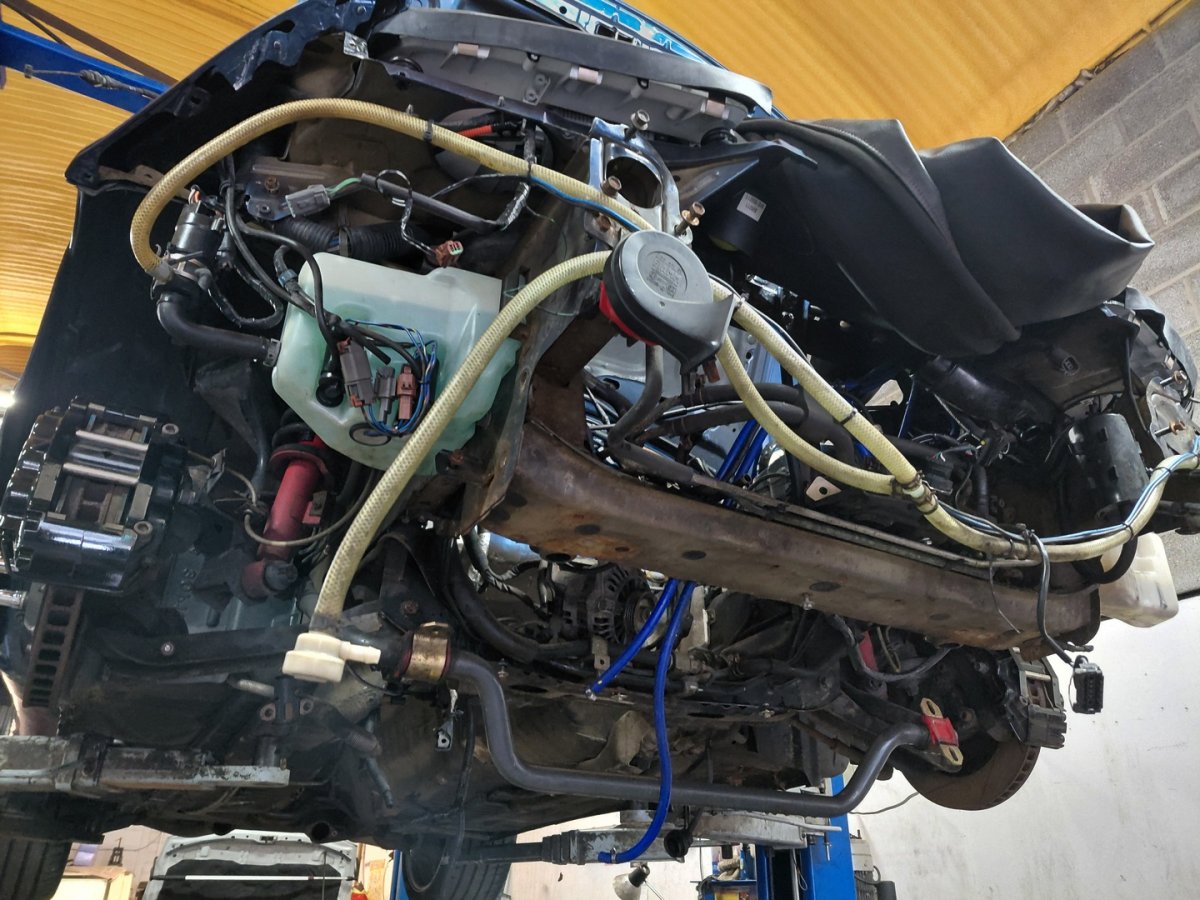
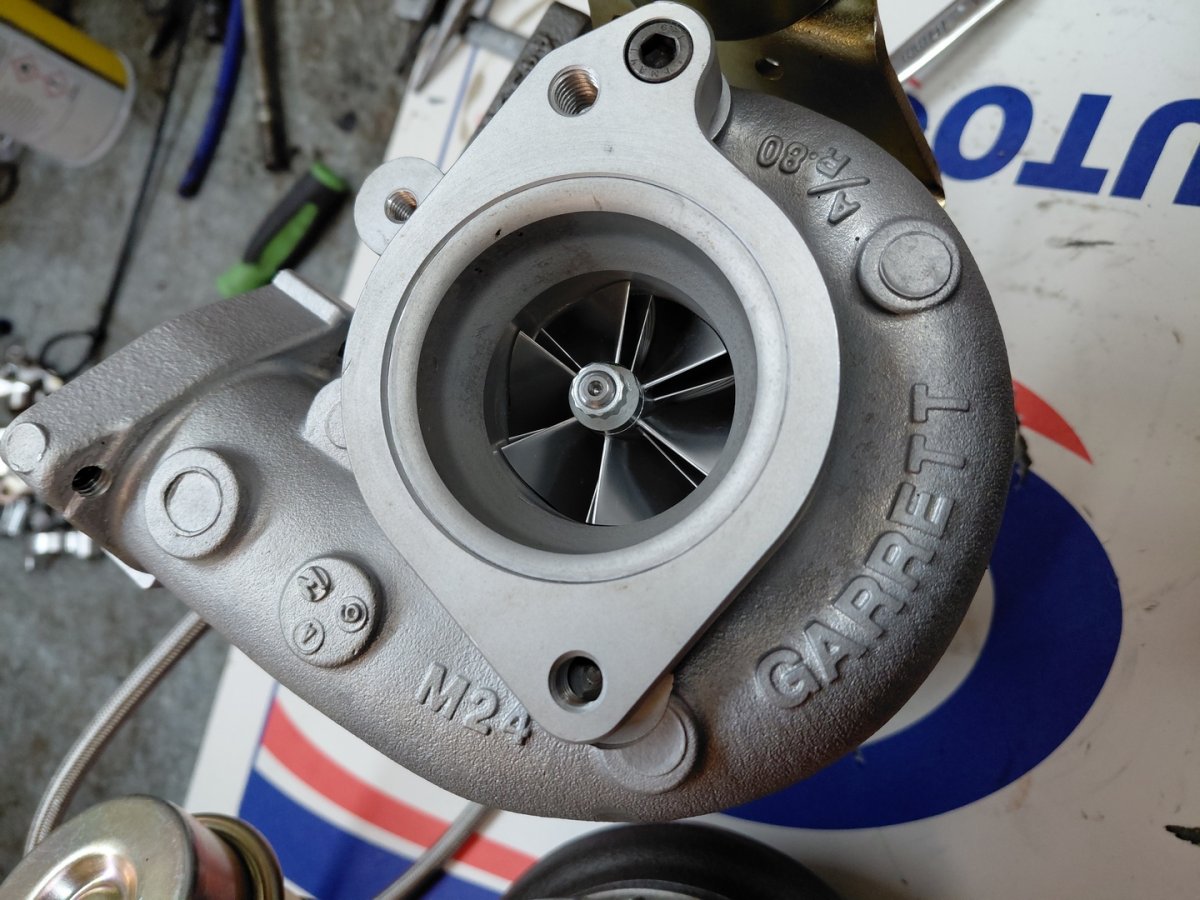
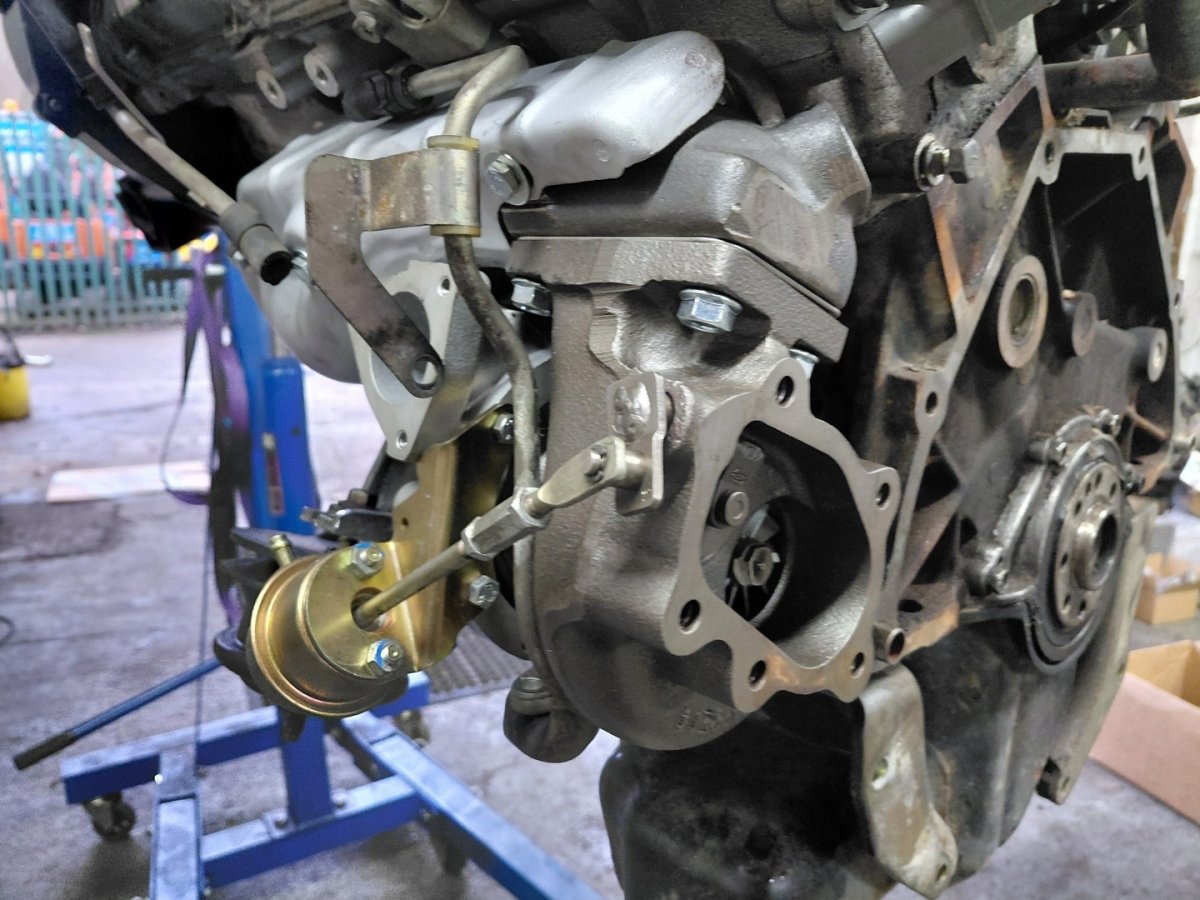
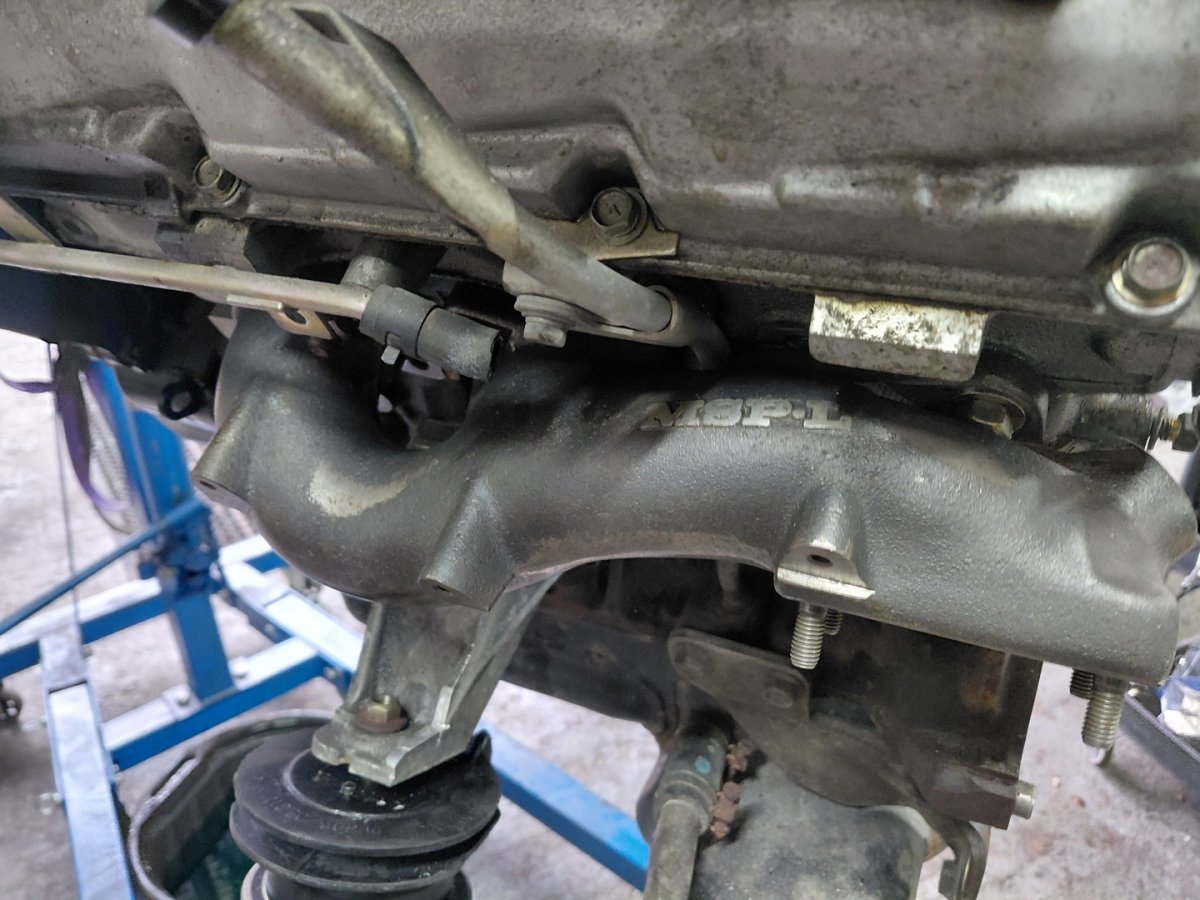
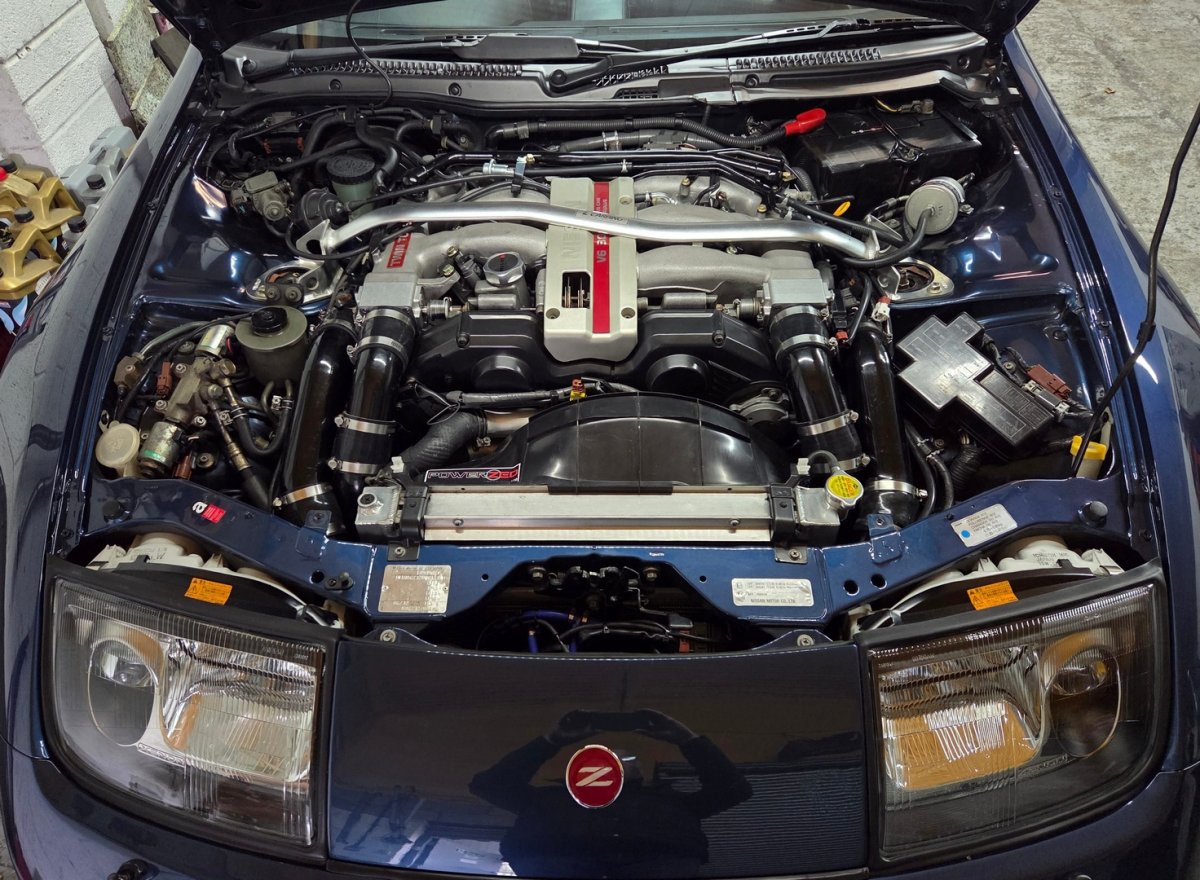
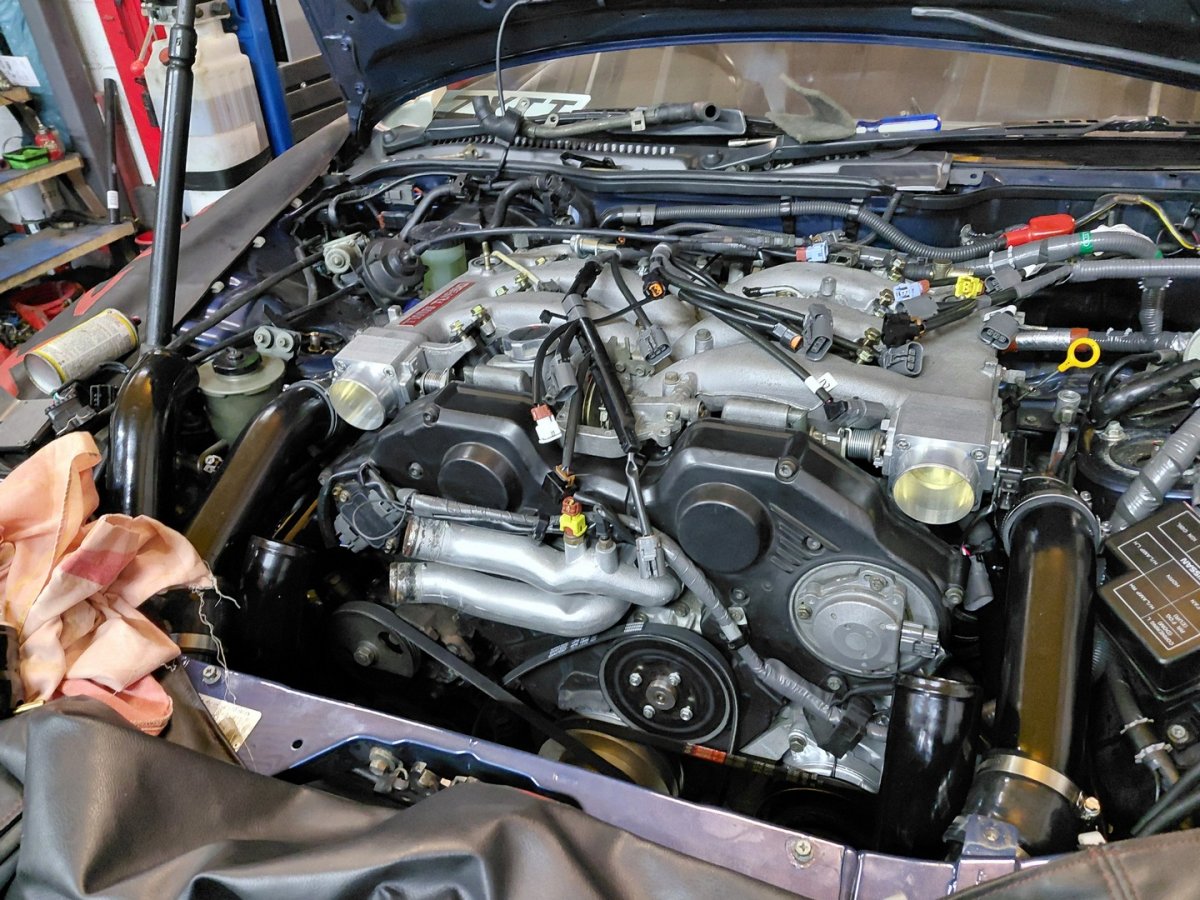
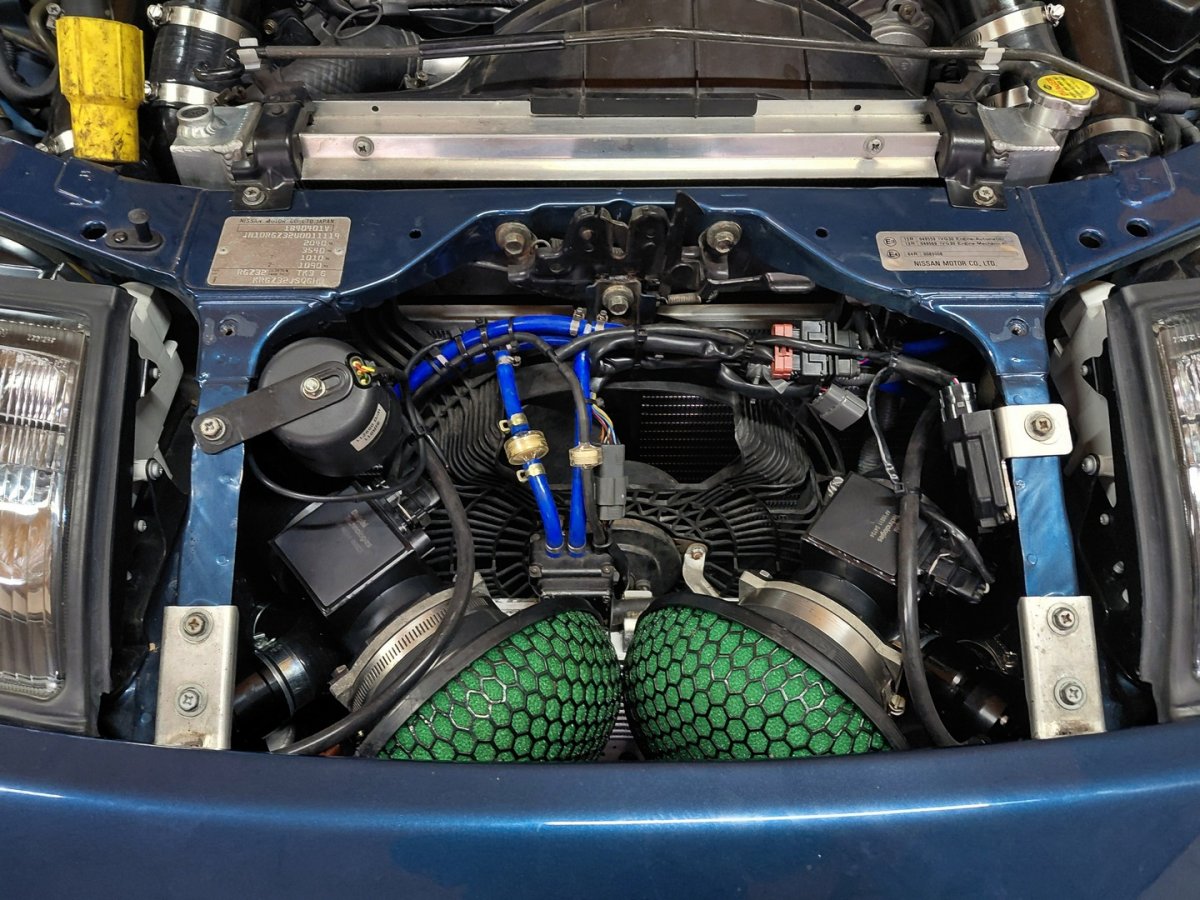
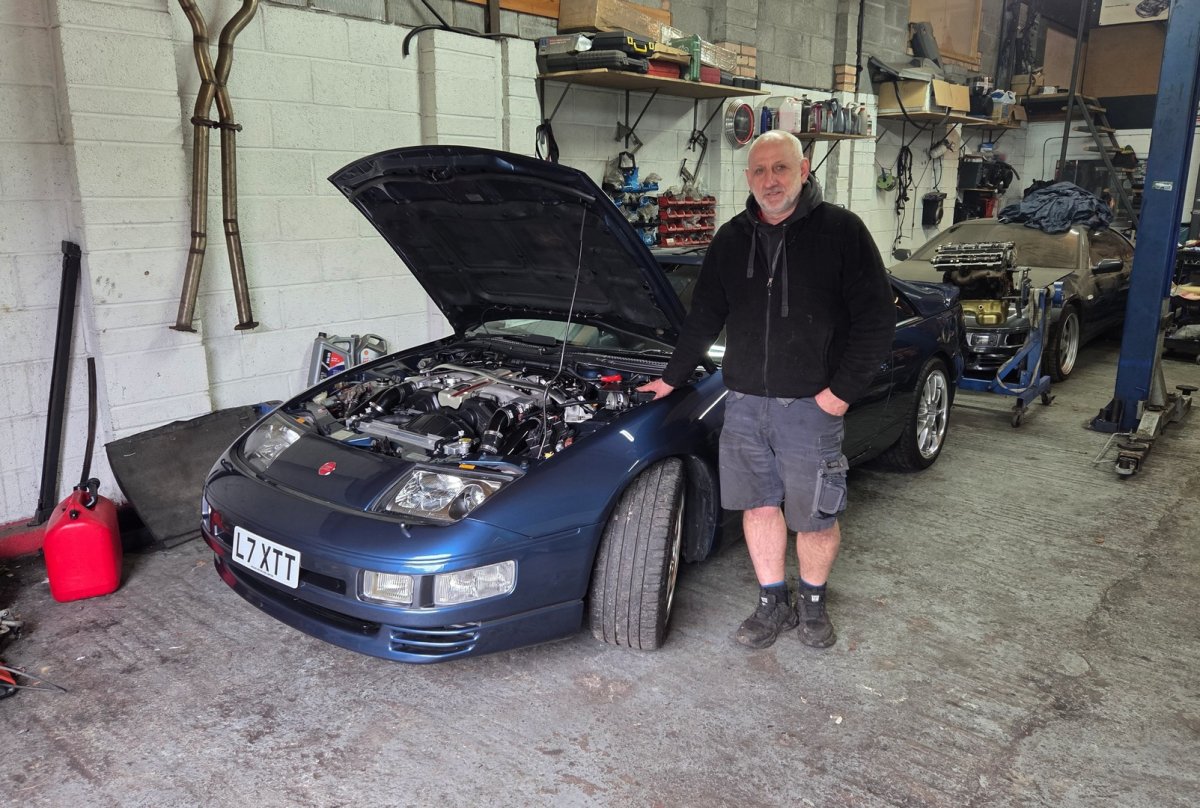
Collected the car from PowerZed yesterday. Jim has spent many hours putting all the parts in the first two photos below onto the car and removing as much of the superfluous guff as possible. The car passed its MOT with flying colours and with the emissions well with limits. Jim emailed me after he took her for the MOT and to quote him "it behaved very well during the journey. It is very quick on boost even at wastegate pressure. You will be impressed I am sure" I'm a very happy bunny! The trip back home was very wet so drove with due caution. I will take her out when conditions improve and I have plumbed the Racelogic traction control back into the new engine harness. I'm very grateful to Jim for all he has done in getting the car to this stage of development in my ownership - a very big thank you! Engine out and all the emissions guff, manifolds and old turbos coming off. Compression tests well within specs for a 90K miles engine. Front of the car stripped down, old HKS SMICs, Recircs and pipe work removed. New CHRA's with billet compressors installed into JWT 530BB turbos. MSP exhaust manifolds installed with new engine mounts and modified brackets to clear AshSpec pipework. JWT 530BB turbos mounted. Work in progress - engine back in. RobZ 62mm TB's installed onto modified plenum. AshSpec 2.5" pipework going on and a lot of other new parts. All back in and bolted up with the very clean and discreet OEM+ look I was after with the modifications. Which continues with the new MAFs, GFB Recirculating BOVs and AshSpec 2.5" pipework under the nose panel. Again a very clean look. Finally the man who made it all happen...
-
Best wishes on your Birthday Jim! Bit early for my birthday though😄
-
Welcome to the Club! Look forward to seeing that LS3 in situ!
-
Welcome to the Club Chris and the start of your Z32 adventure!
-
Best wishes Gary!
-
See if these folks can help you (I've ordered parts from them many times and are good): https://www.jp-carparts.com/nissan/part_detail.php?maker=nissan&type=132&cartype=25&fig=431&part=5622633P00&page=2&img=431A%20002 Alternatively, for s/h try: https://www.banzaibreakers.com/
-
Best wishes on your Birthday Marco!
-
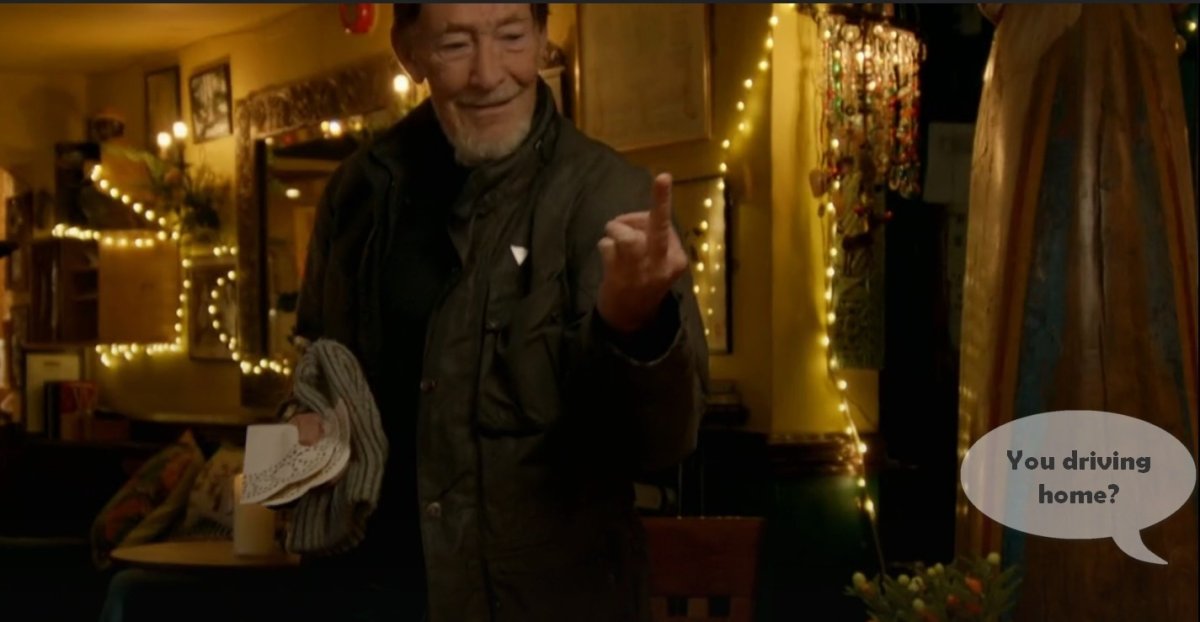
Watched an older Christmas special of Gone Fishing where Chris Rea had a lovely chat with Bob Mortimer - both Middlesbrough boys. I remember his parting gesture and smile...
-
Best wishes on your Birthday Gary!
-
Best wishes on your Birthday Tony!
-
Section 4. in guide: http://www.twinturbo.net/nissan/300zx/tech/pop/pop.html and a discussion on the challenge: https://aus300zx.com/index.php?threads/removing-stock-airbox.266988/
-
Welcome to the Club Mash! Look forward to seeing pictures of your Slicktop.
-
Welcome to the Club Lance. It would be lovely to see some pictures of your Slick Top and more about the restoration project.
-
As far as I know this flowchart still stands:

-
Build date July '90 and number 375 of 1548 UK Specs.

-
Best wishes on your Birthday Nick!
-
Congrats on your UK spec purchase. If you care to PM me the VIN I will add the car to the UK specs database I'm building and also give you the factory build date and specs.
-
Best wishes on your Birthday Steve!
-
Best wishes on your Birthday Lee!
-
Nice UK Spec James. № 294 of 1548 - built June '90.
-
Welcome to the Club Shane. You might have more success on the ZClub site https://zclub.net/ They have more Z31 activity and should be able to help you out. Hope this helps.
-
For reference, this is the full list of Nismo Z32 suspension bushes: nismo z32 suspension bushes.pdf FUCAs are bushes #3 and #4 in diagram, tension rods are #1.