Everything posted by AndrewG
-
You are a star Ash! Many thanks. What a lovely Z32 line up for the show - Targa 2+2 and 2+0, Slicktop and Convertible!
-
Well as the "standby" exhibitor to the show I can only wish the best on those who do so. It is a great show and well worth participating in. Hopefully next year one of the Club's UK spec cars will get the opportunity to be displayed.
-
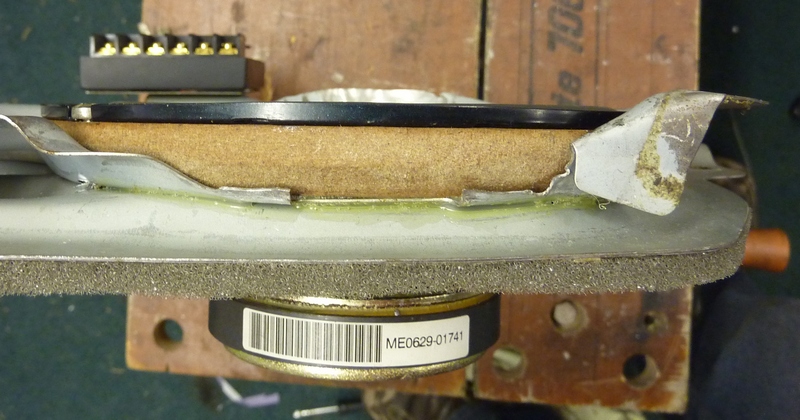
Where were the rear speakers disconnected?
-
Best wishes on your Birthday Simon!
-
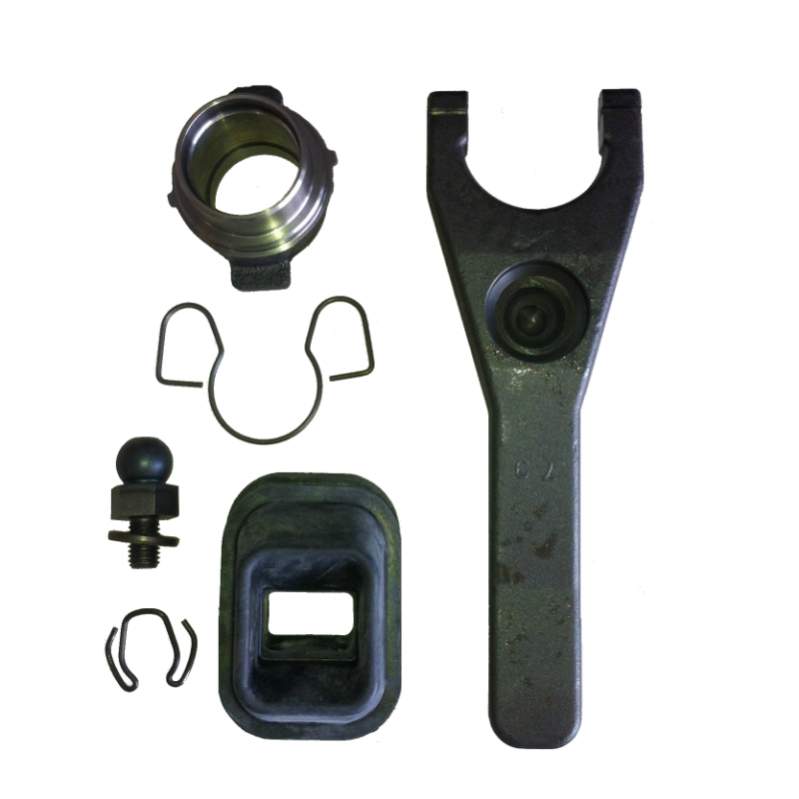
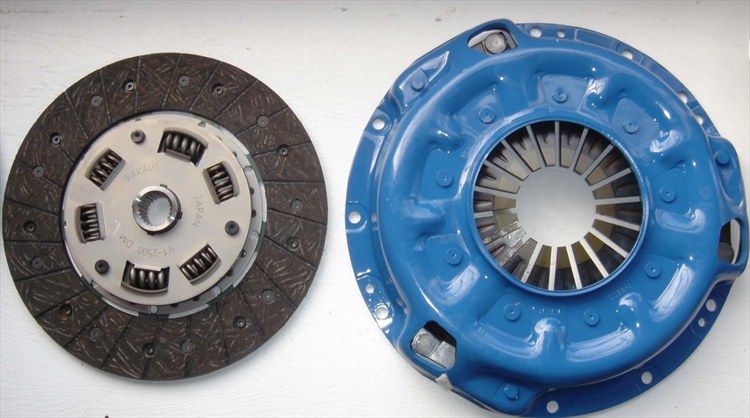
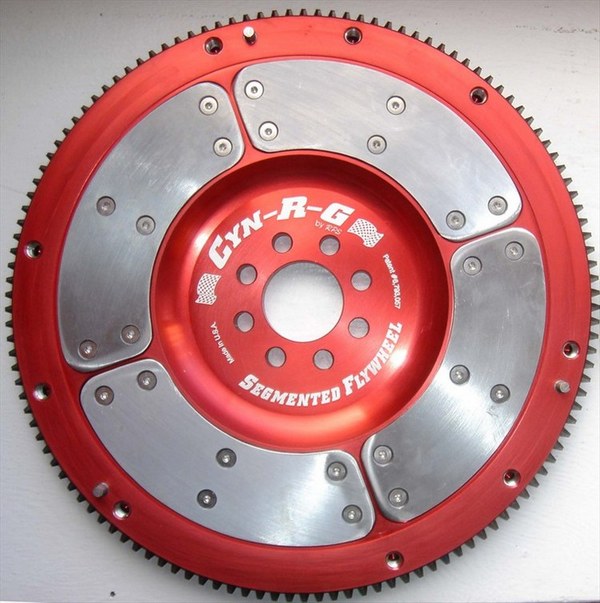
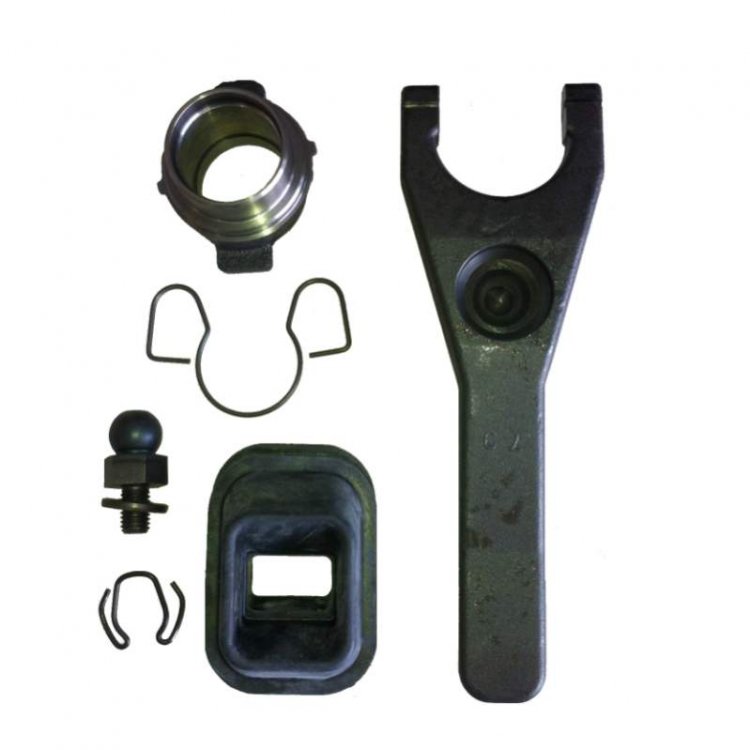
I have the RPS MK1 clutch and segmented RPS flywheel. Heavier than stock (but not by much). MK2 is lighter. Uses the stock friction plate and has smooth takeup. Very tough and reliable. While you have the gearbox off worth fitting a 350Z cast iron fork kit.
-
46 and you have a PM!
-
I'll be attending solo Ash.
-
Onwards and upwards Dan! Keep 'em coming.
-
Just a note on the origin of Tomei vs Nismo and HKS 740cc injectors: http://www.twinturbo.net/nissan/300zx/forums/general/view/2575427/NismoTomeiHKS-all-sell-the-exact-same-740cc-injector.html
-
Here you go:
-
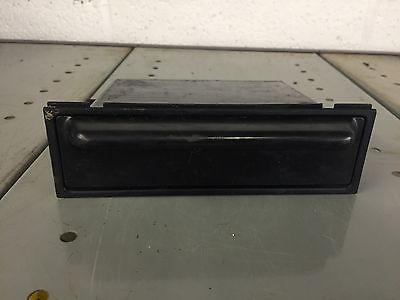
Do you mean like this? http://www.ebay.co.uk/itm/302091060304?clk_rvr_id=1116433795366&rmvSB=true
-
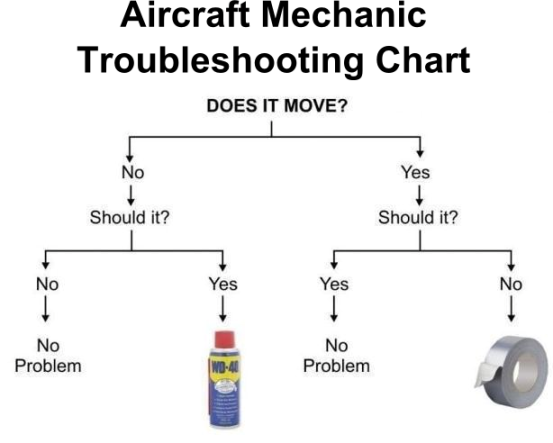
In much the same vein:
-
Specialty Z do not sell DW injectors.
-
The OP asked about a TT 2+2 - it's in the title and body of his post! "Location of the fuel pump ecu for a TT 2+2?" "Hi folks, can anyone help me here.. Any ideas where the fuel pump ecu is located on a TT 2+2?"
-
Buy them from a trusted supplier with an excellent reputation, for example Speciality Z.
-
The sister pub to the Botley Hill: https://thewhitebear-fickleshole.com/
-
Is the venue confirmed Ash?
-
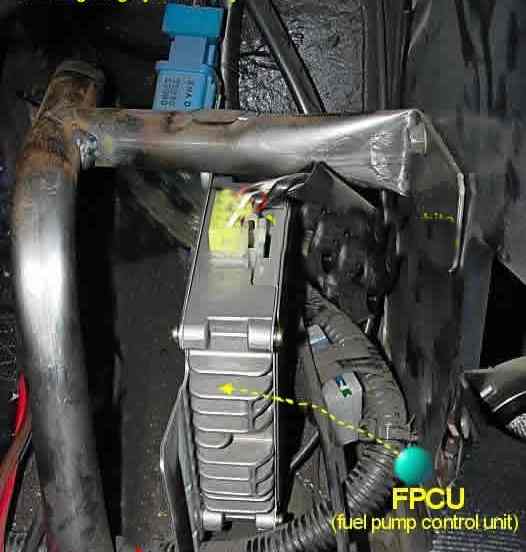
The Fuel pump controller (ECU) is located behind the passenger seat under the rear quarter trim panel and looks like:
-
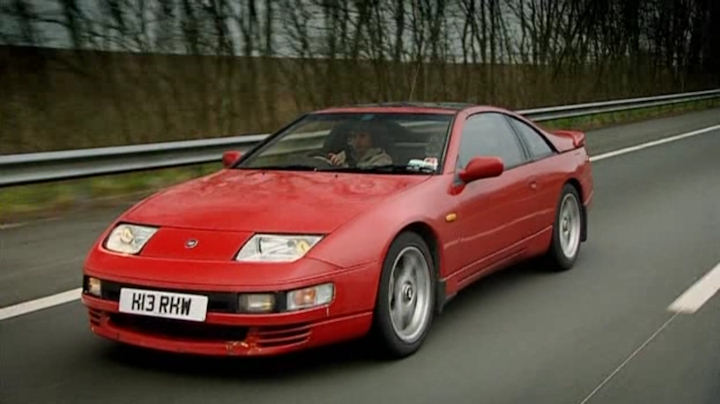
Top Gear rear-wheel-drive challenge '09:

-
Welcome to the Club Edd and the start of your Z32 adventure!
-
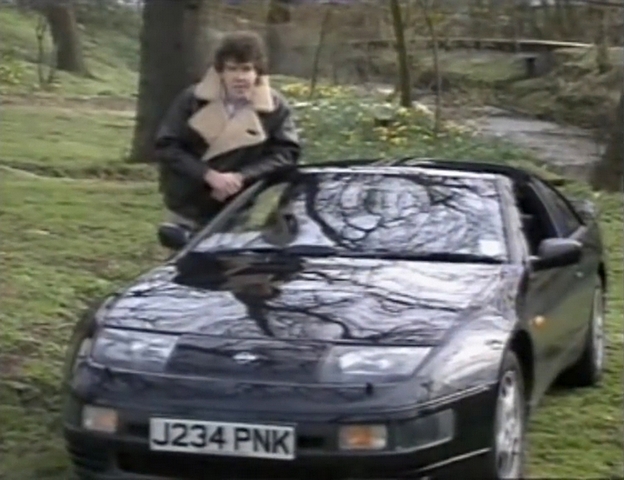
Top Gear from '92:
-
I did the RLTC install using the above instructions, it includes the wires to tap into near the ABS ECU: 11. Remove the ABS harness connector and splice in sensor wires. In order to remove the blue connector, pull down on the metal tab on the bottom and pull the bottom of the connector out (7.). Carefully cut away some of the black insulation about an inch or two from the blue plastic connector. Locate the following wires which connect to the ABS connector (again, it's best to use a multimeter to make sure it's the right wire going to the right pin): Splice in the Racelogic wires as per the diagram below, do NOT cut the ABS wires in two. Racelogic Wire TO ABS wire red TO brown (8) blue TO blue (l for lavender in the service manual) (11) (23 on at least 95's see note below) yellow TO orange (24) green TO light green (6) NOTE: There are 2 identical brown wires in this harness, one goes to pin 1, the other goes to pin 8. Make certain the brown wire tapped into is the correct one. NOTE: the blue wire on the '95 connector is in slightly different location, see listing above. I think this change is due to the new style ABS actuator on '94+ models. As you asked for the ABS circuit diagram here it is: br-25.pdf
-
I see what you did there!
-
I'll come along to the InCarNation@Brighton.
-
PTUs are basically six power transistors in a box. They provide the interface between the ECU and ignition coils to handle the higher current (amps) load required by the coils to work.