Everything posted by AndrewG
-
You are correct in the sense that the 3.5" drivers Bose used in 300ZX applications were based on those used in the 802 and the domestic 901 speakers. They were however wound with 1 ohm voice coils. http://twinturbo.net/nissan/300zx/FAQ/FAQpages/boseinfo.html
-
Thanks. I've been impressed with them on my car. I haven't "tracked" them yet , but on fast road driving they have been very good. As you say good cold bite with progressive brake feel which is unusual for a track focused pad used for road driving. Quite too, just the very occasional little squeek. Probably wouldn't bother you, but they were very dusty when I first got them, but have now settled down with low dusting.
-
So how did those Bluestuff NDX pads stand up to track use Pete?
-
I've had it for couple of years now. Not sure they still stock it though.
-
1. Stephen 2. AndrewG
-
What did you do to fix the problem back in February when your front indicators didn't work but the rears did? https://www.300zx.co.uk/forums/showthread.php?186822 Assuming the bulb is good, is the "right" green tell tale indicator working (between speedometer and tachometer)?
-
You are aware that Bose speakers have a very low impeadance (typically 1 ohm)? Not something I would drive using an external amp like the Kenwood which is designed for 4 ohm loads. It all rather depends on your budget, the quality of sound you want and the amount of time you want to spend installing the new system. You can get OEM speaker brackets for the fronts which will take up to 6 or 6.5" speakers (with a mod). Coaxials will work fine in that setup (I had them), or you can go for seperates which I now have. The rear Bose enclosures can take up to 6.5" speakers. Their job is just to fill the sound stage so you don't need to spend a lot on them. I have seperates in Bose rear enclosures, but that is really over doing it. The same goes for a subwoofer. You will need an amp to drive that and somewhere to install them both. The results can be good (I think so) but again a lot work to install properly.
-
Bought one of these from Costco. Low profile 9cm and deep reach (will reach front cross member without ramps). Built like a brick out house and very heavy. Always use axle stands on FSM jacking points for safety.


-
Welcome to the Club and and the start of your Z32 ownership!
-
From the original announcement by Takao Katagiri, President & CEO of NISMO and Autech Japan (starts at 13m40s) [video=youtube_share;8caSZNtNXA4]
-
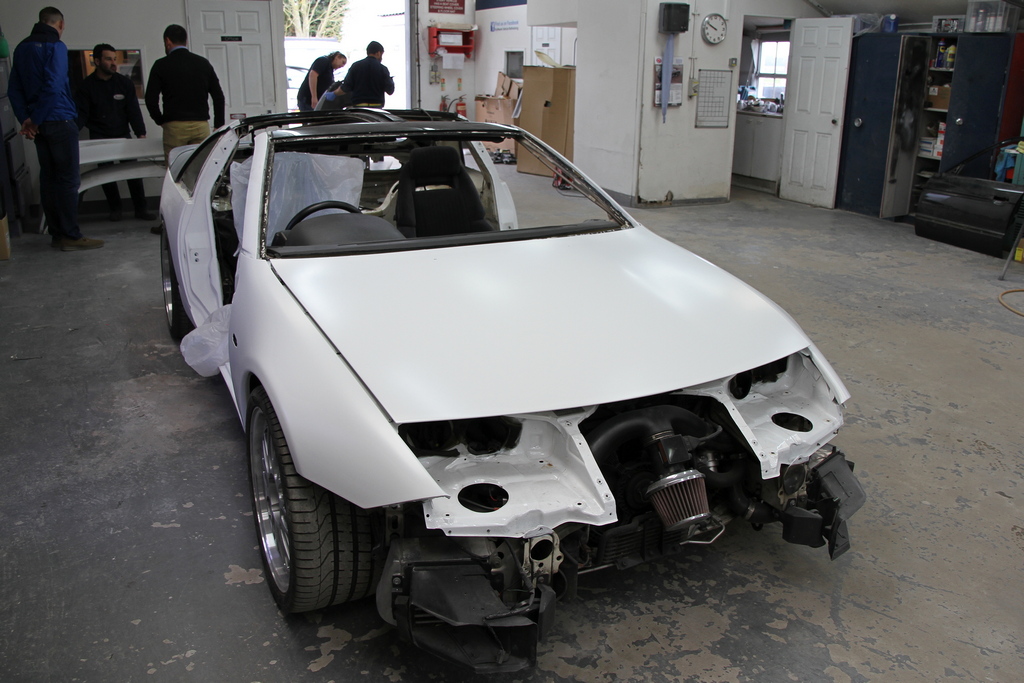
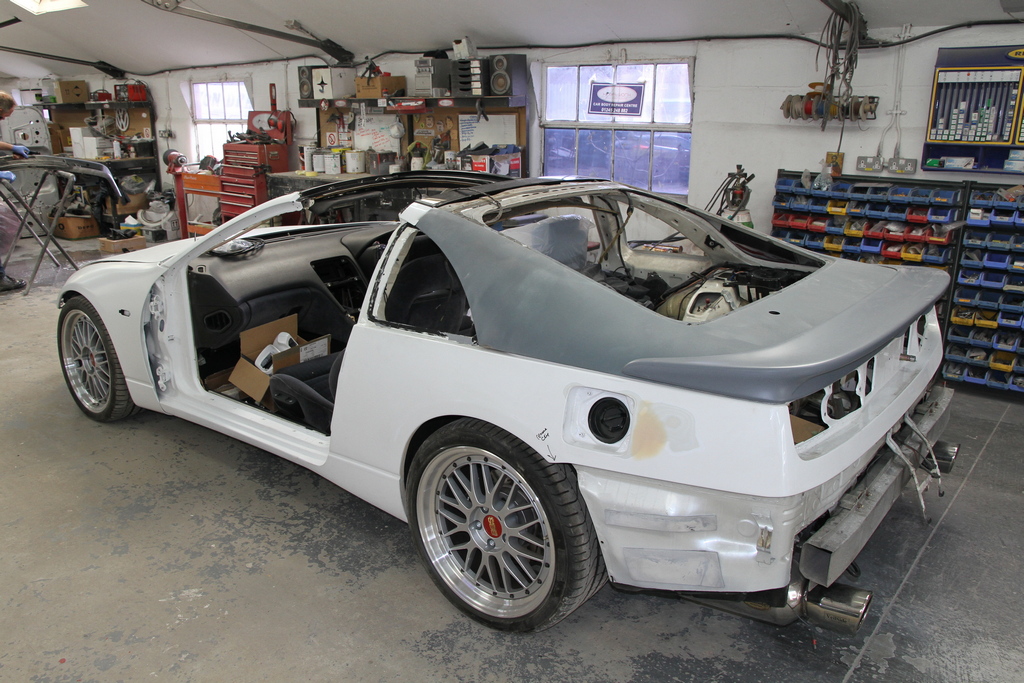
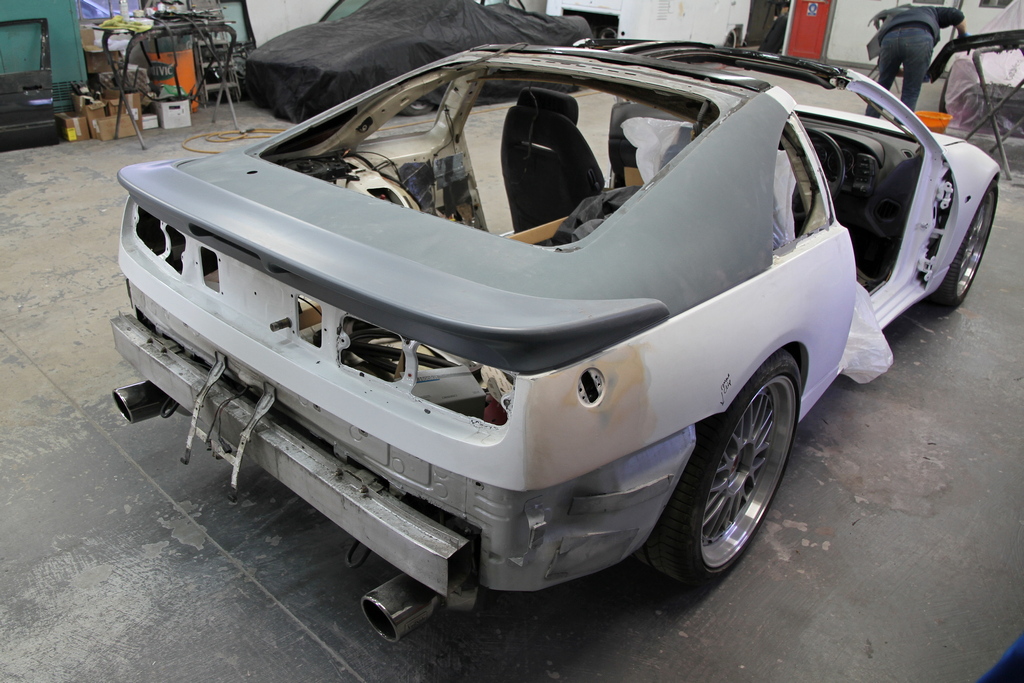
And some more progress pictures from today...
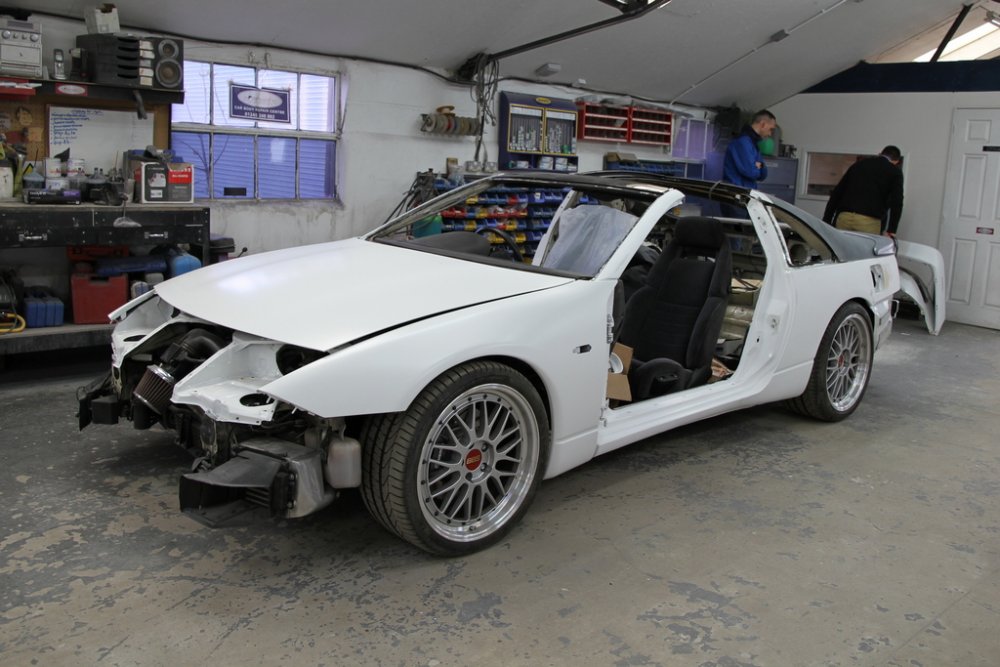
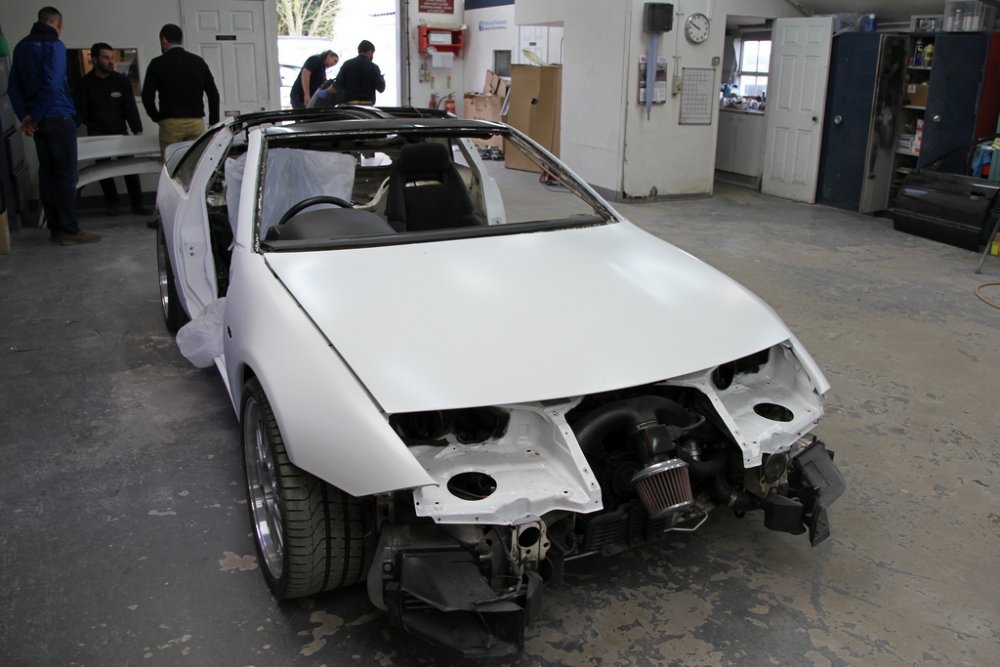
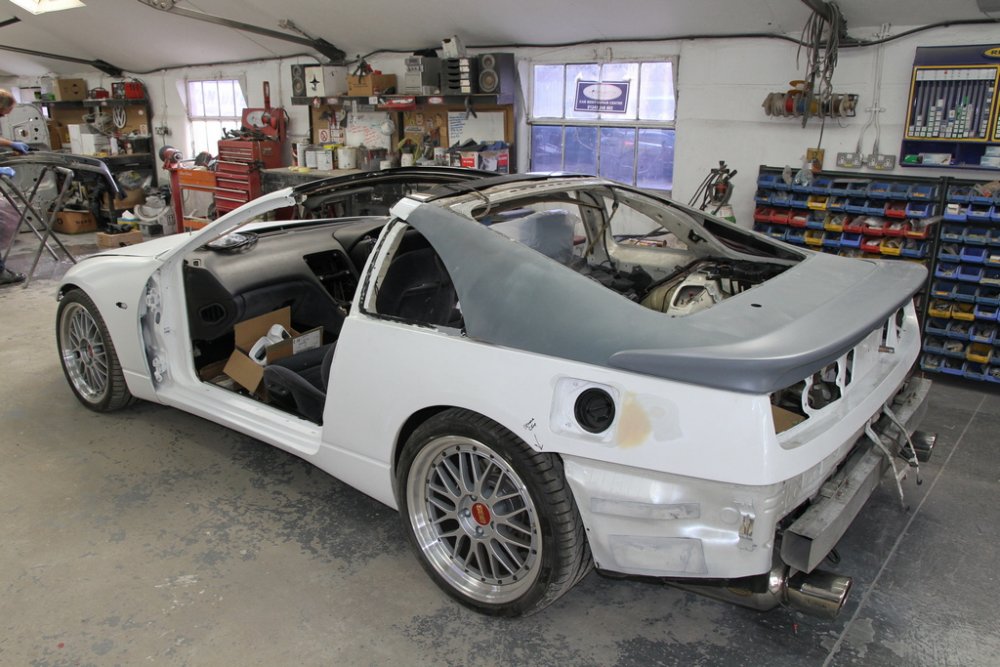
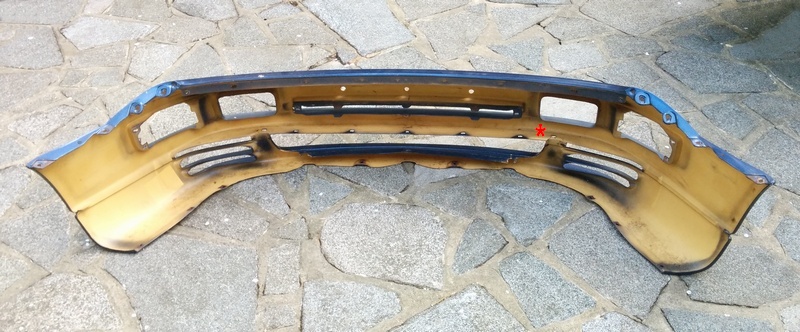
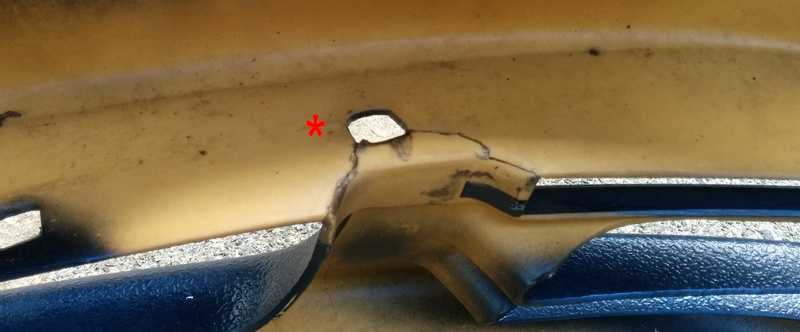
 Information herein: https://z32.wikispaces.com/Idle+ControlPhoto?July 2nd good for me, thanks for organising the event Howard.The NDX variety?This describes plenum removal and reinstall: http://www.pexcom.com.au/z32cms/e107_plugins/content/content.php?content.278 and: https://z32.wikispaces.com/Intake+Manifold+Removal*** Sold *** UK spec front bumper in good condition, painted in TK3. Effective repair to small crack (indicated with red star). £25 collection only, located near M25 J6.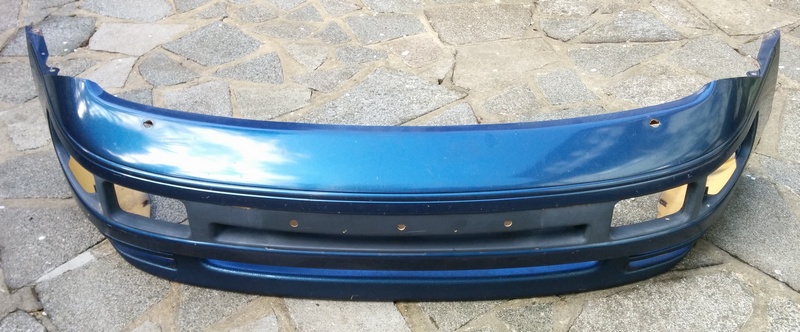
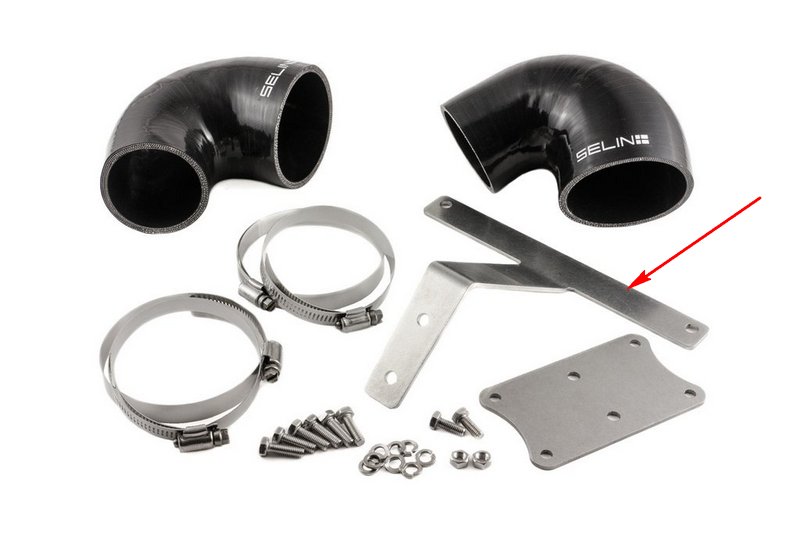
 PM me your address Ian and I will send it off to you.If it is of help, I have an unused Selin bracket (arrowed) to work from. I'm using the plate below it, but could take basic measurements.
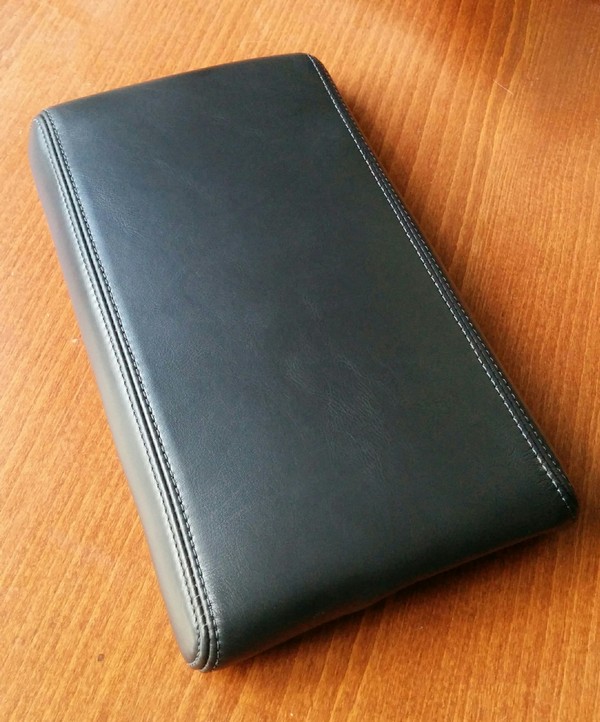
 Collected re-trimmed centre armrest (using OEM leather). Together with replacement door armrests that completes interior leather refurbishment.
 Which ones have you ordered (red, black, natural, logo free)?Impressive!
 Hi-Res emailed to you.