Everything posted by Bones28
-
I12
-
Happy Birthday ?
-
Hi welcome to the club
-
It’s a huge lump, head to head.
-
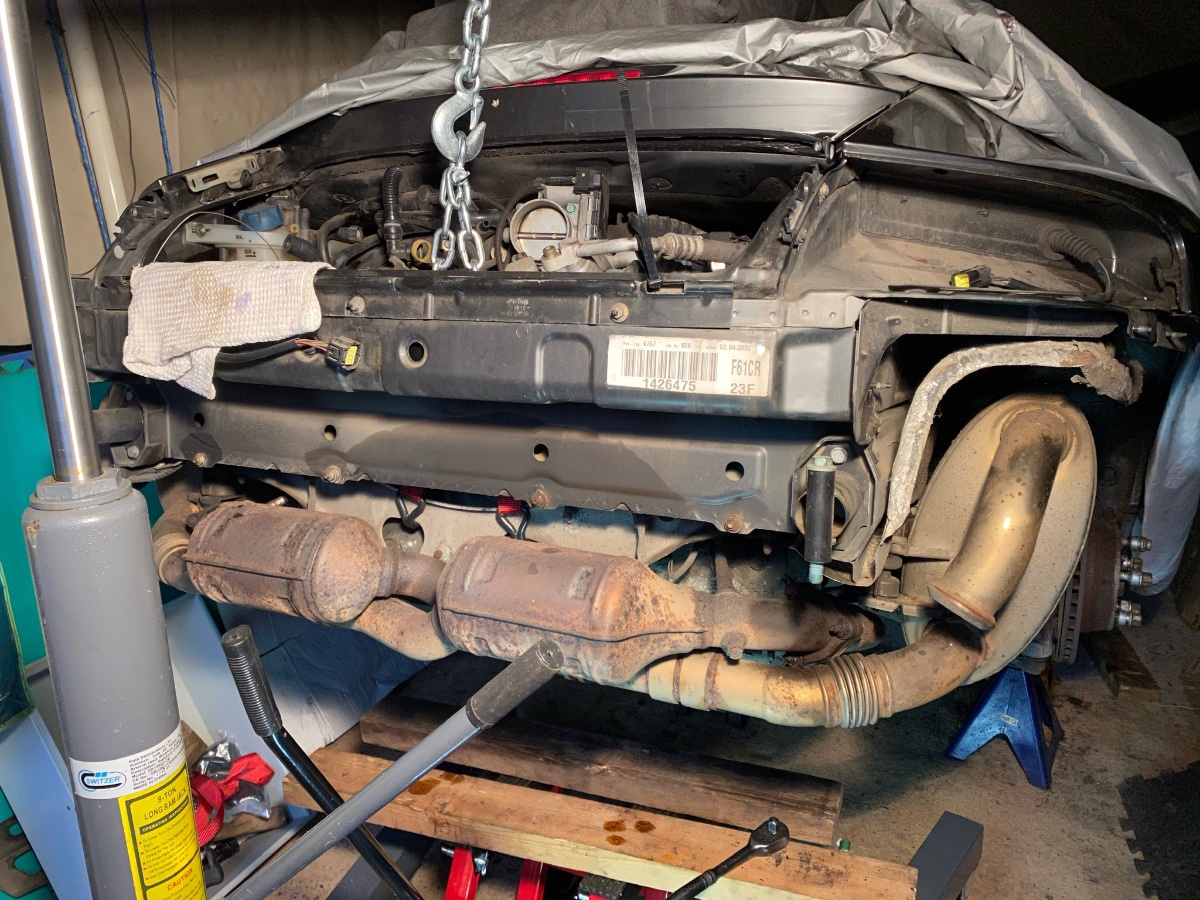
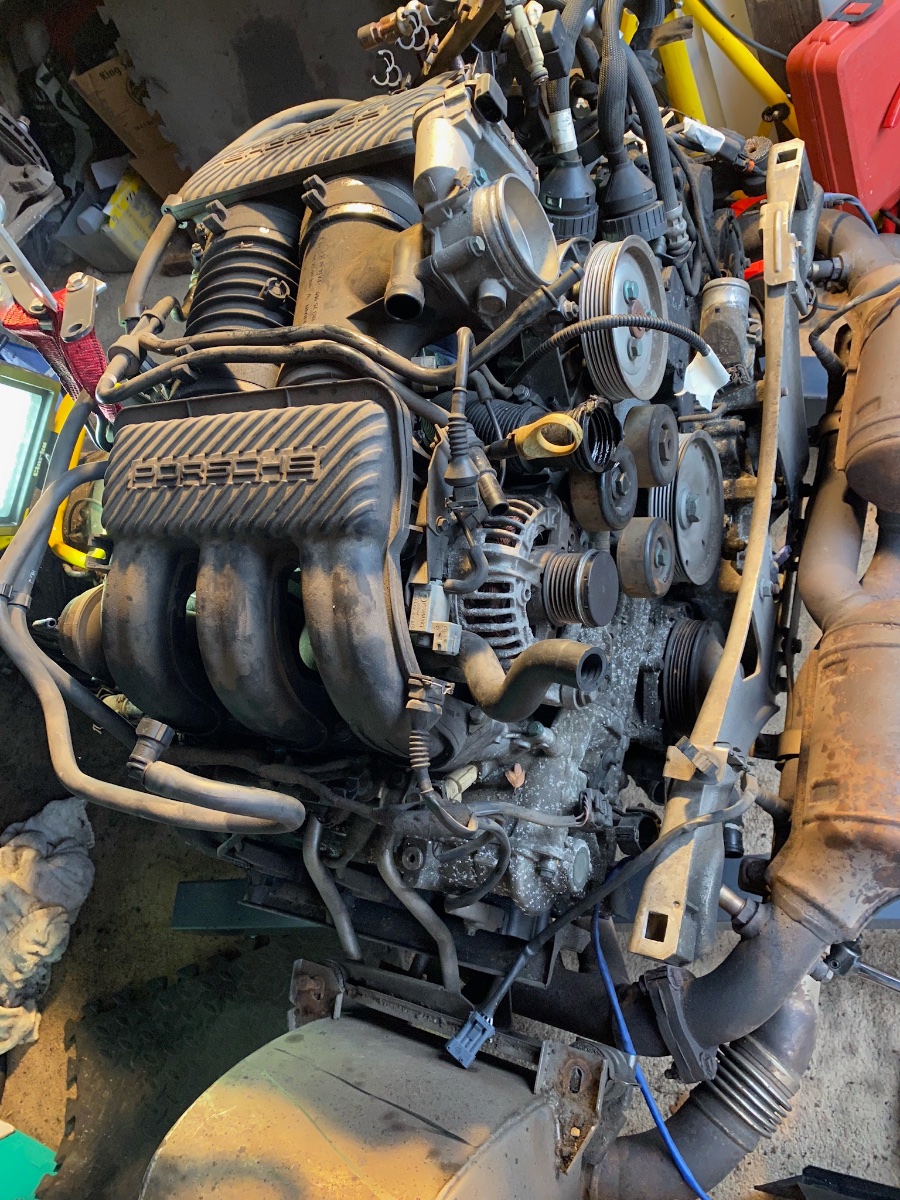
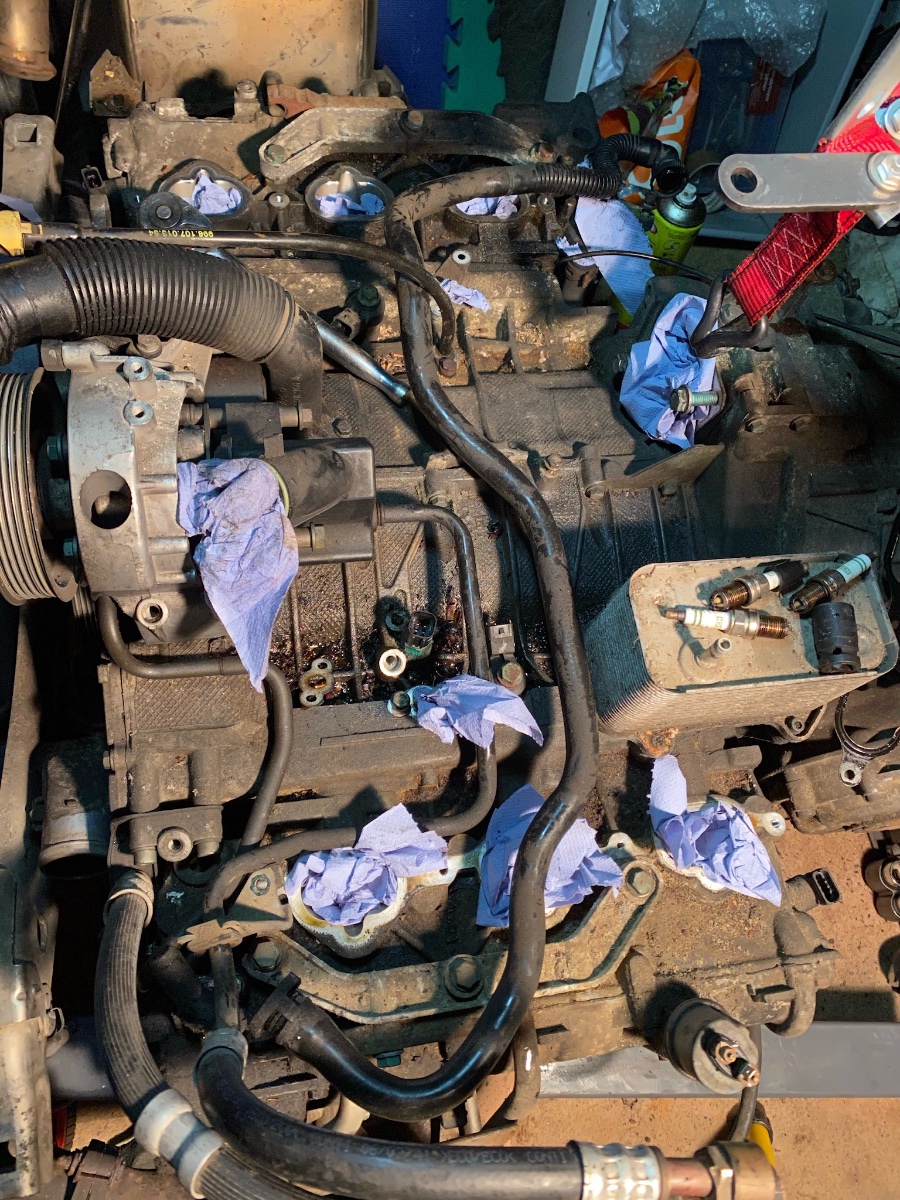
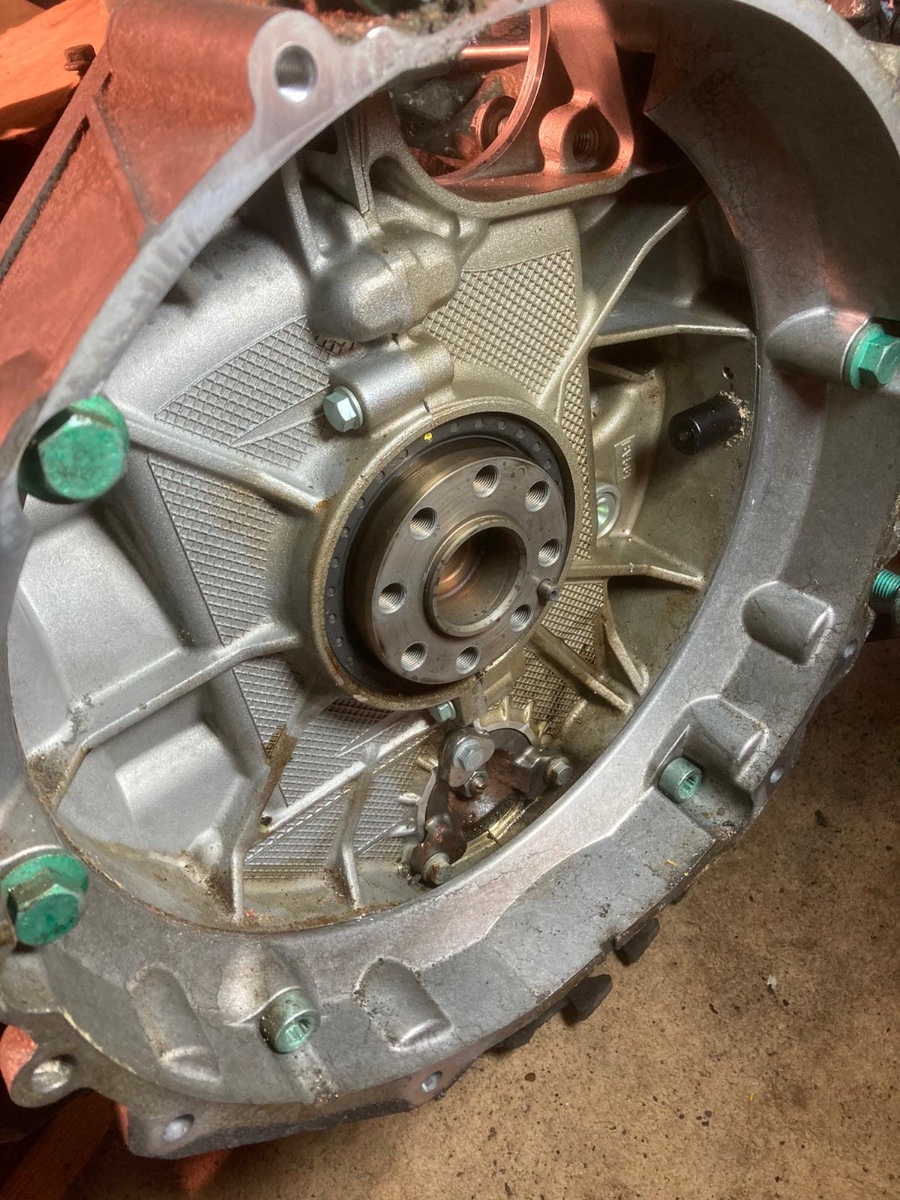
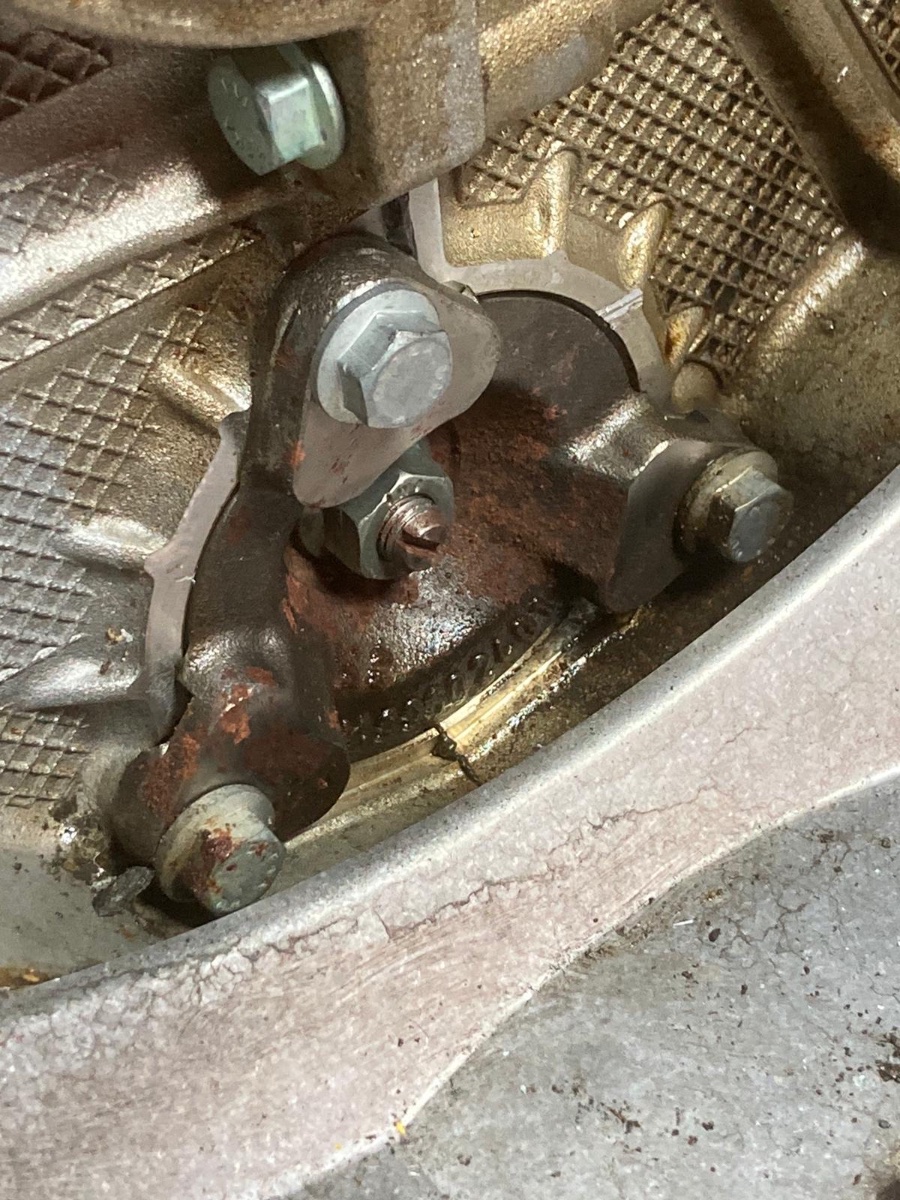
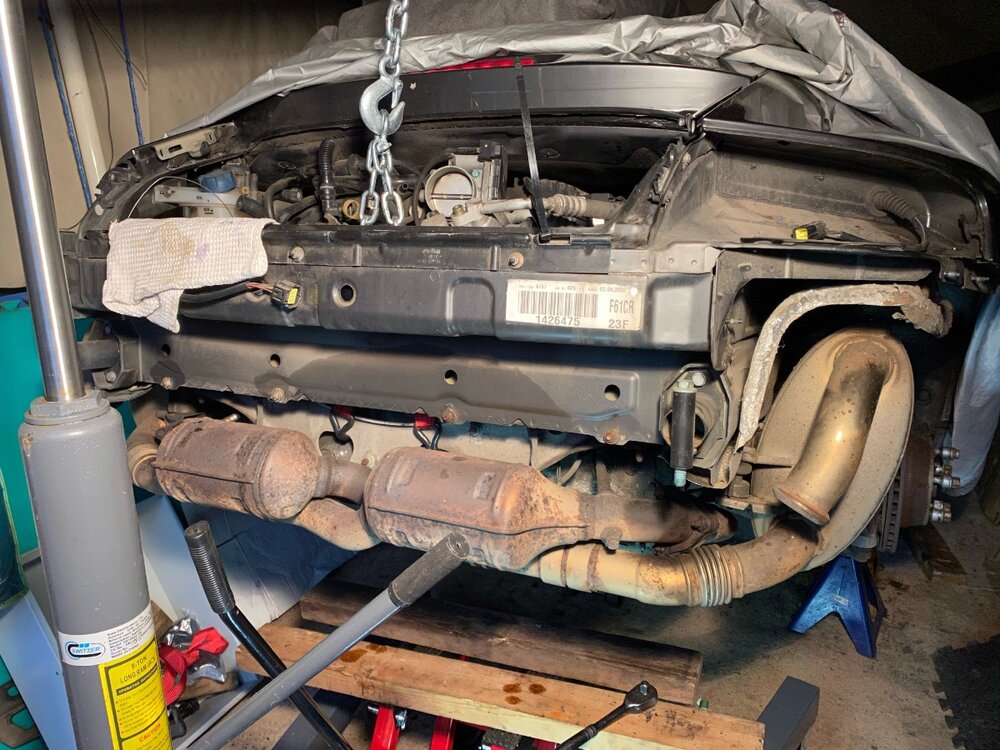
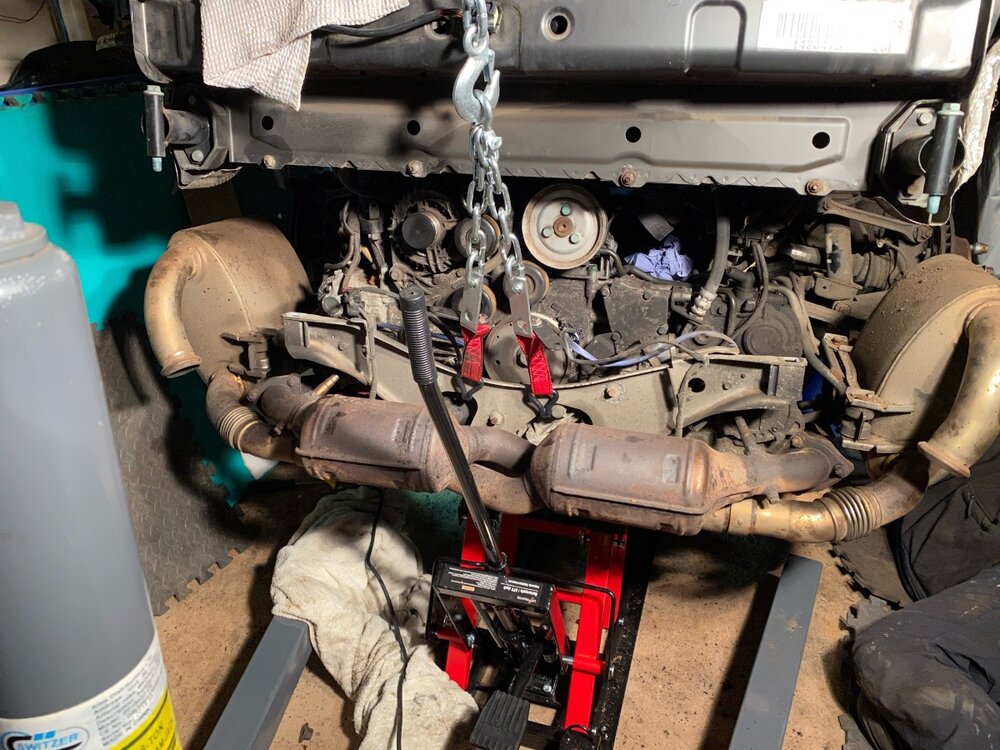
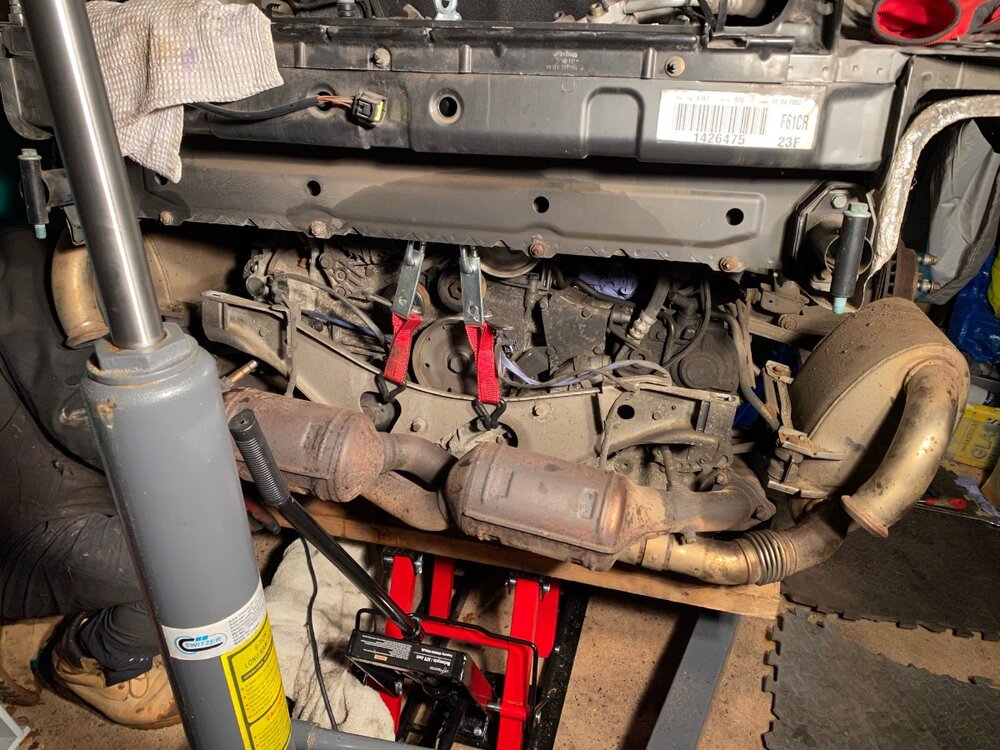
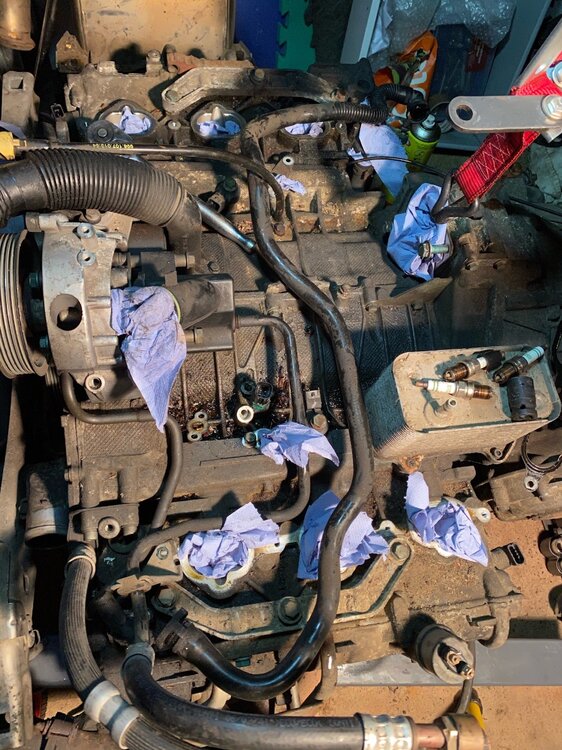
Finally got some work done on the Porsche. It’s been hard getting to the garage with this lockdown. Engine is out and not looking to bad at the mo, but still need to strip it down, after this cold spell I will get it on the engine stand and get the rusty exhaust bolts out or snap them off. I purchased an ATV Lift and lowered the engine and box with my engine hoist and jack on gearbox.




-
Happy Birthday ?
-
RIP Sir Tom, shame he was taken this way.
-
Welcome to the club
-
Happy Birthday ?
-
Happy Birthday ?
-
Great news welcome to the club.
-
My car isn’t liking the cold much. London area.
-
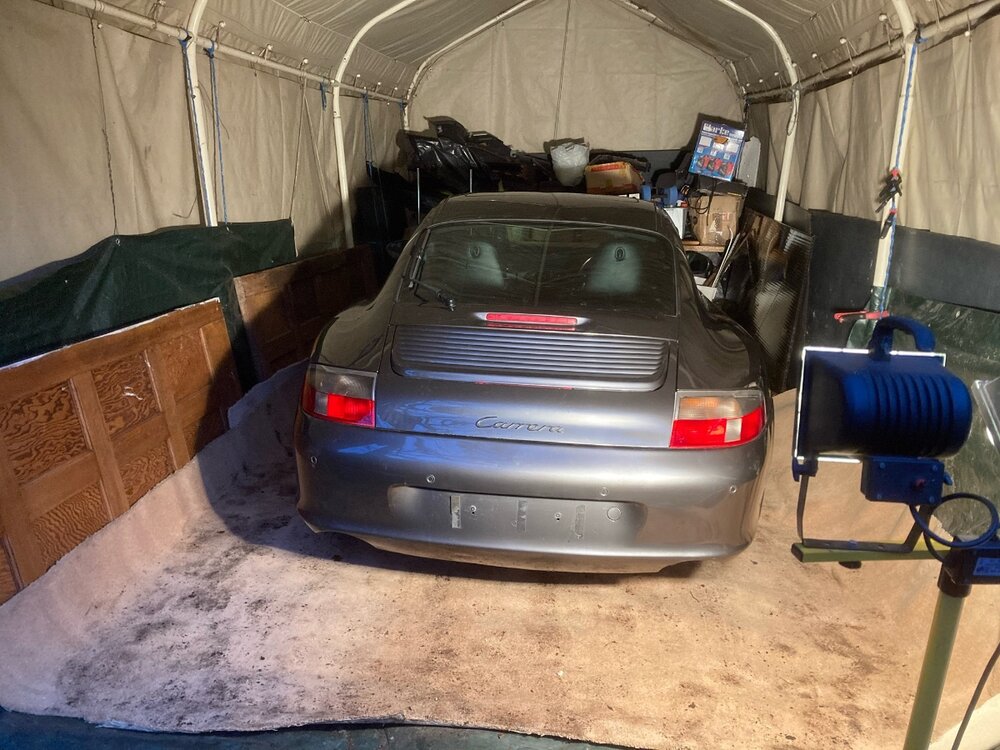
Car finally in the tent, spent last 2 days in the freezing cold clearing it out. We had to push it into the road, turn it round and up a bit of a hill into the tent. Was not funny.
-
Happy Birthday ?
-
Happy Birthday ?
-
I drove back from my brothers, just love the car, especially the power, just can’t help myself.
-
I also have it installed on windows 10 and it only works When plugged in but have trouble accessing advanced features. Run it as Administrator
-
Hi just renewed via PayPal.
-
Oh well bet Bottas is jumping for joy.
-
Happy Birthday ???
-
Happy Birthday ? ?
-
It was an amazing escape, halo saved his life.
-
Cheers Guys, good day with family. ??
-
Welcome to the club, great your going to save another Z look forward to the updates.
-
RIP Des was a very funny man.