Everything posted by JaiKai
-

From the album: Classic Motor Show 2021
-

From the album: Classic Motor Show 2021
-
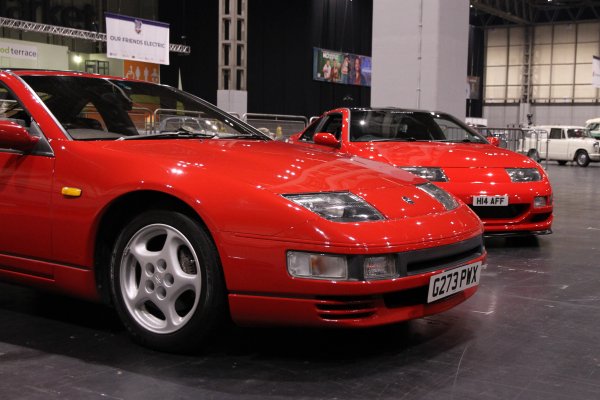
From the album: Classic Motor Show 2021
-
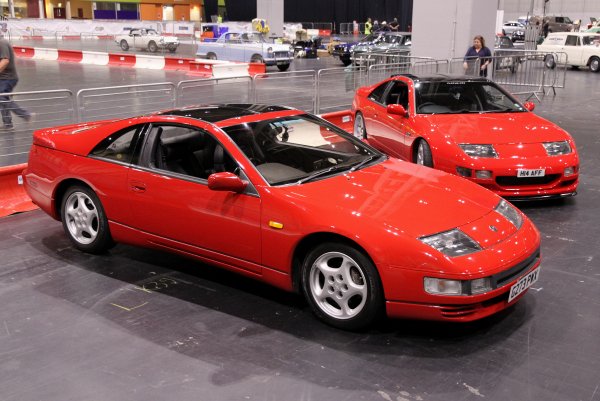
From the album: Classic Motor Show 2021
-

From the album: Classic Motor Show 2021
-
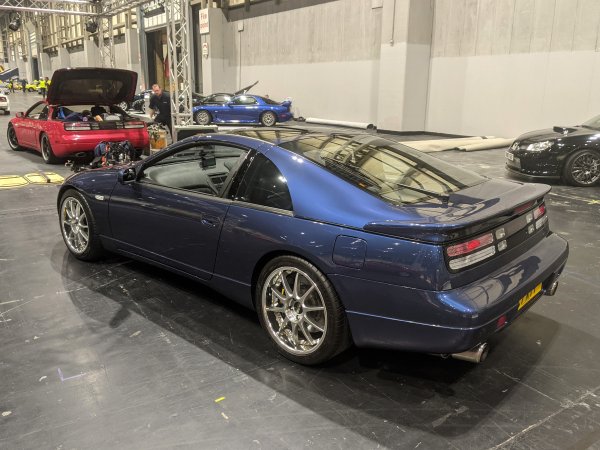
From the album: Classic Motor Show 2021
-
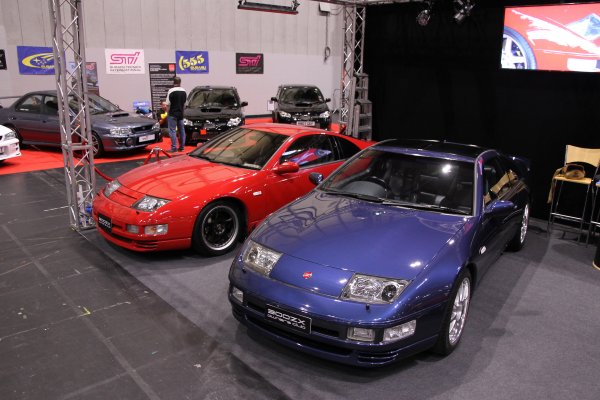
From the album: Classic Motor Show 2021
-

From the album: Classic Motor Show 2021
-

From the album: Classic Motor Show 2021
-
Should create a new club gallery and get these added
-
Thread now moved.
-
Wondered what the side arrows were in each post as i've never seen those before. Then i noticed this was posted in the PC Tech Corner section we never use.
-
Wish i could, working myself up to being there next year.
-
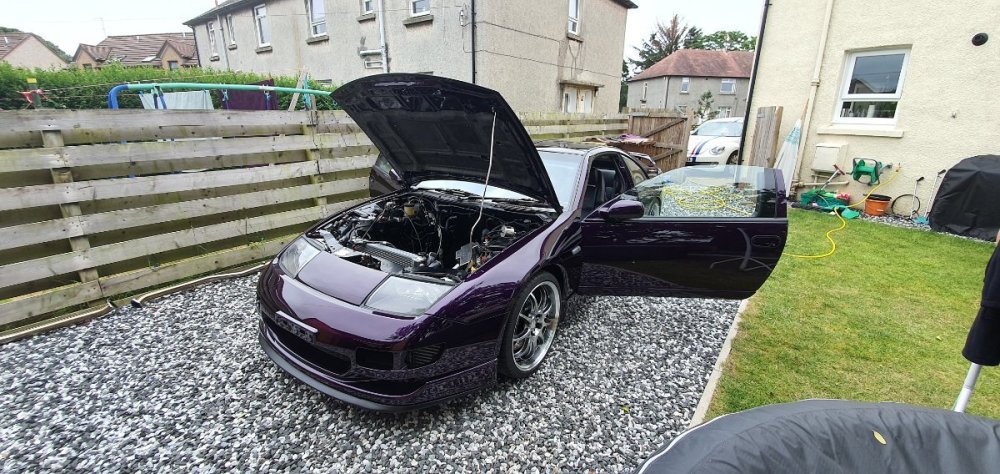
Just awaiting our man Jimmer for an engine rebuild, he's a busy man so not expecting it this year. Apart from popping the engine in and a mapping session she should be ready to go next year at some point.
-
Hi Brian, Good to hear from you, how's things.
-
Think its 3 or 4 this time, don't know much details, but we need to get a move on and get things organised.
-
Happy Birthday Lee, all the best buddy.
-
Not quite as old as Garry but it is pushing over 10 years !?
-
I know exactly how you feel mate, i'm on my third rebuild after finding shrapnel in the oil of the first build contaminated my second build. At the time it also took out my turbos and i had to get them rebuilt too. I basically had to start again. Hopefully the cause is covered by the engine build warranty.
-
I have the High 5 Clutch from Specialtyz https://www.specialtyz.com/sz-sport-street-for-vg30dett-and-vq35s-824.html.html Also bought my fly wheel from them but don't see it listed on the website any longer. Both were recommended to me by other members yet i haven't fitted mine as yet.
-
Happy Birthday , have a great day.
-
Yeh, Only 1 man for that job. His name is @jimmer and he owns Powerzed down in Bristol. Should be about on here and on facebook : https://www.facebook.com/PowerZed-331214947014135/
-
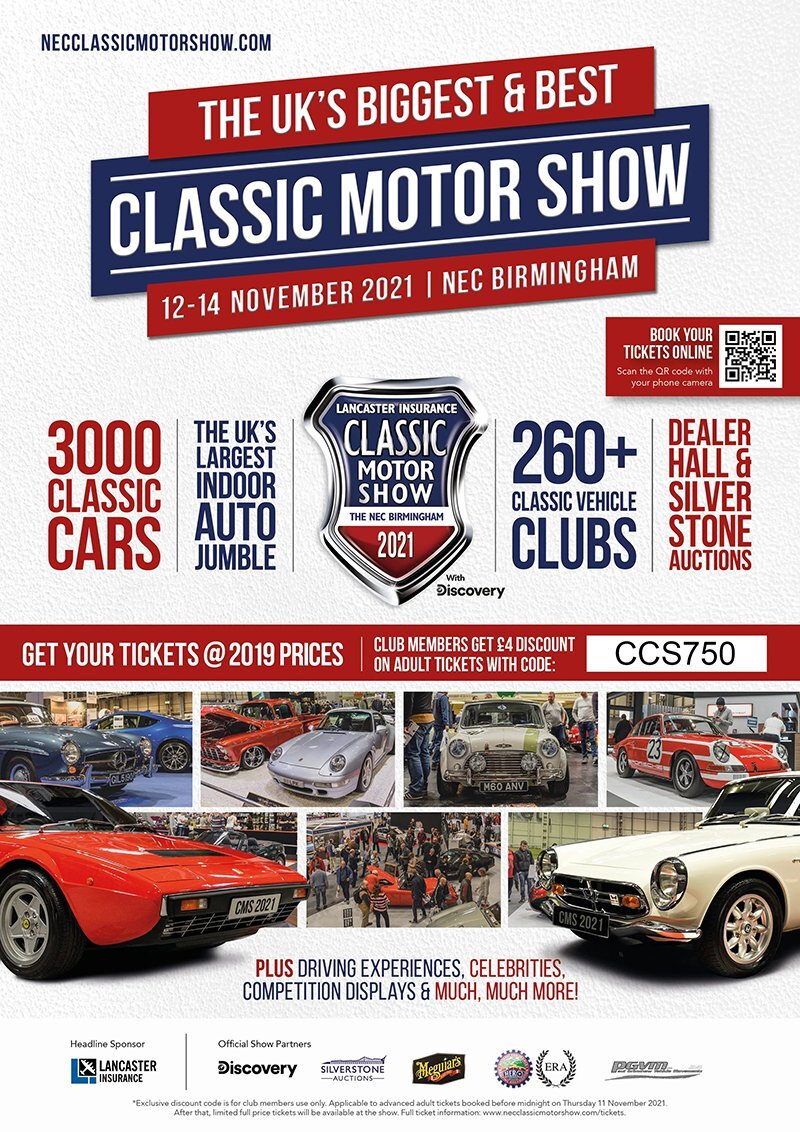
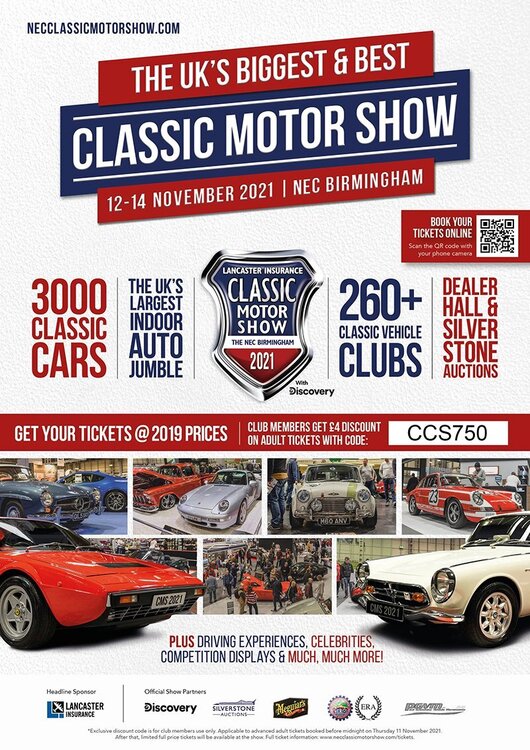
Great news, we have officially been offered a stand at the NEC Classic Motor Show 2021. This year we will be in Hall 5 - Stand number: 5-270. As a subscribed member of the 300ZX Owners Club and to gain access to public viewing of the show please use the discount code CCS750. More information about the event and who can put their car on the stand will follow shortly.
 Happy Birthday.