Everything posted by JaiKai
-
Rear lights now removed and ready for collection or dispatch. Happy to dispatch as is for £350 now.
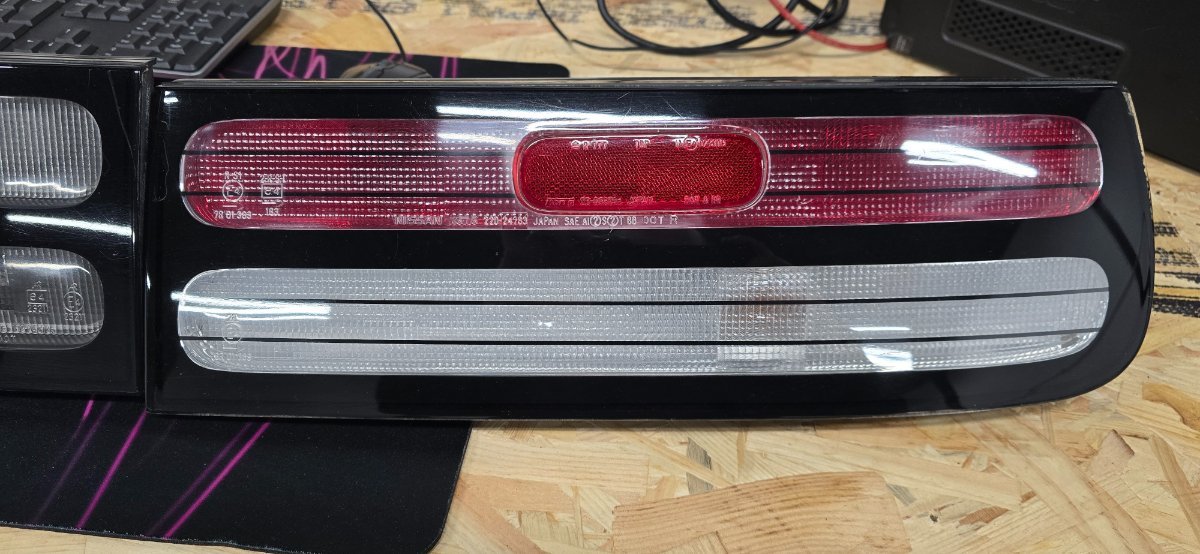
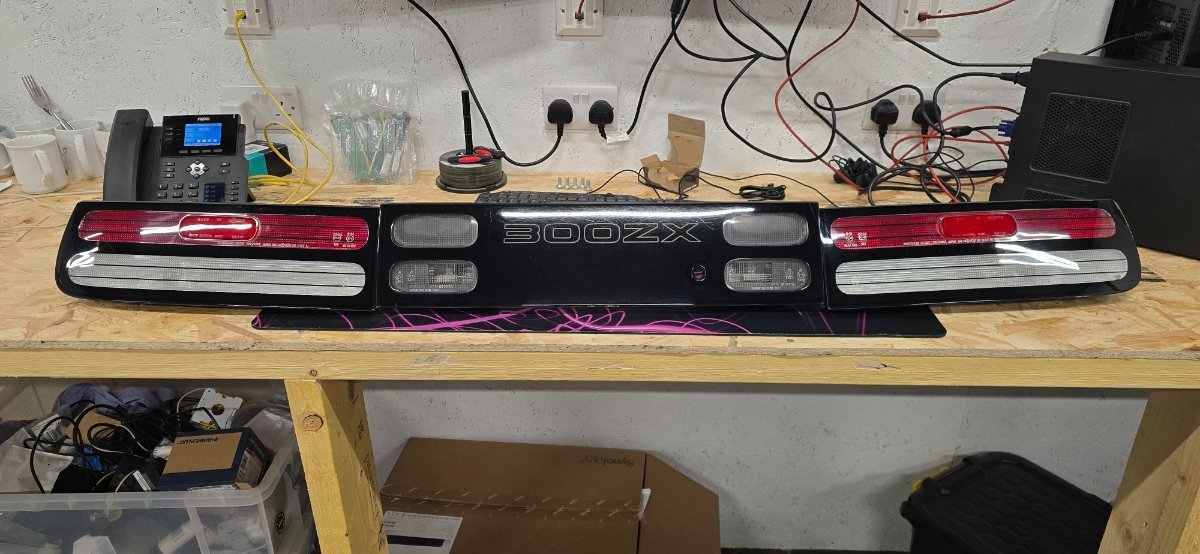
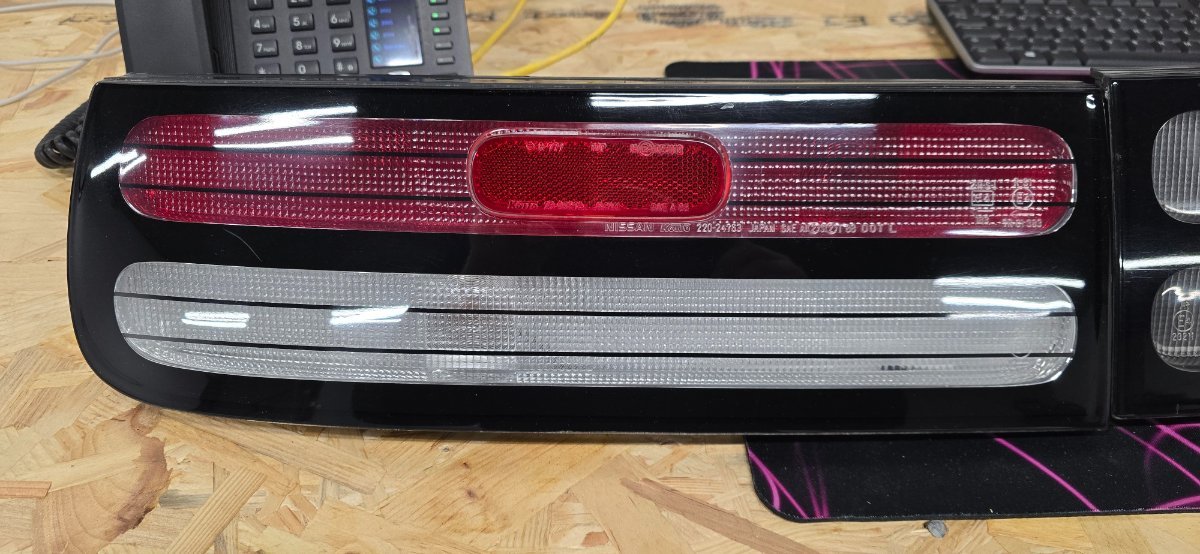
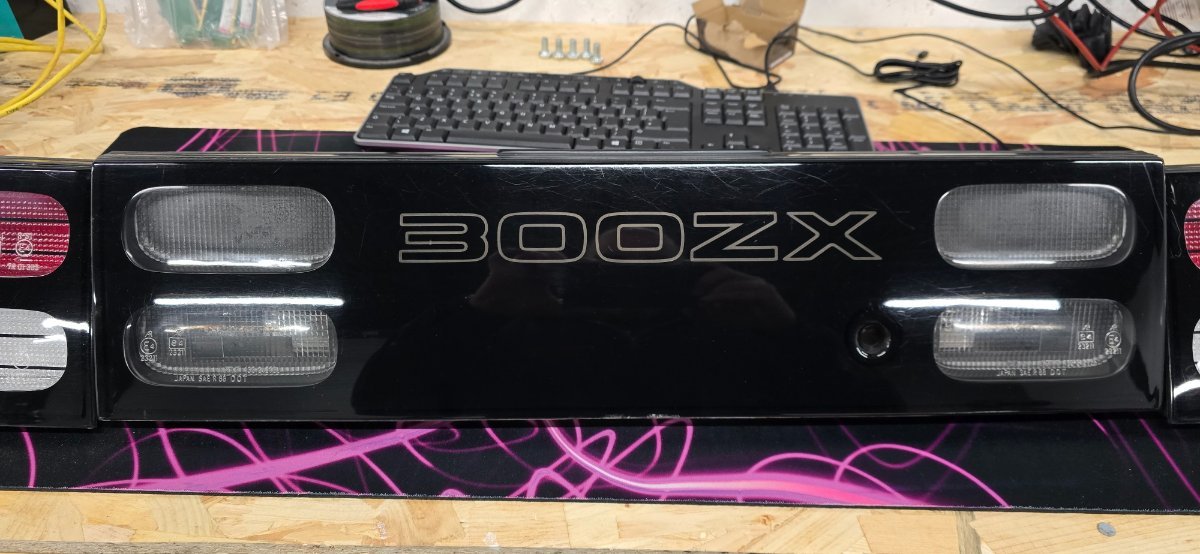
-
That's an amazing first run in.
-
Best give Jimmer a call for a costing. Do you already have a conversion or you needing the parts too?
-
Sorry, Its a fibreglass vented panel i have, and a spare white on that has a missing badge.
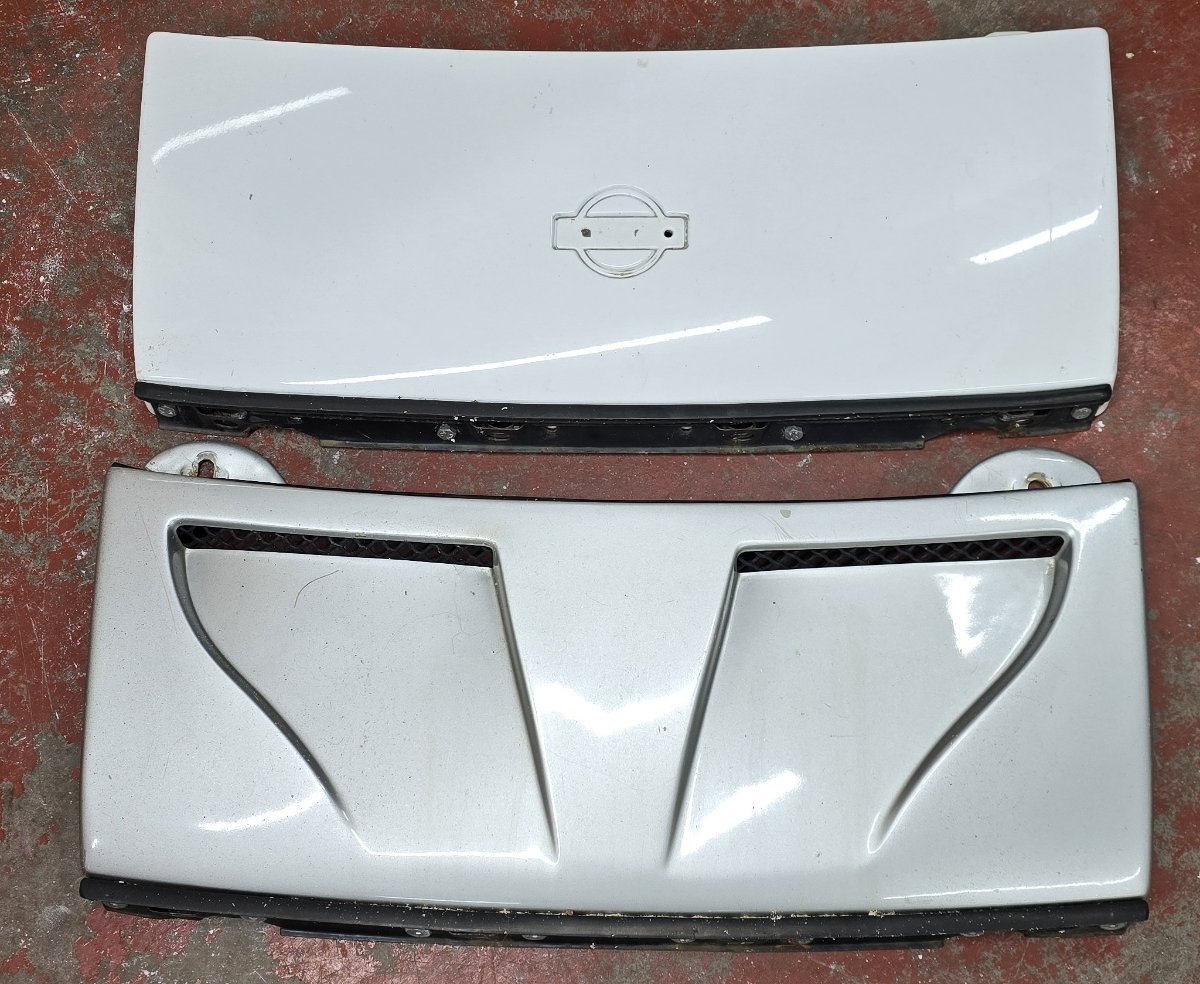
-
Might have one of these in the garage. Give me 5 minutes to go check.
-
Power light has never came on in my conversions, i've done about 4 in the last 16 years.
-
Thats fine, I can get the rear light panels off next week and likely take me about 2 weeks to properly get the gearbox and parts out needed.
-
I'll get some updated pictures again tomorrow if needed. But they haven't changed since these one were taken :
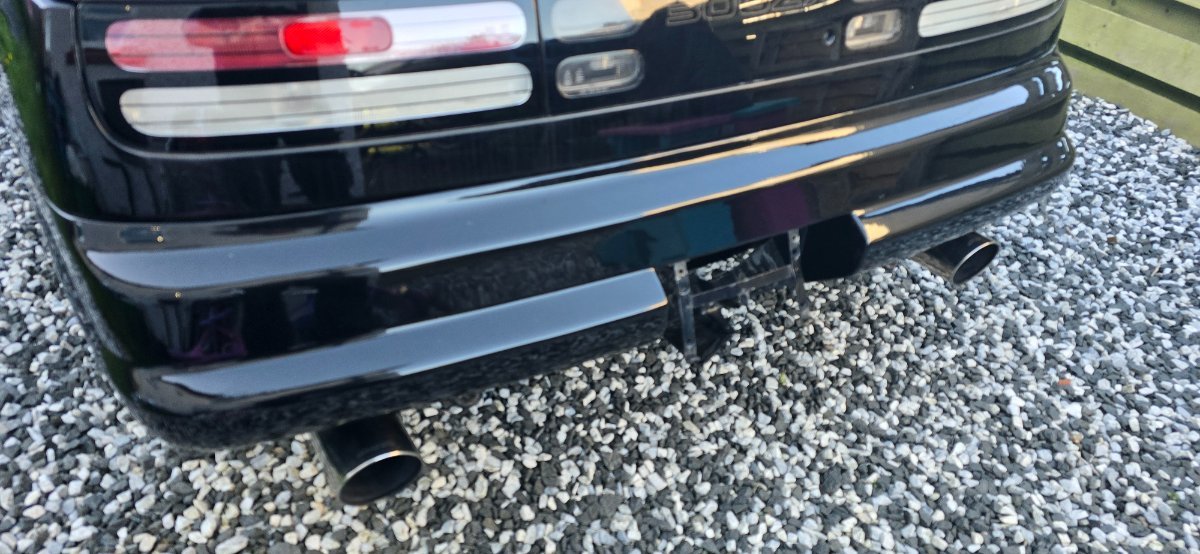
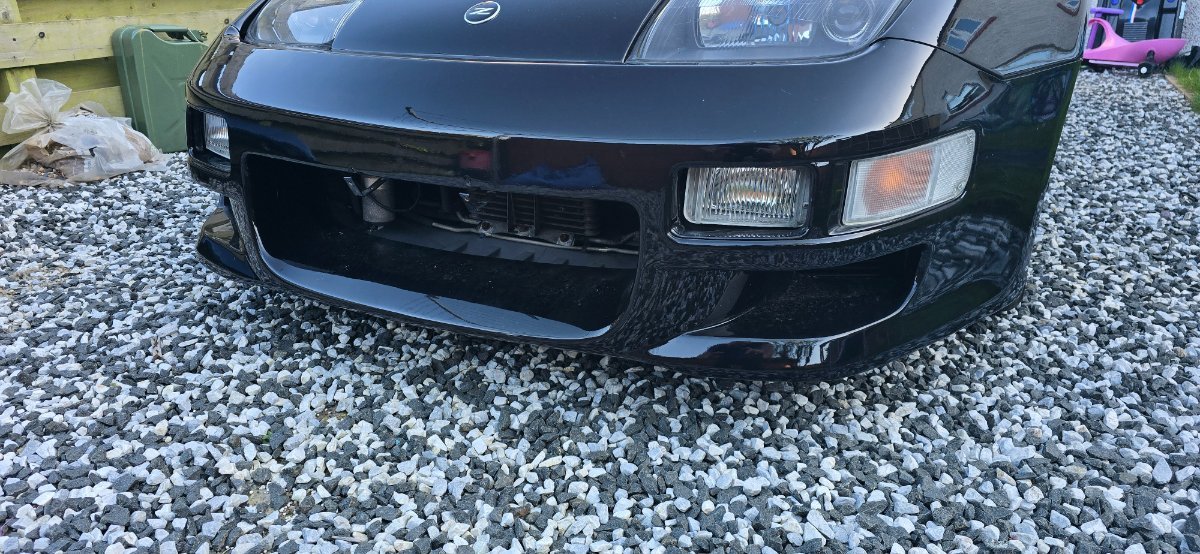

-
Sorry for the huge delay on the updates of this breaker. Its taking 5 months to get my offices sorted in the new unit and I'm just getting the place painted. As my business is my priority i needed to get this up and running before i got anywhere near stripping my zeds down. Good news is this Saturday i plan to start stripping the shell of the black zed and get the parts needed off it. Anyone who is still interested in parts quickly let me know and happy to take deposit and ship everything by the end of the month. Parts can be delivered at cost on pallets if its big items , but also can collect direct from Irvine / Scotland.
-
Just unplug it, no longer needed, or just leave it as is.
-
February competition has started : Get your entries in and voting starts in 14 days. https://www.300zx-owners.club/index.php?app=competition
-
So we have a joint win for January : White Z Fred by Palmer https://www.300zx-owners.club/competition/entry/116-white-z-fred/ Poetry in Motion by sumshiftyguy https://www.300zx-owners.club/competition/entry/117-poetry-in-motion/ Both received 4 votes and will get a months free Subscription added to there accounts as well as entry at the end of the year to win a full years subscription. Well done.


-
Just had our first blackout, now power or phone coverage for the last 2 or so hours.
-
Same in Ayrshire area where I stay, the whole west coast of Scotland is shut down.
-
not so sure about a bracket but the short loom and bulbs are the same as a nissan x-trail : https://www.ebay.co.uk/itm/264118062675
-
Voting is now enabled ! If you havent uploaded a photo there is still plenty of time now.
-
My series 4 had the amp and it was located down where the ABS unit was to the right side. Obviously not under the ABS cover but rather under the speaker side.
-
They look like this and are under the speaker mounted lower down.

-
All the service manuals are available in the downloads section free of charge. We even have editions based on the year. https://www.300zx-owners.club/files/
-
Put your entries here : https://www.300zx-owners.club/index.php?app=competition
-
Not done one for a long time as they used to be done monthly. Best time to start the comp is the start of the new year so lets get it going.
-
We have an official page and group under the brand '300ZX-Owners.club' : https://www.facebook.com/300ZXOwnersClub https://www.facebook.com/groups/300zxowners.club Any others we are not connected to and are likely USA based.
-
We have you on a different email and account of berkshirecarman. If you want to resubscribe using this account your now using we can refund the other one.
-
Hi, Can you let me know when you paid the 12.50 and the payment method. We can manually change the subscription when you pay the difference.
-
Thought this was fake news but seems it's real https://www.topgear.com/car-news/retro/batten-down-hatches-nissan-has-built-electric-r32-gt-r