Skip to content
View in the app

A better way to browse. Learn more.

300ZX Owners Club

A full-screen app on your home screen with push notifications, badges and more.

To install this app on iOS and iPadOS
  1. Tap the Share icon in Safari
  2. Scroll the menu and tap Add to Home Screen.
  3. Tap Add in the top-right corner.
To install this app on Android
  1. Tap the 3-dot menu (⋮) in the top-right corner of the browser.
  2. Tap Add to Home screen or Install app.
  3. Confirm by tapping Install.

JaiKai

Main Committee
  • Joined

  • Last visited

  • Country

    Japan

Everything posted by JaiKai

  1. My series 4 had the amp and it was located down where the ABS unit was to the right side. Obviously not under the ABS cover but rather under the speaker side.
  2. They look like this and are under the speaker mounted lower down.
  3. All the service manuals are available in the downloads section free of charge. We even have editions based on the year. https://www.300zx-owners.club/files/
  4. Put your entries here : https://www.300zx-owners.club/index.php?app=competition
  5. Not done one for a long time as they used to be done monthly. Best time to start the comp is the start of the new year so lets get it going.
  6. We have an official page and group under the brand '300ZX-Owners.club' : https://www.facebook.com/300ZXOwnersClub https://www.facebook.com/groups/300zxowners.club Any others we are not connected to and are likely USA based.
  7. We have you on a different email and account of berkshirecarman. If you want to resubscribe using this account your now using we can refund the other one.
  8. Hi, Can you let me know when you paid the 12.50 and the payment method. We can manually change the subscription when you pay the difference.
  9. Thought this was fake news but seems it's real https://www.topgear.com/car-news/retro/batten-down-hatches-nissan-has-built-electric-r32-gt-r
  10. Smooth vs textured plastics maybe.
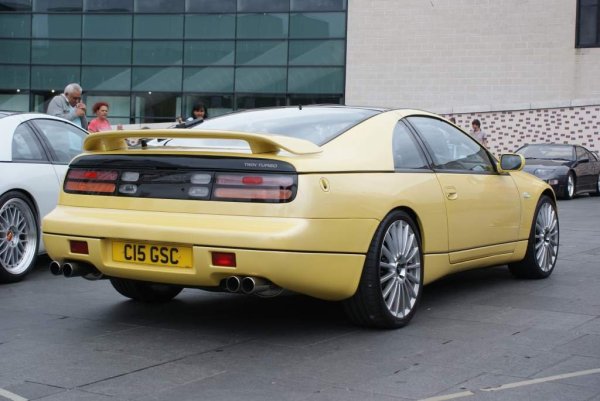
  11. Dash looks yellow but i think that's just the lighting from the spots lights around it as the rear centre break is also yellow
  12. I used to own a UK spec with heated mirrors and this plug was always spare. I've always presumed it was a test location.
  13. Used to love watching this guy and also big daddy and giant haystacks. Brings back memories. RIP
  14. Bend the small metal clasp carefully on the fuel flap, makes it more springy and will release faster. Shaking at speed can be an imbalance of the steering column or wheels. Check and see if any balance weights have fallen off your wheels is the first thing I would look at.
  15. A little update All the wall wiring, rockwool insulation was installed this week and then i started on fiting the new plaster board. The ceiling is nearly complete and should be done be end of today.
  16. Hosting pictures is a premium feature.
  17. Hi, Welcome to the club, my first zed was a silver na, Best feeling in the world driving it home.
  18. Was it a full conversion or just the gearbox, sorry i managed to wipe out my full mail box last week. Forward me on the PM if you still have it. I have multiple gearbox's so can do a full conversion as well as well as a separate box
  19. All the service manuals are located in the downloads section : https://www.300zx-owners.club/files/ You may find information in there but unsure of particular file its in. They are all PDF files split up into sections of the original service manual.
  20. Finally happening, 6 months after i originally wanted but i have organised a few family members and we shall start breaking the black zed up next week. So can everyone who originally wanted something give me a quick reminder below.
  21. Great progress made over the last fews days with my new office build. Walls and ceiling are built and after i order the insulation next week we plan to put the plaster board up on the inside.
  22. Yes, Still have in my garage. Paypal to lee.young@ayrshireit.com along with your address and i can get it shipped out.
  23. Happy Birthy Nick
  24. Not for a shortie, i have two spare for the lwb 😇

Important Information

Terms of Use

Account

Navigation

Search
Search

Configure browser push notifications

Chrome (Android)
  1. Tap the lock icon next to the address bar.
  2. Tap Permissions → Notifications.
  3. Adjust your preference.
Chrome (Desktop)
  1. Click the padlock icon in the address bar.
  2. Select Site settings.
  3. Find Notifications and adjust your preference.