





Everything posted by JaiKai
-
Sorry, taking longer than i thought, few issues with my unit i got and likely moving again so put everything on hold. I wish i could break it at the moment but it would be harder for me to move its all again to a new unit.
-
Need to fully subscribe to PM, but I'm sure he fully supports our club still and can stump up a few quid. 🤔🤣😎
-
That price, wow
-
What's the name you used? It's me that's monitoring that and half the time it's spammers. If I know the name you are joining with then I can accept it.
-
Relays you can hear likely control the directional motors behind the dash, when its off the motors close the louvers.
-
nearly never accepted you on FB group as you never accepted the admin rules, but i'll let you off with it. 😁
-
Yip, https://www.facebook.com/groups/322337638339907
-
Welcome to the club ! I'm just down the road in Troon, and i currently own 3 zeds. Happy for you to come down and chat on anything zed related.
-
Died on the 6th of July, wonder why it took so longer to get to the press.
-
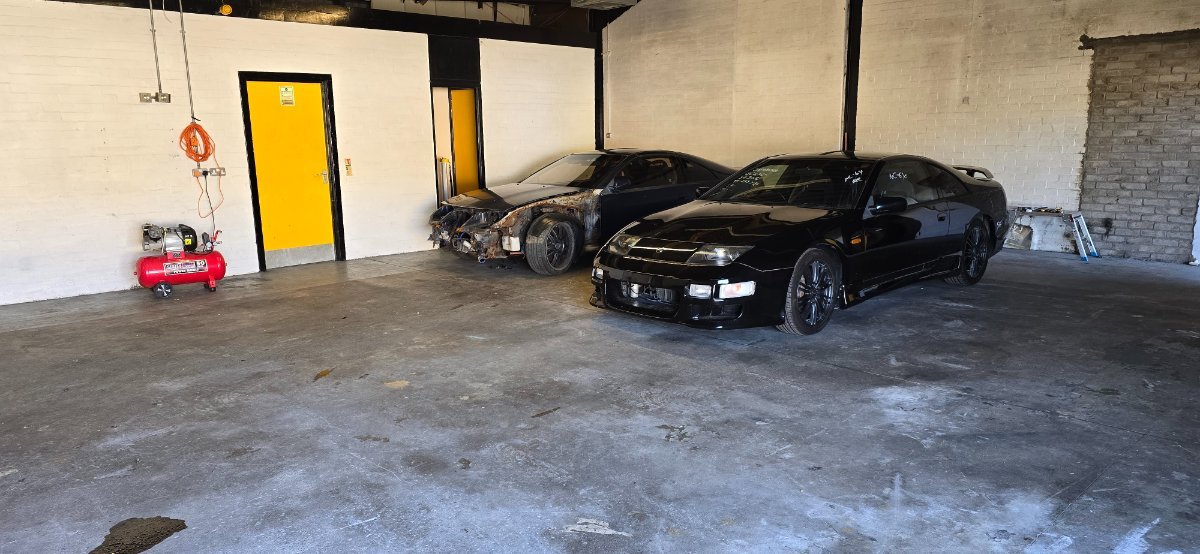
Moved the two breakers into the new unit today, i don't have car lift but i do have plenty of room and a flat surface now to start breaking these zeds up. Stay tuned for a list of parts.
-
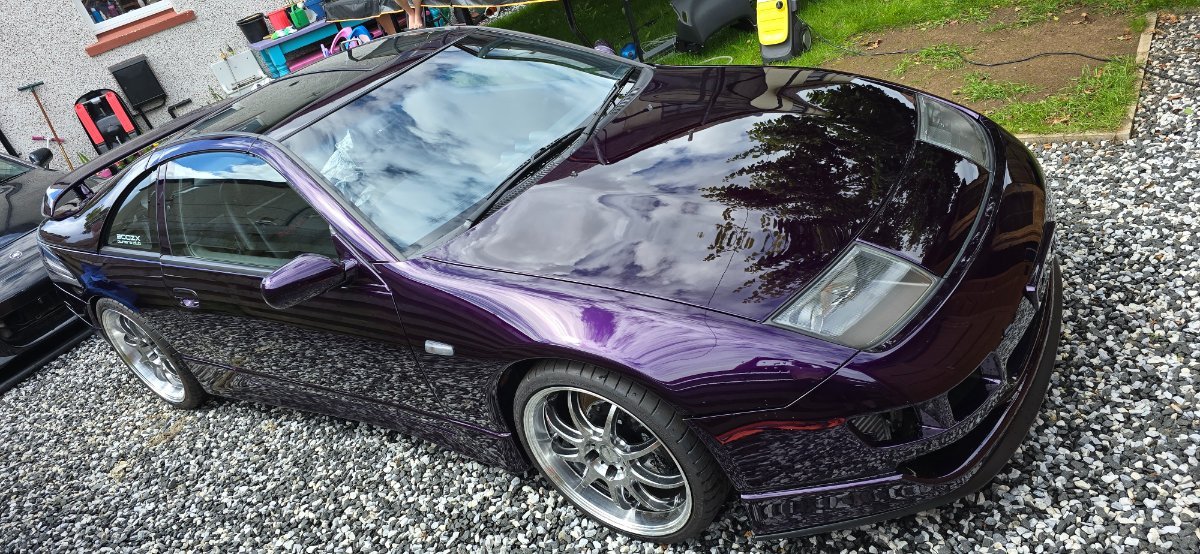
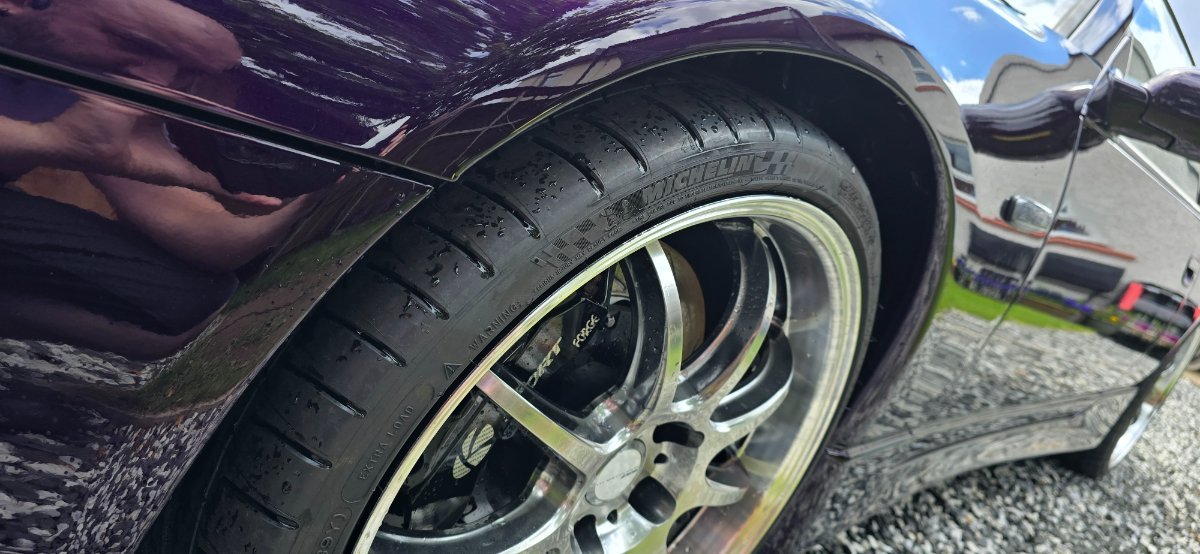
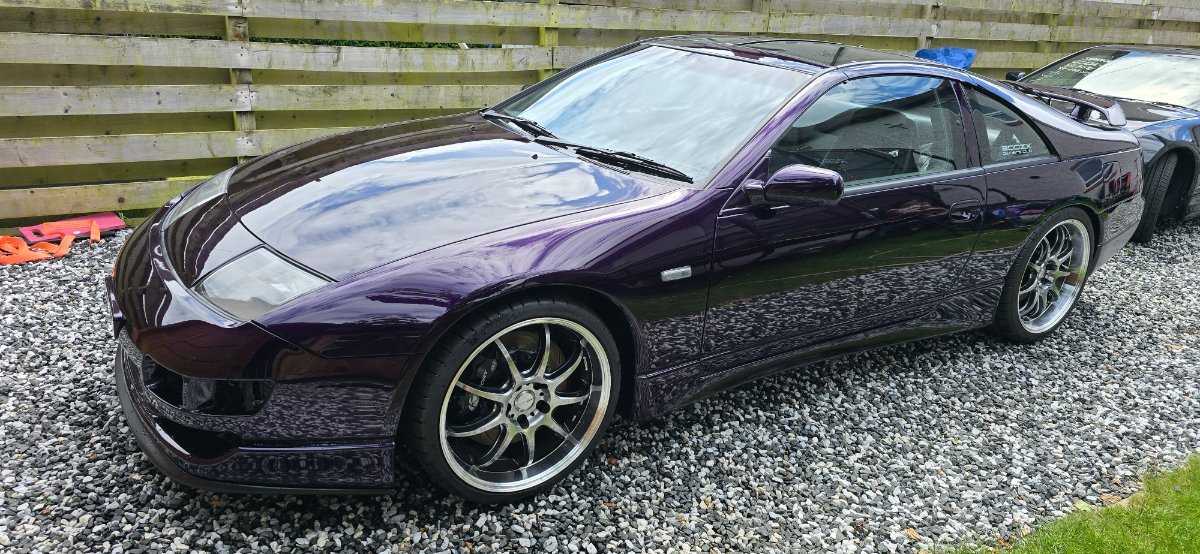
Was last weekend now but got the zed out for the first time in a while to give her a hose down. Get my keys to a new unit shortly so hopefully have some regular updates after that.
-
Happy Birthday Tom, all the best.
-
Yes, However breaking of that zed is halted for a few weeks until I get my new works unit.
-
Hi Kelly, Welcome to our little old club.
-
As above, in regards to fuel can you hear the the pump priming when you turn the ignition ?
-
Not even started breaking this zed up. Good news that i just agreed to a new works unit close to me and both zeds will be moved there just after the 1st of July. Dry indoors and plenty of light everything shall be listed by mid July.
-
Thinking of putting the spare engine in the Purple zed just so i can get it out. Hopefully picking up a unit this week so will have plenty of room to get working on all my zeds.
-
I'll be there to volunteer to man the stand as usual, having a zed with me would just be a bonus.
-
It's in great condition but think the price is way to high. I just purchased a 1997 TT which looked in better condition apart from a few interior panels that needs sorted. The price they are asking is more what i would look for if i would be selling my own one which is close to factory condition.
-
Be a minimum of a month before i can start breaking it up. As i have another zed stuck in front of it that i need to deal with first unfortunately.
-
The original link was part of an older thread? The thread in question and the post referencing it is older than the upgrade we done. It's kinda like leaving old sign posts up to a road that doesn't exist any longer, we could trail through possible post but there could be thousands of links that are wrong. Unfortunately it's not something I can easily fix.
-
Hi, It's become apparent that many old links that pre-date the current Forum Software no longer work. These date back to when we used vBulletin v4 and even though the upgrade was automated; a lot of the old links didn't get converted. All the original content will still be on the site but you will need to do a full search for it using usernames or key words. You just need to watch out an ensure the search function hasnt defaulted to the local topic or section first as shown below : 20240525-1053-06.7072746.mp4 Quick fix is to simply click the search icon at the top right to be taken to the Search page as follows : https://www.300zx-owners.club/search/ Set the content type to 'All Content' and type a few keywords in the Search term or add Search by Author and match a club user. 20240525-1051-01.3663875.mp4
-
Search eerything that Jeff has published : https://www.300zx-owners.club/search/?&q=Brake tech thread&quick=1&author=JeffTT&search_and_or=or&sortby=relevancy
-



