Everything posted by JaiKai
-
Ive never had it so it must be gay !
-
I'd let her tackle me any day !
-
Don't think it'll get up to 88mph, and if it does he'll see some serious shit !
-
After many years of being an apple iPhone user I'm finally selling up and getting a droid !:ohmy: Well I've owned every version of the iPhone since day dot including all the sub s version but I think the iphone 5 although only own for a few months will be my last ever apple style phone. Personally over the years I've absolutely loved the features and style of apple products but since the parting of mr jobs I thing apple have fallen far behind other retailers like Samsung and believe it or not even the new blackberry looks fairly cool. So today I sold my trusty iphone 5 back to Orange Recycle for £398 and soon as I get paid for that I'm going to get myself a Samsung galaxy note 2 !:cool3: There's been many a vs style threads over the years and I've always been on apple side but now if another thread does get started i'm more than likely to be more pro towards using the android system and style. So who all has the Note 2 and what's you're views on its daily usage and overall battery / size ?
-
I'm guessing its the same cable for boot and petrol cap release, the boot seems fairly easy although it does move a good distance as apposed to pushing down on it.
-
Couldn't get my petrol cap open today or for the last few weeks easily myself as I think the cable has slackened off a bit, seems the notch bit that pulls back is barely moving or simply not moving enough. is there a way to tighten it up ?
-
225 at the rear is way too narrow for my likening - so I would say yes as you've lost loads of traction using them. my ride is currently 255 rears and 225 fronts on 19's and I still I wish wider when I change my tyres shortly.
-
comes with the office suite but is also available seperately
-
Wow, Had a weird dream last night, in that I woke up (in the dream) and I heard the zeds engine running, so I quickly grabbed some clothes, ran downstairs to the backdoor and true enough the zed did have its engine running; I open the door and I notice the keys are missing and that's when I notice also that the colour of my zed has suddenly changed from black to silver. I get out the zed and I hear somebody else in the house so I run round to the front of the house and the doors open and when I go in my best man stewart (bruce_gunner) is standing in the hall whom I sold my old silver na too. Still no idea why the engine was running and having no keys as its an na and no turbo timer. to be continued (as I woke up).... Never dreamt of my zed before so i'm taking it as a sign to get my ass in gear and start doing some more work on her. But anyone else had weird zed style dreams ?
-
I've been using outlook 2010 for some time and its great, only yesterday I started using the 2013 version and its great too.
-
Find your self a copy of the full outlook that comes with office.
-
Brill, had the same one in pink for my wee girl. also had a sons of anarchy vest with the reaper but she quickly grew out of it.
-
def can't make this as with no fuel ive no way to get there, :sad:
-
First thing that sprung to mind could be a red head with a nice top set having a bath !:cool3:
-
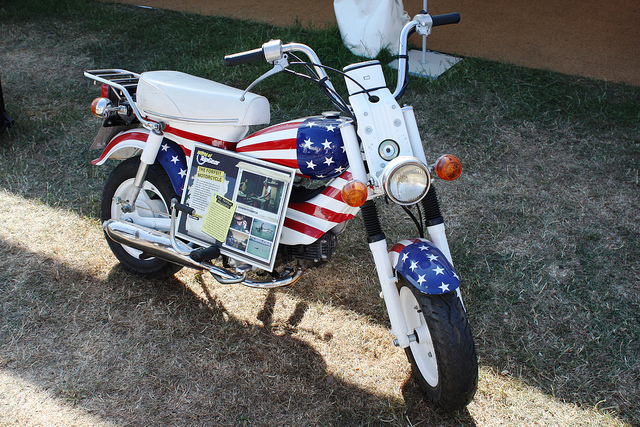
O, forgot to mention - for any zed that does break down there or back we could have a forfeit ride :
-
Maybe we could persuade him for a small insurance fee per zed !
-
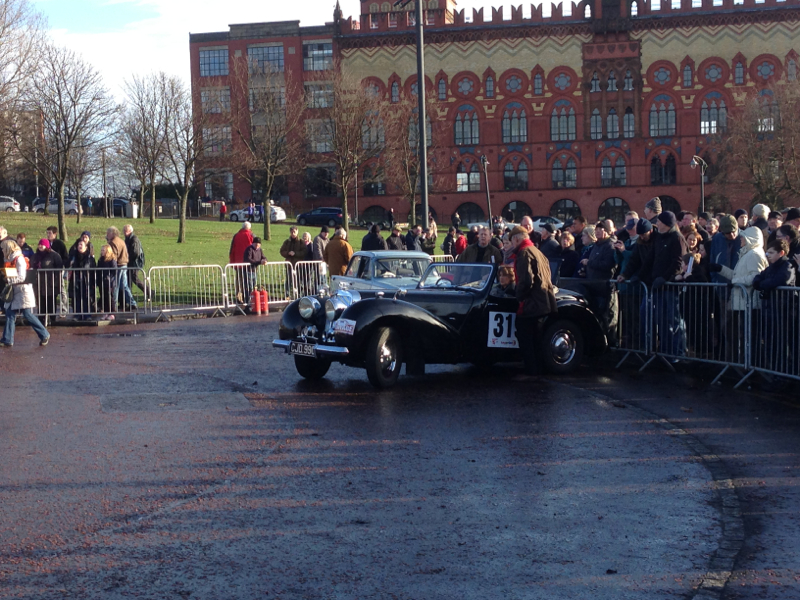
At the start :
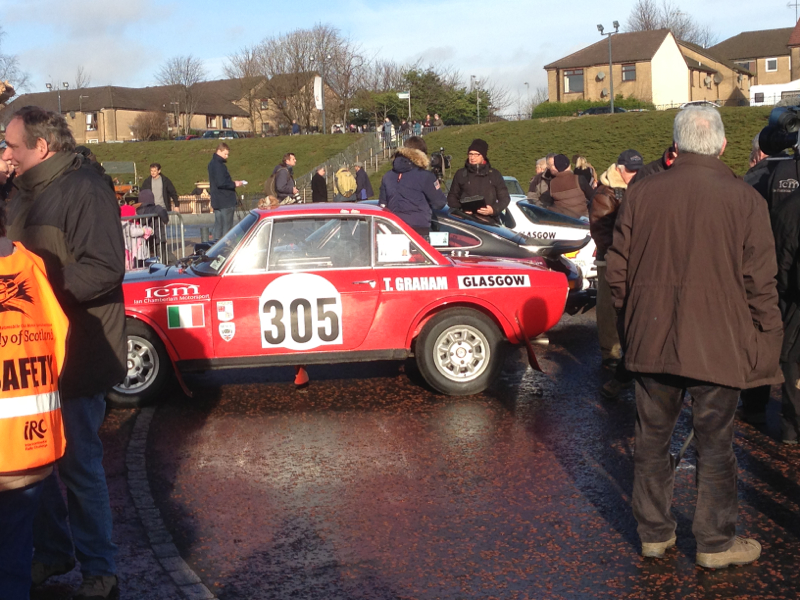
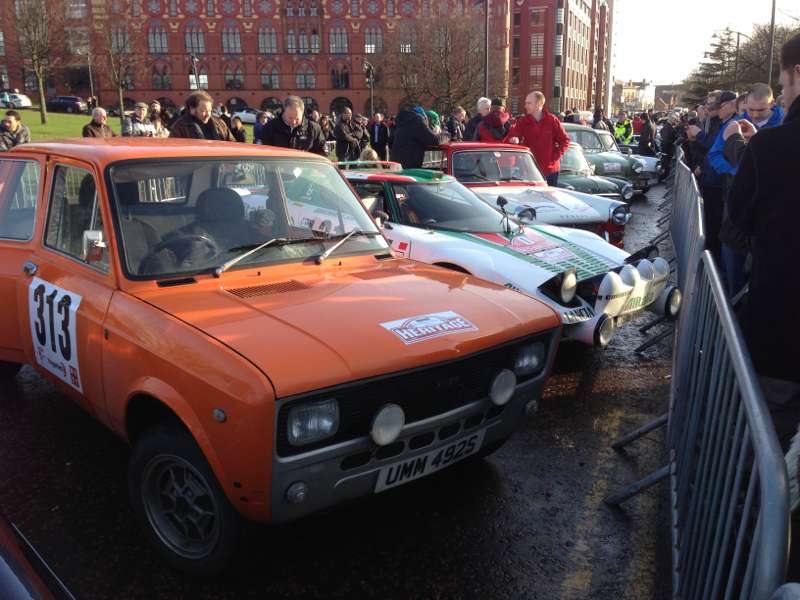
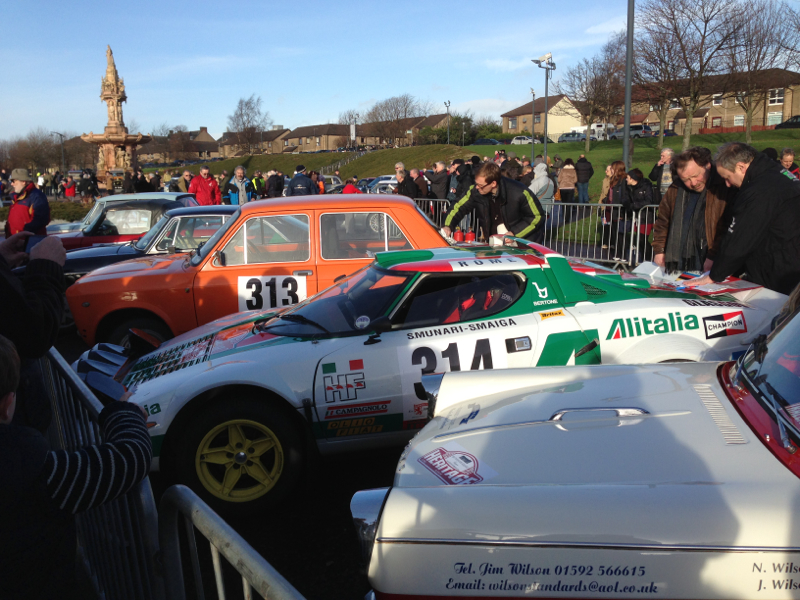
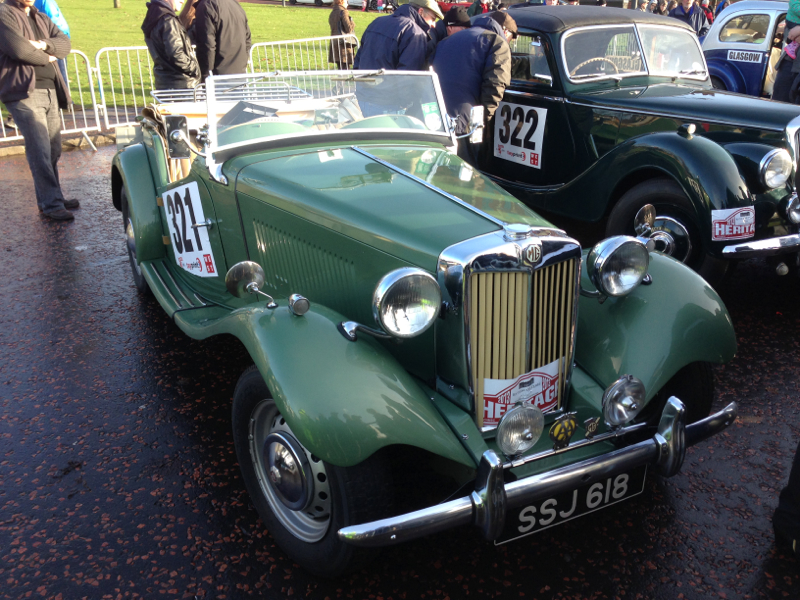
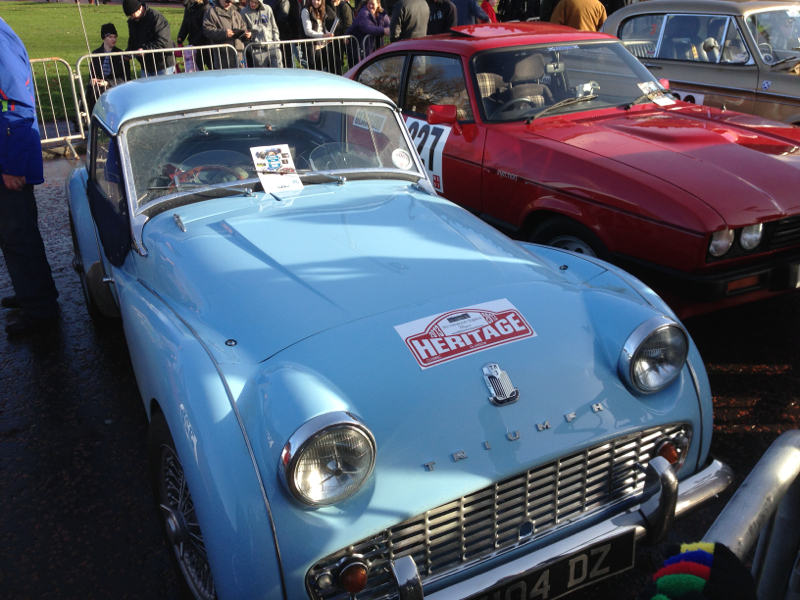
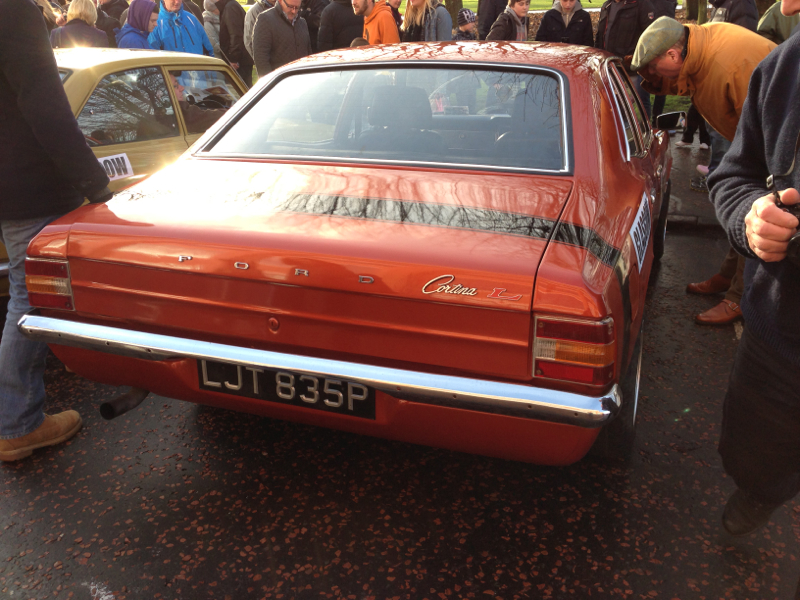
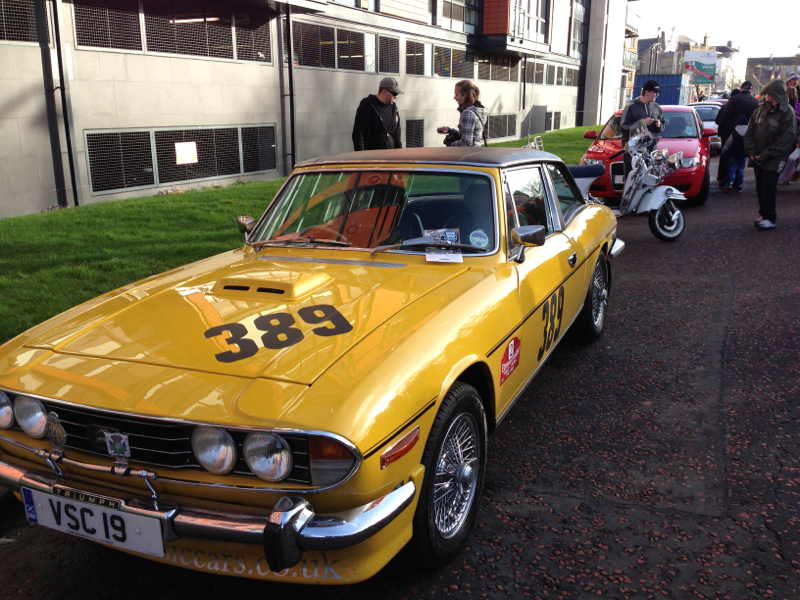
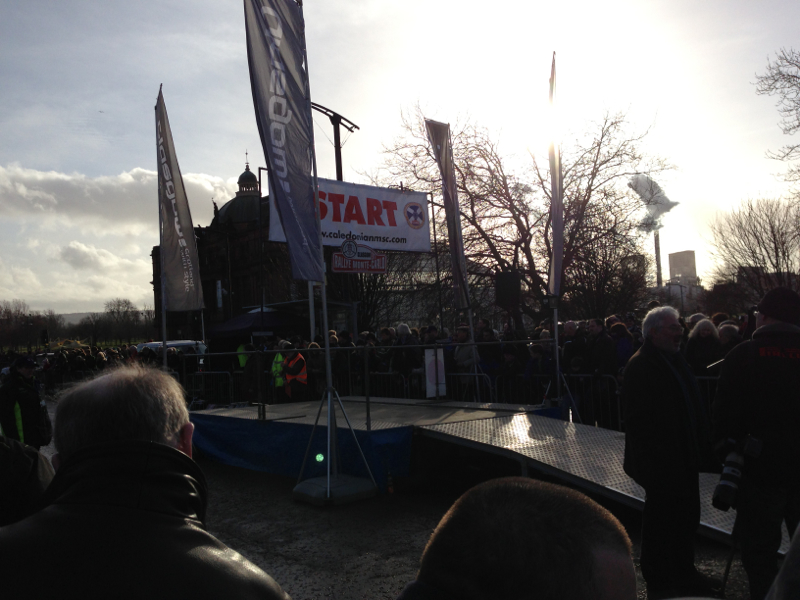 Heading to Glasgow green now !So first few pics I've taken today so far :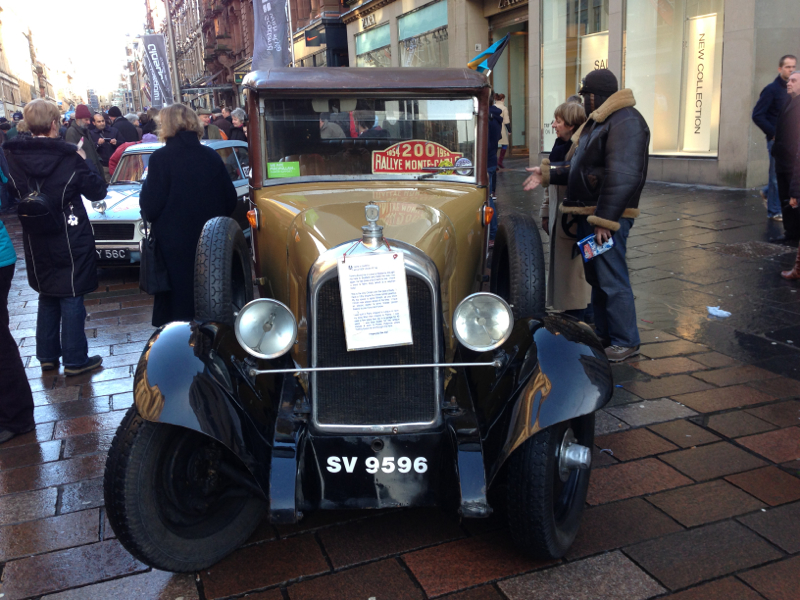
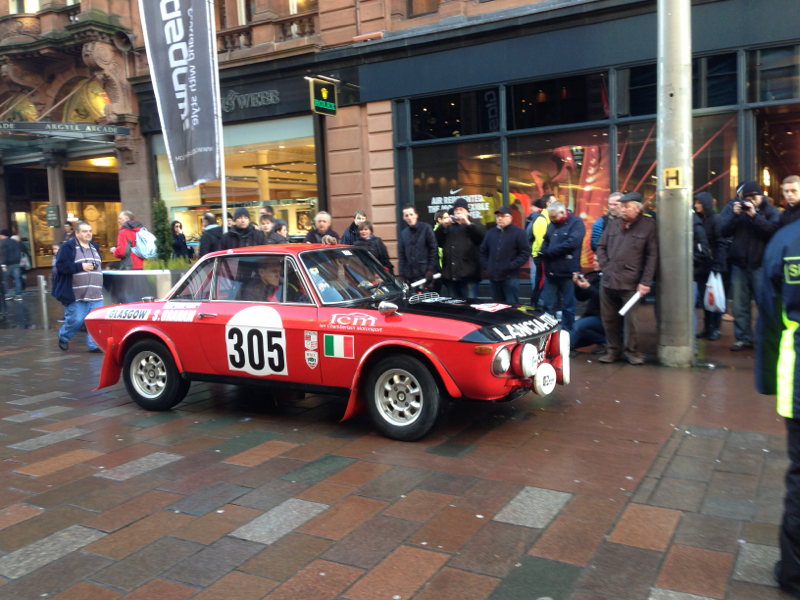
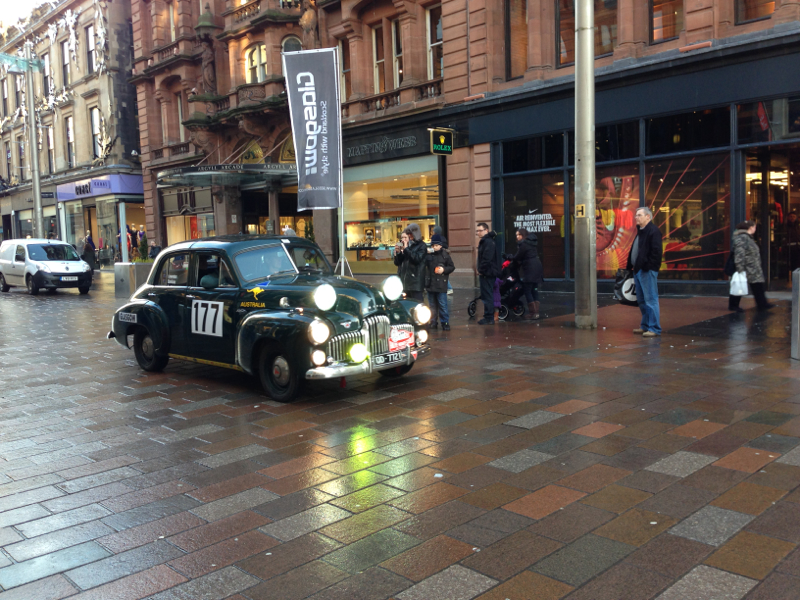
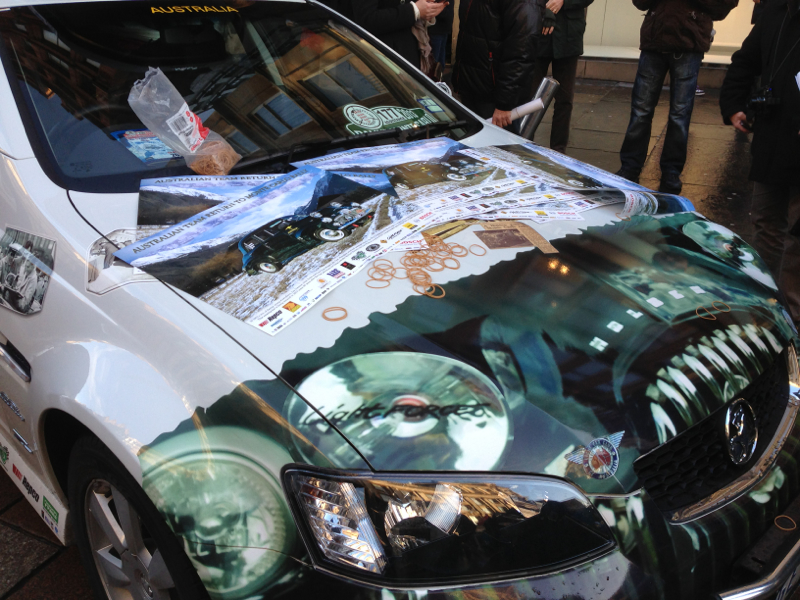
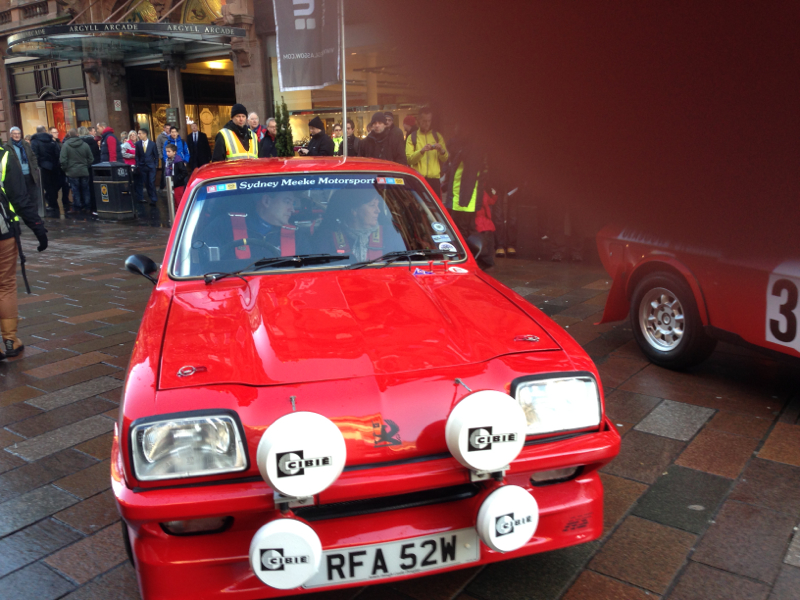
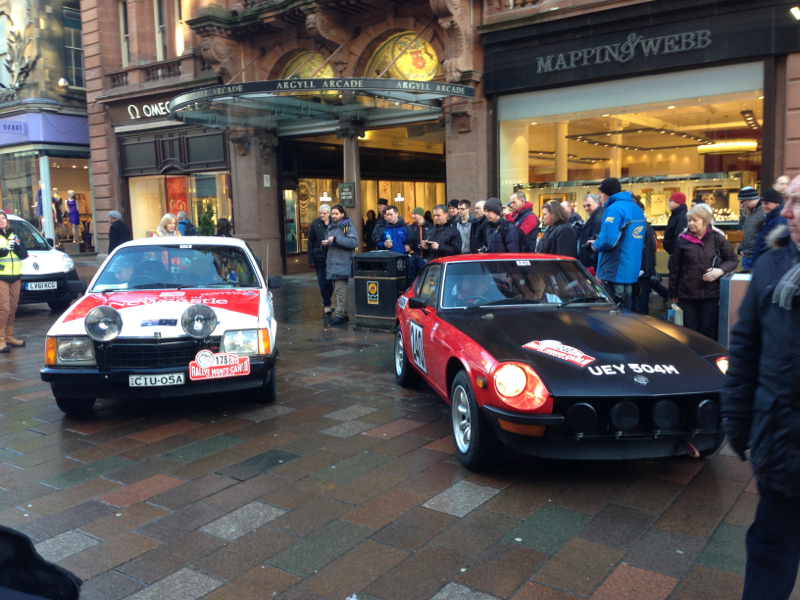
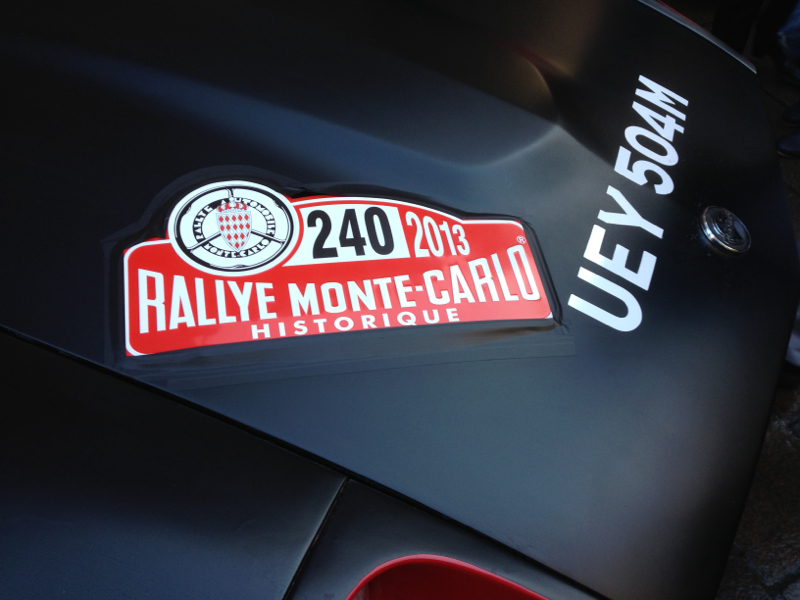 Come on over to the dark side again! Muhh Haa Haa !Thinking of coming back to the dark side ?As far as tradition goes it was battered and with chips from the local chipy, I did wash it down with a bottle off miller.Wee, sleekit, cowran, tim'rous beastie, O, what a panic's in thy breastie! Thou need na start awa sae hasty, Wi' bickering brattle! I wad be laith to rin an' chase thee, Wi' murd'ring pattle! Happy Rabbie Burns day everyone !Well I had a haggis supper tonight ! Excellent stuff !