





Everything posted by AndrewG
-
Those were the days - all good (un PC) fun! [video=youtube_share;Q4V2nZBYvnM]
-
Welcome to the Club Lee, rude of me not to have said so earlier. Got any pictures of your Z?
-
There are some lovely photos of the museum's exhibits from a post on TT.net: http://www.twinturbo.net/nissan/300zx/forums/general/view/2604691/My-visit-to-the-DNA-Garage.html
-
Check the turbos rubber coolant pipes, photos and description here: https://www.z1motorsports.com/z1-products/z1-motorsports/rh-turbo-formed-silicone-coolant-hose-p-3412.html https://www.z1motorsports.com/z1-products/z1-motorsports/lh-turbo-lower-silicone-coolant-hose-p-3413.html
-
Have fun! The website (https://nissan-heritage-collection.com/TOUR/) also indicates that you can book a tour online.
-
Is the engine running?
-
45% proof! https://www.masterofmalt.com/whiskies/bulleit/bulleit-rye-whiskey/
-
I was introduced to this - a nice alternative to the speyside malts I love.

-
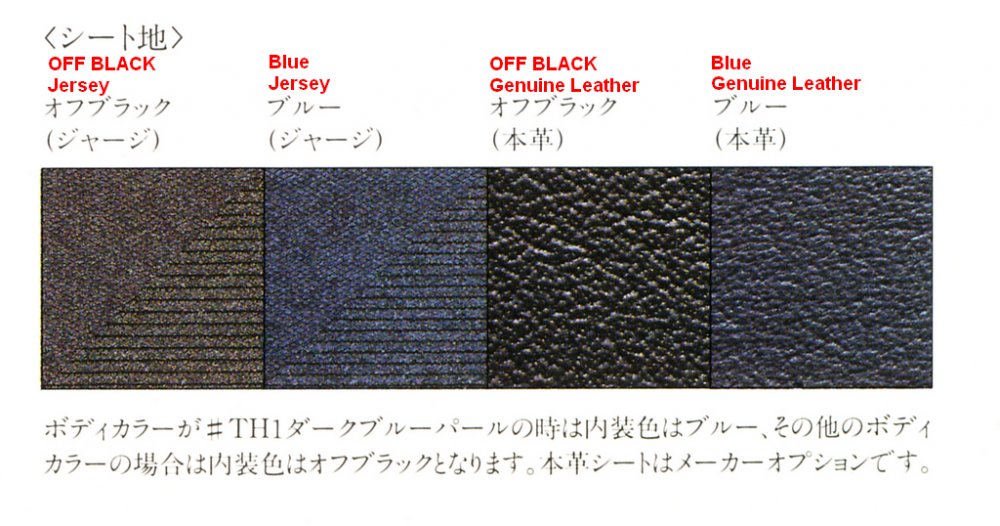
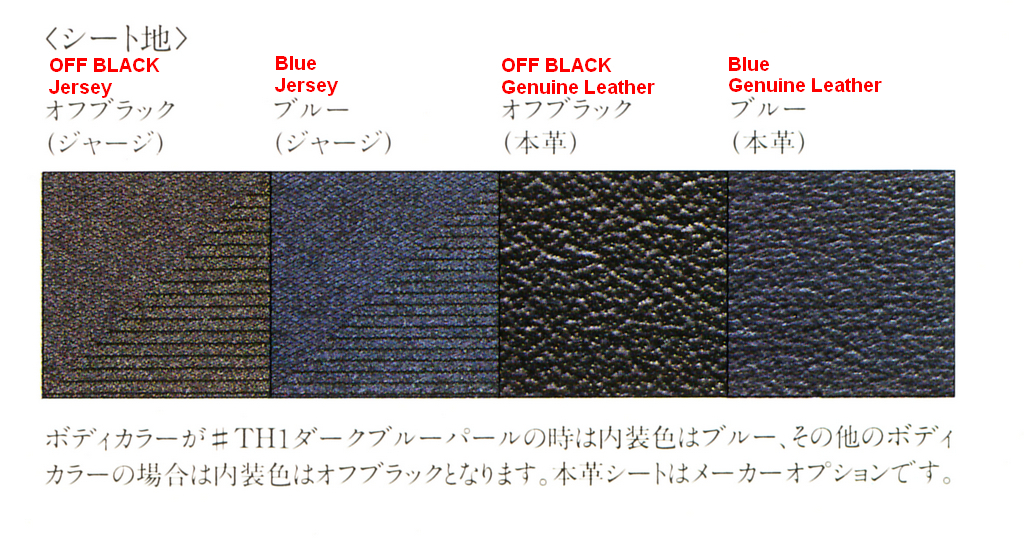
Simon, this image is from the '89 Japanese launch brochure. The text in red is the Google (android) translation of the Japanese text below. The Japanese text at the bottom of the image says that when the body colour is dark blue (TH1) the interior is blue. For all other body colours the interior will be off-black. Leather seats are manufacturer's options.
-
Best wishes on your Birthday David!
 Other than deleting it in the first place!And there's me thinking you must have done something like this...
 I find that even when it is dry any salt that remains on the road is crushed into a fine powder by traffic and ends up as a thin film on the car. It is the main reason I always wait for the roads to dry after it has rained properly beforehand and washed away the salt.Just the OEM+ bits!But not always into the ether...Give your light's optics a good clean. This is the method I used when I installed an HID kit: http://www.zcar-owners.net/cgi-bin/diy_bbs/cbbs.cgi?mode=al2&namber=25&rev=&no=0 It makes an amazing difference and avoids having to split the headlights. You can also clean the rear of the projector lens using the same technique. You will need to remove the headlight units from the car.The 300 degree camber correction kit shims are 0.3" (7.62mm) thick to correct a 0.8" drop (normally used with Eibach springs). This assumes that the stock camber setup is within factory spec. to start with (-1°35' to -0°05'). The frank de-ruiter camber correction kit (which I use) can be shimmed to correct a wider range camber adjustments. For the Eibach springs I installed I used 4+2+1mm shims which was right for my car. The kit is no longer available to buy. This is the scan of the FDR install instructions which included a guide table for the various shim combos vs positive correction.Euro spec in France:
 Owned for nearly 20 years there has only been one Nissan Z for me...
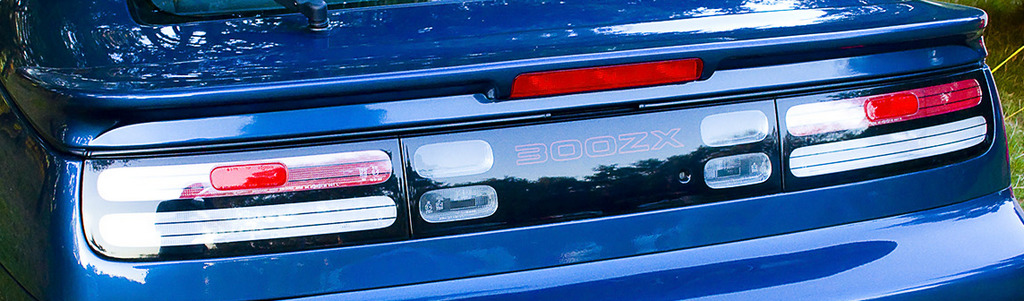
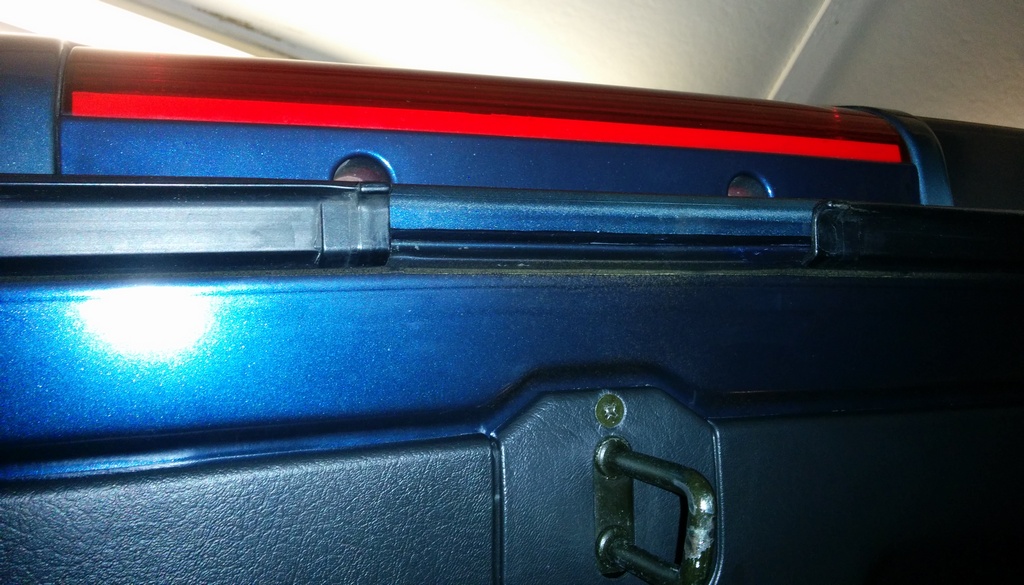
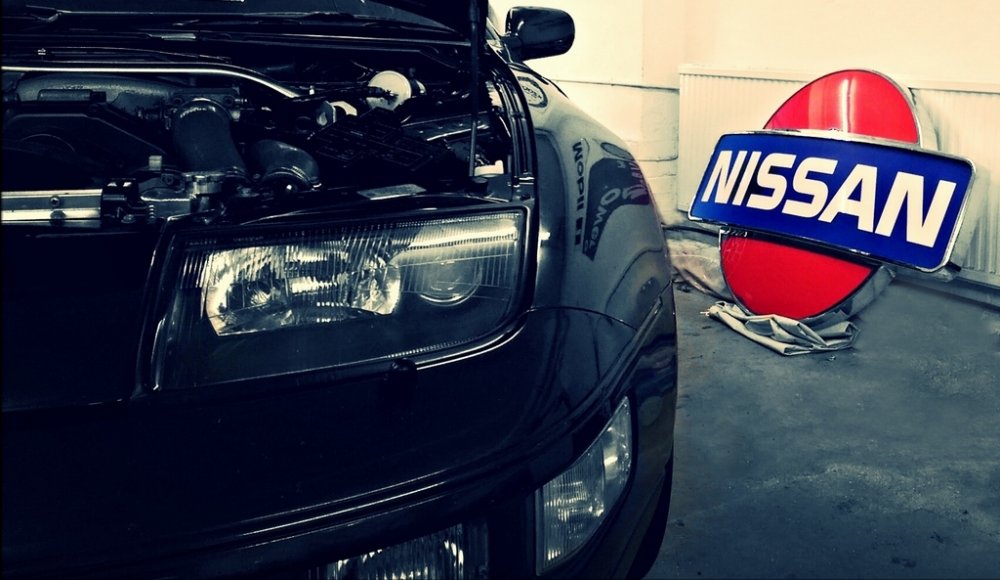 Here is another view.
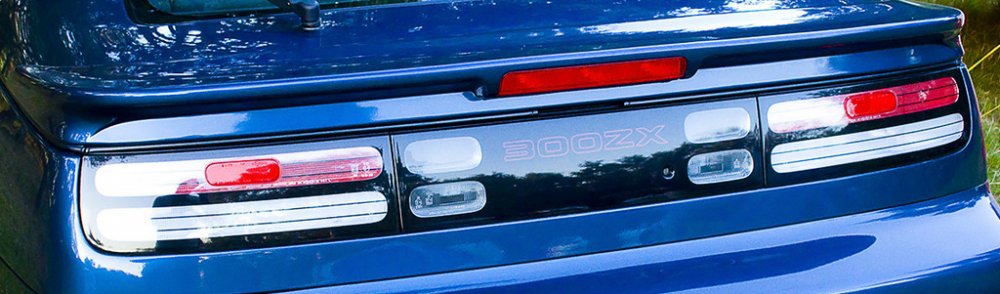 Fortunately they are not all the same Nick! I can think of Brett Dempsey (BDE), Jim Selin (Selin Design), Mike Smith (MSP), Jim Wolf (JWT) among others who have managed to design and produce great products and taken care of their customers (both direct and resellers).The two boot lid lip trim pieces should cover that gap?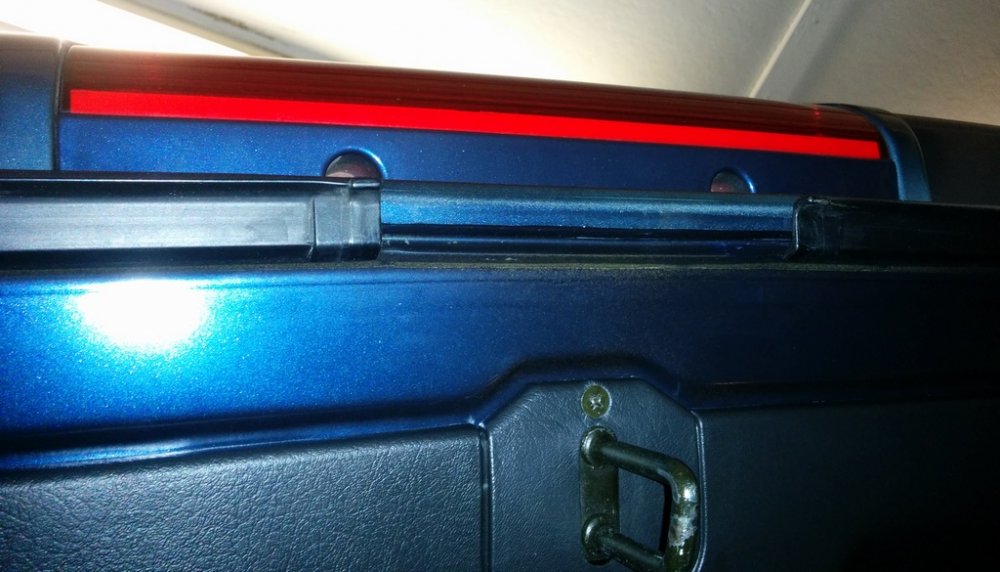



Important Information
Account
Navigation
Search
Configure browser push notifications
Chrome (Android)
- Tap the lock icon next to the address bar.
- Tap Permissions → Notifications.
- Adjust your preference.
Chrome (Desktop)
- Click the padlock icon in the address bar.
- Select Site settings.
- Find Notifications and adjust your preference.
Safari (iOS 16.4+)
- Ensure the site is installed via Add to Home Screen.
- Open Settings App → Notifications.
- Find your app name and adjust your preference.
Safari (macOS)
- Go to Safari → Preferences.
- Click the Websites tab.
- Select Notifications in the sidebar.
- Find this website and adjust your preference.
Edge (Android)
- Tap the lock icon next to the address bar.
- Tap Permissions.
- Find Notifications and adjust your preference.
Edge (Desktop)
- Click the padlock icon in the address bar.
- Click Permissions for this site.
- Find Notifications and adjust your preference.
Firefox (Android)
- Go to Settings → Site permissions.
- Tap Notifications.
- Find this site in the list and adjust your preference.
Firefox (Desktop)
- Open Firefox Settings.
- Search for Notifications.
- Find this site in the list and adjust your preference.