Everything posted by Pebkau
-
If it is he might be able to get it back now! :lol:
-
Hmmm am I being too suspicious or has this got "STOLEN" written all over it. http://www.ebay.co.uk/itm/car-spares-/231873354456?hash=item35fcba9ad8:g:VbIAAOSwYlJW4cnY :lol:
-
The big problem is that it looks like it's bolted on The best kits look like they were meant to be on there from the beginning just my opinion
-
We are now up to 11 Slicktops cool!
-
So true :biggrin:
-
Slicktops are Cooooool!
-
I drive past there every day! No excuse for me not being there then :thumbup:
-
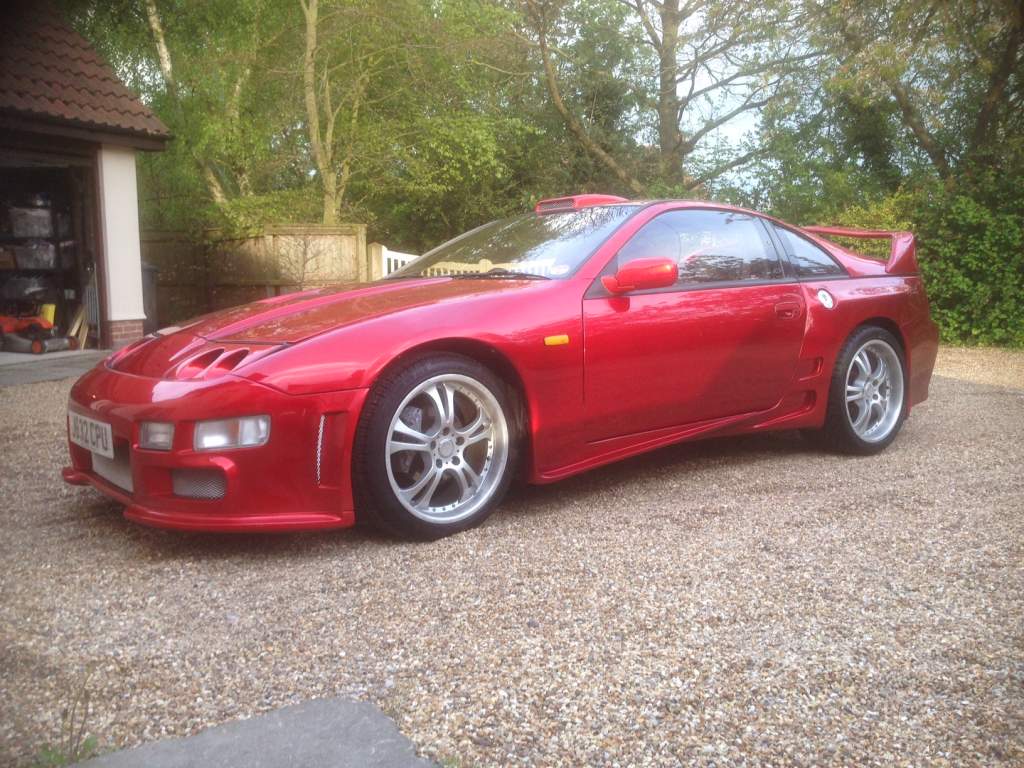
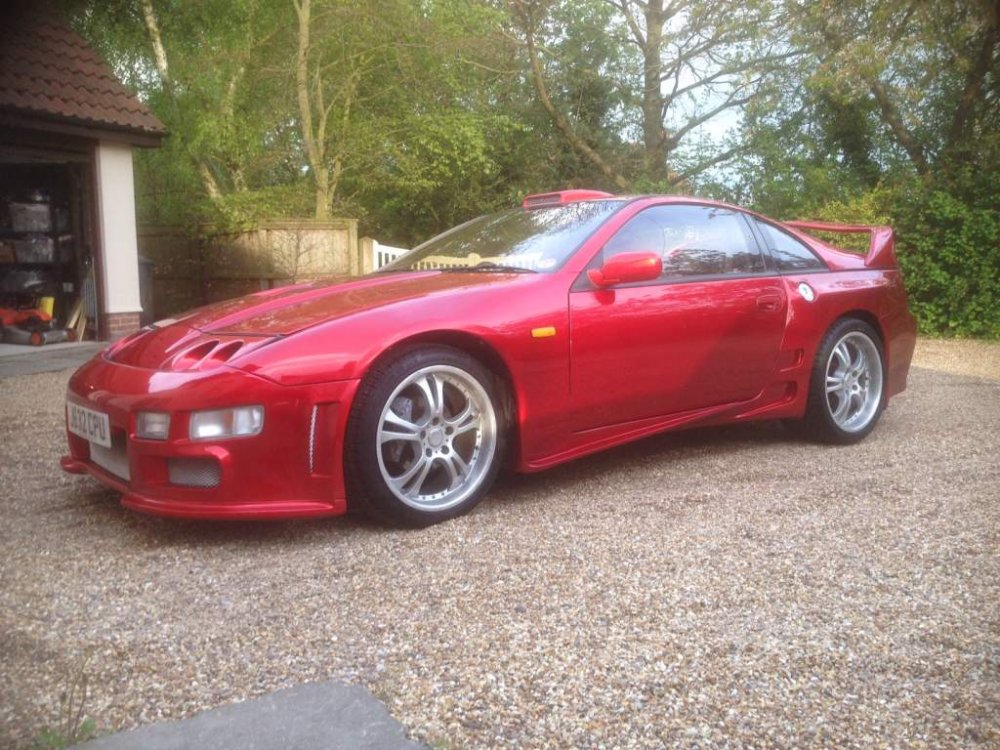
Slick Top Twin Turbo manual with a roof scoop that Mondo loves!
-
Love the artistic / blurry / hiding stuff pictures
-
Do What?! Don't do it mate, one action, from one person and you bin off a community? Drink beer, return tomorrow and re assess but don't just bail on one bad experience you will regret it
-
Economically - Remain Legal and Policy - Brussels should be able to force a Parliamentary debate but not be able to overrule the UK decision.
-
They look awesome - very aggressive :thumbup:
-
These?

-
I have to say I'm liking these http://www.ebay.co.uk/itm/19-CRUIZE-BLADE-BP-ALLOY-WHEELS-FIT-NISSAN-SKYLINE-R33-R34-200SX-S14-S15-300Z-/171976192781?fits=Car+Make%3ANissan%7CModel%3A300+ZX&hash=item280a94730d:g:9KIAAOSwstxVEt-o
-
Mate I am gutted for you. it's horrible when something you have looked forward to doesn't pan out quite the way you wanted it to. They do look much better with the centres and caps on them. Not sure if you are aware, but as a UK citizen one of your weird rights is access to 30 minutes free legal advice on any subject. if you pop to your local citizens advice they can put you in touch with someone. Also I have used https://www.moneyclaim.gov.uk/web/mcol/welcome a couple of times with some success. It is really easy to do and doesn't cost too much. Having legal paperwork land on the doorstep might be enough to get him to refund you. Once the ruling goes to court anyone Googling his business will find a record of the court case. Hope that helps
-
is that the one in Ipswich mate?
-
Picnic is another P roblem I n C hair N ot I n C omputer :laugh:
-
I'm loving this. I'm so glad I started this thread, we are all being exposed with varying levels of nerdiness, geekiness and general sadness. I think sometimes you need a thread where it is obligatory to cock about. Clearly I have found my niche in the world of 300zx.co.uk Just to let you know my other choice of name was UFWE Which is also a PC World booking in code. U ser F @&K W it E rror :thumbup1:
-
Don't mock the afflicted! I think you'll find the original owner was suffering from a form of colour blindness known as "yellow and taste deficiency" :laugh:
-
Yep!
-
I'll go first as listed in the what did you do with your Zed thread I was a Manager for PC World and we used to book the idiots in with the code. P roblem E xists B etween K eyboard A nd U ser Tada!
-
I was a manager for PC World for a while and it was a code we used to book people in with (only the Knobbers!) P roblem E xists B etween K eyboard A nd U ser :clap:
-
ooops!
-
The same reason I chose Pebkau - which I am amazed no one has asked what it means. Oh hang on - what the hell does Phutumsch mean? :laugh:
-
UH OH I can hear a "out of context" siren :biggrin::biggrin::biggrin: If you read the posts back Ali used the word Funky to describe the colour scheme, not to light the blue touch paper. Damn I've just defended the young 'un - what is the world coming to. :blink: