Everything posted by bird
-
In relation to the GDPR stuff, all other sites and forums have emailed me to say I need to opt in etc. My team at work have our businesses data protection liaison officers too so we are quite all over it. I guess it would come down to hat is actually personal data etc. In response to Jeff, I still love the forum, but I wish more people would post etc. As an example since Russ mentioned it... in th past, if someone did something like an iPad install (I remember an iPod one years ago), there'd have been loads of comments, whether people like it or not. I think there's less threads about what peopl are doing day to day as people just put it in the what I did today thread.
-
Yeah. Just a shame they are series 1 aircon controls rather than the series 2 where you can tell it where to blow etc
-
Will check with Neen and let you know asap
-
Anyone got an Oil Pressure Sensor lying around by any chance?
-
GetGreddy was a dick! Smithy was a great parts trader as was Danny (DTA) who took on smithys products. Was a real shame when they stopped trading
-
Thanks mate. I'm really happy with it. Plus I still have a full stereo that's usable for CDs and What ever else. It's in the centre console
-
I have some 2k clear and it'd probably look decent. But decided to leave like it is for now. Doesn't take much to repaint it really if I need to
-
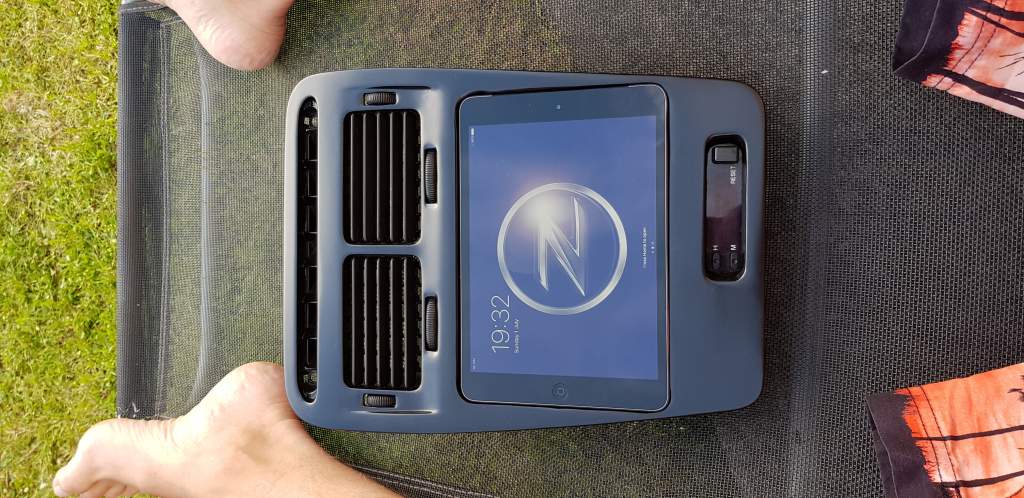
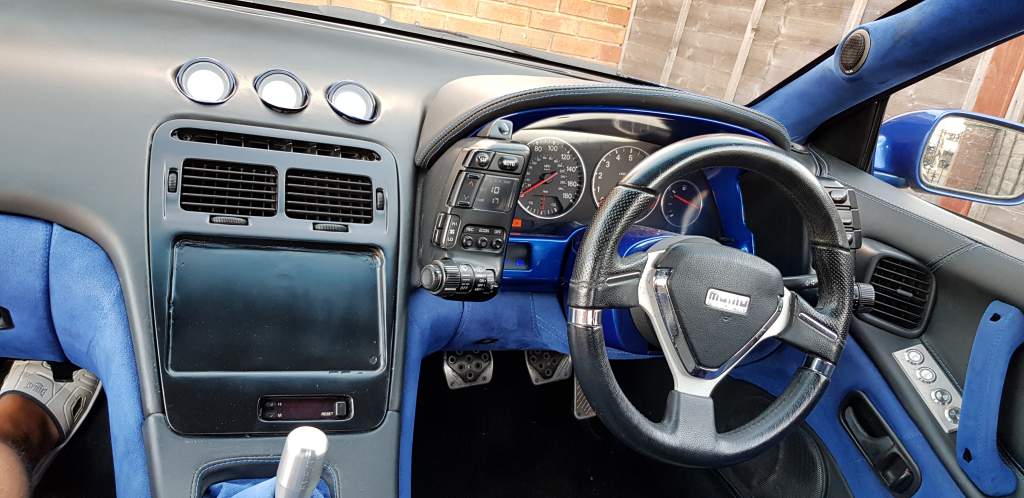
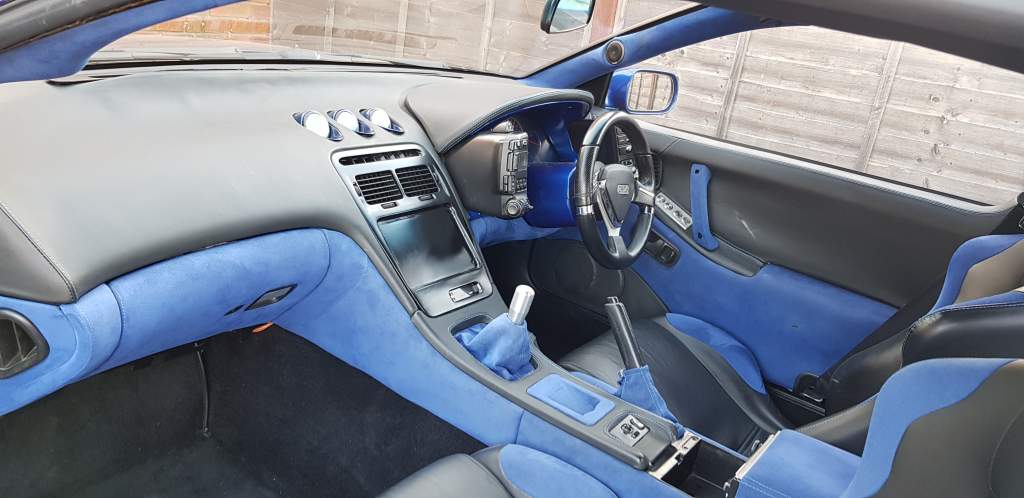
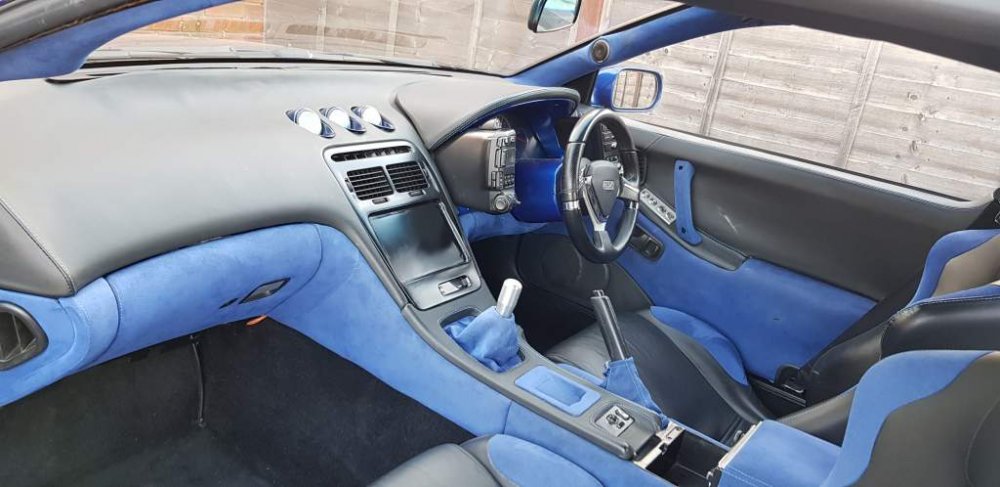
Bit if a small update. I've repainted the panel in satin black and no clearcoat. Also reinstated the air vents from another radio surround I had lying about. I had the fix the vent lats using one of the bairns little paint brushes. Also put the stock clock in, but it doesn't work, so I'll have to rake out another one at some point. Anyway, looks great now. As for glare, honestly I've not had any problem with it at all so far, only had the roof off once though


-
So what was it then
-
Sorry, here's the link. I recon it's probably the hard idle switch being off, rather than on when you are idling. Fairly common occurrence IMO: https://z32.wikispaces.com/Throttle+Position+Sensor
-
This is from Z32 wikispaces: Consult Interface The best way to set the TPS is to use a Consult interface such as Nissan DataScan or conzult. This allows you to quickly and easily see both the voltage of the Throttle Sensor and condition (ON or OFF) of the Hard Idle Switch. After loosening the two small screws holding the TPS to the driver's side throttle body, rotating it will change the states of the two sensors. Rotating it clockwise lowers the Throttle Sensor's voltage, and rotating it counter-clockwise increases it. There is a "sweet spot" found while rotating the TPS where the Hard Idle Switch will turn on WHILE the Throttle Sensor reads between .4v and .5v. A common method of failure for the TPS appears where these two requirements cannot be met at the same time. That is, it can be set to show voltage between .4v and .5v, but the Hard Idle Switch shows off. If it's set to a position where the Hard Idle Switch turns on, the Throttle Sensor won't be in the proper voltage range (often around .3v). Owners will often set their TPSs to in the ~.4v-.5v range, but without the Hard Idle Switch being on, the car will idle high (between 1500RPM and 2000RPM). If you're unable to get the TPS voltage and hard idle switch to their "sweet spot," try this: •Rotate the TPS so that the TPS voltage is reading between 0.4 to 0.5v. •Unplug the gray oval TPS connector for several seconds. You should be able to see the voltage (as displayed via consult) rise. After about ~8 seconds, the hard idle switch should display "on" •Reconnect the gray oval TPS connector. Another, less common method of failure is one where the Throttle Sensor "track" becomes dirty. This causes the voltage to have "dead spots", which can present itself as hesitation or bucking while driving.
-
Just off the tps. I think its a grey oval connector off the top of my head
-
Given it's sat around 1500 Gary, it's probably the hard idle switch mate. Try unplugging it and putting it back in
-
I can if you wouldn't mind reminding me the Friday of the weekend
-
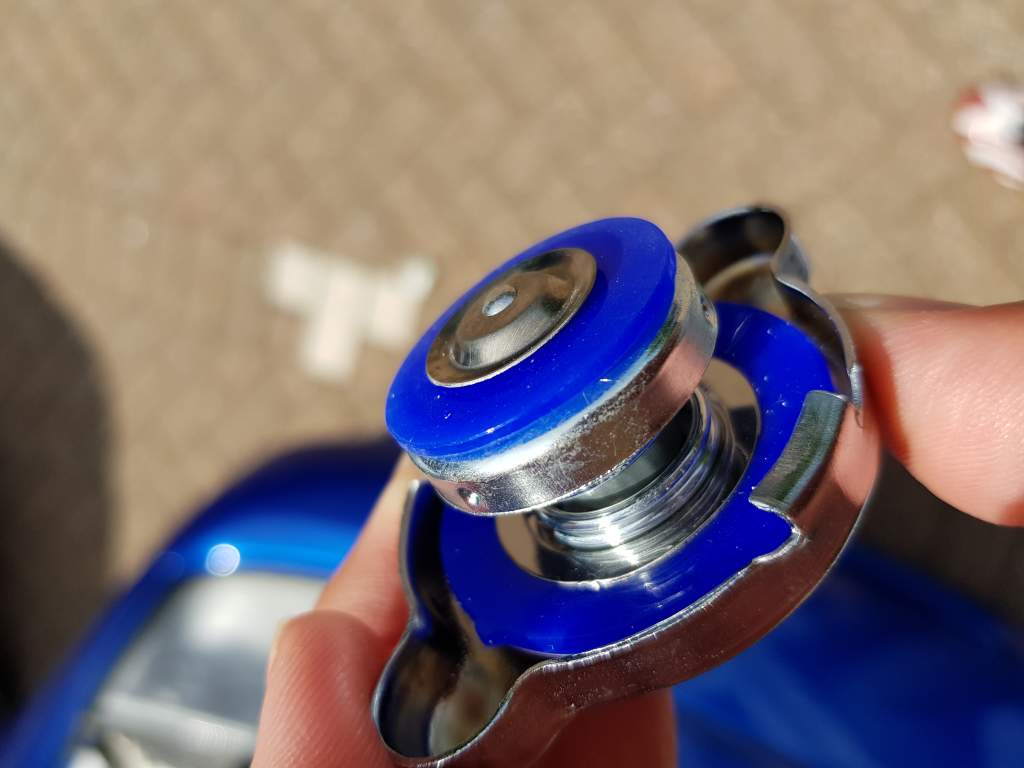
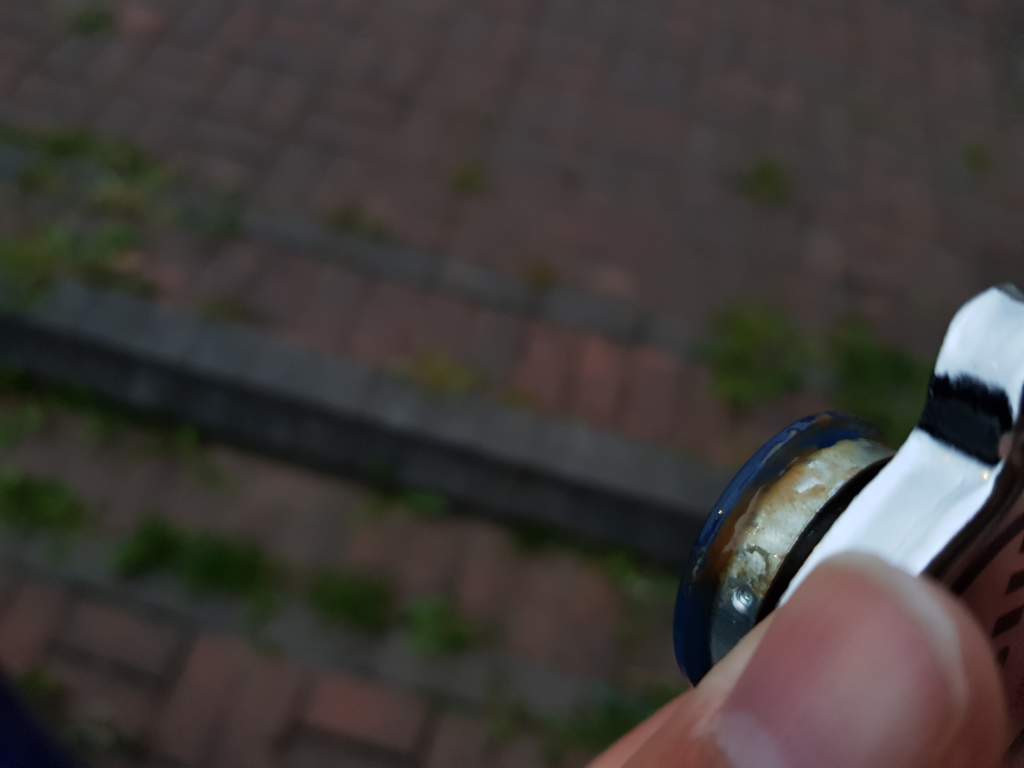
Bit of an update... So I got a new cap and the same appears to be starting after just a couple of weeks. The cap I bought was a new one off eBay, but not the best quality. The photos are 1 from before and 1 from just now. I just also check the mix, it's got too little coolant, but would that make this happen?


-
Maybe we should ban him again
-
Great result. Cost much for mapping there? It's where I'll be going when I get my car back
-
I think you can also click 'thread tools on the top bit of the post and unsubscribe from there
-
I think you can also click 'thread tools on the top bit of the post and unsubscribe from there
-
Was looking forward to a catch up, and you taking the piss outa my blue Z.
-
Was looking forward to a catch up, and you taking the piss outa my blue Z.
-
I'm just being lazy really as I never have the roof off. Mine aren't rusted, just a bit stiff fortunately
-
Still noisy haha. Interest thread though. My blue car has the wind deflecters but only one pops up by itself lol
-
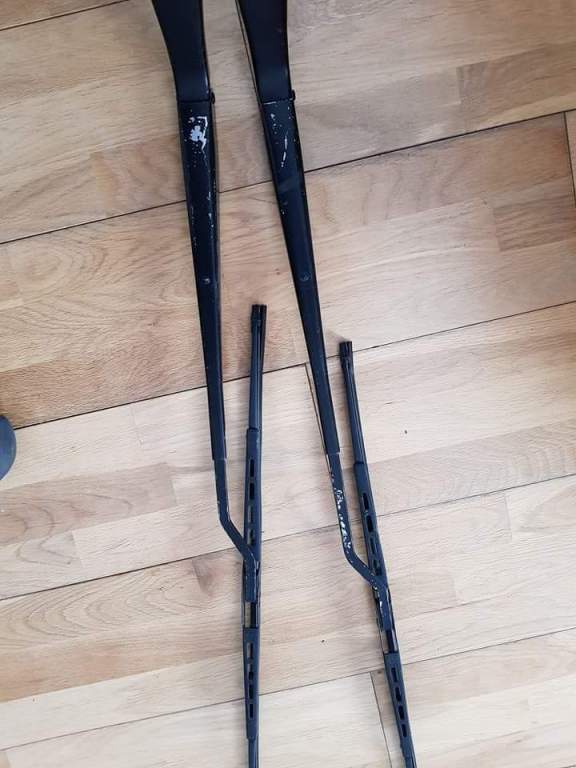
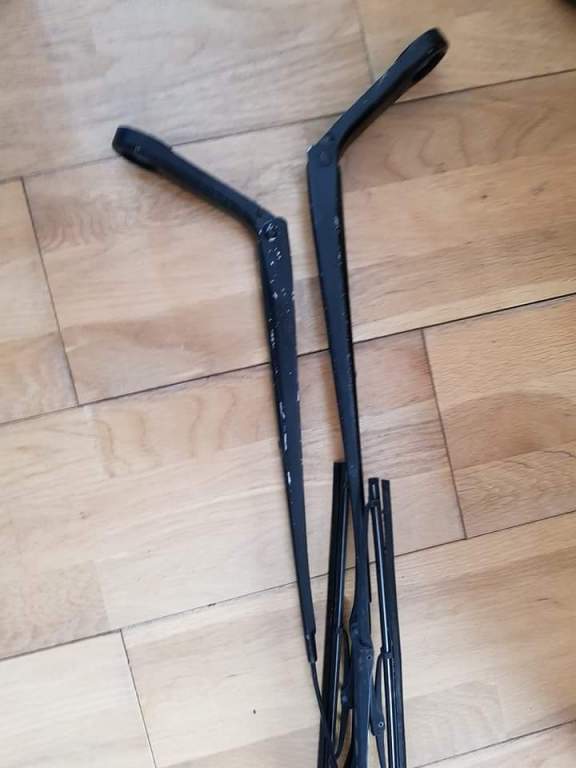
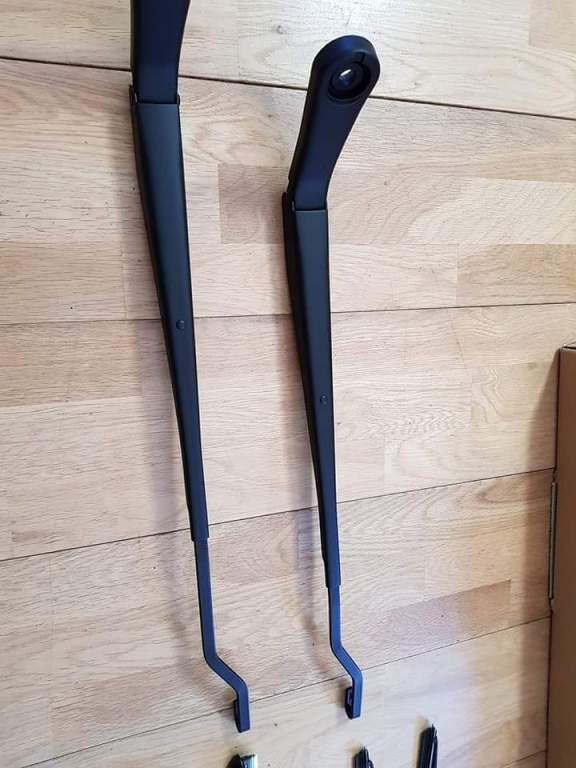
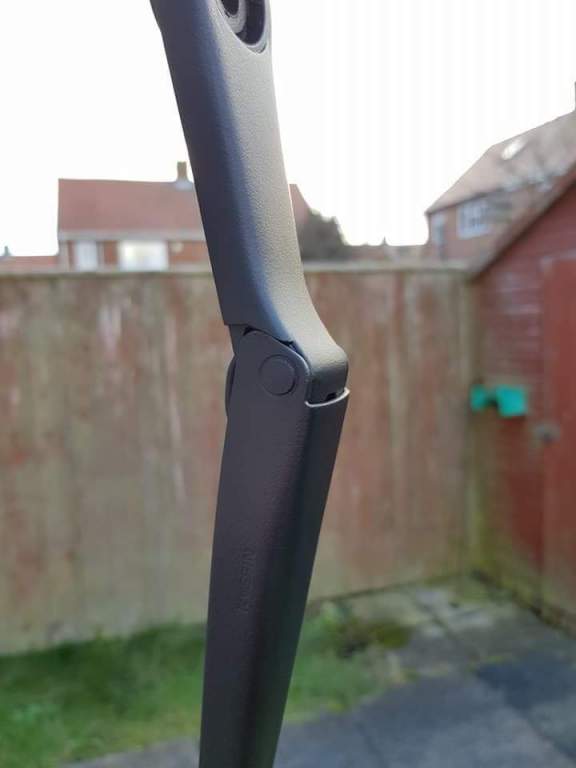
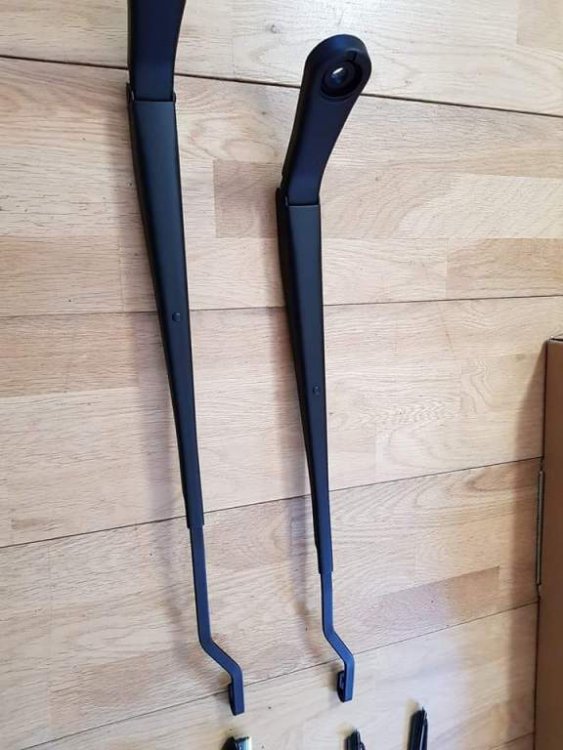
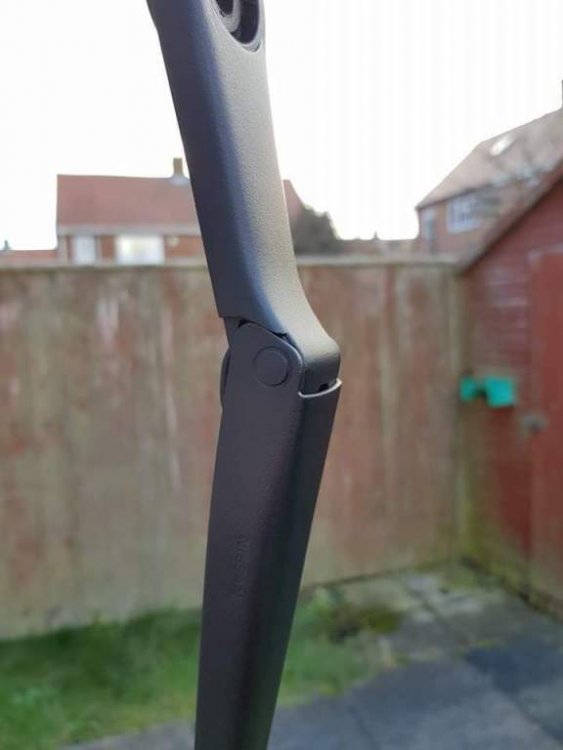
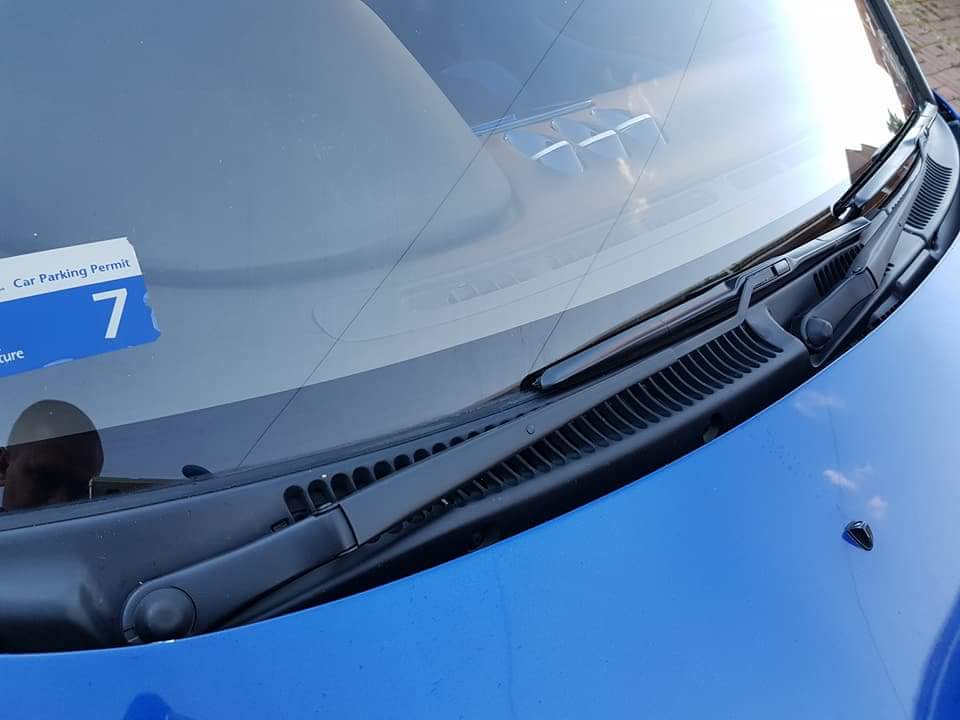
Example of it recently. Thing is, it wouldn't leave a smooth finish so probably not the best thing to use. But might look a little better from a distance but I haven't done mine as I'm not convinced it'll look great
-
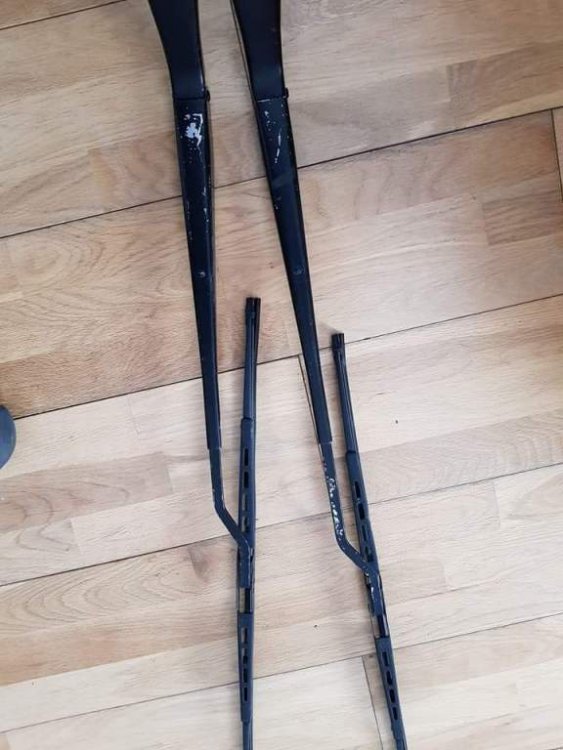
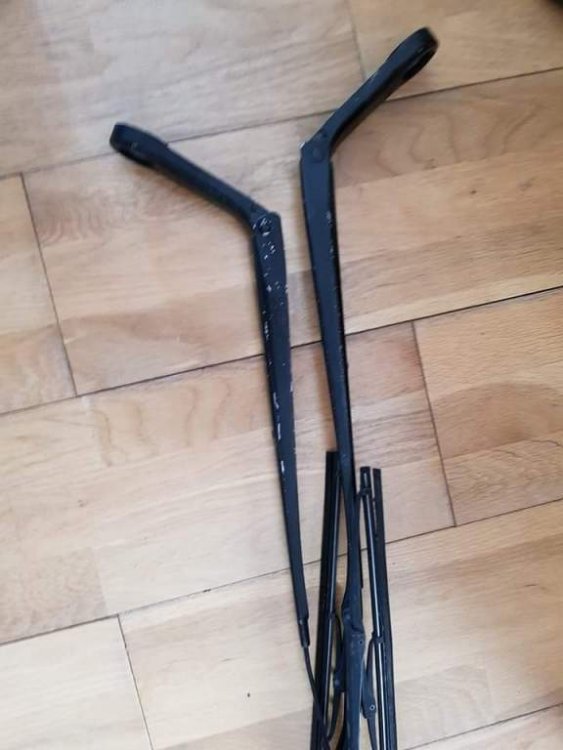
It's a DIY spray on thing. I used it on the trims that go up the windscreen and over the targas before, and also recently did the wiper arms of my blue car