




Everything posted by JaiKai
-
Me too, but after the upgrade it simply stopped working. :(
-
We changed over to the new system around that time.
-
Mike at mjp
-
I think it means take a live feed prior to the light switch. That's how I wired my bathroom extractor.
-
Great spot as we are so used to Garry doing the birthday mentions ! So a Huge Happy Birthday Buddy and hope you have a great day. .. How long would you have left it before posting your own birthday post ? .. I wonder :)
-
Happy Birthday Jeff, all the best.
-
They came pre applied with the sikaflex, just peal the sticky tabs off then fit.
-
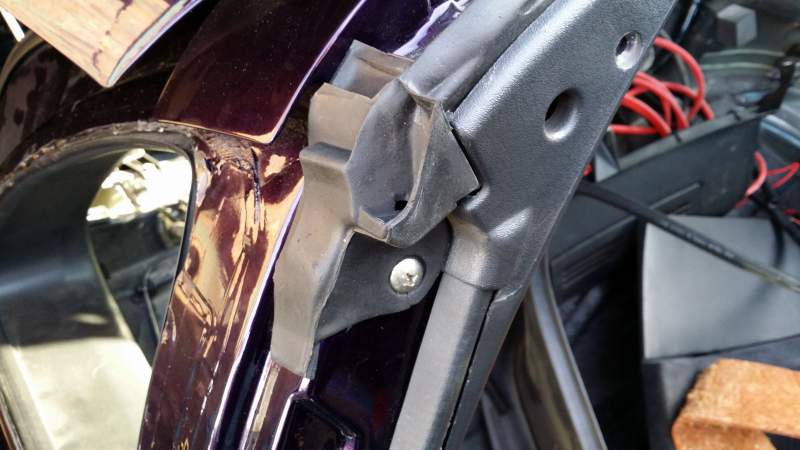
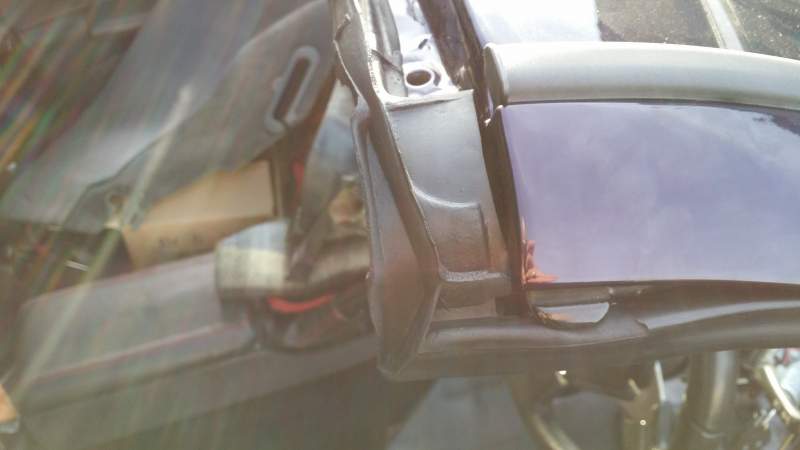
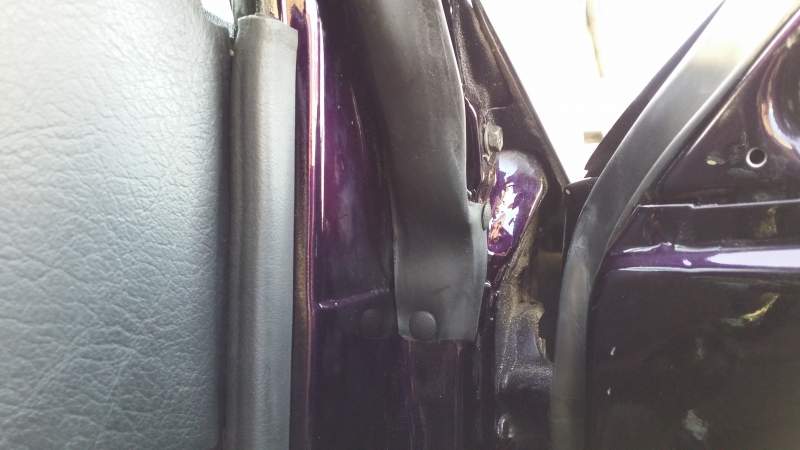
It was freezing cold but managed to fit my new targa rubbers today.
-
No one got any ideas on this?
-
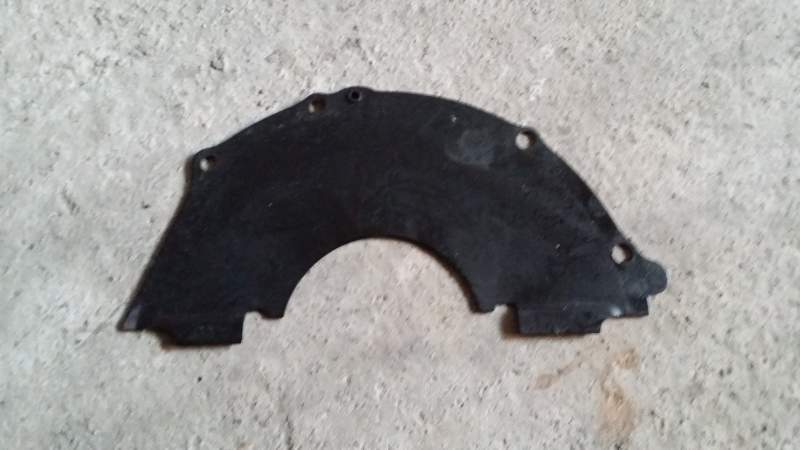
Clearing out the lockup today I came across this part : Now I know this plate is from the gearbox but my question is whats it for and if its missed when putting the box back in what effects will it have. Seems when my gearbox was refitted this was left out and I only found it in a box of spares today.
-
Has seen Final Destination.
-
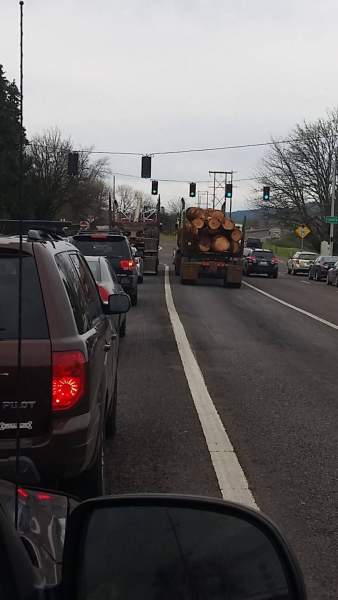
Watching various news thread and videos today the madness that has spread across the UK is like the start of an Apocalypse. I seen a clip of stores in Blackpool and Closer to home in Irvine where there were riots of people fighting over a cheap 32" tv in a fashion of 'this is the last tv on earth and its mine', lol I'm just glad folks over in the uk don't have guns as heard someone got shot over a tv in the states. Madness
-
lol, bump the international postage up to offset the cost of the sale. ):
-
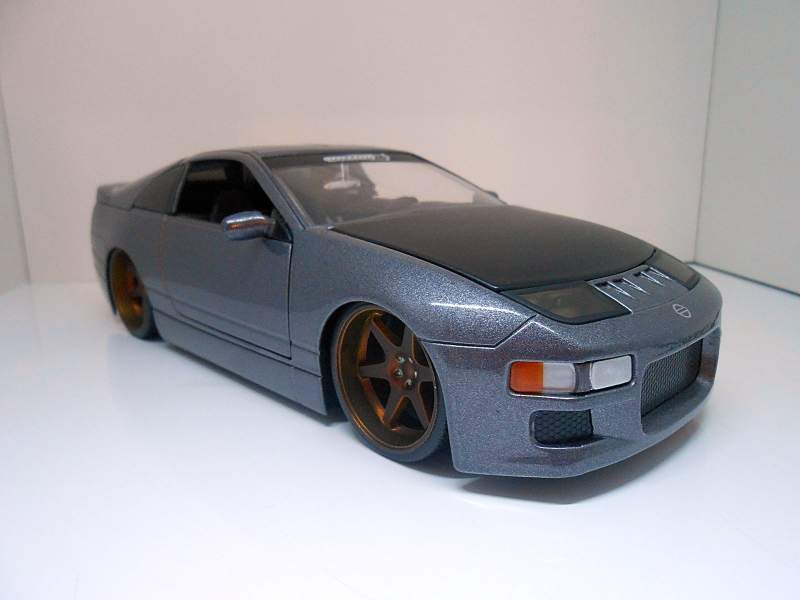
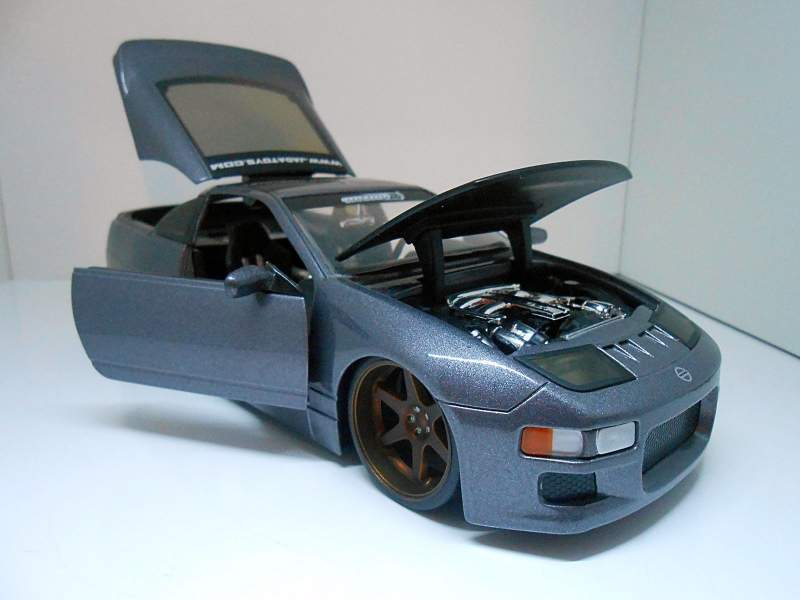
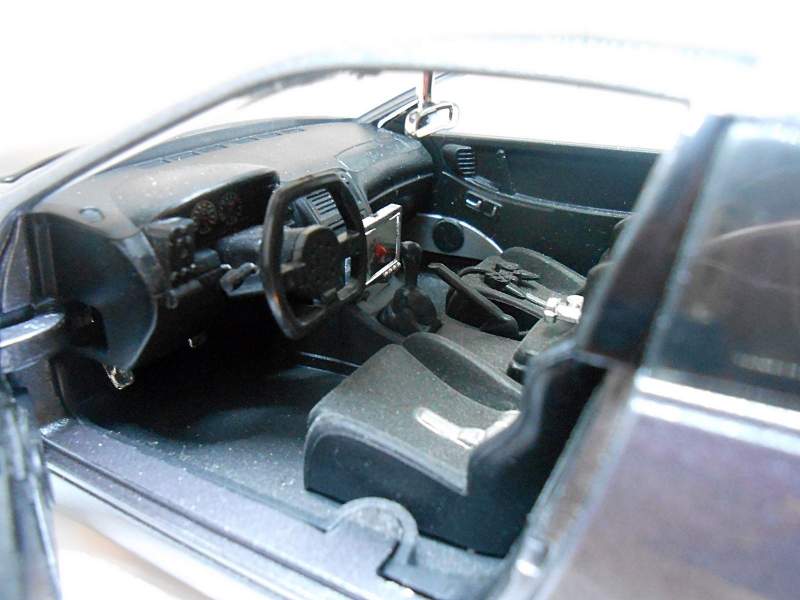
As I just bought another zed ! Found it on ebay but it was only down the road from me and snagged it for just £21
-
Can't see any deleted threads in the logs so I guess you never actually posted it.
-
hi max, I had those same wheels on my old Bora, believe they are 'tsw thruxtons'
-
Don't worry about picture size as they will be auto sizes if too big !!
-
When is the last time you used the garage ?
-
Looking for a set of mint headlights for my project as I've trashed mine and my spares are not the greatest. Don't really care about the rubber but the glass must be scratch free; no rust on any parts and mechanical adjusters working perfectly. What ye got ? :)
-
Happy Birthday Buddy.
-
New set of z1 hard pipes, cruise stalk, some various fixings and linkage for the throttle bodies. And also a new set of pipes to replace the old oem accordion intercooler pipes.
-
More goodies heading my way shortly. After getting new targa rubbers my good man Luke managed to find me two new rear quarter glass panels. Also have a z1 order clearing customs hopefully today.
-
Likely doing a large order end of next week or sooner ! Anyone need anything ?
-
Likely doing a large order end of next week or sooner ! Anyone need anything ?
-
Sure does and checked your subs and they expired in September. Being a REO overrides the standard colours in your profile but you should have received a reminder email two weeks prior.
