



Everything posted by JaiKai
-
Runs over the top and through the right side if the engine to get to the starter motor then out from there on the right side.
-
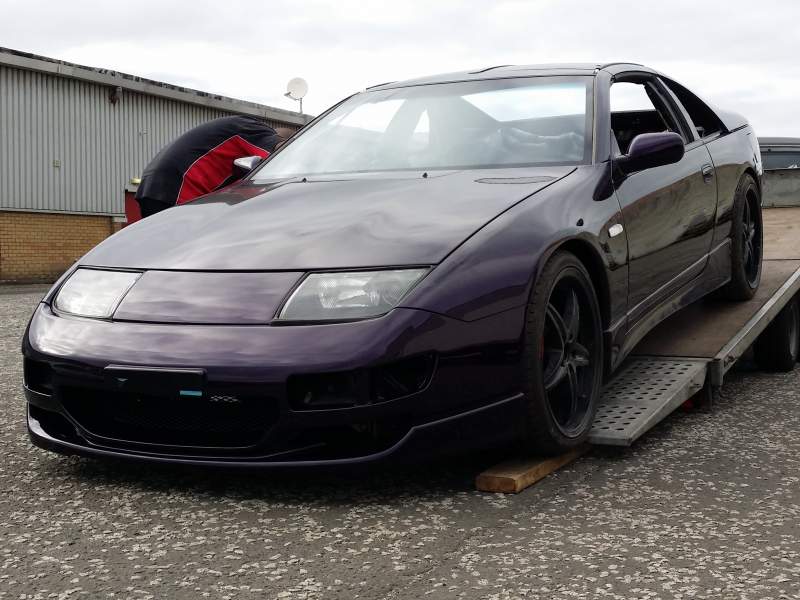
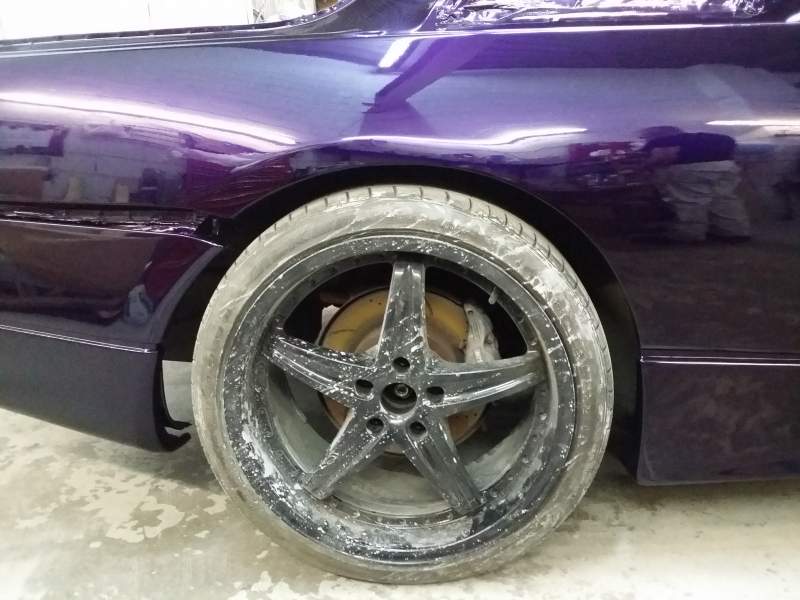
Here's my 19's
-
Yeh, Mine has 19's but I've rolled the arches and have full adjustable setup so they don't rub.
-
Who are you who are so wise in the ways of science?
-
Yeh, Belongs to Tony who's mate runs Ayrshire Street Style car club. I actually know the guy and the car but not seen it for a bit.
-
Yeh, Before we slap a Scottish export tax on it !
-
I'm in Troon and Maybole is a ten minute drive from me.
-
Well done boys from refraining from putting up a sexual innuendo up. Damn, :whistling:
-
Seen that a few years back, although never seen anyone else attempt it.
-
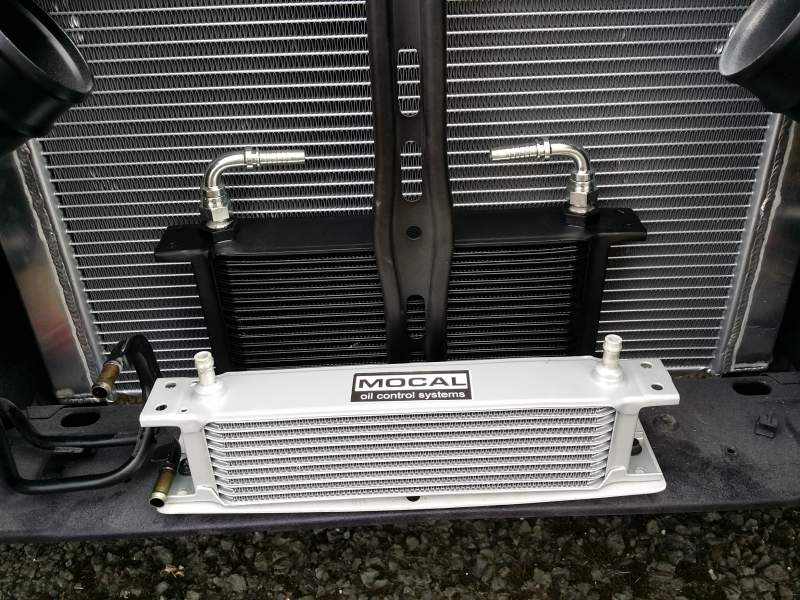
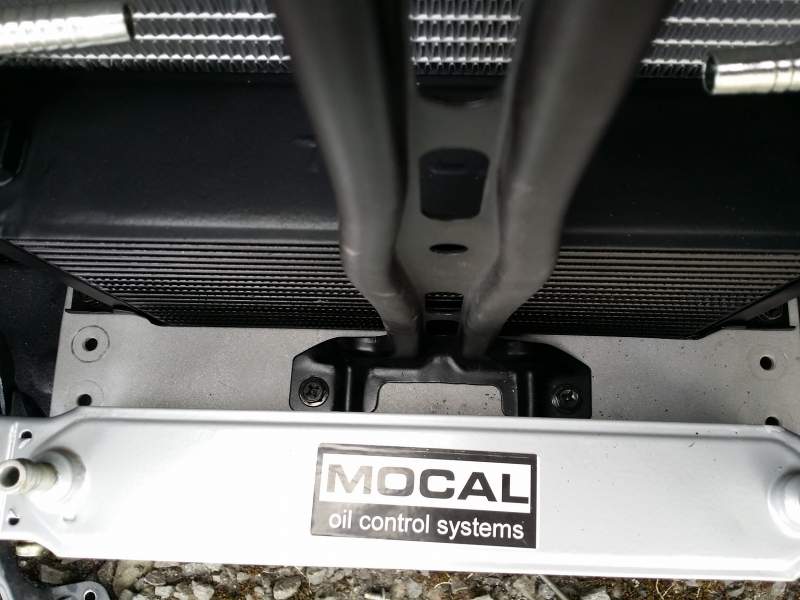
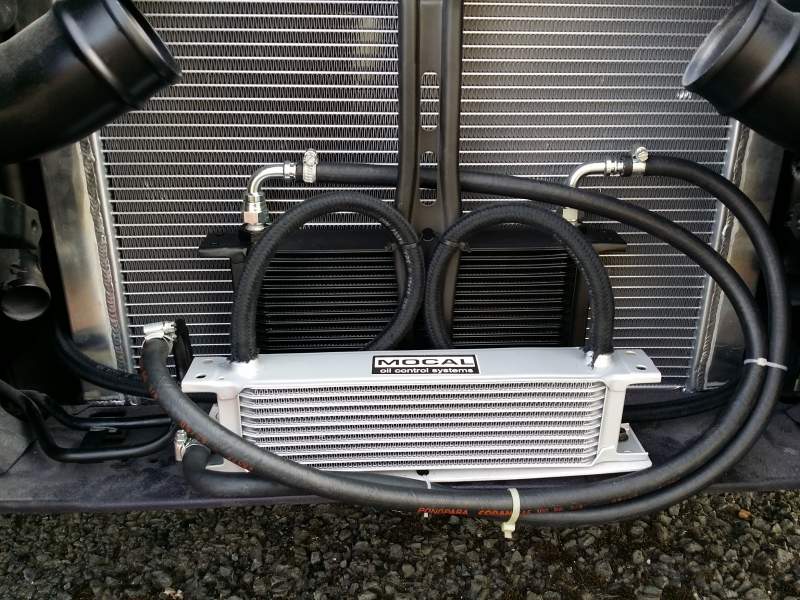
Finally got a plate made to fit my two new rads, Didn't exactly fit the way I wanted first time but I improvised and drilled two new holes and mounted the supporting bracket over the new plate and it seems to be secure enough as well as looking great. The black cooler is for the engine oil and the smaller one is to cool the PAS fluid. I'm likely going to ditch the braided hose as it feels very soft and nowhere near as tough as the other that's pictured.
-
Congratulations to everyone, next year we plan to shake up the catagories a bit. cant wait.
-
Still a short shifter attached to this so if you want that too we can do a deal on it all or let me know what bits you actually need.


-
Doing a late shift tonight so will be after 7pm before i can post anything up for you to see.
-
The part I pictured is not shown on your pics as we presume you've removed it already to get a clear picture of underneath.
-
Agree on that Simon. Not trying to say the abvious but you sure the bolt just came undone. If you pull the knob upwards where it should be and hold it can you not move gears? As that should be achievable even with that bolt snapped. Mind to hold the clutch in rather than force shifting.
-
Also more than likely need to remove the prop to change it.
-
Ah, So has the pin on that part broke off! Then yes it would be the full top triangle piece that bolts to the actual gearbox. Luckily I have that too but due to the weight I can send it for 30 by courier. I'll get a pic up shortly.
-
As another September 11th comes and goes haste we forget the events of 2001. Rest in piece all those who perished on that day.
-
Just noted my favourite Bond Baddy had passed away. RIP big fella. :(
-
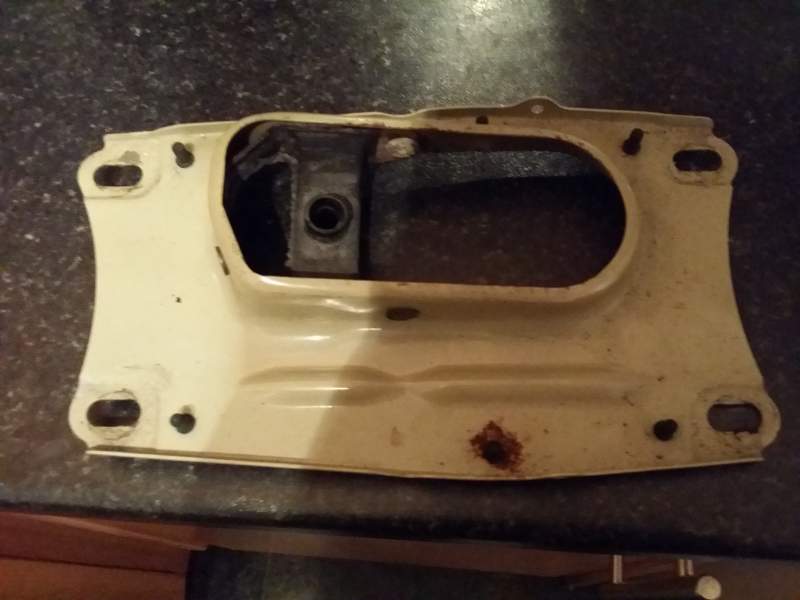
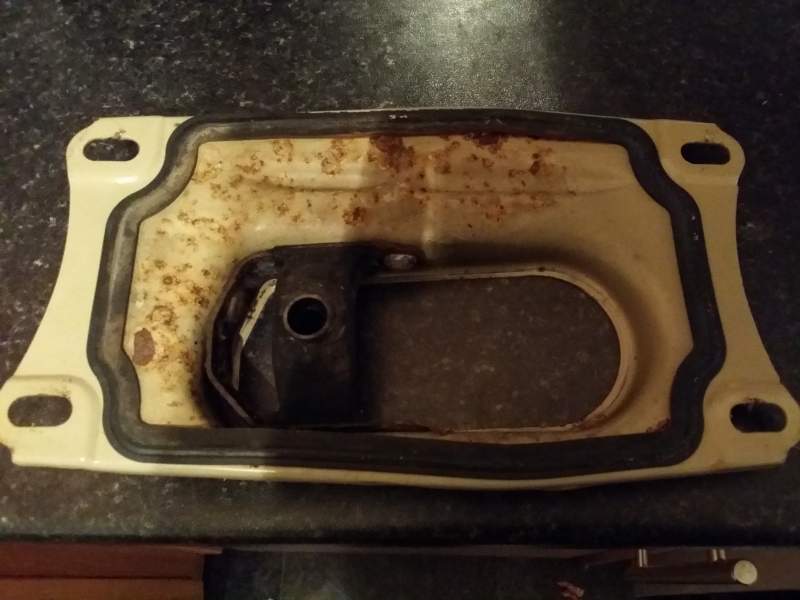
Got a bit of surface rust but could easily by cleaned up and sprayed to protect it.
-
I've got a spare one out the back door you could have for £20 posted.
-
Bloody hell that was quick !
-
Simples, use another and don't waste the fine example of the previous one.
-
Spotted a few specs of dust in those pics but i'm sure I can photoshop it for a fee, Lol
-
