




Everything posted by JaiKai
-
If was idling near 1500, but its not been touched since I fixed the cylinder issue. I likely just need to adjust the base idle to bring it down and allow the ecu to control it. Also the loom is brand new and just fitted and the cables on two and three are very close matching so easy mistake. It was actually my brother who spotted it was opposite cylinders and thought that was coincidence and best check it out.
-
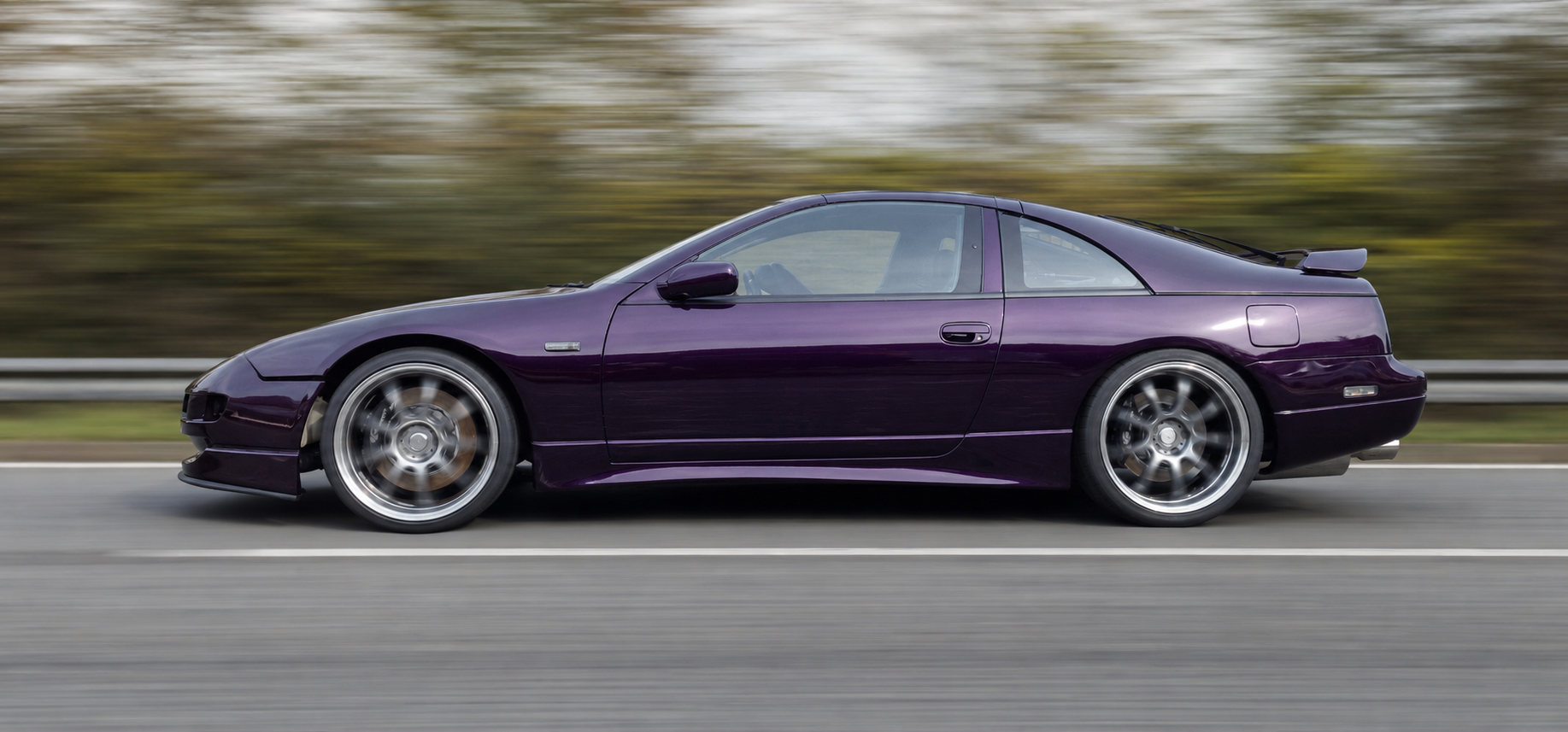
So this is what she currently sounds like; as said she now has a constant rev every few seconds. Starting to sound awesome :) [video=youtube_share;dmAM-UWNH94]
-
ok, As it was opposite side that had issues I double checked the harness for the coil packs and they were reversed - oops. Now is starts better and sounds smoother but its doing what I would call revving up by itself !
-
so just swapped coil pack 1 with 3 and then done a balance test again and the same result. if I put a volt meter to the coil pack unplugged will that tell me if that cable works ?
-
ok back to my engine issues. Started her up again with conzult and shes holding her temp this time at 78/79 which is great. But doing a power test it looks like I'm down on cylinders 2 and 3. I think this is a spark plug or cabling issue as removing the coil pack plug makes no change to the running noise.My ticket has now been booked !!! :) just hope I have no issues getting the zed there.You need this : http://www.ebay.co.uk/itm/271177681906?_trksid=p2057872.m2749.l2649&ssPageName=STRK%3AMEBIDX%3AIT this : http://www.ebay.co.uk/itm/281335919257?_trksid=p2057872.m2749.l2649&ssPageName=STRK%3AMEBIDX%3AIT and this : http://www.ebay.co.uk/itm/271583020241?_trksid=p2057872.m2749.l2649&ssPageName=STRK%3AMEBIDX%3AITNot a bad job for my first attempt. I think I need to get a softer brush as you can see some of the brush marks but think a second coat will hide them.
 Yeh, It's designed for calipers but takes a few coats.Back to the callipers and first coat of paint on the front its on. The paint is fairly thin so i'm guessing a few coats then a top clear coat.


 Going to be upgrading my electrical system for all my gauges and aftermarket bits so got myself a new split load fuse box and plan to install it this weekend. This should take care of my extra gauges, stereo and a few other bits pieces.

 Happy Birthday :)Back to rebuilding my calipers today and after cleaning them up again I installed new seals and pistons. First I worked on the rears : Then the fronts :


 Love to be in this but way too far for a picture, lolBefore I start; yes I know I split the callipers but as the pistons were ceased I had no choice ! Ok, to start putting them back together for lubrication what grease or oil should I use ? I've seen a few videos on youtube but they don't explain in detail. Can I just use the same dot 4/5 brake fluid to lube inner seals up or something else ?Does it give that surround sound experience ?Some more pics that Bernadette did before we headed home tonight.


 Spluttering and farting at the momentSo its basically stays on permanently then :)Fitted Bose speaker covers to the door cards
 Reassembled most of my dash
 Spent the full day at the garage today so managed to get a fair bit done. Fitted my news seats curtesy of Monday :)







Important Information
Account
Navigation
Search
Configure browser push notifications
Chrome (Android)
- Tap the lock icon next to the address bar.
- Tap Permissions → Notifications.
- Adjust your preference.
Chrome (Desktop)
- Click the padlock icon in the address bar.
- Select Site settings.
- Find Notifications and adjust your preference.
Safari (iOS 16.4+)
- Ensure the site is installed via Add to Home Screen.
- Open Settings App → Notifications.
- Find your app name and adjust your preference.
Safari (macOS)
- Go to Safari → Preferences.
- Click the Websites tab.
- Select Notifications in the sidebar.
- Find this website and adjust your preference.
Edge (Android)
- Tap the lock icon next to the address bar.
- Tap Permissions.
- Find Notifications and adjust your preference.
Edge (Desktop)
- Click the padlock icon in the address bar.
- Click Permissions for this site.
- Find Notifications and adjust your preference.
Firefox (Android)
- Go to Settings → Site permissions.
- Tap Notifications.
- Find this site in the list and adjust your preference.
Firefox (Desktop)
- Open Firefox Settings.
- Search for Notifications.
- Find this site in the list and adjust your preference.