Everything posted by JaiKai
-
Thanks all, It was a fairly good day, working in the garage with my zed for the first part then home for a fish supper and beer for the last.
-
I can understand that as its a pain with the engine out too. How the hell do you get to the bolts in the inner corner.
-
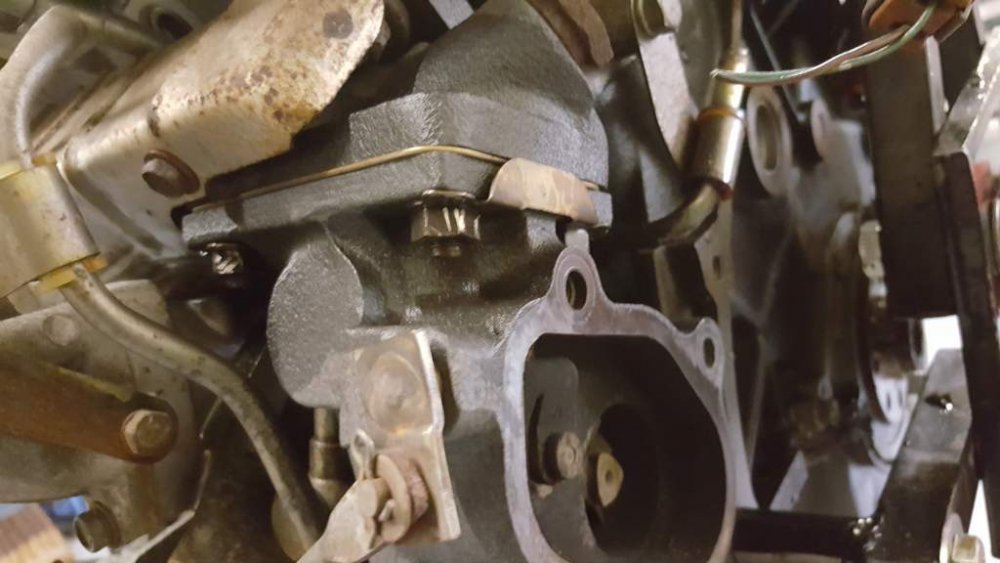
Here is another stuck bolt above the front water pipes. Used an alan key for this and a spanner but the end snapped and now I have a stuck alan key end in the bolt.
-
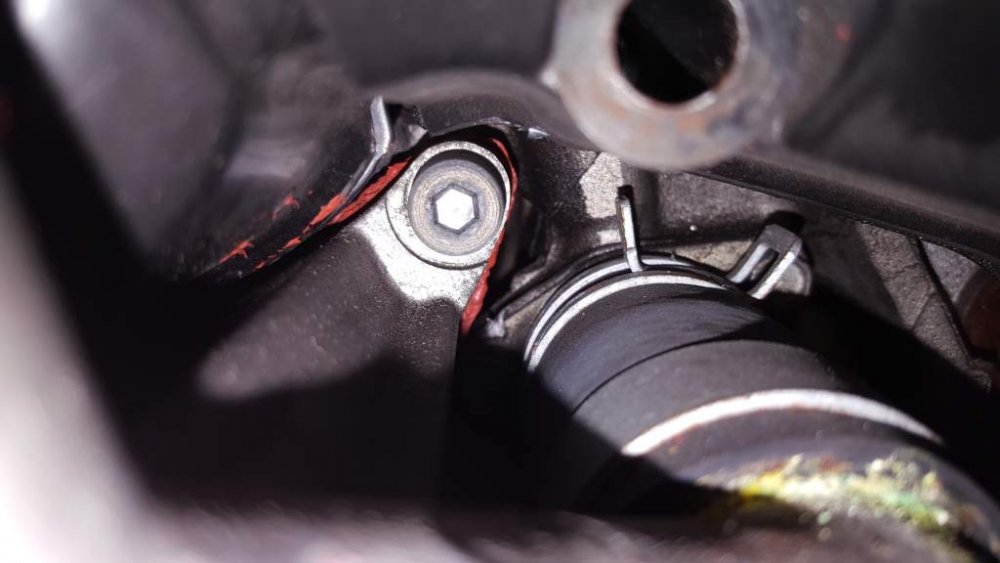
Lastly for the turbo's here is the picture of those nasty bolts. I can only get into them with a small 13mm spanner and they just wont budge. I have bent up the metal tabs but they still wont move.
-
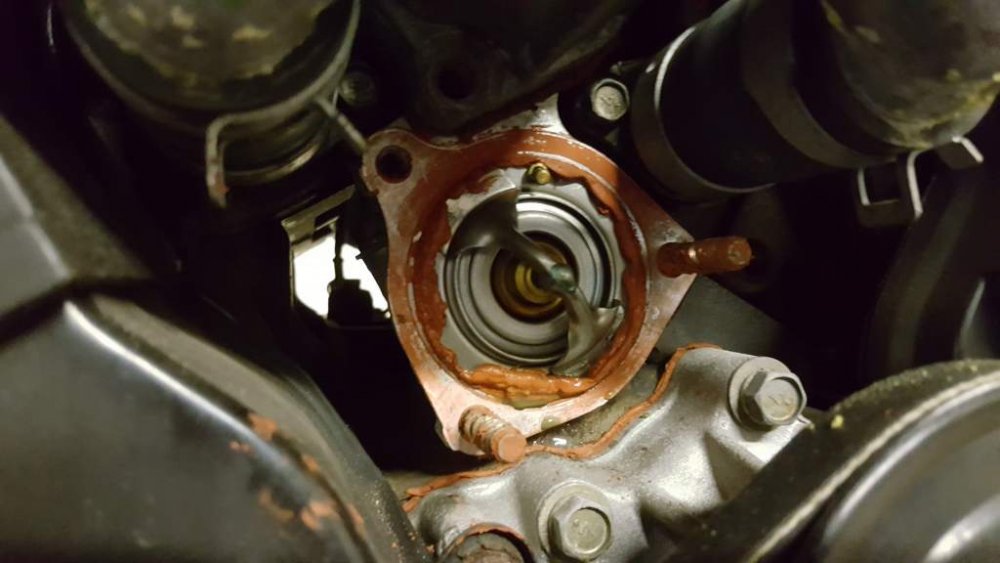
Removing the lower water pipe to expose the Thermostat showed very sludgy looking sealant. Is this OEM as its a right mess ?
-
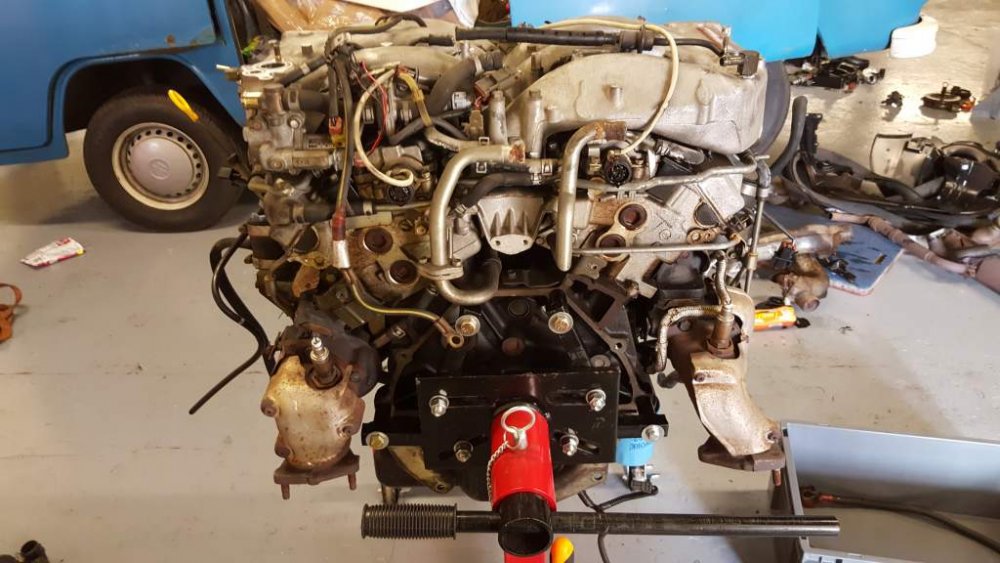
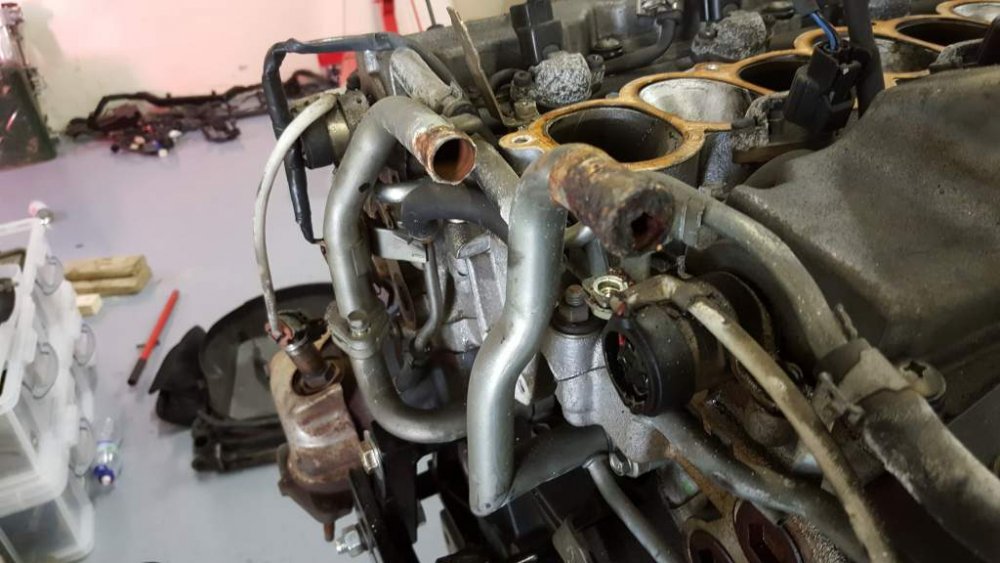
Work on the engine strip down started today which presented me with a few issues. Firstly found a few areas of corrosion on the water pipes at the back so they need replaced, I managed to get an alan key snapped in the front water pipes due to a seized bolt and after I attempted to take the turbo's off the bolts on them are also seized. Not a good start and not sure how to get them off or how to get to the bolts at the back.
-
Took some holiday time and I've spent the last 4 days in the garage doing as much as I can. Just having some lunch and i'm heading in again to start work on the engine. Not doing anything major, just blinging her up with some purple parts and the polished plenum.
-
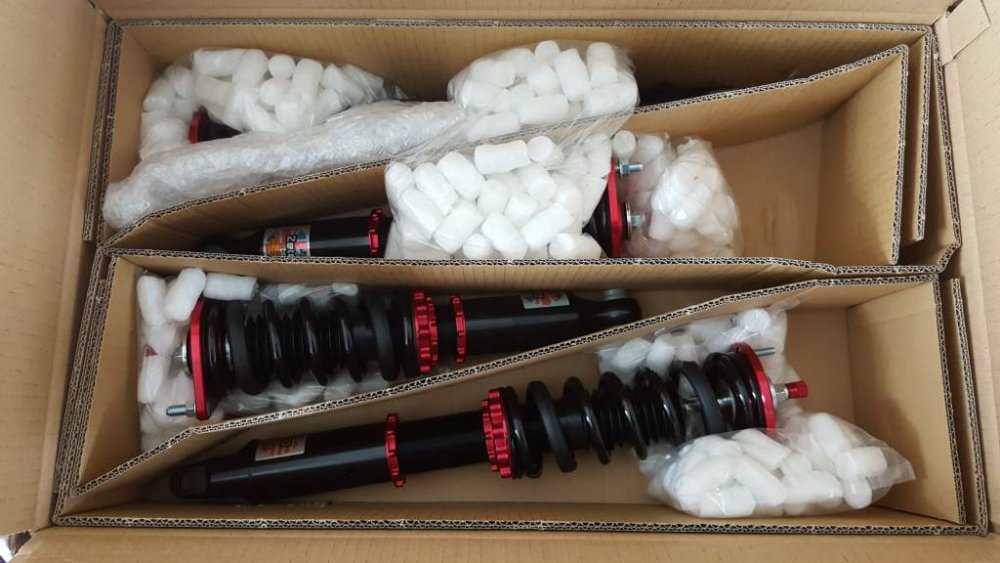
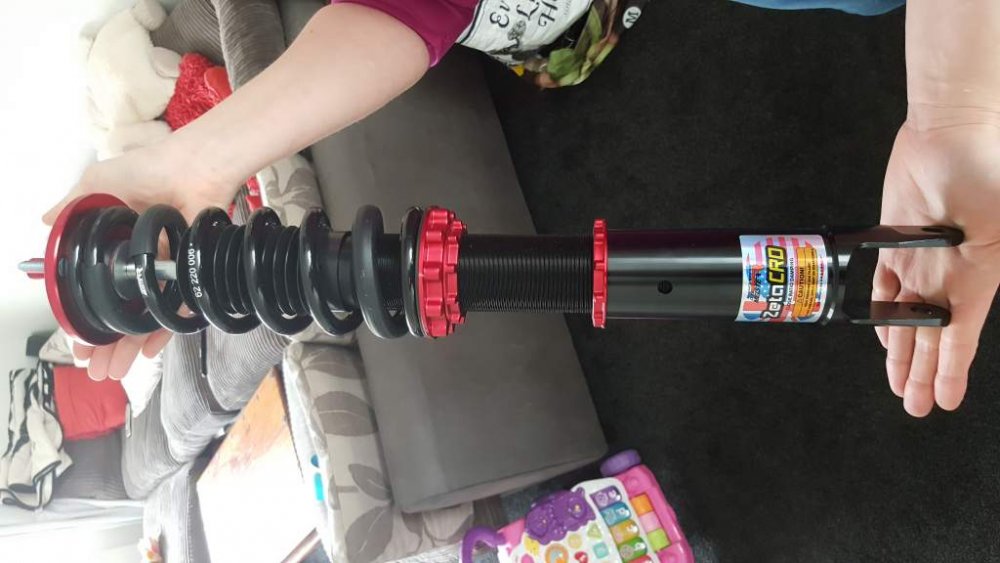
Nice birthday present just arrived.
-
Also found the cam belt covers that were previously off the last zed. Just need a good clean and i'm sure they should be good to go on the new engine.
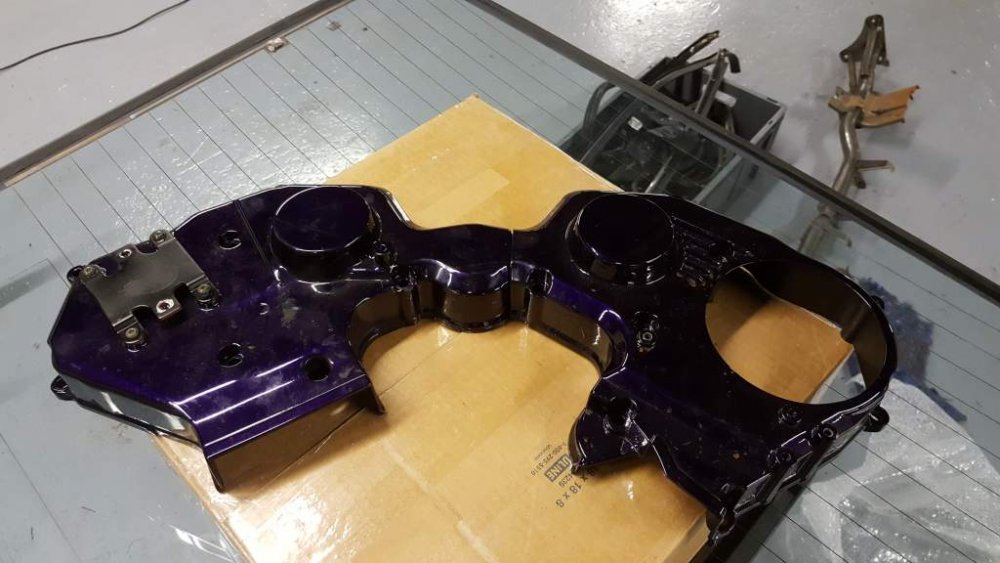
-
Time to start getting the extra panels out the loft ready for fitting. The plan was just to transport it from my house to the yard but needs must and thought i'd try them on for size. So a new set of skirts for the lady and a new bottom lip.
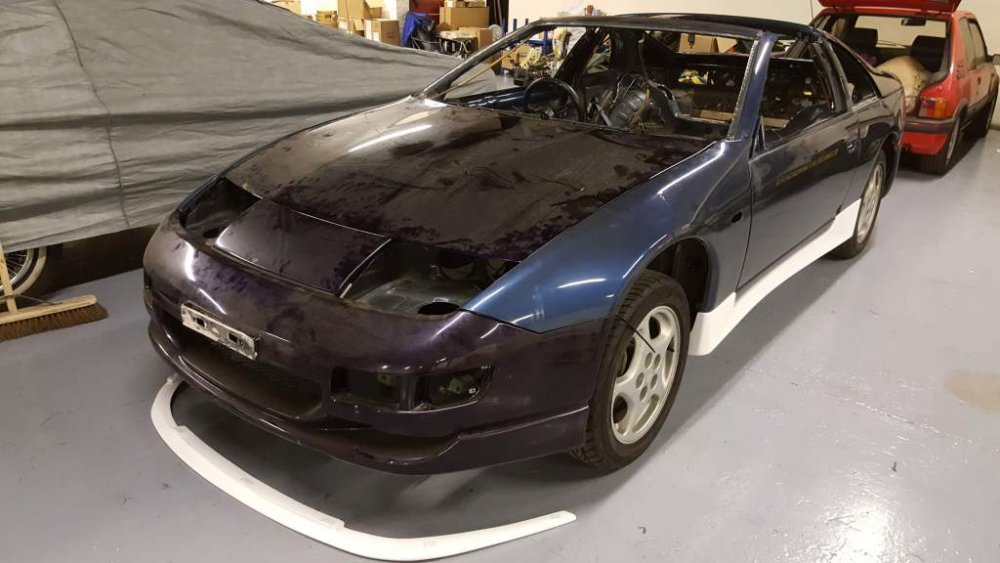
-
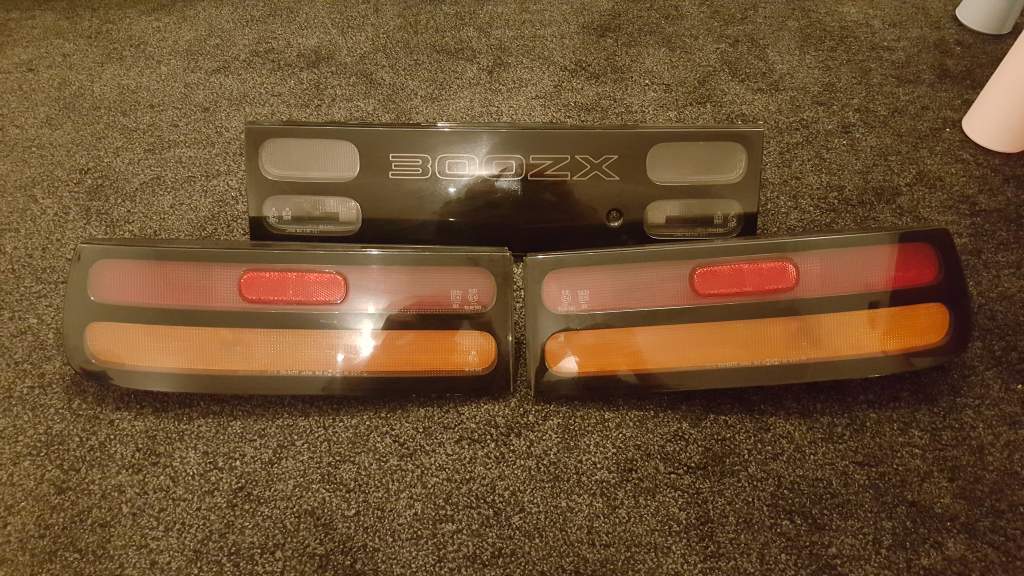
Selling these as they are spare to my new project. Came off my Series 4 1996 and are in great condition. Looking for £150 posted for all three as a set.

-
What a birthday present this is to myself. Just had an email that the Meisters i ordered should arrive tomorrow. Just need to explain that to the wife now ;)
-
Thats her booked in for the 3rd April. Now i can concentrate on the other bits that need done. I have a front electrical loom to rap up again in fresh loom tape and also a engine to strip and rebuild.
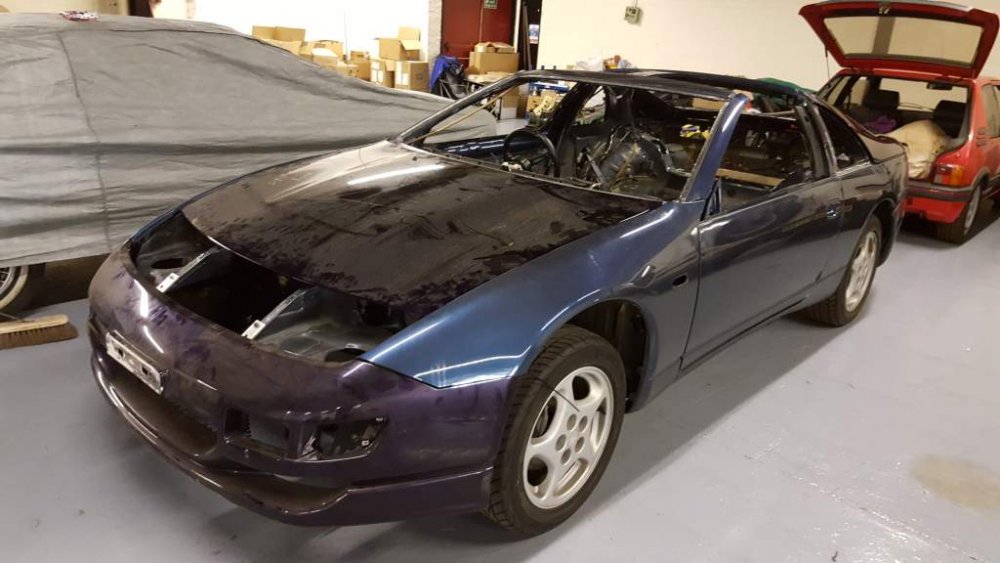
-
That's it, all prep work done, Just need to bolt a few things down ready for transport I need to bolt the tailgate back on, bolt the wings and bumpers and lastly the bonnet. Next big job that I might start tomorrow is to start stripping the engine for a tidy up.
-
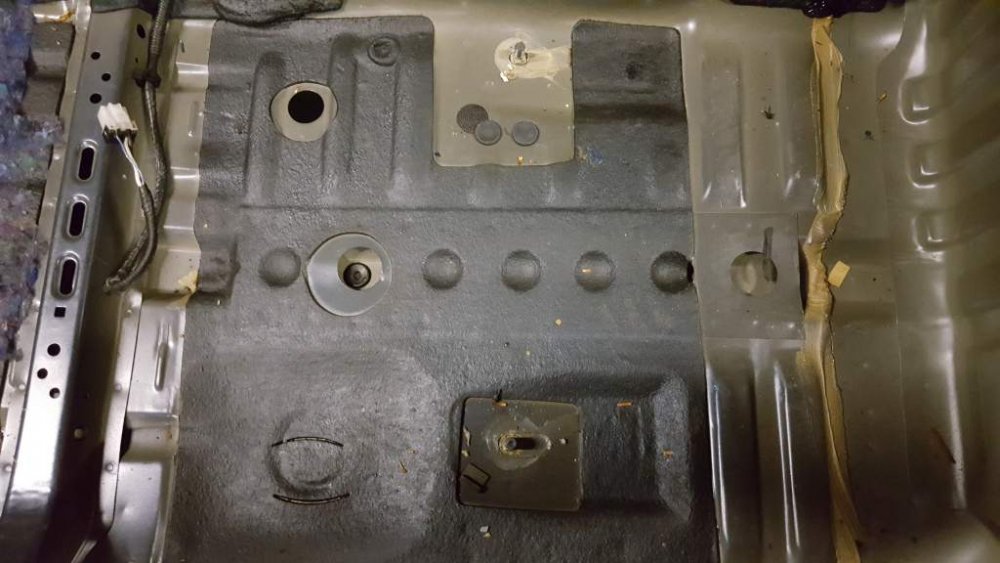
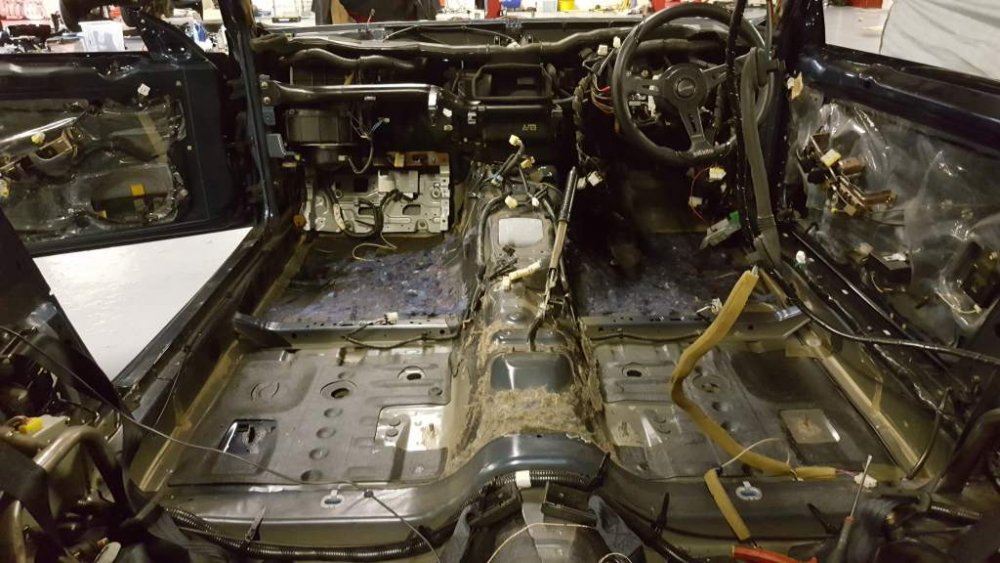
Swapped out the steering support bar today as the previous one I has was painted and this one wasn't. Also pulled out the carpet so that it wont get damaged by any sort of rogue paint. Its great to see its super clean underneath with not a sign of dampness.
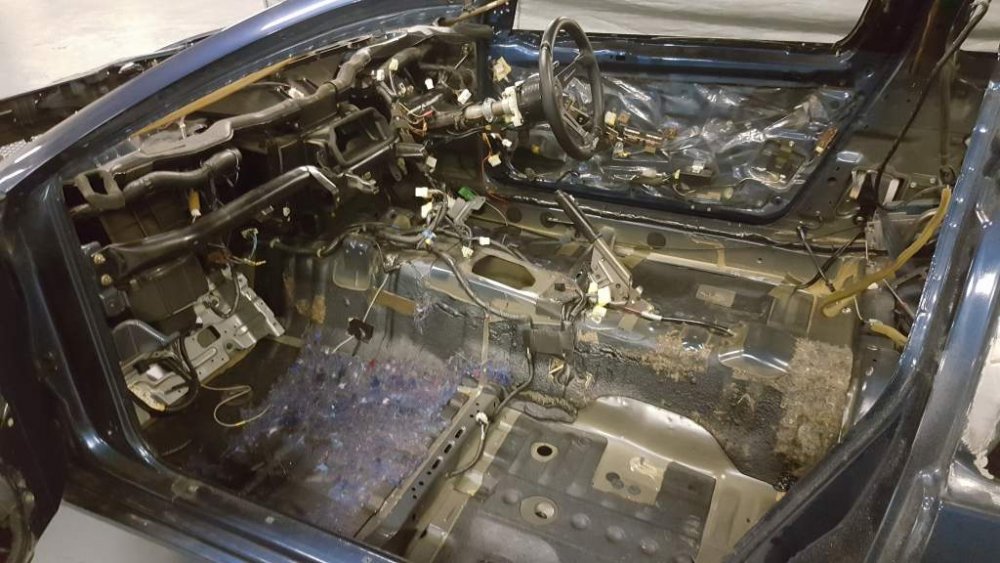
-
Its always had the section on the first page.
-
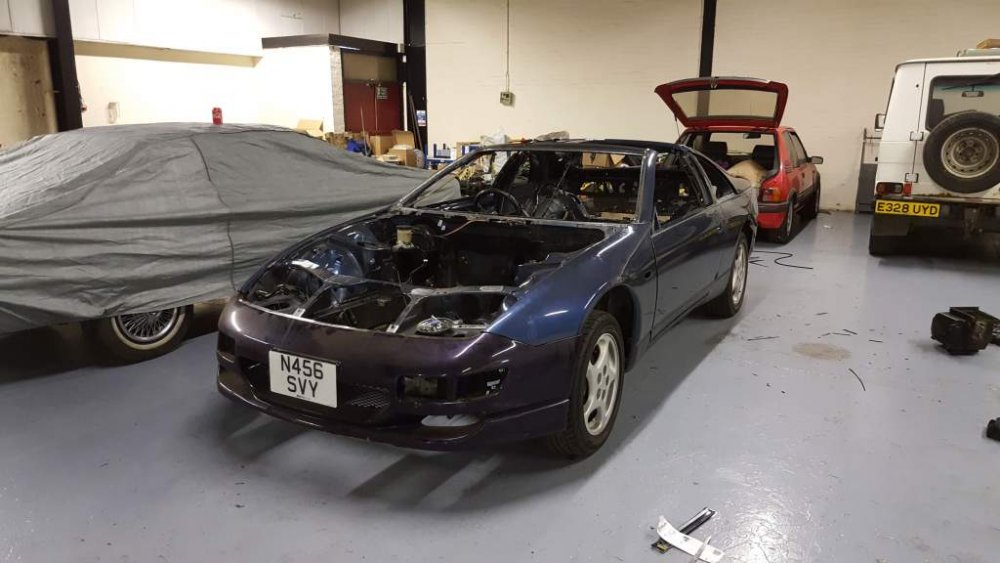
Putting the Zed partially back together to be trailerd for its respray. First time the 99 spec front bumper has been on this Zed. Bumper was kindly donated from the mk1 project and still has its reg plate in place.
-
[video=youtube_share;TuliPrHmyjU]
-
I've managed to remove the blue glass from my last Zed and have stored it up my loft. I've also managed to get the current glass out for the respray.
-
So managed to save the corner bits but totally screwed the rest. The top piece got damaged by the wire I used to cut the rubber and the outer moulding is out of shape now too.
-
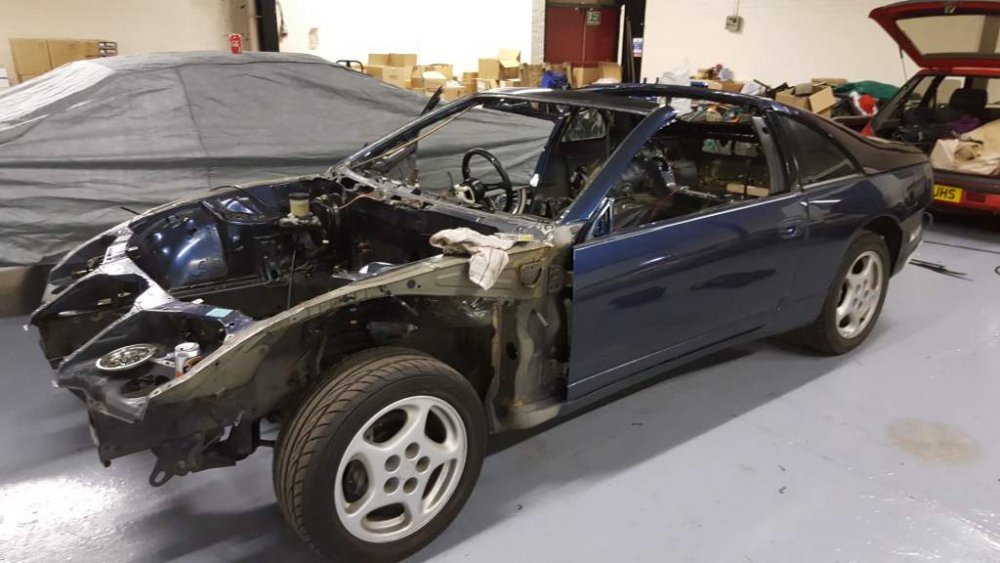
only the side glass to come out and a general clean-up and she's ready for a dip in purple paint.
-
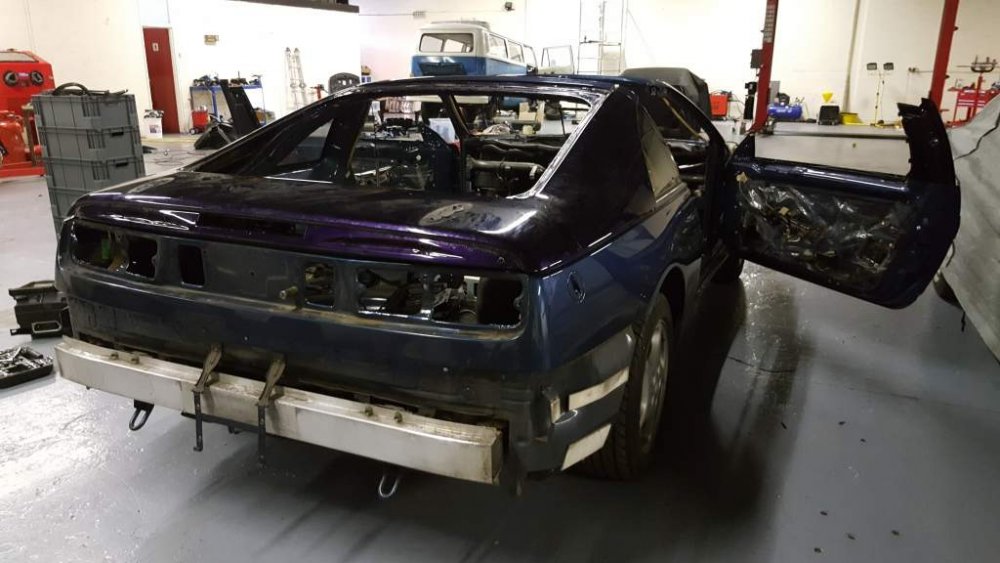
Wow, this was a bitch of a job to get out without smashing it. Its the 4 clasps at the top that you need to cut through at the end that took the longest.
-
On an active day there isn't much between the two search types to be honest. I always just use Latest posts and its works fine.
-
As in coilovers?
-
What you going for ?