Everything posted by ianl
-
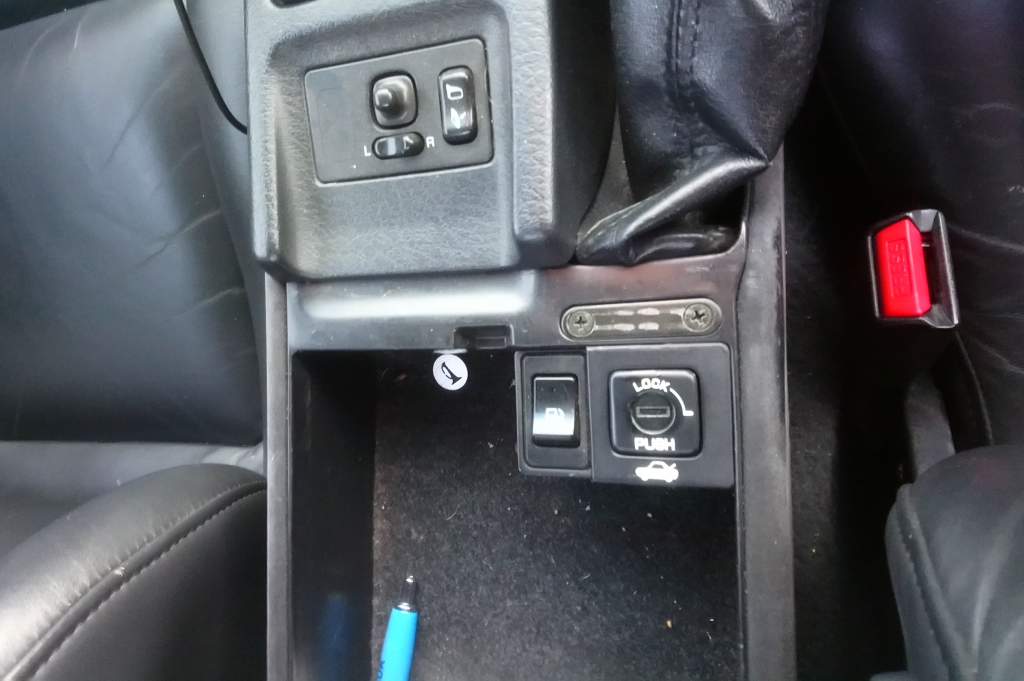
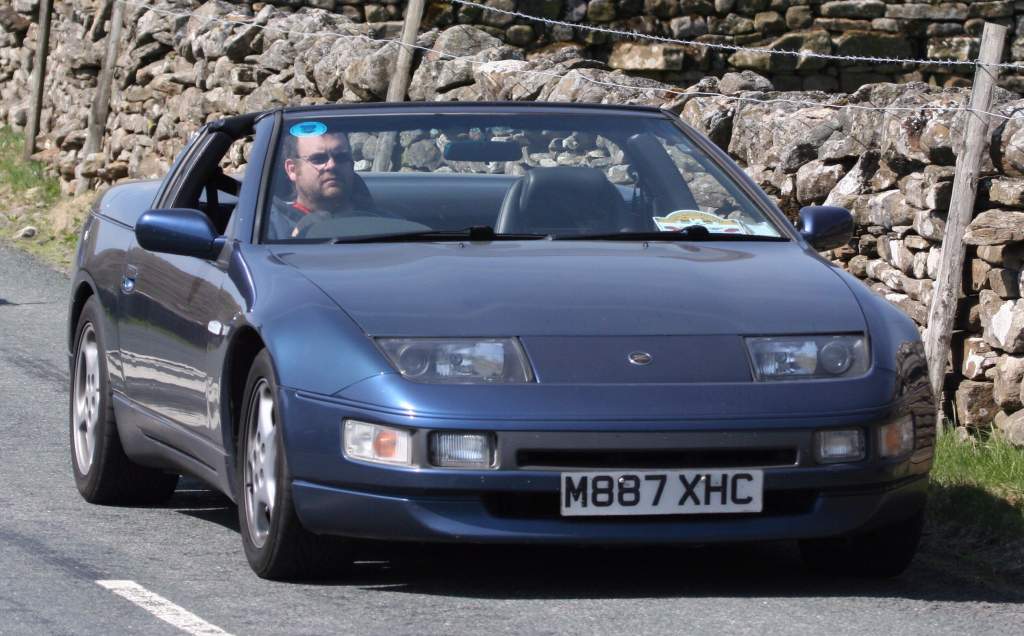
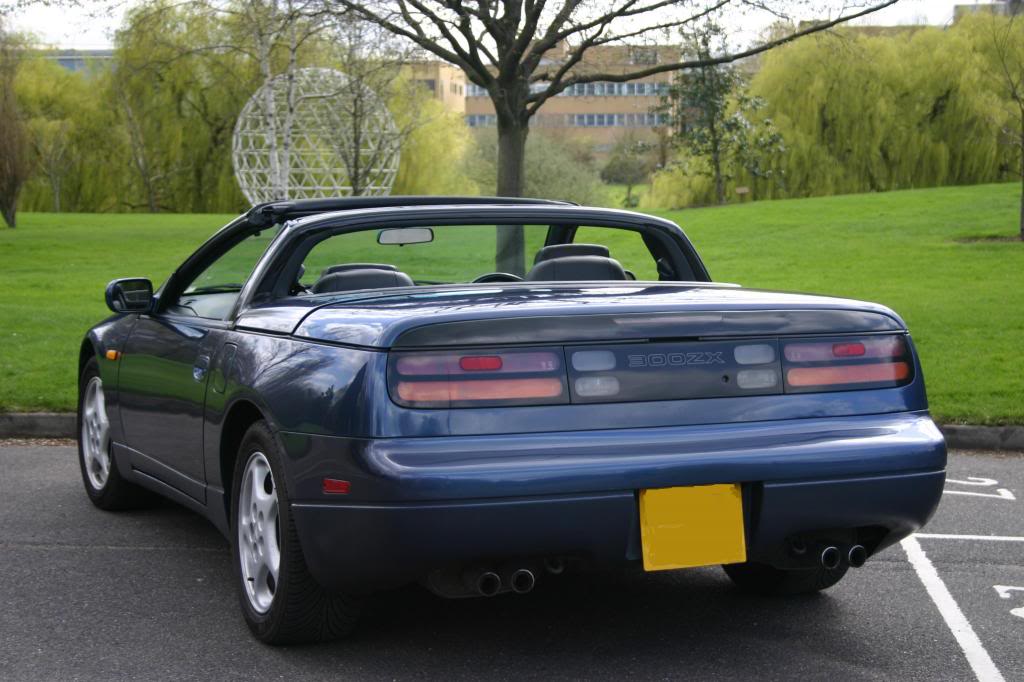
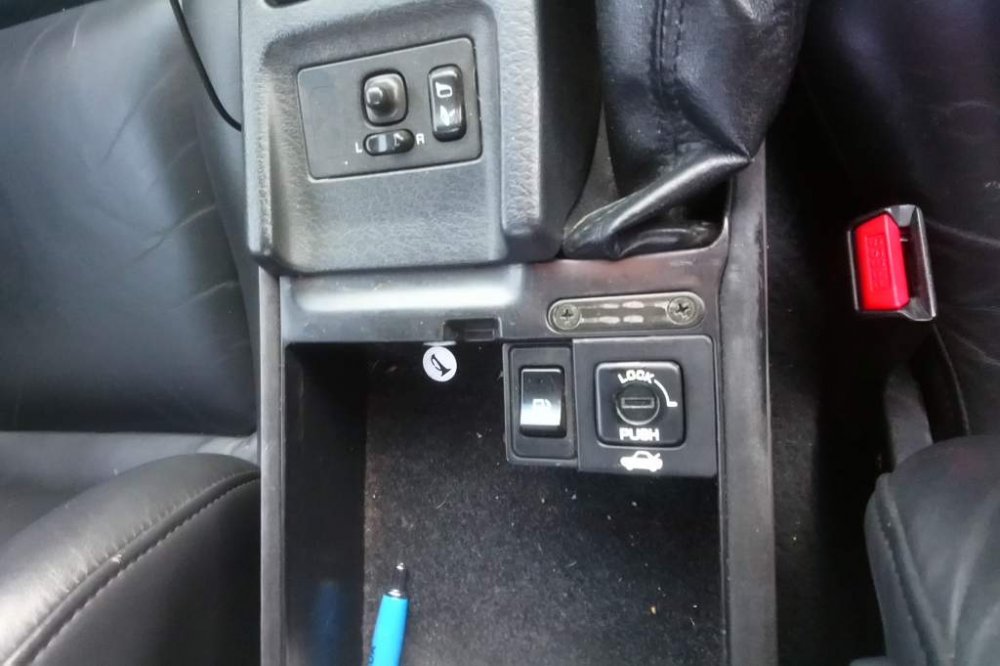
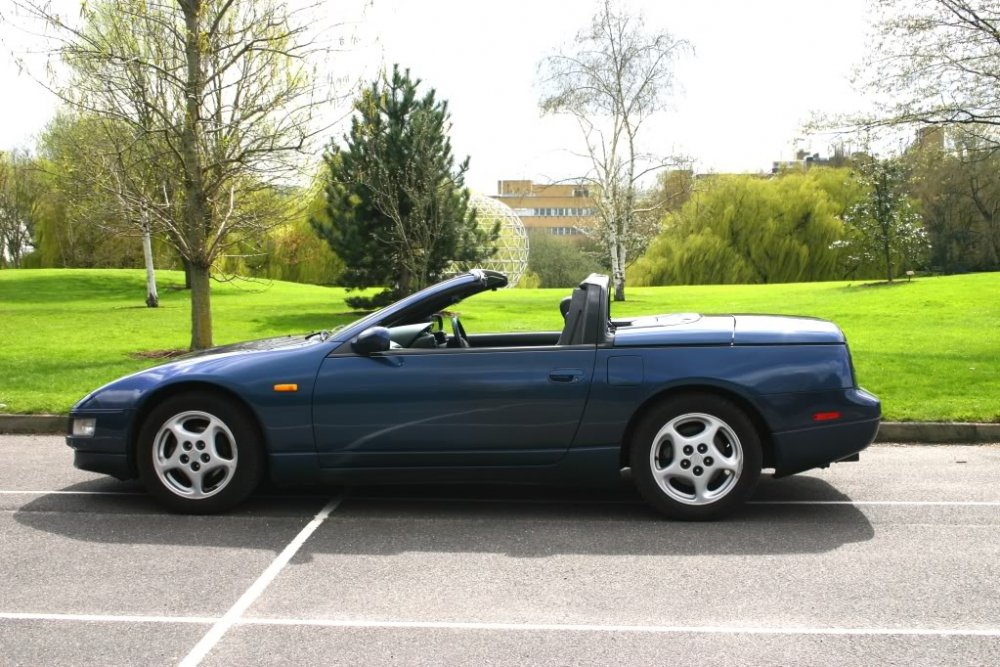
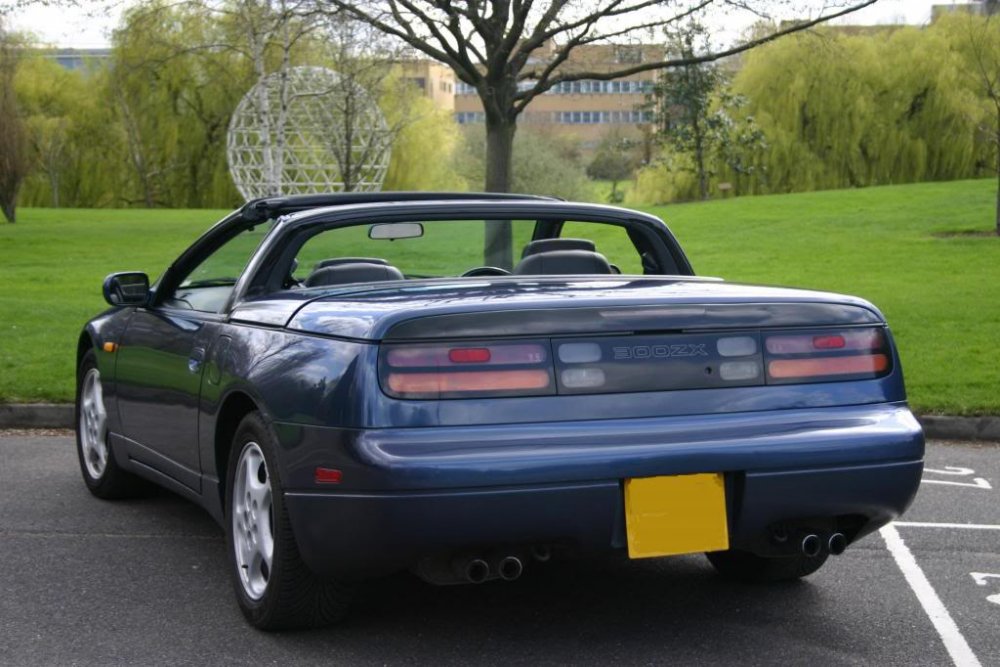
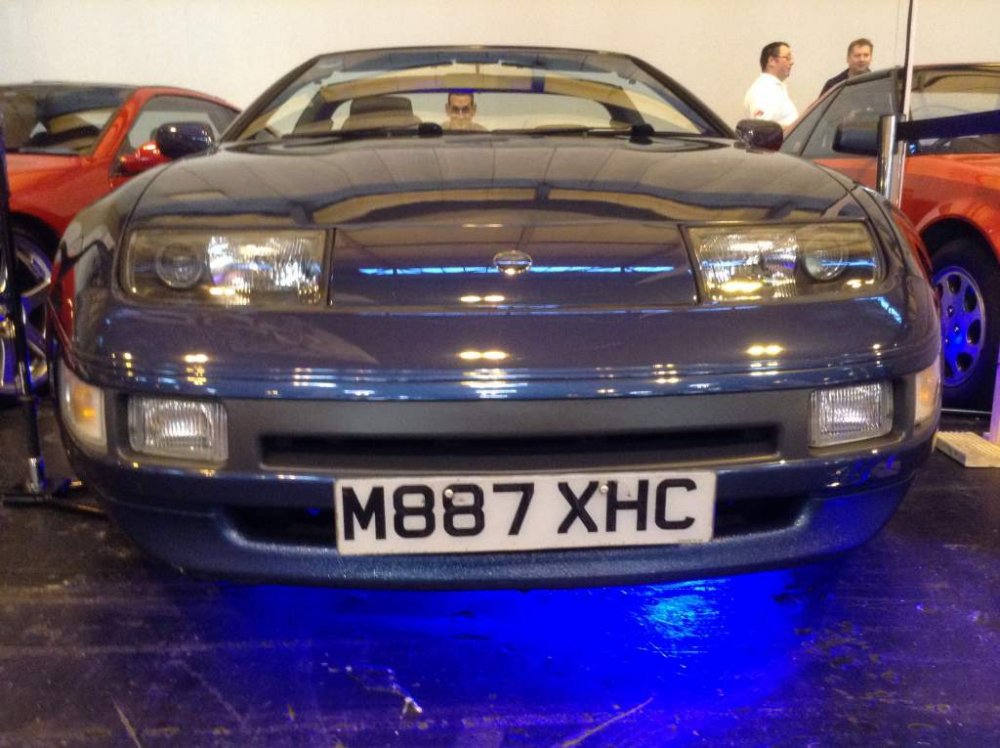
detailing everything different and unique about the convertible, soft top, vert part 0. General the vert was not available in the uk it was made in japan from 1992 to 1996 ( i think - feel free to corect me) it only came as an NA - no twin turbo model (although at least 3 in the uk have had a twin turbo conversion) the vast majority came as automatics with very few factory made manuals part 1. the boot lid unlike all other models of the 300zx the vert boot can only be opened with a key obviously it has the key lock in the usual place in the rear panel, but it doesn't have the release lever down the side of the drivers seat like other models instead the boot release and fuel filler cover release are in the center arm rest storage thingy the boot release is operated by a solenoid (located behind the boot trim at the back of the boot (ie behind rear light center panel) and is triggered electrically from the switch marked "push" the push switch can be locked out using the master key in the keyhole in the middle of the switch. the valet key will not work here (so when you give the valet key to the parking attendant they cant steel your luggage from the boot) i always park my own car so i leave this lock in the unlocked position further to this you also need the ignition key turned to power the solenoid circuits the boot lid and the roof storage compartment lid (which is also solenoid operated) are interlocked so only one can be opened at a time (more on this later) so if you still cant release the boot, check the roof storage lid is latched properly
-
i cant think where you would have rear speakers, ive done mine by removing the parcel shelf and replacing it with a slightly higher one with speakers set in it to remove the trim you want, pop out the trim to either side of the parcel shelf, this reveals 4 bolts holding down the parcel shelf. then its just the self tappers under plastic flip covers down the sides of that centre trim
-
I wonder if they used the rear wiper fuse / feed for the boot lock solenoids ??? Back to the origonal question, i would run a new fused feed from the battery in 6mm2 cable as nothing in the wiring loom is going to have fat wires and voltage drop is a problem at 12v and high current demand in thin cables
-
The uk cover only shows the one defoggerr fuse (left one) and a blank hole. So suggest the deffoger is the wing mirrors seeing as its the same switch on the pod
-
Audio 2 is the permanent feed to the stereo memmory Audio 1 is the switched feed to power the stereo Is passive belt to do with seatbelt tensinoers, or seatbelt plugged in sensors??
-
Ready to go

-
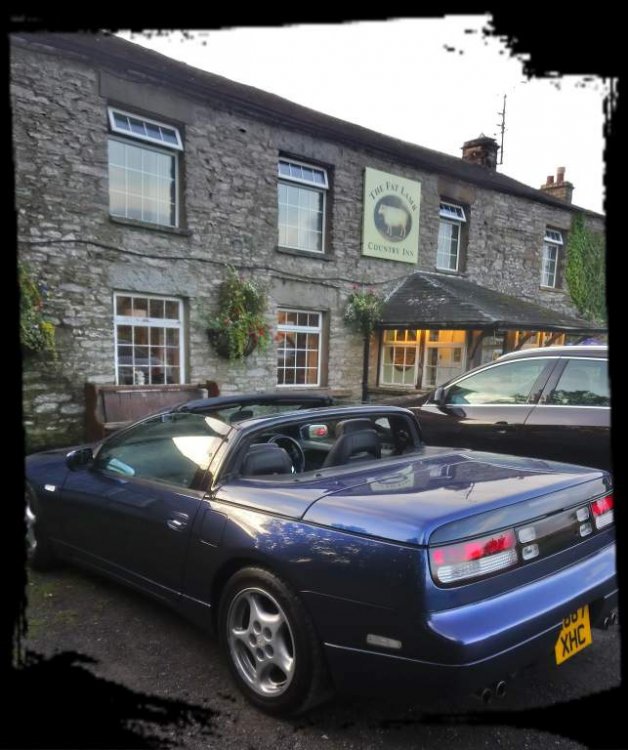
Arrived
-
I left home around 11. Haven't rushed About another 2 hours to go
-
I'm happy to go wherever we go What time you aiming for arriving friday craig?
-
Picked mine up from Jimmer after the usual escellent service, then an enjoyable drive home, all ready for the weekend away now
-
Good choice of car there :) I nearly bought a brown one when i got mine Did you see mine at Jimmer's whilst you were there? The boot is also solenoid released, and there is an interlock so you cant open the boot if the roof cover is open, and cant release the roof if the boot is open I seem to remember a row of solenoids behind the trim at the back of the boot, not sure if the roof ones are there too In case you havnt worked it out, the boot release switch in the centre arm rest cubby hole needs both the lock next to it in the on position and the ignition key turned in order to work Ive managed to smash the wind deflector lever off by not being carefull putting the roof away
-
Ah, ok, i was assuming because you can select images by ticking the little box, you could actually do something with the images you had selected
-
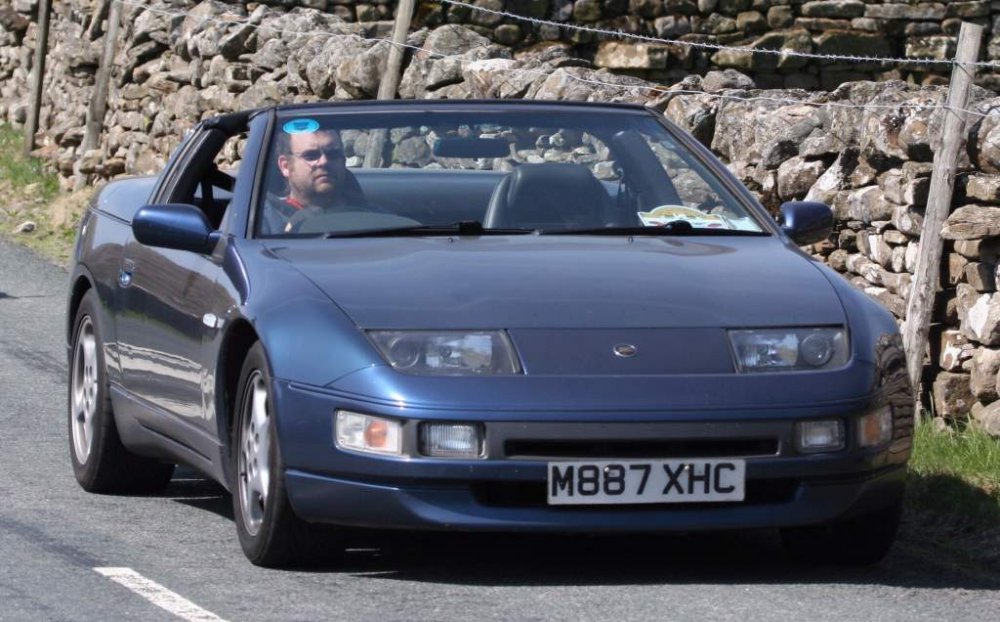
Trying something
-
Right, so how do you drag a photo into the lower window using an ipad ???
-
Sorry i thought gio was saying that by ticking the picture and pressing insert inline it would appear in the bottom box and insert in post
-
Isnt that just for inserting images you have dragged to the bottom section? If i click inert inline when there are no images in the bottom box and the insertinline says (0) then i get a pop up saying i have to drag the images
-
not sure if its a forum error or user error how can you attach a previously uploaded image using an ipad? I don't have a pc at home, and just use an ipad, it works fine for everything other than this I go to manage attachments, it then wants me to drag the xisting image into the box at the bottom , which isn't possible on an ipad. I can tick the tickbox of the image I want, but there doesn't seem to be a drop down menu to select what I want to do with the ticked item
-
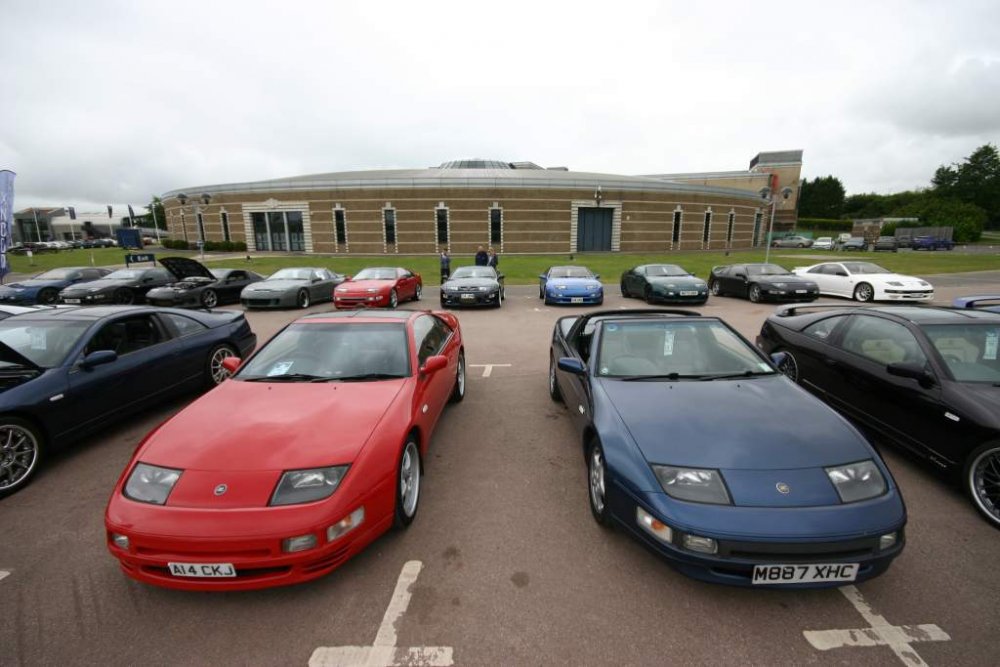
bolox forgot to vote for my own car again not sure why its showing the 4th image, only uploaded 3 and 4th doesn't show when I try to delete from edit post
-
Still a couple of pictures missing there?
-
1: Funkysi (Simon) 2: AndrewG 3: nickz32 4: Joely P 5: RichardS 6: ianl
-
Ive got one in my glove box, its such an unhelpful place ive never looked at it. I sometimes think i should see what it shows and learn what it does, but then i forget its there again
-
the attachment is coming up as invalid attachmenthave you bought an ironing board for the back of the car??Them the rules...